
Free AI image generation has matured enough that several tools now produce commercially usable outputs without a subscription. The AI photo generators available today are a significant step above what was possible even 18 months ago. The challenge is understanding which free plan fits which use case, because the practical limits vary more than the stated tiers suggest.
This guide covers five tools with genuinely usable free plans in 2026. We evaluated each on prompt accuracy, image quality, text rendering inside images, and licensing clarity. The tools were selected based on accessibility: no credit card required to start, web-based, and actively maintained.
A note on scope: Midjourney, which eliminated its free tier, is not included. Local open-source options like ComfyUI and Stable Diffusion alternatives that require your own hardware are a separate category with different tradeoffs.
What Separates a Useful Free Plan from a Demo
Free tiers in AI image tools trade off one of three things: generation count, output resolution, or queue priority. Some cap you at 10-15 images per day. Others offer unlimited generations at reduced speed. A few impose a lifetime credit cap rather than a recurring one, which makes them useful for occasional work but impractical for anything ongoing.
Beyond the limits, the criteria that determine whether a free DALL-E 3 alternative is actually usable are:
- Prompt fidelity: Does the tool produce what you described, or does it interpret loosely?
- Text rendering: Many tools still fail at generating legible words inside an image.
- Commercial licensing: Can outputs be used in paid projects or client work?
- Output resolution: Is the free-tier resolution sufficient for social media or print?
The 5 Best Free AI Image Generators in 2026
Adobe Firefly
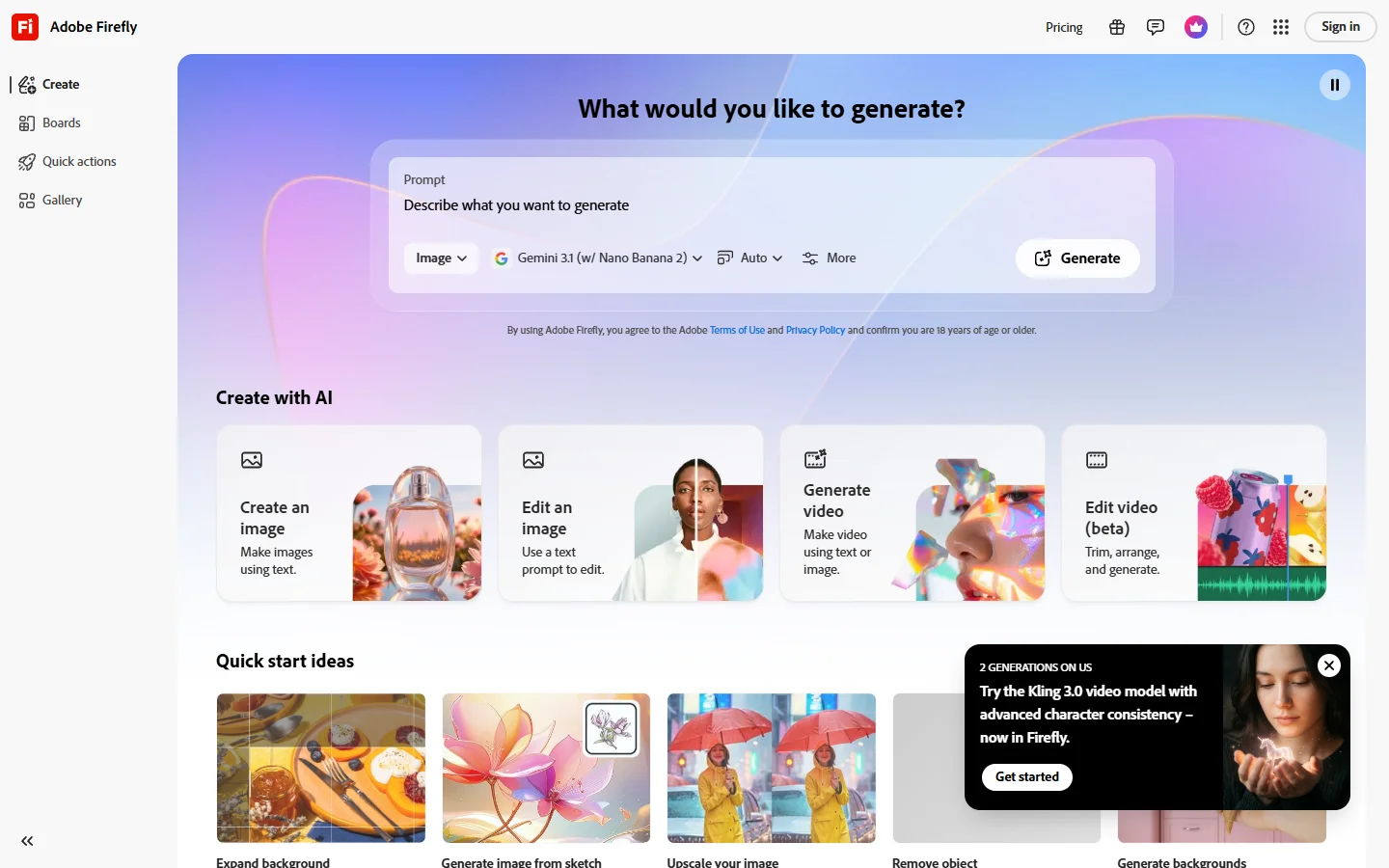
Adobe Firefly's free plan gives you 25 generative credits per month, each producing four image variations. The practical output is closer to 100 distinct images per month than the credit count implies. For anyone comparing Adobe Firefly alternatives alongside the native tool, Firefly's model-training approach tends to define the benchmark for licensing clarity.
The strongest argument for Firefly on the free tier is its commercial licensing. Adobe trained the model exclusively on licensed stock content, so the company offers explicit commercial use rights even at no cost. That removes the ambiguity that makes most free-tier outputs difficult to use in paid work.
Text rendering inside images is also above average for the category. Product labels, title cards, and marketing creative with legible quotes come out more accurately from Firefly than most competitors. For anime-style or stylized AI art, Firefly is less suited, but for realistic commercial imagery, it leads the free-tier field.
Free tier: 25 credits/month, watermark-free, commercial use allowed
Ideogram
Ideogram's free plan provides 10 slow-queue generations per day, refreshed daily. Among the tools here, it has the clearest specialization: rendering legible text inside images. If a prompt includes a quote, a product label, or a headline that needs to actually read correctly, Ideogram handles it more reliably than any other free option. Those evaluating Ideogram alternatives will find that this specific strength is difficult to match at the free tier.
The tradeoff is speed. Free generations go into a slow queue, with wait times ranging from 30 seconds to 2 minutes. For occasional creative work, that's manageable. For volume production or time-sensitive projects, the queue becomes a constraint.
Free tier: 10 generations/day, slow queue, no watermark
Leonardo AI
Leonardo AI gives free users 150 tokens per day. Standard-resolution generations cost 4-10 tokens depending on settings, translating to roughly 15-35 images per day. The platform offers the widest model variety of any tool on this list, including Flux-based models that produce noticeably sharper detail and more accurate lighting than older architectures. For concept art, character design, and stylized illustration, this range makes Leonardo's free tier more capable than most.
Leonardo also includes a built-in canvas for image editing and extension, available within the free token allowance. The interface is more complex than Designer or Canva, but for AI character generator work and creative experimentation, that depth rewards users who spend time with it.
Free tier: 150 tokens/day, multiple models including Flux, no watermark
Microsoft Designer
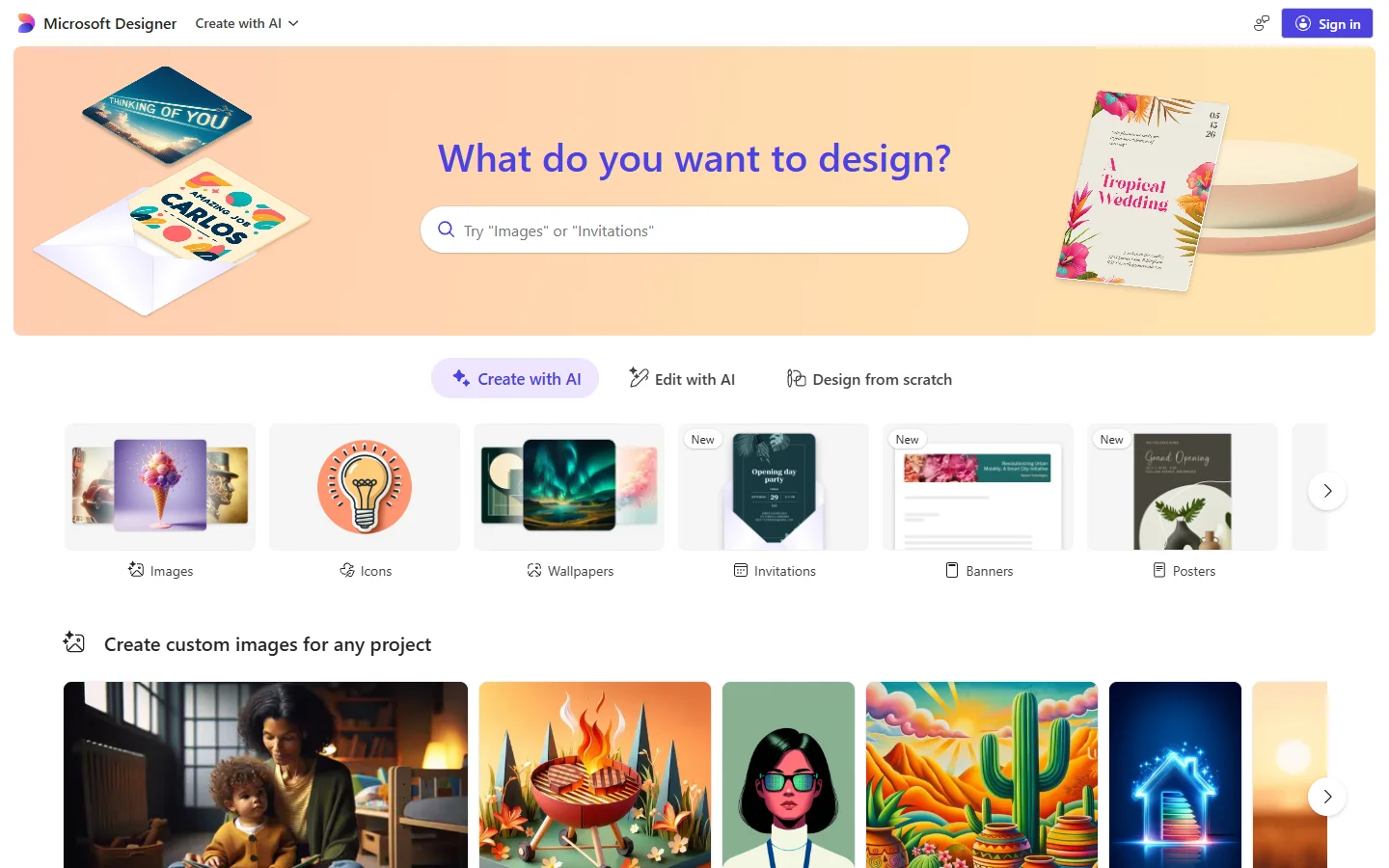
Microsoft Designer (powered by DALL-E) offers 15 priority boosts per day with unlimited standard-speed generations after the boosts are used. It requires a Microsoft account but no payment information, and integrates with Bing, Windows, and Edge. There is no signup friction for most users.
The interface is designed for non-designers: describe what you want in plain language, select a size, and generate. Writing effective AI image prompts is worth the effort regardless of which tool you use, and the techniques covered in a Flux prompts guide apply broadly across generation platforms.
Designer produces clean, professionally usable outputs for lifestyle, marketing, and general-purpose imagery. The outputs trend toward polished and safe rather than experimental. For free Midjourney alternatives that offer more stylistic range and creative variety, there are several strong options in the same budget bracket.
Free tier: Unlimited generations (15 priority boosts/day), no watermark, commercial use permitted
Canva AI
Canva's free plan includes 50 lifetime AI image generations for new accounts. That cap makes it less practical as a standalone generator compared to the others here. Where it works well is integration: generated images drop directly into Canva's design environment, which is useful if you are already building social graphics, presentations, or documents inside Canva.
For anyone building visual content workflows that extend beyond static images, tools like AI image extenders can expand what's possible with a generated base image, including outpainting and resolution enhancement.
Free tier: 50 lifetime generations (new accounts), no watermark, usable within Canva designs
Getting More Output from Free Tiers
The most effective way to extend a limited free plan is variation. Most of these tools include a remix or variations feature that generates alternatives from a successful base image without consuming additional credits at the same rate. Generating one solid base image, then running variations before moving on, compounds your practical output significantly.
Prompt specificity also reduces wasted generations. Vague prompts produce inconsistent results. Specific descriptors for subject, lighting, perspective, and mood give the model more to lock onto. Guides for making Disney-style art with AI illustrate how small wording changes produce dramatically different outputs from the same underlying model.

For higher volume, stacking free tiers across platforms is a straightforward option. Adobe Firefly, Ideogram, and Microsoft Designer each refresh independently on their own daily or monthly schedules. A creator managing multiple clients can route different project types to different platforms based on the required style and licensing needs.
Content creators evaluating AI production tools across image, audio, and video will find a practical perspective in this lyricedits-review, which applies a similar output-focused lens to AI audio tools.
Connecting Image Generation to a Broader Pipeline
Generating images manually handles individual output needs. For content operations at scale, such as producing images for multiple product SKUs, generating social variations automatically, or keeping a library updated without manual uploads, the generate-review-export-upload loop becomes the bottleneck.

Building image generation into an AI workflow automation platform allows you to chain generation steps with downstream processes: resizing for platform-specific dimensions, applying text overlays, pushing to a CMS, or triggering delivery pipelines. The tools listed here all offer API access at paid tiers, and the workflow architecture for connecting generation to publishing is well-documented. For teams running any kind of repeatable visual content operation, this is where the real efficiency comes from.
When Free Tiers Run Out
Free plans work well for low-volume creative work: a few images per project, personal experimentation, or evaluating tools before committing to a paid tier. Evaluating Flux LoRA fine-tuning is a natural next step once you need outputs trained on your own subject matter.
The typical breaking points with free tiers are:
- Daily limits during deadline-driven production
- Resolution caps for print-ready work
- Licensing ambiguity for client deliverables
- No API access for workflow integration
Paid tiers typically unlock higher or unlimited generation limits, priority queue access, API integration, custom model fine-tuning, and higher-resolution exports. Similar economics apply to AI video generators, where free compute is even more constrained.
For professional creative use, the licensing question often forces the upgrade before the generation limits do. Several free tiers permit commercial use only with attribution or restrict it to non-revenue work. AI character generators and likeness-based outputs often carry the most nuanced licensing terms. Verify current terms before using free-tier images in paid client projects.
Conclusion
Free AI image generation in 2026 covers a real range of creative needs. Adobe Firefly leads on commercial licensing clarity. Ideogram leads on text-in-image accuracy. Leonardo AI offers the most model variety for stylized or experimental outputs. Microsoft Designer is the most accessible option for general-purpose use. Canva integrates best if you are already working inside that design ecosystem.
For creators building systematic visual content pipelines rather than generating images one at a time, tools like Leonardo AI alternatives round out the picture of what's available. Pairing any of these generators with a visual AI workflow builder turns one-off image sessions into a repeatable production process, which is where the practical value compounds over time.
FAQ
Which free AI image generator produces the most images per day?
Microsoft Designer offers the highest practical output, with unlimited standard-speed generations and 15 priority boosts per day. Leonardo AI gives 150 tokens per day, translating to roughly 15-35 images. For a broader comparison of how free tiers stack up, the roundup of free DALL-E 3 alternatives benchmarks several platforms side by side.
Can I use free AI-generated images for commercial projects?
Depends on the tool. Adobe Firefly and Microsoft Designer explicitly permit commercial use on the free tier. Ideogram and Leonardo AI have more nuanced terms, particularly for outputs resembling public figures or copyrighted styles. Always verify current terms before using free-tier outputs in paid client work.
Which tool handles text-in-image generation best?
Ideogram is the strongest option specifically for rendering legible words inside generated images. Adobe Firefly is a close second. For tools with comparable text-rendering capability, Ideogram alternatives lists platforms that compete on this specific strength.
Do any of these tools support editing uploaded images on the free tier?
Adobe Firefly supports Generative Fill and Generative Expand on existing images at the free tier via the web app. Leonardo AI's canvas also allows image editing within the free token allowance.
Can I stack multiple free accounts across different platforms?
Yes. Creating accounts on Adobe Firefly, Ideogram, Microsoft Designer, and Leonardo AI gives you independent daily and monthly allowances. There is no cross-platform tracking or shared credit pool. For AI character generator work, Leonardo is worth using alongside Firefly given how different their stylistic outputs are.
How do open-source tools like Stable Diffusion compare?
Open-source tools have no generation limits and offer full model control, but require hardware or cloud setup. The hosted free tiers listed here are easier to start with. For those who outgrow them, free Stable Diffusion alternatives covers both hosted and self-hosted options at the next tier of capability.
What should I check before choosing a free plan?
Focus on four things: daily or monthly generation limits, output resolution, commercial licensing terms, and whether the free tier includes image editing features. Most tools publish this on their pricing page. Match the tool to your specific use case rather than looking for a single best option.