
Watermarks on AI-generated video used to be unavoidable. Every free tier slapped a logo in the corner, making the output useless for anything beyond a quick demo. In 2026, that has changed significantly. Several platforms now offer clean, watermark-free exports on free or affordable plans, giving creators full ownership of their output from the first render.
This guide breaks down which AI video generators actually deliver watermark-free output, what the trade-offs are, and how to pick the right tool for your use case. We tested each platform's free tier and first paid tier to verify their watermark policies firsthand.
Why Watermark-Free Matters for Creators
The practical issue is simple: watermarked video cannot be used commercially. If you are building content for a client, posting to social media with a brand identity, or stitching AI clips into a longer edit, a visible logo ruins the output. Even for personal projects, watermarks signal "demo mode" to viewers and undermine production quality.
Beyond aesthetics, some platforms embed invisible watermarks (metadata or steganographic patterns) for content provenance. These are generally fine for creators since they do not affect the visual output. The distinction matters: visible watermarks block usage, invisible ones typically do not. Understanding this difference is key when evaluating video generation platforms for professional use.
The Top Watermark-Free Options Compared
Here is what actually delivers clean output in 2026, based on our testing:

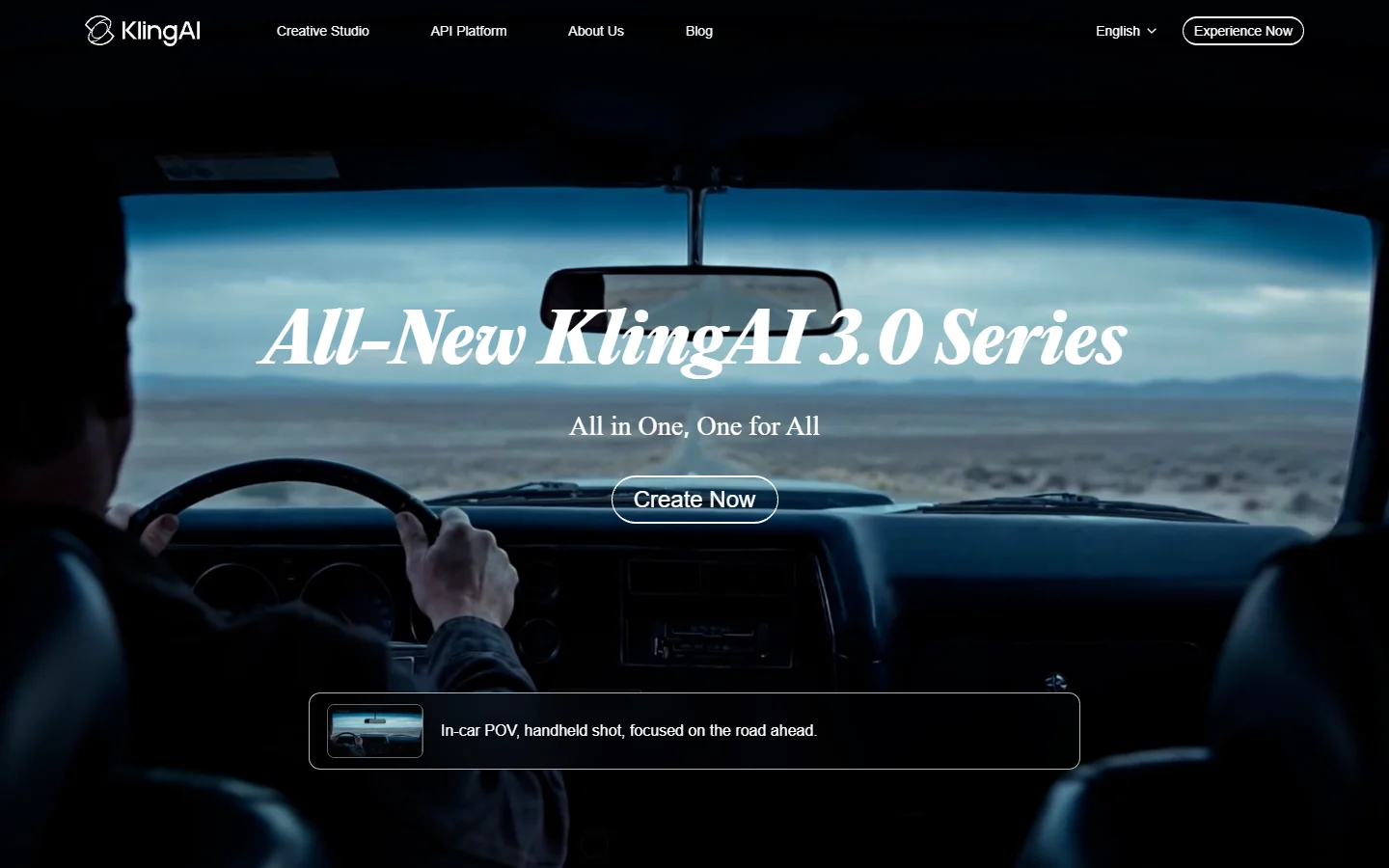
- Kling 3.0 - Strength: 66 daily free credits, watermark-free at 720p, clips up to 3 minutes on paid plans · Weakness: Free tier caps resolution at 720p · Best for: High-volume short-form content
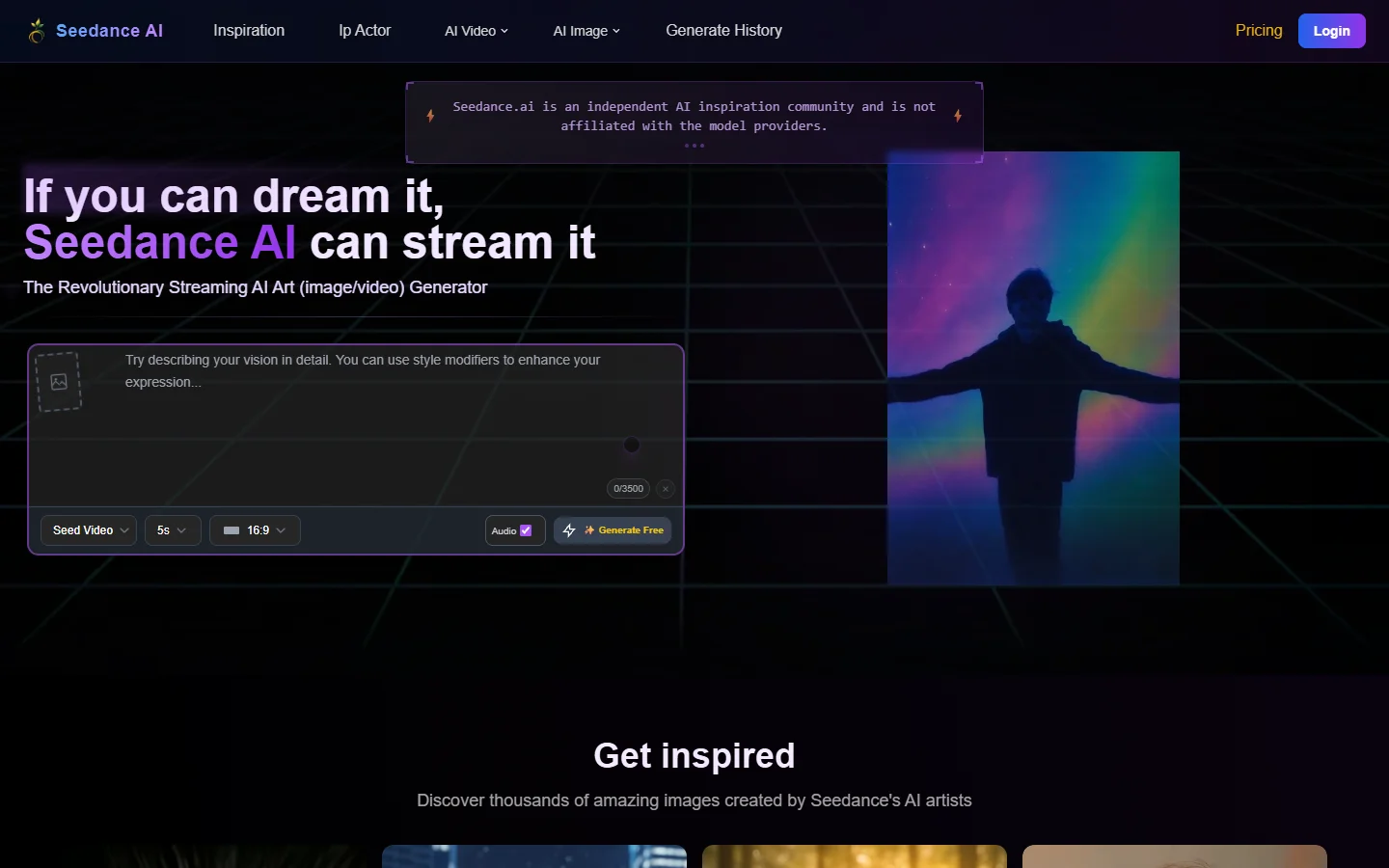
- Seedance 2.0 - Strength: Genuinely watermark-free on free plan, supports text-to-video and image-to-video · Weakness: Limited to 5-second clips on free tier · Best for: Quick social clips and animated content
- Luma Dream Machine - Strength: 30 free generations per month, no watermark, strong motion coherence · Weakness: Queue times can spike during peak hours · Best for: Cinematic establishing shots and smooth camera movements
- Pika - Strength: 80 free credits monthly, clean exports, strong lip-sync capabilities · Weakness: Credits deplete fast with longer clips · Best for: Short character animations and talking video content
- Google Veo 3 - Strength: Exceptional realism, no visible watermark on output, built-in audio generation · Weakness: Access still gated through waitlist for some regions · Best for: Photorealistic scenes and documentary-style footage
- Runway Gen-4 - Strength: Professional-grade output, no watermark on Standard plan ($15/month), 625 monthly credits · Weakness: Free tier is extremely limited · Best for: Professional editors who need consistent visual quality
Free Tier vs Paid: What You Actually Get
The gap between free and paid has narrowed considerably. In 2025, most free tiers either added watermarks or capped output at unusable resolutions. The 2026 landscape is different:
Kling and Seedance offer genuinely usable free tiers without watermarks. Luma and Pika give you enough monthly credits for light usage. Runway and Veo require payment for meaningful access, but neither adds watermarks once you are on any paid tier. For a deeper comparison of these platforms, see our Veo 3 vs Seedance breakdown.
For creators producing content regularly, the sweet spot is usually the $12-20/month tier on whichever platform handles your primary use case best. That investment removes all restrictions that matter: resolution caps, queue priority, and generation limits. Some teams also integrate these tools into broader visual AI workflow builders to chain generation, upscaling, and editing in a single pipeline.
The Open-Source Alternative: Running Models Locally
If you own capable hardware (NVIDIA RTX 4090 or newer), running open-source video models locally eliminates watermarks permanently. Wan 2.2 and its newer variants produce competitive results without any platform restrictions.
The trade-off is setup complexity and hardware cost. A capable GPU runs $1,500-2,500, and local inference requires managing dependencies, model weights, and VRAM limitations. For teams already running AI generation workflows, local deployment can make economic sense at scale. For individual creators, cloud platforms remain simpler.

How to Verify a Platform's Watermark Policy
Not every "no watermark" claim holds up. Similar to how prompt techniques affect output quality, the settings you choose during export can determine whether a watermark appears. Here is how to verify before committing to a platform:
- Generate a test clip on the free tier and download it
- Check the video frame-by-frame at the corners and edges for semi-transparent logos
- Run the file through a metadata viewer to check for embedded provenance data
- Export at the maximum available resolution, as some platforms only watermark lower-res exports
- Test both text-to-video and image-to-video modes separately, since policies sometimes differ
Platforms like BasedLabs let you preview generations before committing credits, which helps verify output quality and watermark status without wasting your allocation.
Picking the Right Tool for Your Workflow
The best choice depends on your output volume and quality requirements. Whether you are making content for social media or producing polished client deliverables, here is a practical framework:
- Occasional use (under 10 clips/month): Seedance or Luma free tiers cover this without spending anything
- Regular content creation (10-50 clips/month): Kling's daily credit model or Pika's monthly allocation works well
- Professional production: Runway Gen-4 or Veo 3 deliver the quality that client work demands
- High-volume automation: Local deployment with Wan 2.2, or API access through platforms like wireflow.ai that let you batch process generations programmatically
For most independent creators, starting with Kling or Seedance's free tier and upgrading only when you hit limits is the most practical path. The days of watermarks being a barrier to creative work are effectively over.
FAQ
Which AI video generator offers the most free credits without watermarks?
Kling 3.0 currently leads with 66 daily credits on its free plan, all producing watermark-free output at 720p. Seedance 2.0 is unlimited in generation count but caps clip length at 5 seconds on the free tier. Both are genuinely usable for short-form content creation without paying.
Do invisible watermarks affect how I can use AI-generated videos?
Invisible watermarks (C2PA metadata or steganographic patterns) do not affect visual quality or commercial usage rights. They exist for content provenance tracking. Most platforms that claim "no watermark" mean no visible watermark; the invisible metadata layer is separate and generally not a concern for creators publishing to social platforms.
Can I use watermark-free AI videos commercially?
Yes, but check each platform's terms of service. Most platforms (Runway, Kling, Luma, Pika) grant commercial usage rights on paid plans. Free tier commercial rights vary. Seedance and Kling explicitly allow commercial use on free tiers. Always verify the specific platform's current ToS before using output in revenue-generating content.
Is running video models locally worth it to avoid watermarks?
Only if you generate at high volume (50+ clips per month) and already have a capable GPU. The upfront hardware cost ($1,500-2,500 for an RTX 4090/5090) plus setup time makes local deployment impractical for most individual creators. Cloud platforms with no-watermark policies are simpler and cheaper for moderate usage, especially given how quickly AI video models improve each quarter.
Which platform has the best video quality among watermark-free options?
Google Veo 3 produces the most photorealistic output, followed closely by Runway Gen-4. Both require paid access. Among free options, Kling 3.0 and Luma Dream Machine produce the most visually coherent results, though at lower resolution than their paid tiers.
Do any platforms add watermarks only at certain resolutions?
Some do. Kling's free tier is watermark-free but locked to 720p; paying unlocks 1080p. Runway's free trial adds a small logo that disappears on the Standard plan. Always test at your target export resolution to confirm the policy applies to your specific output settings.
What about using AI video in YouTube content or ads?
YouTube does not penalize AI-generated content, but requires disclosure for realistic synthetic media. For ads, ensure your chosen platform grants advertising rights (most paid plans do). Watermark-free output from platforms like Kling, Runway, or Veo 3 is safe for both YouTube uploads and paid advertising placements.