
AI video generation has moved from an expensive experiment to a practical browser-based tool in a short time. Most major platforms now offer a free tier that lets you generate genuine short clips from text prompts or images without spending anything upfront. The quality ceiling on free tiers has also risen, and in some cases the output from a generous free plan now rivals what paid tools produced a year ago. For a broad look at how the current crop compares across quality and output style, see this comparison of the best AI video generators in 2026.
That said, "free" covers a wide range. Some platforms give you a daily credit allowance that resets overnight. Others start you with a signup bonus that drains quickly under heavy use. Open-source models run on free cloud inference but require a bit more setup than a hosted platform. Understanding what each free tier actually provides helps you pick the right tool rather than burning through credits on something that does not fit your workflow.
This guide covers the ten best AI video generators you can use online in 2026 without paying, with real homepage screenshots and honest notes on what the free tier actually includes. If you want a step-by-step walkthrough of the generation process itself, this guide to getting started with AI video generation covers the fundamentals.
What to Look for Before Picking a Tool
Not all free tiers are structured the same way, and a platform that appears generous at first glance may have restrictions that make it impractical for your needs. The introduction to AI-powered video creation covers this in detail, but the core evaluation criteria are:
- Daily vs. one-time credits: Daily refreshes sustain ongoing work; signup bonuses are good for evaluation but deplete fast
- Clip length on free: Ranges from 3 seconds to 10+ seconds depending on the platform
- Resolution: 720p is standard on free tiers; some offer 1080p
- Watermarks: Many free plans add a visible logo to outputs; a few do not
- Commercial use: Check whether free outputs can legally go into paid client work
Some platforms also put free users in a slower generation queue while paid users get priority. If fast iteration matters to your workflow, prioritize tools that do not penalize free users on speed. The process of turning text into video with AI is the same across all platforms, but the experience varies considerably depending on queue depth.
The 10 Best Free AI Video Generators in 2026
1. Kling AI
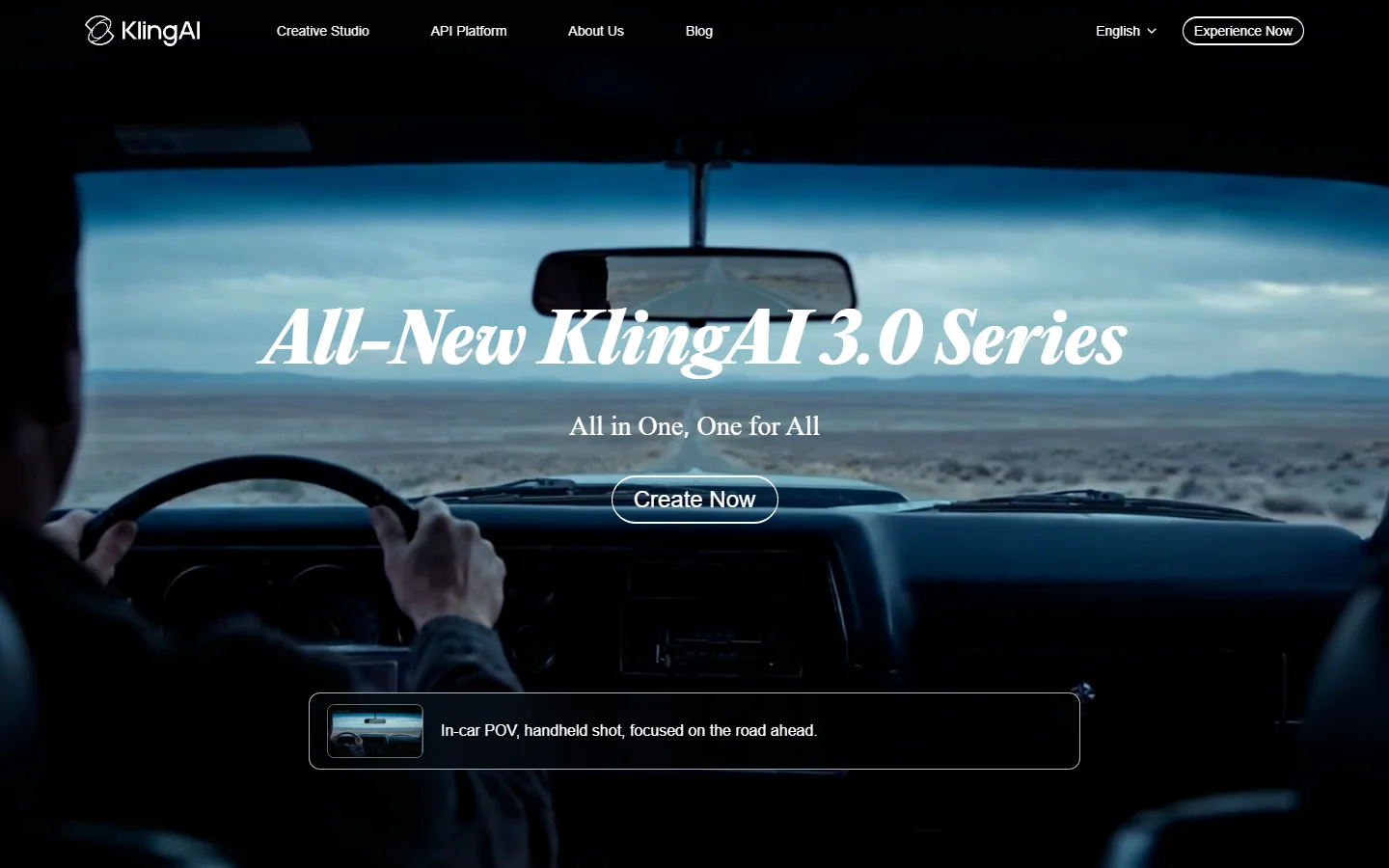
Kling AI produces some of the smoothest motion of any free-tier video platform right now. The 3.0 model uses what the company calls Spatial-Temporal Attention architecture, which helps maintain object coherence across frames and generates natural-looking human movement. Free accounts get 66 credits per day, enough for roughly three to four five-second clips. For a practical guide to prompt construction, this Kling 3 prompts guide is a solid starting point.
- Free tier: 66 daily credits, refreshes each day
- Clip length: Up to 10 seconds at 720p on free
- Watermark: Present on free outputs
- Best for: Realistic human motion, cinematic shots, smooth transitions
2. Pika
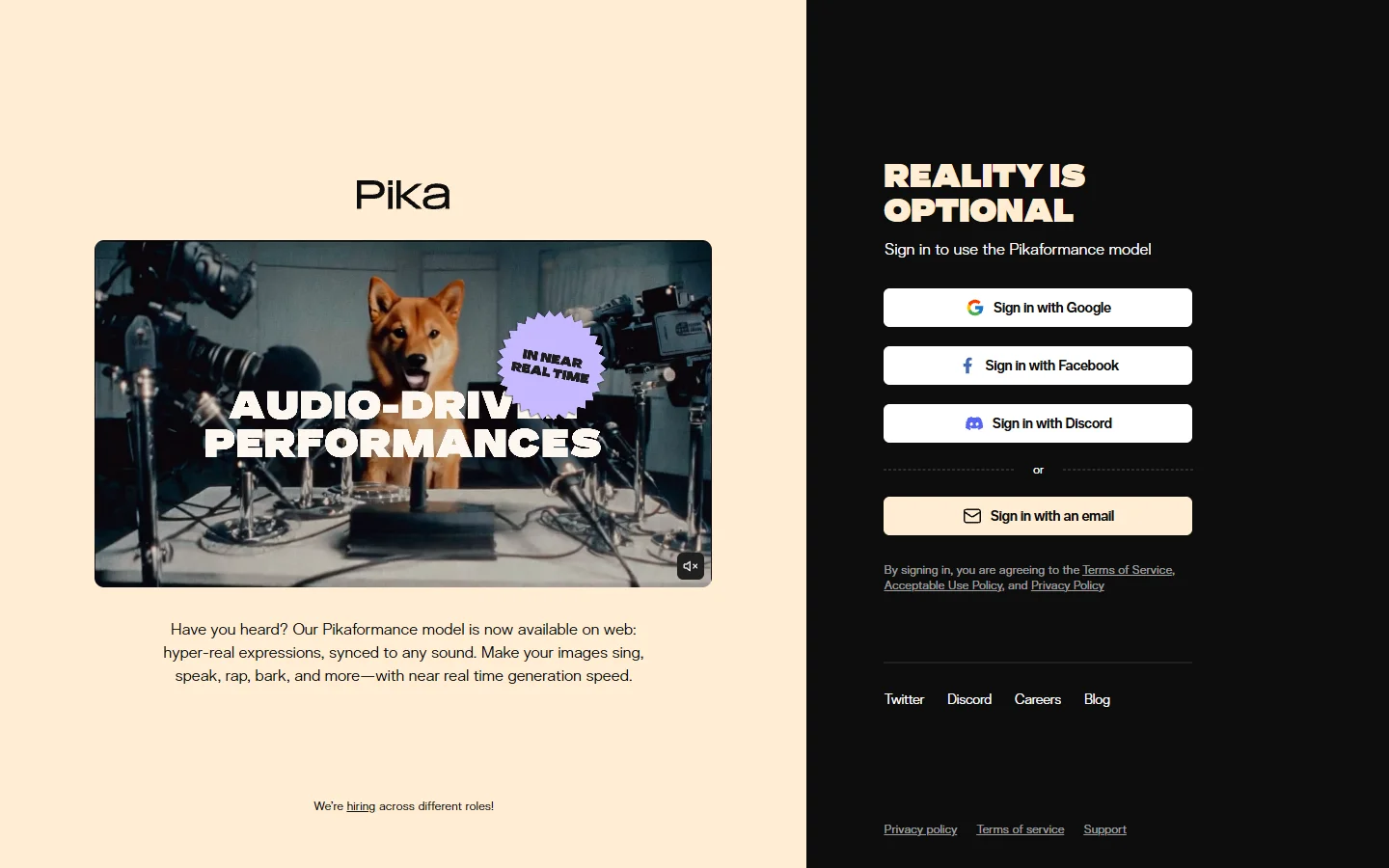
Pika differentiates itself through a library of physical effects that most text-to-video tools do not offer. You can instruct the model to crush, inflate, melt, or explode objects within a scene, effects that have become a popular formula for short social media clips. New accounts get around 150 credits on signup with a small daily refresh after that. If Pika's output style does not match what you need, this list of Pika alternatives covers the closest substitutes.
- Free tier: About 150 credits on signup plus daily refresh
- Clip length: 3 to 4 seconds
- Output: Up to 1080p
- Watermark: Yes on free
- Best for: Short-form social content, creative visual effects
3. Hailuo AI
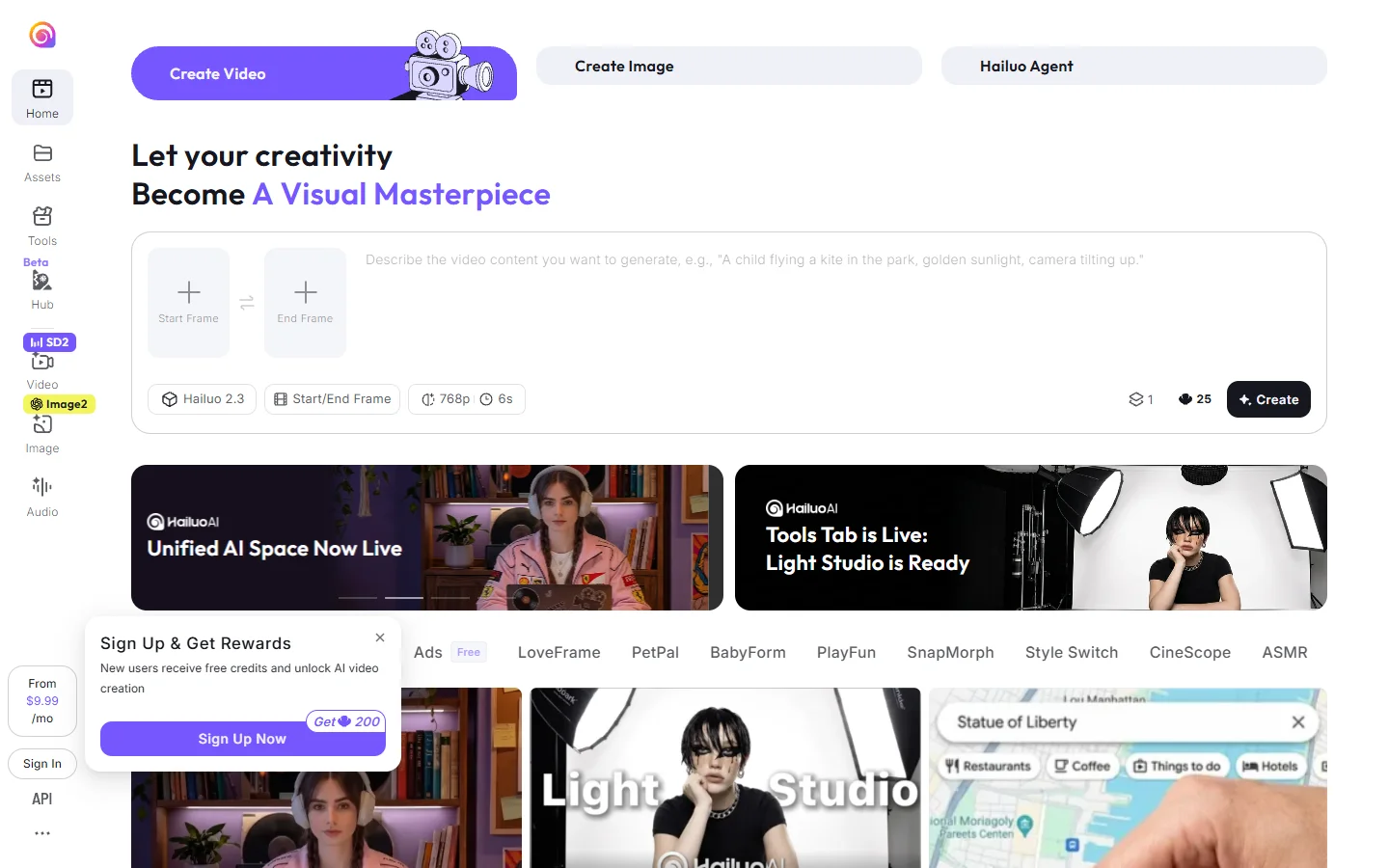
Hailuo is developed by MiniMax and has built a reputation for handling human body movement and facial expressions better than most platforms at the free tier. The 2.3 version introduced a Motion Diffusion Engine that helps generate more realistic physics in human-centric clips. Free users get several generations per day alongside a 200-credit signup bonus. For context on how Hailuo stacks up against newer challengers, this comparison of Veo 3 and Seedance covers the competitive landscape well.
- Free tier: 200 signup credits plus several daily generations
- Clip length: 6 seconds at 720p
- Watermark: Yes on free
- Best for: Realistic human movement, character-focused video
4. Vidu
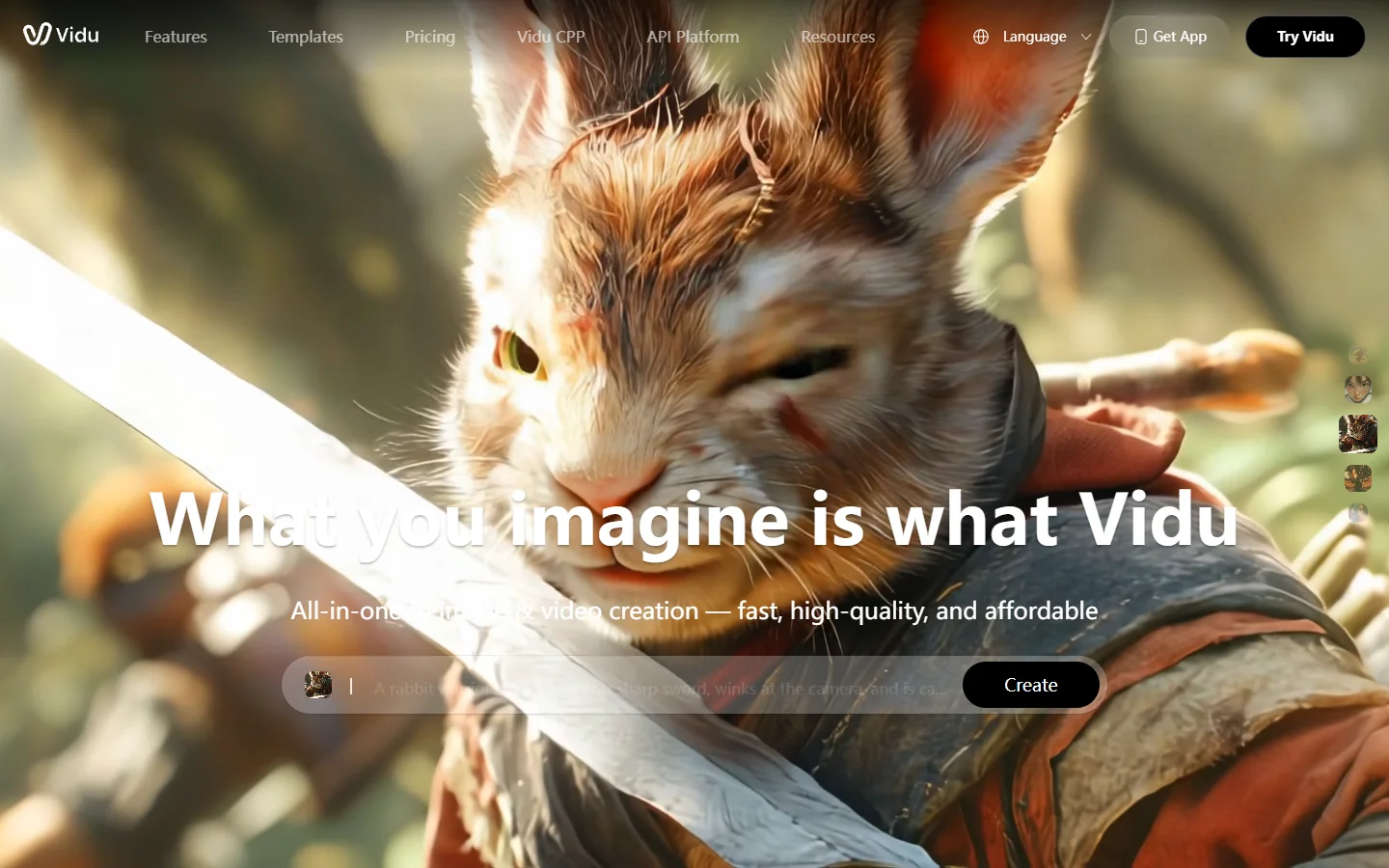
Vidu focuses on character consistency, meaning generated subjects maintain a coherent appearance across frames rather than drifting. The Q3 version added Smart Cuts for multi-shot narrative sequences, which is unusual to find in a free-tier product. New users get a 7-day unlimited trial to explore the platform before any limits apply. If narrative-style video is your focus, creating AI talking videos with consistent characters is a related technique worth exploring.
- Free tier: 7-day unlimited trial for new accounts
- Clip length: Up to 8 seconds at 1080p
- Watermark: Applied on free outputs after trial period
- Best for: Character-driven clips, multi-shot sequences, narrative video
5. Runway
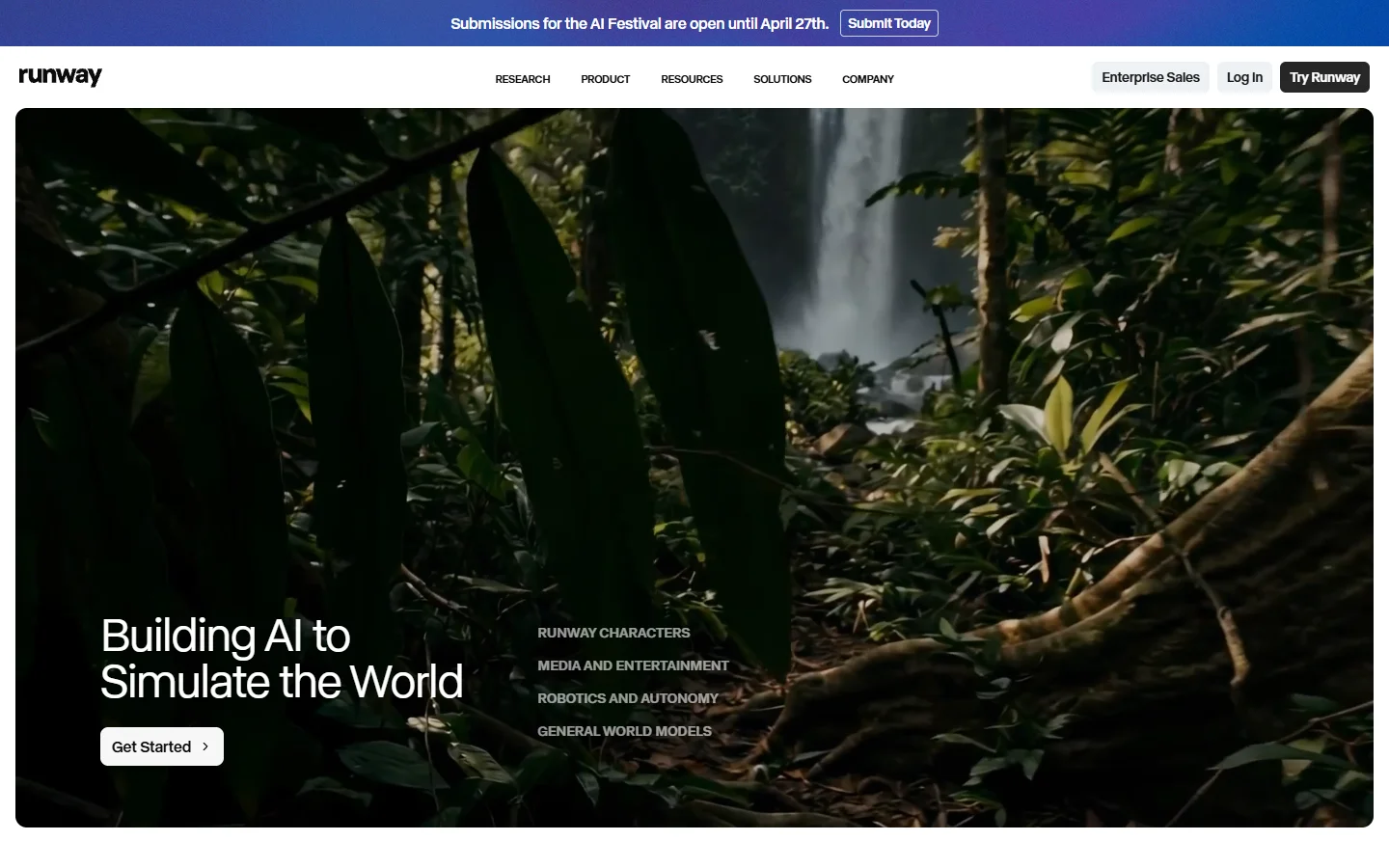
Runway has been producing AI video tools longer than most platforms on this list and combines generation with a proper timeline editor. Free accounts get 125 credits on signup, enough to run a meaningful round of test generations. The platform's main advantage over pure generation tools is the ability to take generated clips and edit them together in the same environment. For tools with a similar breadth of features, this guide to RunwayML alternatives covers the options.
- Free tier: 125 generation credits on signup
- Clip length: Up to 10 seconds
- Output: Up to 720p on free
- Watermark: Runway watermark on free exports
- Best for: Multi-clip projects, combining generation with editing
6. Luma Dream Machine

Luma Dream Machine is notable for generation speed and strong handling of action sequences. The 2.5 version handles VFX-style motion particularly well compared to its earlier iterations. Free users get 30 monthly renders rather than a daily allowance, which is not especially generous but provides a meaningful evaluation window. If you are building AI ASMR videos or satisfying loop content, Luma's fast generation cycle suits that kind of iterative work.
- Free tier: 30 renders per month
- Clip length: 5 seconds
- Output: 720p on free
- Watermark: Yes
- Best for: Action scenes, fast prototyping, VFX-style motion
7. Sora

OpenAI's Sora produces some of the most cinematic output on this list, with strong handling of lighting, atmosphere, and long-form coherence. The limitation is that free tier access through ChatGPT's free plan is extremely restricted; the allowance is too small for practical ongoing use. The comparison of Sora 2 and Google Veo 3 is useful reading if you are deciding between the two at the premium end.
- Free tier: Very limited via ChatGPT free plan; more practical from ChatGPT Plus at $20/month
- Clip length: Up to 20 seconds
- Output: Up to 1080p
- Watermark: No watermark on outputs
- Best for: High-quality narrative video, cinematic compositions
8. BasedLabs
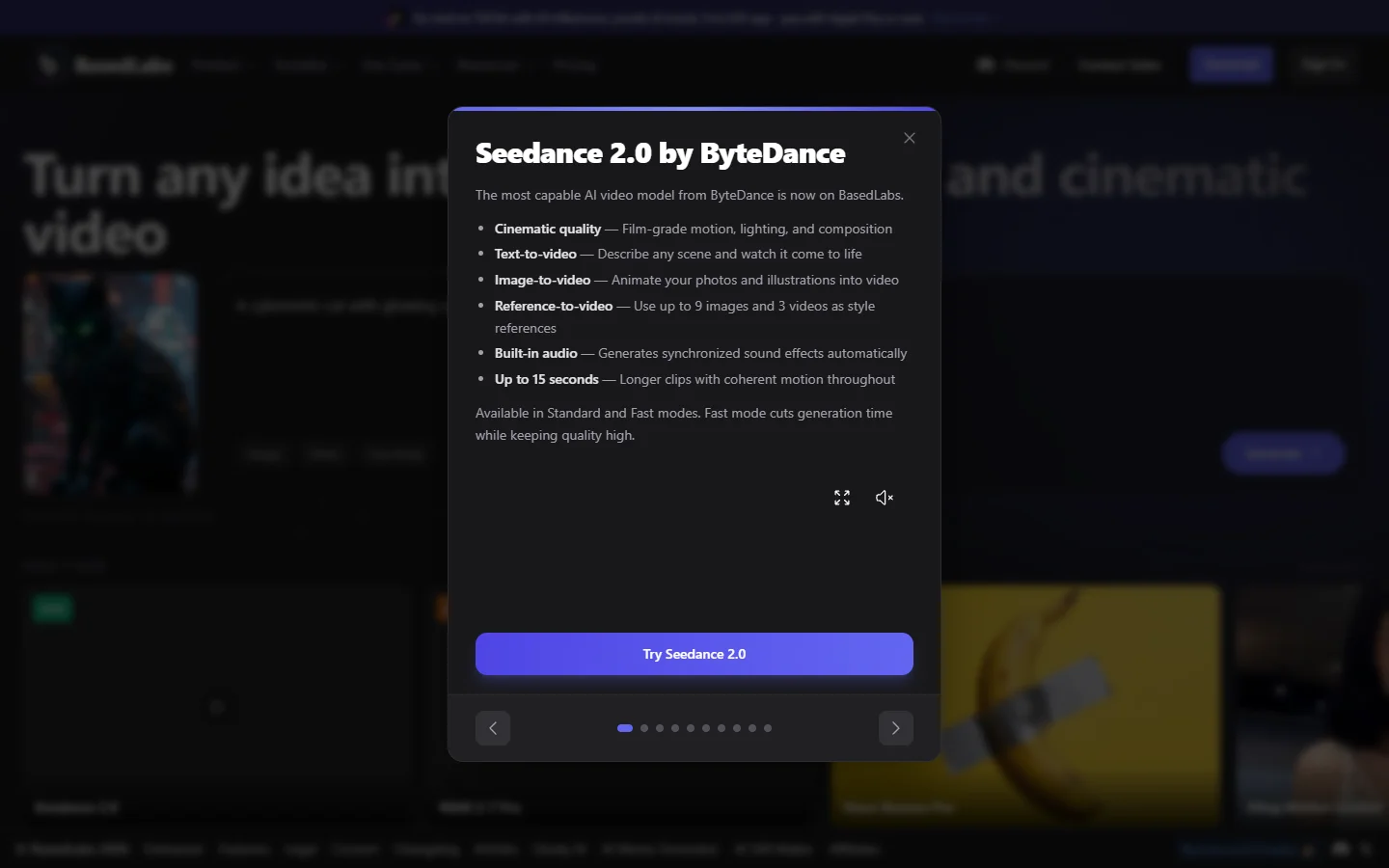
BasedLabs aggregates multiple video generation models under a single interface, including Kling, Seedance, WAN, and Veo, so you can switch between models without managing separate accounts. Free users receive daily credits that apply to whichever supported model fits the current project. If you want a detailed walkthrough of the platform's capabilities, this guide to using BasedLabs AI covers both basic and advanced features.
- Free tier: Daily credits applied across supported models
- Models available: Kling, Seedance 2.0, WAN, Veo, and others
- Watermark: Depends on the model and plan tier
- Best for: Testing multiple models, multi-tool creative workflows
9. WaveSpeedAI
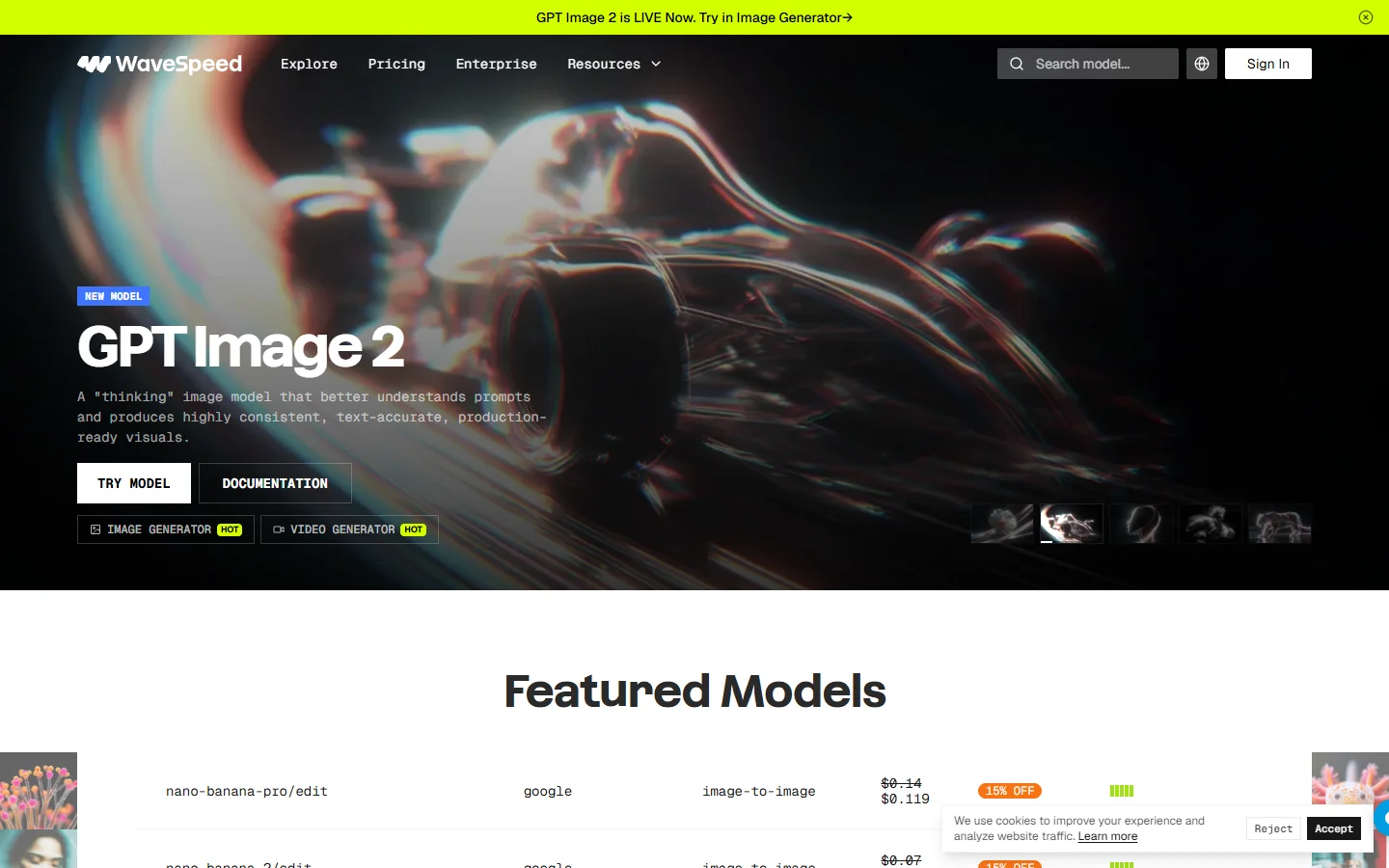
WaveSpeedAI is the most practical way to access WAN, Alibaba's open-source video model, without setting up local infrastructure. WAN 2.7 produces solid output with no watermarks on free generations, a meaningful advantage if you need clean footage for client work. The platform also supports Kling, Sora 2, Veo 3.1 Fast, and over 30 other models through one interface. For a broader look at where AI video generation currently stands in 2026, that article covers both the current leaders and the challengers.
- Free tier: Available for WAN and several other models
- Watermark: None on WAN model outputs
- Models: WAN 2.7, Kling, Sora 2, Veo 3.1 Fast, and 30+ others
- Best for: Watermark-free output, open-source model access without GPU setup
10. CapCut
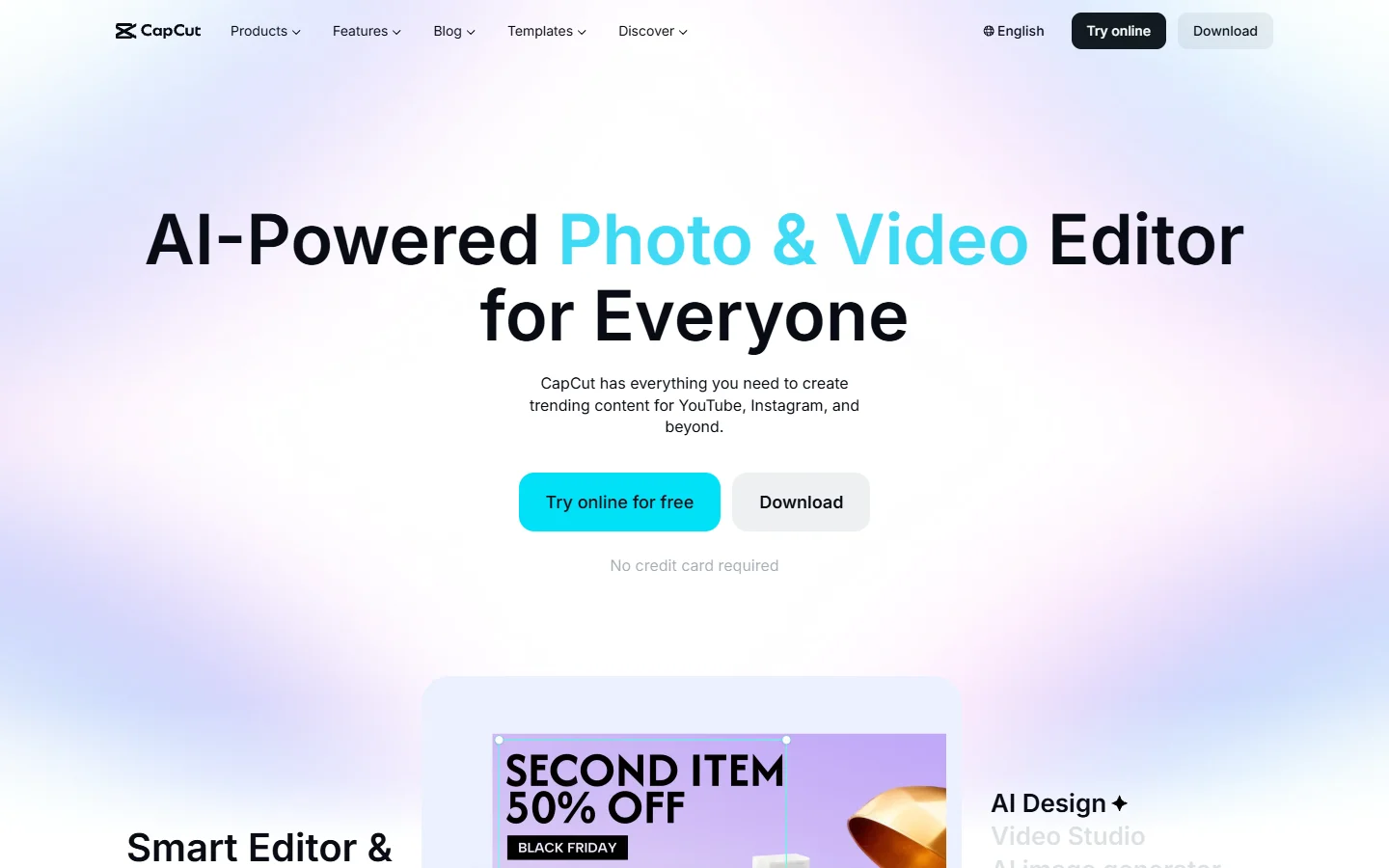
CapCut sits at the intersection of AI generation and standard video editing. Its text-to-video feature generates short clips you can immediately cut together on the built-in timeline, so the generation and editing workflow stays in one place. The web version is fully free with no watermark on exports and a wide template library. This guide to making videos with pictures using AI tools covers a similar combined workflow approach.
- Free tier: Generous free plan with no hard credit cap on basic use
- Watermark: No watermark on free exports
- Output: Up to 1080p
- Best for: Social media content, combining generation and editing without spending anything

How to Choose Between These Tools
The right platform depends on what you are building. For motion quality on a sustainable daily credit budget, Kling AI is the strongest free option. For character-focused content that needs to hold together across cuts, Vidu's trial period and Hailuo's daily free tier are both worth exploring. If your use case involves AI avatar video generation rather than stylized motion clips, that is a distinct category with its own set of specialized tools.
If watermarks are a dealbreaker for client deliverables, WaveSpeedAI's WAN model and Sora through ChatGPT are the two clean free options. CapCut also exports without watermarks, which is genuinely rare among free tools. Most other platforms on this list add a visible logo to free-tier outputs.
For pure output quality with no budget, Sora produces the most cinematic results, though the free-tier limit makes it impractical for sustained use. If you want a generator that also handles editing, Runway's timeline features add real value that pure generation tools do not provide, and comparing Runway against its alternatives is a useful exercise before committing to any paid plan.
FAQ
What is the best completely free AI video generator with no watermark?
WaveSpeedAI's WAN model and CapCut both export without watermarks on their free plans. Sora through ChatGPT's free tier also has no watermark, but the generation allowance is very limited for practical use.
How many free videos can I generate per day?
It varies considerably by platform. Kling AI provides 66 daily credits, enough for three to four five-second clips. Hailuo offers several daily free generations. Luma Dream Machine gives 30 renders per month rather than daily. CapCut has no strict daily cap for basic use.
Do free AI video generators add watermarks to outputs?
Most do. Kling, Pika, Runway, Luma, and Hailuo all add watermarks to free outputs. WAN via WaveSpeedAI and CapCut are the main exceptions at the free tier.
Can I use AI-generated videos commercially on a free plan?
This depends entirely on each platform's terms. Many free tiers restrict outputs to non-commercial use only. BasedLabs supports commercial use for generated content on eligible plans, and WaveSpeedAI generally permits commercial use, but you should verify each policy before delivering work to clients.
Which free AI video generator is best for social media content?
Pika's physical effect library (crush, melt, inflate) is well suited to short-form social clips. CapCut is the strongest option if you want to generate and edit in one place. For a curated overview of tools built around short-form content, this guide to the best AI reels makers covers that category specifically.
Is there a free AI video generator that works without creating an account?
Most platforms require at least a free account. WaveSpeedAI allows limited testing without registration on certain models. Hugging Face Spaces also hosts WAN and other open-source models where you can run test generations without a permanent account, though speed and quality vary.
Which generator produces the most realistic results for human subjects?
Kling AI and Hailuo both handle human motion well at the free tier. Google Veo 3.1 also produces strong results for human-focused video when accessed through BasedLabs or Google AI Studio with appropriate prompting.
Wrapping Up
Free AI video generation is genuinely practical in 2026. The tools on this list produce outputs that would have required significant budget or technical setup just two years ago. The main constraint of the free tier is volume: you can evaluate quality, develop a creative style, and produce occasional content without paying, but sustained production work will push most users toward a paid plan. Our full comparison of AI video generators in 2026 covers what the paid tiers offer across each platform.
Start with Kling AI if motion quality is the priority, Pika if creative physical effects for social content are the goal, and CapCut if you want generation and editing in one free environment. For the broadest access to different models under one login, BasedLabs and WaveSpeedAI both offer a practical free starting point across multiple video generation systems.