
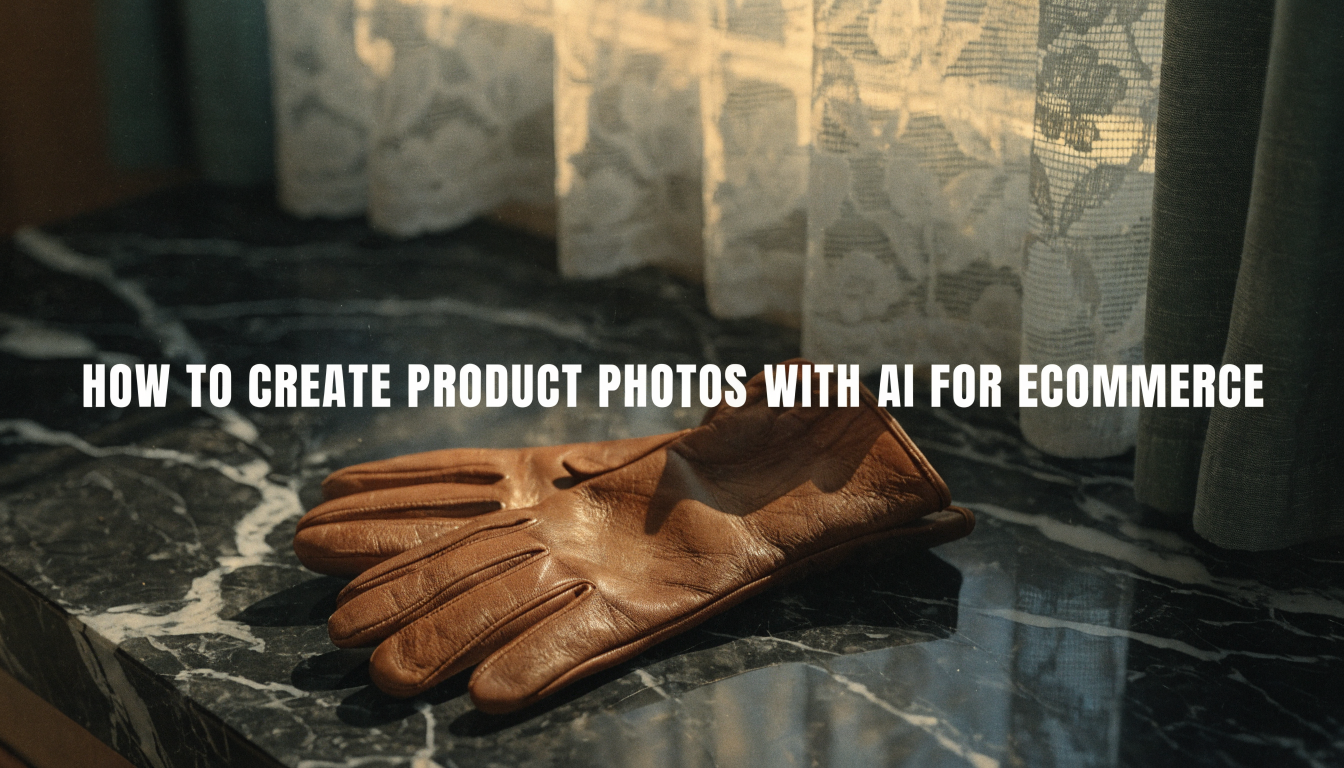
Product photography used to require a studio, a camera, and a budget most small sellers simply did not have. That barrier is mostly gone now. AI image generation tools let you produce catalog-ready product photos from a single smartphone snapshot, and the results are good enough for Amazon, Shopify, and direct-to-consumer storefronts alike. The shift is not theoretical: brands running A/B tests on AI-generated versus traditional product images are reporting comparable or better conversion rates, because AI lets them test far more background and scene variations in a fraction of the time.
This guide walks through the full process, from capturing a usable base image to generating polished lifestyle shots and publishing them across your sales channels. Whether you sell on marketplaces or run your own storefront, the same AI-powered creative workflow applies.
Start With a Clean Base Image
The quality of your AI output depends heavily on your input. You do not need professional equipment, but you do need a few basics right.
Place the product on a plain white or light-gray surface. Natural window light works better than overhead fluorescents. Shoot from slightly above at a 30 to 45 degree angle, which gives the AI enough depth information to place the product convincingly into new scenes. Avoid reflective surfaces and cluttered backgrounds, both of which confuse AI image editing tools during the segmentation step.
Take at least three angles: front, three-quarter, and detail close-up. Most AI photo generators work best with a single hero angle, but having options means you can generate different compositions for different listing slots.
Remove the Background
Once you have your base images, the first processing step is background removal. This isolates the product so AI can place it into any scene you choose.
Several tools handle this well. Dedicated background removers use segmentation models trained specifically on product shapes, which gives cleaner edges on tricky items like jewelry, transparent bottles, or products with fine hair-like details. The key is exporting as PNG with a transparent background rather than simply swapping to white. Transparent backgrounds give you maximum flexibility for the scene generation step that follows.
Batch processing matters for stores with large catalogs. If you are listing 50 or more products, look for tools that support folder uploads and bulk export via API. Processing one image at a time will eat your entire afternoon.
Generate Lifestyle Scenes
This is where AI product photography gets interesting. Instead of renting a kitchen set for your cookware or booking a model for your apparel line, you describe the scene in a text prompt and let the AI compose it. The same approach works for generating ad creatives once you have your product isolated.
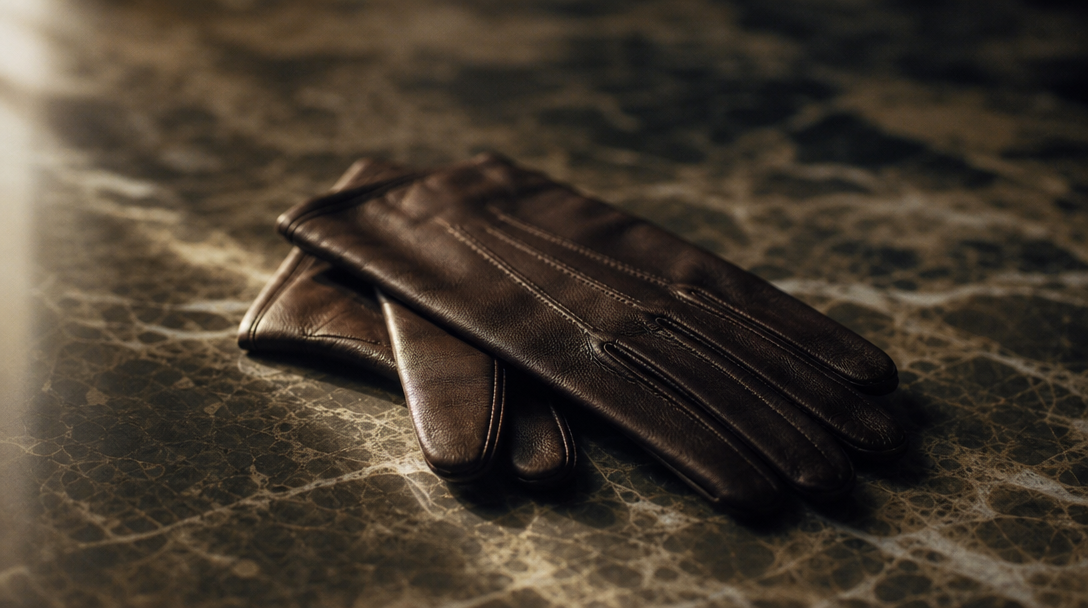
The best results come from specific, grounded prompts. Instead of "beautiful kitchen," try "modern Scandinavian kitchen countertop, morning light, marble surface, fresh herbs in background." The more specific you are about lighting direction, surface material, and atmosphere, the more realistic the output. Tools that support AI photo enhancement can further refine these generated scenes for marketplace-ready resolution.
A few prompt patterns that consistently produce strong ecommerce results. For more on prompt techniques, see this guide to converting text into visual content:
- Flat lay compositions: describe the product surrounded by complementary items on a textured surface
- In-context lifestyle shots: place the product in the environment where it would actually be used
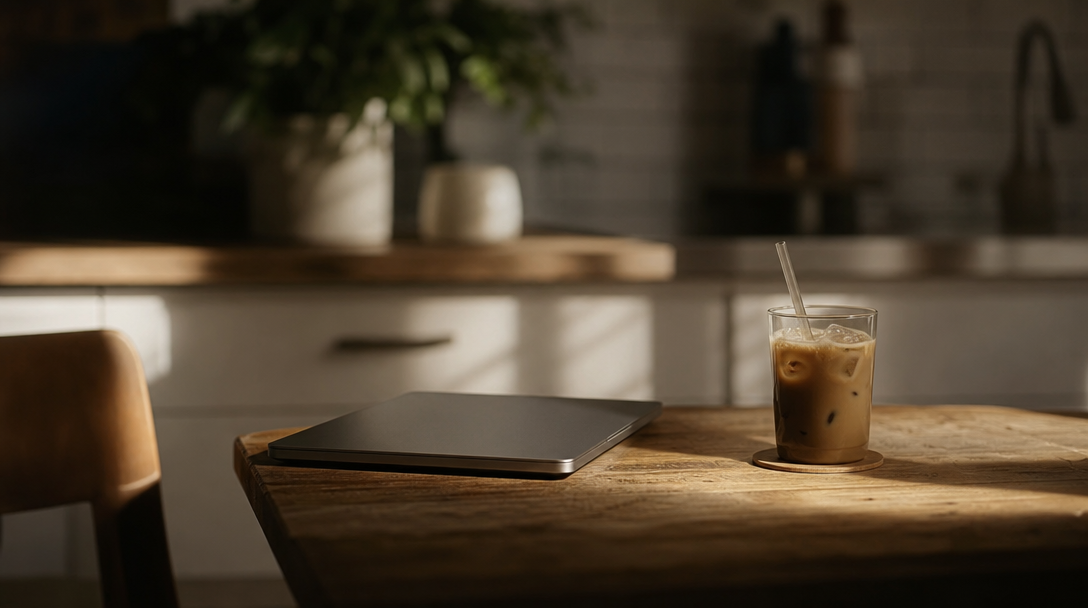
- Scale reference shots: include a common object (coffee cup, hand, book) to communicate product size
- Seasonal variations: generate the same product in summer, holiday, and spring settings for rotating seasonal listings
Build a Repeatable Workflow
One-off photo generation is useful for a small catalog, but the real advantage comes from systematizing the process. Set up a pipeline where new products follow the same sequence: capture, background removal, scene generation, format export.
An AI workflow automation platform can chain these steps together so each new product image goes through the same processing pipeline automatically. This is especially valuable for dropshippers and marketplace sellers who add new SKUs weekly, because manual image editing does not scale past a few dozen products.
Your pipeline should include a quality check step. AI-generated product photos occasionally produce artifacts: shadows pointing the wrong direction, reflections that do not match the scene lighting, or slightly warped product proportions. Catching these before they reach your listings prevents returns driven by misleading imagery, which is both a customer trust issue and a compliance concern on platforms like Amazon.
Optimize for Each Sales Channel
Different platforms have different image requirements, and AI tools make it easy to generate format-specific variations from a single base image.
Amazon requires a pure white background for the main listing image, but allows lifestyle images in secondary slots. Shopify stores benefit from consistent branding across all product images. Instagram and Pinterest ads perform best with lifestyle scenes that blend into the feed. Rather than manually cropping and reformatting, use AI to generate variations at the correct aspect ratios for each channel.
Resolution matters too. Most marketplaces require at least 1000px on the longest side, with Amazon recommending 2000px for zoom functionality. Upscaling a low-resolution AI output rarely produces good results. Generate at the highest resolution your image generation tool supports, then downscale for channels that need smaller files.
Cost and Time Comparison
Traditional product photography runs between $25 and $150 per image for a professional studio shoot, with turnaround times of three to seven days. AI-generated product photos cost between $0.10 and $2.00 per image depending on the tool, with results in under a minute. For a catalog of 200 products needing five images each, that is the difference between $25,000 and $200.
The savings compound when you factor in iteration. Changing a background color, swapping a seasonal prop, or testing a new scene angle costs nothing extra with AI. With traditional photography, each variation is another shoot. A multi-model AI workflow tool lets you chain generation, enhancement, and formatting into a single run, reducing the per-image cost even further.
That said, AI is not yet a complete replacement for every product category. Items where texture, drape, or material quality is the primary selling point (luxury fabrics, handcrafted goods) still benefit from at least one set of professional photos. AI excels at generating variations and lifestyle contexts around those professional base shots.
Common Mistakes to Avoid
Most sellers who try AI product photography and abandon it make one of a few predictable errors. Understanding these pitfalls will save you from the same trial-and-error cycle that wastes time for beginners.
Using low-quality source images is the most common. AI can enhance detail but it cannot invent texture that was never captured. A blurry smartphone photo in bad lighting will produce a blurry AI output, regardless of how sophisticated the model is. Start with the clearest, best-lit photo you can manage.
Over-processing is the second pitfall. Cranking up enhancement settings or stacking multiple AI edits on top of each other produces an uncanny, overly-polished look that erodes buyer trust. The goal is "professional studio photo," not "obviously AI-generated." Keep your image editing pipeline simple: remove background, place in scene, minor color correction, export. Three steps, not thirteen.
Ignoring platform guidelines is the third. Amazon has strict rules about what can appear in main listing images. Generated text, logos, or watermarks in your AI scenes will get your listings suppressed. Always review marketplace image policies before publishing. The same attention to detail applies when creating video content for product listings.
FAQ
What is the best AI tool for ecommerce product photos?
It depends on your volume and category. Claid and Photoroom are strong all-around options for marketplace sellers. For sellers who need to chain background removal, scene generation, and batch export into a single automated run, pipeline-style platforms handle the workflow end to end. The best choice depends on whether you need one-off edits or production-scale automation.
Can I use AI-generated product photos on Amazon?
Yes. Amazon allows AI-generated images as long as they accurately represent the product. The main listing image must be on a pure white background with no text, graphics, or lifestyle elements. Secondary image slots allow lifestyle and in-context scenes, similar to the formats used in AI marketing video creation.
How many product photos should each listing have?
Most marketplaces allow seven to nine images per listing. Use at least five: one white-background hero, two lifestyle/in-context shots, one detail close-up, and one infographic or comparison image. Higher image counts correlate with better conversion rates on Amazon and Shopify.
Do AI product photos convert as well as traditional photography?
In most A/B tests published through 2025 and 2026, AI-generated lifestyle images perform within 5% of traditional photography for conversion rate. White-background product shots from AI score equally well. The gap narrows further as generation models improve.
What resolution should AI product photos be?
Generate at the highest resolution your tool supports. For Amazon, aim for at least 2000x2000 pixels. For Shopify, 2048px on the longest side works well. Most AI tools now support direct generation at these resolutions without upscaling.
How do I maintain consistent branding across AI-generated images?
Save your prompt templates. Use the same lighting direction, background style, and color palette across all products in a collection. Some AI photo generation platforms support style presets that lock in these parameters so every image in a batch matches.
Is AI product photography legal for commercial use?
Yes. Images you generate with AI tools are yours to use commercially. The key legal consideration is accuracy: your product photos must truthfully represent what the customer will receive. Generating misleading scale, color, or detail can trigger marketplace policy violations and consumer protection issues. The same rules apply to AI-generated video content used in product listings.
Conclusion
AI product photography is a practical production tool that removes the cost and time barriers between small ecommerce brands and professional-grade imagery. The sellers seeing the best results treat AI as part of a structured creative workflow, not a magic button. Start with good source images, build a repeatable pipeline, optimize for each channel, and review your outputs before publishing.