
Removing backgrounds from images used to mean hours in Photoshop, carefully tracing edges with the pen tool. In 2026, AI has made this a one-click operation, and dozens of tools now compete for your attention. The hard part is no longer the removal itself; it is figuring out which "free" tool is actually free, which ones silently watermark your exports, and which ones quietly cap your resolution at 640px.
This guide breaks down what each tool actually offers on its free tier, where the limits are, and which one fits your specific workflow. Whether you are creating AI-generated images for social media or prepping product shots for an online store, the right background remover depends on what you need it for.
What Makes a Background Remover "Actually Free"?
Most background removers advertise a free tier, but the restrictions vary wildly. Some cap resolution, some add watermarks, and some limit you to one or two images per day. The factors that matter most when evaluating AI tools for background removal are output resolution, watermark policies, daily limits, commercial use rights, and edge quality on tricky subjects like hair, glass, and semi-transparent objects.
The Tools, Tested
We ran each tool through a set of challenging images: a portrait with wispy hair against a busy background, a glass bottle on a white table, a pet with fine fur, and a product shot with subtle shadows. Here is how they performed, keeping in mind what matters most for different creative workflows.
Remove.bg
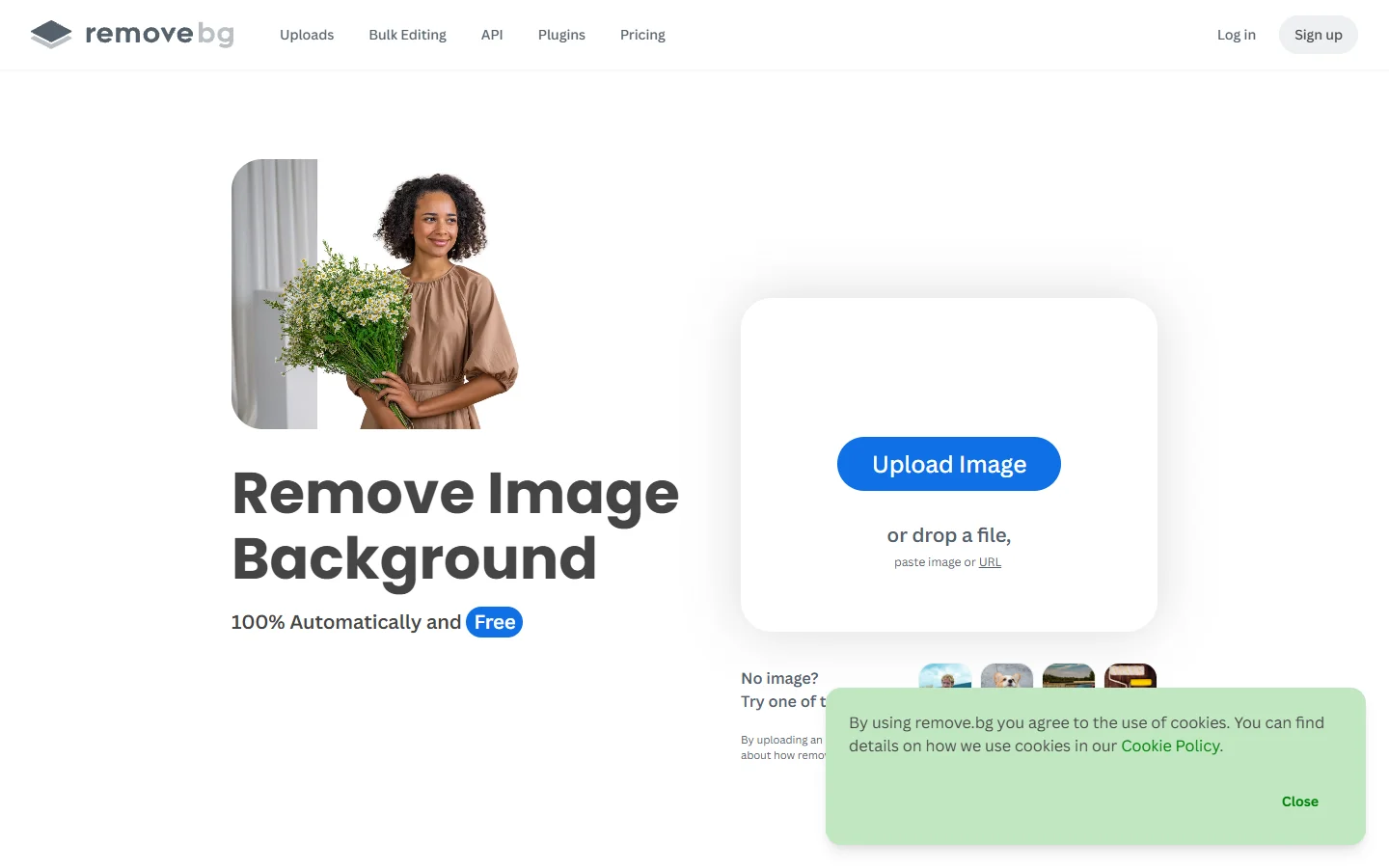
Remove.bg has been in the background removal game since 2018, making it one of the oldest dedicated tools in this category. Its AI handles hair and fur better than most competitors, and the design tool integrations (Photoshop, Figma, desktop app) are mature. The catch: the free tier gives you just one image per day at low resolution (up to 0.25 megapixels). Full-resolution exports require credits starting at roughly $0.23 per image. Best for one-off portraits where edge quality matters most.
Adobe Express
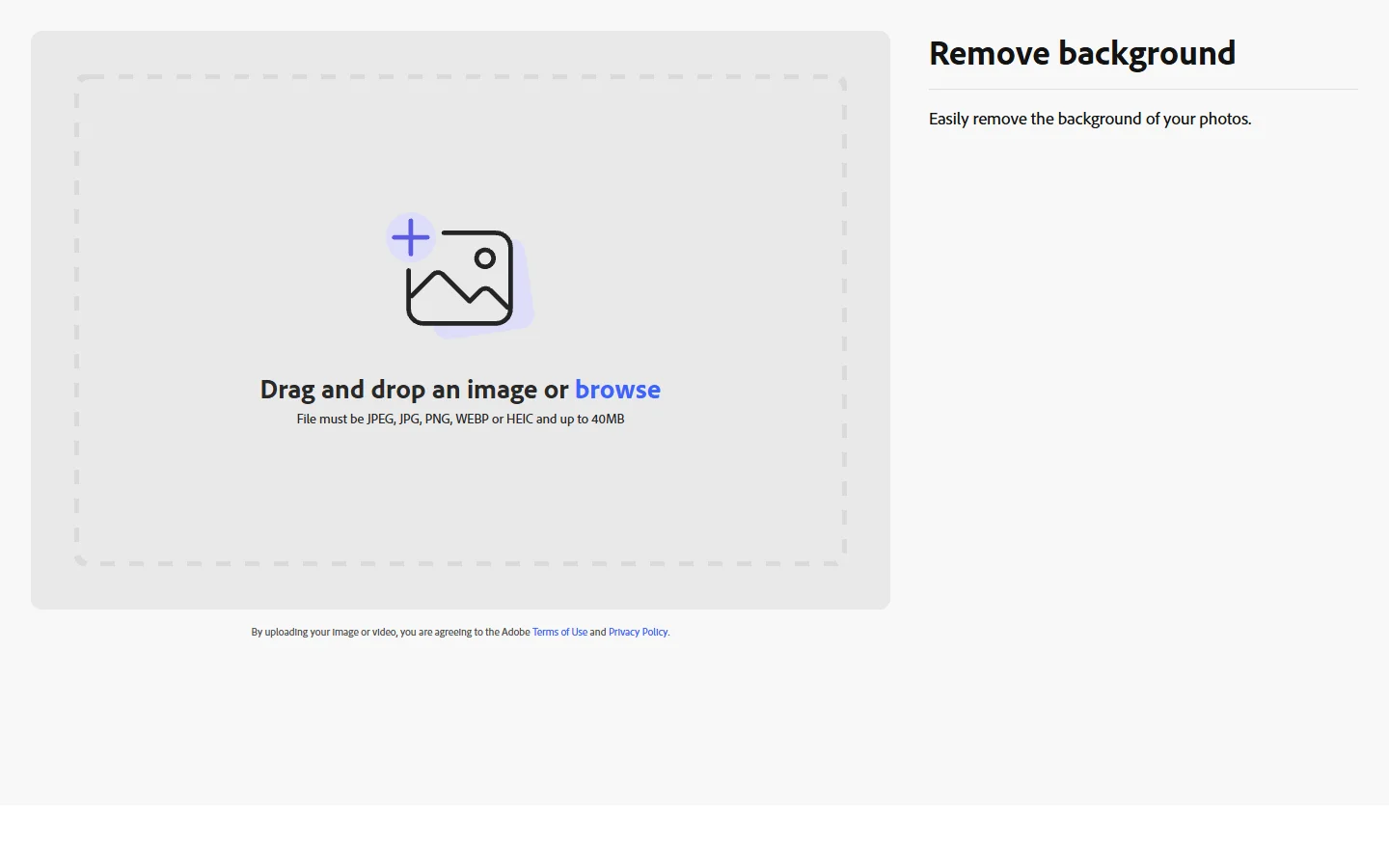
Adobe Express wraps its background removal inside a broader design suite, powered by the same Firefly AI that runs across the Adobe creative ecosystem. The free tier is genuinely useful: no watermarks, decent resolution, and the ability to replace backgrounds with AI-generated scenes. The limitation is that background removal shares a pool of "generative AI credits" with every other AI feature in Express. Heavy users will burn through credits quickly. On the upside, Adobe handles tricky subjects like glass and jewelry better than most free tools.
PhotoRoom
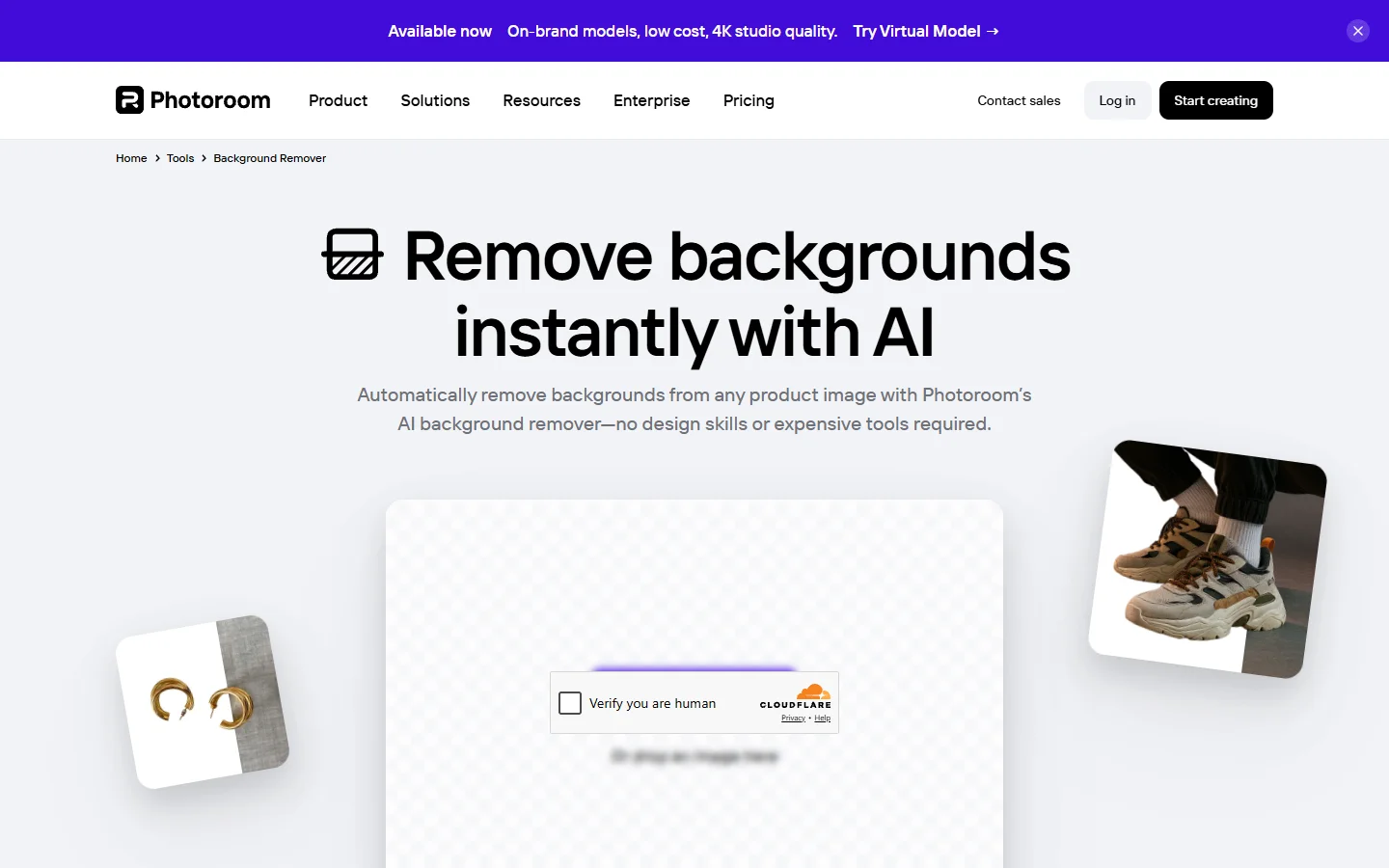
PhotoRoom targets e-commerce sellers who need clean product shots. The mobile app is polished and fast, with smart shadow generation that makes cutouts look natural on white backgrounds. Templates for marketplace listings (Amazon, eBay, Shopify) save time if that is your use case. If you are shooting product content at volume, PhotoRoom's mobile workflow is hard to beat, but the free tier (250 exports/month with watermark, no commercial use) is more of an extended trial. The pro plan runs $7.50 to $12.99/month.
Pixlr

Pixlr is one of the few tools that offers genuinely free background removal with no watermark and no signup wall. The output resolution goes up to 4096x4096, which is more than enough for most use cases. The trade-off is ads on the free tier. Beyond background removal, Pixlr includes a full browser-based photo editor comparable to a lightweight Photoshop. For anyone building a multi-model AI workflow tool pipeline that includes background removal as one step, Pixlr's combination of quality and zero cost makes it a practical choice. At $2.49/month, the paid tier is among the cheapest in this category.
Canva
Canva's background remover is powerful and well-integrated into its design platform, but there is a significant caveat: it is not available on the free plan. Background removal requires Canva Pro at $15/month, making it the most expensive option on this list. For alternatives to Canva that include free background removal, several options exist. If you already pay for Canva Pro for other reasons (templates, brand kits, team features), the background remover is a nice bonus. It also handles video background removal, which most competitors cannot do.
Erase.bg
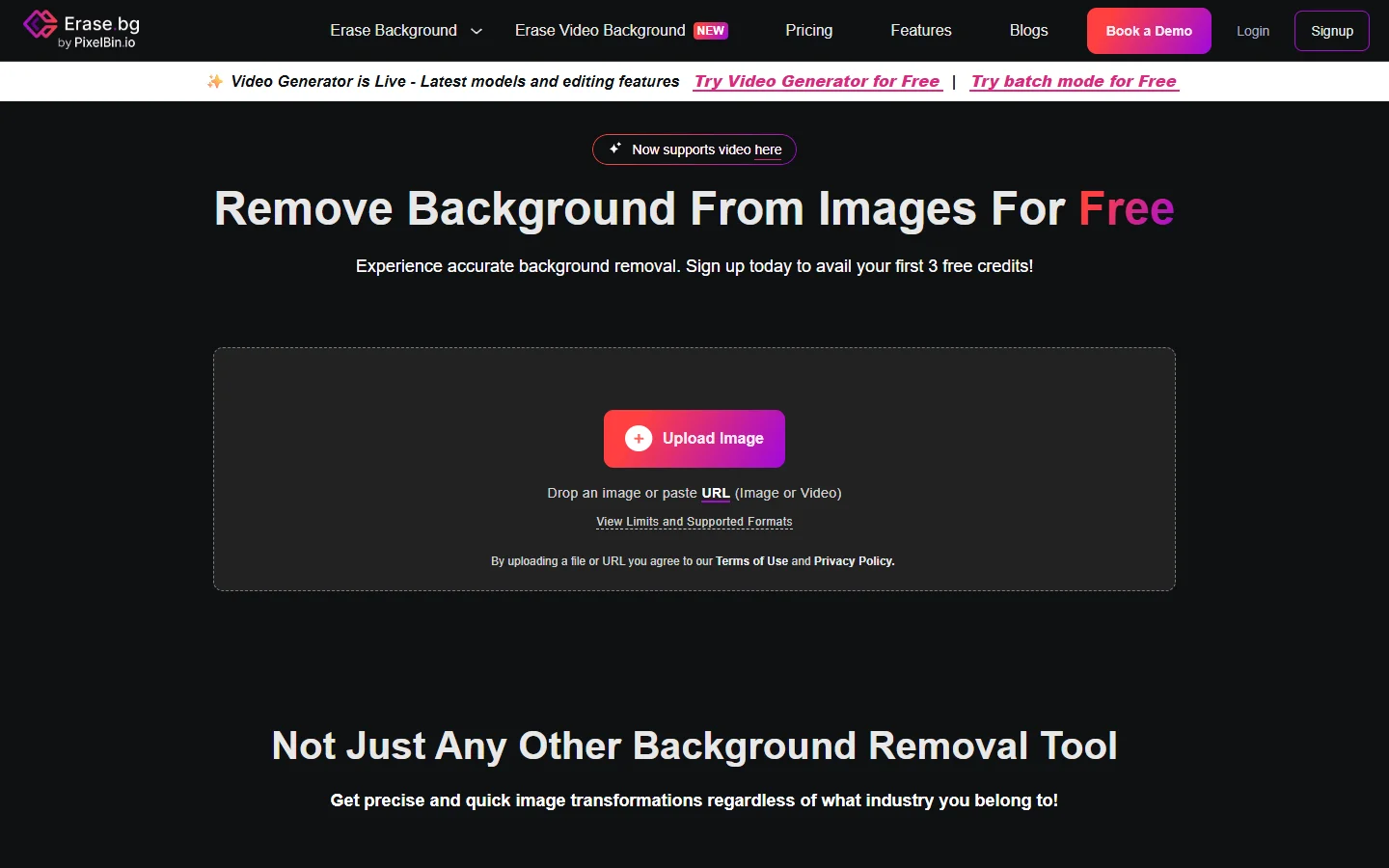
Erase.bg offers three free images per day, no watermark, and supports input images up to 10,000x10,000 pixels. It also handles HEIC format, which is useful if you are working directly from iPhone photos. The limitation: free tier use is restricted to personal, non-commercial purposes. For commercial output in marketing materials, product listings, or client work, you need the PixelBin.io subscription. The tool works well for quick personal edits, but the commercial restriction makes it less practical for professional creative workflows.
Pixelcut
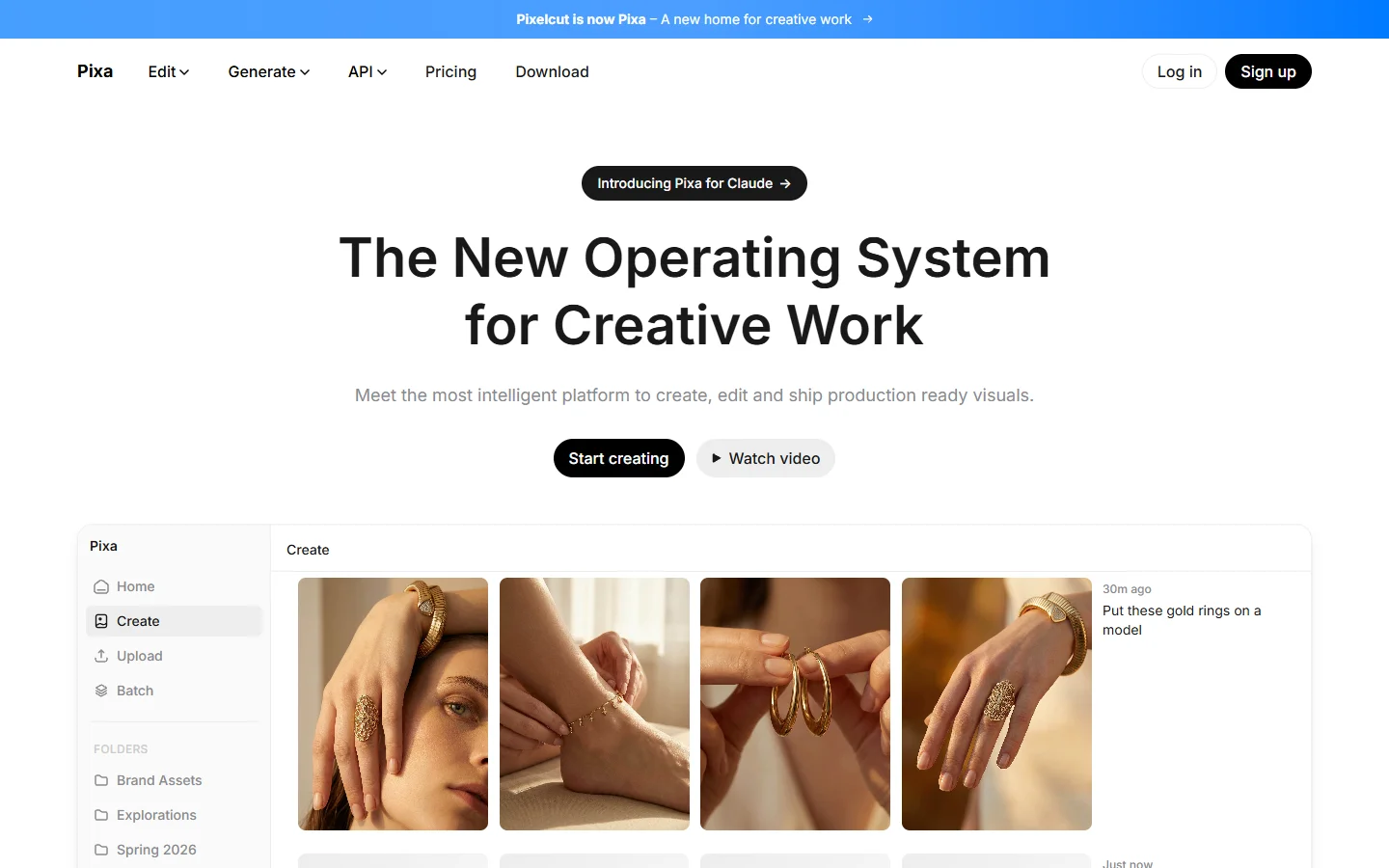
Pixelcut is the surprise winner for pure free-tier generosity. Background removal is genuinely unlimited, with no watermarks, no signup required, and HD exports. The quality is competitive with paid tools for most standard use cases. The drawback is that Pixelcut is primarily a mobile app. The web experience exists but feels secondary. If you need a quick, free background removal on your phone, Pixelcut is the best option available. If you need it in a professional desktop pipeline or as part of a text-to-image workflow platform, you will want something with more integration options.
Slazzer
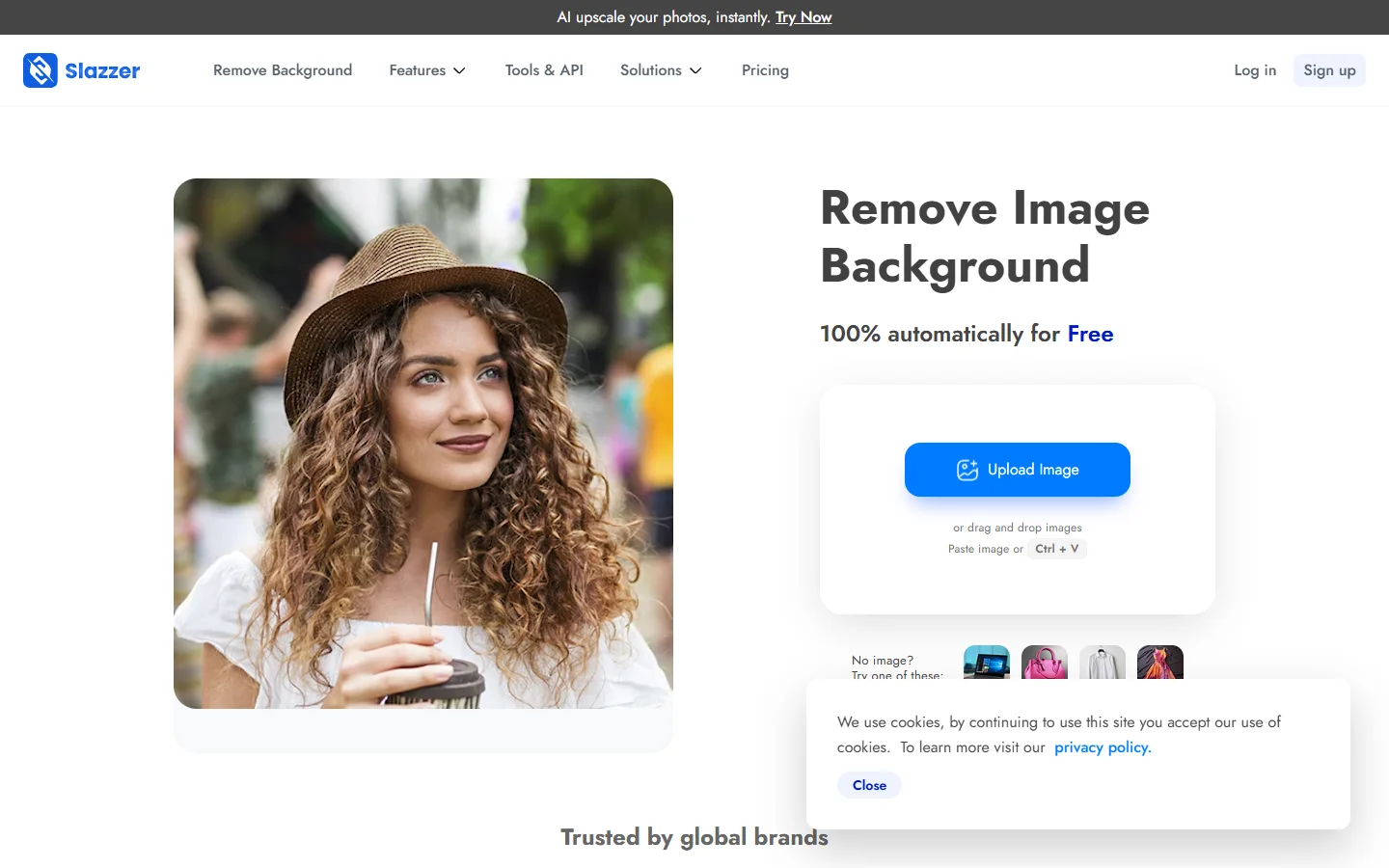
Slazzer targets a more technical audience with a desktop app for offline processing, a Photoshop plugin, and an API for developers who want to integrate background removal into their own applications. Credits roll over (up to 6x your monthly limit), which is a nice touch. The free tier is minimal: two credits on signup and that is it. Plans start at $11/month for 100 credits. Slazzer is not the tool for casual users, but if you are building software that needs background removal or processing large batches of AI-generated images, the API and desktop app make it worth considering.
How to Choose the Right Tool

The "best" tool depends entirely on your workflow. For one-off personal use, Pixelcut (unlimited, free, no watermark) or Erase.bg (3/day, supports huge images) are your best bets. E-commerce sellers should look at PhotoRoom (best templates) or Adobe Express (best edge quality). Developers needing API access should consider Slazzer or Remove.bg. For maximum volume on zero budget, Pixlr offers unlimited removal with no watermark and free image editing tools included.
Privacy Considerations
One factor that almost no background remover comparison mentions: where your images go. Every tool on this list uploads your images to remote servers for processing. If you are removing backgrounds from sensitive images, understand that your data is leaving your device.
None of these tools currently offer fully local, on-device processing in their free tiers. If privacy is a hard requirement, look for open-source models like RMBG or U2Net that you can run locally. The trade-off is more setup effort and potentially lower quality on edge cases.
FAQ
Which free background remover has the best edge detection for hair? Remove.bg consistently handles hair and fine details better than competitors, but the free tier limits you to low-resolution output. For full-resolution results with good hair detection at no cost, Pixlr and Adobe Express are the strongest image processing options.
Can I use free background removers for commercial projects? It depends on the tool. Pixlr, Adobe Express, and Pixelcut allow commercial use on their free tiers. Erase.bg restricts free use to personal projects. PhotoRoom watermarks free exports and prohibits commercial use. Always check the terms before using outputs in professional creative work.
Is there a completely free background remover with no limits? Pixelcut offers unlimited free background removal with no watermarks. Pixlr is also unlimited but shows ads on the free tier. Every other tool on this list has either daily caps, watermarks, or resolution restrictions. For a broader look at free AI tools, see this comparison of free alternatives.
How do AI background removers handle transparent and glass objects? Most AI removers struggle with transparency and reflections. Adobe Express handles glass objects better than average thanks to its Firefly AI training data. Remove.bg is also competent. Free tools like Erase.bg and Pixelcut tend to clip glass objects rather than preserving their transparency.
Are there any open-source background removal tools? Yes. RMBG (by BRIA AI), U2Net, and MODNet are popular open-source models you can run locally. They require some technical setup but offer unlimited processing with no data leaving your machine. The quality gap between open-source and commercial AI tools has narrowed significantly in 2026.
Do background remover tools store my uploaded images? Policies vary. Most tools state they delete uploaded images within 24 hours, but few provide verifiable guarantees. If you are processing sensitive images, read each tool's privacy policy carefully or consider local AI processing alternatives.
What resolution can I expect from free background removers? Pixlr exports up to 4096x4096 for free. Erase.bg supports inputs up to 10,000x10,000 pixels. Remove.bg caps free exports at roughly 625x400 pixels (0.25 megapixels). Adobe Express and Pixelcut export at reasonable resolutions but vary based on the input image format.
The Bottom Line

The background removal space in 2026 is competitive enough that you genuinely do not need to pay for basic use. Pixelcut and Pixlr both offer unlimited, watermark-free removal at no cost, while Adobe Express and Remove.bg provide better edge quality on challenging subjects.
The biggest gap across all these tools remains transparency handling and batch processing at scale. If you regularly process hundreds of product images, the paid tiers of Slazzer or Remove.bg will pay for themselves in time saved. For everyone else, the free options in 2026 are genuinely good enough.