
AI image editors have moved well past novelty filters. The current generation handles background removal, generative fill, object replacement, portrait retouching, and style transfer at production quality. But the practical gap between these tools comes down to model accuracy, workflow depth, pricing, and how well each one fits your existing creative stack. Whether you are producing e-commerce catalogs, social content, or professional retouching work, the right editor depends on what you actually need it to do. We tested seven of the most capable options available in 2026 alongside the latest AI photo generators to see how they compare.
The market splits into three clear categories: professional desktop editors with deep manual control, mobile-first apps built for speed and social output, and browser-based platforms that balance accessibility with AI capability. Each category has a clear frontrunner, and several tools that overlap across boundaries.
This guide covers the specific strengths and tradeoffs of each tool so you can skip the marketing pages and make a decision based on what actually matters. If you have been exploring alternatives to Adobe Firefly, several of the editors below will look familiar.
What to Look For in an AI Image Editor
Before comparing individual tools, it helps to establish what separates a useful AI editor from a flashy demo. The features that matter most in practice are output quality at full resolution, non-destructive editing (so you can undo AI changes without starting over), batch processing for volume work, and export flexibility. Tools that offer image extension and outpainting alongside standard edits tend to cover more use cases without switching apps.
Adobe Photoshop + Firefly
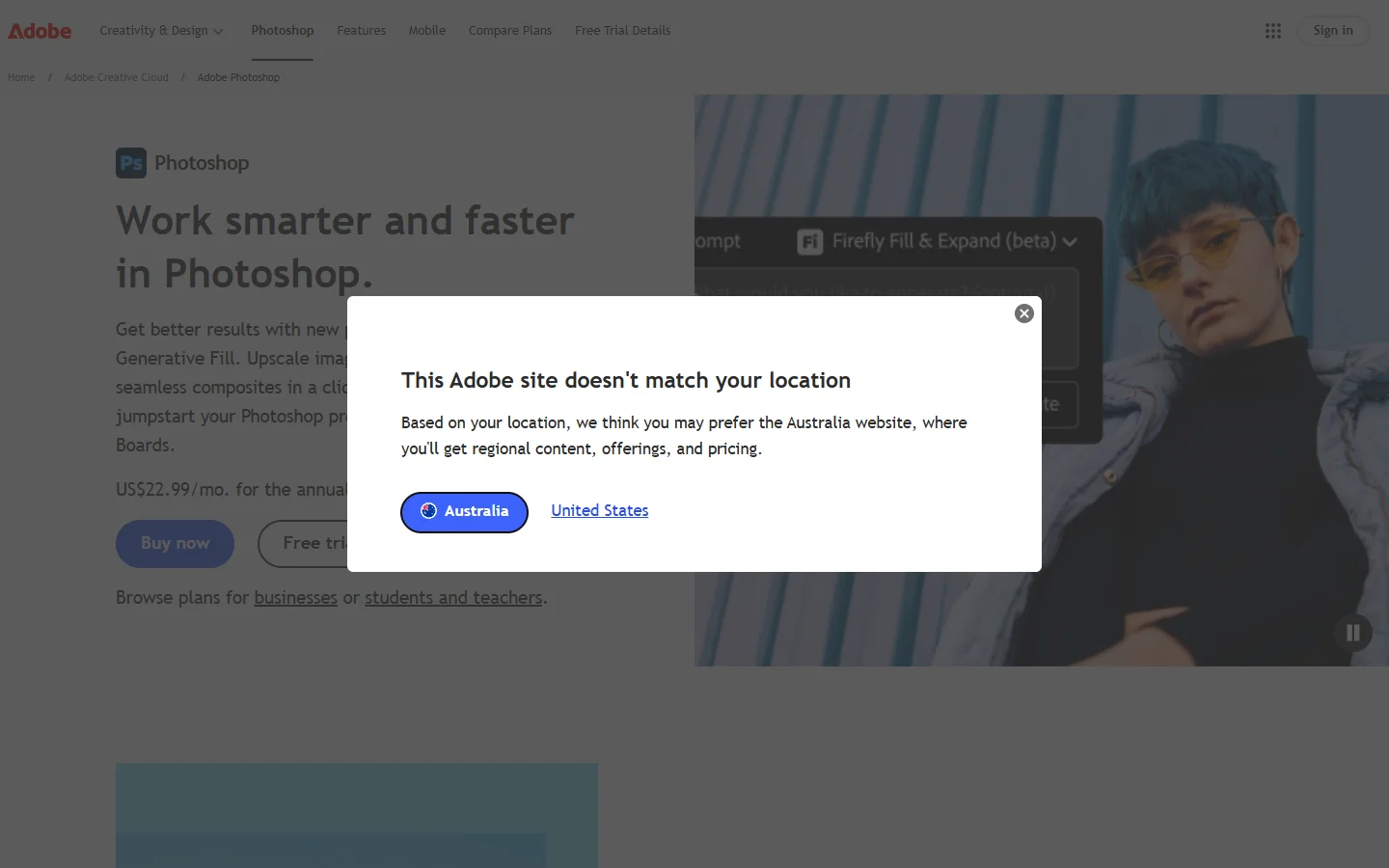
Adobe Photoshop remains the most powerful pixel editor available, and Firefly integration has added generative AI directly into the tools professionals already use. Generative Fill, Generative Expand, and Generative Remove work inside the classic layer-based interface, so retouchers can extend backgrounds, replace objects, or clean up distractions without leaving their existing workflow.
Firefly is trained on Adobe Stock content, which gives outputs commercial licensing clarity that most generative models lack. The downside is cost and complexity. Creative Cloud runs from $22.99/mo, Photoshop has a steep learning curve for non-designers, and Firefly's image model is more conservative than open alternatives like Midjourney or FLUX. If you are not already in the Adobe ecosystem, lighter tools covered below will get you to results faster. For those evaluating Midjourney alternatives specifically, Firefly fills a different niche focused on editing existing photos rather than generating new ones from scratch.
Luminar Neo
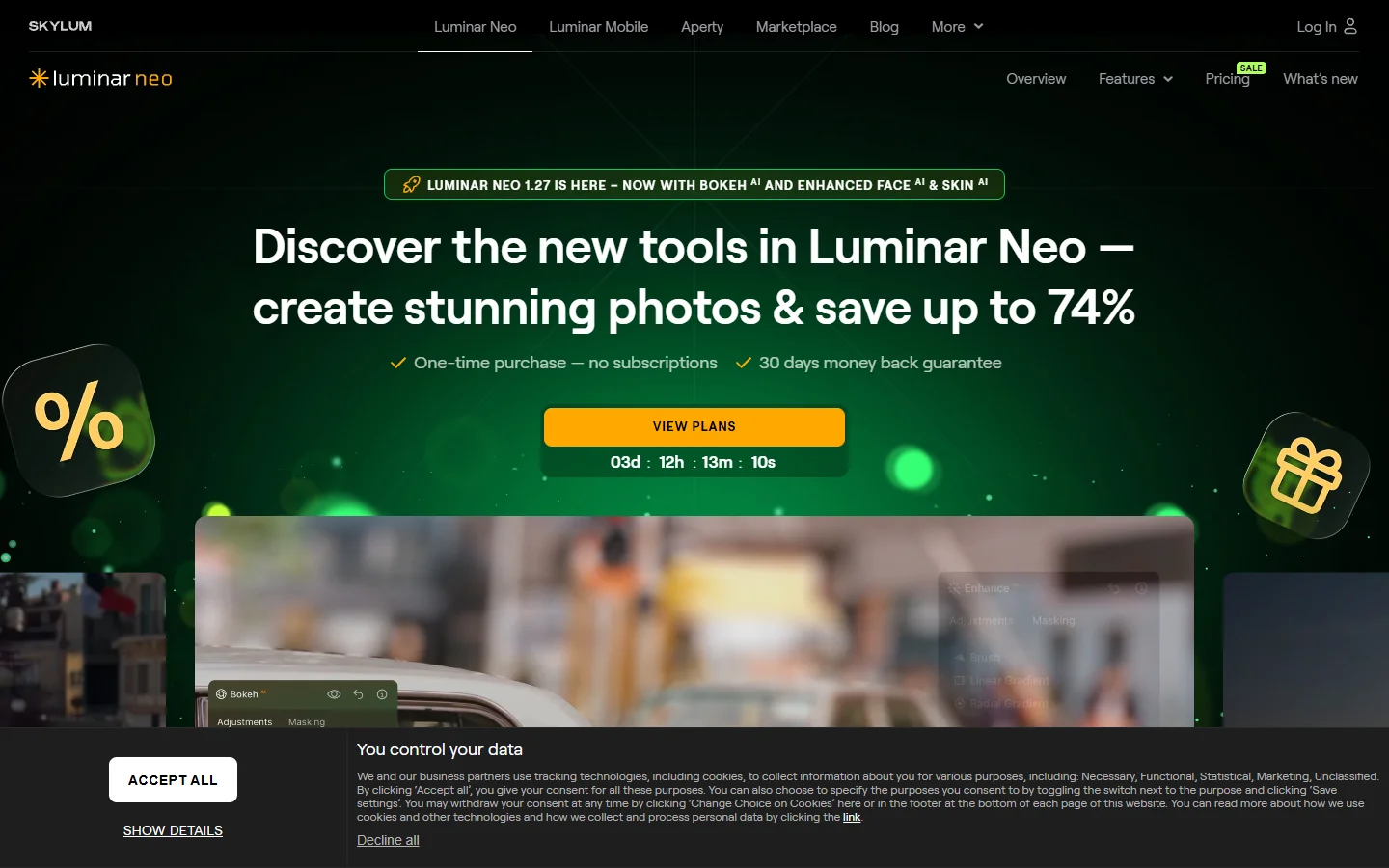
Photo editor app is a desktop photo editor built around AI-powered presets for landscape, portrait, and architectural photography. Sky AI, Relight AI, and Portrait Bokeh apply edits that would take significant manual work in a traditional editor. The Upscale AI extension competes well with dedicated upscaling services for pushing photos to print resolution.
The standout feature is local processing. Every edit runs on your machine, so photos never leave your drive. This matters for photographers handling confidential shoots or working under NDA. Pricing is a one-time purchase starting around $99 rather than a subscription, which appeals to anyone tired of recurring fees. Luminar handles individual photos well but is not designed for batch pipelines or multi-step automation. If you are looking to apply creative AI styles to large sets of images, you will need a different tool for that workflow.
Photoroom
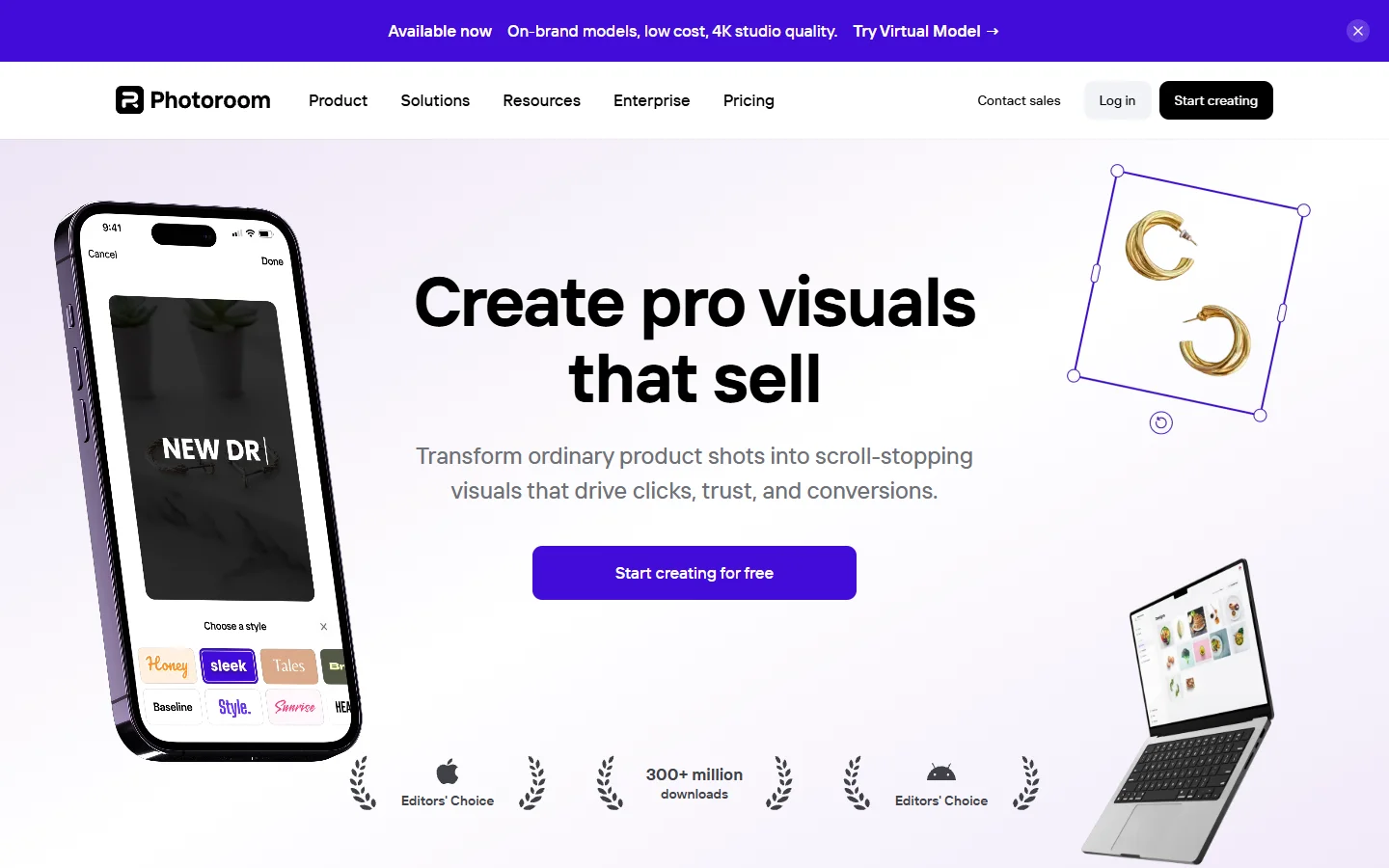
Photoroom has become the default AI image editor for e-commerce sellers and product marketers. Its core engine is a background removal model tuned specifically for products, and the output quality on complex edges like hair, glassware, and translucent packaging is among the best available. A single upload produces a clean cutout plus AI-generated replacement backgrounds styled for Amazon, Etsy, or Shopify listings.
The platform also offers batch processing, brand kit controls, and shadow generation for realistic product composites. Photoroom's API lets teams build automated catalog production into their existing stack, so new product photos get processed and published without manual intervention. The free tier covers basic needs, with Pro starting at $13.99/mo. The main limitation is focus: Photoroom handles product photography well but is not a general-purpose editor for portraits, landscapes, or creative composites. Teams exploring Canva alternatives for e-commerce specifically should consider Photoroom first.
Best for Mobile and Social: Picsart and Canva
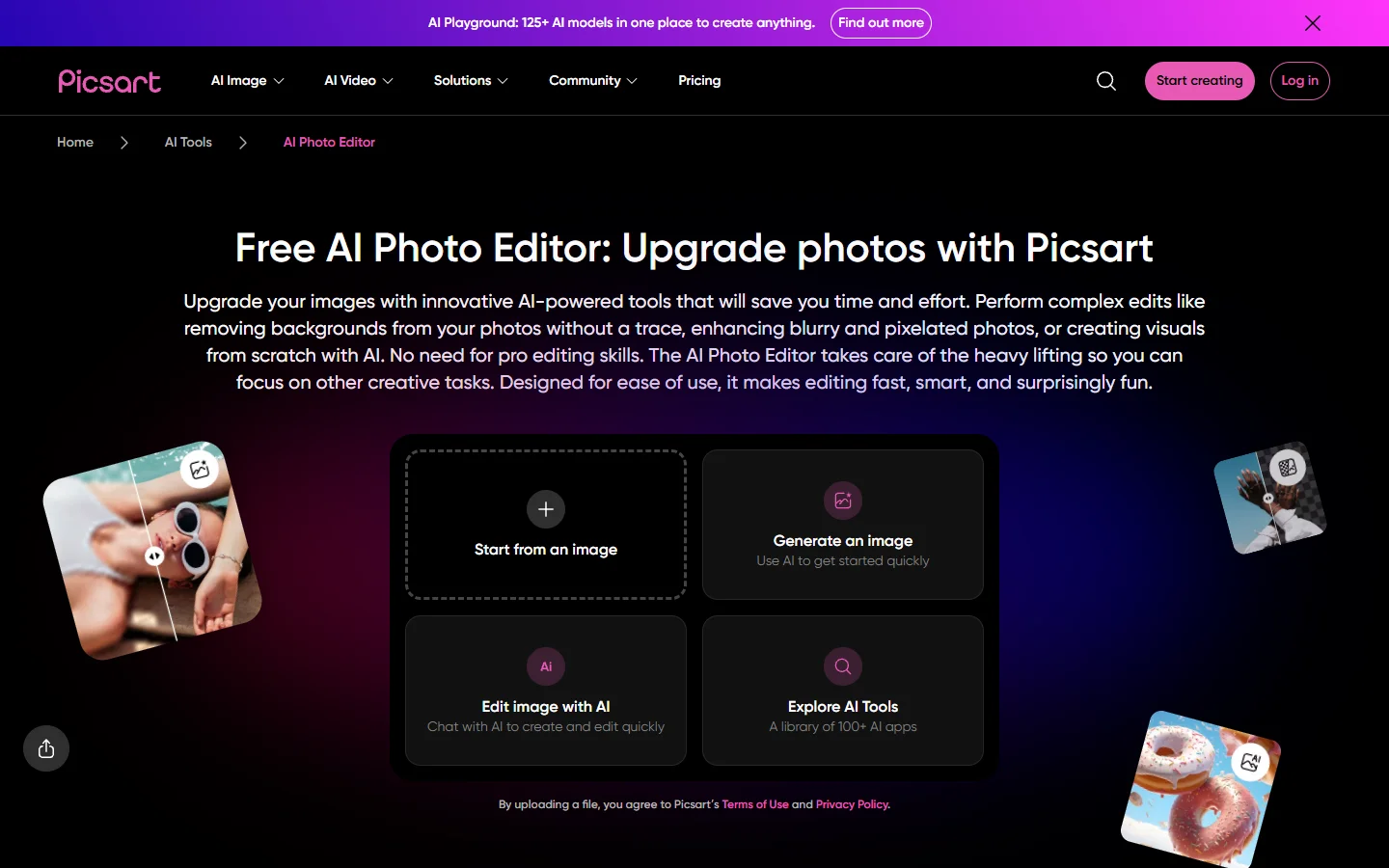
Picsart is the dominant mobile AI photo editor, with features designed around social content creation. AI Replace, AI Style Transfer, and AI Expand tools ship inside a touch-friendly interface built for phones. The library of filters, stickers, and presets runs deep enough for users who want to produce trendy posts without touching a desktop app. The free tier includes ads, and Picsart Gold unlocks the full AI toolkit at around $7/mo.
Canva has embedded AI editing across its entire design platform through Magic Edit, Magic Eraser, Magic Expand, and Magic Grab. The experience is built for non-designers who need to remove objects, extend canvases, or recolor elements without thinking about layers or masks. Brand Kit controls enforce color, font, and logo consistency across every asset, which makes Canva closer to a design system than a pure editor. The free tier is unusually generous, making it a solid default for small teams. Canva's AI tools cover about 80% of marketing use cases, but lack the fine-grained parameters that dedicated editors expose.
Both tools target speed and social output over precision. Power users migrating from desktop editors will find the manual controls limited in both cases.
Best Browser-Based Editors: Fotor and Pixlr
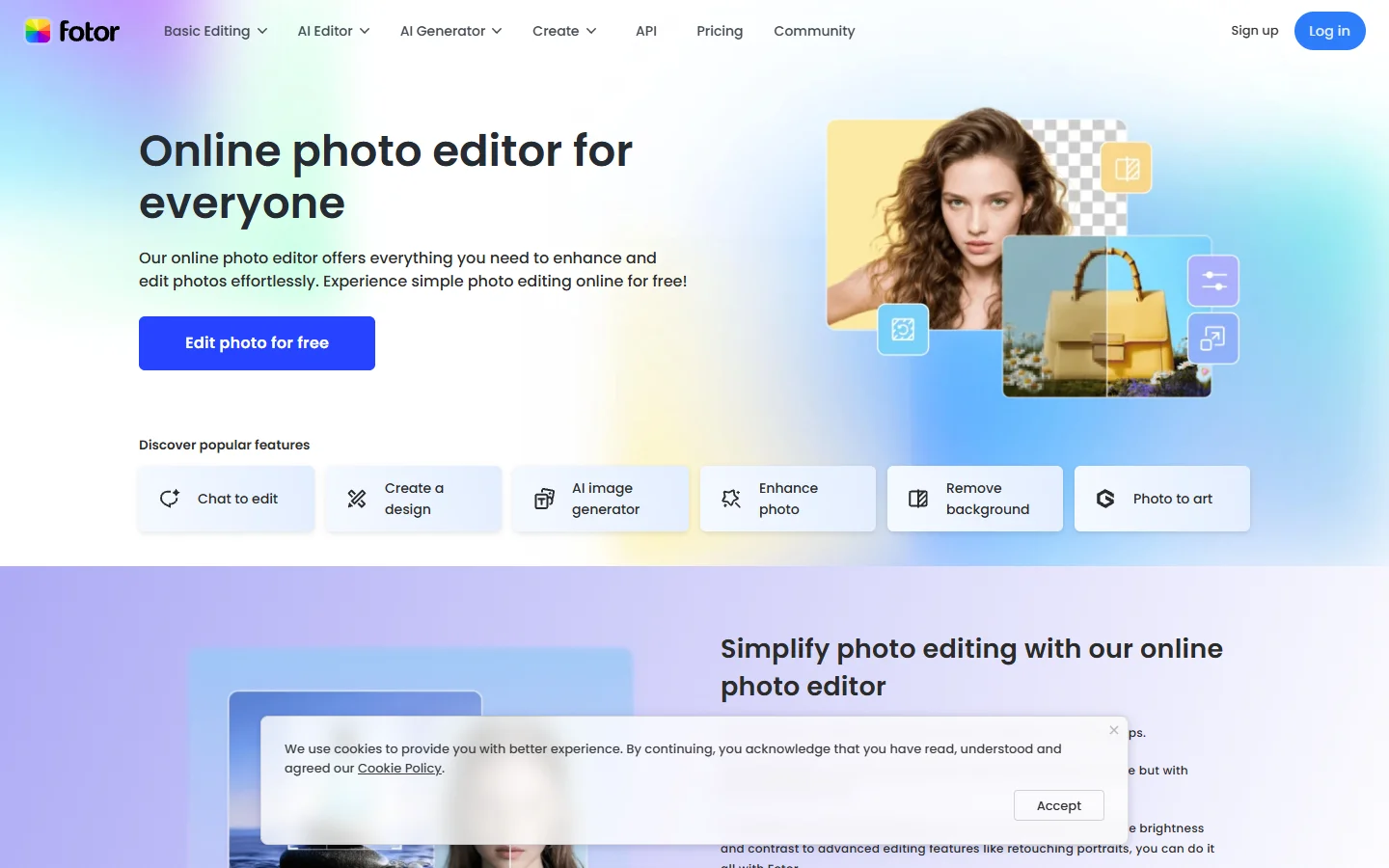
Fotor offers one-click AI enhancements without a learning curve. Upload, select an AI preset (enhance, retouch, beautify, colorize), and download. The quality is solid for casual edits, and Fotor includes background removal, object removal, and portrait retouching in a clean interface. Paid tiers start at $8.99/mo and unlock batch processing and premium AI models. For teams that need more than presets, exploring alternatives to Microsoft Designer may surface better-fitting options.
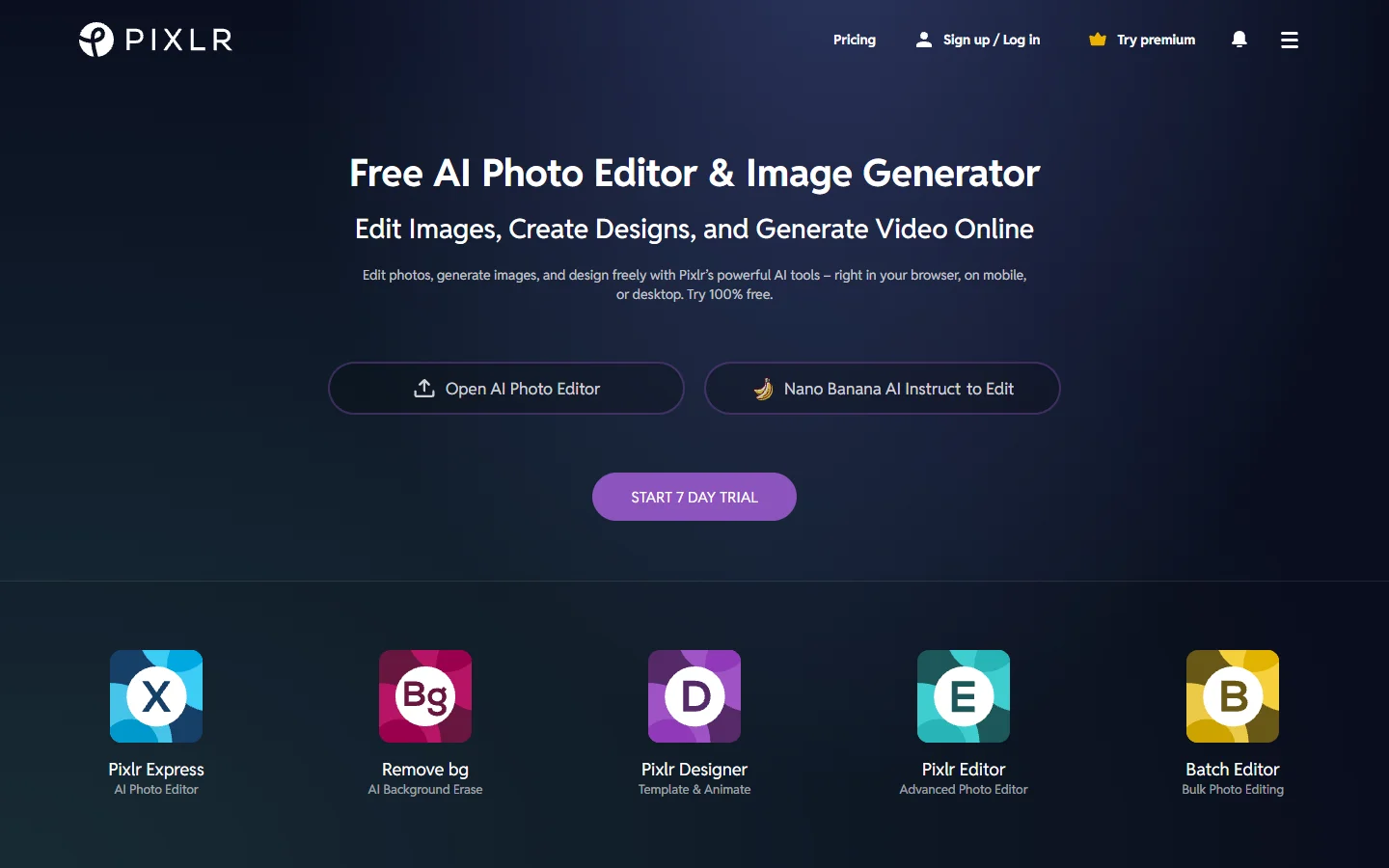
Pixlr positions itself as a lightweight Photoshop alternative running entirely in the browser. Pixlr E is the advanced editor with selections, adjustment layers, and blend modes. Pixlr X targets quick edits with preset templates. Both share AI features including Generative Fill, Generative Expand, and background removal. No download is required, which makes Pixlr accessible on Chromebooks, school computers, and low-spec hardware. Premium starts at $7.99/mo.
FAQ
What is the best AI image editor overall in 2026?
It depends on your workflow. For professional retouching with full manual control, Adobe Photoshop with Firefly offers the deepest toolset. For e-commerce product photography, Photoroom leads. For casual mobile editing, Picsart is the fastest option. If you are exploring AI-powered image creation alongside editing, several of these tools now combine both capabilities.
Do AI image editors require a subscription?
Most do, but not all. Luminar Neo uses a one-time purchase model. Canva, Fotor, Photoroom, and Pixlr all offer free tiers that cover basic editing, with paid plans unlocking higher resolutions, batch processing, and advanced AI models. Adobe requires a monthly or annual Creative Cloud subscription.
Are AI-edited images safe for commercial use?
Licensing depends on the model powering the editor. Adobe Firefly is trained on licensed Adobe Stock content and is explicitly cleared for commercial output. Many other AI editors rely on models trained on web-scraped data, which carries legal uncertainty. Always check each platform's terms before publishing AI-edited images in paid campaigns. If you want to learn more about using AI tools for creative projects, start with platforms that clearly state their licensing terms.
Which AI image editor is best for e-commerce?
Photoroom is the strongest choice for product photography, with background removal tuned for complex product edges and AI-generated backgrounds styled for major marketplaces. Adobe Photoshop handles more complex compositing work for larger brand operations. Canva covers lighter design needs around product marketing.
Can AI image editors replace Photoshop?
For casual and mid-level editing, yes. Canva, Pixlr, Fotor, and Photoroom cover the majority of everyday tasks without needing Photoshop. For professional retouching, print production, and compositing with hundreds of layers, Photoshop still leads. Many professionals now use AI editors alongside Photoshop, applying automated edits where they save time and keeping manual control for details. Creative teams working on album artwork or promotional material often split work between both approaches.
How do AI image editors handle privacy?
Most web-based AI editors upload photos to a cloud server for processing, which means images leave your device. Luminar Neo processes everything locally. If privacy is a concern, read each platform's data retention policy before uploading sensitive content. Desktop tools and self-hosted open-source solutions remain the safest options for confidential assets.
What is the difference between an AI image editor and an AI image generator?
AI image generators create new images from text prompts. AI image editors modify existing photos using tools like object removal, background replacement, and generative fill. Most modern platforms now combine both, so the line has blurred significantly. Photoshop + Firefly, Canva, and Picsart all ship generation and editing in the same interface. If you are comparing tools across both categories, our AI video generator comparison covers the generation side in more detail.
Conclusion
The best AI image editor in 2026 depends on how you work and at what scale. Individuals editing a handful of photos will get the most from Canva, Fotor, or Pixlr. Photographers and privacy-focused users should consider Luminar Neo. E-commerce teams should start with Photoroom. Professionals needing maximum control will stay with Adobe Photoshop and Firefly.
The tools that matter most through 2026 are the ones that fit cleanly into the way your team already produces images, not the ones with the longest feature lists. Start with a free tier, test with your actual files, and upgrade only when you hit a real limitation. For more on the broader AI creative tool landscape, see our guide to AI video generators as a companion to this comparison.