
The gap between AI-generated images and real photographs has narrowed considerably in 2026. Portrait shots now include proper skin texture, product photos match studio lighting setups, and architectural renders hold up under close inspection. For a broader look at what AI generation looks like across formats, the BasedLabs guide to AI video generators is a useful companion read.
"Realistic" means different things depending on what you need. A headshot for a LinkedIn profile demands different qualities than a product shot for an e-commerce listing. This guide breaks down the leading AI photo generators by what they actually excel at. If you want to skip straight to alternatives for specific tools, the 7 free Midjourney alternatives roundup covers many of the same tools from a budget angle.
What Makes an AI-Generated Photo Look Realistic
Photorealism in AI generation comes down to four factors: lighting consistency, material accuracy, anatomical correctness, and depth of field behavior. The biggest leap in 2026 has been in skin rendering and fabric simulation. Models like Flux 2 and Google Imagen 3 produce skin with pores and subtle imperfections that make a face look real. See how these realism gains carry through to editing workflows in the top AI image extenders comparison.
Resolution also plays a role. Native 2K generation is now standard, but the real differentiator is how well detail holds up when you zoom in. Some generators produce sharp results at full size but fall apart at 200% crop, revealing smudged textures. The Stable Diffusion 3 guide goes into detail on how local models handle resolution natively.
Best Generators for Portraits and Headshots
Portrait generation is where AI realism matters most. The key challenges are eye detail, hair rendering, skin tone accuracy, and natural facial expressions. For professional use cases, check the AI hairstyle generators roundup as a companion resource.
Midjourney v7 remains the strongest option for stylized-realistic portraits. Its default aesthetic leans slightly editorial, which works well for headshots and social media profiles. Skin tones are consistent across ethnicities, and the output requires minimal post-processing for most commercial use. See the free Midjourney alternatives guide if the subscription cost is a constraint.

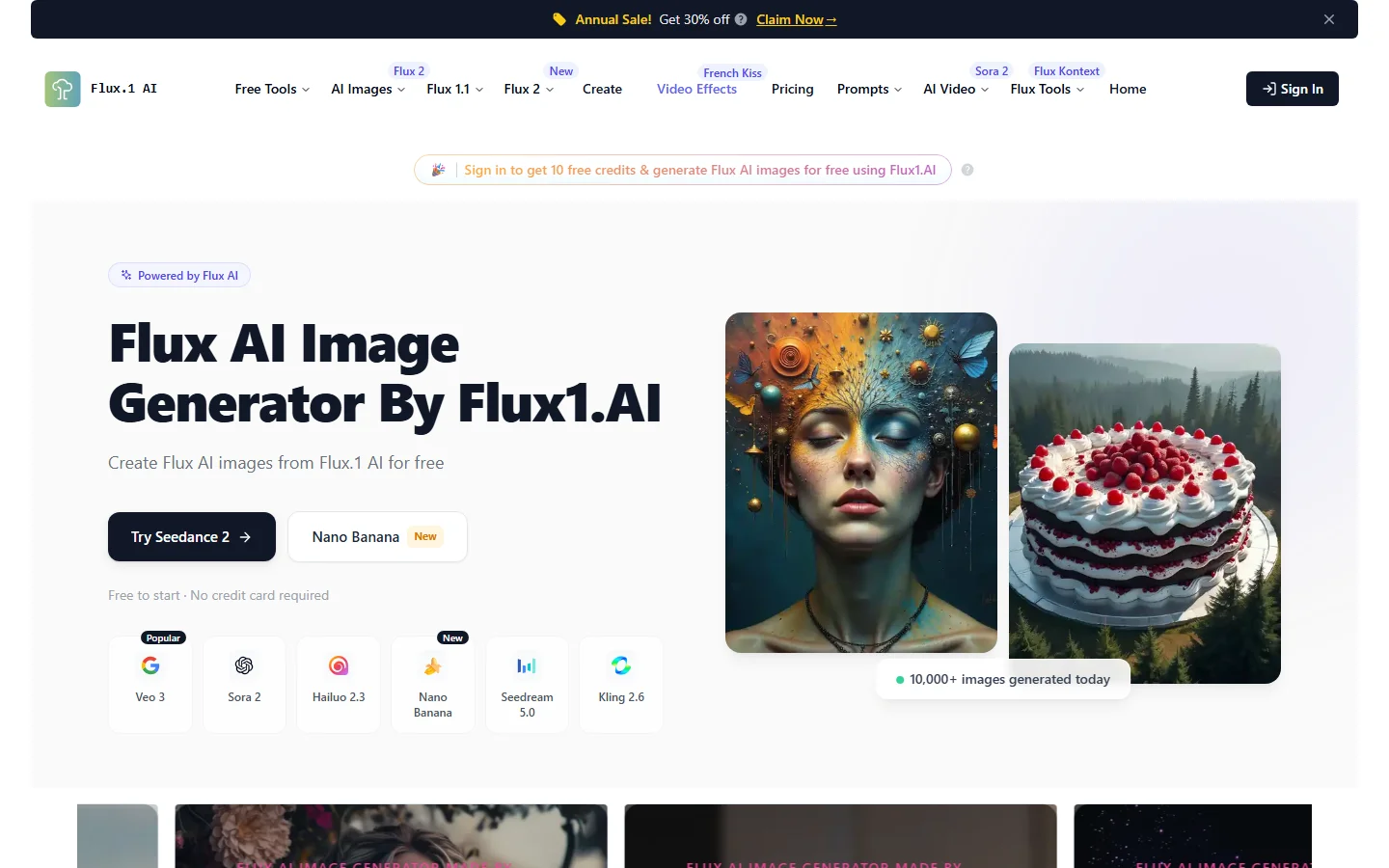
Flux 2 from Black Forest Labs leads for raw photorealism in portraits. Its outputs look less polished than Midjourney's, which paradoxically makes them more convincing. You get slight asymmetry in facial features, natural blemishes, and accurate hair-strand detail. Platforms like Wireflow's AI headshot generator have built dedicated pipelines on top of it for consistent professional results. The Flux LoRA training guide for realistic headshots covers fine-tuning for specific faces.
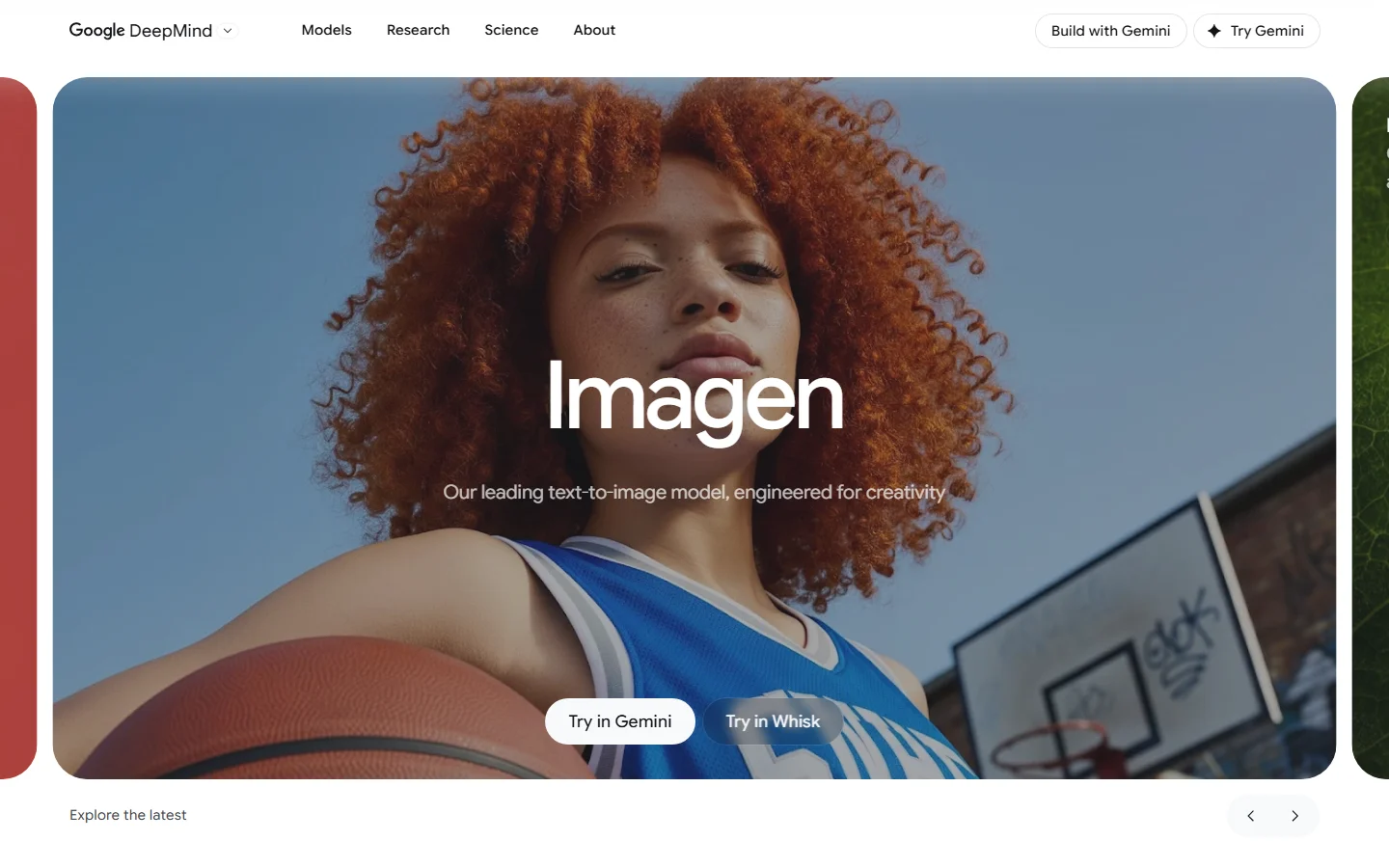
Google Imagen 3 scores highest on anatomical consistency. Hands are correct more often than any other model, and profile shots and three-quarter views produce fewer artifacts. The downside is limited style control. The Bing Image Creator alternatives guide covers tools with more creative flexibility.
Best Generators for Product and Commercial Photography
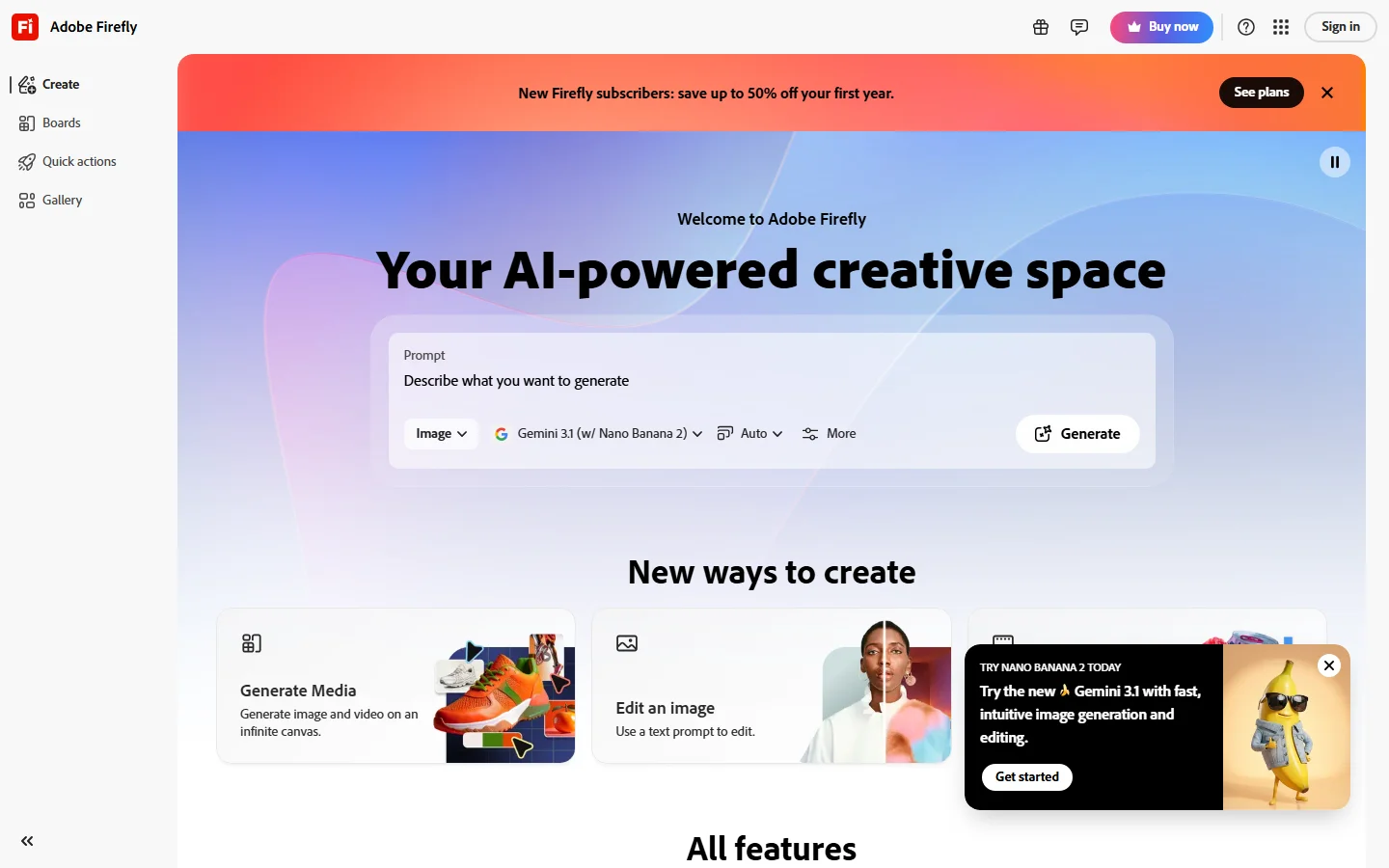
Product photography requires accurate material representation, controlled studio lighting, and clean backgrounds. Adobe Firefly 3 has carved out a strong position here. Its training data includes a large volume of stock photography, which means it understands studio lighting setups and how light interacts with glass, metal, and matte plastics. The top Adobe Firefly alternatives article is worth reading for a direct comparison.
Leonardo AI offers the best balance of quality and speed for high-volume product work. Its batch pipeline can produce 50+ product shots per hour with consistent lighting, and the per-image cost at scale is lower than competitors. For a direct comparison with competing platforms, see the top Leonardo AI alternatives roundup.
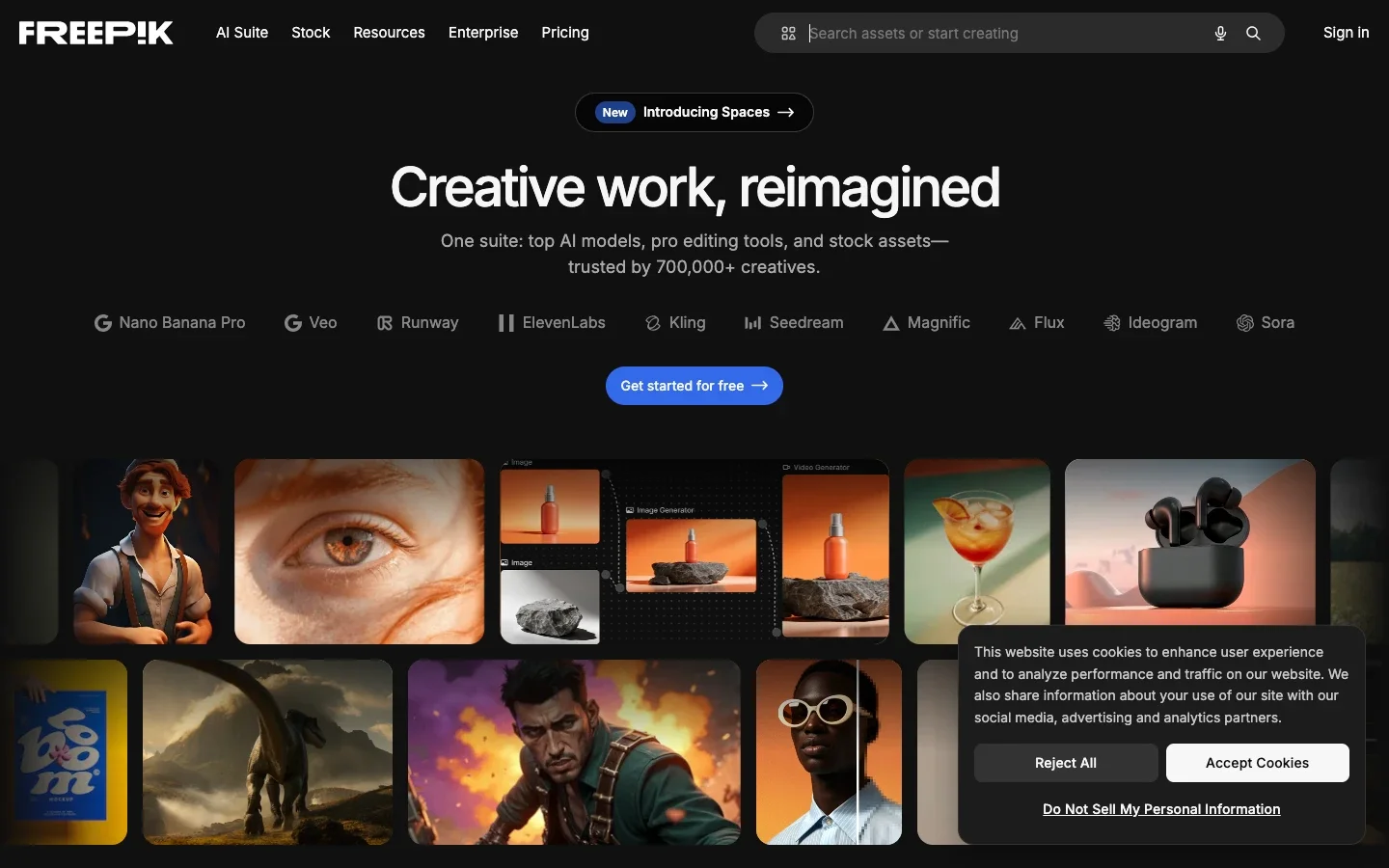
Freepik Spaces suits teams running high-volume commercial shoots. It integrates directly with asset libraries, making brand consistency easier across hundreds of product images. The Freepik Spaces alternatives comparison benchmarks it against dedicated stock-photo AI tools.
Best Generators for Landscapes and Architecture
Landscape and architectural photography is forgiving in some ways (no hands to worry about) but demanding in others. Perspective accuracy, atmospheric effects, and material-specific lighting separate good results from synthetic ones. The AI interior design guide covers many of the same realism considerations for indoor spaces.
Stable Diffusion 3.5 with the right LoRA fine-tunes is the strongest option for architectural visualization. The open-source ecosystem has produced specialized models for interior design, real estate photography, and urban planning. The trade-off is setup complexity. The how to use Stable Diffusion guide walks through the setup process step by step.
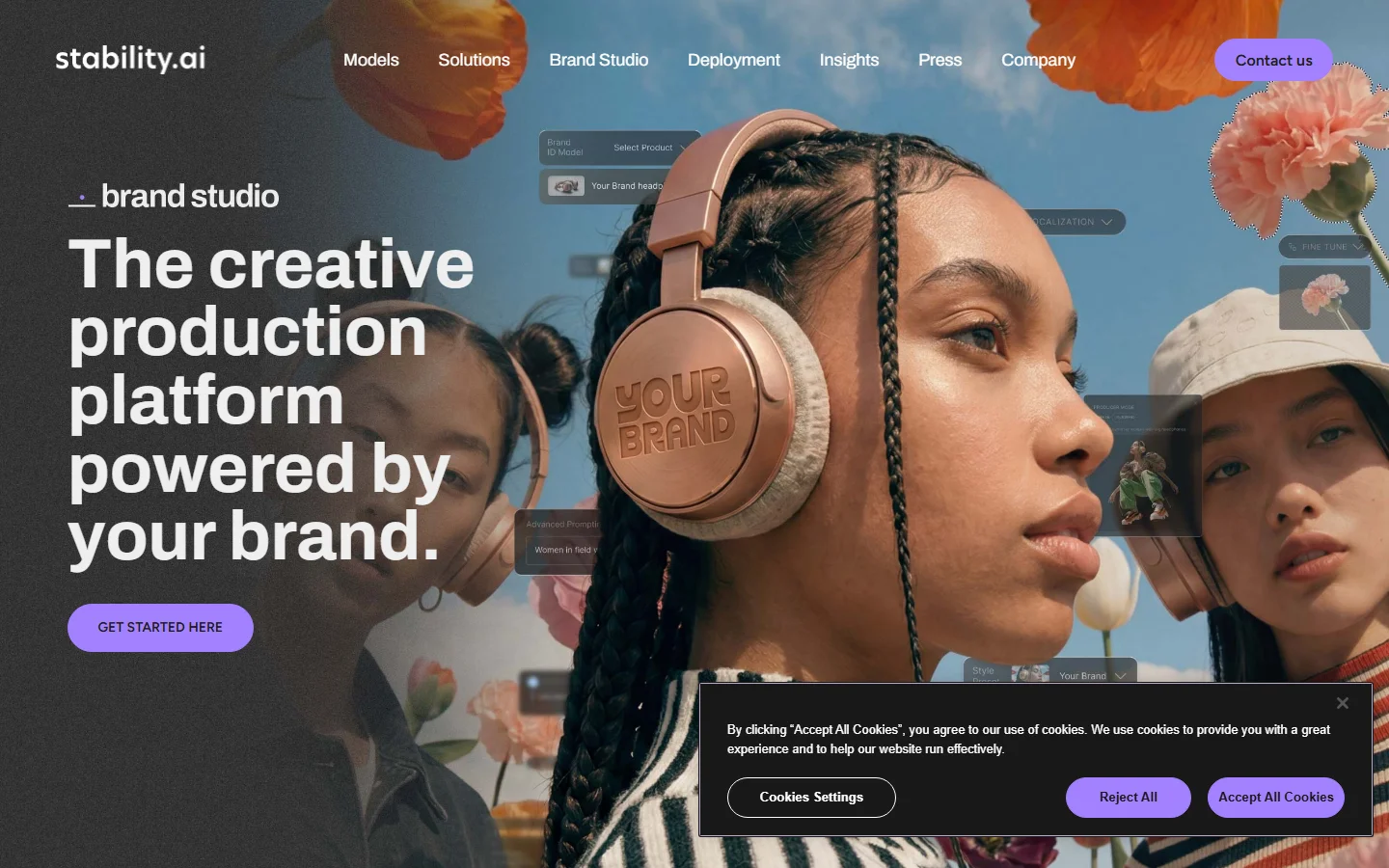
DALL-E 3 via ChatGPT or the API handles perspective correction well and produces clean, naturally lit interior scenes that work for real estate listings and design mockups. The free DALL-E 3 alternatives article compares it directly with open-source options at similar quality levels.
Ideogram and the Text Rendering Advantage
Ideogram solves a problem every other generator handles poorly: embedded text. If your images need visible labels, packaging copy, branded elements, or legible signage, Ideogram produces cleaner results than Midjourney or Flux. The top Ideogram alternatives covers competing tools if you need text rendering without the Ideogram subscription.
This is a significant advantage for CPG and retail applications. A product shot where the label text is readable and correctly styled saves hours of manual editing. The Microsoft Bing Image Creator alternatives article provides context on where free tools fall short on text rendering.
How to Prompt for Maximum Realism
The difference between a mediocre AI photo and a convincing one often comes down to prompt technique rather than model choice. For model-specific Flux prompting, the guide to mastering Flux 1 prompts goes much deeper on syntax and structure.
- Specify a camera and lens. "Shot on Sony A7IV with 85mm f/1.4" gives the model concrete rendering targets for depth of field, bokeh shape, and perspective compression.
- Name a lighting setup. "Single softbox from camera-left, no fill" is more effective than "dramatic lighting."
- Include film or color science references. "Fujifilm Pro 400H color palette" pushes output away from the default HDR look.
- Describe imperfections. "Slight motion blur on the subject's hand" adds the kind of flaws that real photographs naturally contain.
- Avoid superlatives. Specific and understated prompts consistently outperform enthusiastic ones.
Most generators support negative prompting. Use these to remove common AI artifacts: "no smooth skin, no plastic texture, no oversaturated colors." The free Stable Diffusion alternatives guide includes example prompt structures that transfer well to other platforms.
The Post-Generation Pipeline
Generating the image is only the first step. Professional output typically requires upscaling, face and hand correction, color grading, and artifact removal. For upscaling, Topaz Photo AI and Magnific remain the leaders for taking a 1024px generation up to print-ready resolution. Tools that chain these steps together, such as Wireflow's Midjourney alternative workflow, can streamline the full generation-to-final process considerably.
Color grading in Lightroom or Capture One is the final step that makes AI photos less distinguishable from camera output. Adding a film emulation preset and subtle split-toning gives the image the character that real camera systems produce. The how to create an AI influencer guide covers the full pipeline from generation to publishing.
Frequently Asked Questions
Which AI photo generator produces the most realistic images in 2026?
Flux 2 currently produces the most photorealistic output for portraits and people photography. Midjourney v7 is a close second with a slightly more polished aesthetic. For product photography specifically, Adobe Firefly 3 produces the most commercially usable results. The top Leonardo AI alternatives article compares these tools on commercial benchmarks.
Are AI-generated photos good enough for commercial use?
Yes, for many applications. E-commerce product photos, social media content, real estate mockups, and editorial illustrations are all common commercial use cases. Print advertising at large formats may still require camera-shot originals or careful upscaling. The top 7 AI product video generators covers the adjacent question of video production.
How much does it cost to generate realistic AI photos?
Most platforms charge $10-30 per month for individual plans with 200-500 generations. API pricing at scale runs $0.01-$0.08 per image depending on resolution. The free Midjourney alternatives article covers the best zero-cost options for lower-volume use.
Can AI photo generators match a specific camera's look?
Partially. Specifying a camera model and lens influences depth of field, color science, and perspective. You can get close to a "shot on Leica" look, but pixel-level accuracy to a specific camera system is not yet reliable. The Flux 1 prompts guide includes tested camera-spec prompts.
Do I need to disclose that an image was AI-generated?
Regulations vary by jurisdiction and use case. The EU AI Act requires disclosure for synthetic media in many commercial contexts. In the US, the FTC has issued guidelines for advertising that apply to AI imagery. The dangers of AI overview covers the broader regulatory and ethical considerations.
What resolution can AI photo generators produce natively?
Most leading generators now output at 2048x2048 or equivalent aspect ratios natively. For higher resolutions, AI upscaling tools like Topaz or Magnific can scale images to 8K and beyond with minimal quality loss. The Flux 1.1 Pro availability announcement outlines the native resolution capabilities of the latest Flux model.
Which generator is best for batch producing product photos?
Leonardo AI offers the best combination of speed, consistency, and cost for high-volume product photography. Its batch API processes 50+ images per hour with consistent lighting across the set. The top Leonardo AI alternatives includes platforms with comparable batch capabilities.
Conclusion
The realistic AI photo generation space in 2026 is mature enough that the question is no longer whether AI can make realistic photos but which tool is best for your specific type of photo. Midjourney and Flux 2 lead for general photorealism, Adobe Firefly leads in product photography, and the open-source Stable Diffusion ecosystem offers flexibility for specialized use cases. For a broader view of how these tools fit into creative workflows, the BasedLabs guide to using AI for interior design is a practical companion.
The biggest practical gains come from matching the right tool to your use case and investing time in prompt technique and post-processing. A well-prompted generation from a mid-tier model will consistently outperform a lazy prompt on the best model available. The free Stable Diffusion alternatives article is a good starting point if you want to experiment without a subscription commitment.