
Freepik Spaces brought drag-and-drop AI generation to designers, but developers building production applications need more than a browser canvas. If your workflow requires REST APIs, model chaining, or batch processing, Freepik's three-workspace limit and opaque credit system start to feel restrictive fast. This guide covers six platforms that solve the problems Freepik Spaces creates for developer-focused use cases.
The platforms below range from fully open-source node editors to managed cloud services with built-in API layers. Each one addresses a different gap in the Freepik Spaces experience, whether that is programmatic access, model flexibility, or pricing transparency.
Why Developers Outgrow Freepik Spaces
Freepik Spaces works well for one-off image generation, but production use cases expose its limits. Free accounts are capped at three workspaces, and the credit bundle system makes it difficult to predict costs at scale. The bigger issue for developers is the lack of a public API. Every generation must happen through the browser UI, which rules out integration into CI/CD pipelines or automated content workflows.
Developers also tend to need access to multiple AI models within a single pipeline. Freepik Spaces locks you into its built-in model selection, while most alternatives below let you chain models from different providers in sequence.
ComfyUI: The Open-Source Standard
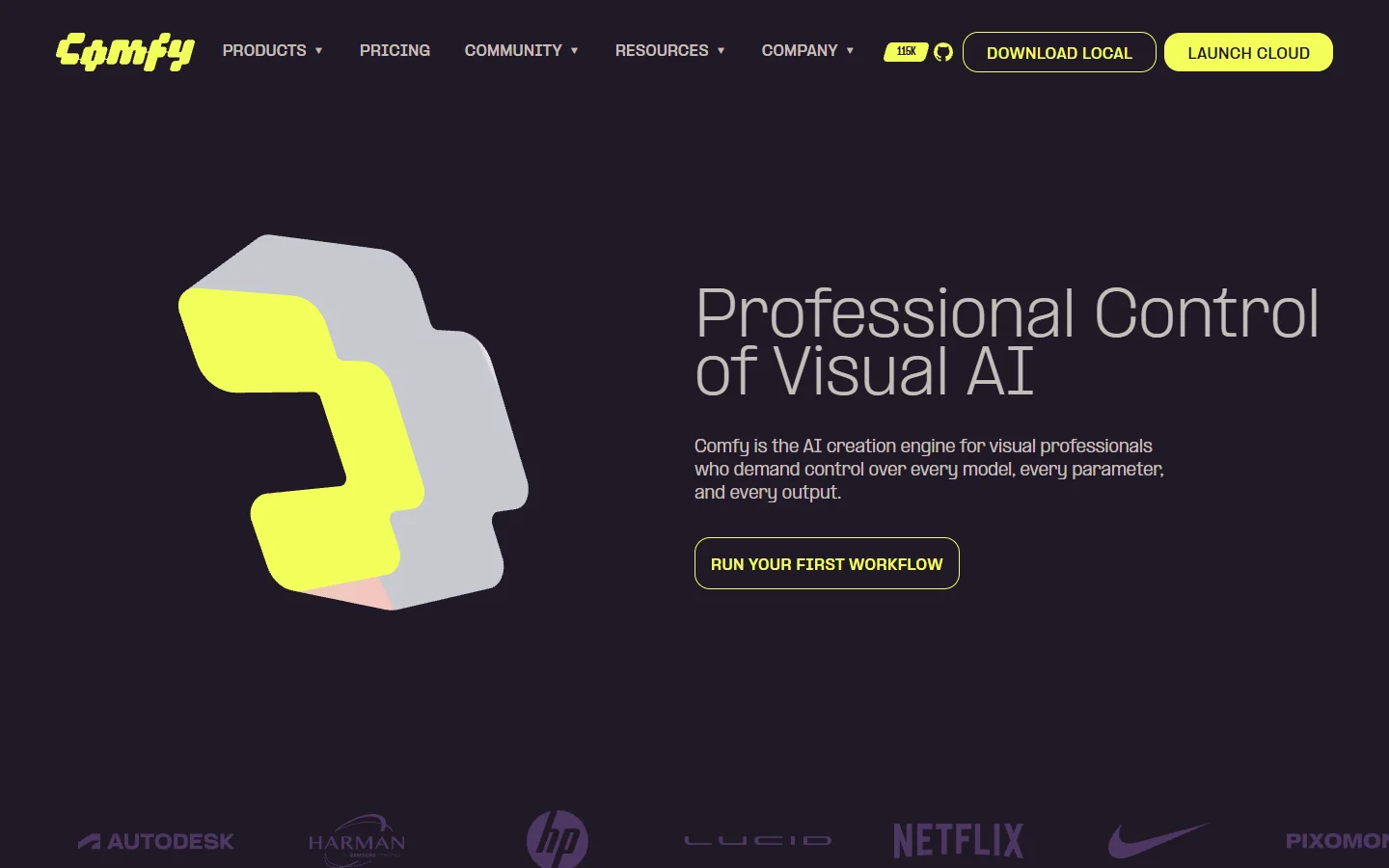
ComfyUI remains the most flexible option for developers who want total control over every step of the diffusion pipeline. Its node-based graph interface lets you wire together samplers, conditioners, LoRAs, and custom nodes in any combination. If you can write Python, you can extend it.
The trade-off is setup overhead. You need a capable GPU (at minimum an RTX 3060 with 12GB VRAM), a working Python environment, and patience for dependency conflicts. There is no built-in API server, though community projects have added REST wrappers. For developers already running GPU infrastructure, ComfyUI is hard to beat on flexibility. For everyone else, the managed alternatives below remove the infrastructure burden.
n8n: Workflow Automation With AI Nodes

n8n is not an AI canvas in the traditional sense. It is a workflow automation platform with 400+ integrations covering databases, messaging platforms, and APIs. Developers use it to build pipelines that combine AI generation with data processing, storage, and delivery, all through a visual node editor or YAML definitions.
n8n supports self-hosting and has a strong open-source community. Its code nodes accept JavaScript or Python for custom logic when visual nodes fall short. The limitation is that n8n treats AI models as just another integration. You will not get the interactive prompt-tuning experience that dedicated AI canvases provide, but for backend orchestration and scheduled batch jobs, it is one of the most reliable options available.
Flora: 50+ Models in a Browser Canvas
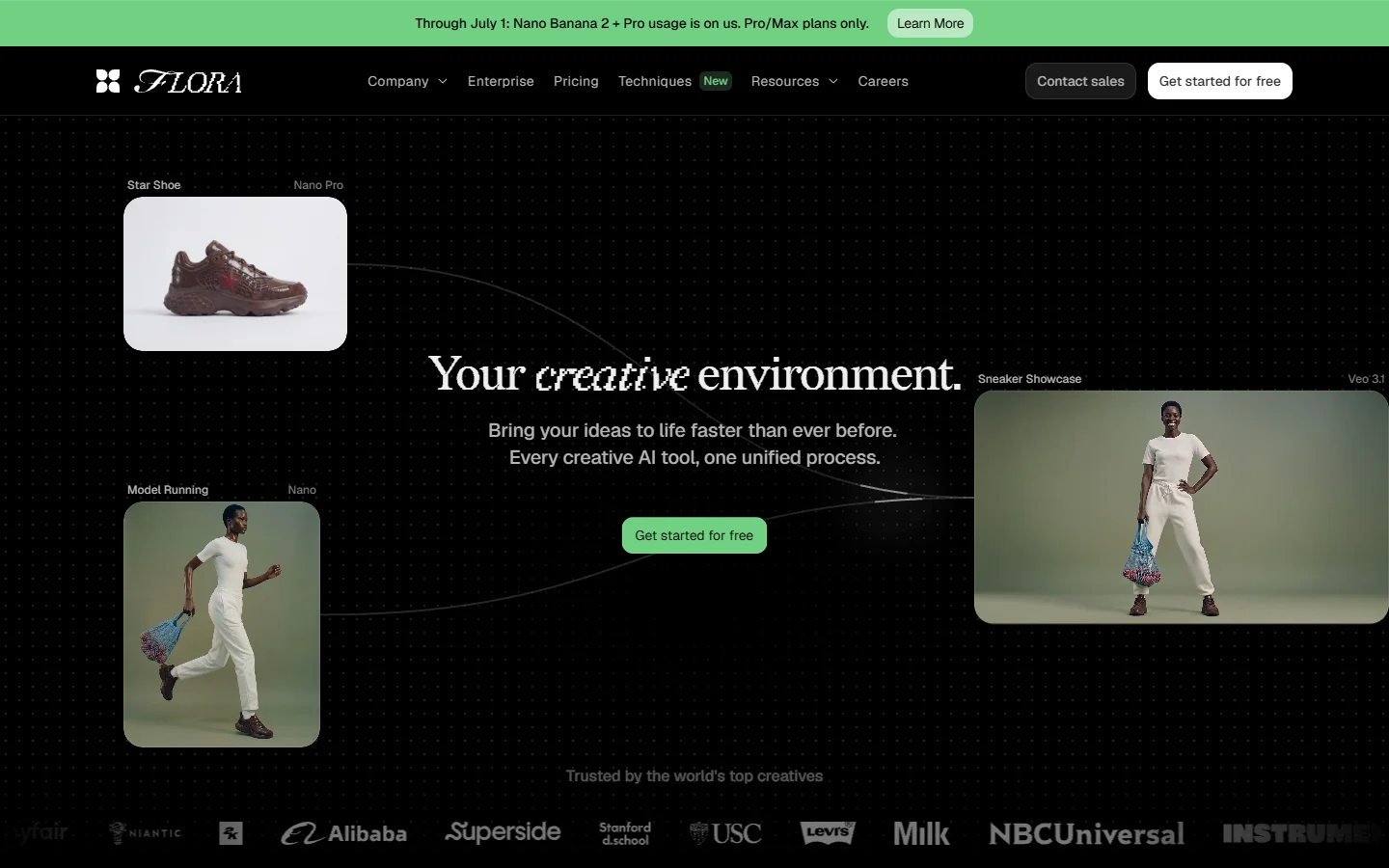
Flora integrates over 50 AI models into a single browser-based canvas with real-time team collaboration. It sits between Freepik Spaces and a full developer platform, offering broader model variety while keeping the visual-first approach that creative teams prefer.
Flora's strength is its model catalog, which spans text, image, video, and audio generation. The collaborative canvas supports live cursors and shared projects, making it practical for teams iterating on outputs together. The weakness for developers is limited API access. Most workflows must run through the browser UI, which creates the same integration bottleneck as Freepik Spaces. If your use case is interactive exploration rather than automated pipeline execution, Flora is a strong pick.
RunComfy: Cloud-Hosted ComfyUI Without GPU Setup
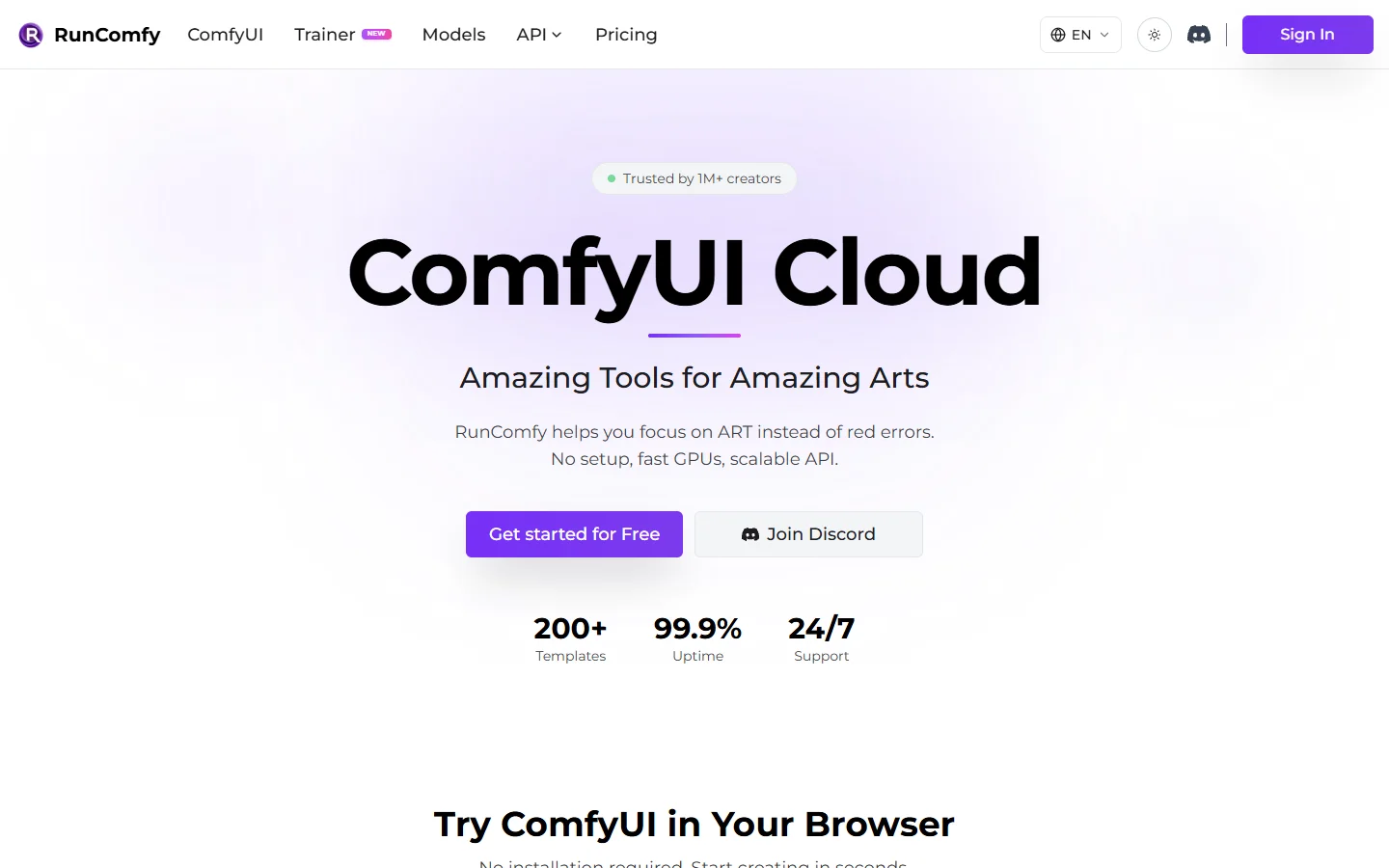
RunComfy removes the hardware barrier from ComfyUI by hosting it in the cloud with GPU instances ready to go. You get the same node-based workflow experience without managing drivers, VRAM, or Python environments. It is a practical middle ground for developers who want ComfyUI's flexibility without maintaining infrastructure.
RunComfy offers multiple GPU tiers including A100 and H100 instances, with pre-installed popular models and custom nodes. Pay-per-minute pricing works well for bursty workloads where you do not need a GPU running 24/7. The limitation is that RunComfy inherits ComfyUI's complexity. Building workflows still requires understanding the diffusion pipeline graph, and there is no simplified AI workflow automation platform layer for developers who want to call a single endpoint to trigger a multi-step pipeline.
Canva: Familiar Design Tool With Growing AI Features

Canva has added Magic Studio and text-to-image tools that handle basic AI generation within its existing design environment. For teams already using Canva for marketing assets, this reduces the need for a separate platform. However, Canva's AI tools are built for designers, not developers.
Canva offers a Connect API for enterprise integrations, but it lacks the node-based workflow building and model chaining that developers typically need. The credit system is bundled into subscription tiers rather than pay-per-use, which makes cost prediction difficult for high-volume programmatic use cases.
How These Alternatives Compare
Rather than choosing based on feature lists alone, consider which constraint matters most for your project requirements:
-
ComfyUI - Strength: unlimited flexibility with open-source nodes. Weakness: requires your own GPU and Python setup. Best for: developers with existing GPU infrastructure who need granular pipeline control.
-
n8n - Strength: 400+ integrations beyond just AI models. Weakness: not built for interactive creative work. Best for: backend developers building automated generation pipelines with conditional logic.
-
Flora - Strength: widest model selection in a browser canvas. Weakness: limited API access for programmatic use. Best for: creative teams who prioritize model variety and collaboration.
-
RunComfy - Strength: ComfyUI in the cloud with zero setup. Weakness: inherits ComfyUI's learning curve. Best for: developers who want node-based control without managing hardware.
-
Canva - Strength: massive template library and brand kit enforcement. Weakness: minimal developer tooling. Best for: marketing teams adding AI to existing Canva workflows.
Building a Production Pipeline
For developers building AI generation into a product, the key decision is whether you need a visual editor or a headless API. Most Freepik Spaces alternatives lean toward one or the other. ComfyUI and Flora prioritize the visual canvas. n8n prioritizes the automation layer.
A smaller category of platforms combine both, offering a visual node editor for prototyping workflows that can then be triggered via REST API with a single call. Wireflow falls into this category, letting you build multi-model pipelines in a canvas and expose them as API endpoints for production use. This approach works well when you need to iterate visually on a workflow before handing it off to your application backend.
Frequently Asked Questions
What makes Freepik Spaces limiting for developers?
Freepik Spaces restricts free users to three workspaces, uses credit bundles that obscure per-generation costs, and offers no public API for programmatic workflow execution. Developers building production applications need predictable pricing and API access that Freepik does not currently provide.
Can I migrate my Freepik Spaces workflows to another platform?
No platform supports direct Freepik Spaces workflow import. You will need to rebuild workflows manually. Platforms with similar node-based interfaces (ComfyUI, RunComfy) make the transition smoother since the visual concepts map closely.
Which alternative has the best API for production use?
Among the platforms listed here, n8n offers the most mature API for general workflow automation. For AI-specific pipelines, platforms that combine visual editors with REST endpoints provide the most complete developer experience, letting you prototype visually and deploy programmatically.
Is ComfyUI really free to use?
ComfyUI itself is free and open-source, but you need a GPU capable of running diffusion models. The minimum recommended is an RTX 3060 with 12GB VRAM, which means either a hardware investment or cloud GPU costs through services like RunComfy.
Which platform supports the most AI models?
Flora claims 50+ integrated models across text, image, video, and audio. ComfyUI supports virtually any model you can load locally, giving it the highest theoretical ceiling. Cloud platforms vary: some offer 15+ providers through a unified API covering multiple generation types.
Are there free tiers available?
ComfyUI is entirely free (minus hardware costs). n8n offers a free self-hosted edition. Flora and Canva provide free plans with generation limits. RunComfy uses pay-per-minute pricing with no free tier but low minimum spend.
How do these compare for team collaboration?
Flora leads in real-time collaboration with live cursors and shared projects. Canva excels at design team workflows with approval chains. ComfyUI and n8n are single-user by default but support team use through shared servers or version-controlled workflow files.
Conclusion
The right Freepik Spaces alternative depends on whether you prioritize API access, model variety, or visual canvas experience. For developers building production applications, the strongest options combine visual workflow building with programmatic control and transparent pricing. Open-source tools like ComfyUI offer maximum flexibility at the cost of infrastructure management, while managed platforms reduce operational overhead in exchange for per-use fees. Start by identifying whether your primary need is interactive prototyping or headless API execution, and the choice narrows quickly from there.