

Running ComfyUI online means renting a GPU and reaching the node graph through a browser tab, with nothing installed locally. The promise is real. What the ranking pages do not tell you is that "ComfyUI online" describes at least three different products with different failure modes, and picking the wrong one costs you a weekend. The node-graph approach has become the default way people think about generative pipelines, which is why so many node-based image generation tools now ship a hosted tier.
We ran the same Flux workflow through four of these services this month and the differences showed up fast. Some give you a real ComfyUI instance with root access to the filesystem. Some give you a sandboxed viewer running a fixed set of preloaded nodes. Some do not want you in the UI at all and would rather you upload a workflow JSON and call it as an endpoint.
What follows is what each shape is good for and where the hidden costs sit. For the wider category view, the AI workflow platforms with API comparison covers the ground around ComfyUI.
The three things people mean by "ComfyUI online"
The first shape is a hosted session. You get a real ComfyUI running on a rented GPU, reachable over a URL, with a persistent volume for your models. This is what RunComfy and InstaSD sell. It behaves like your local install because it basically is one, just somewhere else. Custom nodes install normally, pip works, and if you break the environment you can break it thoroughly.
The second shape is a managed canvas. You get ComfyUI's interface but the platform controls the environment: a curated model list, a curated node list, and no shell. Nothing you do can corrupt the install, which is the point, but the moment your workflow needs a custom node nobody preloaded, you are stuck. That tradeoff sits at the center of most hosted ComfyUI alternatives with API access and is the first thing to check.
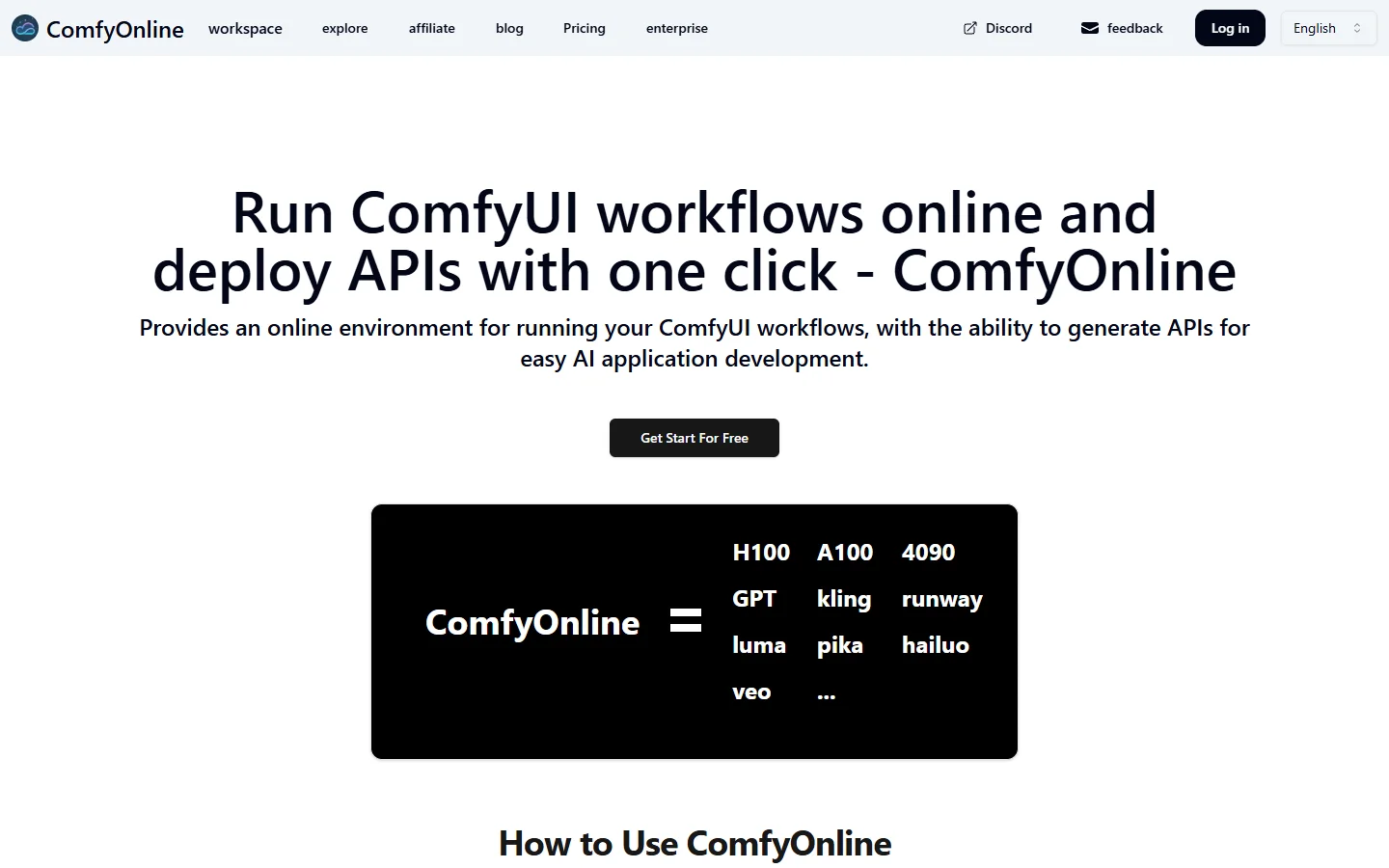
The third shape is workflow as endpoint. You build or upload a graph, the service turns it into an HTTP API, and the UI becomes a build-time tool rather than a runtime one. ComfyOnline is explicit about this: its homepage headline is deploying APIs in one click, and it lists H100, A100 and 4090 tiers alongside hosted model endpoints for Kling, Runway, Luma, Pika, Hailuo and Veo. If your end state is an application rather than an artwork, this shape overlaps heavily with any programmatic image generation platform.
What the free tiers actually give you
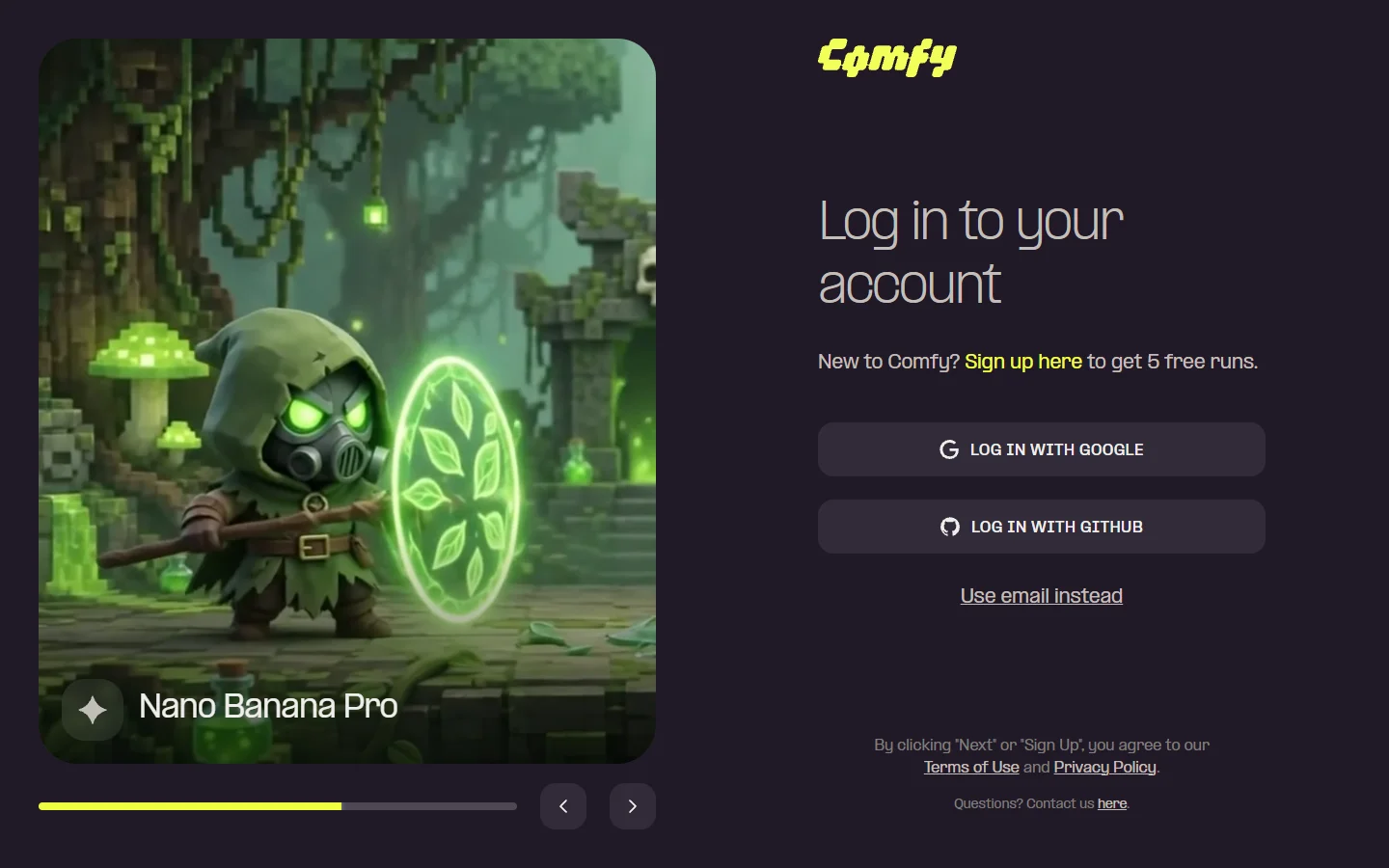
Free tiers here are demos, and they are honest about it if you read closely. Comfy Cloud, the official hosted offering from the ComfyUI team, gives new accounts five free runs and requires a Google or GitHub login first. Five runs confirms the thing loads. It does not evaluate a workflow with three sampler variants.
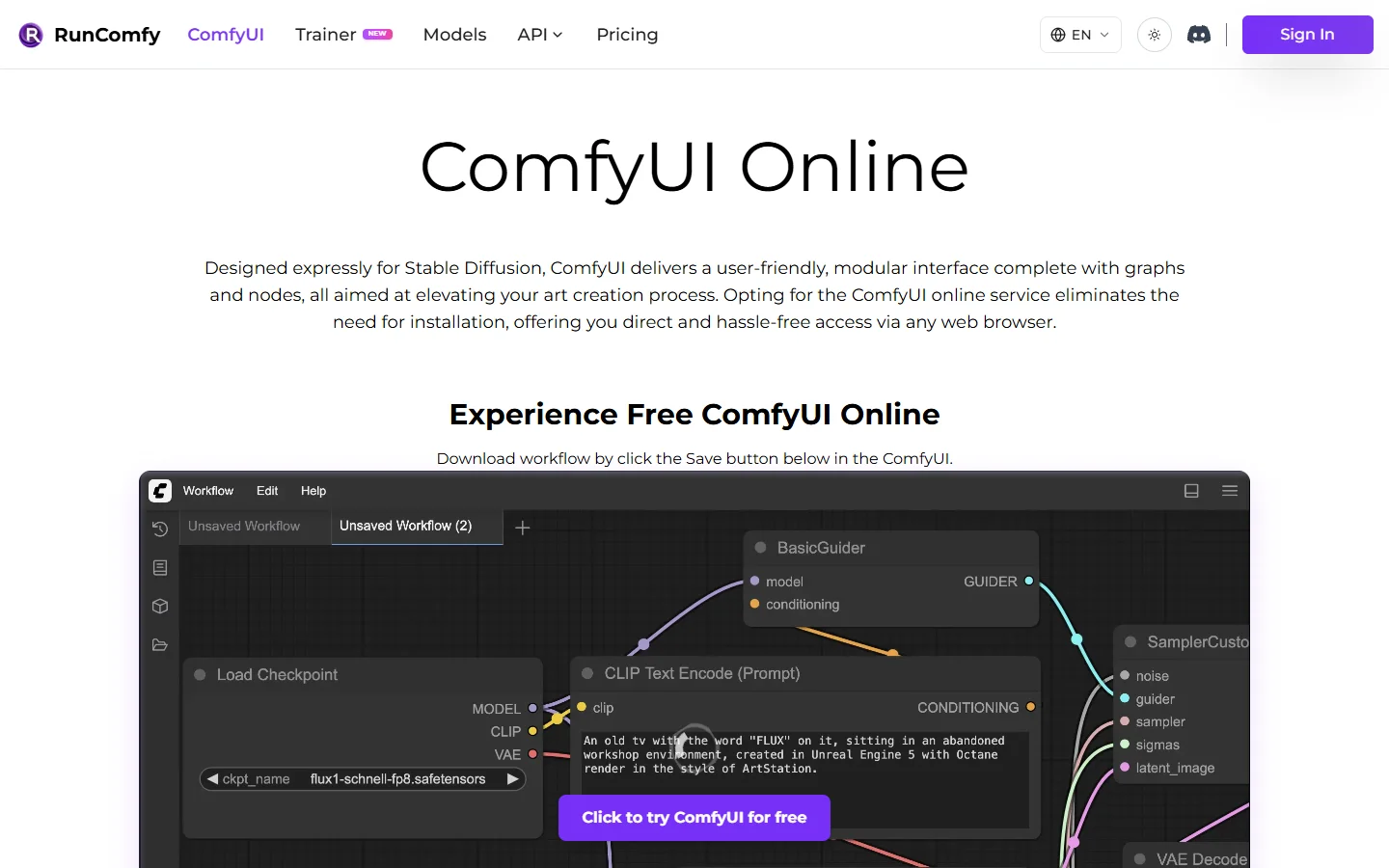
RunComfy's free tier is a shared public server: you queue behind other users, with no file storage and no support. Its paid tier is where the product lives, with a private workspace, more than 200 preloaded models and nodes, over 50 ready-to-run workflows, and up to 200GB of storage. That storage number matters more than people expect, because a serious Flux plus video setup will eat 100GB before you have done anything interesting. It is worth checking how developer-friendly AI image platforms handle asset persistence before you commit.
The pattern across all of them: the free tier tests whether the browser can render a node graph. It does not test cold start time, queue depth under load, model download speed, or what happens when your workflow runs for nine minutes. Those are the things that decide whether you keep paying in month three, and they are the same variables that separate visual generative AI tools with an API from demos.
Where hosted ComfyUI breaks
Four failure modes came up repeatedly, and only one of them is about GPU speed. They are worth checking against any AI node editor with API you are considering, hosted ComfyUI or otherwise.
- Cold starts. A container that pulls a 12GB checkpoint before your first sample is slow in a way marketing copy never quantifies. Warm instances cost more per hour precisely because this is the real bottleneck.
- Custom node drift. The ecosystem moves weekly. A managed canvas that pinned its node versions in June will refuse a workflow authored in September, and the error message will be unhelpful.
- No filesystem. Workflows that write intermediate files, batch over a directory, or read a CSV of prompts assume a disk. Sandboxed platforms do not have one.
- Session timeouts. Long video jobs get killed by idle-disconnect logic written for image generation. Check the timeout before you queue a 400-frame render.
None of these are dealbreakers alone. Together they explain why teams that start on a hosted session often move the production half of their work to something with a stable contract, the argument made in most node-based AI workflow platform comparisons.
The API question is the real fork in the road
Here is the decision that actually matters. If ComfyUI is your creative tool, any hosted session will do and you should optimise for GPU price and custom node freedom. If ComfyUI is the engine behind a product, you are shopping for an API contract instead: versioned endpoints, predictable latency, a queue you can inspect, and billing that does not surprise you.
That second list is where most ComfyUI hosting falls short, because ComfyUI was never designed as a service boundary. A workflow JSON is not a stable interface; rename a node and the caller breaks. Teams that ship this way end up writing their own translation layer, and the ones who plan for it early tend to look at platforms built around AI canvas REST APIs for production pipelines instead.
Cost control is the other half. Per-second GPU billing on a graph that can loop is a good way to produce a four-figure invoice from a bug, which is why spend limits on generation APIs have quietly become a buying criterion.
Platform risk is a line item, not a footnote
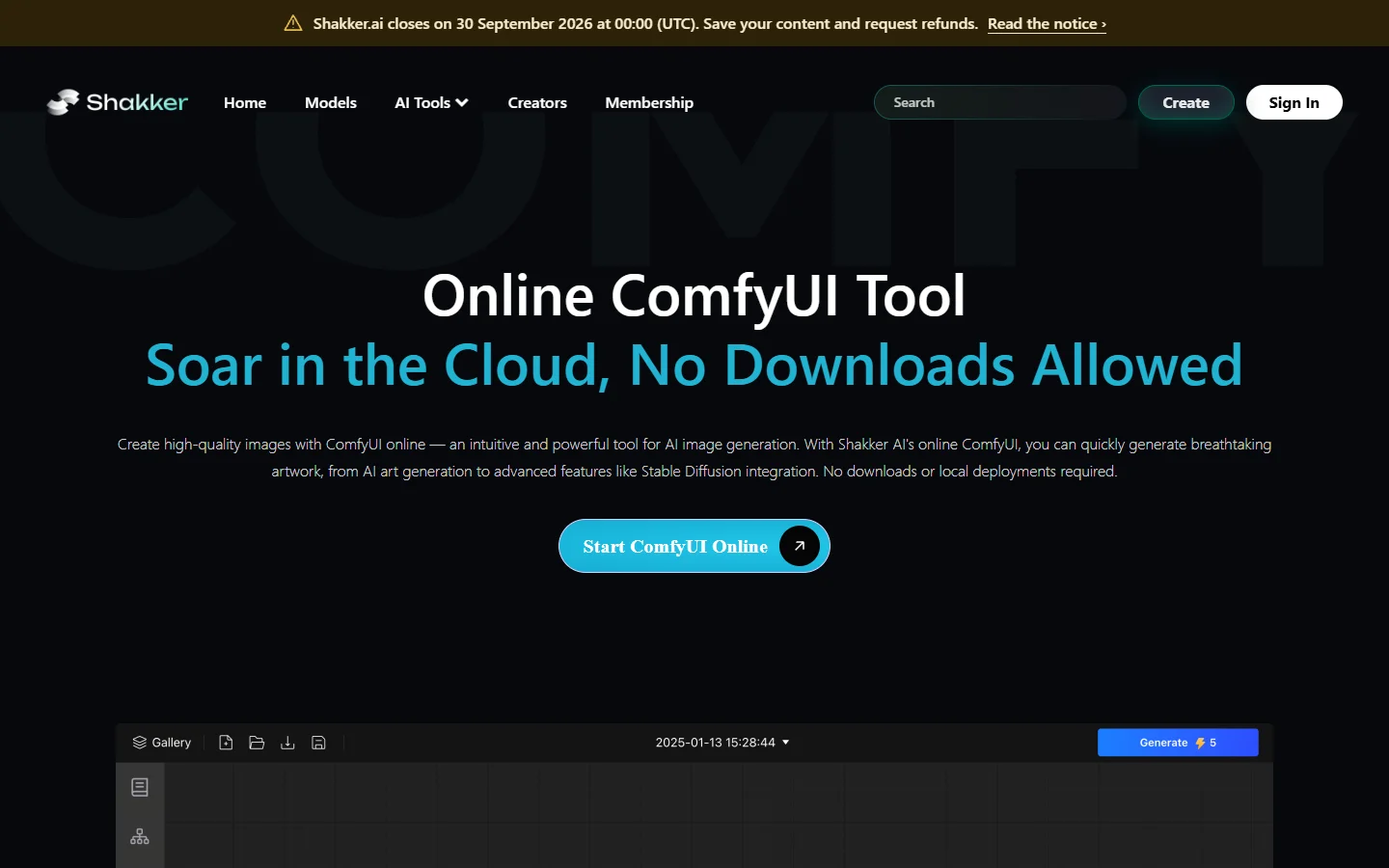
Worth saying plainly, because the ranking posts never do: hosted services close. Shakker AI, which ran a well-regarded online ComfyUI tool, currently shows a banner on that page announcing the site closes on 30 September 2026, with a window to save content and request refunds.
That is not a knock on Shakker specifically. It is the category. If your models, workflows and output history live only inside one vendor's workspace, a shutdown notice becomes a migration project you did not schedule. Keep workflow JSON in version control, keep checkpoints somewhere you control, and treat the hosted environment as a runtime rather than a filing cabinet. The same reasoning drives the comparisons people run between Freepik Spaces and ComfyUI when deciding how much of a pipeline to hand over.
How to pick in about ten minutes
- Comfy Cloud · Strength: official, closest to upstream behaviour · Weakness: five free runs behind a login gate · Best for: the reference implementation without a rig
- RunComfy · Strength: 200+ preloaded models and nodes, up to 200GB storage on paid · Weakness: free tier is a shared queue, no storage · Best for: solo creators running heavy image and video graphs
- ComfyOnline · Strength: one-click API deployment, multiple GPU tiers, hosted video endpoints · Weakness: the UI is a means to an endpoint, not the product · Best for: developers wrapping a workflow into an app
- InstaSD · Strength: any model, any custom node, fast launch · Weakness: bot protection blocked evaluation without an account · Best for: teams needing an unrestricted environment
Run the same real workflow through two of them before you subscribe to either. Not the demo graph, your graph, with your custom nodes. Most differences that matter do not appear until a workflow fails, and how a platform fails tells you more than its landing page does. Anyone weighing this against a managed canvas will find the tradeoffs in the AI canvas platforms with API roundup.
FAQ
Can you run ComfyUI online for free? Yes, with real limits. Comfy Cloud gives five free runs to new accounts, and RunComfy offers a free shared server with queuing and no file storage. Both are fine for confirming a workflow loads, and neither is sized for sustained work.
Do online ComfyUI services support custom nodes? It depends entirely on which shape you picked. Hosted sessions with shell access install custom nodes normally. Managed canvases run a curated node list and will reject anything outside it, which is the most common reason a workflow that runs locally fails online, and the usual trigger for looking at drag and drop AI with API options instead.
Is hosted ComfyUI cheaper than buying a GPU? For intermittent use, clearly yes. The crossover lands around daily multi-hour sessions, where per-hour cloud billing approaches the amortised cost of a 4090. Storage fees and cold-start overhead usually push that crossover earlier than a spreadsheet suggests, a pattern also visible in AI image generator API rate limit behaviour.
What GPU do these services actually run? ComfyOnline lists H100, A100 and 4090 tiers, and most competitors offer a similar spread. A 4090 tier is usually enough for images; video and long batch jobs are where the A100 and H100 tiers earn their price difference, which is also how AI generation APIs for SaaS apps structure pricing.
What happens to my workflows if a platform shuts down? You get whatever export window the vendor offers, which in Shakker's case ends 30 September 2026. Keep workflow JSON and checkpoints in storage you control so a shutdown is an inconvenience rather than a loss. No-code stacks hit this early, as covered in no-code AI platforms with API access.
Is the online version slower than local? Per-sample, usually not; rented GPUs are often faster than what is under your desk. End to end, frequently yes, because cold starts, model pulls and queue time are added to every job you do not run back to back. Teams serving many users at once hit this hardest, as the multi-tenant AI image generation guide explains.
The short version
"ComfyUI online" is not one product, and the choice that matters is not which service has the fastest GPU. It is whether you want a creative environment or a service boundary. Pick a hosted session if you want to keep tinkering, pick a workflow-to-API platform if the graph is going into a product, and in both cases assume you will need to move eventually.
Keep workflows portable, test with your real graph rather than the demo, and read the storage and timeout terms before the GPU specs. The teams that stay happy with hosted ComfyUI treated it as rented compute from day one, a mindset that carries over to node-based video generation work too.