The prompt box was never a good interface for video. A single text field asks you to describe camera movement, subject, lighting, pacing, audio, and continuity in one breath, then hands back four seconds you cannot edit. Node based video generation takes the opposite position: every decision becomes a box on a canvas, every box has inputs and outputs, and the connections between them are the actual creative work. The pattern arrived first in still images, and anyone who has already worked through node based image generation will recognise most of the vocabulary.
What changed in 2026 is that video models stopped being a single monolithic call. Kling 3 Pro, Veo 3.1, LTX-2, and the open Hunyuan line all expose enough parameters, reference-image slots, and end-frame conditioning that treating them as one button is wasteful. Teams that ship video at volume have mostly settled on graphs, either locally in ComfyUI or on hosted canvases, and the programmatic video generation platform category grew out of exactly that shift.
What a video graph actually contains
A finished video graph is less exotic than the screenshots suggest. Strip the visual chrome and you get a directed chain: something produces a starting frame, something turns that frame into motion, something stretches or upscales the result, and something attaches audio. The canvas is a readable representation of a pipeline you could have written as a script, which is why the visual AI pipeline builder framing has stuck.
A typical shot-level graph has five kinds of node:
- Prompt and reference nodes hold the text, the style reference, and any character or product image the shot has to respect
- Image nodes render the first frame, usually with a still model that is cheaper and more controllable than the video model
- Video nodes take that frame plus a motion prompt and return the clip, often with an optional end-frame slot
- Post nodes handle upscaling, frame interpolation, colour, and format conversion
- Audio nodes generate voice, score, or sound effects and align them to the clip length
The reason to split these apart rather than let one model do everything is iteration cost. If the motion is right but the face drifts, you re-run one node instead of the whole shot. That granularity is also what makes multi-shot consistency tractable, because the reference node feeding shot one can feed shots two through nine without being retyped.

The part that matters is what moves between nodes
Newcomers focus on the nodes. The interesting engineering is in the edges. A video graph is passing around image buffers, latents, seeds, mask channels, timing metadata, and audio waveforms, and the quality of a platform is mostly a question of how honestly it handles those handoffs. Audio is the clearest example, since native audio generation changes whether the sound node is a real dependency of the video node or a separate track glued on afterwards.
Seed handling is the second tell. A graph that regenerates every upstream node when you tweak a downstream parameter will burn credits and patience. Good implementations cache node outputs by input hash, so changing the upscale factor re-runs the upscaler and nothing else. This is unglamorous plumbing, and it is the difference between a canvas you use daily and one you abandon after a weekend.
The third is length. Most video models cap out around five to ten seconds per call, so anything longer is a stitching problem. Graphs solve it by chaining shots and passing the final frame of clip one into the start-frame slot of clip two, which keeps lighting and composition continuous across the cut. Tools built around this pattern, including the hosted AI workflow tool that exposes end-frame conditioning as a first-class edge, make sixty-second sequences a matter of adding nodes rather than re-prompting from scratch.
Running the graph locally
Local generation still means ComfyUI for almost everyone. It is the reference implementation of the whole idea, it has native video nodes, and the community ships workflow JSON for every new open model within days of release.
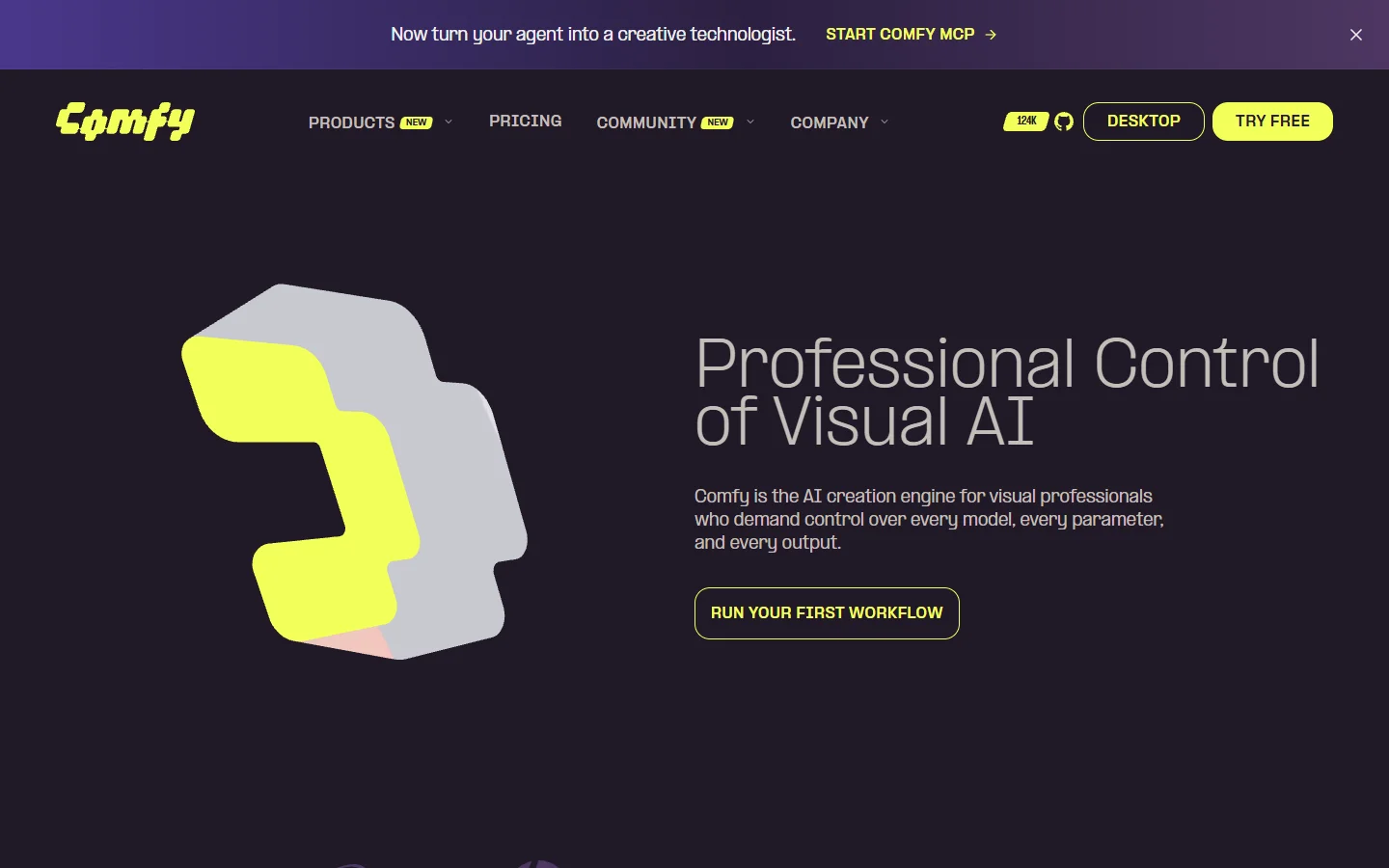
The constraint is hardware, and the numbers are less forgiving than the marketing suggests. LTX-2 runs at roughly 12 GB of VRAM in FP8 and 24 GB in bf16; a four-second 720p clip on an RTX 4090 sits around 20 GB in practice, and native 4K at longer durations pushes a 24 GB card past its limit. Quantised builds bring the floor down to the 8 to 16 GB range at some quality cost, which is why the hosted ComfyUI alternative question comes up so often for teams without a GPU budget.
Hosted canvases and what they trade away
The hosted category exists because most people want the graph without the GPU. These platforms run the same conceptual pipeline in the browser, bill per generation, and keep the model catalogue current on your behalf. The trade is control: you get the models the platform licenses, at the parameters it exposes. A broader survey of the field is in the roundup of node-based AI workflow platforms.
- ComfyUI · Strength: total control, open models, huge node ecosystem · Weakness: you own the hardware and the breakage · Best for: solo technical creators with a capable GPU
- Weavy · Strength: professional compositing and colour nodes alongside generation · Weakness: steeper learning curve, aimed at post-production users · Best for: studios blending AI output with traditional grading
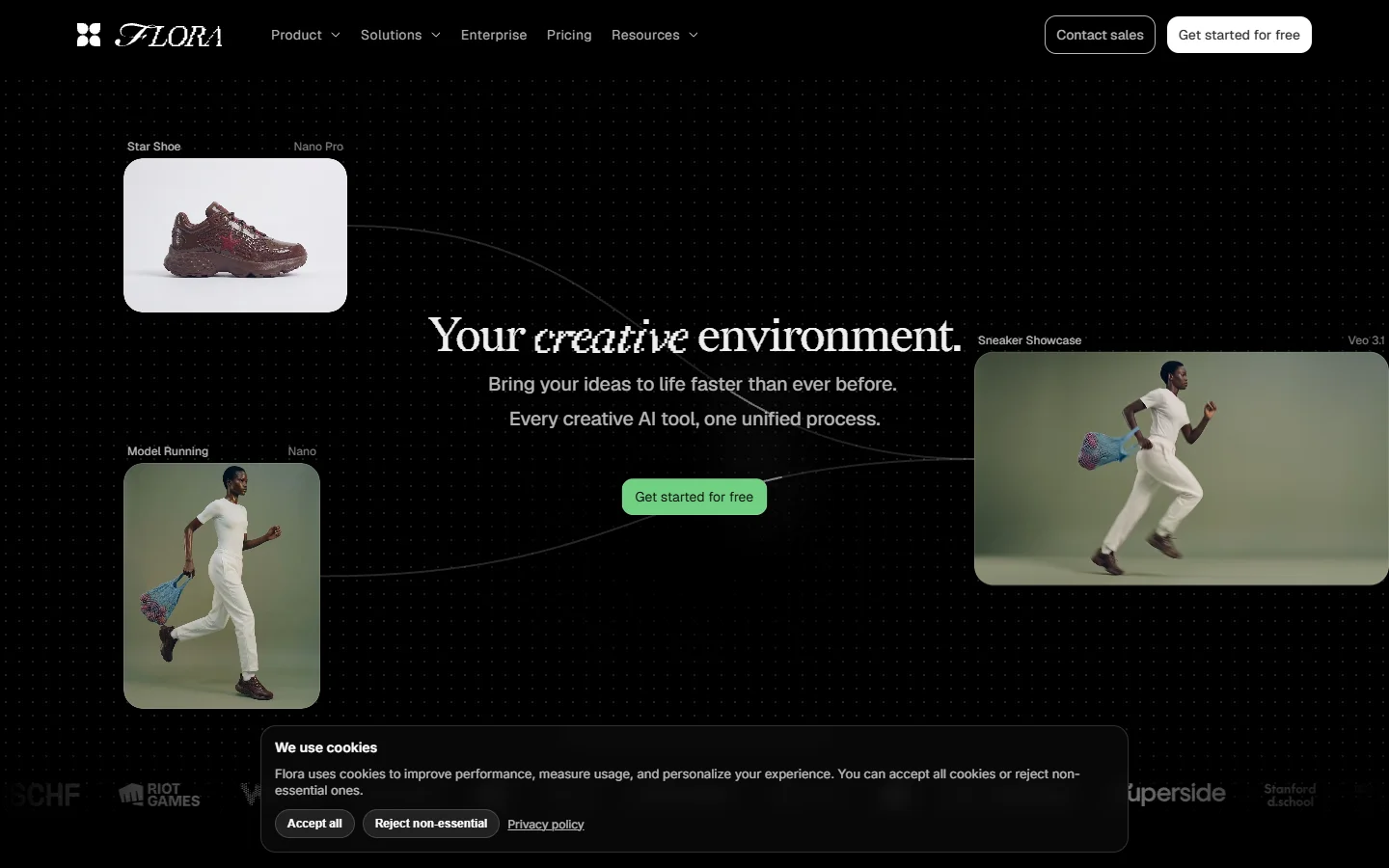
- Flora · Strength: clean canvas, strong at exploratory branching · Weakness: thinner automation and batch tooling · Best for: art direction and concept exploration
- Wireflow · Strength: multi-model chaining with generation, editing, and audio on one canvas plus API access · Weakness: hosted only, no local model loading · Best for: small teams shipping repeatable video pipelines
- Freepik Spaces · Strength: bundled with a large stock and asset library · Weakness: less depth per node than the specialists · Best for: marketing teams already inside the Freepik ecosystem


The evaluation question worth asking is whether the canvas has an API behind it. A graph you can only trigger by clicking is a design tool; a graph you can call from a script becomes infrastructure, and the difference shows up the first time you need to render forty product variants overnight. That is the argument made in more depth in the piece on AI node editors with an API.

Where node graphs stop being worth it
Graphs pay off when a job repeats. Building one takes real time, and if the output is a single clip you will never make again, the canvas is slower than typing a prompt into any video model directly. The break-even sits somewhere around the third or fourth run of the same structure.
They also get unreadable fast. A graph with sixty nodes and crossing edges is a maintenance problem in the same way a thousand-line function is, and most platforms handle this badly. Grouping, subgraphs, and named outputs help. Teams that treat the canvas as versioned source rather than a scratchpad tend to stay sane longer, which is roughly the discipline described in the notes on AI canvases with a REST API.
FAQ
What does node based video generation mean in practice? It means building a video as a connected graph of steps rather than a single prompt. Each node performs one operation such as generating a frame, animating it, upscaling, or adding audio, and the connections define the order and the data passed between them. The visual pipeline framing applies equally to image and video work.
Do I need a GPU to use it? Only for local tools. ComfyUI expects 12 GB of VRAM as a realistic floor for current video models and 24 GB for comfortable headroom. Hosted canvases run on the provider's hardware and bill per generation, which is the usual answer for teams comparing programmatic video generation platforms against buying a workstation.
How long can a single generated clip be? Most current models return four to ten seconds per call. Longer sequences are built by chaining shots and feeding the last frame of one clip into the start-frame input of the next, which keeps continuity across cuts.
Can I mix models inside one graph? Yes, and that is usually the point. A common setup uses a still-image model for the opening frame because it is cheaper to iterate on, a video model for motion, and a separate audio model for voice or score. Mixed-model chaining is standard on the platforms covered in the canvas platform roundup.
How do teams keep character or product appearance consistent? By making the reference image a shared node that every shot reads from, rather than re-uploading it per shot. Combined with end-frame conditioning, this is the practical basis of multi-shot consistency in current tooling.
Can these workflows be triggered automatically? On hosted platforms with an API, yes. You publish the graph, then call it with different inputs from a script or a scheduler, which is how batch product video and localisation runs are built on developer-friendly generation platforms.
Wrapping up
Node based video generation is not a new model or a better prompt. It is an admission that video has always been a pipeline, and that pretending otherwise pushes the complexity into the prompt where nobody can inspect it. Once the steps are visible, they can be reused, versioned, and handed to someone else.
The practical advice is unglamorous: start with the smallest graph that produces one usable shot, run it three times, and only then add nodes for the things that actually broke. Whether that lives locally in ComfyUI or on a hosted canvas such as the Wireflow platform matters less than whether you can re-run it tomorrow without rebuilding it from memory.