
Kuaishou's Kling Video 3 arrived in February 2026 with a bold claim: native 4K AI video generation with built-in audio synthesis. For creators who have spent the last two years cycling through half-baked video generators, that promise alone was enough to warrant a closer look. After weeks of testing Kling 3 across commercial projects, short-form content, and experimental creative work, this review breaks down exactly where it delivers and where the competition still holds ground. If you are evaluating AI video generation tools for real production work, the details below should save you a few dozen hours of trial and error.
The AI video generation space has matured rapidly. What used to be a novelty (text-to-video with coherent motion for a few seconds) is now a baseline expectation. The real differentiators in mid-2026 are resolution fidelity, motion control precision, audio integration, and API access for workflow automation. Kling 3 competes on most of these fronts, but it is not the only serious contender. Veo 3.1, Seedance 2.0, Runway Gen-4, Pika 2.5, and Hailuo MiniMax all occupy overlapping territory, each with a different set of strengths.
What Kling Video 3 Gets Right
Kling 3 introduced a Multi-modal Visual Language (MVL) architecture that processes text, images, audio, and video within a single system. In practice, this means prompts can reference an uploaded image and a text description simultaneously, and the model handles the fusion without a separate preprocessing step. The results are noticeably more coherent than chaining separate image-to-video and text-to-video steps in older AI pipeline tools.
Three capabilities stand out:
- 4K native output. Kling 3 is one of the few consumer-accessible models generating genuine 4K video. Competitors like Veo 3 and Runway Gen-4 still cap at 1080p for most use cases, which matters when your output lands on a 65-inch display or a cinema projector.
- Motion Brush. This tool lets you paint specific regions in a frame and define directional movement, speed, and rotation per object. It is the closest any text-to-video model has come to keyframe-level control without requiring a timeline editor.
- Integrated audio. Kling 3 generates lip-synced dialogue in five languages directly from the text prompt. Earlier models required a separate TTS pass and manual alignment, so this integration removes a real friction point for creators building marketing videos with AI.

Where Kling 3 Falls Short
No model is without tradeoffs, and understanding each tool's limits matters as much as knowing its best features. Kling 3's weaknesses show up in specific scenarios:
- Physics simulation. Complex fluid dynamics, cloth interaction, and multi-body collisions still produce visible artifacts. Sora 2 handles these cases more convincingly, likely because of its physics-aware training data.
- Prompt interpretation ceiling. Very long, multi-clause prompts (describing camera movement, lighting shifts, and character actions in one sentence) tend to lose fidelity past about 40 words. Veo 3.1 handles complex scene descriptions with greater accuracy at longer prompt lengths.
- Generation speed. A 10-second 4K clip takes roughly 90 seconds on Kling's API. Seedance 2.0 produces comparable-length clips in under 60 seconds, which compounds into a significant difference during iterative creative workflows where you might generate and compare dozens of variations.
Head-to-Head: Kling 3 vs. the Competition

Here is how Kling 3 compares against the five other models I tested side-by-side, based on real output quality across various AI video use cases. Sora is included based on documented benchmarks (its site was inaccessible for live screenshots due to access restrictions).
- Veo 3.1 (Google DeepMind) - Strength: Best overall realism and prompt comprehension; native audio with environmental sound design. Weakness: Locked to Google Cloud; no free tier; 8-second max clip length. Best for: High-budget productions needing photorealistic output.
- Seedance 2.0 (ByteDance) - Strength: Fastest generation speed; strong motion quality and prompt adherence at a competitive price. Weakness: Limited camera control options compared to Kling's Motion Brush. Best for: High-volume content production where iteration speed matters.
- Kling 3.0 (Kuaishou) - Strength: 4K native resolution; Motion Brush for granular control; generous free tier (66 credits/month). Weakness: Slower generation; physics artifacts on complex scenes. Best for: Creators who need high-resolution output with precise motion direction.
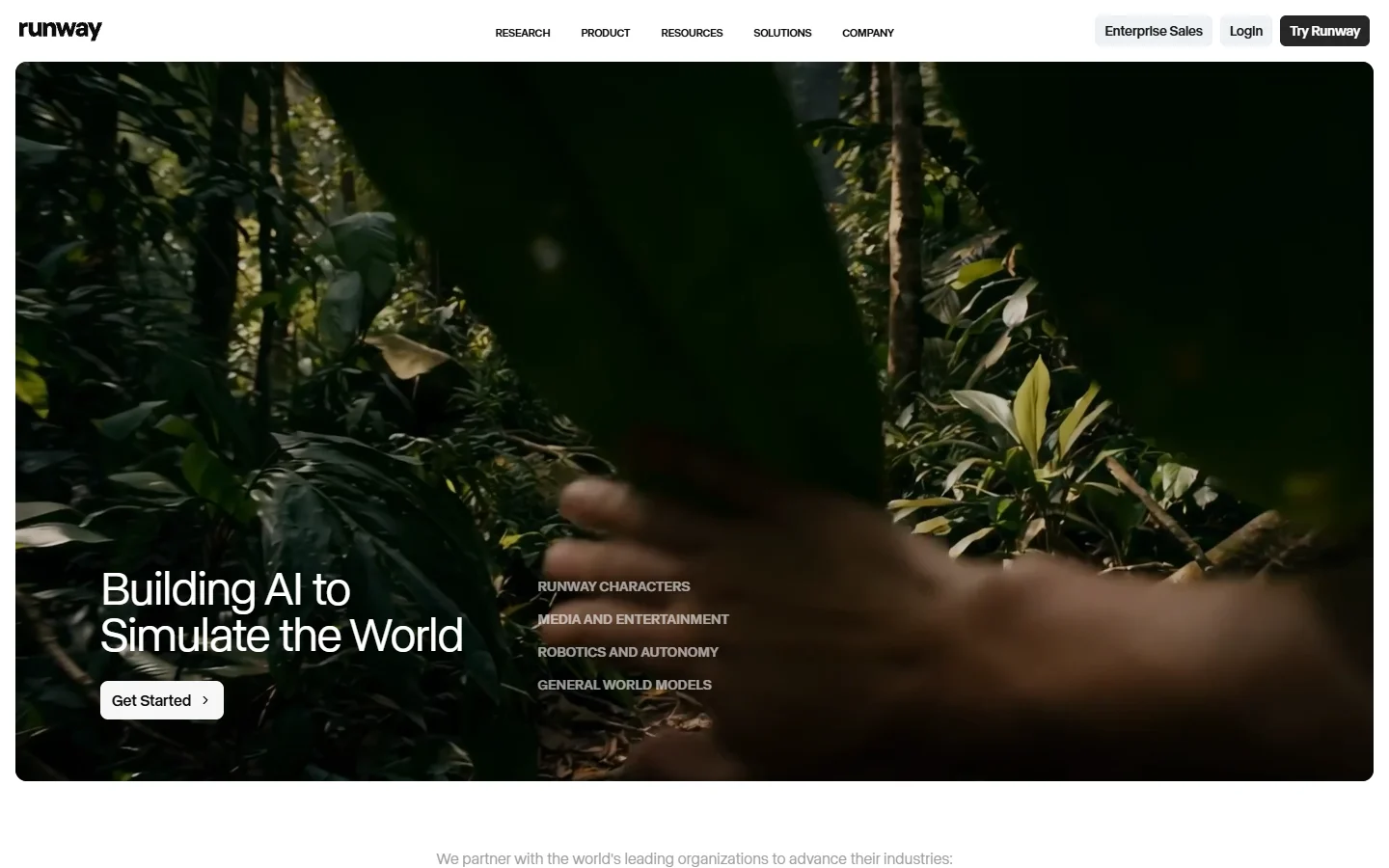
- Runway Gen-4 - Strength: Mature ecosystem with inpainting, outpainting, and style transfer layered on top of video generation. Weakness: 1080p ceiling; pricing is steep for heavy API usage. Best for: Post-production teams already embedded in the Runway ecosystem.
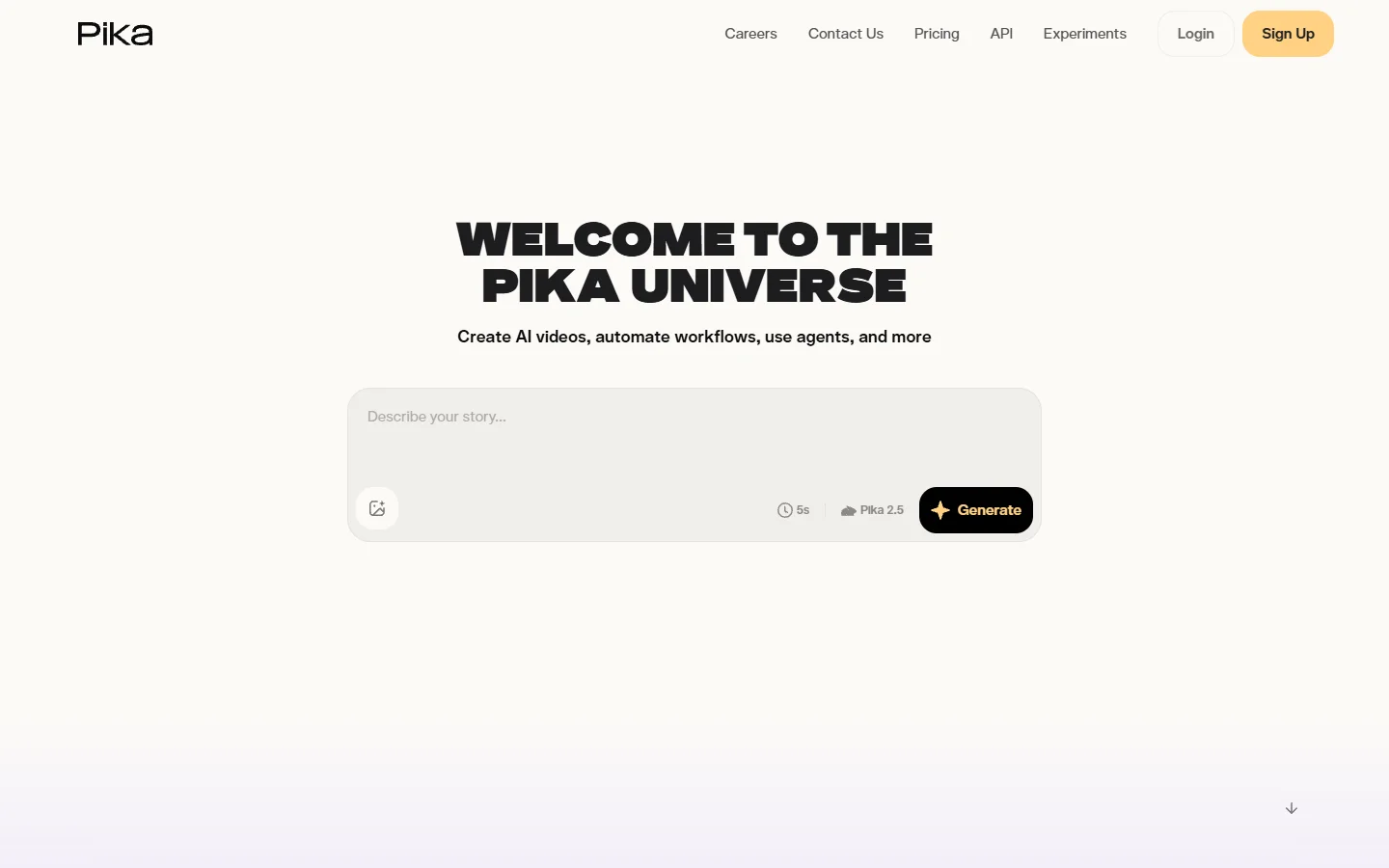
- Pika 2.5 - Strength: Excellent for stylized and animated content; intuitive editing interface. Weakness: Weaker on photorealistic output; shorter max clip duration. Best for: Social media creators making stylized short clips.
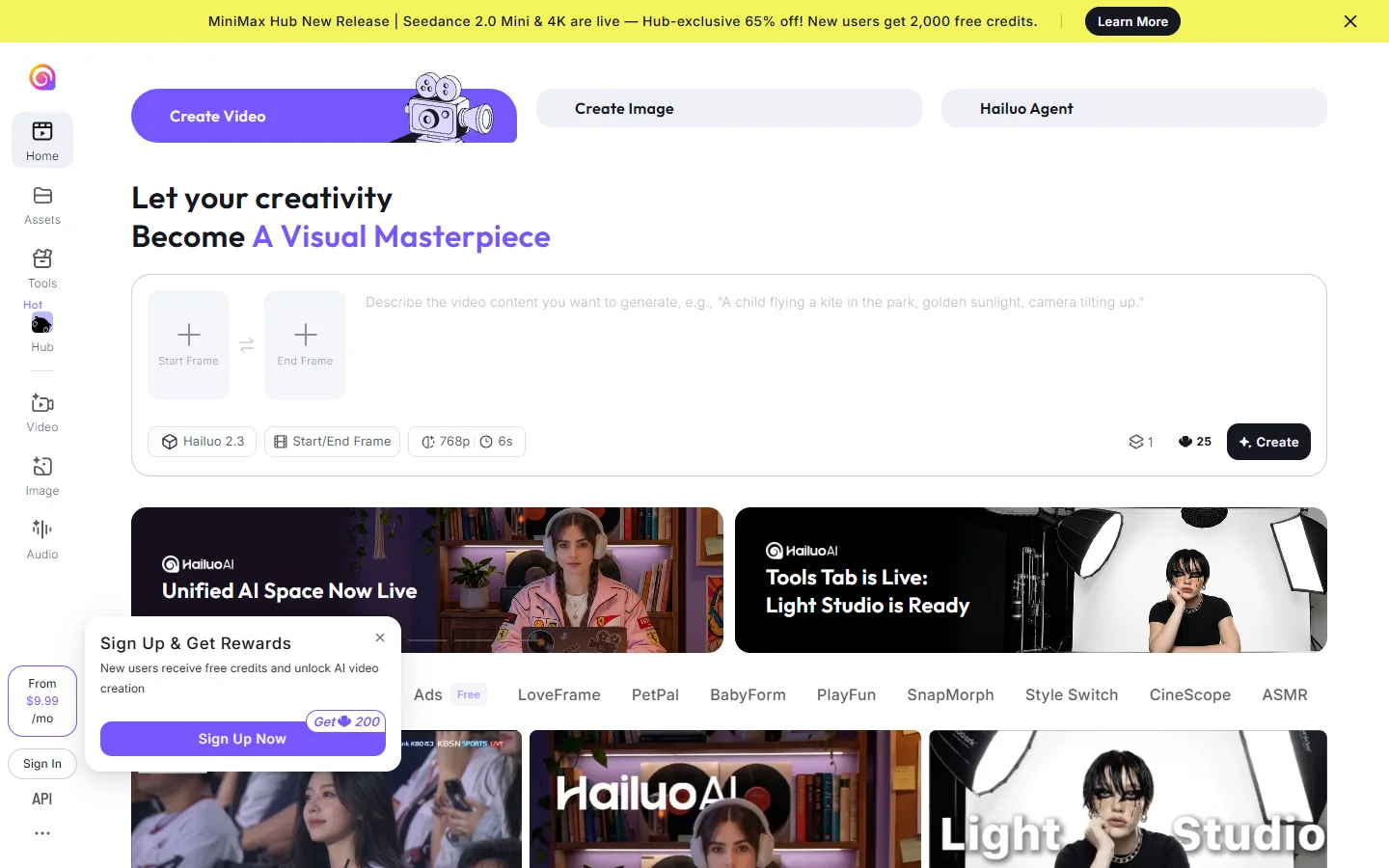
- Hailuo MiniMax - Strength: Strong character consistency across longer sequences; competitive free tier. Weakness: Limited resolution options; smaller model ecosystem. Best for: Narrative projects requiring consistent characters across multiple clips.
OpenAI's Sora 2 remains relevant for its physics-aware generation, but its restricted access and slower iteration speed make it less practical for daily content production compared to Kling 3 or Seedance 2.0.
Pricing and Value
Kling 3's free tier provides 66 credits per month, enough for roughly 6 to 8 standard-quality clips. Paid plans start at $9.90/month for 660 credits. By contrast, Veo 3 has no free tier and charges per-second on Google Cloud, making it significantly more expensive for experimentation. Seedance 2.0 offers competitive per-clip pricing but no permanent free allowance. Runway Gen-4's pricing scales steeply with resolution and duration, often exceeding comparable Kling costs by 2 to 3x for equivalent output lengths.
For indie creators and small teams, Kling 3's free tier alone makes it worth testing before committing budget elsewhere. The value proposition strengthens further if you need 4K output, since competitors charge premium rates for higher resolution video generation.
Practical Workflow: Integrating Kling 3 Into a Production Pipeline
Most serious creators do not rely on a single model, which is why multi-model workflows have become the standard approach. A practical 2026 video workflow looks something like this:
- Concept and storyboarding. Use text-to-image generation to explore visual directions before committing to video. Platforms like Wireflow's creative tools let you chain image generation into video pipelines without switching between disconnected apps.
- Draft generation. Run initial clips through Kling 3 with Motion Brush for scenes requiring precise control, and Seedance 2.0 for high-volume iterations where speed matters.
- Audio integration. For dialogue-heavy scenes, use Kling 3's native audio. For music and ambient sound, pair with a dedicated AI audio tool.
- Post-production. Runway Gen-4's inpainting and style transfer tools handle cleanup and visual consistency passes.
- Upscaling and export. Final output at 4K from Kling, or upscale 1080p output from other models using dedicated AI enhancement tools.
This multi-model approach is increasingly common among creators who treat each tool as a specialized component rather than an all-in-one solution. Understanding each model's strengths (as outlined in resources on SEO content creation and editorial strategy) helps you allocate budget and time effectively.
What to Watch in the Second Half of 2026

The competitive landscape is shifting fast. Veo 3.1 is rumored to be adding a free tier. Seedance 2.0 is expanding its camera control features. Kling has announced a 3.5 update targeting physics simulation improvements. Runway is pushing deeper into real-time collaboration for video editing teams.
The net effect for creators is positive: prices are dropping, quality is converging upward, and API access is becoming standard. The models that win long-term will be the ones that integrate cleanly into existing production workflows rather than demanding creators rebuild their process around a single tool.
FAQ
Is Kling Video 3 free to use? Yes. Kling 3 offers a free tier with 66 credits per month, which covers approximately 6 to 8 standard video generations. Paid plans start at $9.90/month for additional credits and priority access to video generation features.
How does Kling 3 compare to Veo 3 for realism? Veo 3.1 produces more photorealistic output in most scenarios, particularly for environmental detail and lighting accuracy. Kling 3 wins on resolution (native 4K vs 1080p) and offers better control tools through Motion Brush. The choice depends on whether resolution or realism is the higher priority for your specific project type.
Can Kling 3 generate audio with video? Yes. Kling 3 generates lip-synced audio in five languages directly from text prompts. The audio quality is serviceable for social content and drafts, though professional productions may still benefit from a dedicated AI voiceover tool.
Which AI video generator is best for social media content? For high-volume social content, Seedance 2.0 offers the best speed-to-quality ratio. Pika 2.5 excels at stylized content. Kling 3 is a strong middle ground if you need both quality and control, especially for platforms that support 4K video playback.
Is Kling 3 better than Runway Gen-4? It depends on use case. Kling 3 offers higher resolution output and a more generous free tier. Runway Gen-4 has a more mature post-production toolkit with inpainting, outpainting, and style transfer. For pure generation quality, Kling 3 has the edge at 4K.
Does Kling 3 have an API? Yes. Kling 3 offers API access for programmatic video generation, making it suitable for integration into automated content pipelines and production workflows.
What is the maximum video length Kling 3 can generate? Kling 3 generates clips up to 10 seconds long, which is 25% longer than Veo 3's 8-second limit. For longer content, you can stitch multiple clips using the Wireflow platform or similar multi-model orchestration tools.
Conclusion
Kling Video 3 is not the best AI video generator in every category, but it occupies a unique position in the 2026 landscape: it is the only model offering native 4K resolution, granular motion control, and integrated audio at a price point accessible to indie creators. For teams needing photorealistic output above all else, Veo 3.1 remains the benchmark. For speed-first workflows, Seedance 2.0 is hard to beat. The practical answer for most creators is to use multiple models strategically, picking the right tool for each shot rather than forcing one model to do everything.