

Pictory built its reputation on one trick that genuinely worked: paste a blog post or a script, and get back a narrated video with stock footage cut to the voiceover. Three years on, the trick is no longer rare, and the reasons people search for a replacement have stayed consistent across Trustpilot, G2 and Capterra reviews: the automatic footage picker chooses visuals that miss the point of the sentence, the timeline editor gets unstable on longer projects, and the credit model produces surprise ceilings halfway through a month. If you are still deciding whether the script-to-video approach fits your work at all, our walkthrough of how the text-to-video pipeline actually behaves in practice covers the mechanics before you commit to a subscription.
The alternatives worth considering in 2026 split along a fault line. One group doubles down on the same idea, feeding text into a stock library and shipping a finished file. The other abandons stock footage entirely and generates or edits the footage itself, through avatars, generative models, or transcript-driven editing of video you already have. Choosing well means knowing which group you belong in, which is clearer once you have seen what the broader social video tooling landscape looks like rather than just the tool at the top of the ad auction.
This piece covers six credible replacements, each with an honest note on where it falls down. Several are worse than Pictory at the one thing Pictory does well, and better at everything around it.
Why people leave Pictory in the first place
The complaint pattern matters, because it tells you what to test in a trial. Stock relevance is the top one: ask Pictory to illustrate a sentence about supply chain risk and you get a generic warehouse clip that reads as filler. The second is editing friction, since fixing a bad automatic choice means hunting the library manually, which erases the time the automation saved. The third is pricing shape rather than price level, because credit exhaustion mid-month is more disruptive than a higher flat fee. Watermarks on lower tiers are a fourth irritation, and the comparison of tools that ship clean exports without a watermark is worth reading if that is your blocker.
Note what is not on that list. Nobody complains that Pictory is hard to learn, and few complain about render quality. It is output relevance and economics that push people out.

Fliki: the closest direct replacement
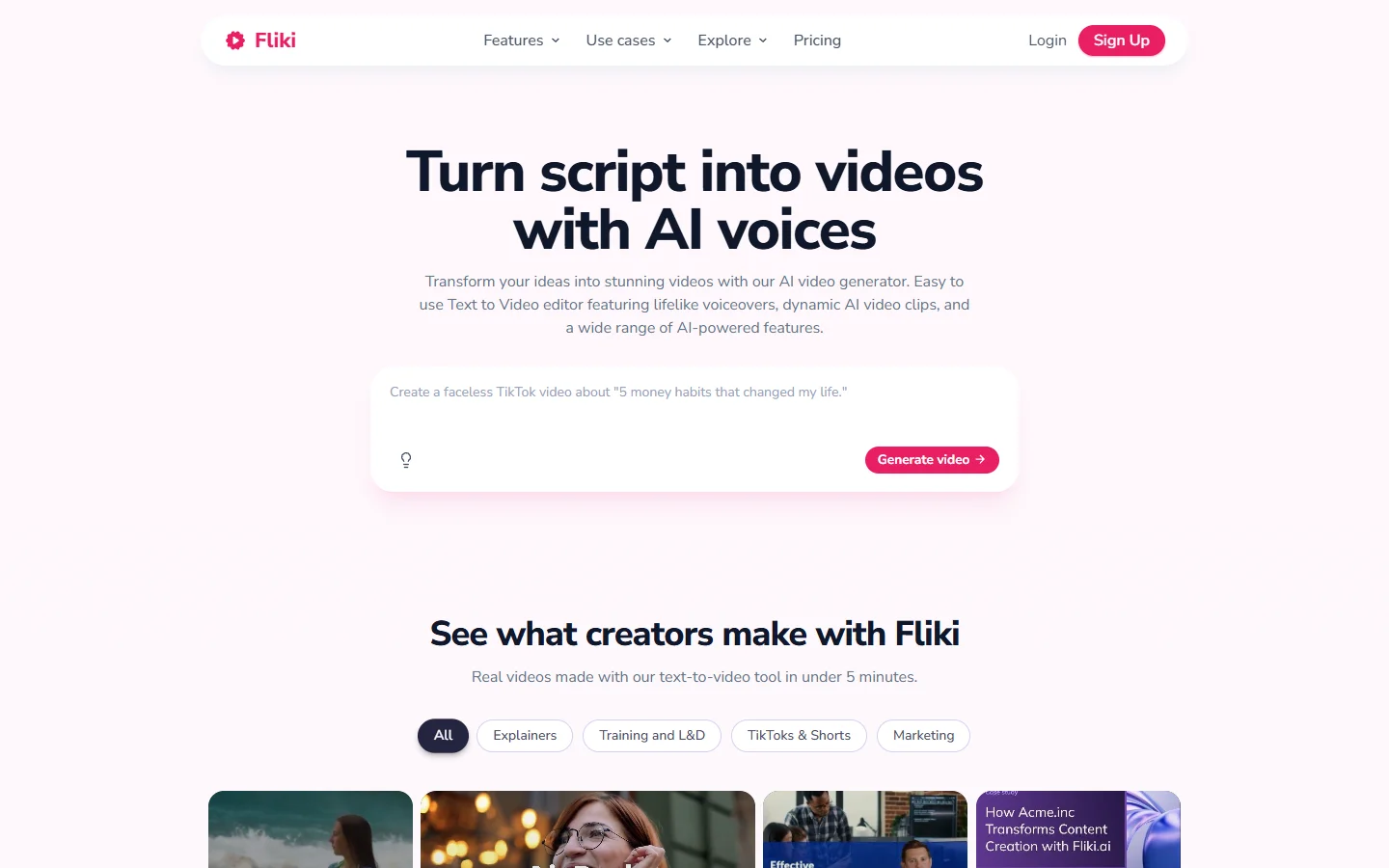
Fliki is the tool most Pictory users end up on, because it keeps the blog-to-video flow intact and improves the weakest part of it. Paste a URL or a script, pick a voice, and it assembles scenes with stock media and synthetic narration. Its voice library is the real differentiator, with a large multilingual catalogue and noticeably more natural prosody than Pictory's stock TTS, and narration quality is what makes a stock-footage video feel produced rather than assembled. If voice is the part you care about most, our comparison of the text-to-speech engines behind these tools goes deeper than any product page will.
- Fliki - Strength: multilingual voice quality and a familiar script-to-video flow · Weakness: same stock-relevance problem as Pictory, inherited rather than solved · Best for: teams replacing Pictory without retraining anyone
The honest caveat is that Fliki does not fix the thing people complain about most. Its footage picker is roughly as literal as Pictory's, so you are buying better narration and broader language coverage, not better visual judgment. That gap is why some teams end up at tools that generate their visuals instead of retrieving them.
InVideo: template-led control
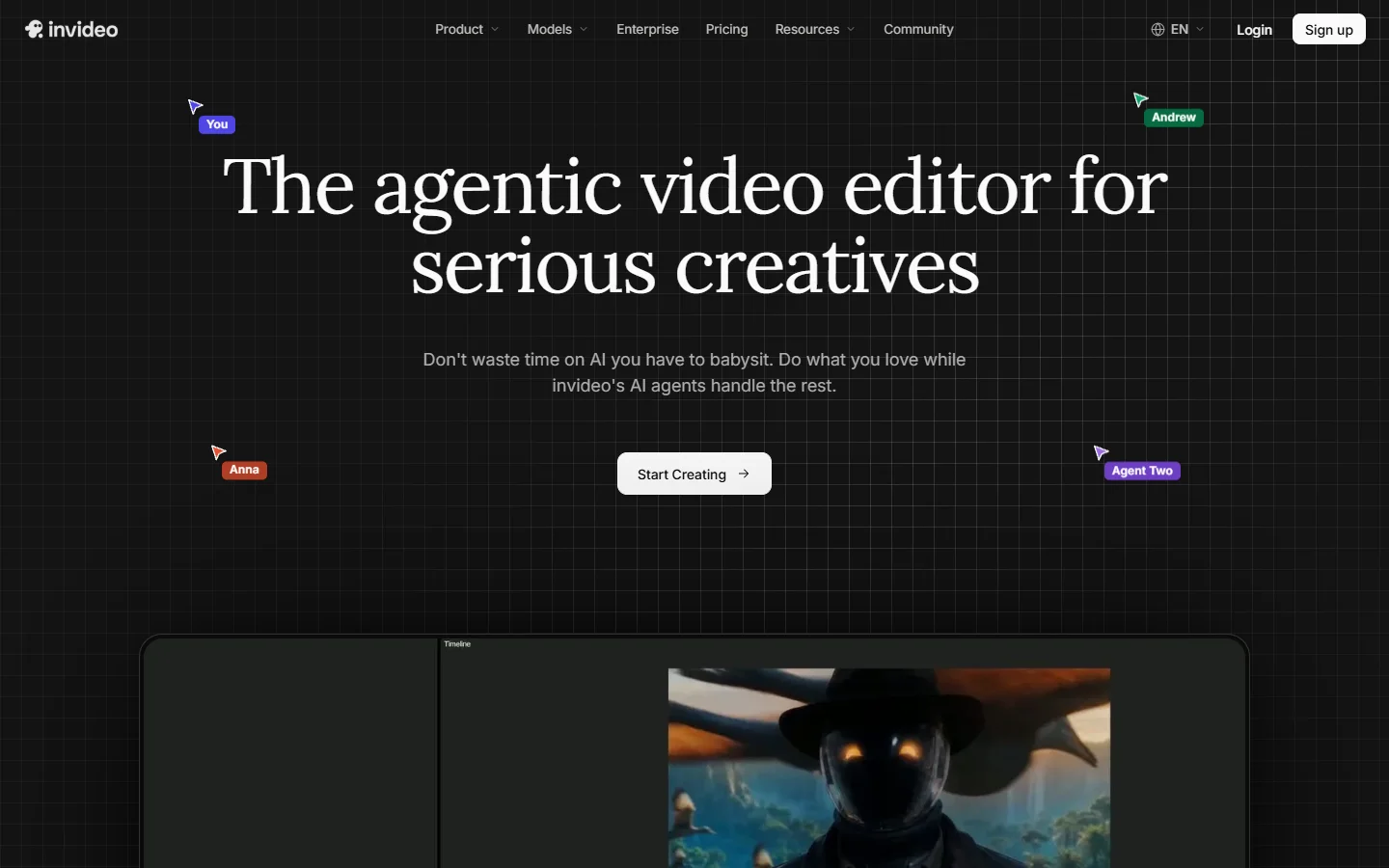
InVideo approaches the problem from the opposite end. Instead of automating the whole assembly and leaving you to repair it, it hands you a large template library and an editor designed for the repair work. Its AI mode generates a first cut from a prompt, but the tool expects you to restyle it. For social-first output where brand consistency matters more than turnaround speed, that tradeoff favours InVideo, and the same logic applies to the short-form vertical formats covered here.
- InVideo - Strength: deep template library plus a real editor · Weakness: slower than Pictory for pure volume · Best for: brand-consistent social output
Descript: for video you already have
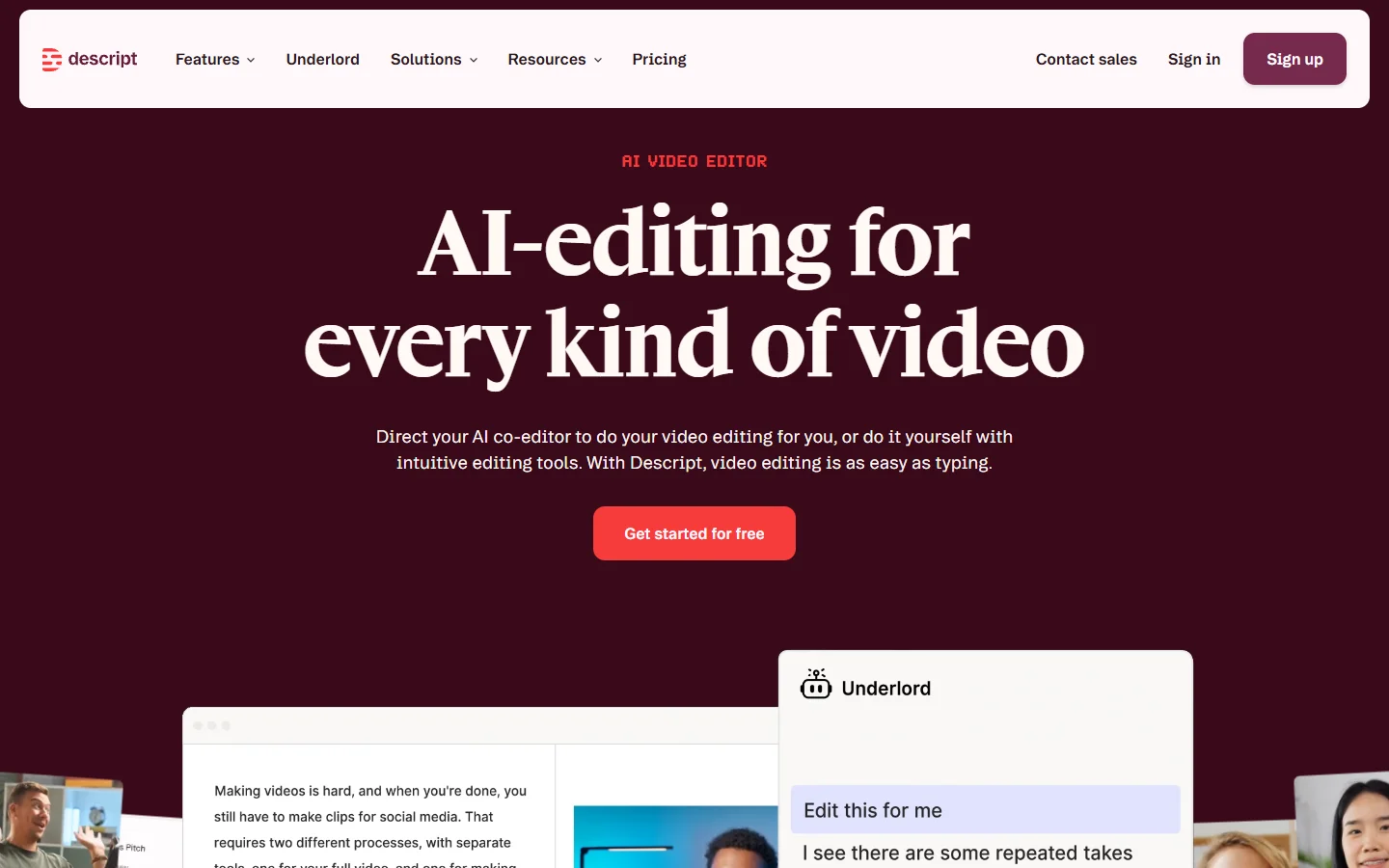
Descript is the option for people who discover that their real problem was never script-to-stock. If you record podcasts, webinars, demos or talking-head footage, Descript lets you edit the video by editing its transcript, delete filler words in bulk, and patch mistakes with a cloned voice instead of a re-record. It is a different job from Pictory's, and for many teams it is the job they actually had. Anyone producing narrated explainer content regularly should also look at how AI voiceover workflows fit around a recorded source.
- Descript - Strength: transcript-based editing and voice cloning for corrections · Weakness: useless if you have no source footage · Best for: podcast, webinar and talking-head repurposing
Opus Clip: repurposing long video into short
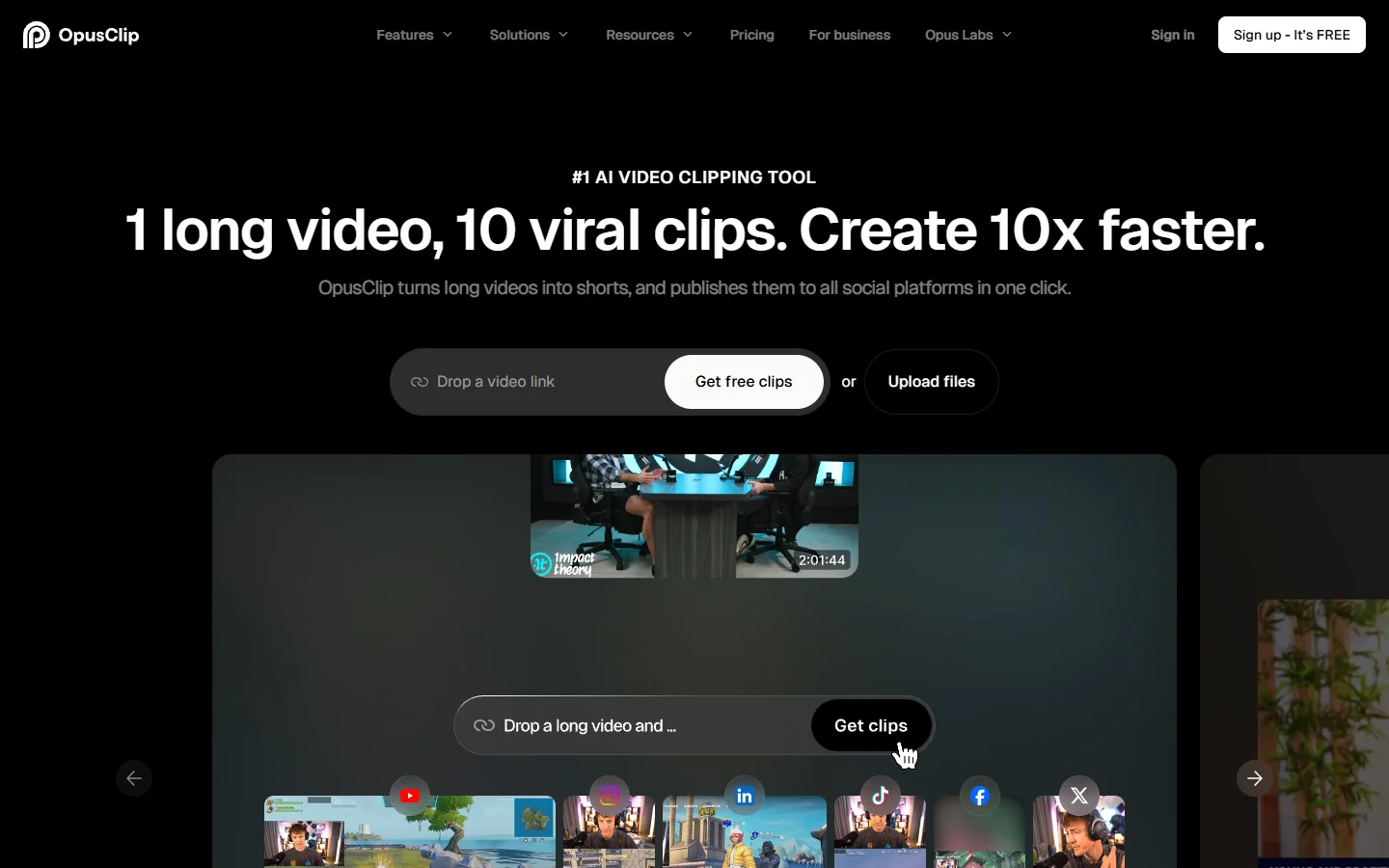
Opus Clip narrows the scope aggressively and wins because of it. Feed it a long recording and it finds the segments most likely to perform as standalone clips, reframes them vertically with speaker tracking, and burns in captions. There is no blog-to-video function at all. What it replaces is the Pictory use case where somebody was chopping a webinar into social posts by hand.
- Opus Clip - Strength: clip selection and automatic vertical reframing · Weakness: no script-to-video path whatsoever · Best for: turning one long recording into a month of short posts
Its virality scoring is a ranking heuristic, not a prediction: useful for ordering thirty candidate clips, useless as a forecast for any single one. The same caution applies to every scoring feature in the short-form tools built for TikTok output.
VEED and Synthesia: the browser editor and the avatar route
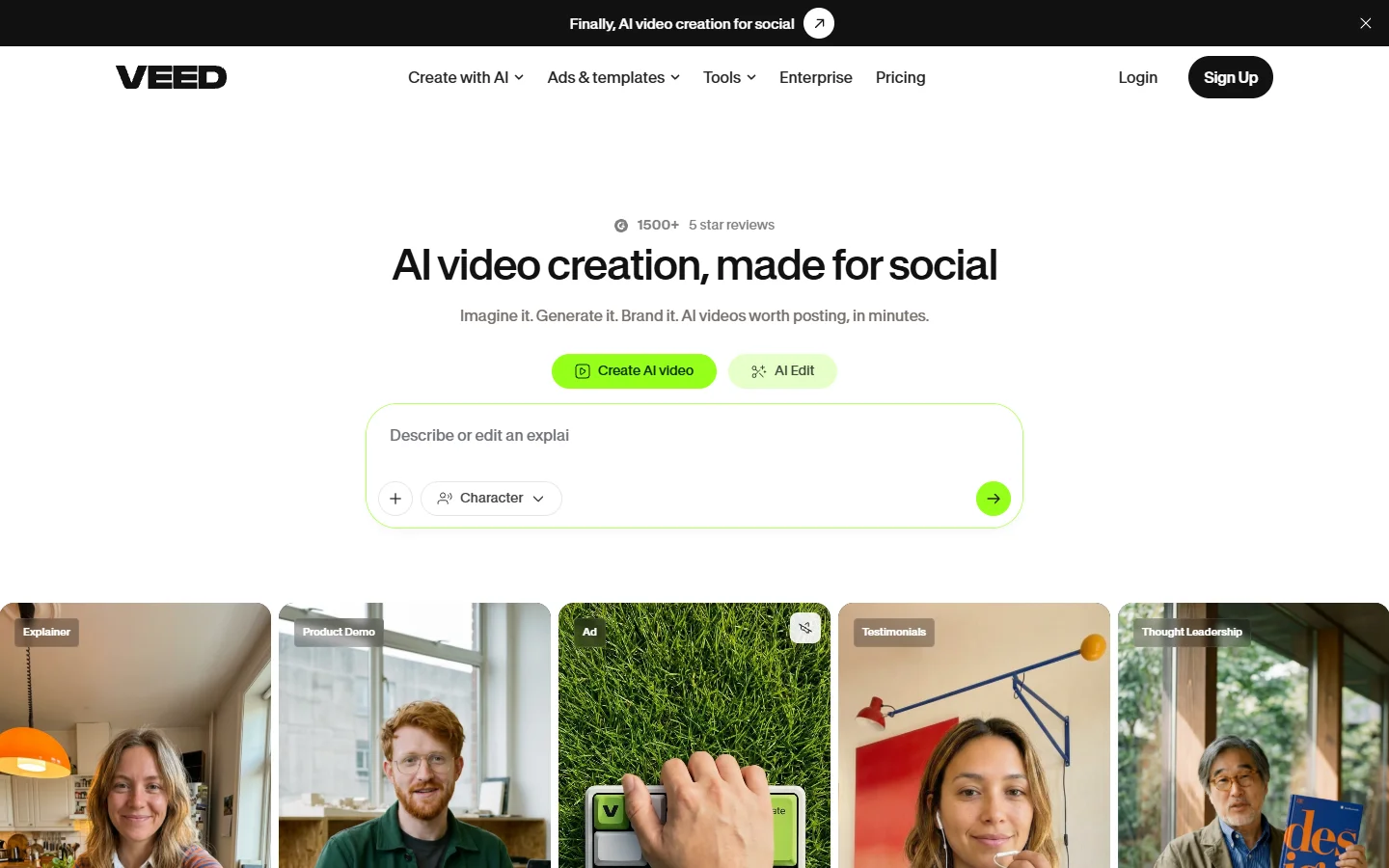
VEED is a general browser-based editor with AI features layered on, including subtitling, background removal and a text-to-video mode. It is the most flexible tool on this list and the least opinionated, which makes it a safe landing spot when you are not sure what your workflow will look like in six months.
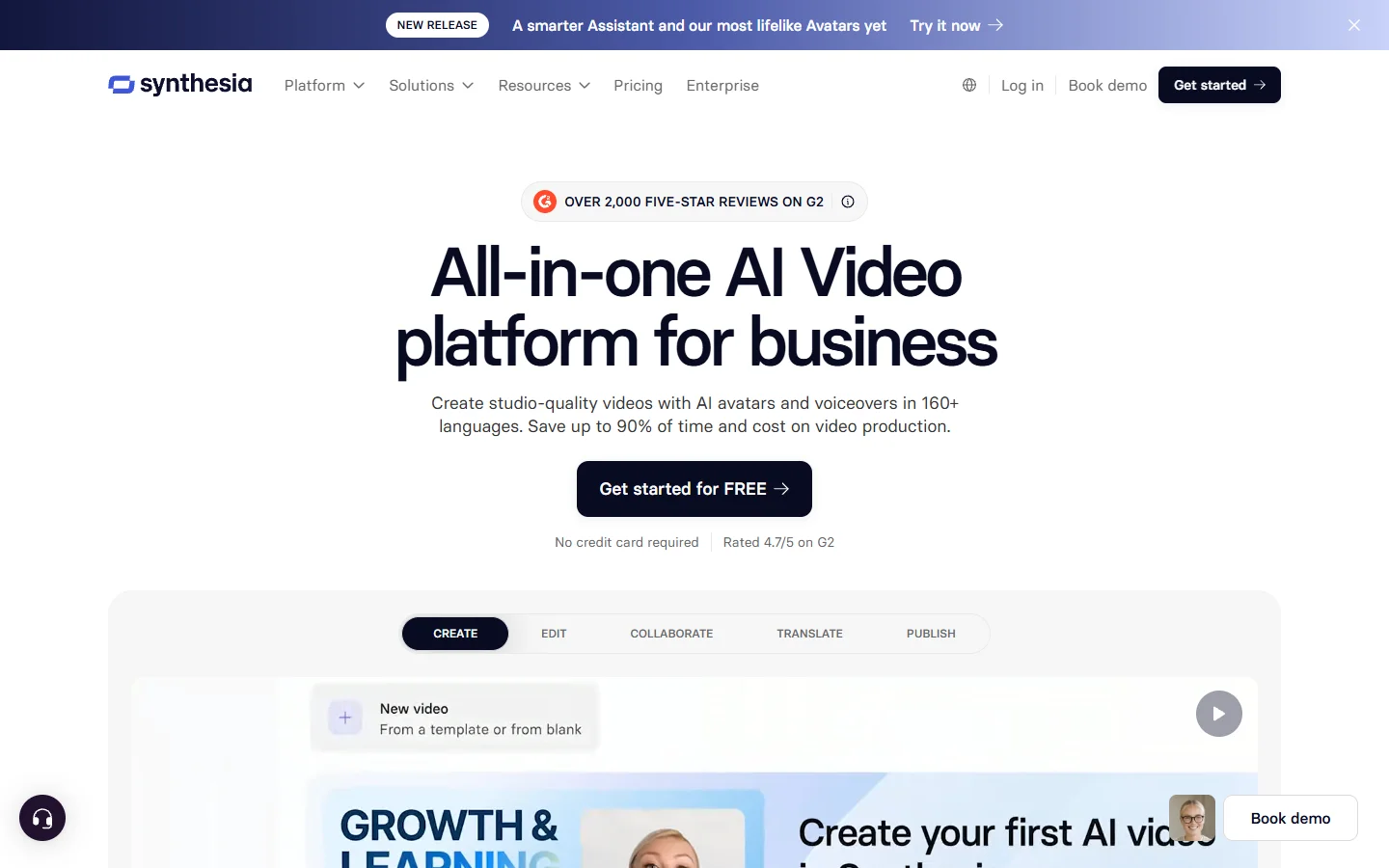
Synthesia solves the relevance problem by removing stock footage entirely. A presenter avatar delivers your script, which for training material, internal comms and product explainers is more appropriate than a montage of unrelated clips. The constraint is format rigidity, since everything ends up looking like a person presenting to camera, and our rundown of the avatar platforms worth comparing against it covers where that ceiling starts to bite.
- VEED - Strength: broad editor with AI assists, low lock-in · Weakness: less automated than Pictory, more manual work per video · Best for: mixed workloads
- Synthesia - Strength: avatar delivery removes stock relevance issues entirely · Weakness: one visual format, priced per minute · Best for: training and internal communication

Where all six of them stop
Every tool above shares one structural limit, and it only shows up at volume. They are applications, not pipelines. Producing fifty product videos from a spreadsheet means sitting in a browser tab doing the same clicks fifty times, because the automation stops at the boundary of a single project. Teams that hit this wall start looking at platforms built for programmatic video generation instead, where the unit of work is a job rather than a session.
Further reading for that case: there is a fuller account of where each Pictory replacement stops scaling that works through the credit ceilings, the fixed template flow and the stock library limits in more detail than a roundup like this has room for.
The practical rule is that the choice is set by your input, not your output. Text points to Fliki or InVideo. Existing long video points to Descript or Opus Clip. A scripted presenter and no footage points to Synthesia. Mixed or unclear points to VEED, and genuine batch volume points past all of them, which is also the conclusion of our survey of what production automation looks like once the volume is real.
FAQ
Is Pictory still worth using in 2026? For a single marketer turning one blog post a week into a narrated video, yes. The flow is reliable and the learning curve is short. The case weakens sharply once you need visual precision, higher volume, or predictable monthly costs, and those are the three conditions that push people to the tools in this comparison of general AI video generators.
Which alternative is the easiest switch? Fliki. The mental model is identical, the import flow accepts the same inputs, and nobody on your team has to learn a new way of thinking about a video project.
Is there a free option that does what Pictory does? Partly. Most free tiers cap export length, watermark the output, or both, and the free tiers in this list of no-cost online generators are better treated as evaluation tools than as production tools.
Why does the automatic footage selection get things wrong so often? Because it matches on keywords in the narration rather than on the meaning of the sentence. A line about market pressure retrieves a clip of a stock chart, which is literally related and rhetorically useless. Every tool that pulls from a stock library has this problem to some degree, including Fliki.
Can any of these produce fully original footage instead of stock? Synthesia does, in the specific form of an avatar presenter. For generated scenes rather than presenters you are into generative video models, which is a different category with different failure modes, sketched out in our guide to making marketing video with generative tools.
Do I need to cancel Pictory to test an alternative? No, and you should not. Run one real project through the candidate tool in parallel, using content you have already published so you can compare the two outputs directly rather than judging a demo. The same parallel-run advice applies when you are evaluating node-based tools that assemble video from components.
Conclusion
The useful question is not which Pictory alternative is best, because these six tools answer different questions. Fliki is the safe lateral move, InVideo is control-first, Descript and Opus Clip serve people whose source material is video rather than text, Synthesia removes the stock library entirely, and VEED hedges. Pick by what you feed in, the same way you would when choosing between the tools that handle ecommerce product video.
Decide early whether you are producing individual videos or running a pipeline, since that determines whether any of these tools still fit in a year. Teams working out which side of that line they are on will get more from a structured look at how voice, visuals and assembly tools combine than from another feature-by-feature grid.