
Video was the last part of the generative stack to move onto a canvas. Image people have been wiring graphs since the early Stable Diffusion days, and the habit carried over into every serious node-based image generation setup. Video stayed stuck in single prompt boxes for a long time, mostly because a clip took minutes to render and nobody wanted to debug a ten step graph at that latency.
That changed in 2025 and 2026. Render times dropped, models started accepting a first frame and a last frame, and native audio arrived. The moment a clip depends on an upstream image, a reference frame, a voice track and a caption pass, a text box stops being enough. A graph is the honest representation of what you were already doing by hand, which is why the node-based workflow platforms that used to be an image-only niche now all ship video nodes.
This is a survey of the tools that actually handle video on a canvas in 2026, what each one is good at, and where the whole approach still falls apart. No tool here is the answer for everyone. The right pick depends on whether you are rendering locally, shipping client work, or calling a node-based platform from a backend.
What a video graph has to get right
Most tools can put a video node on a canvas. Far fewer handle the parts that make a multi-shot sequence hold together. Four things separate a real video graph from an image editor with a video button bolted on.
The first is frame handoff. If a node can accept the last frame of the previous clip as its start image, you can chain shots and keep a character recognisable across cuts. Without it every shot is a fresh roll of the dice, which is the core problem covered in this breakdown of multi-shot AI video consistency. The second is audio, which stopped being an afterthought once models started generating dialogue and ambience in the same pass, a shift argued well in this piece on native audio in AI video.
The third is model coverage. A canvas locked to one vendor is a wrapper, not a pipeline, and you will notice the day you want Veo for a landscape shot and Kling for a face. Pricing and access differ per model, which is why it helps to read the actual per second numbers, like these Veo 3.1 video API examples and pricing, before committing a client project to a single supplier. The fourth is an execution path that is not the canvas itself: an API or a headless run, so the graph you designed by hand can be triggered a thousand times without you sitting there.

ComfyUI
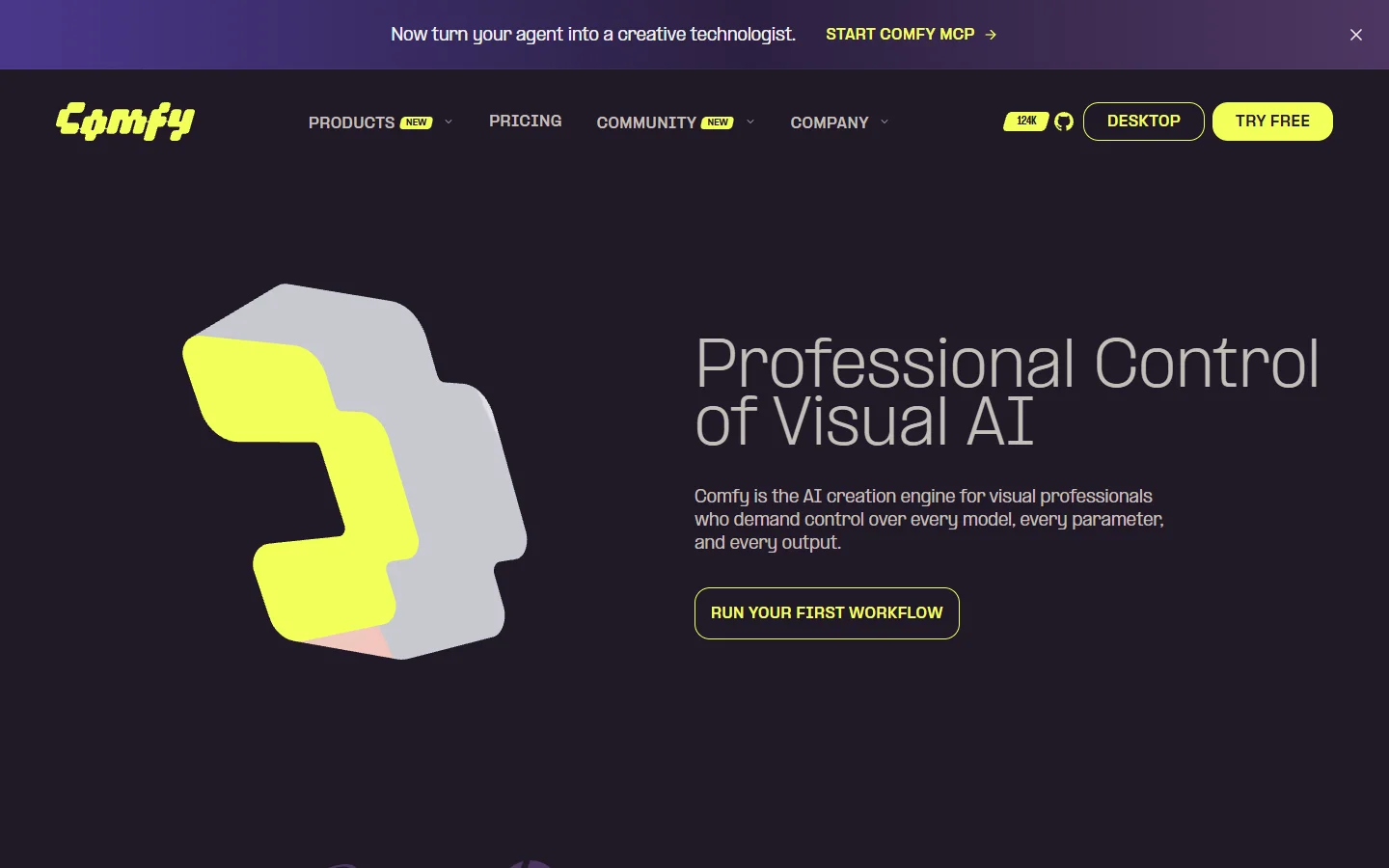
ComfyUI is still the reference implementation of the idea. Every open weights video model gets a ComfyUI node within days of release, and you get frame level control that hosted tools do not expose. The cost is that you are also the sysadmin, and video eats VRAM in a way image work does not, which is why the hosted ComfyUI alternatives with an API exist at all.
- ComfyUI · Strength: total control, every open model, no per generation fee · Weakness: you own the GPU, the drivers and the broken custom node · Best for: local rendering and research
Figma Weave
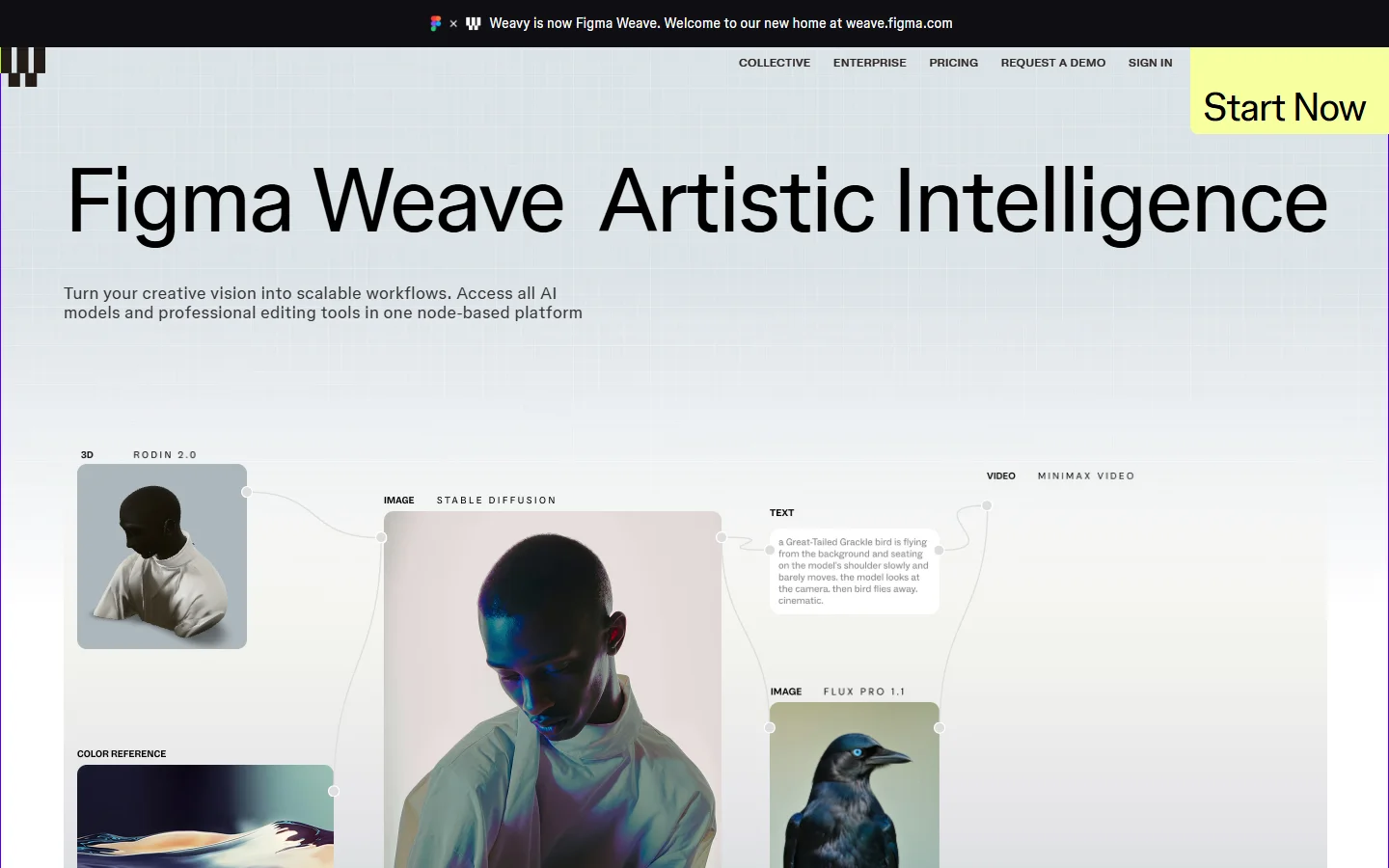
Weavy, now Figma Weave, is the most design-literate canvas in this list. It mixes generative nodes with real compositing: mattes, relighting, colour, the operations an editor expects to find. For teams already living in Figma the handoff is short. It is also the clearest example of the trend where canvas tools start to look like editing suites rather than model front ends, a pattern visible across the AI canvas platforms with API access that shipped this year.
- Figma Weave · Strength: compositing and matte control next to generation · Weakness: design-team pricing, less appealing for solo backend use · Best for: studios doing finished creative
Flora
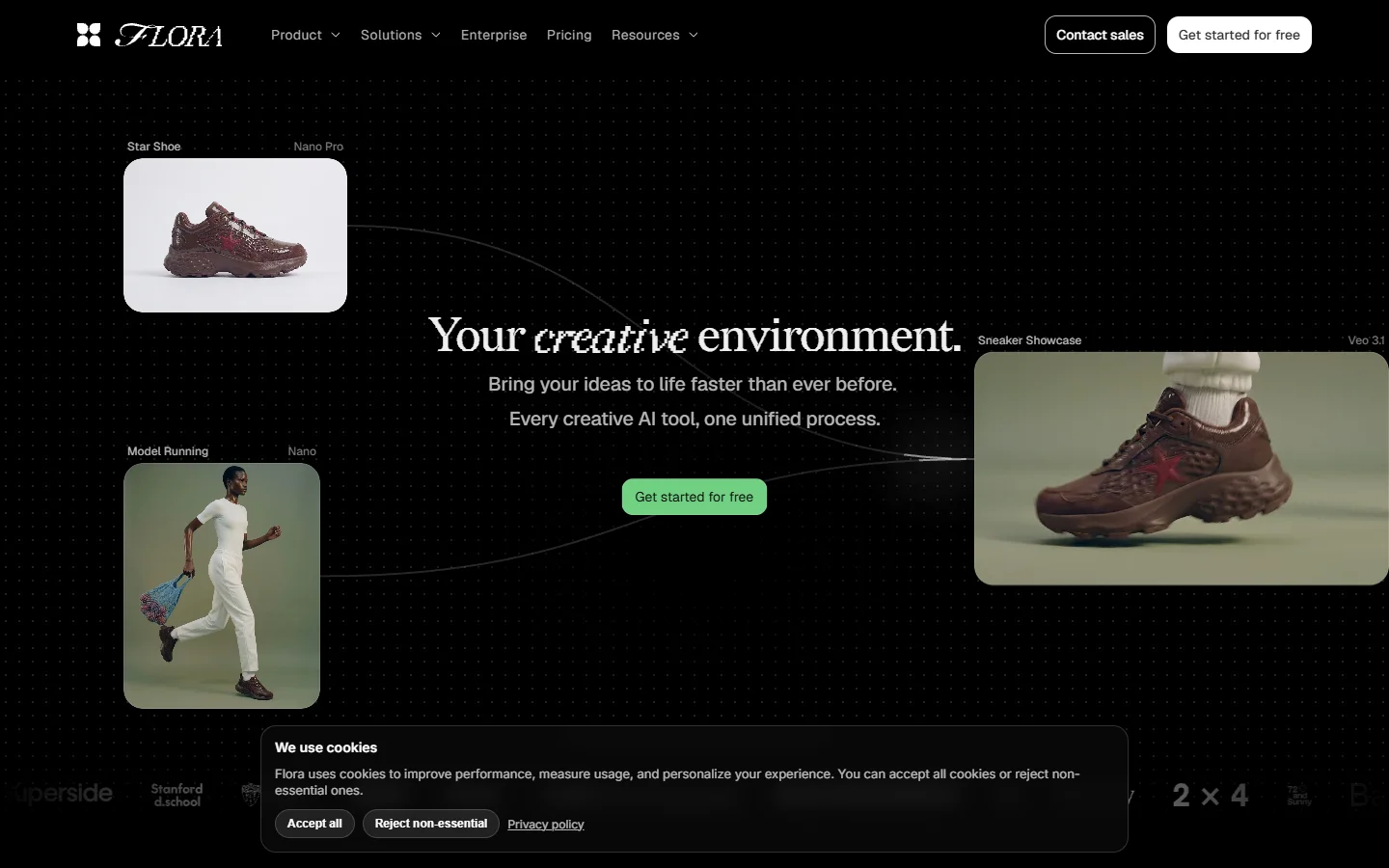
Flora treats the canvas as a place to think rather than a place to automate. Branching, variants and shared boards are the point, and video sits alongside image and text nodes as one more medium to explore. It is the friendliest entry into graph based work and the least suited to repetition, which is the tradeoff to weigh if your end goal is a programmatic video generation platform rather than a moodboard.
- Flora · Strength: exploration, branching, collaborative boards · Weakness: thin automation story · Best for: agencies and creative direction
Krea Nodes
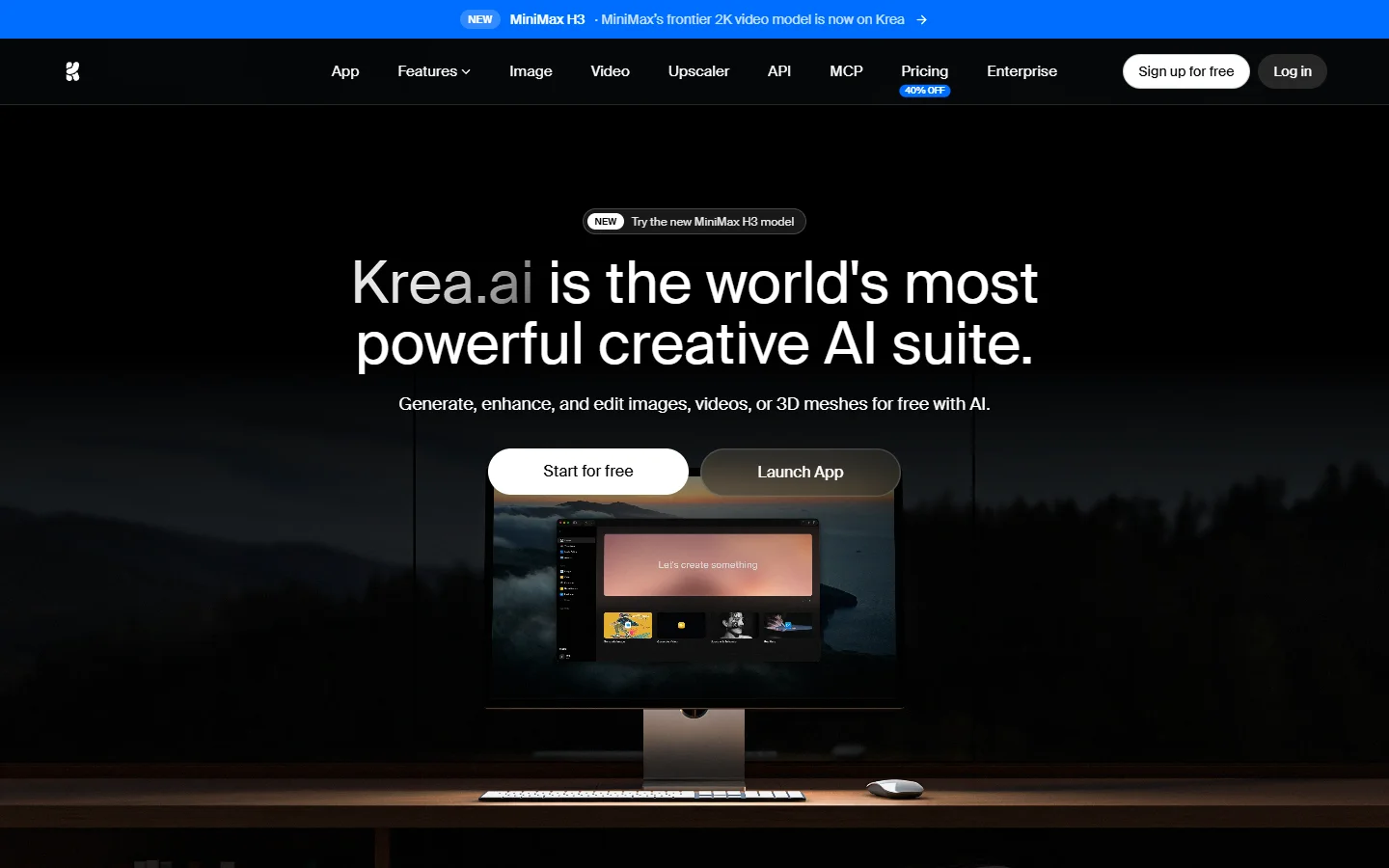
Krea added a node editor to what was already a fast model playground, and the result is the best ratio of capability to friction here. You can build a genuine chain, image to video to upscale, without reading documentation first. Model access is broad but curated, so if you need a specific endpoint on a specific version you may still end up back at a direct integration like generating video with Kling via API.
- Krea Nodes · Strength: quick to learn, strong model roster, fast iteration · Weakness: less granular than ComfyUI · Best for: solo creators moving quickly
Freepik Spaces

Freepik Spaces wraps a node canvas around a stock library and a design suite, which matters more than it sounds: the assets feeding your graph are already licensed. For marketing work that is often the deciding factor, though developers tend to hit the ceiling early, as this Freepik Spaces and ComfyUI comparison lays out.
- Freepik Spaces · Strength: licensed assets and design tools in the same graph · Weakness: shallow for engineering use · Best for: marketing and social teams
Wireflow
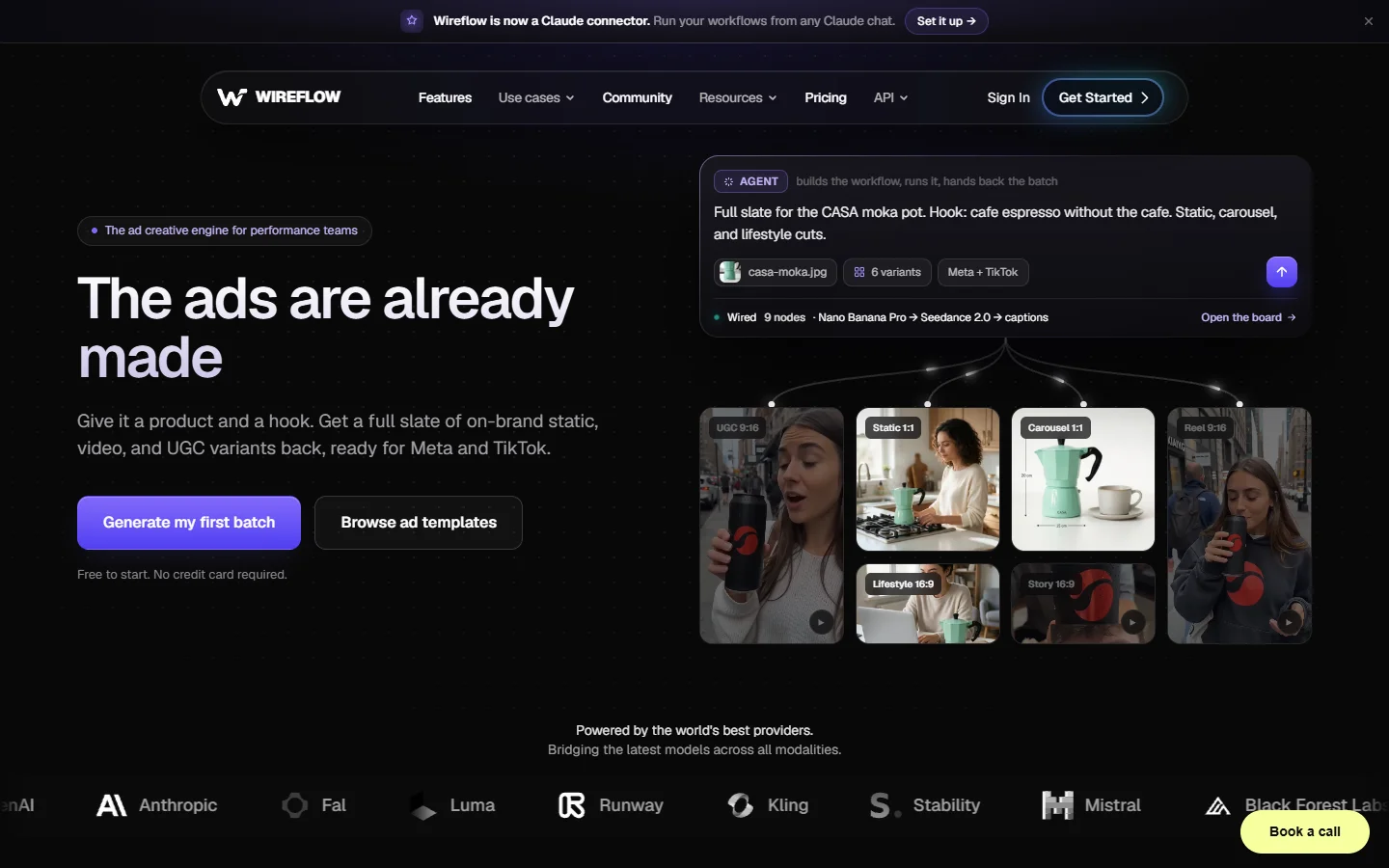
Wireflow sits in the automation half of the field. The canvas is a node-based AI canvas where video, image, audio and text models are all nodes in one run, and any graph you build can be triggered over an API instead of by clicking. That makes it a fit for repeatable output, batch ad variants, listing videos, per-product clips, and a poor fit if you wanted a drawing surface.
- Wireflow · Strength: multi-model chains that run headlessly on a schedule or an API call · Weakness: automation framing, not a design canvas · Best for: repeatable production runs
Invoke
Invoke is the enterprise-shaped option: self-hostable, permissioned, auditable, with a workflow builder that a compliance team can live with. Video support is narrower than the rest of this list, so it earns its place on governance rather than range. If your blocker is a security review rather than a model roster, it belongs on the shortlist next to any AI node editor with an API.
- Invoke · Strength: self-hosting, access control, audit trail · Weakness: fewer video models · Best for: regulated and in-house teams

Where node graphs still lose
Graphs are worse than a prompt box when you want one clip and you want it now. Building six nodes to get a five second shot is a bad trade, and most people who bounce off canvas tools bounce for exactly that reason. The payoff only starts once the same structure runs more than a few times, which is the argument this guide to programmatic video platforms makes in more detail.
The other honest weakness is debugging cost. A failed node halfway down a chain has already spent money on everything upstream, and video nodes are the expensive ones. Cache aggressively, test the graph on the cheapest model available, and only swap in the premium endpoint once the wiring is proven. Teams that skip that step tend to discover the problem on an invoice, a pattern that also shows up when people migrate off a single vendor and hunt for a Runway API alternative mid-project.
FAQ
What does node based video generation actually mean? It means the steps of making a clip are separate boxes on a canvas, wired together, instead of one prompt field. A prompt node feeds an image node, the image feeds a video node, the video feeds an upscaler, and you can rewire any part without redoing the rest, the same logic described in this node-based image generation primer.
Is ComfyUI still worth learning in 2026? Yes, if you run models locally or need control the hosted tools do not expose. If you would rather not manage GPUs, one of the hosted alternatives with API access gets you most of the way with far less maintenance.
Which tool is best for multi-shot consistency? Any canvas that lets you pass the last frame of one clip into the next as a start image. Model choice matters as much as tooling here, and the specifics are covered in this write-up on multi-shot storytelling and consistency.
Do I need an API, or is the canvas enough? The canvas is enough for one-off work. Once you are producing the same shape of video repeatedly, an API path stops being optional, and the platforms that expose one are the ones worth shortlisting.
How much does a node based video run cost? Cost is per node, not per project, so it scales with how many generation steps you chain. Video dominates the bill; text and routing nodes are close to free. Published per second rates like the Veo 3.1 pricing breakdown are the fastest way to sanity check a graph before you run it a hundred times.
Can these tools handle audio too? Increasingly yes, either through a dedicated audio node or through models that generate sound natively, which is the direction the field is moving.
Conclusion
There is no single winner in this category, and any list that names one is selling something. ComfyUI wins on control, Figma Weave and Flora win on craft, Krea wins on speed, Freepik wins on assets, Invoke wins on governance. If your output is repetitive and needs to run without you, a multi-model AI workflow tool with a headless execution path is the shape to look for.
Pick based on what happens after the first render, not the first render itself. That question, one clip or one thousand, sorts this entire list faster than any feature comparison, and it is the same question underlying every AI canvas platform with an API shipping today.