
Every roundup of AI video tools for ecommerce reads the same way: ten products, one ranking, one winner. That ordering is useless the moment you have a real catalog, because a store with 300 SKUs is not running one job. It is running four or five of them at once, and the tool that wins at spokesperson ads is usually mediocre at making a still product photo move convincingly.
So we sorted this list by job instead of by score. Each section covers one stage of a product video pipeline, names the tools that are genuinely good at that stage in 2026, and says where each one falls down. If you already know which stage is your bottleneck, skip to it. Teams coming from a still-image workflow will get more out of reading our guide to generating AI product images for an online store first, since almost every video tool below takes those images as input.
One framing note before the list. The interesting constraint in 2026 is no longer output quality. Generation models cleared the bar for ecommerce b-roll sometime last year, and the current crop of AI video generators compared head to head are close enough on raw fidelity that the difference rarely shows up in a 6-second Reel. The constraint is throughput: how many SKUs you can push through per week without a human touching each one.
Why ranked lists keep failing ecommerce teams
A ranked list assumes a single evaluation axis. Product video has at least three that trade against each other, and picking a tool without naming which axis you care about is how teams end up with an expensive subscription and eleven finished videos.
The first axis is fidelity to the actual product. A generative model that invents a plausible sneaker is worthless when the customer receives a different sneaker. The second is cost per finished asset at catalog scale, which is where per-seat pricing quietly kills you. The third is placement fit, because a video that works on a product detail page is the wrong aspect ratio, length, and pacing for a paid social feed. Most tools optimize hard for one axis and treat the other two as someone else's problem, which is the same pattern we ran into writing up how to create marketing videos with AI.
There is also a fourth thing nobody advertises, which is consistency across a series. If SKU 41 and SKU 42 come out looking like they were shot by different studios, your grid looks broken even when each individual clip is fine. Our writeup on multi-shot consistency in AI video covers why that failure mode is structural rather than a prompting mistake.
Job one: turning a product page into a spokesperson ad
This is the highest-volume job for most DTC brands. You have a URL, a few product photos, and a claim. You need a person on camera saying the claim over the product, in vertical, in about fifteen seconds, in nine variants. It is the closest thing ecommerce has to a solved problem, and the tools have converged on roughly the shape described in our roundup of AI product video generators.

- Creatify · Strength: paste a product URL, get a scripted avatar ad with hooks and captions already assembled · Weakness: the avatar library is recognizable, so heavy users start looking like each other · Best for: paid social testing where variant count beats polish
- HeyGen · Strength: the best avatar realism and multilingual dubbing in this category, plus a usable API · Weakness: it is a presenter tool, not a product tool, so the product itself is composited rather than filmed · Best for: brands that need one spokesperson across dozens of markets

The honest limitation of both is that synthetic spokesperson ads have a shorter creative half-life than they did in 2024. Audiences have learned the format. They still convert, but the winning variants burn out in weeks rather than months, which is an argument for treating this job as a volume problem rather than a craft problem. If avatar quality is the deciding factor for you, the comparison of Synthesia alternatives for AI avatar video goes deeper on that specific tradeoff than we can here.
Job two: making the product itself move
Spokesperson ads talk about the product. This job shows it: the fabric flexing, the lid opening, the liquid pouring, the camera orbiting a hero shot you never had the budget to film. It is also where the general-purpose models in our 2026 AI video generator survey do their best work.

- Runway · Strength: the most controllable camera moves, and image-to-video that respects your original product photo instead of reinterpreting it · Weakness: credit burn is real once you start iterating, and small text on packaging still degrades · Best for: hero shots and PDP loops where one clip gets reused for a year
- Kling · Strength: physical motion, cloth, and liquids look right more often than they should at the price · Weakness: less precise control, so you generate more takes to get the one · Best for: apparel, food, and anything where material behavior sells the item
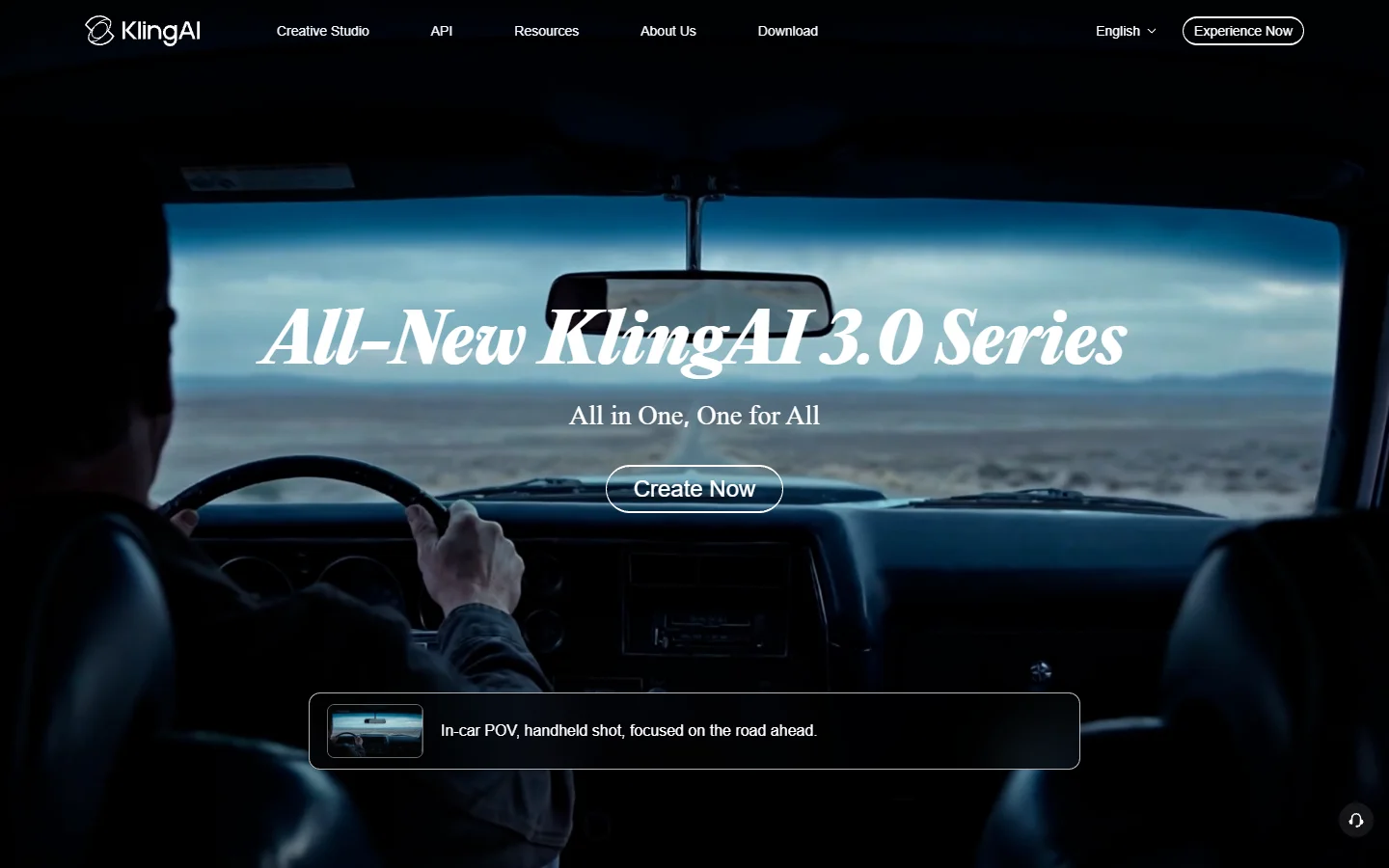
Both are image-to-video tools first, which means the quality ceiling is set by the still you feed them rather than by the prompt. That is the single most common mistake we see: teams spend an afternoon rewriting prompts when the actual fix is a better source image. The workflow in our AI product photo guide for ecommerce produces the kind of clean, well-lit, correctly-proportioned input these models need, and it is worth doing before you spend a single video credit.

Job three: cutting one asset into thirty placements
Whatever you generate in jobs one and two, you now need it in 9:16 for TikTok, 4:5 for the feed, 1:1 for the grid, and 16:9 for the site, each with different pacing and captions. Doing this by hand is where product video programs quietly die.
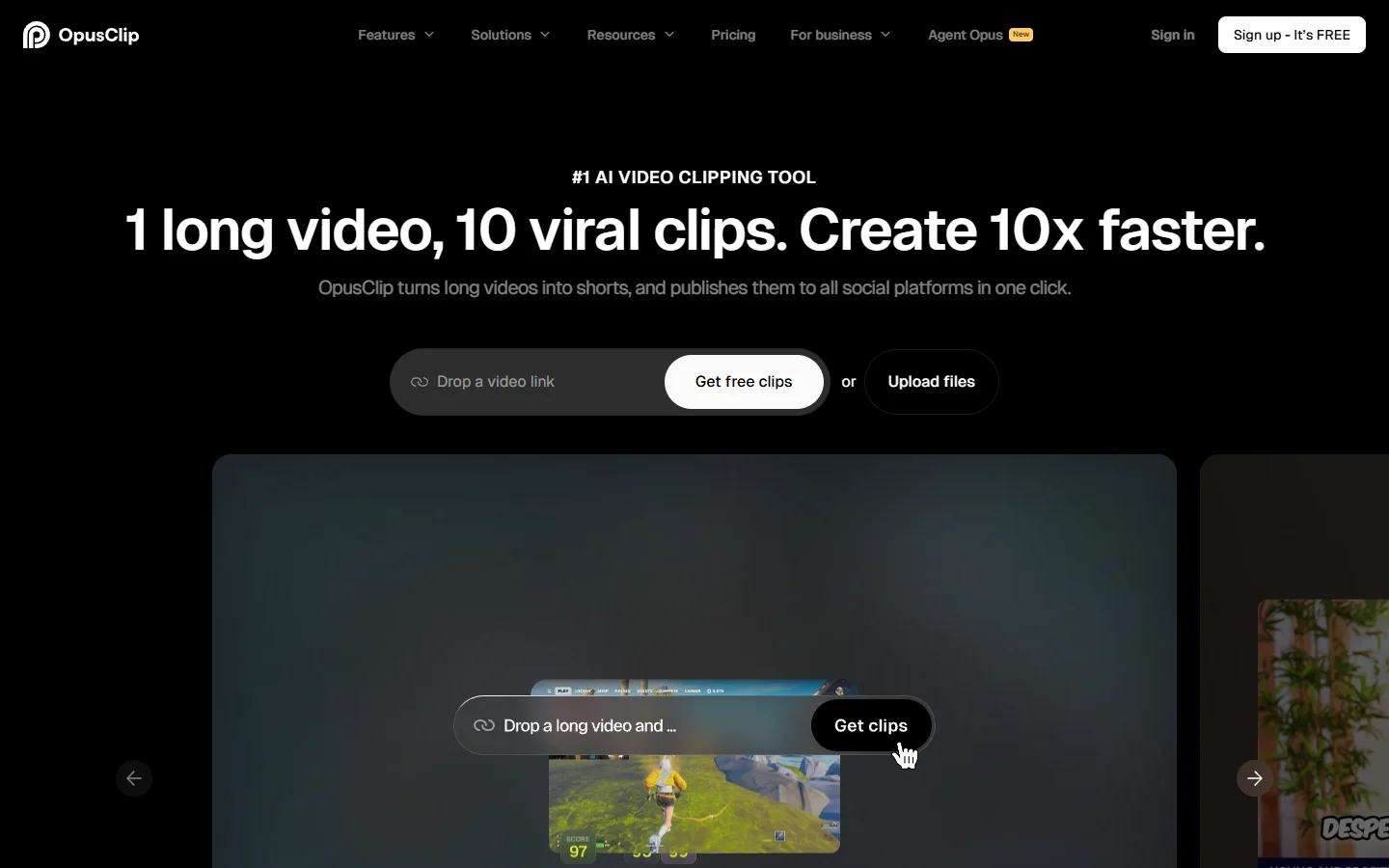
OpusClip is the default here for long-to-short: it finds the moments, reframes with subject tracking, burns captions, and scores each cut for likely engagement. The scoring is directionally useful rather than precise, but the reframing and caption work alone removes hours per asset. Its weakness is that it expects a long source, so it does less for you when your input is already a 6-second generated clip. For that case, the tactics in our guide to making viral TikTok videos with AI are a better fit than a clipping tool.
Job four: putting the video where it actually sells
A product video sitting in a Drive folder has a conversion rate of zero. This job is delivery: getting the clip onto the product page in a format that loads fast, plays inline, and can be attributed to revenue.

Videowise is the most complete option for Shopify stores, combining shoppable video delivery with per-video revenue analytics, which is the only way to find out whether any of the work above is paying for itself. It is not a generation tool and does not pretend to be. Pair it with one creation tool from the sections above and you have a closed loop. Teams running video across social as well as on-site should also look at our roundup of AI tools for social media video creation, since the delivery requirements diverge sharply between the two surfaces.
Job five: wiring the four jobs into one pipeline
Here is the part the ranked lists never get to. Once you have picked a tool for each of the four jobs, you own an integration problem: product data has to become a prompt, the prompt has to become an image, the image has to become a clip, the clip has to become five crops, and the crops have to land somewhere your storefront can read. Doing that by hand for 300 SKUs is not a tooling problem, it is a staffing problem.
Orchestration tools exist for exactly this seam. The pattern that works for catalog-scale ecommerce product video is a node-based AI canvas where each stage is a node, models are swappable without rebuilding the chain, and one run can be triggered per row of a product feed. That structure matters more than which specific generation model sits in the middle, because models get replaced every few months and the pipeline around them should not have to be rebuilt each time.

If you would rather build the seam yourself, that is a reasonable choice and the API-first route is well trodden. Our complete guide to programmatic video generation platforms covers the tradeoffs between calling model APIs directly and running an orchestration layer on top of them, including where the direct route stops being cheaper.
What we would run for a 300-SKU catalog
Concretely, if we inherited a mid-size store tomorrow and had one month: source images through a controlled photo pipeline, Kling for material-heavy categories and Runway for hero shots, Creatify for paid social variant volume, OpusClip only for the assets that start long, and Videowise on-site so the revenue attribution exists from day one.
The sequencing matters more than the picks. Start with the 20 SKUs that already drive most of your revenue, build the pipeline against those, and only widen once a run costs you nothing but compute. Most teams do the opposite, batch the whole catalog on day one, and end up with 300 mediocre clips nobody wants to publish. The prompt discipline in our hands-on guide to customizing AI video output is worth internalizing before that first batch, since it is the difference between two takes and twelve.
FAQ
Can AI product videos legally show a product the model has never seen? The model has seen your product if you feed it your product photo, which is why image-to-video matters so much for ecommerce. Text-to-video invents a plausible item, and shipping an ad for an item that does not exist is a real advertising-standards problem in most markets. Keep your source images authoritative and the legal question mostly disappears.
How much does a full product video pipeline cost per SKU in 2026? Between roughly one and five dollars in model credits for a short clip set, depending on how many takes you burn getting the one. The subscription costs usually exceed the compute costs at small volumes and invert somewhere past a few hundred SKUs, which is the point where the programmatic route starts to pay for itself.
Do AI-generated product videos hurt conversion compared to real footage? The evidence we have seen says no for b-roll and lifestyle context, and yes for anything the customer reads as a fake testimonial. Shoppers penalize apparent dishonesty far harder than they penalize synthetic visuals.
What about watermarks on free tiers? Nearly every free tier watermarks, and a watermarked clip on a product detail page reads as amateurish. Our list of AI video generators without watermarks covers which paid tiers actually remove them versus which just shrink them.
Does the video need sound? On-site, no, because PDP video autoplays muted. On social, increasingly yes, and native model audio has closed most of the gap with a separate audio pass. We wrote about why native audio is the next real leap for AI video if you want the technical version.
How many variants per SKU is enough? Three to five for paid social, one for the product page. Past that, returns fall off fast because the variance between variants is smaller than the variance between audiences. The UGC-format breakdown in our comparison of AI UGC video generators shows where the variant ceiling tends to sit.
Should a small store bother with any of this? Under about 30 SKUs, pick one tool from job one, one from job two, and skip the orchestration layer entirely. The pipeline argument only starts to pay above the point where a human doing it by hand becomes a full-time job.
Wrapping up
The tools in each of these five categories are good enough in 2026 that tool choice is no longer the interesting decision. What separates stores producing four videos a quarter from stores producing four hundred is whether the handoffs between stages are automated or manual, which is a workflow question rather than a model question. Teams that hit that wall usually end up either writing glue code or adopting an AI workflow automation platform to hold the stages together, and either answer beats doing it by hand.
Start with the job that is currently blocking you, not with the tool that ranked first somewhere. If your bottleneck is that nothing gets published, no generation model will fix it. If your bottleneck is that your source photos are weak, our ecommerce product image guide is a better next click than any video tool on this page.