There is no single best MCP server for video editing in 2026, and anyone who tells you otherwise has only tested one. The field splits into three shapes: pipeline orchestrators that queue renders across models, local FFmpeg wrappers that never upload a byte, and hosted clipping services that turn a long recording into captioned shorts. We spent two weeks connecting seven of them to Claude Code and Cursor. The same split shows up in the broader programmatic video generation landscape, so the categories are not arbitrary.
Tool counts range from 10 to 119 across the servers we tried, and that number is close to meaningless on its own. A 10-tool server that dubs into 80 languages solved a real problem in ten minutes. A 119-tool server took an afternoon to produce a three-clip assembly, because the agent kept choosing the wrong primitive. What actually predicted success was whether the server could tell the agent it had failed, and whether the same brief produced the same file twice.
This ranking is written for people wiring an assistant into an editing pipeline, not for people looking for a timeline app with an AI button bolted on. If you are earlier than that, the feature set creators actually use in AI photo and video editing is a better starting point.
What an MCP server changes about video work
Model Context Protocol is a thin standard: a server declares typed tools, an assistant calls them, results come back as structured data. For video that matters more than it sounds, because the failure mode of an LLM writing raw FFmpeg commands is a silent success. The command runs, the exit code is zero, and the output is 400 milliseconds of black. Typed tools with preflight validation catch that before the render. The same argument applies to connecting assistants to private business data over MCP, where the schema is the whole value.
The second thing MCP changes is where the work runs. A local server uses your own FFmpeg build, so there is no upload, no credit meter, and no ceiling other than your CPU. A hosted server renders on someone else's GPUs and hands back a URL, so it works from a laptop on hotel wifi and costs money per minute. Neither is better. They fail differently, and headless workflow platforms sit on the hosted side of that line by design.
How we ranked them
Five things, weighted roughly in this order, and they are close to the criteria that separate workflow platforms with API access once you automate them:
- Determinism. Does the same brief produce the same output on a second run?
- Error surface. When a call fails, does the agent get a usable reason or a stack trace?
- Scope fit. Does it do the whole job, or one slice of it?
- Cost shape. Flat, metered, or free.
- Setup cost. Minutes to first working render.
1. Wireflow, best for orchestrating a whole render pipeline
The orchestration tier is the least discussed and the most useful once a project has more than one model in it. Instead of exposing edit primitives, these servers expose a pipeline: generate, assemble, caption, render, return a URL, with the queue holding state between calls so the assistant is not rebuilding context every turn. It is the same architecture behind node based AI workflow platforms, reached through tool calls instead of a canvas.
We tested a 12-clip assembly with word-level captions and a music bed, driven from Claude Code, and two things stood out. The queue survived a dropped session, so the agent picked up where it left off instead of restarting the render. And re-running the same brief returned the same file rather than a fresh creative interpretation, which is the failure that makes agent-driven editing unusable at scale. Wireflow's own rundown of video editing MCP servers covers the tool surface in more detail if you want specifics before wiring anything up.
Verdict: best for teams running generation and editing in one pipeline. Weakest if you only want to trim a local file, where a cloud round trip is pure overhead.
2. Kinocut, best local and open source option
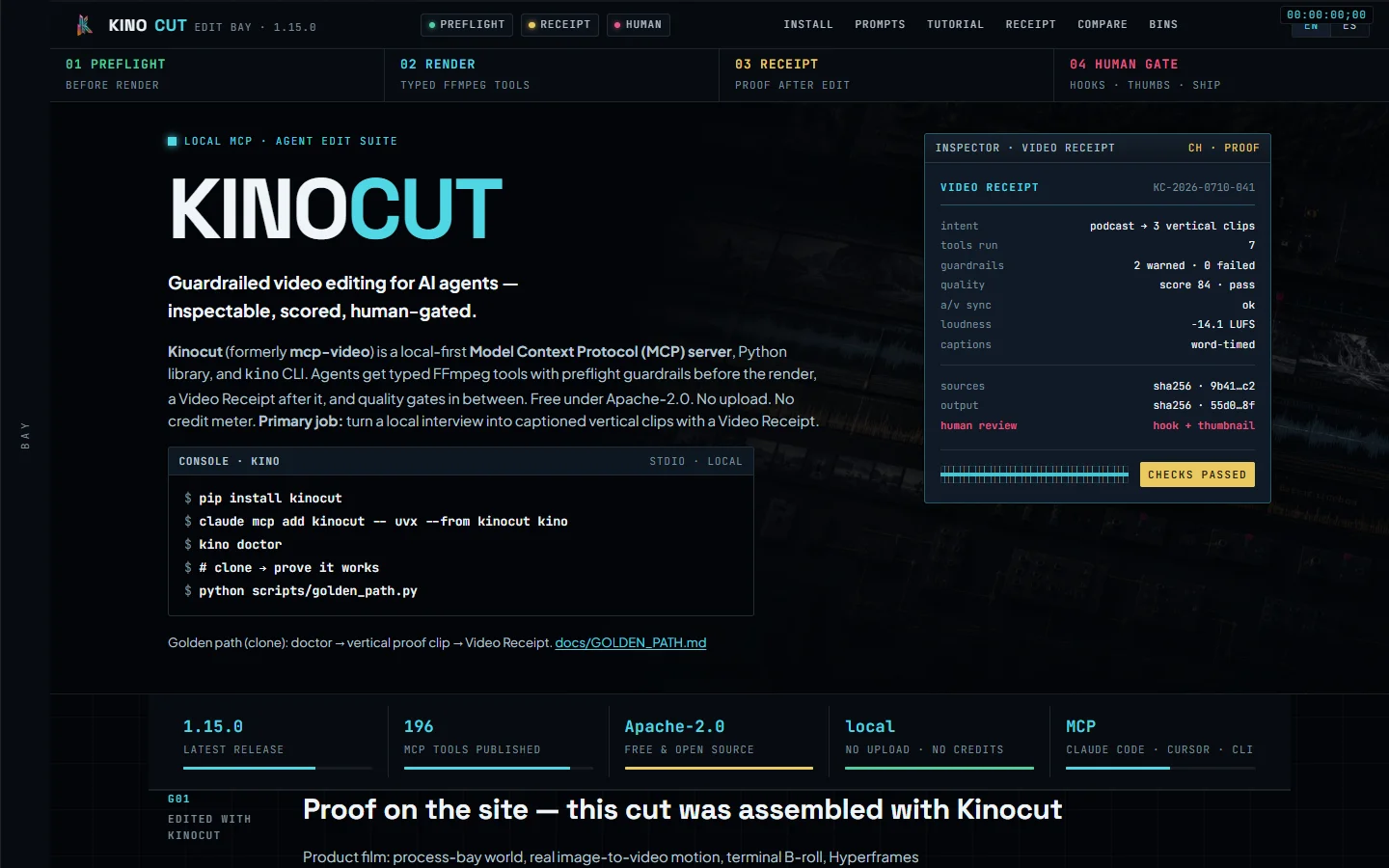
Kinocut, formerly published as mcp-video, is the one we would hand to a developer who wants zero dependencies on anyone else's servers. It wraps FFmpeg in typed tools with preflight guardrails, emits what it calls a Video Receipt after each render so you can audit what actually happened, and ships quality checkpoints between steps. Apache-2.0, no upload, no credit meter, and it runs on your own FFmpeg build.
The tradeoff is that it is FFmpeg underneath, so it inherits FFmpeg's limits. There is no generation, no semantic search, and colour work is whatever filters you can express. For trims, concatenation, audio, subtitles, and repurposing a long file into vertical cuts, it was the fastest thing on this list to get running: under ten minutes from install to a working render. Anyone already scripting renders behind a node editor with an API will find the mental model familiar.
Verdict: best for local, private, zero-cost editing where you control the box.
3. Valmera, best raw tool coverage
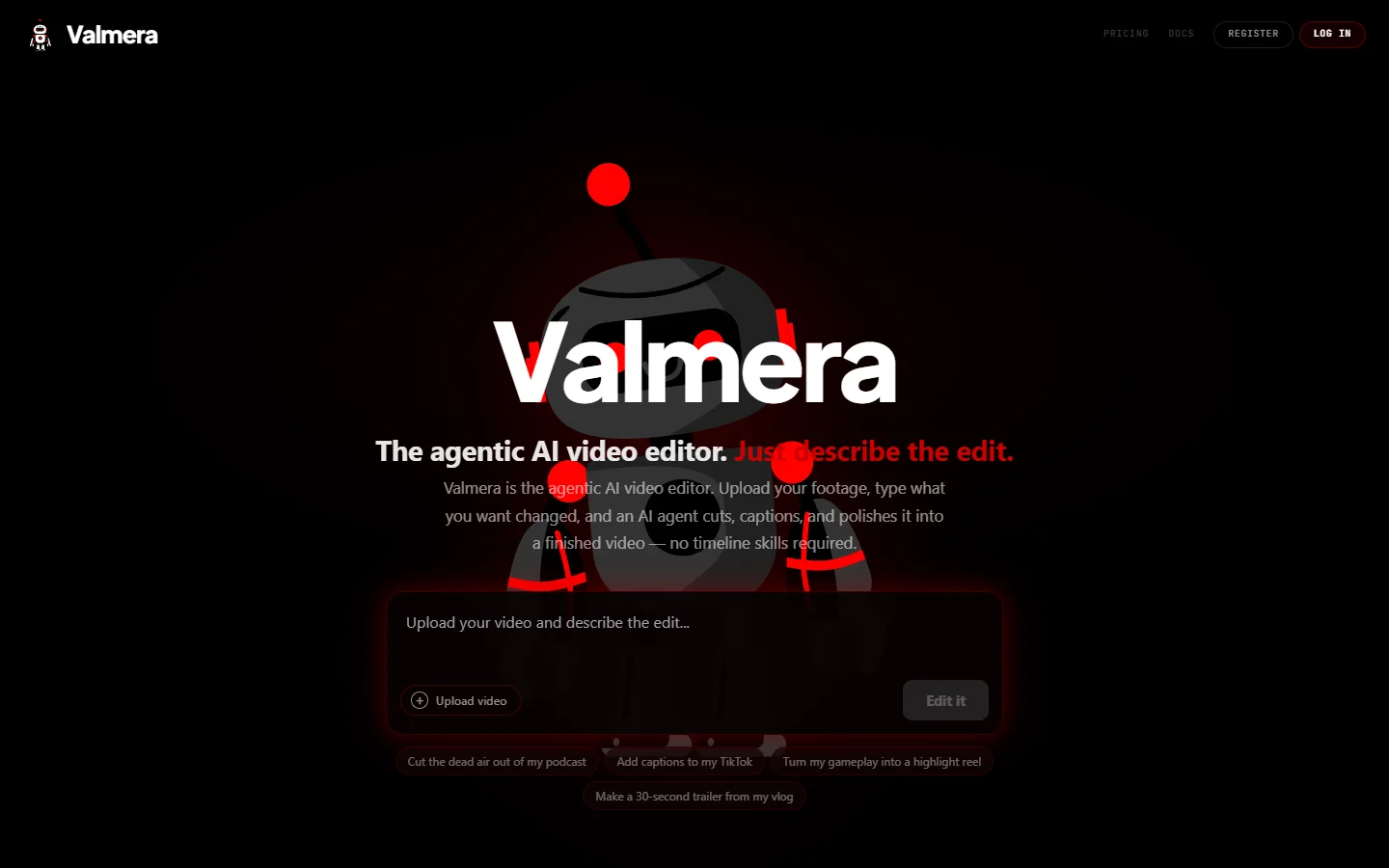
Valmera publishes 119 tools, 108 editing plus 11 session tools for projects, uploads, indexing, rendering, and export. It is hosted, uses OAuth 2.1 with PKCE, and has a free credit tier. The genuinely interesting capability is visual feedback: the agent can look at the frames it just rendered, which means it can catch a bad crop or a mistimed caption without a human in the loop.
Breadth has a cost. With 108 editing tools in the context window, smaller models picked the wrong primitive often enough that we started pinning specific tools in the prompt. It also has real gaps: no dubbing, no translation, and no SRT or VTT import and export at the time of writing, which is awkward if captions arrive from somewhere else. Teams already thinking about multi-shot consistency across AI video will get more out of the frame-inspection feature than most.
Verdict: best when you want one server that covers cutting, captions, motion, colour, and audio.
4. OpenClip, best long form to shorts pipeline
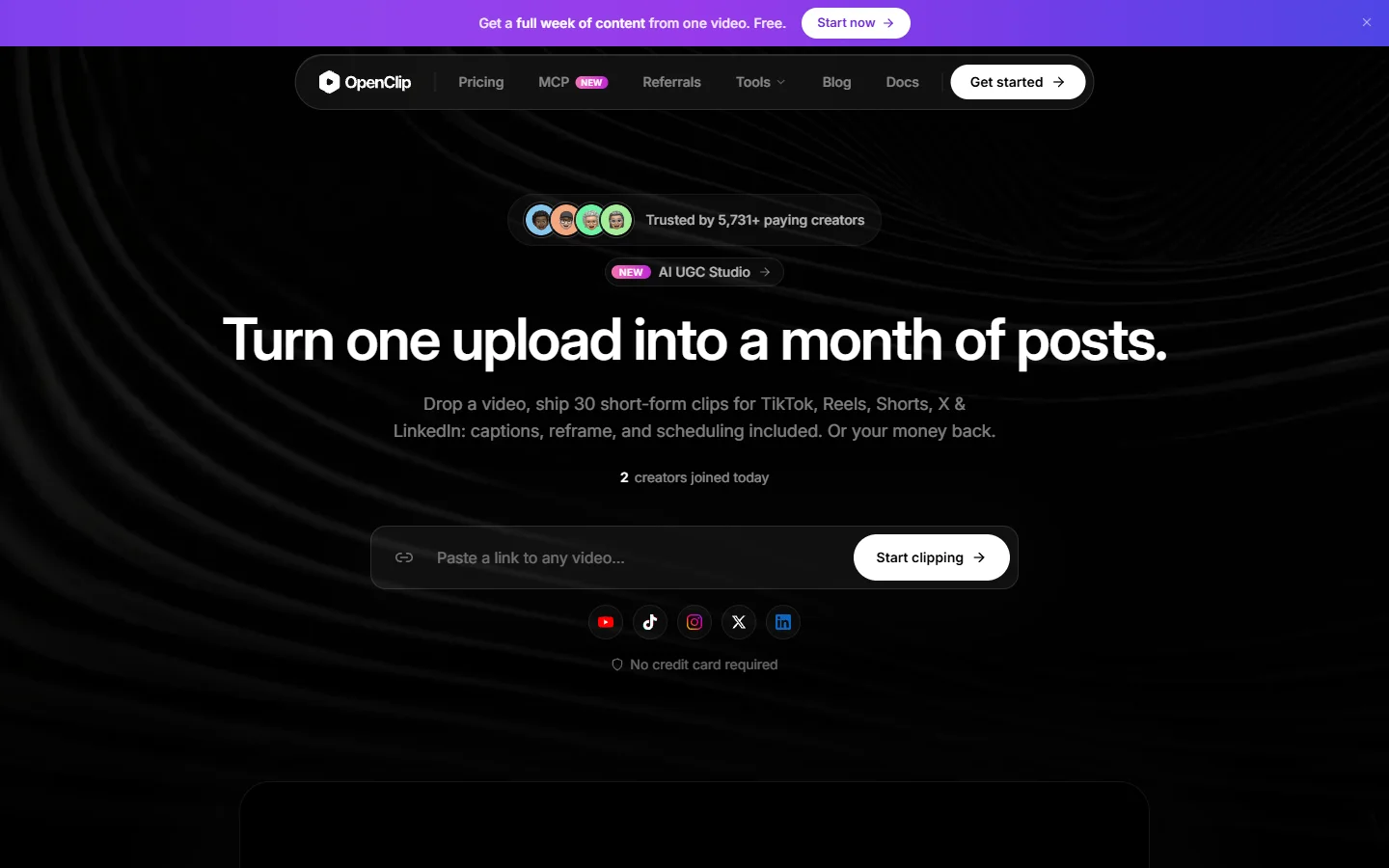
OpenClip exposes about 30 tools and does one job end to end: a URL or upload goes in, the platform finds the moments worth clipping, tracks speakers, generates word-level captions, and renders the approved cuts. Auth is OAuth 2.1 with dynamic client registration, so the assistant can register itself without a manual key exchange, which is a small thing that saves real time.
It sits between the narrow clippers and the full editors in scope. What it will not do is finish a piece: no grading, no music mixing, no fine timeline control. Treat it as the clip stage of a larger chain rather than the whole chain. It pairs naturally with the rest of a social video toolkit.
Verdict: best for turning podcasts and webinars into captioned vertical cuts on a schedule.
5. reap, best for multilingual repurposing
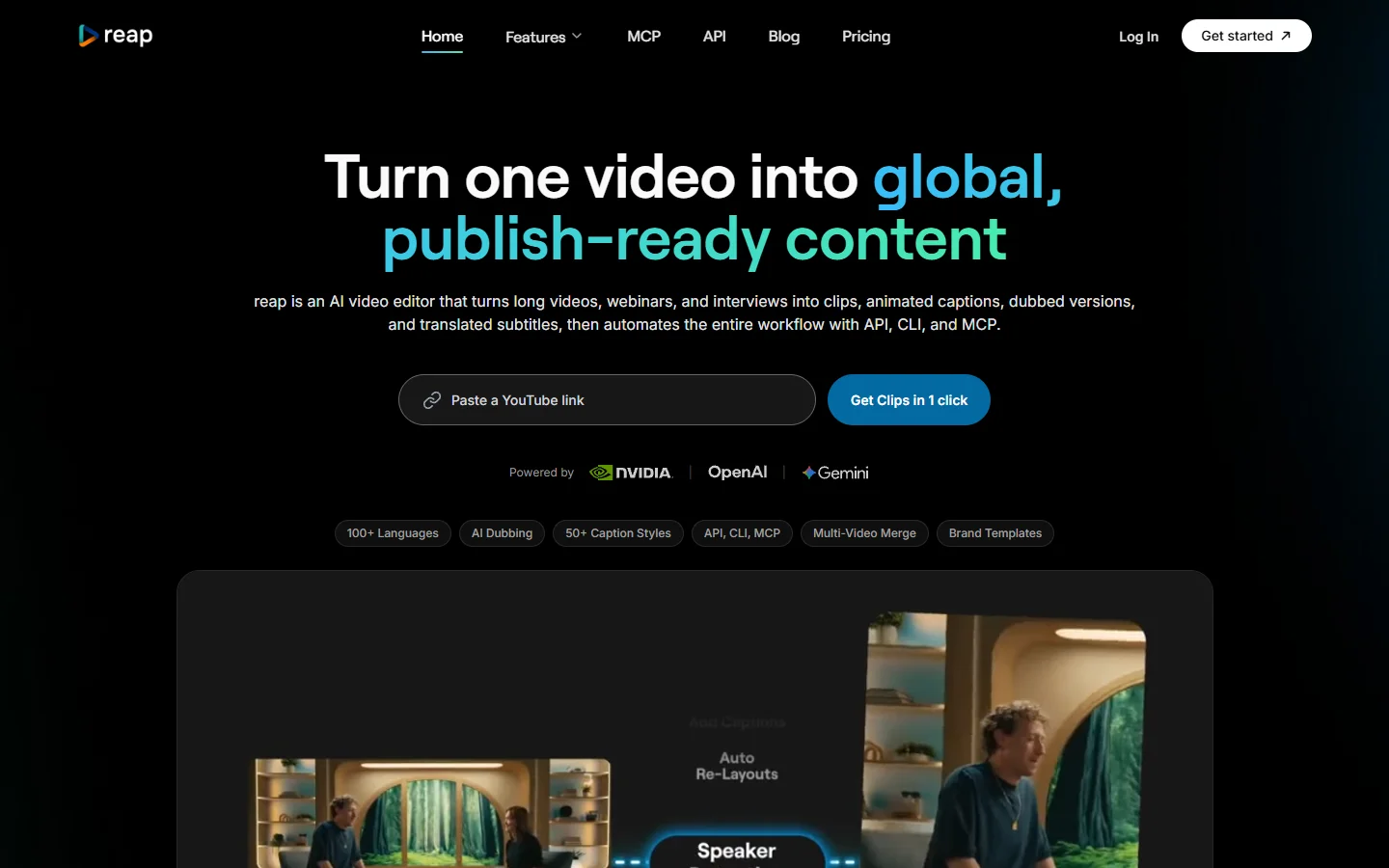
reap ships around 10 tools and covers clipping, captioning, transcription, reframing, and dubbing into more than 80 languages. Free tier is one hour of processing, paid starts around $9.99 per month. Ten tools sounds thin until you need the same 40 minute recording in Spanish, German, and Japanese by Friday, at which point it is the only server here that does it in one call.
It is not an editor. No grading, no music mixing, no object removal. Use it as a distribution stage after the edit is locked, the same way you would slot in an AI soundtrack step rather than expecting it to carry the whole project.
Verdict: best for one edit, many languages.
6. Shotstack, best hosted render at scale
Shotstack came to MCP from an existing JSON-driven render API, and it shows in the best way: the edit is a document, the render is a job, and both are versioned. If you need 5,000 personalised variants of the same template overnight, this is the shape that survives it. The MCP layer mostly gives an assistant a way to author and submit those documents in natural language.
The flip side is that it thinks in templates. Ad-hoc "trim this and add a caption" requests feel heavier than they should, because you are still describing a full edit document. Anyone already building on generation APIs inside a SaaS product will recognise the pattern immediately.
Verdict: best for high-volume templated rendering, weakest for one-off edits.
7. DaVinci Resolve MCP, best for professional finishing
The Resolve bridge does not edit anything itself. It exposes Resolve's own scripting API to an assistant, which means the ceiling is whatever Resolve can do: proper colour grading, Fairlight audio, node-based compositing. That ceiling is higher than everything else on this list, and higher than anything in the developer-facing generation API tier.
The cost is a hard dependency. You need Resolve Studio licensed, installed, and running locally, and the assistant is driving a GUI application rather than a service. It breaks in ways a hosted server does not, and it will not run on a build box. Still, for the last 10 percent of a piece, nothing else here is close. It fits the pattern described in how AI agents are changing creative work: the agent operates the tool, it does not replace it.
The short comparison
- Wireflow · Strength: pipeline orchestration with a durable queue · Weakness: cloud round trip for trivial edits · Best for: generation plus editing in one chain
- Kinocut · Strength: local, free, Apache-2.0, guardrailed FFmpeg · Weakness: no generation or grading · Best for: private editing on your own machine
- Valmera · Strength: 119 tools plus frame inspection · Weakness: no dubbing or SRT import and export · Best for: broad single-server coverage
- OpenClip · Strength: end-to-end long form to shorts · Weakness: clips, not finished edits · Best for: podcast and webinar repurposing
- reap · Strength: dubbing in 80+ languages from 10 tools · Weakness: no editing depth · Best for: multilingual distribution
- Shotstack · Strength: JSON edit documents, versioned renders · Weakness: template-shaped thinking · Best for: thousands of variants
- DaVinci Resolve MCP · Strength: full professional finishing · Weakness: needs Resolve Studio running locally · Best for: colour and audio finishing
FAQ
What is an MCP server for video editing? It is a program that exposes video operations as typed tools an AI assistant can call directly, instead of the assistant writing shell commands and hoping. Trim, concatenate, caption, and render become function calls with schemas and validation, which is the same pattern used for AI generation APIs with spend limits.
Do I need to pay for one? No. Kinocut is Apache-2.0 and free, and reap and Valmera both have free tiers. Hosted orchestration and render services are metered, so cost tracks minutes rendered rather than seats.
Which one works with Claude Code? All of them, since MCP is the point. Setup differences come down to auth: API key servers are a one-line config, OAuth servers need a browser handshake once. There is more detail in this walkthrough of connecting an AI API to Claude Code.
Local or hosted? Local if the footage is sensitive, the volume is low, and you have the CPU. Hosted if you need GPU-backed generation, want it to work from anywhere, or need to scale past one machine.
How many tools should a server have? Fewer than you think. Past roughly 40 tools, smaller models start mispicking primitives, and the win from breadth turns into a loss from ambiguity. Scope fit beats tool count every time, which is also the lesson from no-code platforms that added API access.
Can an agent edit a whole video unsupervised? For templated and repurposed formats, yes, and people are shipping that today. For anything with editorial judgement in it, no. The realistic pattern is an agent producing a rough cut a human then finishes, which is roughly where programmatic video platforms have landed.
What breaks most often? Nondeterminism. A server that returns a different edit for the same brief cannot be part of an automated pipeline, no matter how good any single output looks. Test that before you test anything else, exactly as you would when pricing a video model API before committing to it.
Wrapping up
Pick by shape, not by tool count. If the job is generation plus assembly in one chain, take the orchestration tier. If it is private local trimming, Kinocut is free and hard to beat. If it is podcasts to shorts, OpenClip. If it is one edit in eight languages, reap. If it is 5,000 variants, Shotstack. If it is the final grade, Resolve. The same shape-first logic applies when you wire a REST canvas into a production pipeline.
The honest summary after two weeks of testing is that the field is younger than the tool counts suggest, and the servers that will still be here in a year are the ones that fail loudly and repeat themselves exactly. That is a boring criterion, and it is the only one that mattered once we tried to run any of this without watching it.