
The gap between experimenting with AI models and shipping production features keeps shrinking. A growing wave of AI studios now pair a visual playground with full API access, so you can prototype in a browser and deploy with a single endpoint. For developers building apps that generate images, video, audio, or text, choosing the right studio-plus-API combo saves weeks of infrastructure work and thousands in GPU costs.
This guide breaks down what an AI studio with API access actually looks like in practice, which platforms deliver on that promise, and how to evaluate them for your stack. Whether you are building a SaaS product or an internal tool, the criteria stay the same: model variety, latency, pricing transparency, and how quickly you can go from a test run to a live integration.
What Makes an AI Studio Different From a Raw API
A raw API gives you an endpoint and documentation. An AI studio wraps that endpoint in a visual workspace where you can adjust parameters, preview outputs, and iterate on prompts before writing any code. The best ones let you chain multiple models together: generate an image, upscale it, remove its background, and return the final asset, all in one call.
The practical difference matters most during prototyping. Instead of writing throwaway scripts to test prompt variations, you drag sliders, swap models, and compare outputs side by side. Once the pipeline works, you copy the API call and drop it into your codebase. The studio becomes your staging environment; the API is your production interface.
Key Features to Look For
Not every AI studio is worth integrating. Here is what separates a useful platform from a toy:
- Multi-model access. The studio should support models from multiple providers (Stable Diffusion, FLUX, DALL-E, Kling, Veo) under a single API key. Managing five vendor accounts is the problem, not the solution.
- Workflow chaining. The ability to connect model outputs as inputs to the next step. Text to image to video to audio, all in one request. Platforms that offer headless workflow execution tend to handle this best.
- Usage-based pricing. Per-generation billing with no seat licenses. You pay for what you generate, not for how many developers touch the dashboard.
- Webhook and async support. Video generation can take 30 to 120 seconds. The API should support webhooks or polling rather than forcing long-lived HTTP connections.
- Output storage. Temporary CDN URLs for generated assets, with optional permanent hosting. This saves you from building a media pipeline just to store results.

Top AI Studios With API Access
Here is a closer look at the platforms that combine a studio interface with production-grade API access. Each fills a slightly different niche.
Google AI Studio
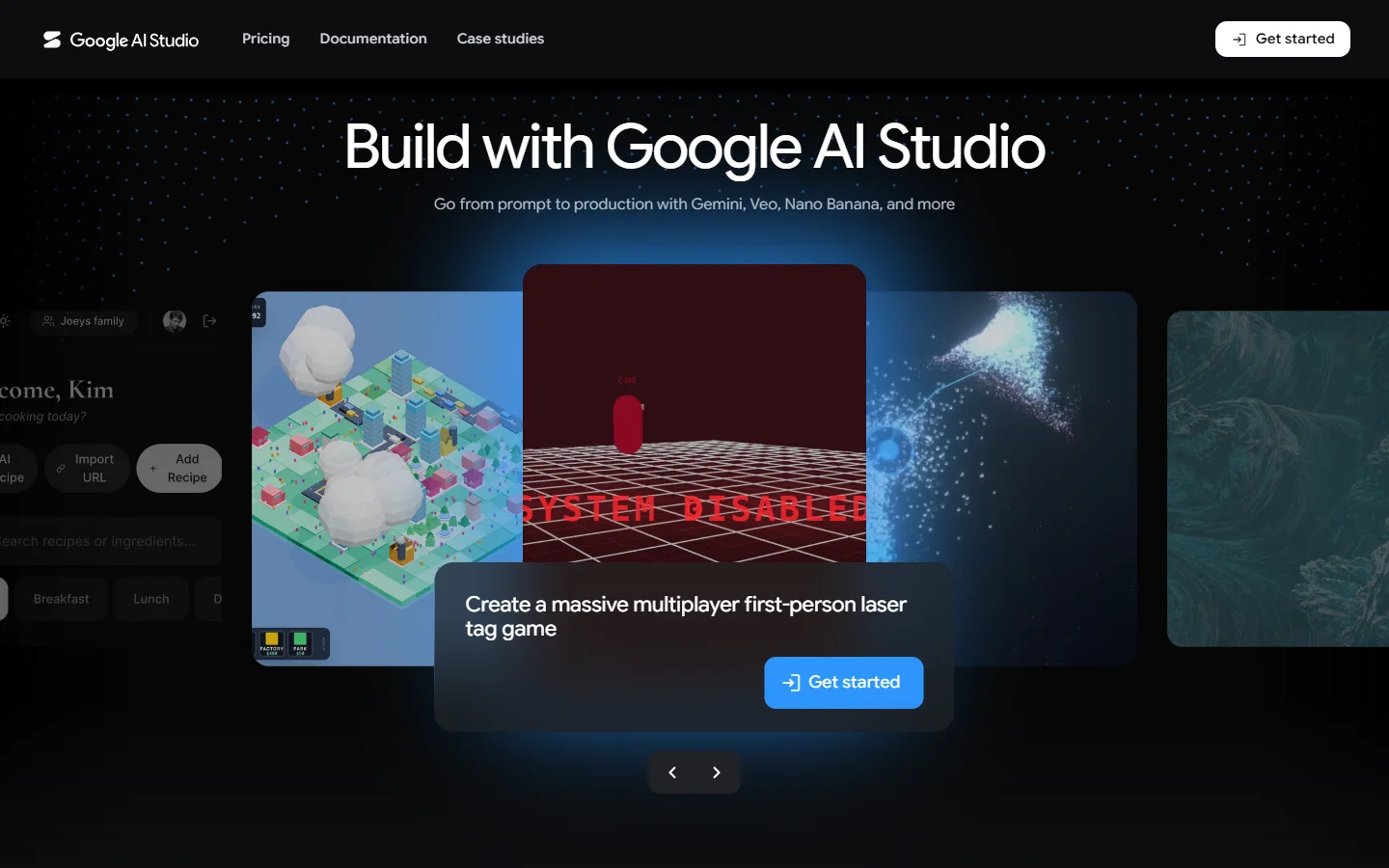
Google AI Studio is Google's free prototyping environment for Gemini models. It supports text, image, and code generation with a built-in prompt gallery and model tuning tools. The API uses the same Gemini endpoints available through Vertex AI, so anything you build in the studio transfers directly to Google Cloud production workloads. Best for teams already invested in the Google ecosystem who want access to Google's Veo video API alongside text and image generation without switching vendors.
Replicate
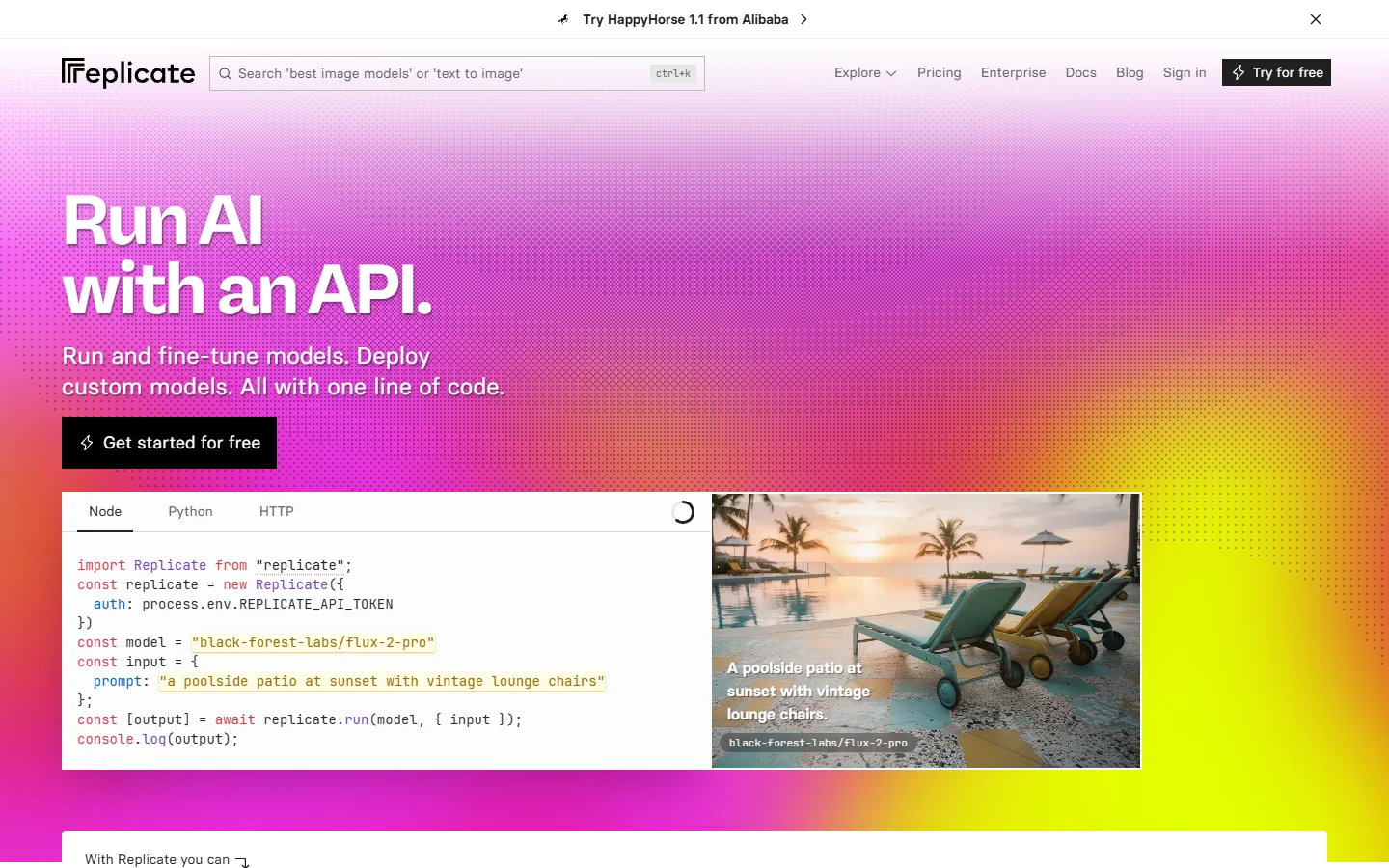
Replicate hosts thousands of open-source models behind a unified API. You pick a model, run it in the browser playground, then call the same model via REST with your API token. Pricing is per-second of GPU time. The platform shines for teams that want access to niche or fine-tuned models (ControlNet variants, LoRA checkpoints, audio models) without managing GPU infrastructure. It supports batch image generation natively through its prediction queue system.
Hugging Face Inference API
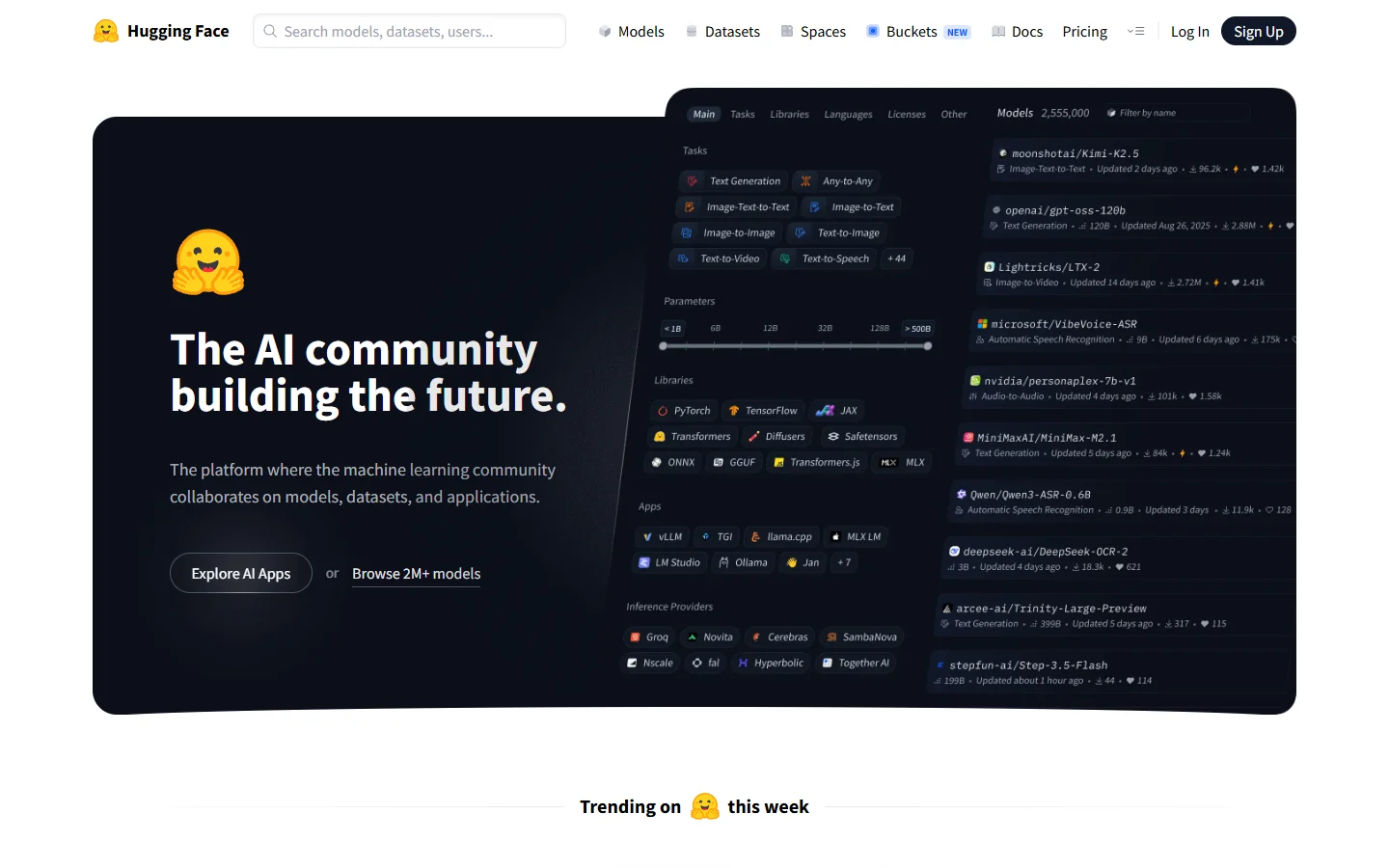
Hugging Face is the open-source model hub with an inference API bolted on. The Spaces feature lets you spin up interactive demos, while the Inference API serves any hosted model via a simple POST request. It is the most model-diverse option available: over 500,000 models spanning text, image, audio, and multimodal tasks. The tradeoff is that latency and reliability vary by model popularity, since cold starts are common on less-used models.
Runway
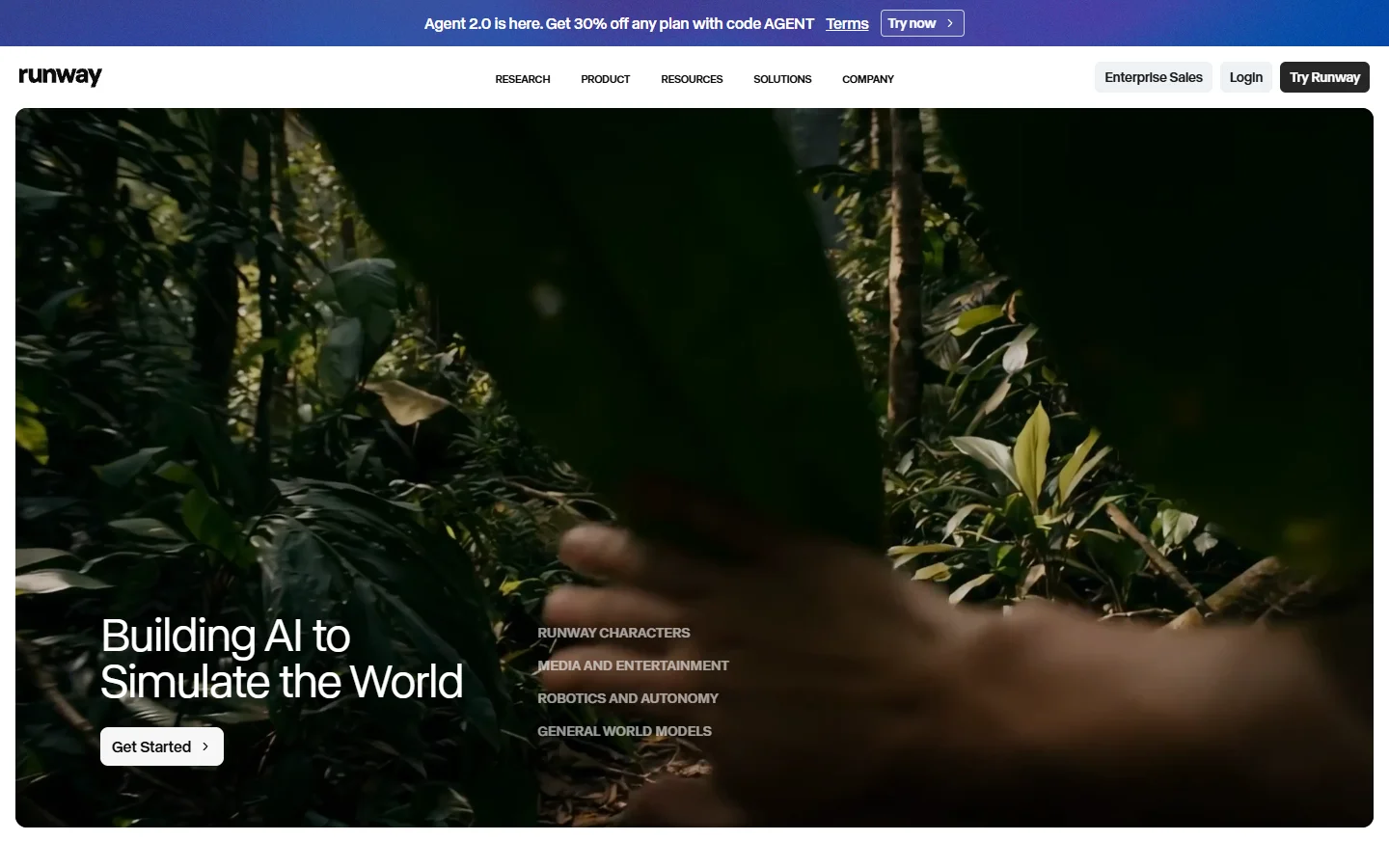
Runway focuses on video generation and editing. Its Gen-3 Alpha model produces high-quality video from text or image prompts, and the API lets you integrate video generation directly into content pipelines. The studio includes tools for inpainting, motion brush, and style transfer. For teams building AI video pipelines, Runway's API is one of the more mature options, though pricing sits at the premium end.
Multi-Model Workflow Platforms
Beyond single-vendor studios, a newer category connects multiple AI models into callable pipelines. A multi-model AI workflow tool like this type of platform lets you visually build a chain (text prompt, image generation, upscaling, background removal) and expose the entire chain as a single API endpoint. This is particularly useful for product teams that need deterministic, repeatable AI pipelines rather than one-off generations. The NanoPhoto AI project documented on AI Directories shows how this kind of pipeline thinking applies to real photo-processing workflows.

How to Evaluate an AI Studio API for Production
Picking a platform based on its playground is a mistake. Here is a practical checklist for production readiness:
- Rate limits and quotas. Check the documented limits per minute and per day. Some platforms throttle aggressively on free tiers. Platforms with transparent API pricing structures help you forecast costs accurately.
- Error handling. Does the API return structured error codes, or just 500s? Can you retry failed generations automatically?
- SDKs and client libraries. Official Python and Node.js SDKs save time. Community-maintained wrappers are a yellow flag for long-term support.
- Model versioning. When a model updates, does your existing API call break? Pinned versions matter for production stability.
- Compliance and data handling. Where are generated assets stored? Are prompts logged? Enterprise teams need clear data processing agreements.
Building a Pipeline: From Studio to Production
The typical workflow for integrating an AI studio API follows four stages:
- Prototype in the studio. Use the visual interface to test prompts, compare models, and nail down the output quality you need.
- Export the API call. Most studios offer a "copy as cURL" or "view API request" button. This gives you the exact payload.
- Wrap it in your backend. Build a thin service layer that handles auth, retries, and webhook callbacks. Keep the AI call behind your own endpoint so you can swap providers without touching frontend code.
- Monitor and iterate. Track generation latency, failure rates, and cost per request. Set alerts for spikes.
The platforms that handle steps 1 through 4 as a continuous experience, rather than separate products, tend to have the highest developer retention. An AI workflow tool that unifies the visual builder and the REST endpoint into a single product removes the translation step between prototyping and shipping.

Common Mistakes When Choosing an AI Studio API
A few patterns that lead teams to regret their platform choice:
- Optimizing for model count over model quality. A platform with 1,000 models is useless if the three you need are slow or poorly maintained. Test your specific use case, not the catalog.
- Ignoring cold start times. Serverless model hosting is cheap but can add 10 to 30 seconds of latency on first request. For real-time applications, dedicated GPU instances or always-warm endpoints are worth the premium.
- Locking into one model provider. AI models improve quarterly. The studio you pick should make it easy to swap FLUX for the next FLUX, or Stable Diffusion for the next open-weight competitor, without rewriting your integration.
- Skipping the cost projection. A $0.04 per image generation looks cheap until your app serves 50,000 users. Model your expected volume at 3x, 10x, and 50x before committing.
FAQ
What is an AI studio with API access?
It is a platform that combines a visual interface for testing and building AI-powered workflows with REST API endpoints you can call from your own code. You prototype in the browser and deploy via HTTP requests.
Which AI studio API is best for image generation?
It depends on your model preference. Replicate offers the widest range of open-source image models. Google AI Studio provides Imagen and Gemini natively. Multi-model platforms let you access several providers through one API key.
How much does an AI studio API cost?
Most use per-generation pricing. Image generation typically costs $0.01 to $0.08 per image. Video generation ranges from $0.10 to $1.50 per clip depending on duration and model. Some platforms offer free tiers with limited daily quotas.
Can I chain multiple AI models in one API call?
Yes, several platforms support workflow chaining where the output of one model feeds into the next. This is common for pipelines like text to image to upscale to background removal.
Do I need my own GPU to use an AI studio API?
No. The entire point of these platforms is that they handle GPU infrastructure. You send API requests and receive generated assets. No CUDA drivers, no VRAM management, no machine provisioning.
What is the difference between a playground and a studio?
A playground is typically a single-model test interface. A studio adds project organization, workflow building, team collaboration, and persistent API key management. Studios are designed for ongoing development, not one-off experiments.
How do I migrate from one AI studio API to another?
Keep your AI calls behind an abstraction layer in your backend. If you wrap calls in a service class with a consistent interface (generate, poll, retrieve), swapping the underlying provider requires changing one module instead of touching every callsite.