
Search "weavy api" and you land in one of the more confusing corners of the AI tooling world. Half the results describe a chat and collaboration SDK. The other half describe a node-based creative canvas that was acquired by Figma. If you came here because you want to run generative workflows from code, the distinction matters, and so does knowing how AI workflow APIs actually work in 2026.
The short version: the Weavy most AI creators talk about is the canvas product, now branded Figma Weave. It is a genuinely good tool for visually chaining image and video models together. What it does not offer is a public API for executing those workflows programmatically.
That gap is the real story behind the search term. Plenty of teams prototype a pipeline on a visual canvas, then hit a wall when they want to trigger it from a backend, a cron job, or a product feature. If that is your situation, there are concrete options, including several Weavy alternatives built around API access. This article maps the landscape so you can stop guessing.
Two products called Weavy
The first source of confusion is naming. Weavy.com is a developer SDK for embedding collaboration features like chat, activity feeds, and file sharing into web apps. It has a well-documented REST API with an OpenAPI 3.0 spec, webhooks, and per-user authentication. If you found "Weavy API" docs that talk about messengers and feeds, that is this product. It has nothing to do with image generation.
Weavy.ai is the AI creative canvas. Founded by a team of creative-tooling veterans, it grew quickly through 2025 and was acquired by Figma, where it now lives as Figma Weave. This is the product AI creators mean when they discuss "Weavy workflows", and it is the one this article focuses on. It sits in the same broad category as the headless AI workflow platforms developers compare it against, with one important difference we will get to shortly.
Inside the Figma Weave canvas
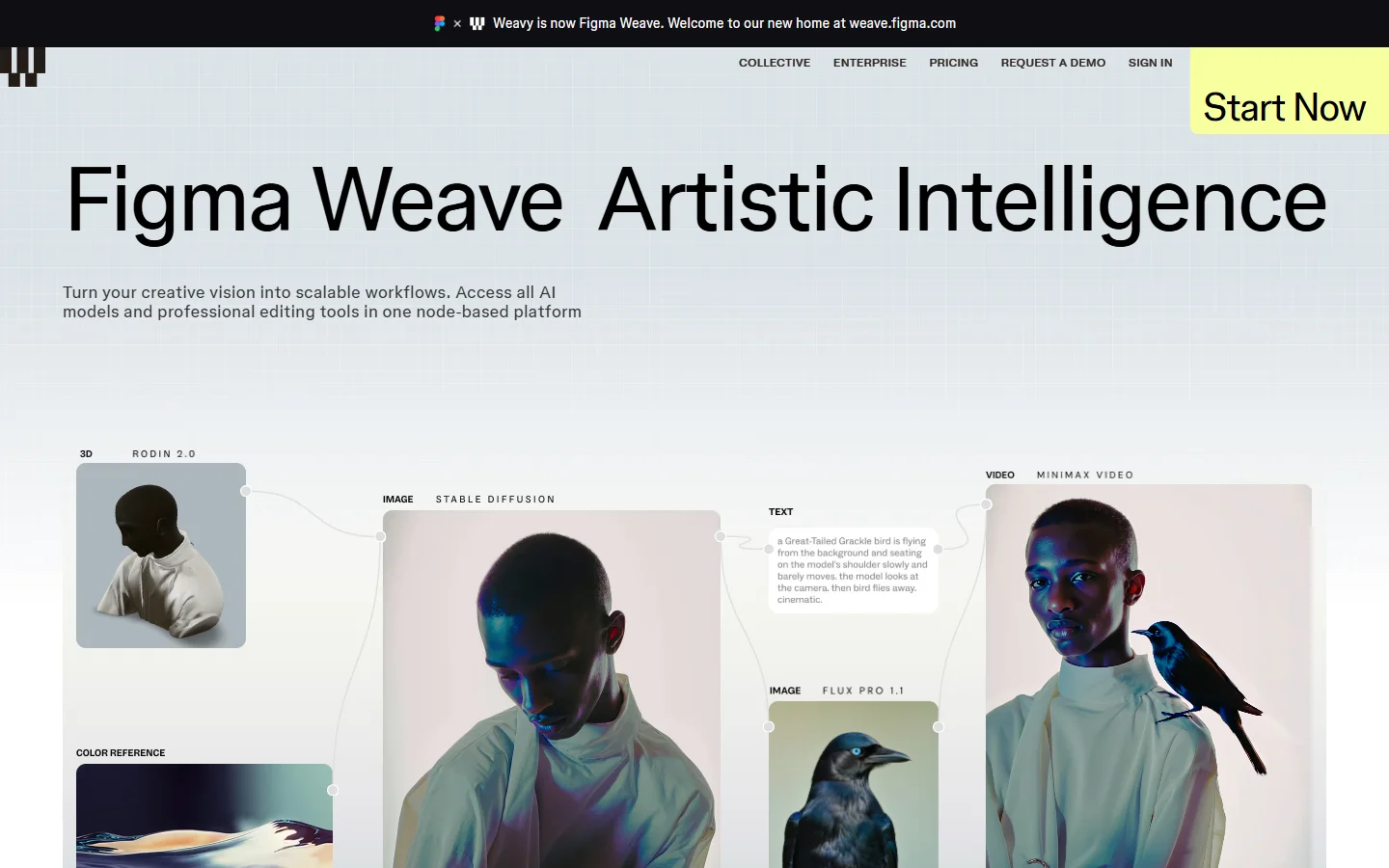
The canvas itself is the draw. Each node represents one operation: generate an image with FLUX or Seedream, animate it with Kling or Veo, upscale, inpaint, color-correct, composite. You wire nodes together and the output of one step feeds the next. For creative teams, this beats juggling six browser tabs and a downloads folder.
Model access runs through partners like fal, which aggregates hosted inference for dozens of image and video models. That architecture is common across the category; it is the same backbone you touch when you call FLUX.2 directly from code with curl or Python. The difference is who holds the orchestration logic: in Weave, it lives in the browser canvas.
And that is the catch for developers. Everything happens through browser interaction. There is no public endpoint to execute a saved workflow, no webhook on completion, no way to pass parameters in from your own application. The "API" in "Weavy API" is, for the canvas product, mostly a wish.
Why developers keep asking for one
The demand is not hypothetical. The most common pattern we hear about: a team designs a product-photo pipeline on a canvas, validates it manually, and then wants to run it against 5,000 SKUs. Doing that by hand is a non-starter; doing it from code requires batch image generation through an API, which canvas-only tools cannot offer.
The same wall appears with personalization (generate one asset per user), scheduled content (render a fresh batch nightly), and product features (your users click a button, your backend runs the workflow). In all of these, the workflow is no longer a creative artifact. It is infrastructure.
Once you frame it that way, the requirements get specific: REST endpoints, API keys, predictable JSON in and out, async job handling, and spend controls. That is the standard shape of AI pipelines built on REST APIs, and it is worth checking any tool you evaluate against that list rather than against its demo reel.
What to use when you need programmatic execution
If API execution is a hard requirement, the field narrows fast. The honest comparison set in 2026 looks like this, and overlaps heavily with the orchestration APIs that hold up in production apps:
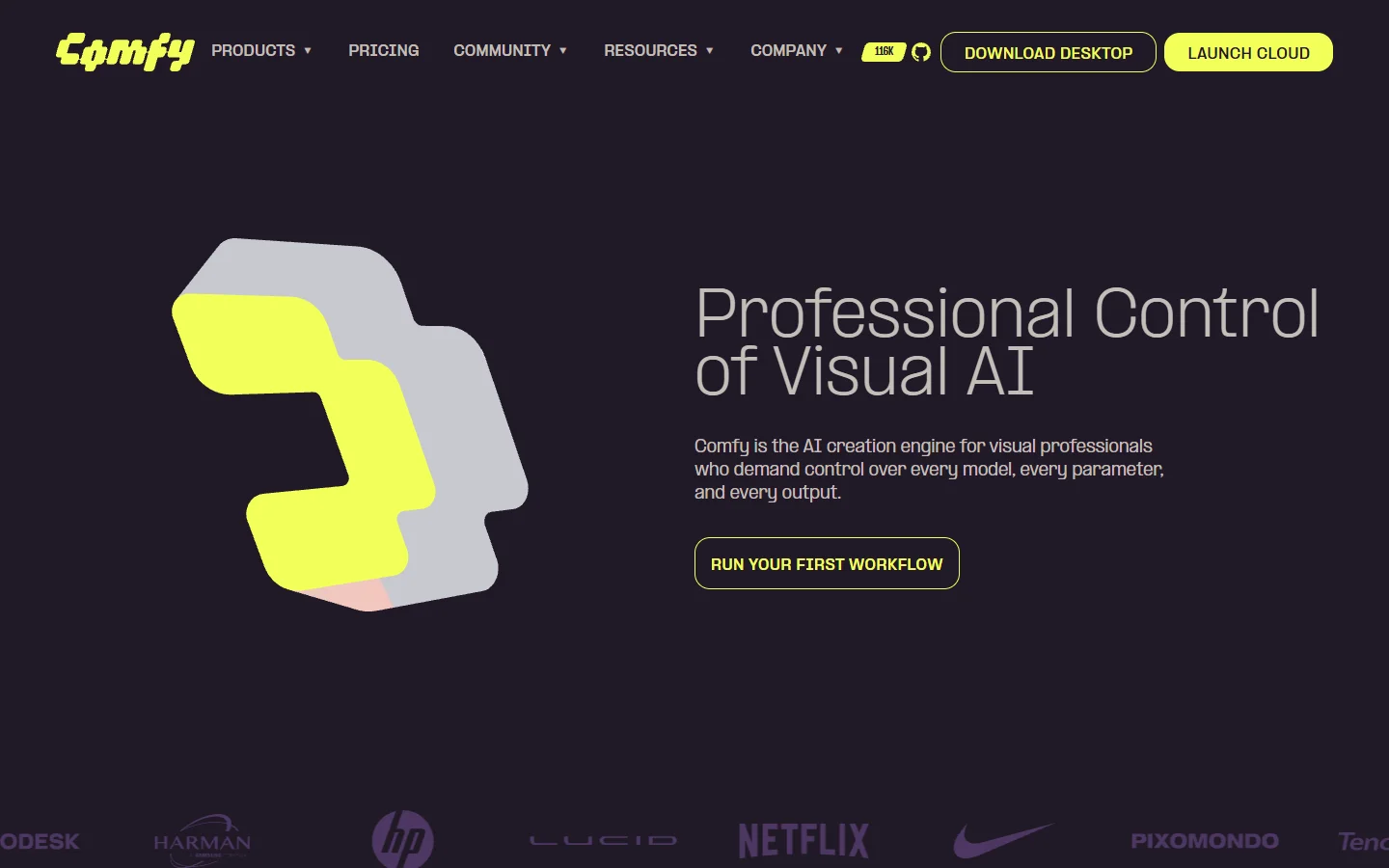
- ComfyUI: open source and node-based, with full workflow-as-JSON export and a local API. Strength: total control and zero platform fees. Weakness: you host it, you maintain it, and you supply the GPU. Best for: technical teams who want ownership over everything.
- fal.ai: hosted inference with clean APIs per model, plus serverless GPU options. Strength: speed and model breadth. Weakness: it is model-level, not workflow-level; you write the orchestration glue yourself. Best for: developers composing pipelines in their own code.
- Replicate: similar model-hosting proposition with a large community catalog. Strength: easy model discovery and one-line deployment. Weakness: same orchestration gap; chaining is your job. Best for: quick experiments that may graduate to production.
A fourth option sits between the canvas tools and the raw model APIs: platforms that keep the node-based editing experience but expose every workflow as a REST endpoint. Wireflow is the clearest example, a visual AI workflow builder where the canvas you prototype on and the API you ship with are the same object. You design visually, then trigger the identical workflow by ID from your backend with an API key.
Which one fits depends on where your team sits. If you have ML engineers and GPUs, ComfyUI's ownership model is hard to beat. If you are a product team that wants the canvas ergonomics without giving up programmatic execution, the canvas-plus-API category is the pragmatic middle.
A practical pattern: prototype visually, ship through an API
The workflow that keeps showing up among teams doing this well has three steps. First, prototype on a canvas, because iterating on prompts and node order is far faster visually. Second, lock the workflow once output quality is consistent. Third, wire it into your application through whatever execution interface the platform gives you. The same pattern applies whether you are generating stills or going further and animating still images with AI as a second stage.
Video pipelines raise the stakes because generation is slow and expensive, which makes async job handling and webhooks non-negotiable. If your pipeline ends in motion, study how Kling's video generation works over API before you commit to an orchestration layer; polling-only platforms get painful at video timescales.
FAQ
Does Weavy (Figma Weave) have a public API?
No. The creative canvas at weavy.ai, now Figma Weave, operates through browser interaction only. There is no documented public endpoint for executing workflows programmatically. This is a common limitation in the canvas category; Freepik Spaces has a similar API story, where the visual tool and programmatic access are separate concerns.
Is the Weavy API on weavy.com the same product?
No. Weavy.com is a collaboration SDK for embedding chat, feeds, and file sharing into web applications. It has an excellent REST API, but it has nothing to do with AI image or video generation. The shared name is a coincidence that muddies search results.
What changed after Figma acquired Weavy?
The product was rebranded Figma Weave and is being folded into Figma's ecosystem, with enterprise tiers and tighter design-tool integration. Programmatic workflow execution has not been part of the public offering. Teams that need content generation through an API still need to look elsewhere or build their own glue.
Can I export a Weave workflow and run it somewhere else?
Not in a portable format. Unlike ComfyUI, where workflows serialize to JSON you can execute via its API, Weave workflows stay inside the platform. Rebuilding a workflow on another platform is usually a one-afternoon job, since the node concepts map closely.
What should I check before committing to a workflow platform's API?
Five things: authentication model (API keys vs. session tokens), async support (webhooks beat polling), input flexibility (can you parameterize prompts and images), spend controls, and rate limits. The same checklist applies when evaluating Runway API alternatives or any other generation service you put in a production path.
Is ComfyUI a realistic Weavy replacement for a small team?
It depends on appetite for ops work. ComfyUI gives you everything programmatically, but you own hosting, updates, model weights, and GPU costs. Small teams without an infrastructure person usually do better on a hosted platform and revisit self-hosting once volume justifies it.
The bottom line
"Weavy API" is a search with no direct answer, because the canvas product people mean by Weavy does not ship one. That does not make the tool bad; it makes it a creative environment rather than infrastructure. If your workflows need to run from code, pick a platform where the API is the product, whether that is raw model endpoints you orchestrate yourself or an AI workflow automation platform that pairs the canvas with REST execution. Decide based on who maintains the pipeline six months from now, not on the demo.