 AI TikTok app - Go viral!NEW: Seedream 5 by ByteDance. Sharper prompts, native text in 14 languages, precise edits. Try it now.Try It Now →
Transparent Background Maker
Remove and replace your background in one click!
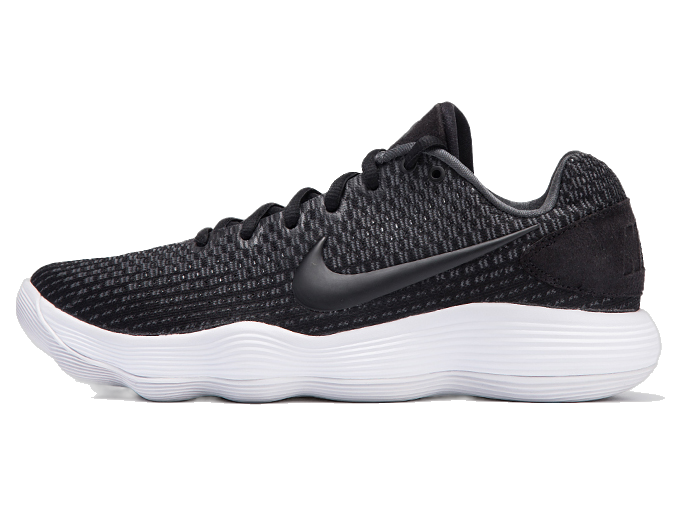
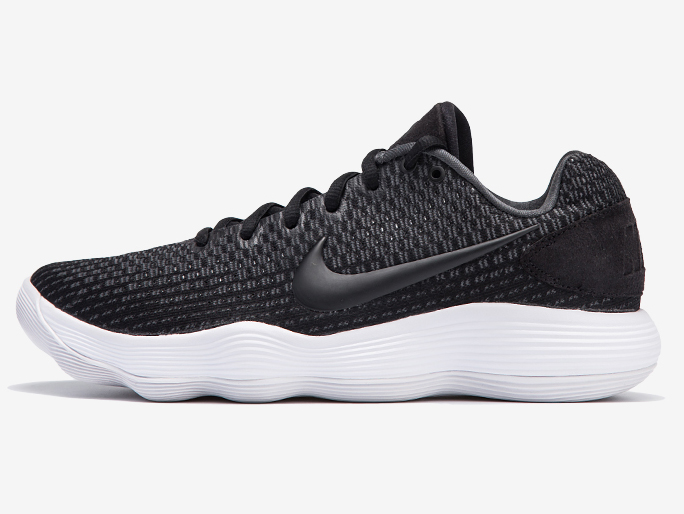
Upload your image that you want to remove bg from.

How to use Transparent Background Maker
Steps to get you started in BasedLabs.

Step 1
Choosing Your Image
Start by selecting a photo where the main subject has distinct, clear edges without any overlap. This ensures the background can be removed cleanly and accurately.
Start by selecting a photo where the main subject has distinct, clear edges without any overlap. This ensures the background can be removed cleanly and accurately.

Step 2
Removing the Background
Simply upload your chosen image to our tool, and the background will be automatically erased in moments, leaving only your subject.
Simply upload your chosen image to our tool, and the background will be automatically erased in moments, leaving only your subject.

Step 3
Finalizing Your Image
After the background has been removed, download your image as a PNG file. This format maintains the transparent background, making your image ready to save, share, or further edit as you like.
After the background has been removed, download your image as a PNG file. This format maintains the transparent background, making your image ready to save, share, or further edit as you like.
Learn More
Watch the tutorial video below to learn more about Transparent Background Maker
Create Free Transparent Backgrounds for Images
Use our background removal tool to easily highlight the main subject of your photo. This tool lets you make the background of your image transparent, so you can place your subject against different backgrounds. Whether you want to set it against a solid color or transport it to a new setting, this tool opens up endless possibilities for creativity.
Simple Steps to Transparent Images
You can quickly remove the background from any picture with just a few clicks. Simply choose your photo, upload it to our transparent background maker, and download your updated image directly to your device. You can then share your new image on various digital platforms or social media, or keep editing it to perfection with the BasedLabs AI Image Editor, all for free.
Enhance Your Images with Advanced Editing
If you're working on a larger project and need to remove your image's background, BasedLabs offers powerful photo editing and design tools to take your images to the next level. Enhance your photo with a shape crop, apply different filters, or add GIFs and animations to make your design stand out. With Adobe Express, you have everything you need to create eye-catching images for print or digital use.
FAQs
Discover more AI Face Swapper for Photos, Videos & GIFs tools:
More Than Just a Transparent Background Maker
Join millions of creators using BasedLabs to generate professional, scroll-stopping content for social media, YouTube, marketing, and more — in seconds. Produce high-quality AI-generated videos and images optimized for engagement and reach. Streamline your content workflow and scale faster.
