 AI TikTok app - Go viral!NEW: Seedream 5 by ByteDance. Sharper prompts, native text in 14 languages, precise edits. Try it now.Try It Now →
Live Portrait Maker
Turn your still photos into live videos with our AI portrait maker
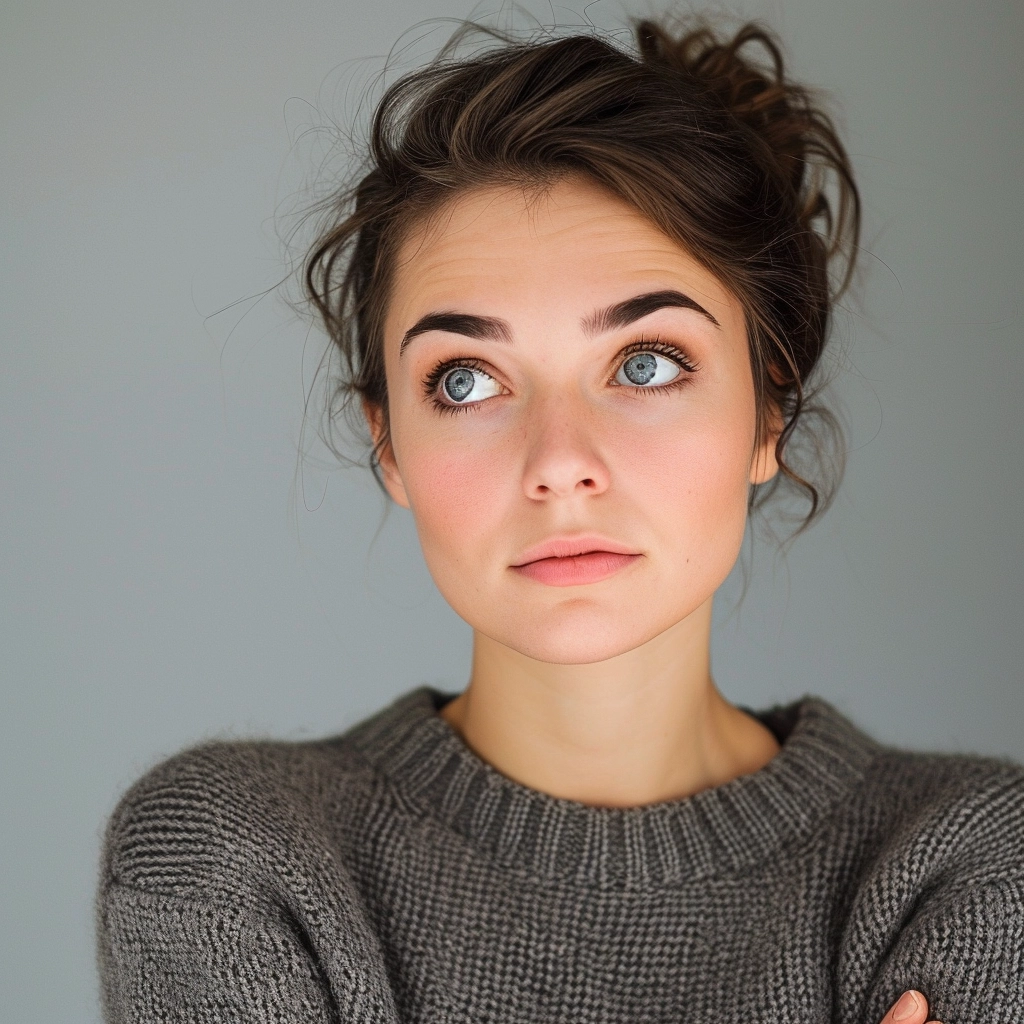
Upload your face image you want to turn into a video.
This is the video that drives the face movements.

How to use Live Portrait Maker
Steps to get you started in BasedLabs.

Step 1
Upload Face Image
Upload your face image you want to turn into a video.
Upload your face image you want to turn into a video.

Step 2
Upload Driving Video
Upload a Video of a face with movements, this will determine the final face movements.
Upload a Video of a face with movements, this will determine the final face movements.

Step 3
Click Generate
Once complete, preview the final result on the same page. If you're happy with it, click 'Download' to save the image to your device.
Once complete, preview the final result on the same page. If you're happy with it, click 'Download' to save the image to your device.
Photo Animation Magic
Transform still photos into lifelike animations. Our AI maps facial movements onto your image, creating captivating animated portraits that preserve the original photo's essence while adding dynamic motion.

Pro Results, No Skills Required
Simply upload a photo and driving video. The AI handles the complex animation process, allowing anyone to create professional-quality animated portraits without technical expertise.
Scroll-Stopping Content
Create unique animated profile pictures, posts, and digital art. Stand out on social media platforms with eye-catching content that demands attention in a sea of static images.
FAQs
Discover more AI Face Swapper for Photos, Videos & GIFs tools:
More Than Just a Live Portrait Maker
Join millions of creators using BasedLabs to generate professional, scroll-stopping content for social media, YouTube, marketing, and more — in seconds. Produce high-quality AI-generated videos and images optimized for engagement and reach. Streamline your content workflow and scale faster.
