 AI TikTok app - Go viral!NEW: Seedream 5 by ByteDance. Sharper prompts, native text in 14 languages, precise edits. Try it now.Try It Now →
Text To Animation AI
Turn words into moving scenes in seconds. Type a prompt, pick a model, and get fluid animation without timelines or keyframes.

How to use Text To Animation AI
Steps to get you started in BasedLabs.
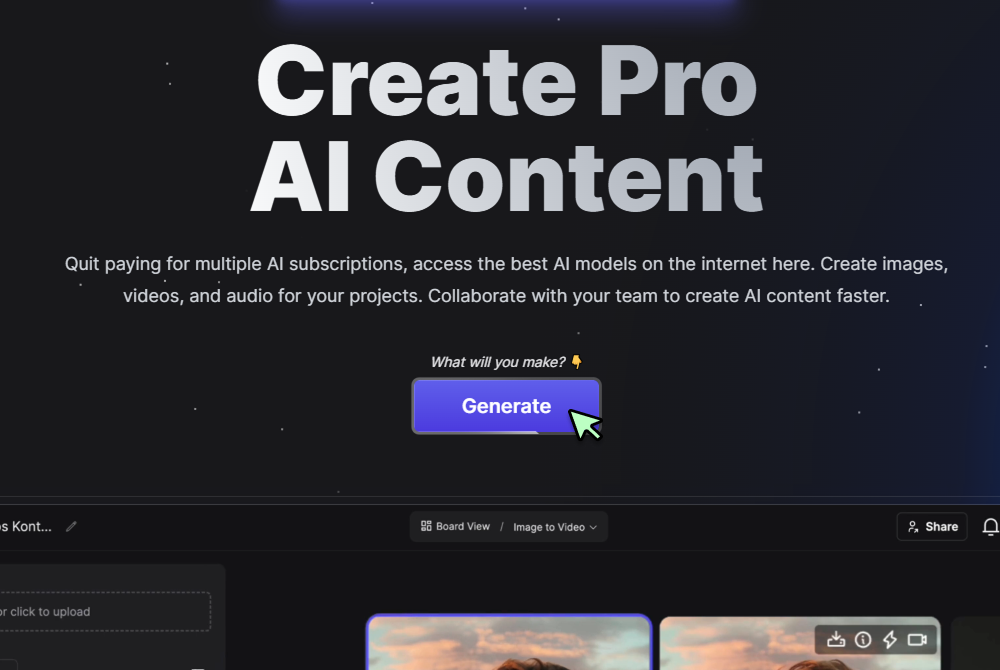
Step 1
Click Generate Now
Press the Generate button to open the controls.
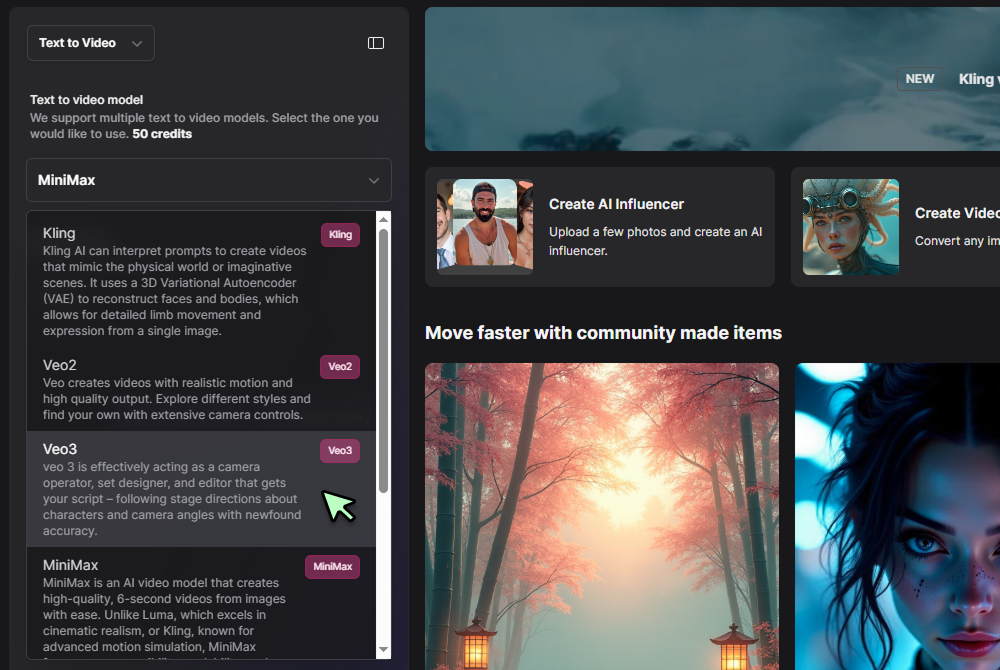
Step 2
Select Text to Video and choose a model
Pick Text to Video in the tool selector, then choose a video model like Veo 3 Fast or Hailuo 0 2 from the dropdown. Add length, aspect ratio, and any pacing notes.
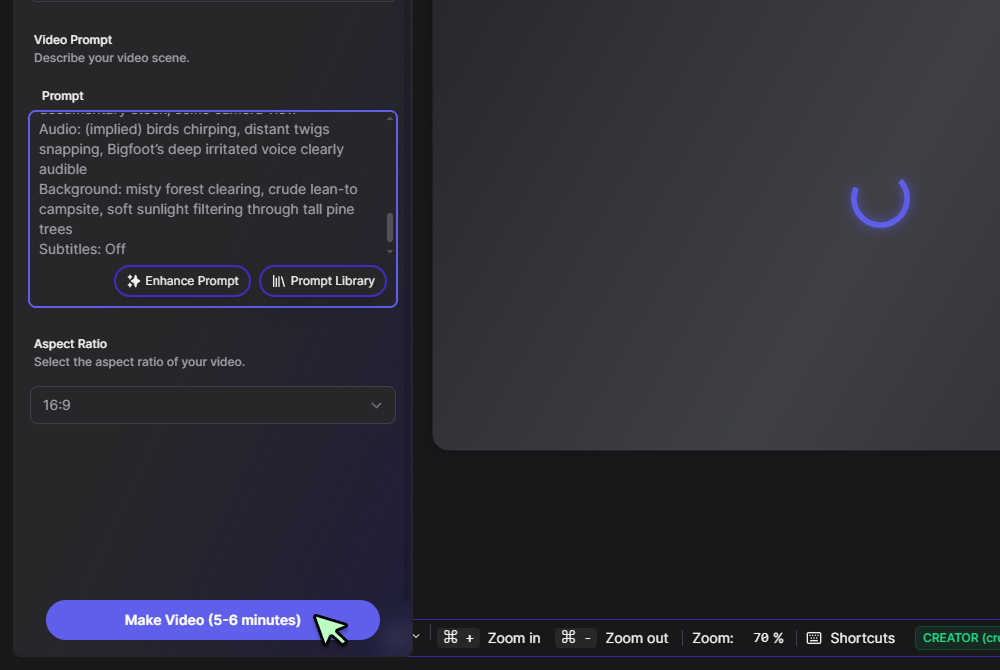
Step 3
Enter your prompt and click Generate
Type your scene line or script, for example “drone over misty mountains at sunrise”, then hit Generate and watch the clip render. Preview, download, or tweak and run again.
Scripts become animation, no rigging required
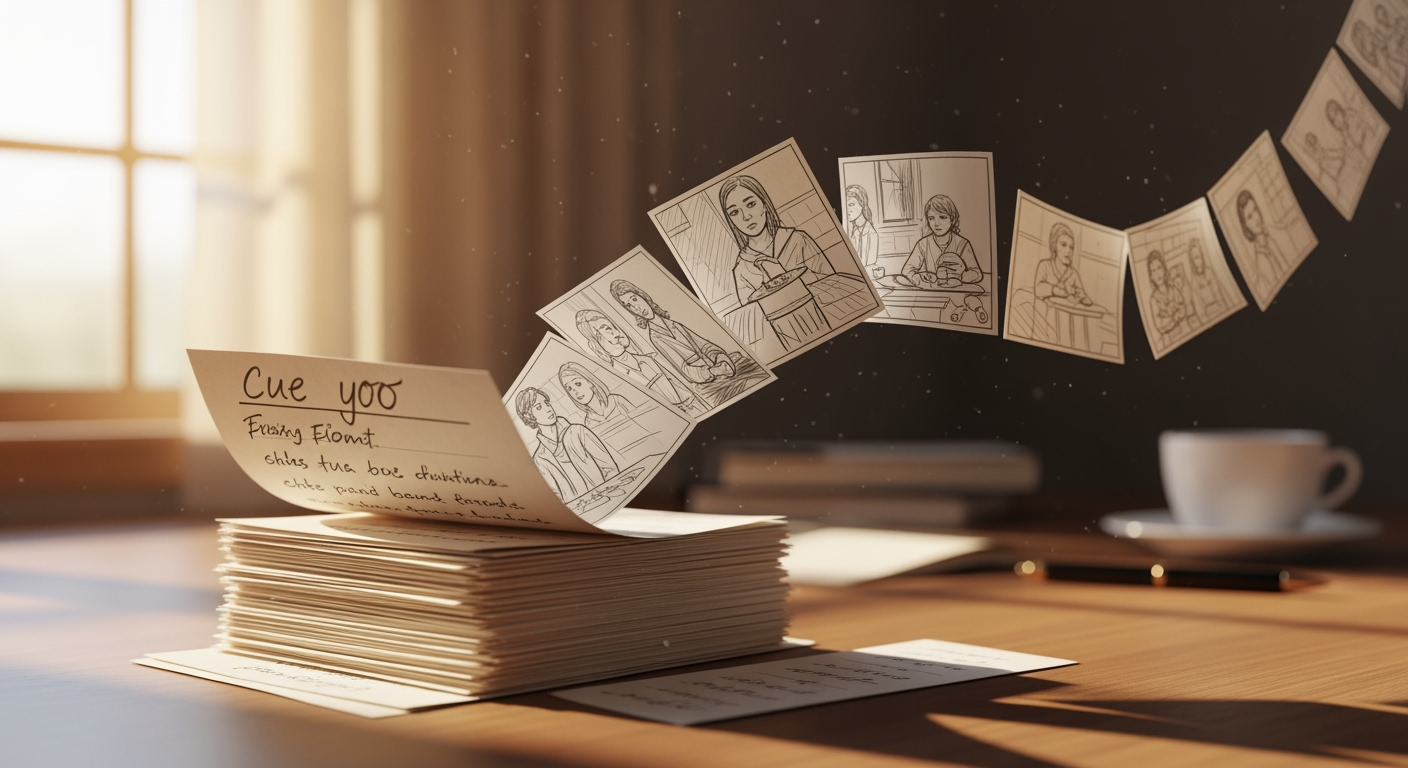
Plain language turns into camera moves, lighting, and motion, so you get true ai text to animation without touching a timeline. When you need longer edits, hand the render to the full editor inside the BasedLabs video workspace and keep timing intact.
Test ideas on a free tier, polish later
Short drafts render at 720 p on a text to animation video ai free plan, perfect for trying hooks and story beats. Once the storyboard lands, upscale or extend the run time with zero rework using the quick launcher at the Text to Video tool.
Motion that keeps up with action brands
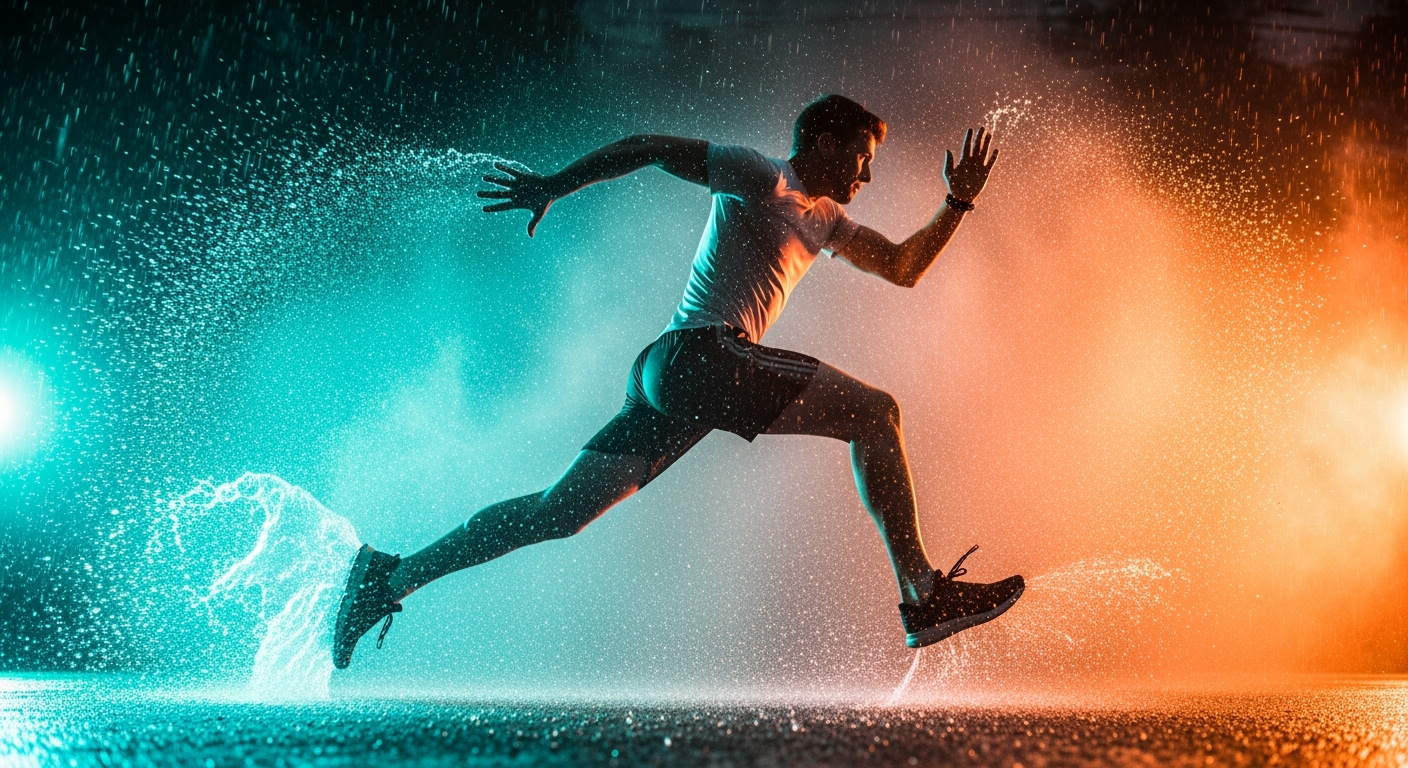
High energy spots need depth aware moves, so switch to the fast mover at Hailuo 02 for whip pans and speed ramps. Bring the same seed back to this text to video animation ai flow so every A and B version stays visually consistent.
Instant social cutdowns and overlays
Generate the hero clip here, then spin teaser loops or captioned snippets in the AI Marketing Video Generator. One seed feeds every derivative, which keeps colour, fonts, and pacing locked across channels.
Blend stills and motion without friction
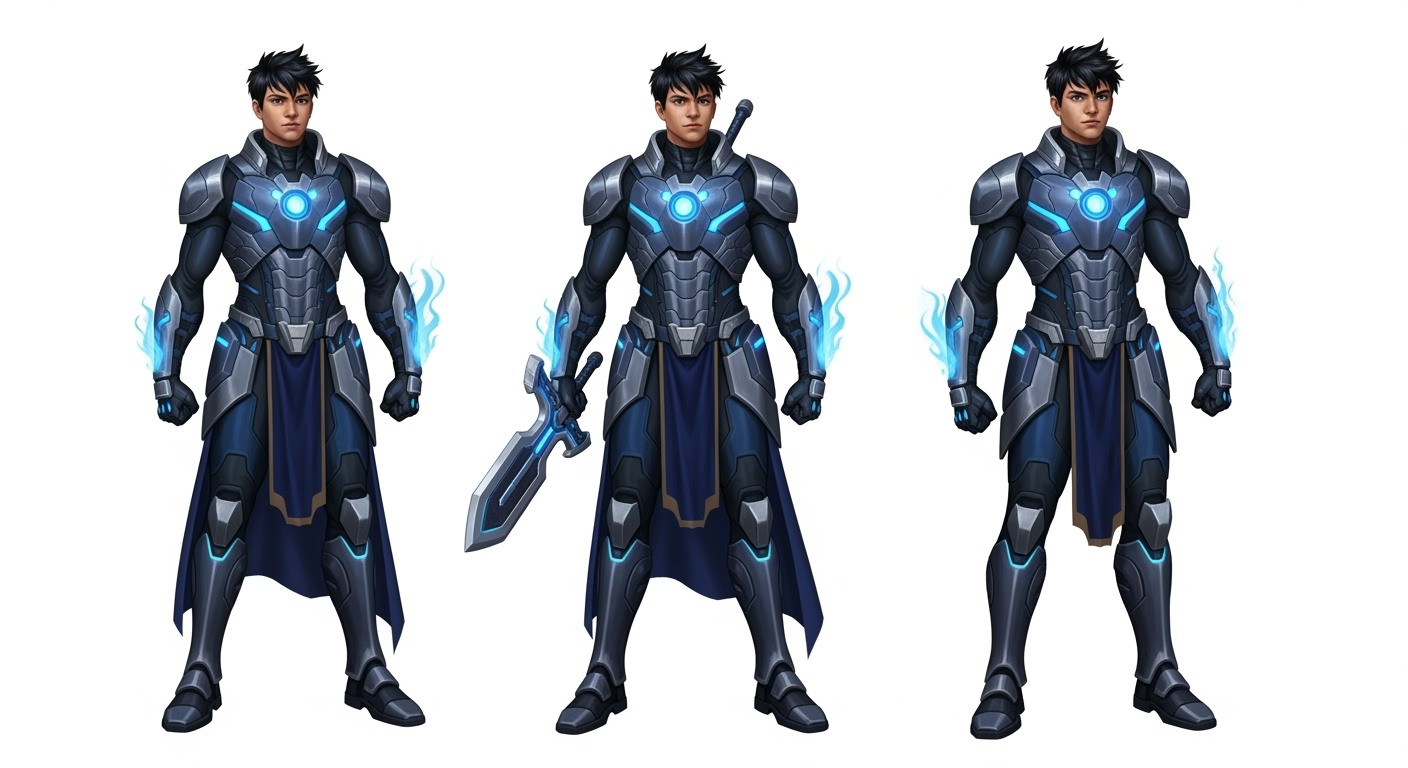
Start with a product shot or photo sequence in the Photo to Video tool, then add animated sections from your text prompt. The shared pipeline merges both sources smoothly, so narrative and visuals stay in sync.
FAQs
Discover related AI tools:
Browse Related Content
Explore AI-generated text to animation ai artwork from our community
Related Resources






More Than Just Text To Animation
Join millions of creators using BasedLabs to generate professional, scroll-stopping content for social media, YouTube, marketing, and more — in seconds. Produce high-quality AI-generated videos and images optimized for engagement and reach. Streamline your content workflow and scale faster.
