 AI TikTok app - Go viral!NEW: Seedream 5 by ByteDance. Sharper prompts, native text in 14 languages, precise edits. Try it now.Try It Now →
AI Marketing Video Generator
Turn a brief brief into a polished promo. Type what you want to show, pick a style, and get a cut with motion, music, and captions in minutes.

How to use AI Marketing Video Generator
Steps to get you started in BasedLabs.
Step 1
Upload a logo or product shot, or just type your scene
Drag a file onto the page or click Upload to add a product image or logo. If you have nothing to upload, describe the spot in a sentence and the AI will build the first frame for you.
Step 2
Choose a model and write your prompt
Select Text to Video, then pick a model like Veo 3 Fast or Hailuo 0 2. In the prompt box spell out movement, tone, and music cues, for example “fast cuts, bold callouts, upbeat electronic track.”
Step 3
Generate the video
Press Generate. The AI builds the clip. Preview it, download it, or tweak your prompt and run it again until it matches your campaign.
Concept to campaign clip in one pass
Write a short script and the engine handles visuals, timing, and audio, so you get an ai video generator for marketing that skips timelines. When you need deeper edits, drop the render into the full workflow at the BasedLabs video suite and extend it without breaking timing.

Free drafts, paid polish only when needed
Test hooks and CTAs on the ai marketing video generator free tier, iterate fast, then upscale or lengthen once the client signs off. This keeps brainstorming costs low while final exports stay broadcast ready.
Action heavy spots stay sharp
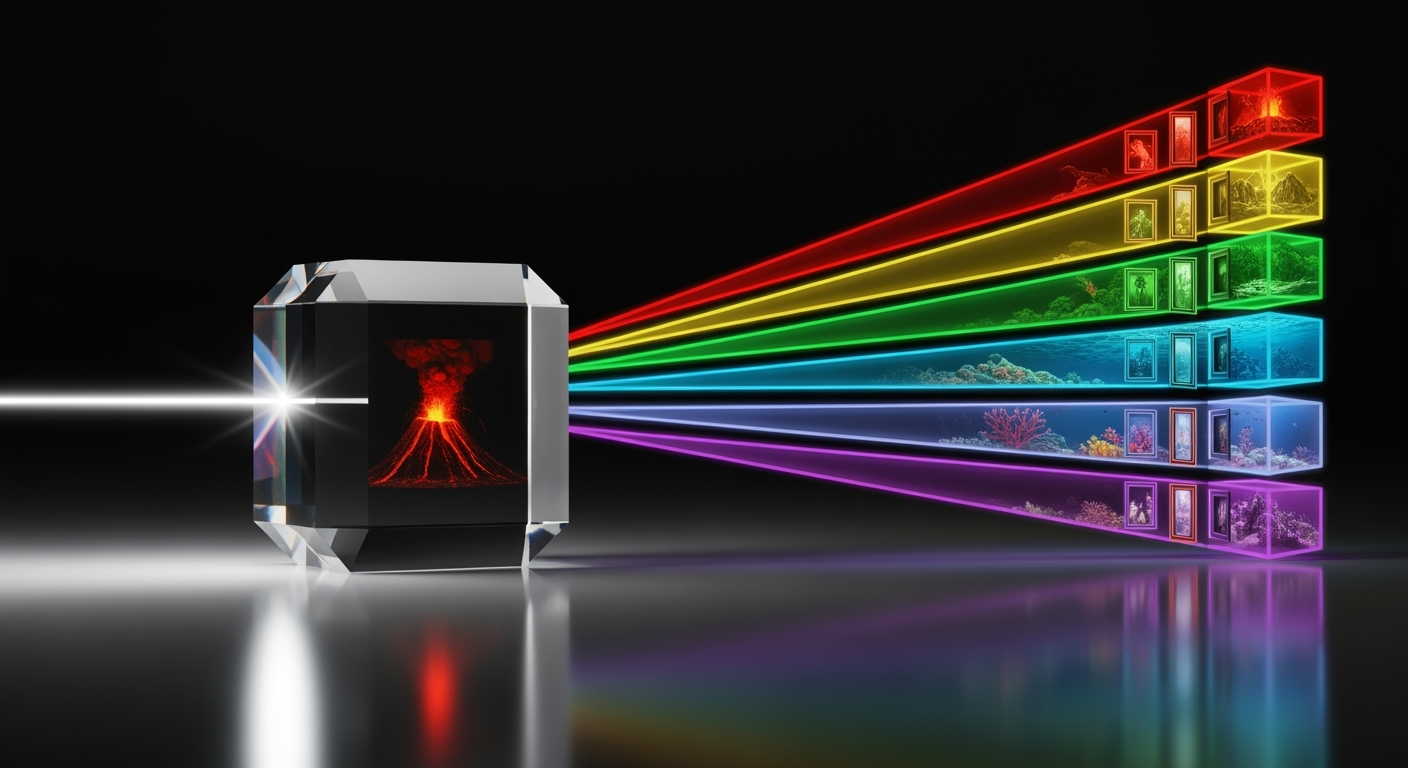
For kinetic launches or product demos, switch to the motion focused model at Hailuo 0 2, then bring the same seed back here so your A and B versions match perfectly. Fast pans and depth shifts look natural, which boosts watch time.

Instant social cut downs and GIF teasers
Trim a three second loop and convert it inside the lightweight panel powered by the AI GIF tool. The clip keeps your brand colours and type treatment, so every teaser feels tied to the hero video.
Built in overlays, captions, and personality
Add text to video for offers or taglines, or push the file to the playful layer stack in the Bigfoot overlay tool for meme style callouts. You keep consistency, the model adds charm, and nothing needs a separate editor.
FAQs
Discover related AI tools:
Browse Related Content
Explore AI-generated marketing video generator artwork from our community
Related Resources






More Than Just AI Marketing Videos
Join millions of creators using BasedLabs to generate professional, scroll-stopping content for social media, YouTube, marketing, and more — in seconds. Produce high-quality AI-generated videos and images optimized for engagement and reach. Streamline your content workflow and scale faster.
