 AI TikTok app - Go viral!NEW: Seedream 5 by ByteDance. Sharper prompts, native text in 14 languages, precise edits. Try it now.Try It Now →
Photo to Video
Turn any still image into a moving clip in seconds. Add depth, camera motion, and sound, then share the result across socials without touching a timeline.

How to use Photo to Video
Steps to get you started in BasedLabs.
Step 1
Upload a photo or type a scene
Drag a JPG onto the page or click Upload. If you don’t have an image, describe the scene in a sentence and the AI will create a matching first frame.
Step 2
Choose a model and write your prompt
Select a video model such as Seedance 1.0 for cinematic drift. In the prompt box spell out camera moves, overall mood, and music cues—for example, “slow pan, sunrise haze, soft piano.”
Step 3
Generate the video
Press Generate. Preview the clip, download it, or adjust your prompt and run it again until the motion feels perfect.
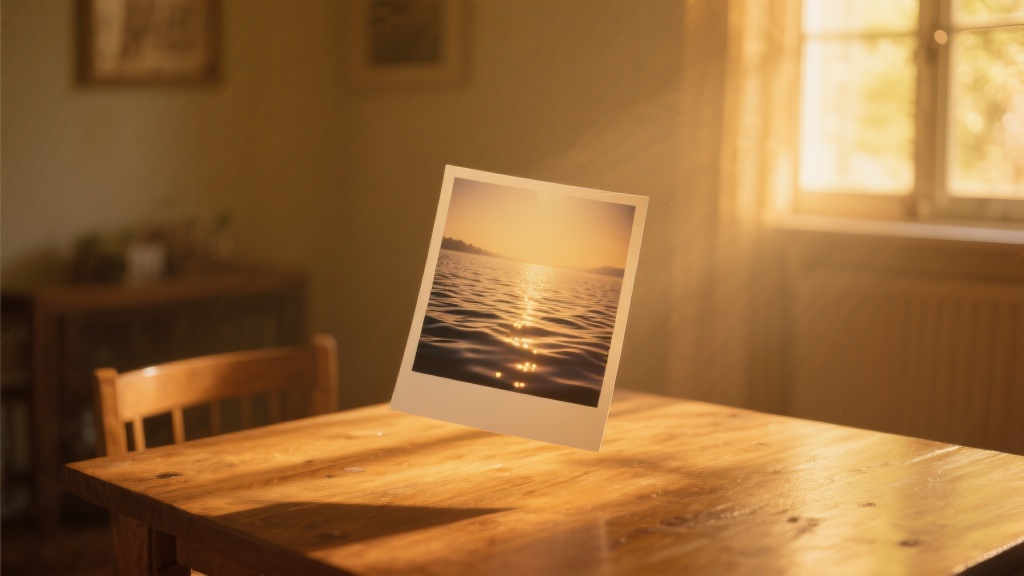
Bring static memories to life
One click turns any still into a flowing clip, adding depth shifts, ambient sound, and gentle camera moves so a holiday snapshot feels like a mini film. The workflow doubles as a live photo to video bridge for iPhone galleries, letting you share motion on platforms that do not support Apple’s format. Export length, motion intensity, and music are all editable so every story fits its channel.
Free‑to‑try engine with pro upgrades
Experiment at no cost, then scale to 1080 p when you are happy with the motion curve and colour grade. The same core code powers our ai photo to video generator, which means every improvement in that flagship pipeline rolls into Photo‑to‑Video automatically. This keeps photo to video ai free users on the cutting edge without extra fees.
Instant loops and previews
After rendering, tap one button to send the clip to the loop maker and create a three‑second GIF or WebP that loads fast on chat apps. These lightweight loops tease projects before full release and recycle shareable moments for memes or stickers. Consistent colour science ensures the GIF matches the original MP4 frame for frame.
Cinematic finish with Seedance colour
Drop your draft into the Seedance 1.0 styliser to add film‑grain bloom, dusk‑pink highlights, or cyberpunk teals in a single slider move. Because Seedance reads the same depth map it never introduces halo artefacts around animated edges, giving clips a movie trailer vibe. The result feels hand‑graded even though the look comes from a preset.
Flexible media routing for every platform
Convert video to live photo for wallpaper use or push the vertical cut straight to our TikTok‑ready generator where captions and trending audio finish the package. Need something quirky? Feed the same asset to the Bigfoot Vlog tool for humorous overlays and voice‑mod tracks in one pass. This hub‑and‑spoke design keeps revisions in sync across every derivative you produce.
FAQs
Discover related AI tools:
Browse Related Content
Explore AI-generated photo to video artwork from our community
Related Resources






More than just Photo to Video
Join millions of creators using BasedLabs to generate professional, scroll-stopping content for social media, YouTube, marketing, and more — in seconds. Produce high-quality AI-generated videos and images optimized for engagement and reach. Streamline your content workflow and scale faster.
