 AI TikTok app - Go viral!NEW: Seedream 5 by ByteDance. Sharper prompts, native text in 14 languages, precise edits. Try it now.Try It Now →
Text To Video
In seconds, your prompt becomes a polished clip, powered by ai text to video with automatic motion, sound, and camera moves.

How to use Text To Video
Steps to get you started in BasedLabs.
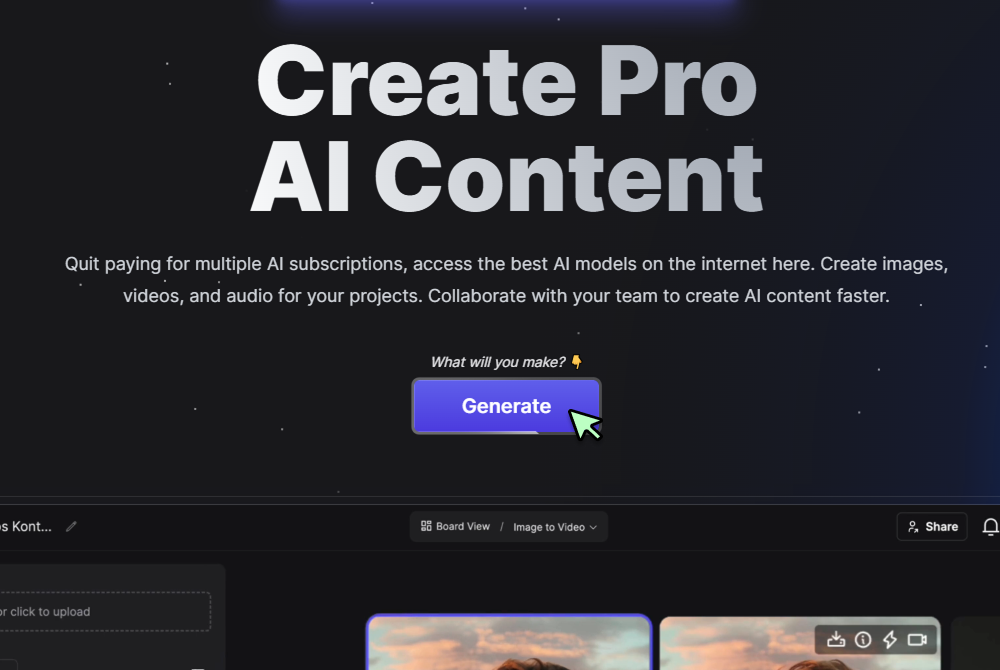
Step 1
Click Generate Now
Press the Generate button on the Text to Video page to open the controls.
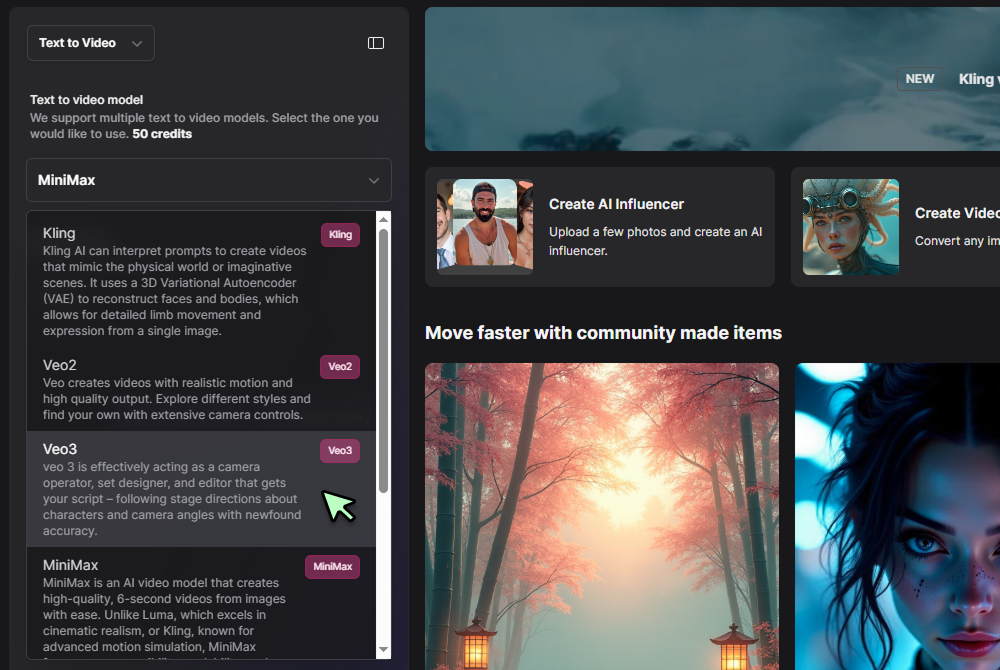
Step 2
Select Text to Video and choose a model
Pick Text to Video in the tool selector, then choose your video model (for example Veo 3 Fast or Seedance 1 0) from the dropdown.
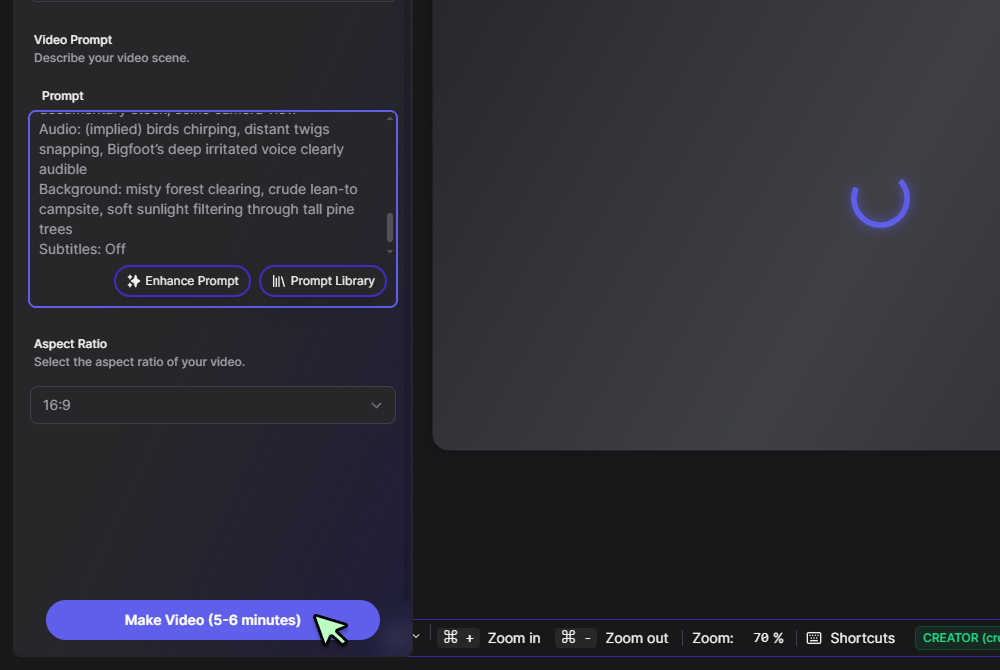
Step 3
Enter your prompt and click Generate
Type your scene line or script (for example, “drone over misty mountains at sunrise”) into the prompt box and hit Generate to create your clip.
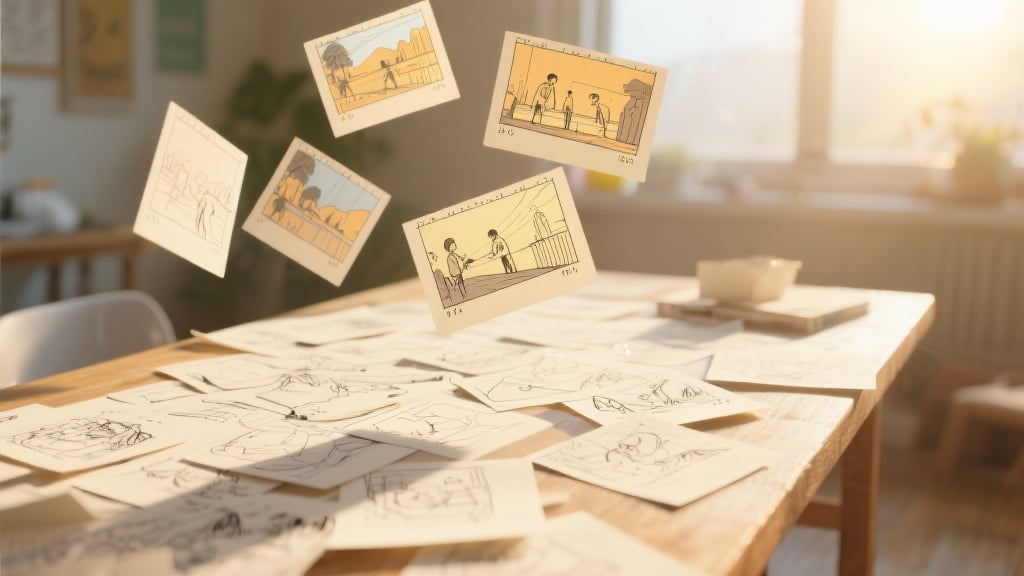
Storyboard to finished clip in minutes
The engine reads plain language and delivers visuals, audio, and motion, acting as an instant ai text to video solution. When you’re ready for longer edits, open the file in the extended BasedLabs AI Video Generator for timeline work—seed data stays intact, so every cut remains perfectly synced.
Free drafts, painless upscales
The starter tier renders ten‑second, 720 p drafts at no cost, giving you a true ai text to video generator free sandbox. Once the look is locked, upscale to 4 K or blend in stills with the Photo‑to‑Video workflow, all without regenerating from scratch.

Instant loops and social teasers
After rendering, trim a three‑second segment and push it to the GIF‑loop converter. These lightweight files reuse the same seed and colour profile, proving this text to video ai generator scales smoothly from teaser to full cut.
Add captions or quirky overlays
Export the MP4 to the Bigfoot Vlog overlay tool to add text to video, voice modulation, or meme stickers. Shared metadata keeps frame rate and colour exact while layers stack on top.
Fits any storytelling workflow
Teachers turn lesson summaries into explainers, marketers transform copy blocks into product reveals, and writers visualise scenes for pitches. A single prompt fuels every derivative, proving you can start with text, loop a GIF, or render a full video—all from one seed.
FAQs
Discover related AI tools:
Browse Related Content
Explore AI-generated text to video artwork from our community
Related Resources






More Than Just Text To Video
Join millions of creators using BasedLabs to generate professional, scroll-stopping content for social media, YouTube, marketing, and more — in seconds. Produce high-quality AI-generated videos and images optimized for engagement and reach. Streamline your content workflow and scale faster.
