
AI background removers have made it possible to remove unwanted backgrounds quickly and easily. However, results can vary between platforms, especially when handling fine details.
Design.com is our top recommendation for its free background remover, ease of use, and additional design tools. However, there are other platforms worth considering. To help you choose, we've compared these seven AI background removers based on their features, ease of use, pricing, and editing capabilities.
The Best AI Background Removers at a Glance
Here's a quick comparison of the seven AI background removers, highlighting what each tool does best, its standout features, and whether a free option is available.
- Design.com
- Best for: Overall background removal and branding
- Standout feature: Free removal and downloads with connected design tools
- Free option: Free
- Adobe Firefly
- Best for: Creative editing
- Standout feature: Background removal with AI editing tools
- Free option: Free
- Pixelcut
- Best for: Fast background removal and batch editing
- Standout feature: Clean cutouts with batch processing
- Free option: 3 AI uses/day
- Canva
- Best for: Social media graphics
- Standout feature: Background removal with integrated design tools
- Free option: Limited free use
- Fotor
- Best for: Everyday photo editing
- Standout feature: Free HD downloads and cutout refinement
- Free option: Free
- Photoroom
- Best for: Product photography
- Standout feature: Product-focused editing and AI backgrounds
- Free option: 100 exports/month
- Picsart
- Best for: Creative photo editing
- Standout feature: Background removal with creative effects
- Free option: Paid subscription required
How We Evaluated These AI Background Removers
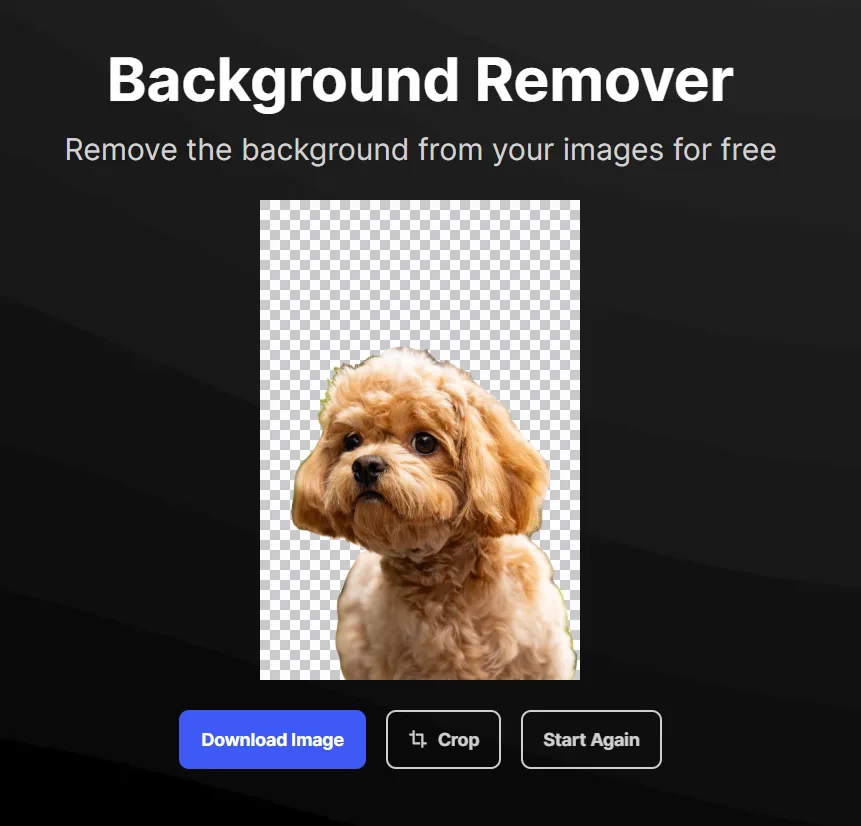
We tested the seven AI background removers using the same photo of a fluffy brown dog against a blurred outdoor background. The dog's curly fur, fine strands around its ears, and uneven outline provided a useful test for AI background removal tools.

(Photo from Pexels)
We evaluated each tool based on five factors:
- Removal accuracy: How completely the tool removes the original background.
- Edge quality: How well it preserves fine fur and irregular outlines.
- Ease of use: How quickly users can upload an image and get a result.
- Editing features: Whether users can refine cutouts, replace backgrounds, or create other designs.
- Pricing and accessibility: What users can do for free and which features require payment.
The 7 Best AI Background Removers in 2026
1. Design.com — Best Overall AI Background Remover
Design.com is an all-in-one design and branding platform best known for its logo generator. It also offers over 50 AI and design tools, including a free AI background remover. The tool automatically removes unwanted backgrounds from photos and graphics in seconds, making it useful for product images, social media content, and marketing materials.
Getting started is simple. Just upload an image or drag and drop it into the tool, and the platform handles the rest. In our test, Design.com successfully removed the outdoor background while preserving the dog's face, ears, and most of its fluffy fur. After removing the background, we got to download the result for free.
Beyond background removal, Design.com also makes it easy to build your brand. You can create business cards, social media graphics, websites, presentations, and other branded materials using its extensive library of templates and design tools. This makes it particularly useful for small businesses, entrepreneurs, and content creators who want to turn their images into professional designs.
What we liked:
- Free AI background removal with no subscription required.
- Automatic background removal in seconds.
- Simple drag-and-drop image upload.
- High-quality results for digital and creative projects.
- Access to 50+ design tools for creating branded materials.
Pricing:
Design.com's AI background remover is completely free, including downloads.
You only need to upgrade to a paid plan if you want full access to premium templates and design tools for creating logos, business cards, social media graphics, websites, and more. Paid plans start at $3/month when billed annually ($9/month billed monthly).
2. Adobe Firefly — Best for Creative Editing
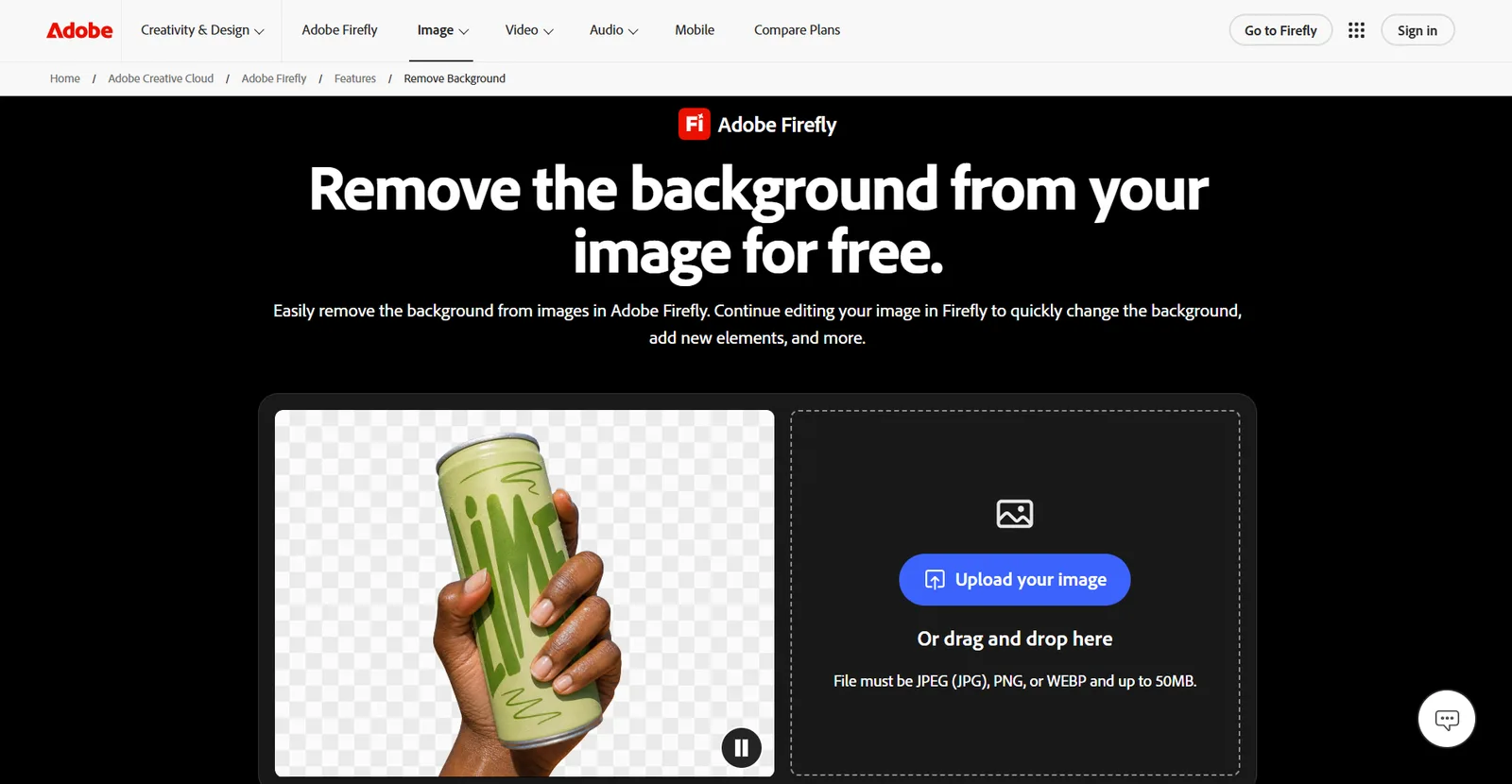
Adobe Firefly is an AI-powered creative platform that offers a free background remover for photos, product images, and graphics. Unlike standalone background removal tools, Firefly combines automatic background removal with AI editing features, including background generation, object removal, and image upscaling. It also integrates with other Adobe applications, such as Photoshop and Adobe Express, for more advanced creative projects.
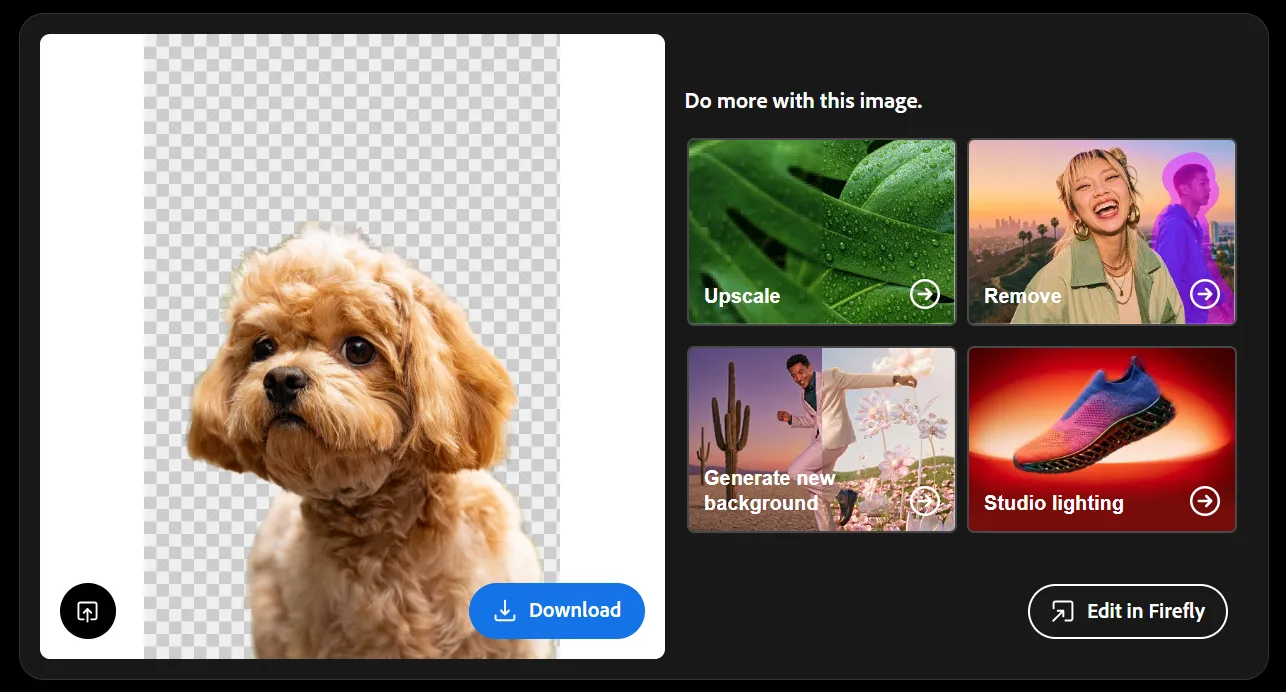
In our test, Firefly completely removed the outdoor background while preserving the dog's fluffy ears, facial features, and most of its fine fur. The edges looked natural, with only slight smoothing around some fine strands. Firefly supports JPG, PNG, and WebP images up to 50MB. You can upload a photo, automatically remove its background, and download the result as a transparent PNG.
What we liked:
- AI background removal with transparent PNG downloads.
- Supports JPG, PNG, and WebP images up to 50MB.
- Generative Fill and AI background generation.
- Object removal and image upscaling.
- Integration with Photoshop and Adobe Express.
Pricing:
Adobe Firefly offers free background removal with an Adobe account, but it’s subject to daily generation limits. Paid plans start at $9.99/month for Firefly Standard, which includes 2,000 monthly generative credits and additional AI editing capabilities.
3. Pixelcut — Best for Fast Background Removal and Batch Editing
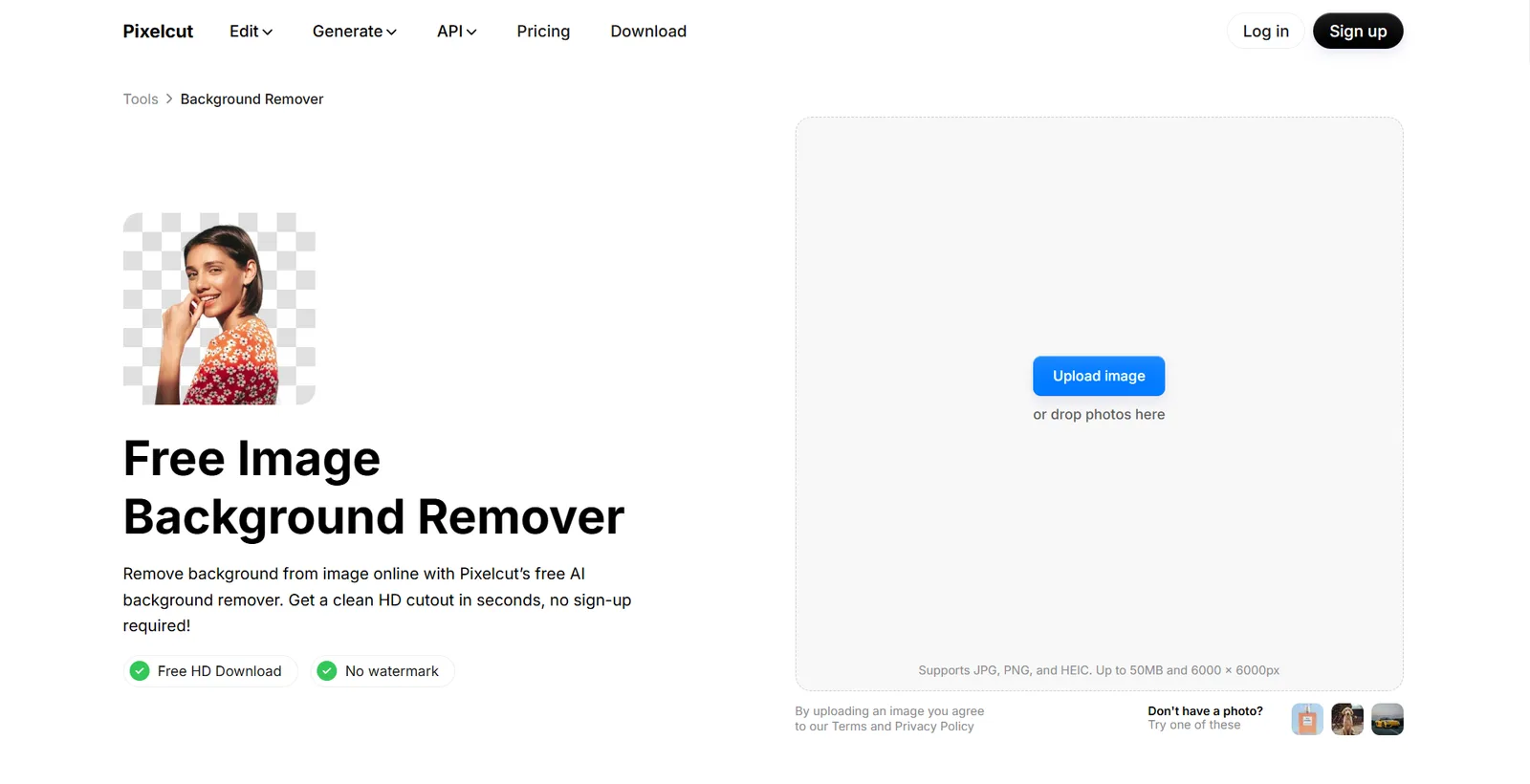
Pixelcut is a practical choice for anyone who needs to remove backgrounds from multiple photos without spending much time on manual editing. Its AI background remover produces transparent cutouts in seconds, while its batch editing features help businesses prepare product images, promotional graphics, and other visual content more efficiently. You can also replace backgrounds, upscale images, and refine cutouts using additional editing tools.
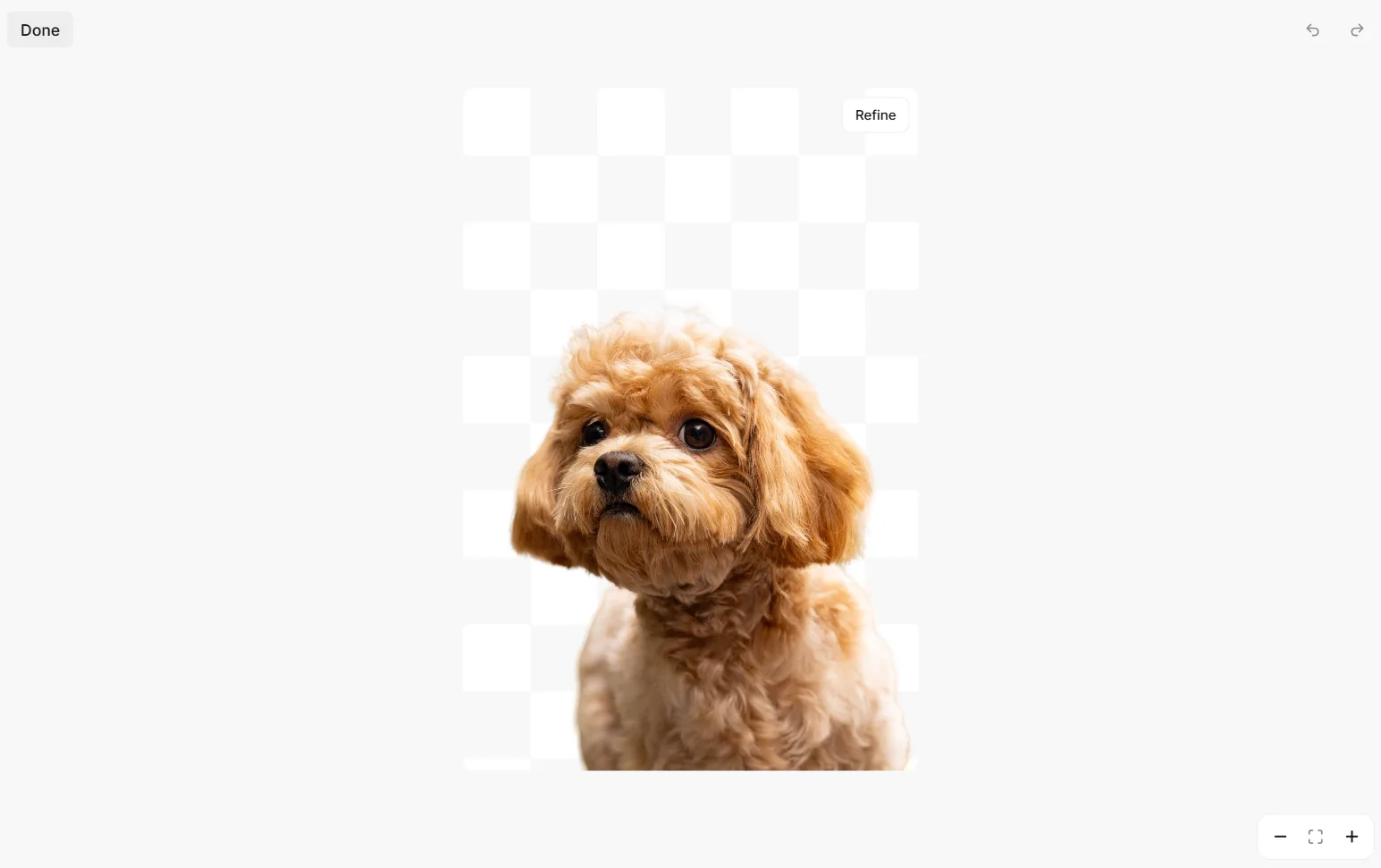
Pixelcut performed particularly well in our test, preserving the dog's curly fur, facial features, and individual strands around its muzzle. It removed the background completely, with no obvious leftover patches. Although some softer fur around the edges appeared slightly smoothed, the result looked natural and required little cleanup.
Key features:
- Automatic AI background removal with transparent exports.
- Refine tools for adjusting cutout edges.
- Background replacement and image upscaling.
- Batch editing for processing multiple images.
- Web and mobile editing capabilities.
Pricing:
Pixelcut's free plan typically allows three AI tool uses per day, including access to background removal and watermark-free downloads. The Pro plan costs $8/month (billed annually) or $10/month (billed monthly).
4. Canva — Best for Social Media Graphics
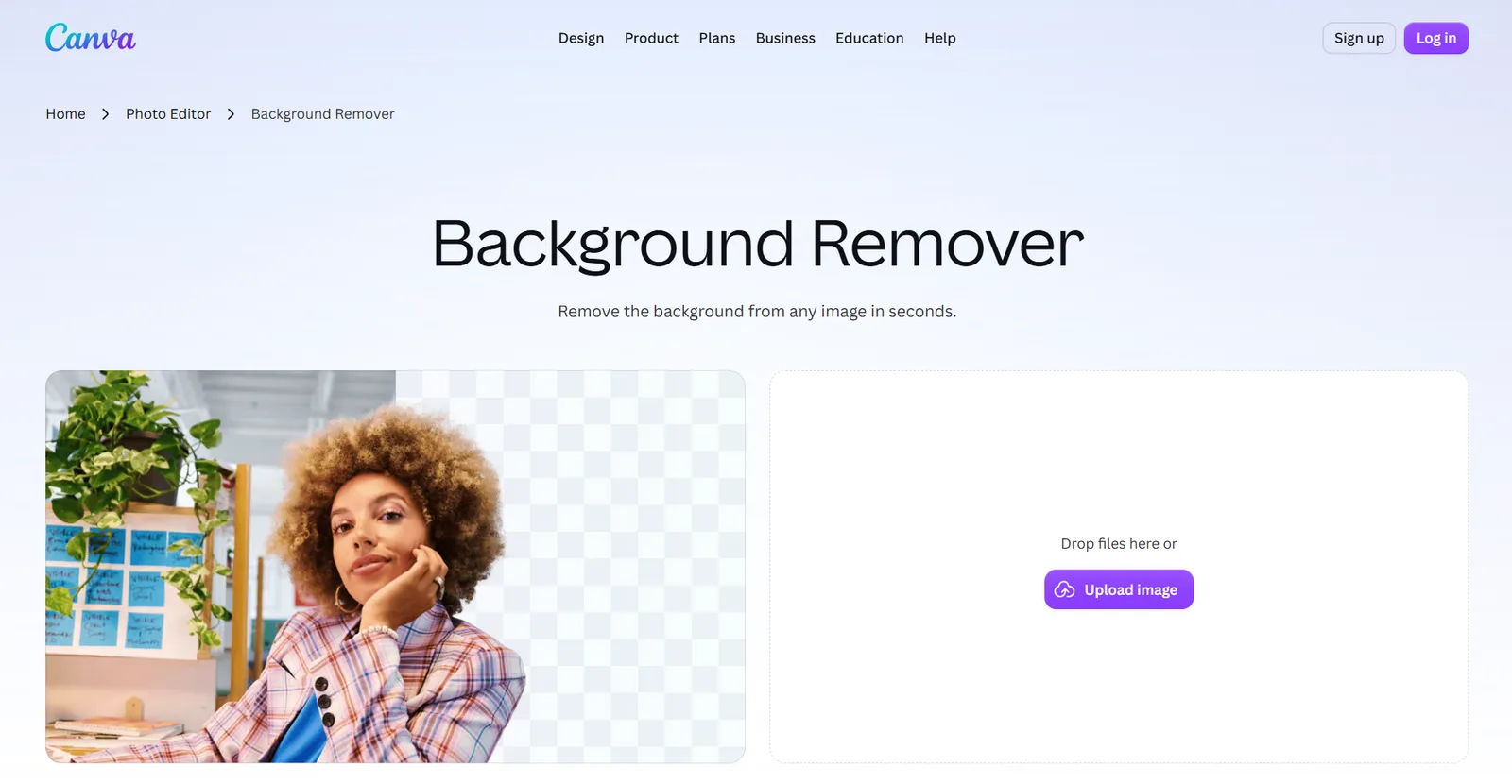
Canva combines AI background removal with its popular drag-and-drop design editor, making it a convenient option for creating social media posts, presentations, and marketing graphics. Its Background Remover works directly from the tool's webpage. Simply upload an image, and Canva automatically removes the background in seconds. Once it's done, you can download the cutout or open it in the editor to add new backgrounds, text, graphics, and other design elements.
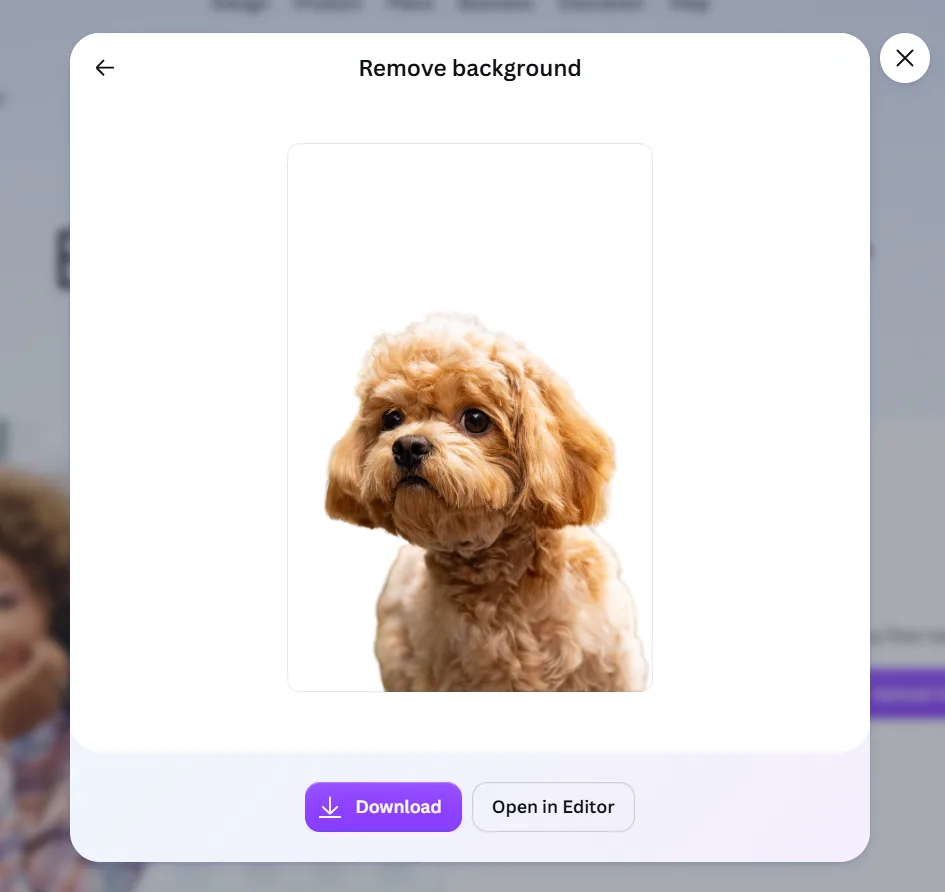
In our test, Canva successfully removed the outdoor background while keeping the dog's face, ears, and fluffy fur intact. Some finer strands appeared slightly softened, but the overall cutout looked clean and natural.
Key features:
- Automatic background removal for JPG, PNG, HEIC, and HEIF images.
- Erase and restore brushes for refining cutouts.
- Batch background removal for multiple images.
- Transparent PNG downloads.
- Background replacement and additional photo editing tools.
Pricing:
Canva's Background Remover is included with paid plans, although its standalone tool offers limited free downloads. Canva Pro costs $144/year and allows up to 500 background removals every 24 hours.
5. Fotor — Best for Everyday Photo Editing
Fotor offers a convenient way to remove image backgrounds while accessing other photo editing tools in one place. Its AI background remover supports portraits, product photos, and everyday images, with free HD downloads that don't require an account or add watermarks. Users can keep the background transparent, replace it with a solid color, or use the built-in editing options to make further adjustments.
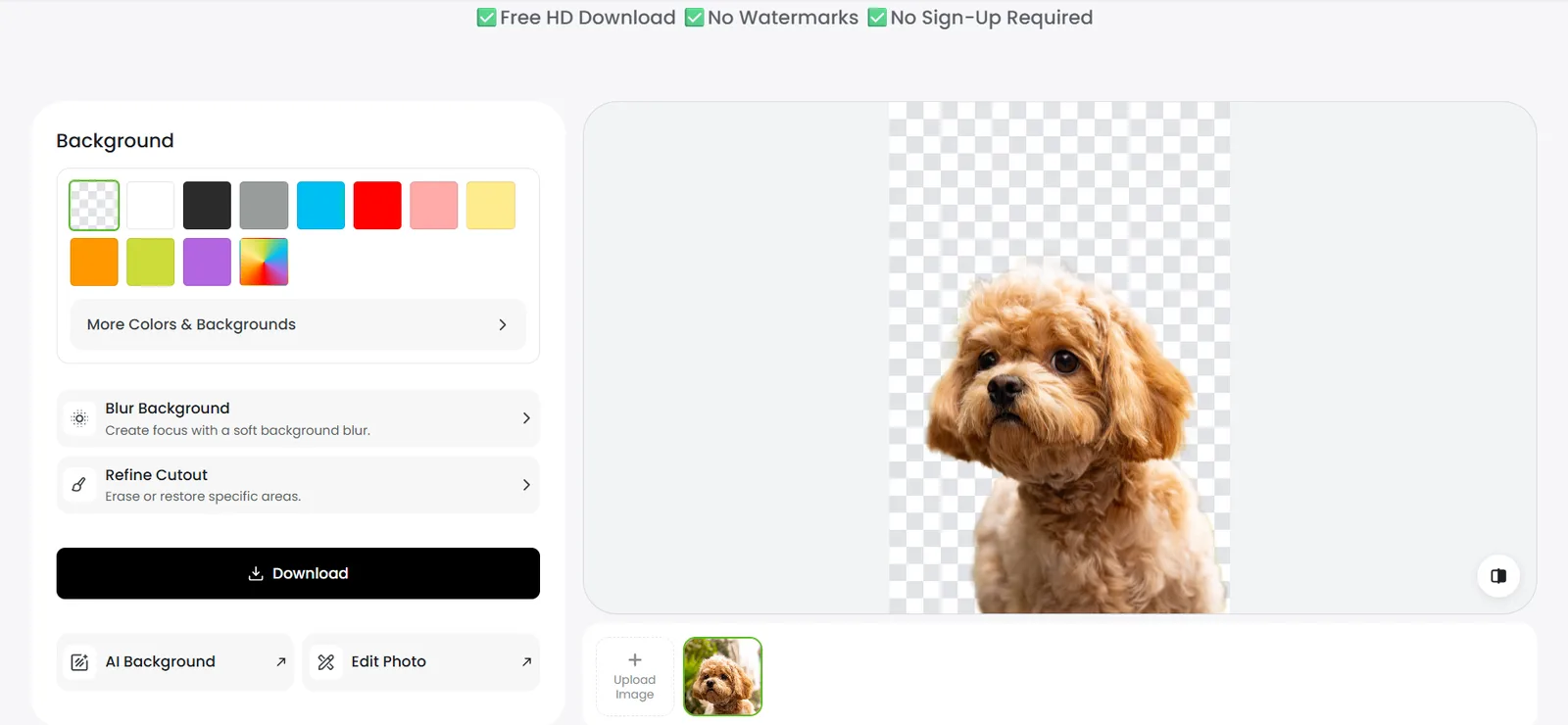
The test delivered a clean result. Fotor removed the outdoor background while keeping the dog's face, fluffy ears, and most of its curly fur intact. While some strands around the edges appeared slightly softened, there were no obvious leftover background patches.
Key features:
- Automatic AI background removal with free HD downloads.
- Transparent backgrounds and customizable background colors.
- Refine Cutout tools for erasing or restoring areas.
- Background blur, photo enhancement, filters, and effects.
- Batch background editing with premium plans.
Pricing: Fotor's background remover is free to use, with HD downloads, no watermarks, and no sign-up required. Paid Pro and Pro+ plans offer additional photo editing features and batch processing.
6. Photoroom — Best for Product Photography
Photoroom's AI background remover helps online sellers create clean, professional-looking product photos without spending time manually removing backgrounds. Beyond basic background removal, Photoroom also offers tools to add realistic shadows, generate new backgrounds, retouch images, and prepare product photos for online stores.
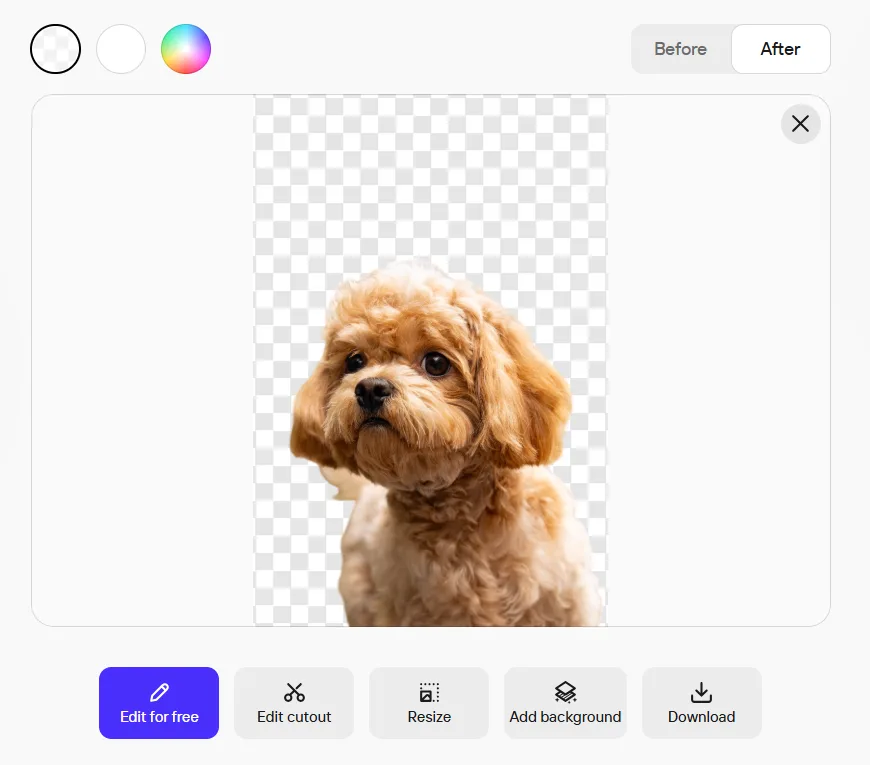
In our test, Photoroom removed most of the outdoor background while preserving the dog's facial features, fluffy ears, and fur. However, it left a small patch of the original background beneath one ear, which requires manual cleanup. Fortunately, Photoroom has an Edit Cutout option.
Key features:
- Automatic background removal for product photos and portraits.
- Background replacement with solid colors and AI-generated scenes.
- AI shadows and retouching tools for product photography.
- Batch editing for processing multiple images.
- Web and mobile editing capabilities.
Pricing:
Photoroom's free plan includes up to 100 image exports per month (subject to daily background removal limits). Paid plans start at $7.50/month when billed annually and include 1,000 monthly exports.
7. Picsart — Best for Creative Photo Editing
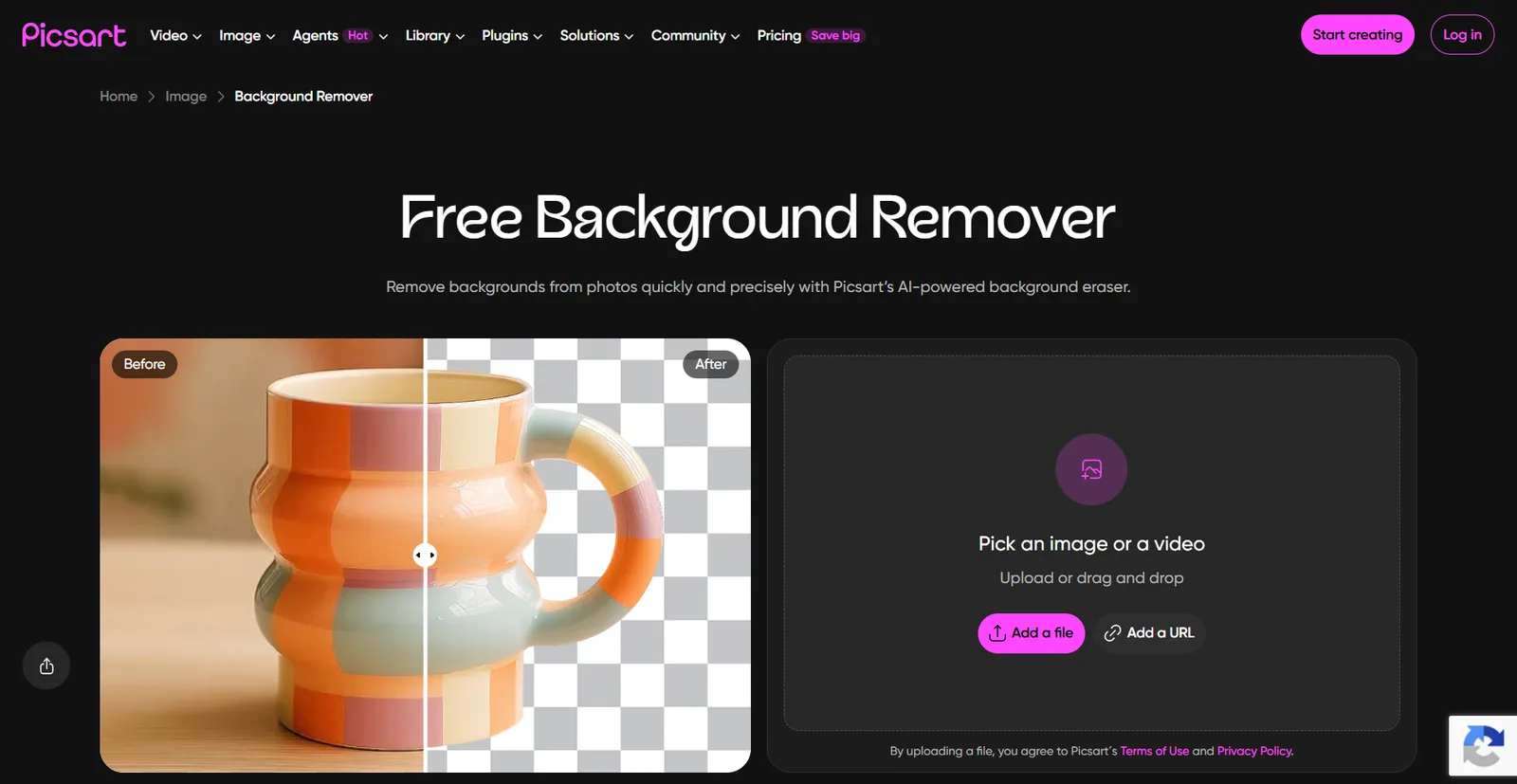
Picsart transforms everyday photos into social media content, digital artwork, and promotional graphics. Its AI background remover isolates the subject, which you can then place against a solid color, a preset background, or an AI-generated scene. The platform also offers filters, effects, stickers, and other editing features for experimenting with different visual styles.
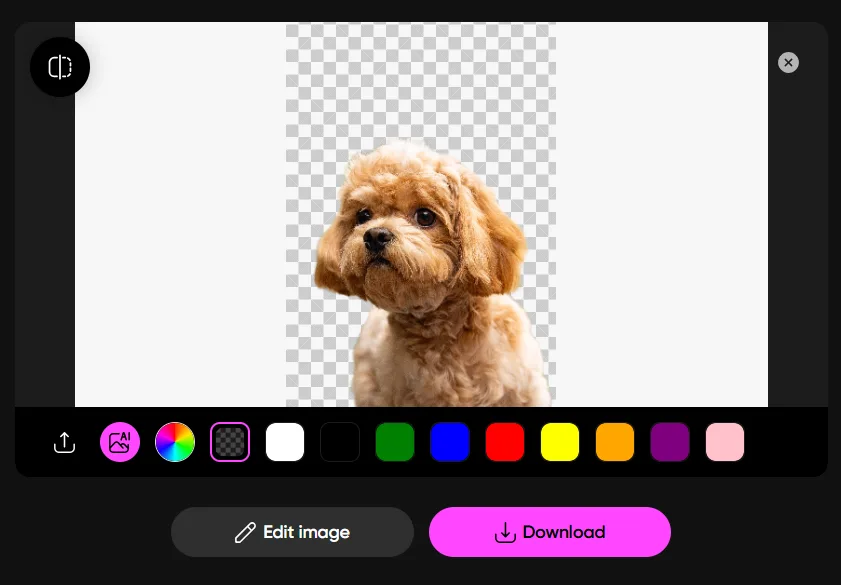
Our test produced a clean cutout of the dog — preserving its facial features, floppy ears, and overall shape. Picsart also retained much of the curly fur around the head and chest, although some finer strands appeared softened along the edges. The result works well for creative designs that need a transparent subject against a new background.
Key features:
- Automatic AI background removal.
- Transparent backgrounds and background replacement.
- AI-generated backgrounds using text prompts.
- Filters, effects, stickers, and creative editing tools.
- High-resolution image export options.
Pricing: Picsart lets users try its background remover without creating an account, but downloading the edited image requires a subscription. A seven-day free trial is available for eligible users. Picsart Pro starts at $10.50/month when billed annually ($15/month billed monthly).
How to Choose the Right AI Background Remover
The right AI background remover depends on your editing needs, budget, and how you plan to use the images. Consider these factors:
- Removal quality: Check how well the tool preserves fine details like hair, fur, and edges.
- Ease of use: Look for quick uploads, automatic removal, and simple downloads.
- Editing tools: Consider background replacement, cutout refinement, and design customization.
- Export options: Check for transparent PNGs, HD downloads, and watermarks.
- Pricing: Compare free usage limits, download restrictions, and paid plans.
- Design tools: Choose a platform with built-in design tools if you wish to create marketing materials.
Final Verdict: Which AI Background Remover Is Best?
Design.com takes the top spot as the best AI background remover for combining accurate background removal, free downloads, and an easy-to-use interface.
But what makes Design.com even more practical is its collection of 50+ design tools and extensive template library. Instead of stopping at a clean cutout, you can use your images to create social media graphics, business cards, promotional materials, and other branded designs, all within the same platform.
Whether you're preparing product photos, creating marketing content, or building a brand from scratch, Design.com helps you turn a simple background-free image into polished, professional designs that make your brand stand out.