
Getting an AI image is the easy part. The hard part is turning it into something you can publish, with the right size, brand colors, and headline. Most generators hand you a file and stop there, so you end up resizing and designing in a second app.
This guide compares the seven best AI image generators in 2026 by price, free plans, licensing, and what each does best.
Quick Verdict: Which AI Image Generator Should You Choose?
- Choose Design.com if you want an AI image you can turn into a finished, branded design without leaving the platform.
- Choose ChatGPT Images if you prefer to refine ideas through conversation.
- Choose Adobe Firefly if commercial licensing is your top concern.
- Choose Midjourney if you want stylized, artistic visual content and can work without templates.
- Choose Ideogram if your image needs readable text.
- Choose Canva AI if your team already designs in Canva.
- Choose Google Gemini if you need a quick, free, one-off image.
What to Look for in an AI Image Generator
An AI image generator creates original images from a written description. Five things separate good options from frustrating ones:
- Image quality and prompt accuracy: how closely the result matches what you asked for.
- Editing and design tools: whether you can turn a raw image into a post, ad, or banner.
- Commercial licensing: clear terms for ads, client work, and products.
- Pricing and free limits: credit systems, daily caps, and whether free images are public.
- Ease of use: how fast a beginner gets a usable result.
How We Picked These Tools
We started with the best-known AI image generators and kept the ones with public pricing, a plan that allows commercial use, and an interface anyone can use in a browser or app. We left out e-commerce-specific tools such as Photoroom and tools that overlap heavily with the ones below.
Pricing was checked against vendor announcements and current pricing reports in October 2026. AI plans change often, so confirm the current price before you buy.
AI Image Generators Compared: Price, Free Plans, and Features
- Design.com
- Best for: Finished, branded designs
- Free option: Yes, no account needed
- Starting price: $3/month (billed annually)
- Commercial use: Yes
- Built-in design tools: Yes: templates, editor, logo maker
- ChatGPT Images
- Best for: Conversational editing
- Free option: Limited daily images
- Starting price: $20/month (Plus)
- Commercial use: Yes, per OpenAI’s terms
- Built-in design tools: No
- Adobe Firefly
- Best for: Commercially safe imagery
- Free option: 25 credits/month
- Starting price: $9.99/month
- Commercial use: Yes
- Built-in design tools: Partial (Adobe apps)
- Midjourney
- Best for: Artistic visuals
- Free option: None
- Starting price: $10/month
- Commercial use: Yes (Pro or Mega for companies over $1M revenue)
- Built-in design tools: No
- Ideogram
- Best for: Text in images
- Free option: Weekly slow credits, public images
- Starting price: $15/month (billed annually)
- Commercial use: Yes
- Built-in design tools: Limited
- Canva AI
- Best for: Existing Canva users
- Free option: Limited AI allowance
- Starting price: $18/month (Pro)
- Commercial use: Yes, per Canva’s terms
- Built-in design tools: Yes
- Google Gemini
- Best for: Quick free images
- Free option: Yes, usage-limited
- Starting price: $4.99/month (Google AI Plus, US)
- Commercial use: Per Google’s terms
- Built-in design tools: No
The 7 Best AI Image Generators in 2026
1. Design.com: Best for Turning AI Images into Finished Designs
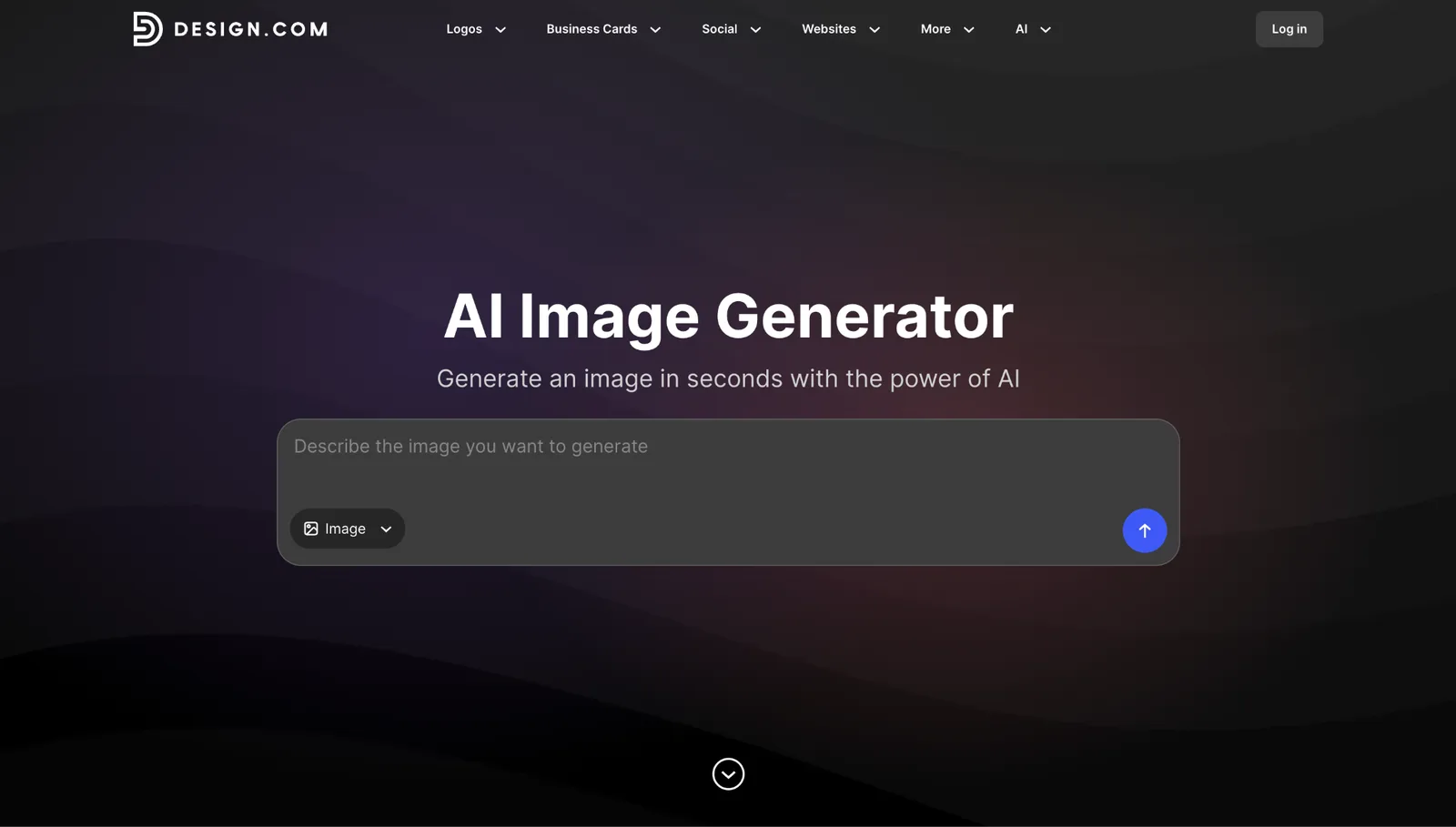
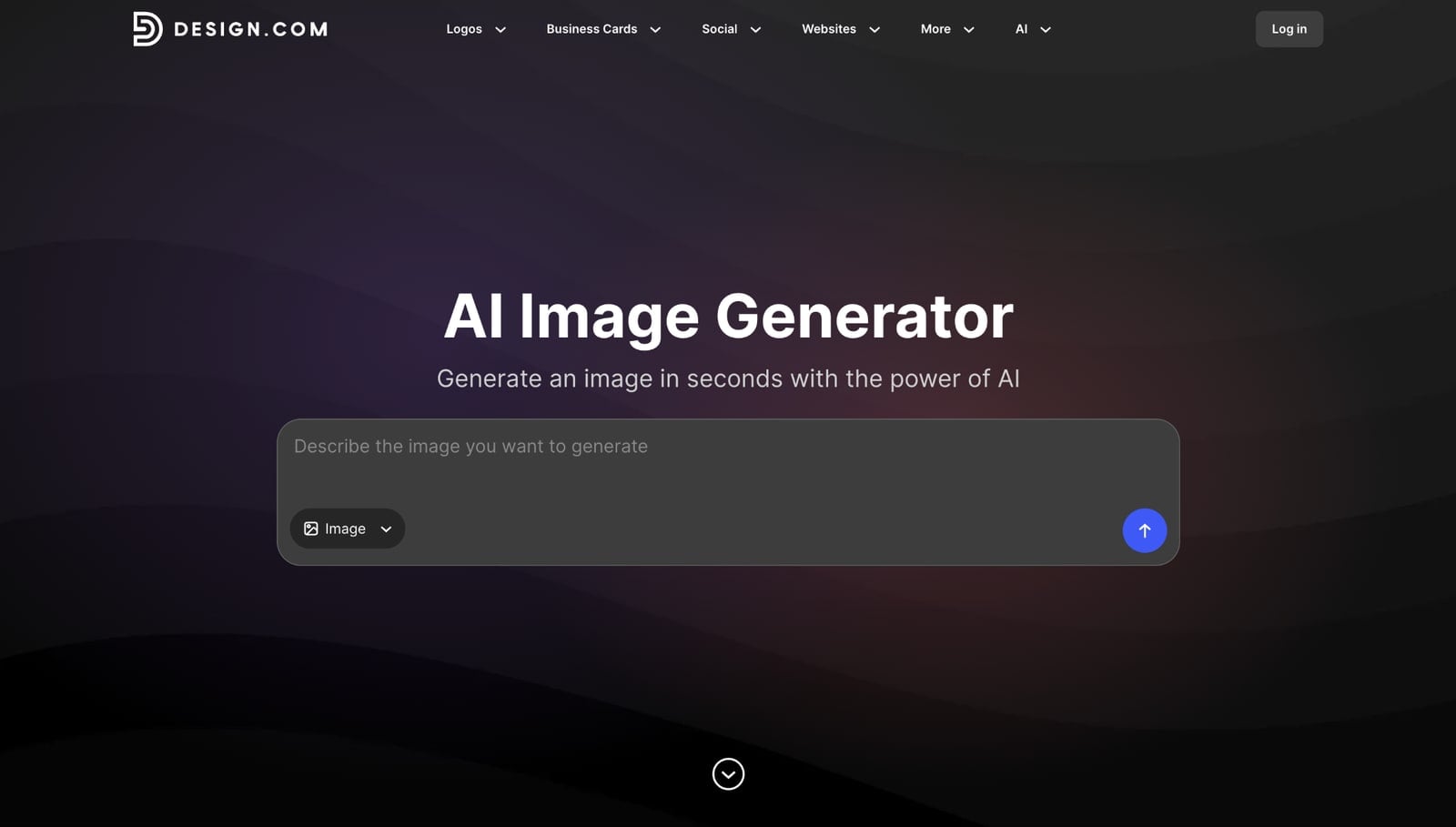
Design.com’s AI image generator turns a written prompt into an image, with controls for subject, setting, style, mood, lighting, colors, and composition. The image can go straight into templates for social posts, flyers, posters, presentations, business cards, and websites without leaving the platform.
Best for: Marketers, small businesses, and creators who need a finished asset, not just an image file.
Free option: Yes. You can generate images for free with no account, and AI editing is free for a set number of edits.
Starting price: $3/month billed annually (AI Design Plan), which includes an AI image editor, 50 AI-generated images a month, 50+ design and AI tools, and 651,000+ templates.
Verdict: Most generators stop at the image file, while Design.com continues through layout, branding, and resizing in the same place. That makes it the strongest pick for anyone aiming for a publishable post, ad, or flyer.
Limitations: The paid plan caps AI generation at 50 images a month, so very high-volume teams may hit the ceiling.
2. ChatGPT Images: Best for Conversational Editing
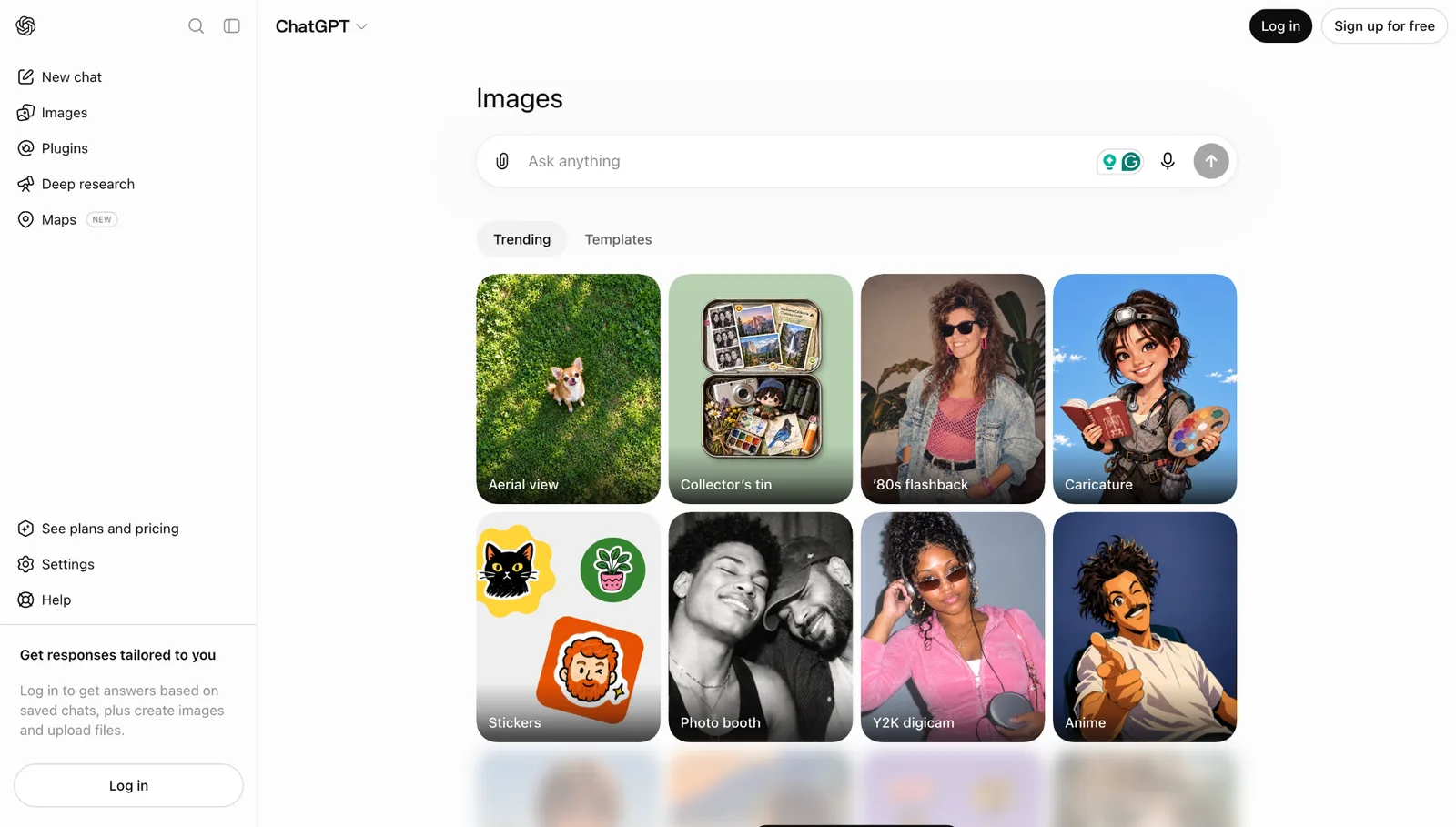
ChatGPT Images lets you create and revise pictures inside a chat conversation. You can ask for changes such as a darker background or empty space for a headline, and draft captions in the same thread.
Best for: Brainstorming and quick concepts for people who already use ChatGPT.
Free option: Yes, a limited number of images per day.
Starting price: $20/month (ChatGPT Plus) with higher limits.
Verdict: A good way to explore ideas in plain language, since follow-up messages steer the result. The image is the end product, so layout and branding happen elsewhere.
Limitations: It has no templates, brand kits, or layout tools, and free limits can change without notice.
3. Adobe Firefly: Best for Commercially Safe Imagery
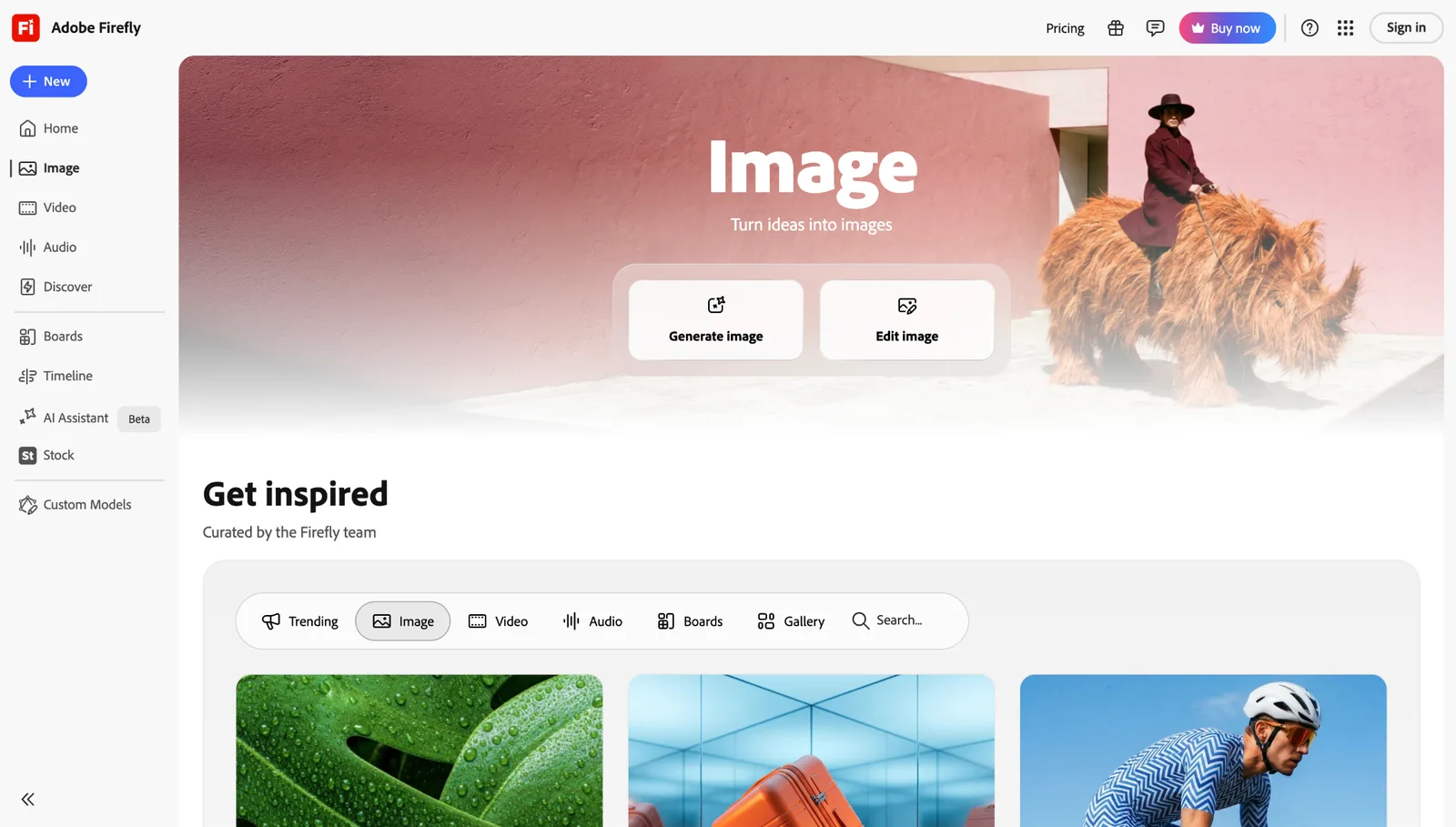
Adobe Firefly is Adobe’s generative AI platform for images, video, and audio. Adobe says its models are trained on licensed content, and tools like Generative Fill edit parts of an image.
Best for: Client work and ad campaigns where image sourcing matters.
Free option: Yes, 25 generative credits a month.
Starting price: $9.99/month (Standard), which includes unlimited standard image generations plus 2,000 credits for premium features.
Verdict: A strong fit when licensing confidence matters most. It works especially well for teams already using Adobe apps.
Limitations: The credit system gets confusing with premium features, and finishing a design often requires another Adobe app.
4. Midjourney: Best for Artistic Visuals
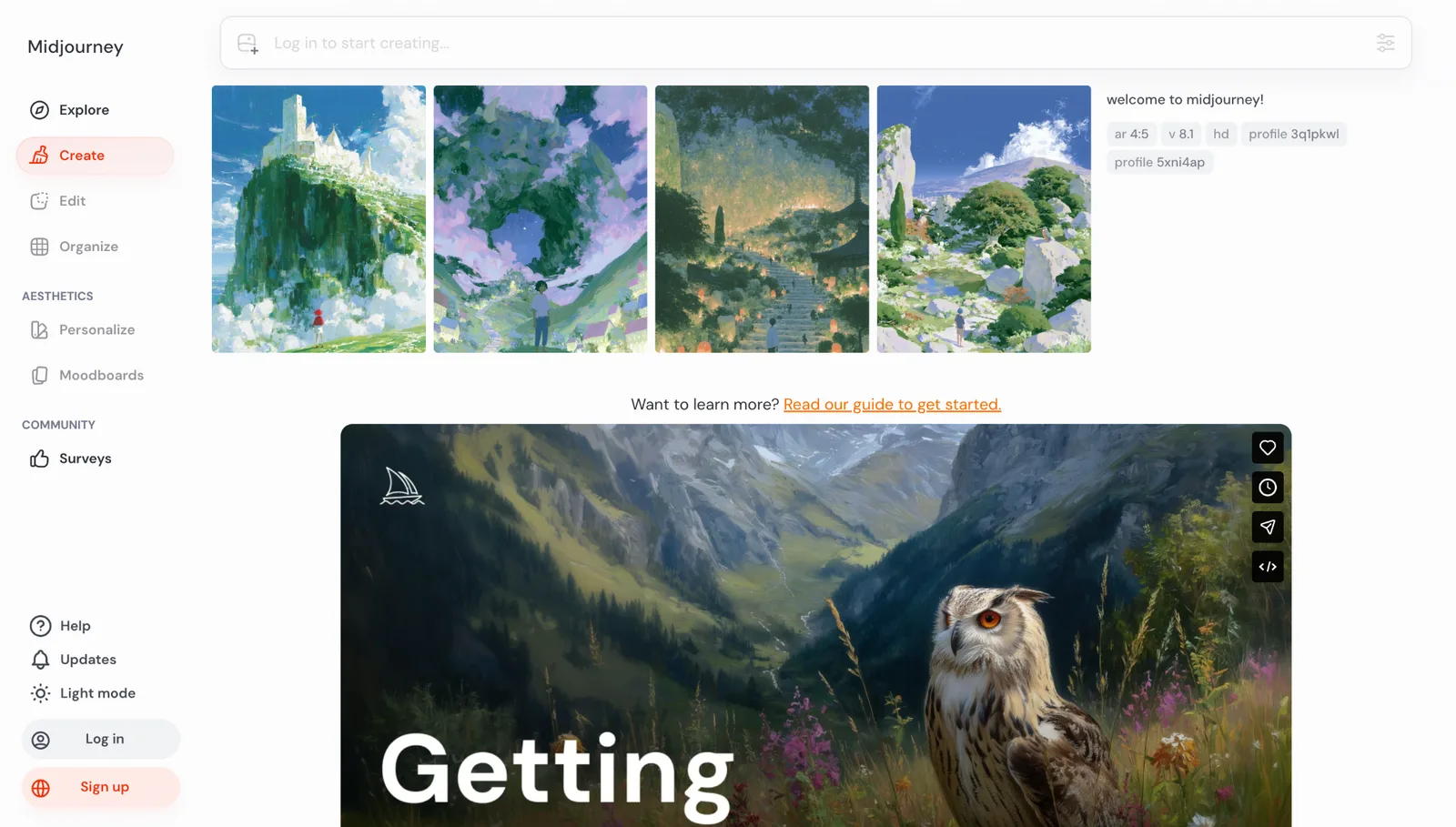
Midjourney produces stylized, painterly images via a web interface, with tight style control. Art directors and illustrators use it for hero visuals and concept work.
Best for: Hero images, concept art, and brand exploration.
Free option: No free plan.
Starting price: $10/month (Basic, about 200 images). Standard is $30/month and Pro is $60/month.
Verdict: A strong choice for distinctive, art-directed imagery. It works best when you don’t need templates or layout tools.
Limitations: Images are public on Basic and Standard, companies earning over $1 million a year must use Pro or Mega, and there are no layout features.
5. Ideogram: Best for Text in Images
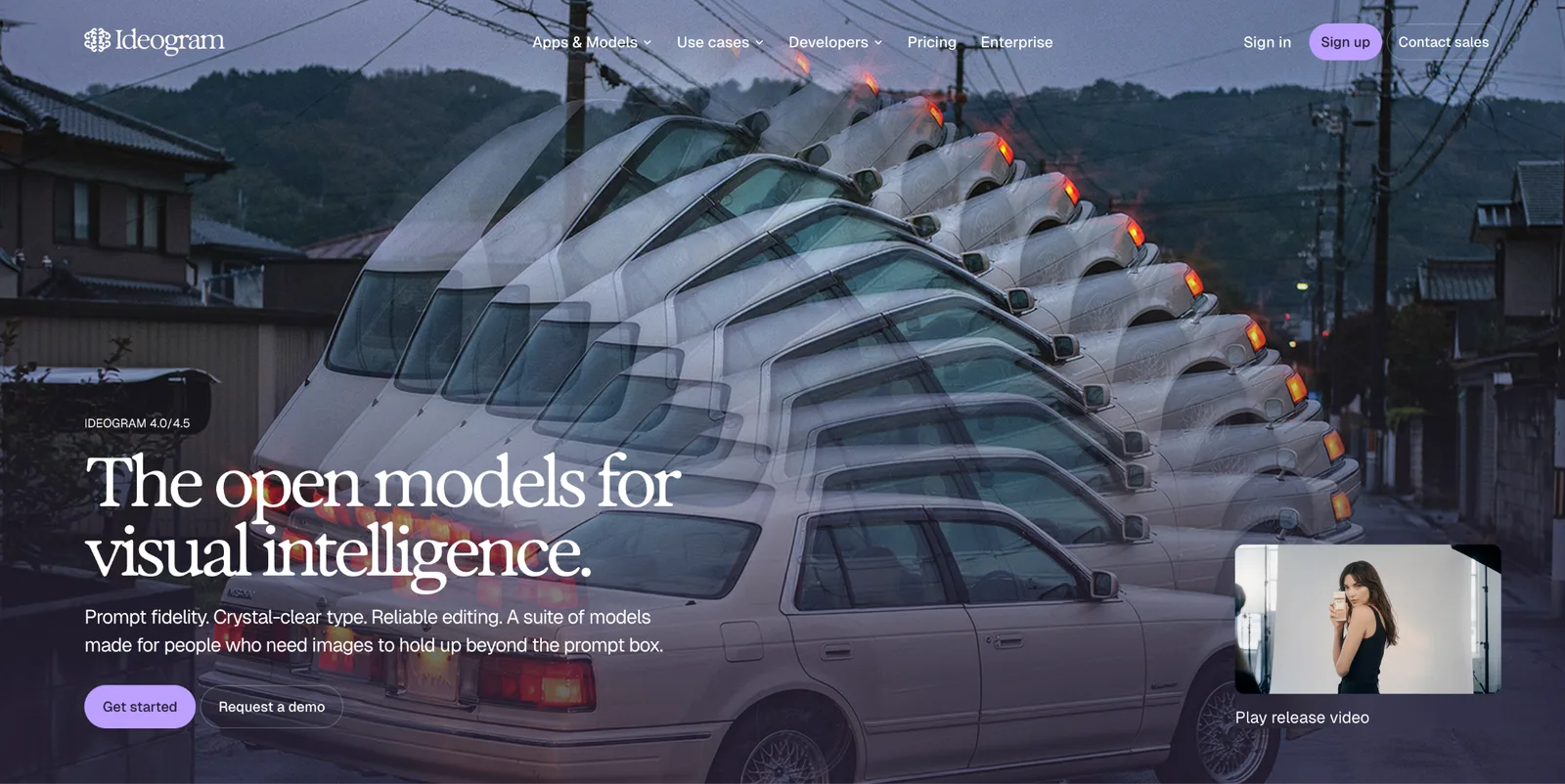
Ideogram is built to place clean, legible text inside images, which many generators get wrong. It supports style references and photorealistic, design, and illustration looks.
Best for: Posters and social graphics with headlines.
Free option: Yes, weekly slow credits, but free images are public.
Starting price: $15/month billed annually ($20 monthly) for Plus, with 1,000 priority credits.
Verdict: The right pick when readable text is the main requirement. It handles typography better than most general-purpose generators.
Limitations: Free images are public, and there is no full template editor.
6. Canva AI: Best for Existing Canva Users
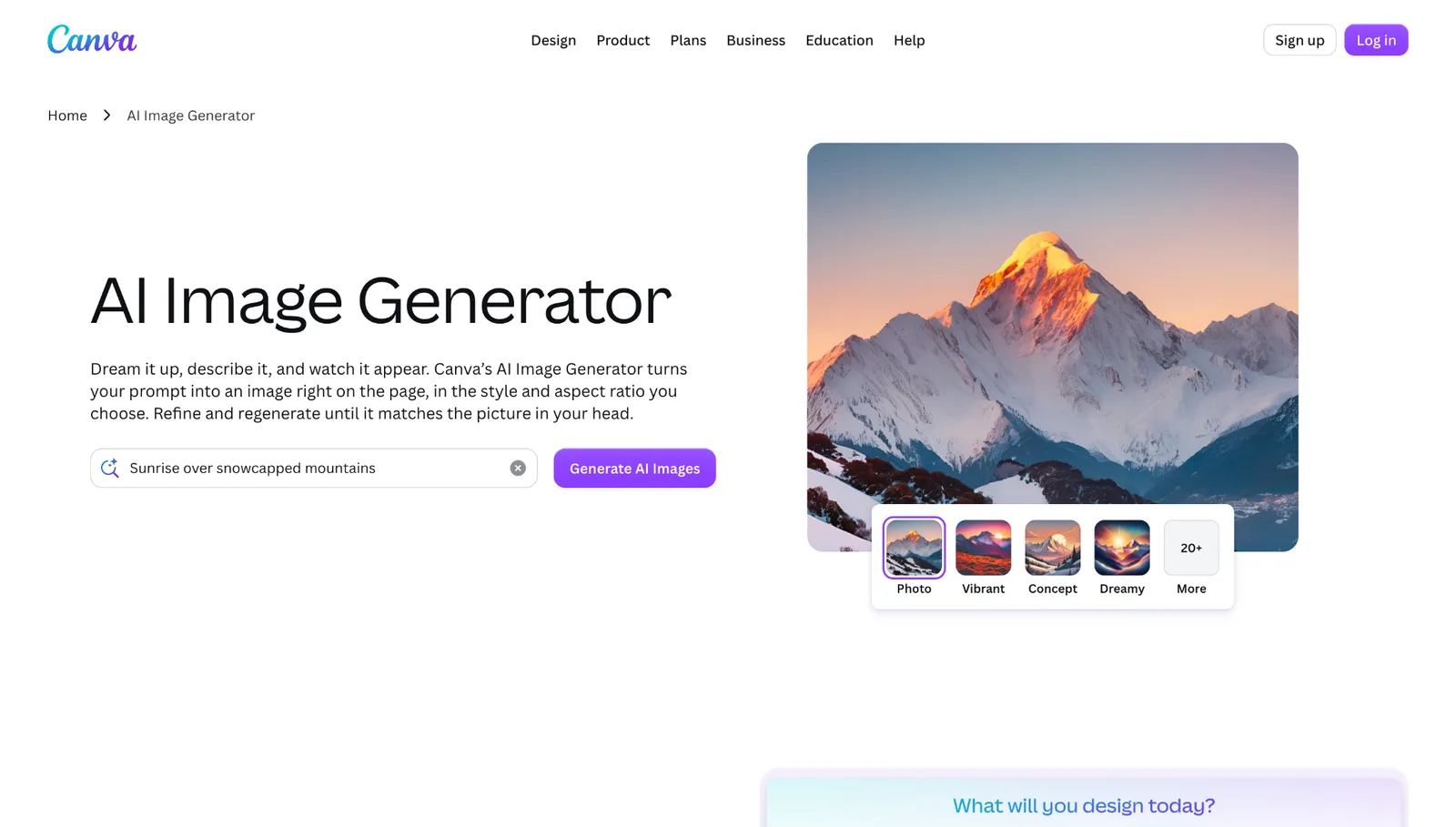
Canva AI puts image generation inside the Canva editor. Tools like Magic Edit, Magic Eraser, and Magic Expand change parts of an image in place, and brand kits keep colors and fonts consistent.
Best for: Presentations and social posts for teams already working in Canva.
Free option: Yes, with a limited monthly AI allowance.
Starting price: $18/month (Canva Pro).
Verdict: A natural choice if your team already designs in Canva and wants AI inside that workflow. It adds editing and templates that standalone generators lack.
Limitations: All AI tools share one monthly allowance, and you get less model control than with a dedicated generator.
7. Google Gemini: Best for Quick Free Images
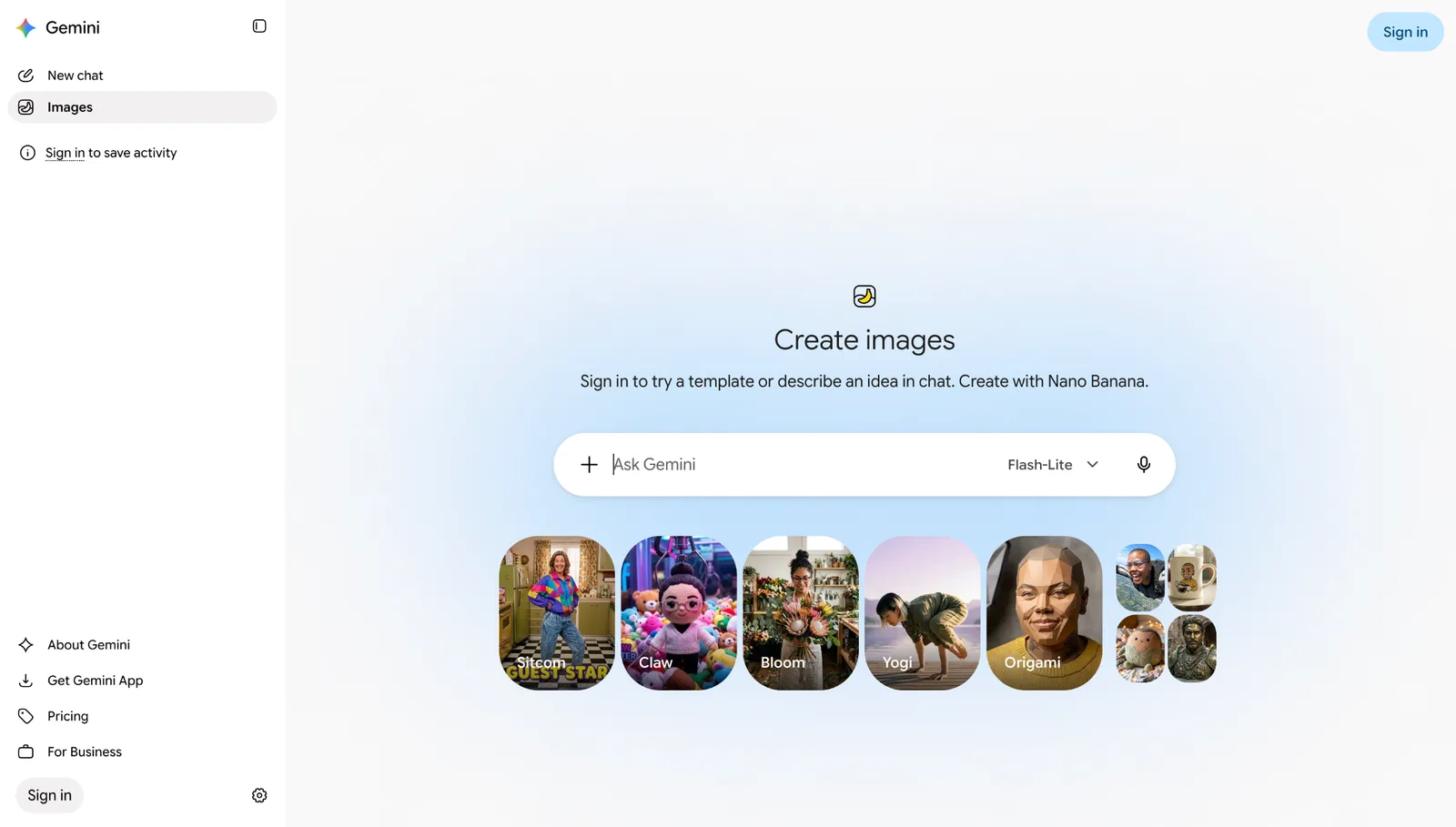
Google Gemini is a general AI assistant that also generates images in the browser and app. Google’s image models are called Nano Banana, and edits count toward the same usage limit as new images.
Best for: Quick concepts and one-off images.
Free option: Yes, with usage limits that Google adjusts often.
Starting price: $4.99/month (Google AI Plus, US). Google AI Pro is $19.99/month.
Verdict: The easiest way to get a free image with no setup. It’s a good fit for quick drafts.
Limitations: It has no templates, brand kits, or layout tools, and free limits change frequently.
How to Write Better AI Image Prompts
A short prompt can produce a good-looking image, but it tends to yield something that looks like a stock photo, because the tool makes all the decisions itself. To show the difference, we ran two prompts through Design.com’s free AI image generator.
Short prompt: “A flower shop storefront.”
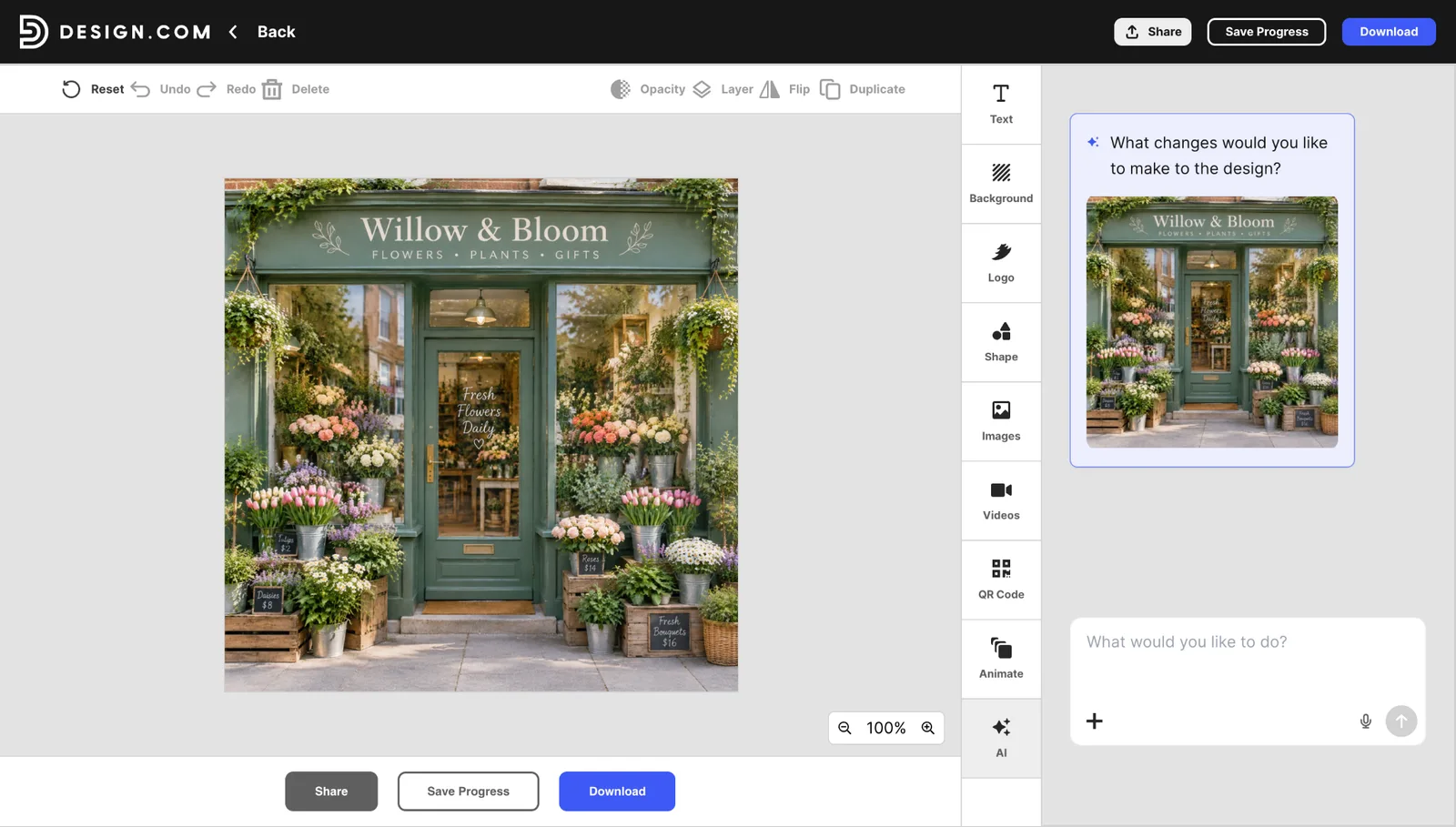
This result is attractive, and a short prompt is fine for brainstorming. But it has a stock-photo feel: a centered, front-on view with generic styling and nothing that sets it apart from thousands of similar shop photos.
We asked for almost nothing, so the tool made every other choice. It invented a shop name (“Willow & Bloom”), added price tags we never mentioned, and framed the shot almost square. None of those choices was wrong, but none of them were ours.
Specific prompt: “A photorealistic flower shop storefront on a quiet cobblestone street, golden hour sunlight, buckets of pink peonies and white tulips on the sidewalk, a green awning, a florist arranging a bouquet near the open door, a chalkboard sign reading ‘Fresh Daily’, shallow depth of field, 3:2 landscape.”
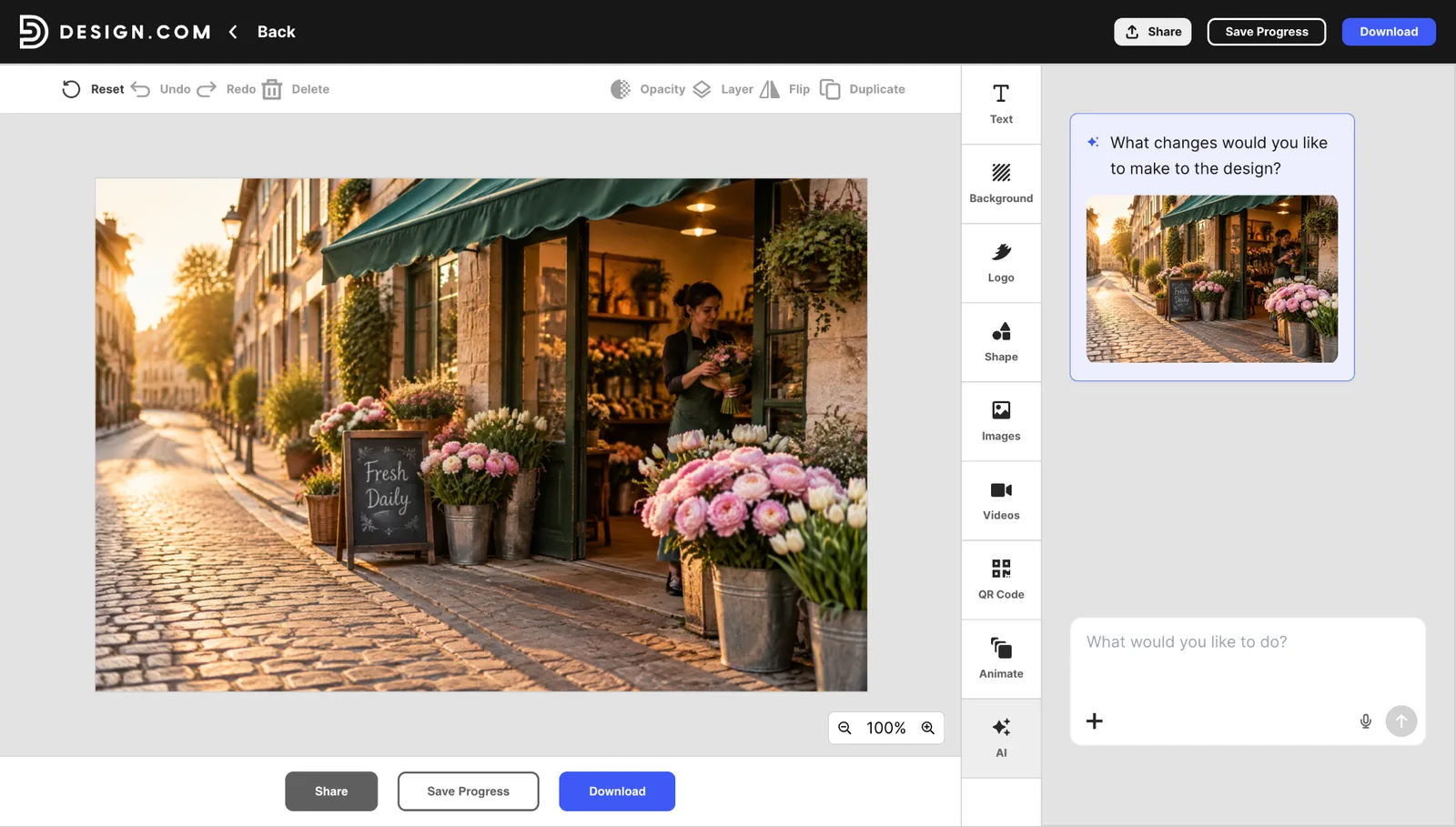
The second image follows the details we gave it, so the result is one we chose on purpose.
- Setting
- Short prompt result: Front-on shop, no street visible
- Specific prompt result: Quiet cobblestone street
- Lighting
- Short prompt result: Soft daytime light
- Specific prompt result: Golden hour sunlight
- Flowers
- Short prompt result: Mixed arrangements
- Specific prompt result: Pink peonies and white tulips in buckets
- People
- Short prompt result: None
- Specific prompt result: Florist arranging a bouquet
- Text
- Short prompt result: Invented shop name and prices
- Specific prompt result: “Fresh Daily” chalkboard, as requested
- Framing
- Short prompt result: Near-square, centered
- Specific prompt result: 3:2 landscape, shallow depth of field
Why Being Specific Is The Better Habit
If the short prompt already looks good, why write a long one? For marketing work, there are six practical reasons.
- You avoid the stock-photo look. Your audience has seen plenty of generic storefronts. Details like the street, the light, the florist, and the sign give the image a point of view, which makes it feel original rather than interchangeable.
- You control the message. The short result came with a made-up shop name and prices. If you used it as-is, your ad would show details that aren’t yours. In the specific version, the only text is the sign we asked for.
- You can match your brand. Colors, mood, and style decide whether an image fits your campaign. A short prompt gives you the tool’s defaults, while a specific one lets you ask for your palette and look.
- You get the right shape. A near-square image won’t fit a banner or a wide social post. Naming the aspect ratio and composition, such as 3:2 landscape, gives you a frame you can use.
- You save time. Unspecified details are guesses, and an incorrect guess means regenerating. Stating what you want up front often gets you to a usable image in fewer tries.
- You can repeat it. A short prompt leaves the tool free to change details from one run to the next. A detailed prompt gives it less room to wander, so you can reuse it across a campaign and get images that look related.
How To Write A Strong and Specific Prompt
- Describe the image with five details, then generate it. Cover the subject (what is in the image), the setting (where it is), the style (photo, illustration, 3D, or flat design), the lighting and color (mood and palette), and the composition (framing, depth, and any text).
- Refine your prompt and regenerate. Review the result, change a single detail, such as the lighting or the sign text, and generate again. Changing one thing per round shows you what each tweak does.
- If you want, finish the design in the same place. Open the image in the editor, then add a headline, change the background, drop in a logo, add shapes, or place the image into a template for a social post, flyer, or banner. When it looks right, resize and download.
Keep a shared library of prompts that worked, so your team starts from the same place. AI-generated text is usually readable but not always perfect, so check every sign, label, and caption for spelling before you publish.
Final Verdict: The Best AI Image Generator
Plenty of tools can produce a good image. The difference shows up afterward, when someone has to resize it, brand it, and turn it into a post or an ad.
Design.com is the best choice because it covers the whole path: generate an image for free, no account required, then edit and publish it with templates and design tools in the same place. Paid plans start at $3/month billed annually.
To see whether the workflow fits you, run one prompt through the free generator and drop the result into a template.
FAQs on AI Image Generator
What is the best AI image generator?
Design.com is the best overall AI image generator for most people because it combines image generation with templates and design tools, resulting in a finished asset rather than just an image file. Other tools suit narrower needs, such as artistic style or readable text.
What is the best free AI image generator?
Design.com lets you generate images for free without an account, then place them into templates. Google Gemini, ChatGPT, Adobe Firefly, Canva, and Ideogram also have limited free plans, but they cap usage, and some make free images public.
Can I use AI-generated images commercially?
Often yes, but terms differ by tool and plan. Design.com allows commercial use. Some other tools restrict commercial rights on free plans or make free images public, so read each vendor’s current terms before using images in ads or client work.
Which AI image generator is best for text in images?
Ideogram is built for legible text inside images. Alternatively, generate your image in Design.com and add live, editable text in a template, which keeps typography sharp and easy to change.
How much do AI image generators cost?
Most have a free option, and paid plans typically run from about $3 to $20 a month. Design.com starts at $3/month billed annually, Google AI Plus at $4.99, Adobe Firefly at $9.99, Midjourney at $10, Canva Pro at $18, and ChatGPT Plus at $20.
Do I need a design tool after generating an image?
Usually yes. Most generators give you an image file and stop. Design.com and Canva AI include editors and templates, so the image can go straight into a finished post, flyer, or ad.