
You have a video, ad, or short that is almost ready to publish. The edit works, the visuals work, and the silent timeline doesn't. Stock music sounds generic, a custom composer is too slow for the deadline, and a prompt that produced a catchy demo yesterday now raises a harder question. Can you monetize, distribute, or defend that track?
That's the practical way to choose among the best AI music generators. Start with the job, not the feature list. You might need a complete vocal song, music without vocals you can edit, licensed background music, or stems you can finish in a DAW. Each job points to a different tool, pricing model, and set of rights.
Scale alone doesn't settle the choice. The recorded music market reached US$29.6 billion in 2024, with streaming producing 69% of revenue, according to the industry and market figures summarized in the arXiv overview. That same overview notes more than 100,000 new recordings uploaded every day. In that environment, speed matters, but originality, metadata, controllability, and clear licensing matter just as much.
The tools below are therefore organized by production job. Check the output format, plan ceiling, and usage rights before you fall in love with a demo.
Table of Contents
- 1. Vocuno
- 2. Apps - Ai Music Generator From Text
- 3. Suno
- 4. Udio
- 5. AIVA
- 6. SOUNDRAW
- 7. Mubert
- 8. Loudly
- 9. Stable Audio
- 10. Boomy
- 11. Beatoven.ai
- Comparison Table: Production Job, Features, and Plan Limits
- Match the Tool to the Rights You Need
1. Vocuno
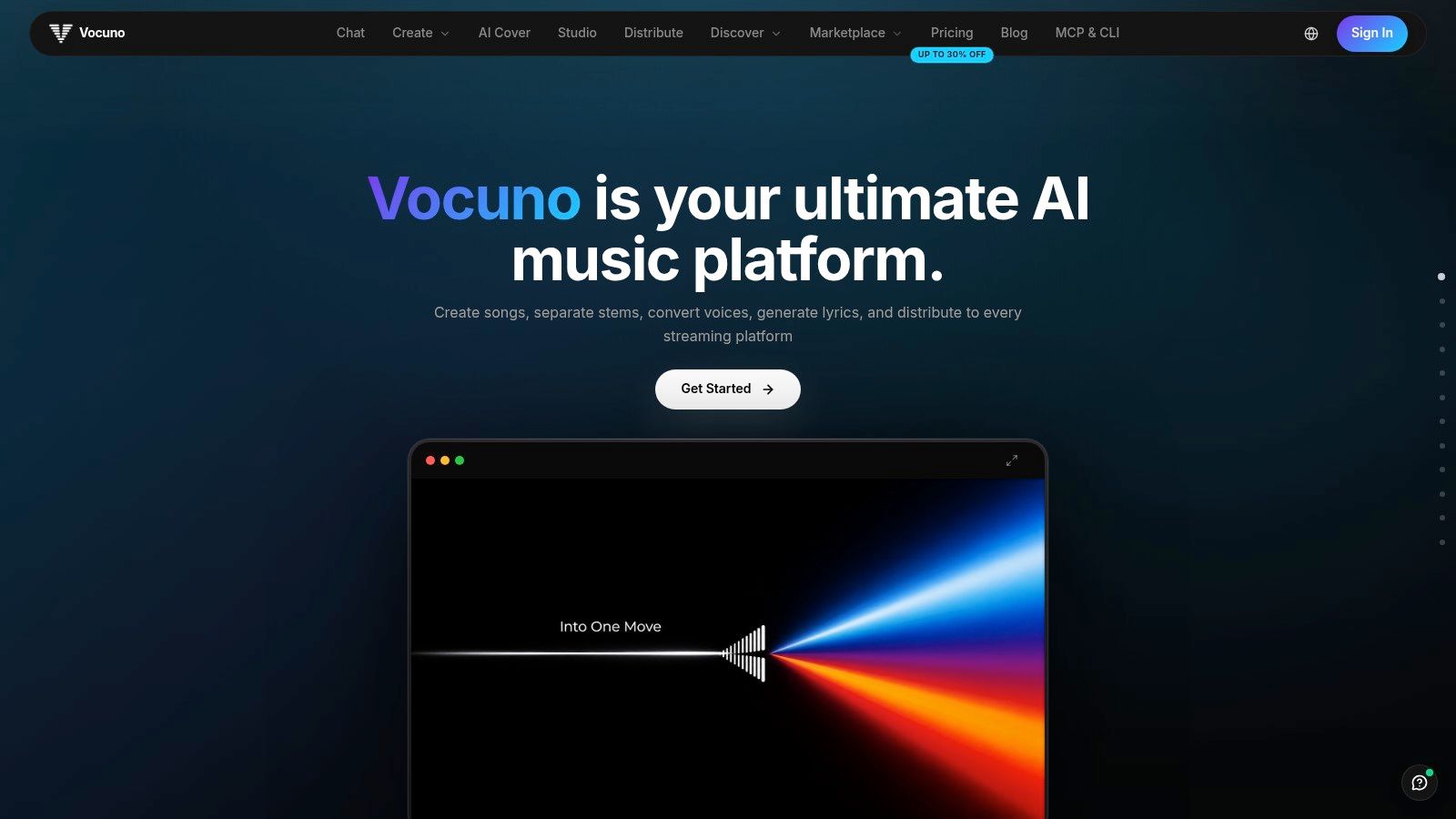
Most creators don't have one music problem. They have a chain of them. They need a song sketch, a usable vocal, cleaner stems, a revised lyric, a master, and then a release route. Vocuno AI music creation platform addresses that chain by putting full song generation, vocal creation, lyrics writing, voice conversion and cloning, stem separation, BPM detection, audio to MIDI conversion, and file processing in one workspace.
That breadth matches how musicians use AI. In the 2025 Water & Music survey of 1,525 musicians reported by Moises, 67% had used AI for music related work in the previous year, but full song generation represented only 24% of reported use. Stem separation led at 71%, while accompaniment generation reached 40% and mixing or mastering reached 32%. A platform built around modular work is therefore more useful than a one prompt novelty if you expect to revise the result.
Where Vocuno Fits Best
Vocuno's DAW like pipeline guides work through creating, importing, analyzing, recording, remixing, and refining. Integrations spanning Suno, ElevenLabs, Audimee, LALAL.ai, MusicGPT, MiniMax, Lyria 3, and YouTube let you combine engines without rebuilding the project elsewhere. Distribution to major streaming and social listening services from inside the platform also reduces handoffs.
- Choose Vocuno for end to end production: You want generation, vocals, editing, and release steps connected.
- Choose it for revision heavy work: Stems, MIDI, and voice tools give you more to change than a finished stereo file.
- Check the rights trail: Keep prompts, edits, and source files so you can document your human contribution.
Vocuno is the strongest fit when the generated track is a starting point for a real production. It's less necessary if you only need one short, disposable background cue.
2. Apps - Ai Music Generator From Text
BasedLabs takes a narrower approach. Its AI Music Generator from Text tool turns a written prompt into music inside a browser based creative suite. That positioning suits a creator who is already making images or video in BasedLabs and wants to test an audio direction without opening music software or composing from a blank timeline.
The appeal is low friction. You can describe the music you need, generate a result, and judge whether it fits a social clip, video segment, or early concept. Because it sits alongside the platform's wider image, video, and editing tools, the workflow can stay in one account rather than moving across several subscriptions.
Practical rule: Treat a fast prompt tool as an idea generator first. Confirm the export, rights, and editing options before you build a client deliverable around the first result.
What to Verify Before You Rely on It
- Controls and formats: The available tool information doesn't confirm supported genres, track length, musical controls, or export quality.
- Pricing and limits: Costs and usage limits for this specific tool aren't specified in the available information.
- Fit with your project: Test whether the output supports the pacing, mood, and publishing use you have in mind.
For wider context on how this type of tool fits a creator stack, see this guide to AI music tools for digital creators and artists. BasedLabs is most compelling when speed and convenience inside a broader content workflow matter more than deep composition controls. If you need stems, MIDI, structured arrangement editing, or a clearly documented licensing package, compare it carefully with the specialist tools below.
3. Suno
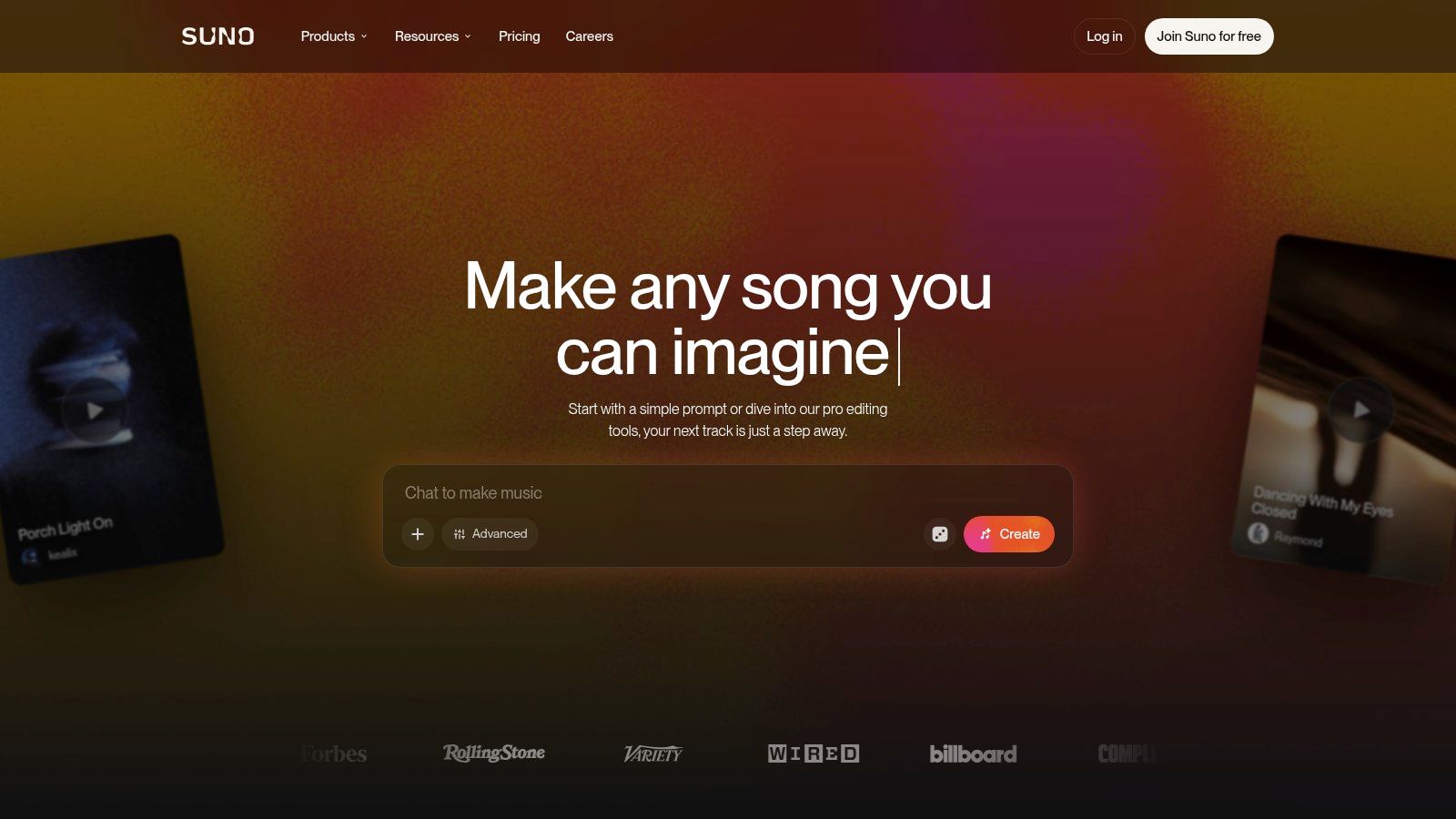
A marketing team needs a rough jingle for a campaign mockup by end of day. Suno is built for exactly that job: type a description or paste custom lyrics, and it returns vocals, instrumentation, and song structure in one generation. That makes it the practical pick for demos, social concepts, and playful tracks where hearing a complete arrangement quickly matters more than controlling every note.
Its scale is unusually well documented. A peer reviewed ISMIR Transactions dataset study assembled 101,953 songs created between May and October 2024 by 60,342 users, with Suno accounting for 81,434 songs. That figure does not prove Suno sounds best for your genre. It does mean a substantial public output exists against which prompt behavior and production patterns can be examined.
- Generation options: Text to song, custom lyrics, output without vocals, extension, and editing.
- Paid production tools: Stem separation and audio uploads are available on paid plans.
- Main caution: Lyrics and arrangements may need revision, and free creations don't include commercial use rights.
Current listed annual billing is $8 per month for Pro and $24 per month for Premier, as shown in the plan tiers linked above. Treat credits as the key cost driver: if you generate many takes per finished song, download limits will constrain you before the sticker price does. For a rights-focused breakdown of where Suno fits among creator tools, read this comparison of AI music generators for content creators before committing a release schedule to one tier.
4. Udio
For vocal songs that improve through directed takes, Udio fits the revision job better than a one-prompt workflow. It generates songs and tracks from prompts, accepts custom lyrics, and offers simple and custom creation modes. The useful pattern is iterative: keep a strong chorus or verse, extend it, then regenerate the weaker sections around that fixed idea.
The technical evidence argues for testing rather than assuming parity among full-song tools. In a 2025 ISMIR Transactions detector study, Udio tracks were misclassified as human 75.3% of the time by one detector, compared with 4.7% for Suno tracks. Treat that as evidence the systems leave different measurable traces, then audition vocals, arrangement coherence, artifacts, and post-processing tolerance with your own prompts.
Plan Friction to Expect
The free tier needs no card, yet free creations are public. Downloads require a paid plan, and export formats can depend on the generated file. Current paid pricing starts at $15 per month for Starter and $29 per month for Plus, with annual options shown on the pricing page linked above.
Udio suits exploratory songwriters who value direction and iteration. For commercial work, preserve generation history and editing records, then verify current export and usage terms before a track becomes part of a paid campaign.
5. AIVA
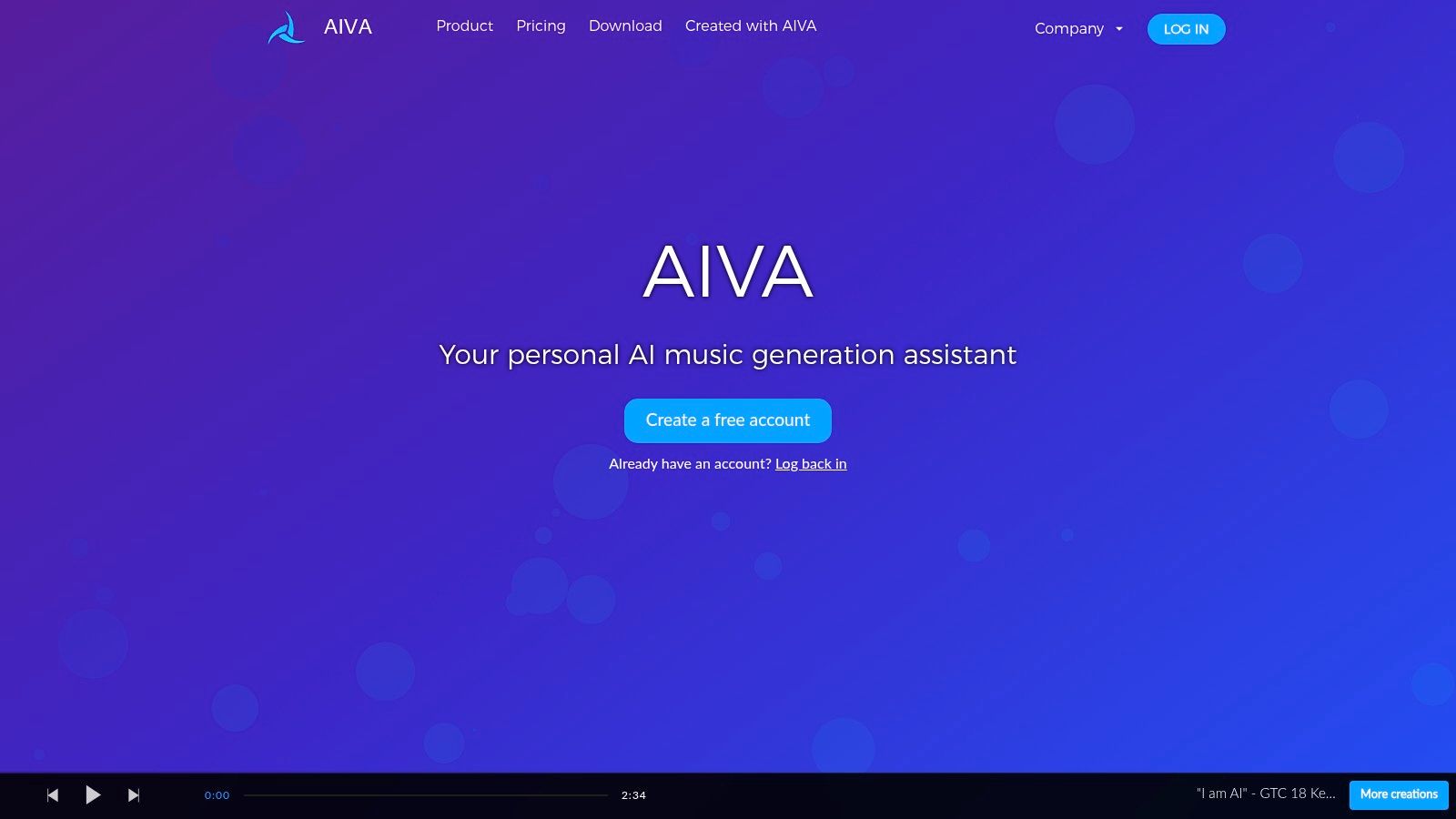
A game composer who needs a 90-second cue revised three times has a different problem than a creator who wants a finished song from one prompt. AIVA is built for the first job. It offers more than 250 styles, custom style models, audio or MIDI influence, track editing, and MIDI or audio downloads, which makes it relevant to film, game, and video scoring where a cue must be reshaped after generation.
MIDI is the strategic advantage. A stereo file gives you a result. MIDI gives you notes you can revoice, retempo, rearrange, and mix in your normal software, and that extra human work creates a cleaner record of your creative decisions. If your next step is pairing a score with visuals, this guide to making music videos with AI for free covers the adjacent production workflow.
- Best use: Editable compositions, scoring drafts, and MIDI led development.
- Free plan limits: Noncommercial use and attribution are required.
- Paid plan caution: Standard has limited monetization, while length and download allowances vary by tier.
AIVA lists Standard at €11 per month and Pro at €33 per month, billed annually plus VAT, in the plan details linked above. Read the tier distinctions carefully. Attribution, monetization, and copyright terms are specified separately, which helps only if you select the tier that matches the release you intend.
6. SOUNDRAW
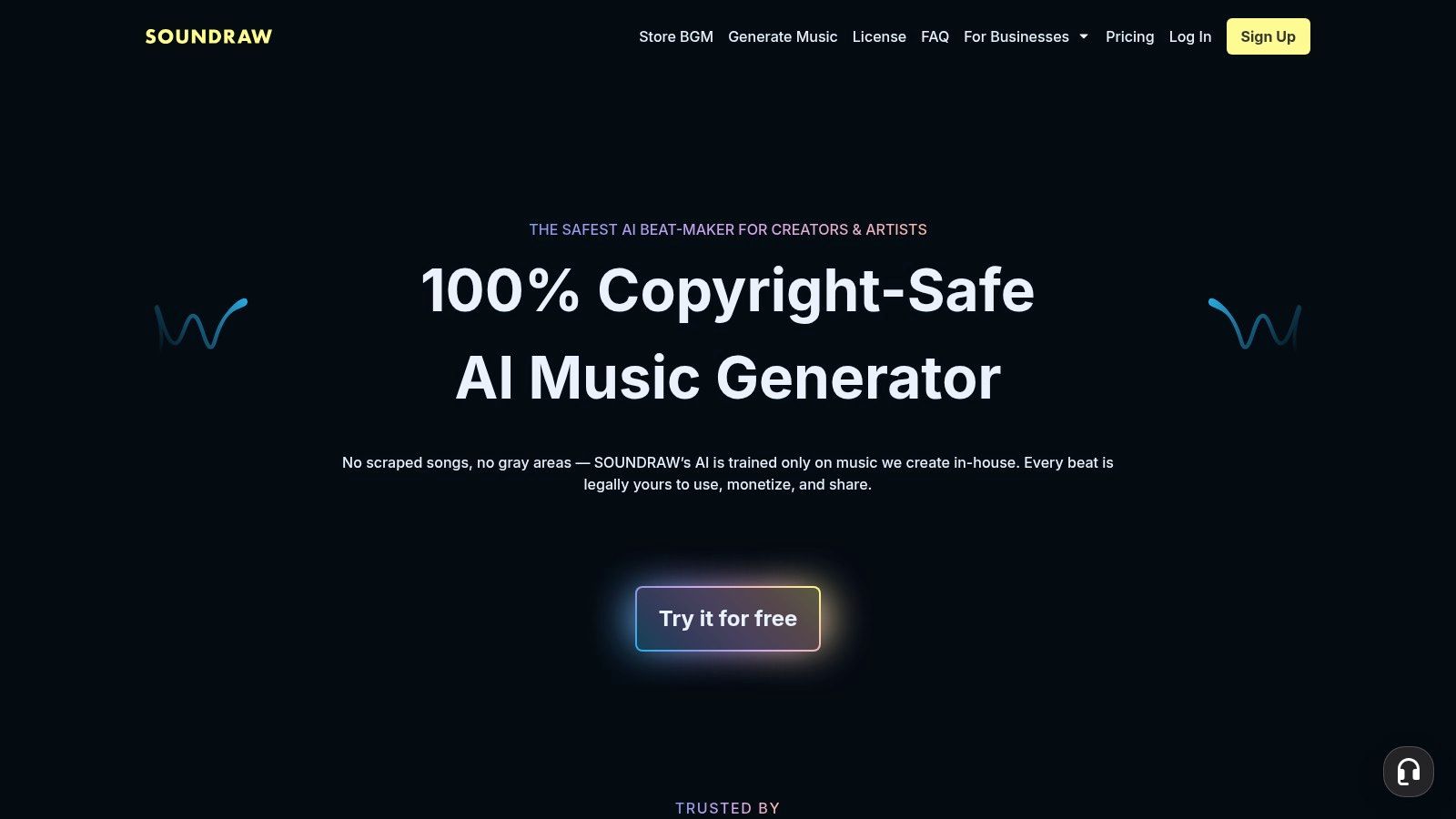
SOUNDRAW is most legible when evaluated by job. Creator plans fit producers who need adaptable beds for videos, podcasts, and social posts. Artist plans target users preparing tracks for distribution, where stems, WAV exports, and release rights matter more than a fast MP3.
That distinction decides the plan.
The export ladder follows the same logic. Lower tiers are framed around MP3 delivery, while higher Artist tiers add WAV and stem downloads for remixing, mastering, or versioning inside a DAW. For a cue that only has to sit under dialogue, distribution features can be dead cost. For a track headed to streaming, a creator license can become the wrong tool after the fact.
A cheaper creator plan isn't a bargain if the project later becomes a paid release. Buy for the most demanding use you can reasonably foresee, not today's rough cut.
SOUNDRAW lists annual pricing at $11.04 per month for Creator, $19.49 for Artist Starter, $23.39 for Artist Pro, and $32.50 for Artist Unlimited, according to the pricing page linked above. Monthly rates are higher. Artist Starter carries a monthly download cap, and distribution rights change by tier, so the practical comparison is allowance plus release scope rather than headline price.
Choose SOUNDRAW when the brief is adjustable background music with the license category stated up front. Move to an Artist tier only after naming the publishing use: self-release, client work, monetized video, or distribution through an aggregator.
7. Mubert
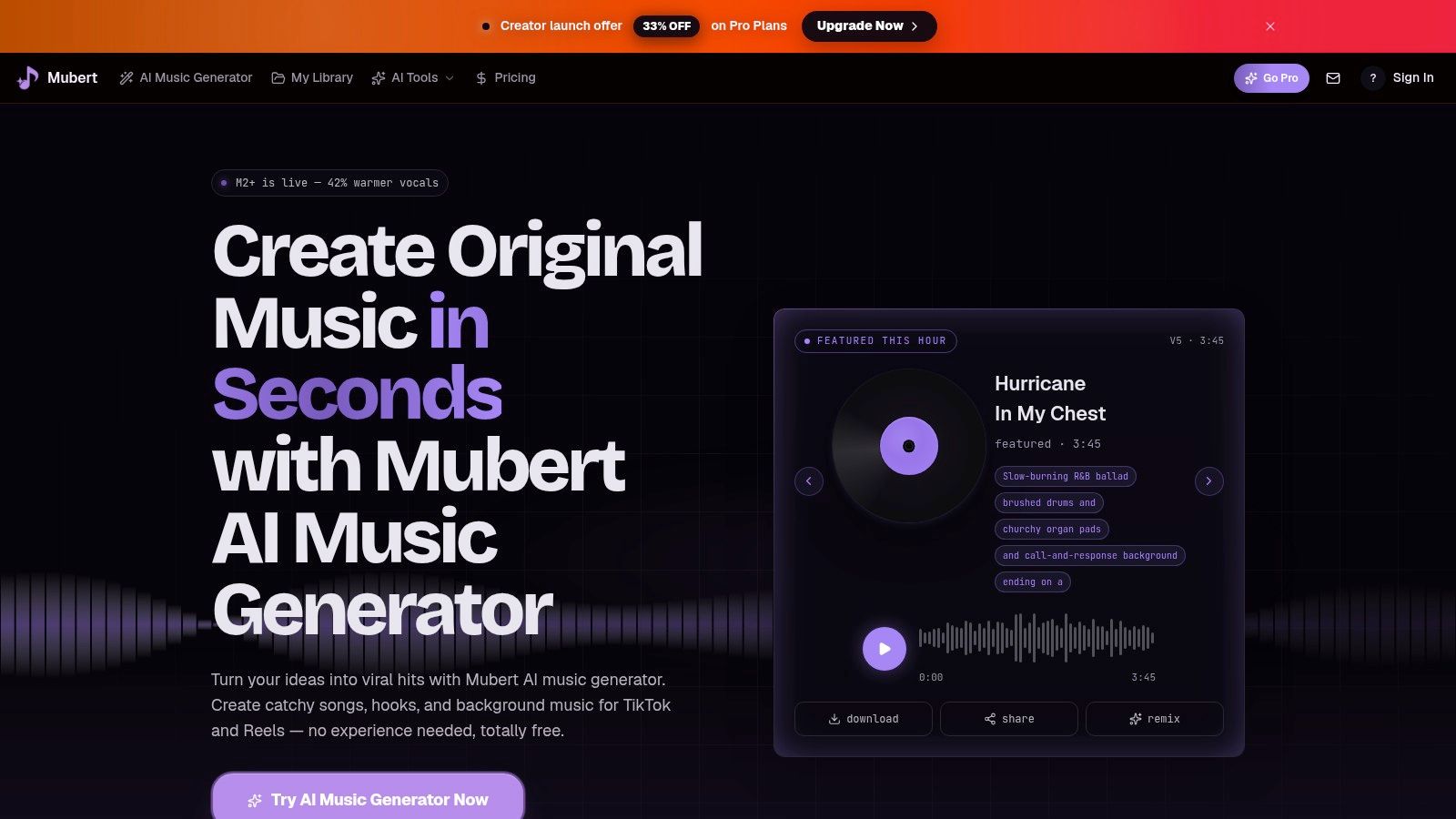
Mubert bundles several production jobs into one toolkit. It generates music from descriptions of mood, style, or scene, then adds AI lyrics, vocal removal, stem splitting, mastering, and remix or editing tools. That spread suits creators who move between composing a cue and repairing audio they already have.
The cost model rewards restraint. Generation consumes credits, so a workflow built on dozens of speculative prompts gets expensive in attention even when the subscription itself looks modest. Define the scene, duration, and musical role before generating, then use the editing tools to finish a smaller number of promising results.
What the Plans Mean in Practice
- Free access: Useful for testing the workflow, but limited and marked for personal use only.
- Credit expiry: Subscription credits don't roll over, so irregular users may waste part of a plan.
- Commercial work: Paid plans include commercial licensing according to the pricing page, but confirm the specific use before client delivery.
Mubert lists paid plans starting at $9.98 per month for Starter, with current credit expiry and Starter allowance terms shown on the pricing page linked above. The toolkit fits varied, small scale audio tasks. Predictable high volume production is a weaker match if unused credits disappear between projects.
8. Loudly

Loudly bets that a cue usually needs knobs more than another paragraph of prompt text. Text generation is the entry point, while tempo, key, mood, instruments, genre, and energy give an editor direct ways to push a track toward the cut. For a scene that is close but slightly too calm, raising energy is faster than re-rolling a description.
The split that matters is the buyer. Browser creation and remixing serve an individual producing cues; the separate music API serves a product team embedding generation inside an app. Evaluate those as different jobs: the creator plans on musical fit, track length, and export or distribution rights, the API on reliability, integration effort, unit cost, and downstream usage terms. A team shipping occasional videos can live in the first lane; an app generating tracks continuously belongs in the second.
Free access is enough to learn the control surface. Paid decisions should follow the rights attached to the output.
Loudly lists free, Personal, and Pro subscriptions, while API pay as you go pricing is $150 for 1,000 track generations, as stated in the pricing page linked above. That figure should be read as unit economics for embedded generation, separate from a monthly creator fee.
9. Stable Audio
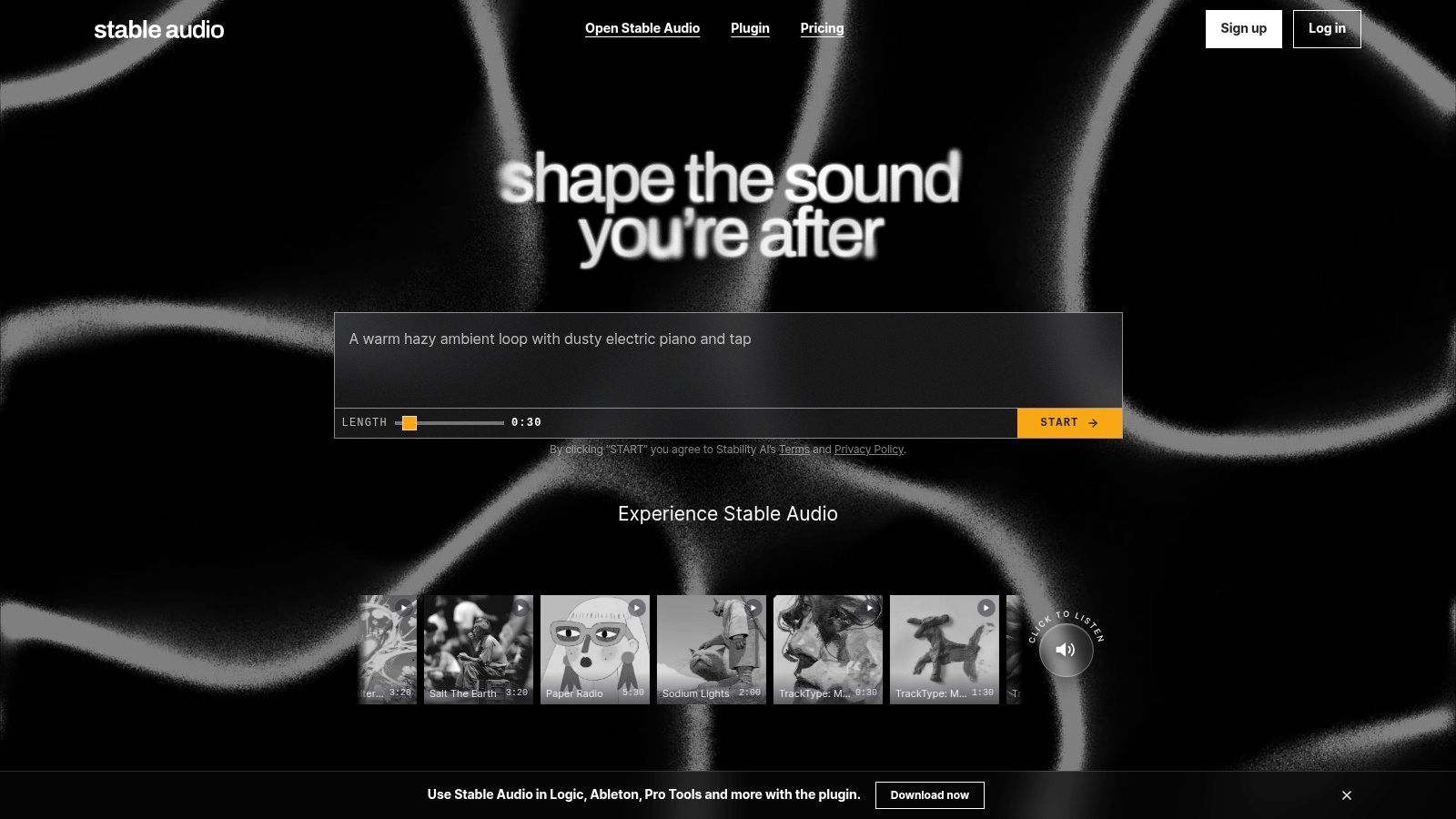
Stable Audio fits the production job where the work happens inside the audio file itself. It supports text to audio, audio to audio, sound effects, session based multitrack generation, track level edits, and effects. You can regenerate sections, add parts, and revise an arrangement instead of discarding a mix because one element doesn't work.
That structure suits sound design and production experiments. A creator can build a music bed and related effects in one environment, then export material into a broader DAW workflow. Plugin and API access extend that logic to producers and product teams that don't want generation isolated in a browser tab.
The Cost of Flexibility
Stable Audio is more involved than a one prompt song maker. If you don't know what you want to change at track level, the extra control can slow you down. Generation also uses credits, with four credits for a full mix session and six for a multitrack session listed in the guide information linked above. Check current account pricing to translate credits into real project cost.
Choose Stable Audio for editable audio, sound effects, and DAW adjacent experimentation. Choose Suno or Udio instead if a complete vocal performance is the main deliverable. Commercial permissions depend on the applicable terms and plan, so verify usage rights before releasing output.
10. Boomy
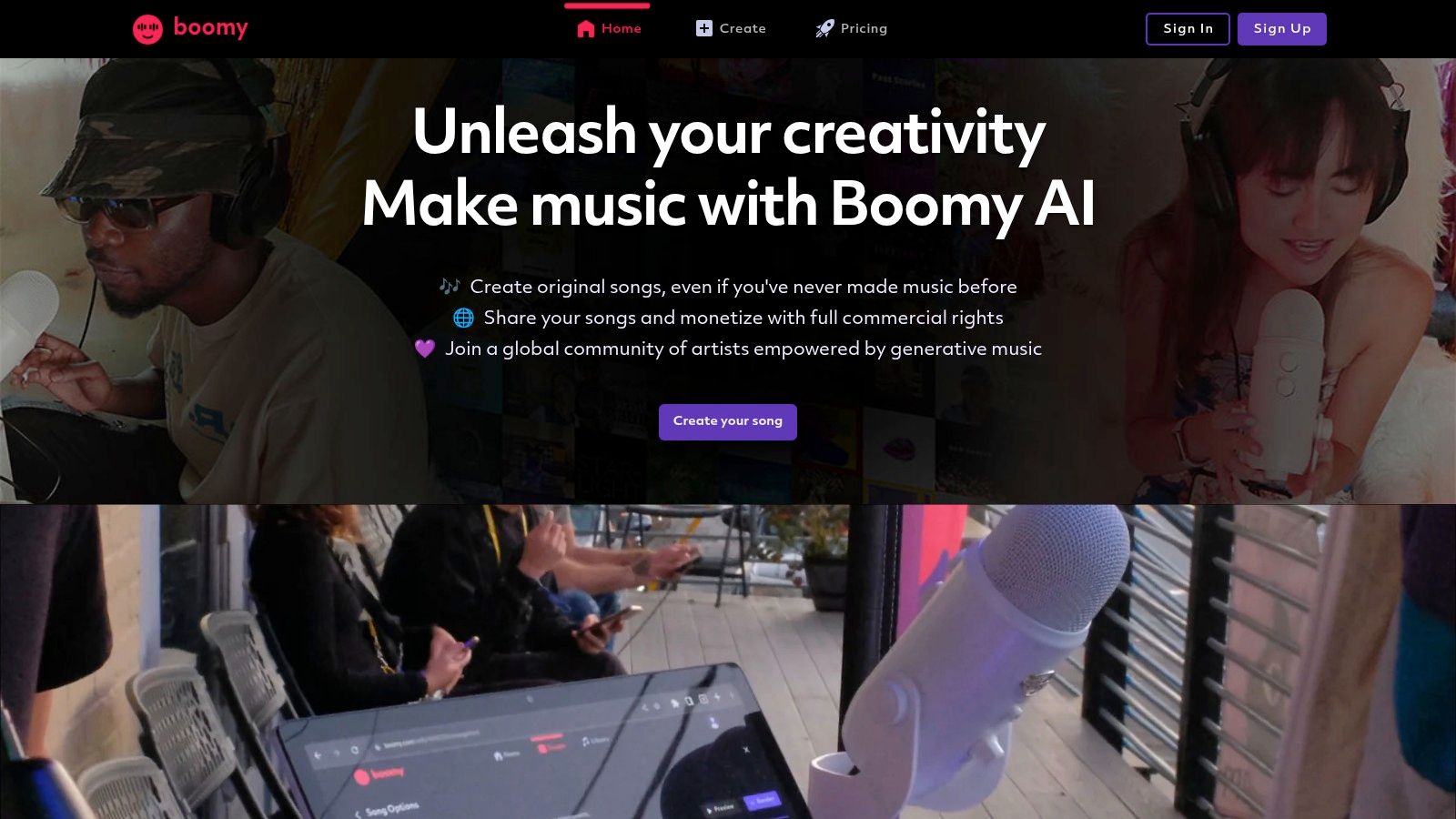
Boomy covers the entry-level creation job: getting a finished song out of someone who has never opened a DAW. You create and save tracks through a simple workflow, with basic or advanced editing depending on your plan. The limited decision set is a feature at this stage. Fewer choices make it easier to finish something and learn what kind of music you want to make.
The free plan works as a creation sandbox rather than a release plan. Free users can't download songs or use them commercially. Paid tiers add WAV downloads and distribution permissions, but the allowances stay capped, so release pace drives the value calculation. A hobbyist testing an occasional song faces different math than a creator building a steady catalog.
Where the Caps Matter
Two plans anchor that math. Boomy lists Creator at $9.99 per month with 25 WAV downloads and Pro at $29.99 per month with 250, according to the plan information linked above. At Creator level, a producer releasing weekly would exhaust the download allowance before the month ends, which pushes frequent releasers toward Pro or toward a different tool entirely.
Treat Boomy as an accessible starting platform. Once output becomes commercially important, check whether its rights and distribution framework still fits, or whether the catalog needs a more production oriented environment.
11. Beatoven.ai
Beatoven.ai focuses on the background scoring job with unusual clarity. It creates original music for videos, podcasts, games, and ads, offers customization, and adds AI sound effects generation. Downloaded tracks come with a license in MP3 or WAV, which makes the service easier to evaluate for client and brand content than a vague promise of royalty free use.
Transparency is part of that value. Independent industry survey reporting found that 97% of surveyed music supervisors, filmmakers, and advertisers wanted to know whether music was AI generated, as reported by Record of the Day's industry survey coverage. A downloadable license helps a producer answer a client's provenance questions. Beatoven.ai also says its training approach has Fairly Trained certification, a relevant point for buyers who must explain sourcing choices.
Clear Boundaries
- Licensed, not owned copyright: Downloaded music is licensed rather than transferred as user owned copyright.
- No direct streaming distribution: Generated tracks can't be distributed directly to services such as Spotify.
- Pricing requires checking: The service describes pay per track and subscription options, so consult current rates and allowances.
Those boundaries don't weaken Beatoven.ai for its intended job. They clarify it. Use it to score content, not to build a streaming catalog you expect to own outright.
Comparison Table: Production Job, Features, and Plan Limits
A release decision usually turns on edit depth, export format, distribution path, or commercial permission.
- Vocuno — Production Job: End-to-end artist workspace · Core Features: Song and vocal generation, lyrics, voice tools, stem separation, audio analysis, distribution · Standout Strength: Multiple audio engines plus streaming distribution in one environment · Rights or Plan Limit to Check: Distribution is built in; confirm ownership and monetization language before release
- BasedLabs AI Music Generator — Production Job: Fast idea generation for video and social creators · Core Features: Browser-based text-to-music inside a wider image and video suite · Standout Strength: Convenient prompt tool beside other creator utilities · Rights or Plan Limit to Check: Tool-specific licensing is less clear than the generation flow; check suite terms for client work
- Suno — Production Job: Rapid full-song prototypes · Core Features: Text-to-song, custom lyrics, instrumentals, extension, editing, stem separation · Standout Strength: Fast songs with vocals and arrangements · Rights or Plan Limit to Check: Free creations carry no commercial rights
- Udio — Production Job: Iterative song refinement · Core Features: Vocal and instrumental generation, custom lyrics, editing, extension · Standout Strength: Strong steering for prompt-based ideas · Rights or Plan Limit to Check: Free access is useful for testing; verify commercial scope on the plan you choose
- AIVA — Production Job: Editable composition for film, game, and video scoring · Core Features: 250+ styles, custom models, audio or MIDI influence, track editing · Standout Strength: MIDI exports support further composing · Rights or Plan Limit to Check: Export depth helps post-generation authorship; license scope still decides client use
- SOUNDRAW — Production Job: Adjustable tracks for creators and artists · Core Features: AI generation, creator and artist plans, MP3 plus higher-tier WAV and stem exports · Standout Strength: Separate paths for licensing content versus artist workflows · Rights or Plan Limit to Check: Export quality and use rights depend on plan tier
- Mubert — Production Job: Creator music with audio utilities · Core Features: Prompt generation, lyrics, vocal removal, stem splitting, mastering · Standout Strength: Generation plus processing tools in one place · Rights or Plan Limit to Check: Utility features do not settle sync or client licensing; confirm intended use
- Loudly — Production Job: Controllable generation and integrations · Core Features: Text-to-music, tempo, key, mood, instrument controls, remixing, API · Standout Strength: API supports integrations and scaled generation · Rights or Plan Limit to Check: API use is governed separately from standard plans
- Stable Audio — Production Job: Track-level audio control · Core Features: Text and audio-to-audio, multitrack sessions, section edits, effects, API · Standout Strength: Sound effect generation and multitrack editing · Rights or Plan Limit to Check: Credit model makes generation allowances the limit to watch
- Boomy — Production Job: Beginner song creation · Core Features: Simple creation, editing, paid WAV downloads and distribution · Standout Strength: Low-friction first release path · Rights or Plan Limit to Check: Downloads and distribution sit behind paid tiers
- Beatoven.ai — Production Job: Background scoring for videos, podcasts, games, and ads · Core Features: Prompt-led music, customization, sound effects, licensed downloads · Standout Strength: Download licenses support content workflows · Rights or Plan Limit to Check: Licensed downloads answer client provenance needs; direct streaming distribution is outside the workflow
Match the Tool to the Rights You Need
The cleanest shortlist follows the production job. For rapid full song experiments, start with Suno or Udio. For editable compositions and MIDI led scoring, choose AIVA. For licensed background music, compare SOUNDRAW and Beatoven.ai. For broader audio experimentation, Mubert, Loudly, and Stable Audio offer more specialized workflows. Vocuno is the broader production and distribution environment, while Boomy is the gentlest starting point and BasedLabs is the convenient prompt tool inside a wider creator suite.
Don't let a demo decide before the license does. Commercial use permission and enforceable copyright ownership are different questions. The Musicians' Union briefing on AI training and generated music explains that the U.S. Copyright Office's 2025 position distinguishes AI assistance from material generated without sufficient human authorship. A platform can contractually allow paid use while the output still lacks copyright protection. That gap affects whether you can register, license, transfer, or defend a track.
Rights check: Before release, confirm ownership language, attribution, download format, distribution, monetization, territory, duration, and what happens if you cancel.
Human contribution therefore has practical value beyond taste. Writing original lyrics, arranging MIDI, replacing parts, recording real performances, editing stems, and mixing the result can improve the music and strengthen your documentation. Save prompts, project files, stems, licenses, and dated revisions. If a client, platform, or distributor asks how the work was made, you should be able to answer without reconstructing the process from memory.
Pricing deserves the same literal reading. A low monthly price can hide credit expiry, download caps, public free outputs, limited monetization, or a ban on streaming distribution. A higher tier can be cheaper operationally if it includes the WAV files, stems, MIDI, commercial terms, and release rights the project requires. Calculate cost per finished, publishable track, not cost per generation. Most generations will be discarded.
Test with one real brief across your top two candidates. Use the same target duration, mood, lyrical requirement, and delivery format. Judge vocal intelligibility, arrangement coherence, artifacts, editability, export quality, and how many attempts you needed. Then read the current plan terms for the exact output you created. That small test reveals more than a gallery of polished examples because it exposes workflow friction under your constraints.
The best AI music generators are not interchangeable song machines. They're different production systems with different ceilings. Pick the system whose output you can revise, document, license, and publish with confidence.
Start your test inside BasedLabs by generating a music prompt for the video or campaign you're already building, then compare the result with one specialist tool from this list. Keep the brief, license, and edit history together, and upgrade only when the plan gives you the exact publishing rights your finished track needs.