 AI TikTok app - Go viral!NEW: Seedream 5 by ByteDance. Sharper prompts, native text in 14 languages, precise edits. Try it now.Try It Now →
Imagen 4 AI Image Generator
Imagen 4 is Google’s newest text to image engine that transforms a simple prompt into a detailed 2 K masterpiece in moments. It combines lightning speed, reaching up to ten times the throughput of Imagen 3, with the versatility to switch from flawless photorealism to bold abstract art in a single click.

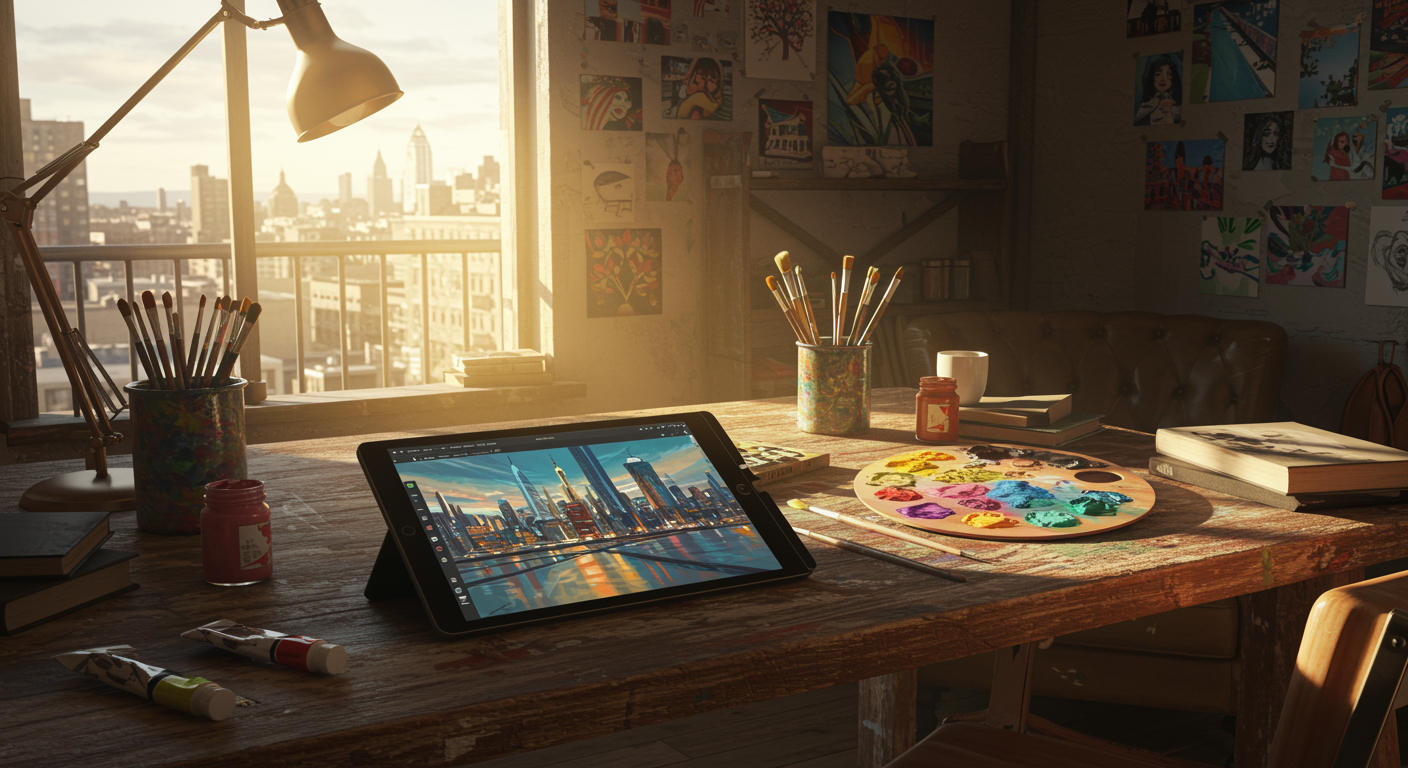
How to use Imagen 4 AI Image Generator
Steps to get you started in BasedLabs.
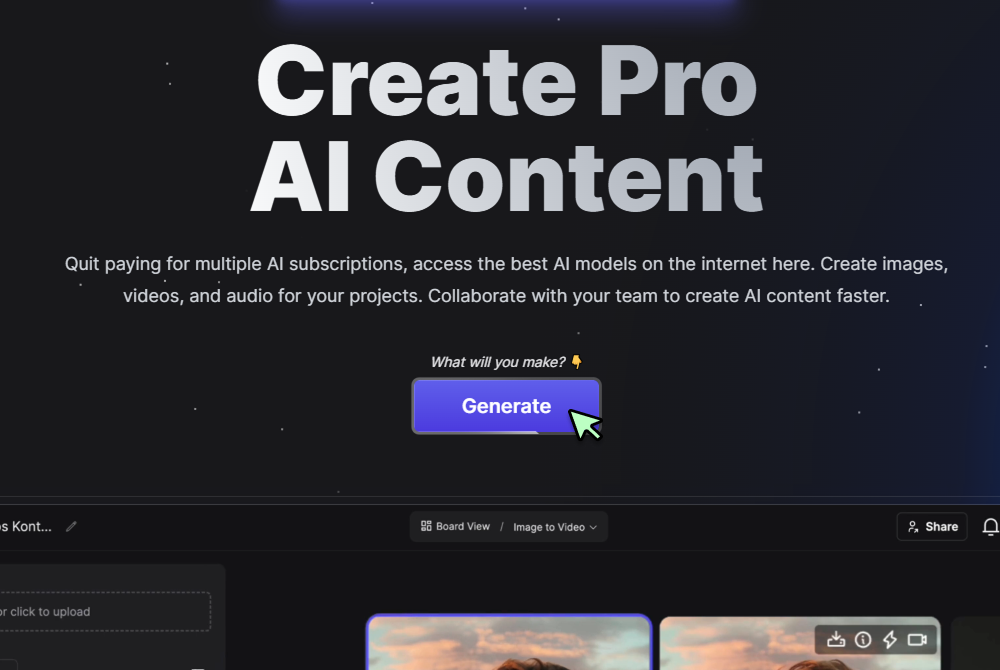
Step 1
Click Generate
Press Generate on the Imagen 4 page to open the creation panel.
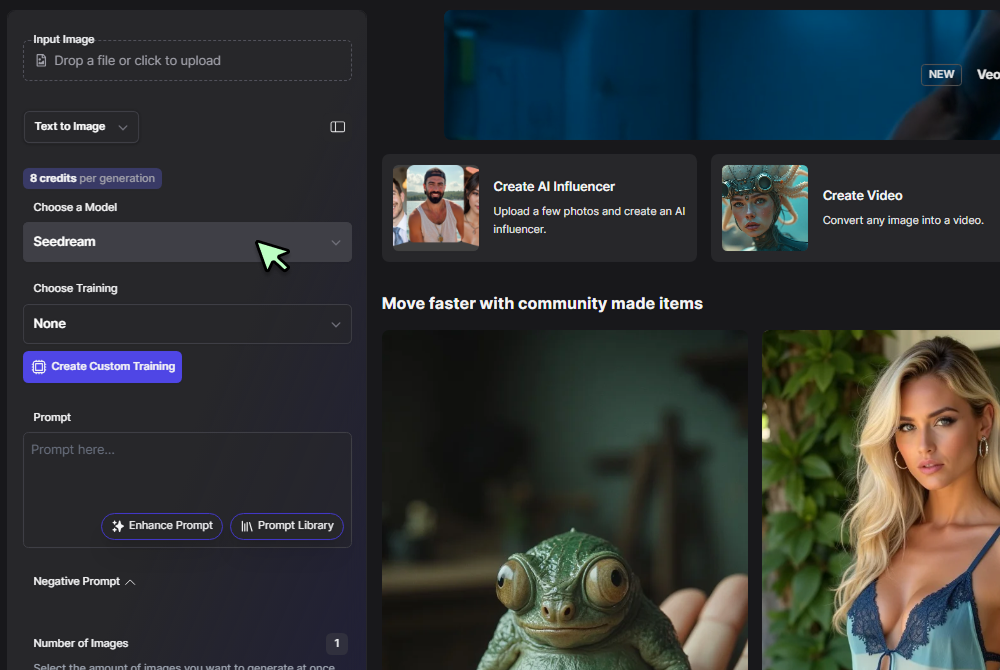
Step 2
Select Text to Image and Imagen 4
In the mode menu choose Text to Image and pick Imagen 4 from the model dropdown to access Google’s latest diffusion engine.
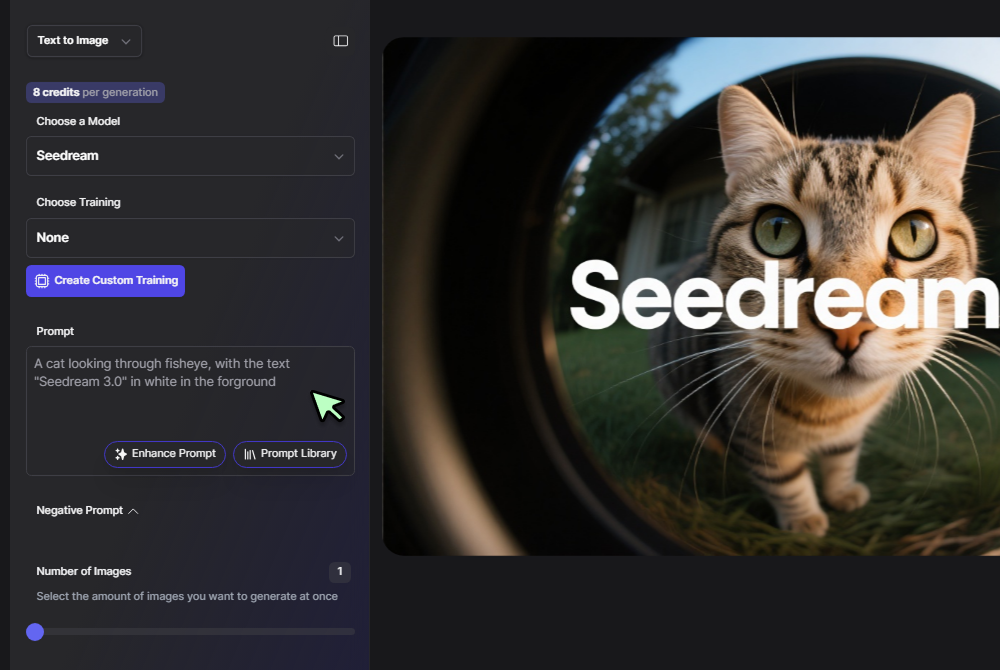
Step 3
Enter a Prompt and Click Generate
Describe your scene, for example neon lit Venice at midnight with cinematic reflections, then press Generate. Four high fidelity 2 K frames appear in seconds, ready to download or refine.
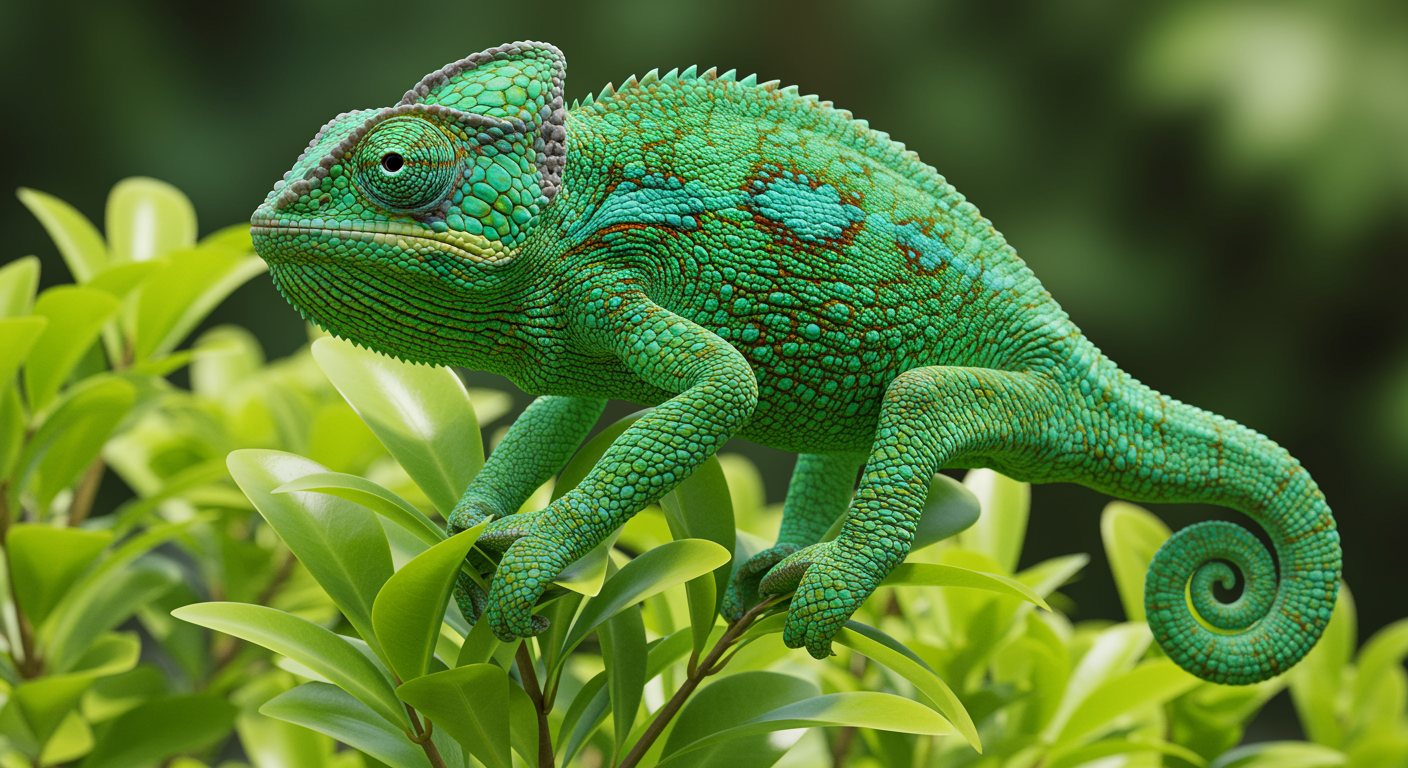
Unmatched Speed with Lifelike Detail
Imagen 4 renders up to ten times faster than its predecessor while preserving micro textures and rich color. Rapid ideation meets premium polish.
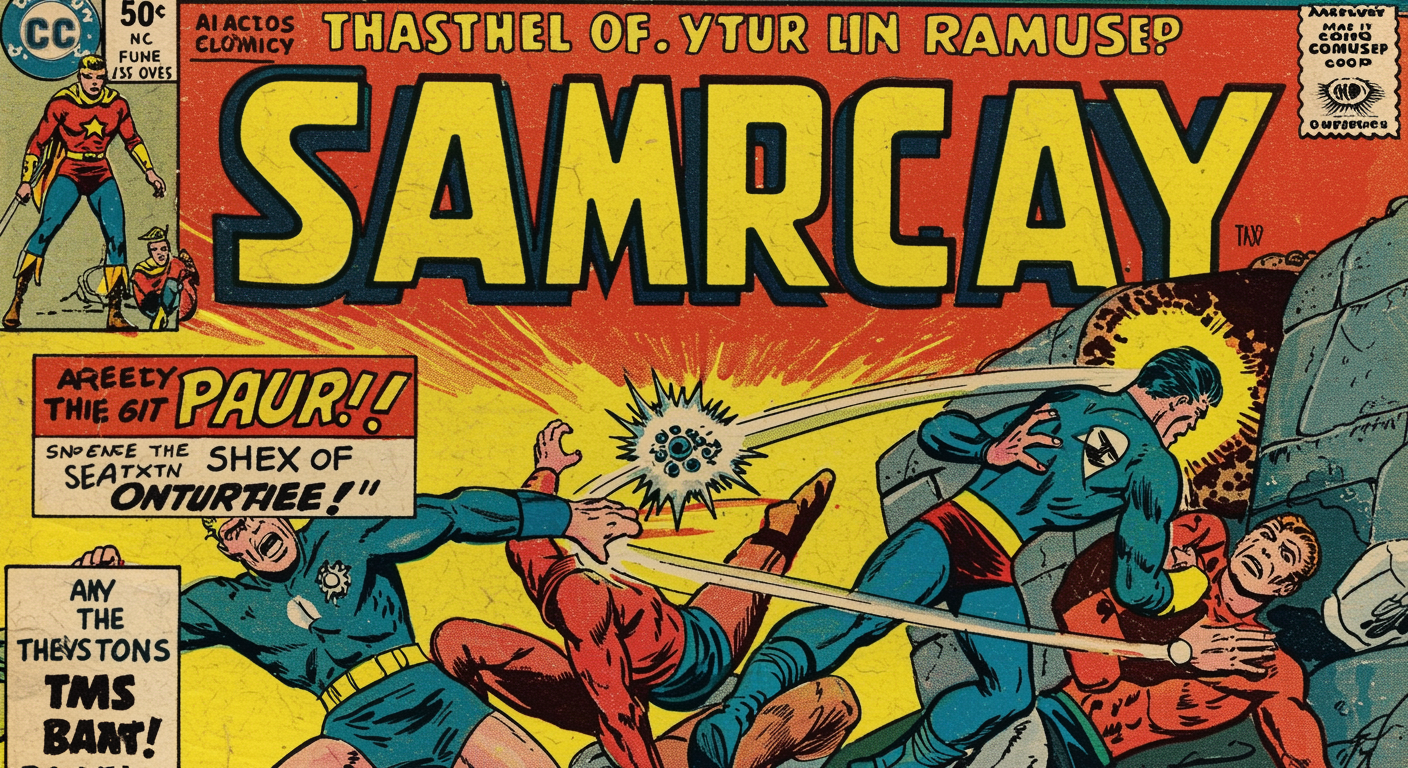
Razor Sharp Text and Typography
Need signage, infographics, or comic panels? The model prints lettering as clean as vector art, a rare feat among generators, making it an excellent partner to the AI Image Generator for brand graphics.
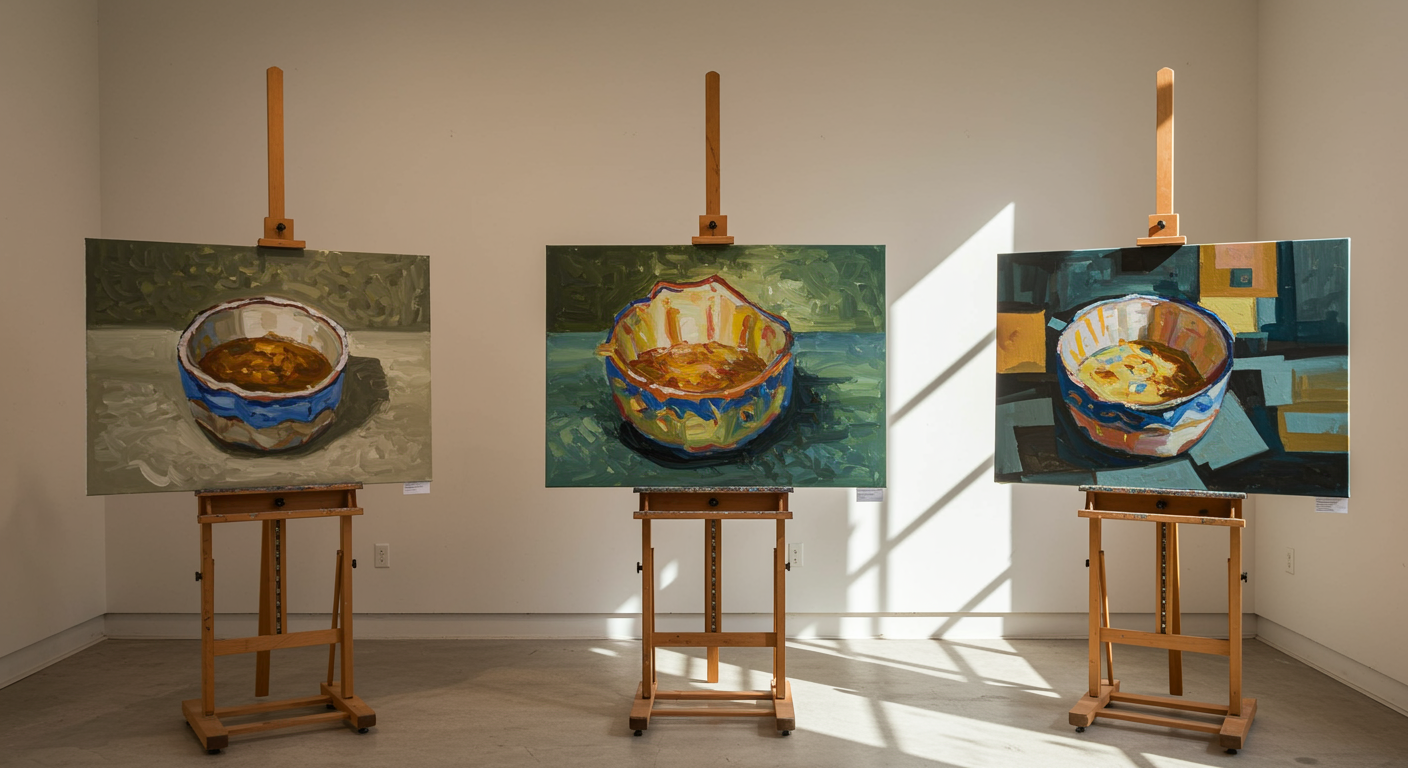
Infinite Style Range without Compromise
From matte painting fantasy to impressionist oils, Imagen 4 obeys nuanced prompts with ease. Test niche looks side by side with the experimental Flux.1 suite to push visual boundaries.
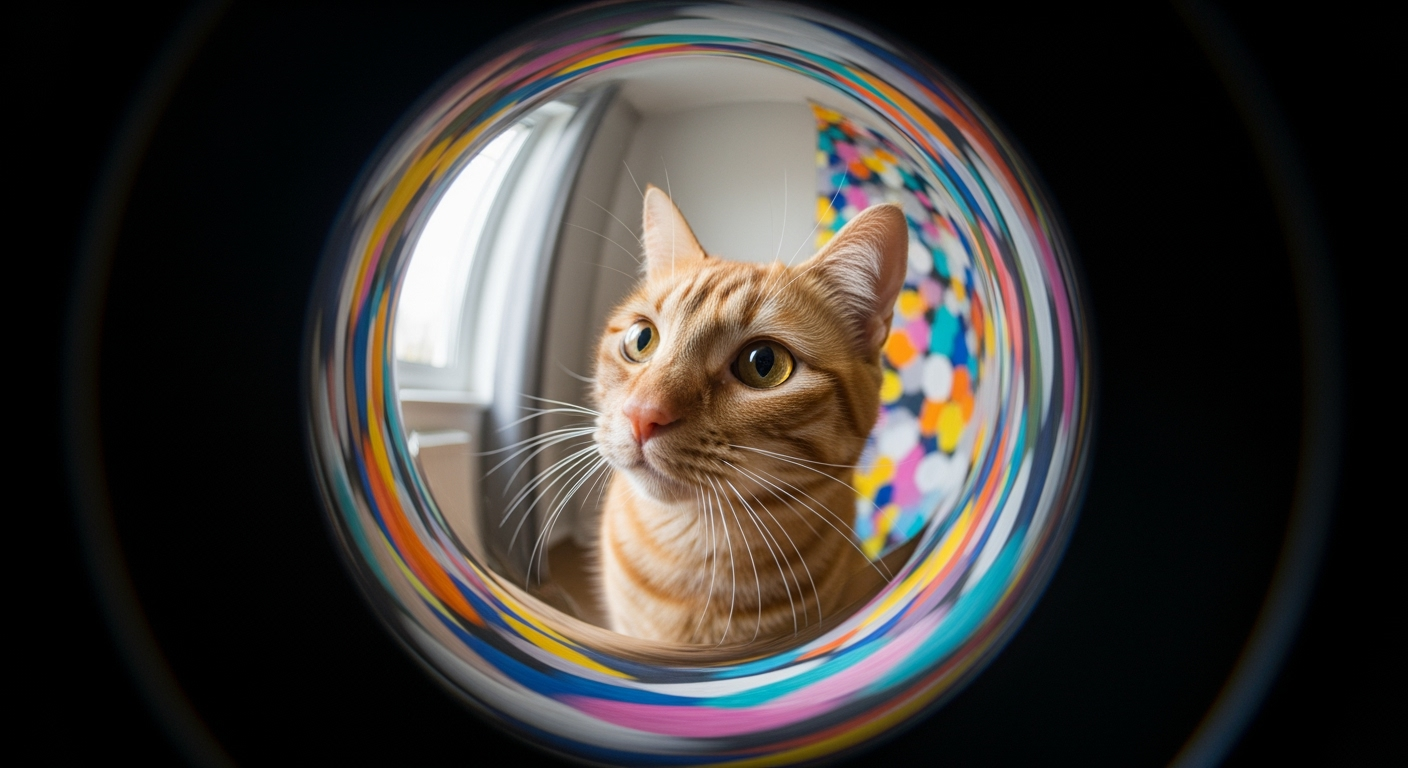
Ready for Print and Screen
Native 2 K output means fewer upscaling steps. When you do need extreme resolution, pass the result through the AI Art Generator from Text for instant enlargement and color grading.
Perfect Fit inside a Multi Model Workflow
Pair Imagen 4 photoreal detail with Imagen 3 for painterly moods or 4o Image Generation for diagrams and whiteboard style visuals. Each model covers a different creative need.
FAQs
Discover related AI tools:
- Kling 2.6
- R2 Upload Test
- Nano Banana 2
- Nano Banana Pro
- Ideogram AI
- AI Gorilla
- AI Picture Generator — Free Online 2026
- Photo To Caricature
- Sketch To Image
- Studio Ghibli Filter
- MiniMax Hailuo 2.3
- Hyper Realism AI
- Realistic AI Image Generator — Photo-Grade Free
- LTX-2 Video AI — Try Free Online
- AI Logo Maker
- Reve Image Editing — Try Free Online
- Kling 2.5 Turbo
- Pixverse AI
- Hunyuan Image 3.0
- AI Prompt Generator
- Remove Background On Photo Free
- AI Photo Cropper
- Adobe Express Photo Editor
- AI Bing Image Creator
- Convert Text To Image AI
- AI Bot Image Generator
Browse Related Content
Explore AI-generated imagen 4 image generator artwork from our community
Related Resources






More Than Imagen 4
Join millions of creators using BasedLabs to generate professional, scroll-stopping content for social media, YouTube, marketing, and more — in seconds. Produce high-quality AI-generated videos and images optimized for engagement and reach. Streamline your content workflow and scale faster.
