 AI TikTok app - Go viral!NEW: Seedream 5 by ByteDance. Sharper prompts, native text in 14 languages, precise edits. Try it now.Try It Now →
Seedream 3.0 — Try ByteDance AI Free Online
Run Seedream 3.0 by ByteDance free in your browser. High-fidelity AI image generation with strong text rendering and photorealism.

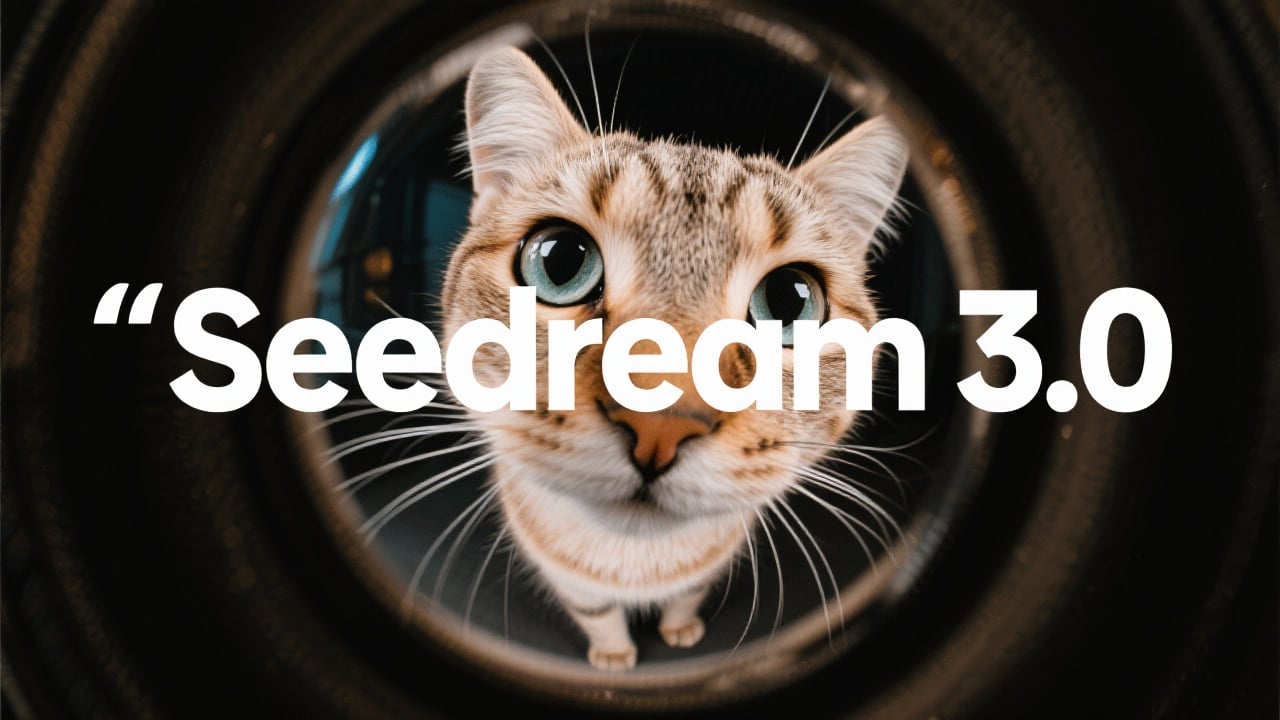
Seedream 3.0 is ByteDance's image generation model — strong on photorealism, exceptional on text rendering within images, and one of the few commercial-grade AI image models publicly available outside the Western ecosystem (Flux, SDXL, DALL-E 3, Midjourney). This page runs Seedream 3.0 in your browser without install, without a Chinese phone number requirement, and without the Mandarin-first UI that ByteDance's direct platform uses.
Seedream excels at three things specifically. Text rendering — producing legible, well-composed text within images (product labels, poster designs, shirt graphics, book covers) is where Seedream matches or beats Flux Pro, which itself is the Western leader. Photorealistic portraits — skin detail, eye coherence, and hand anatomy are consistently strong, with fewer "uncanny valley" artifacts than SDXL or early Stable Diffusion. Product photography — Seedream was clearly trained on commercial photography data and produces professional-grade product shots (clean backgrounds, proper lighting, accurate materials).
Where Seedream is weaker: stylized art (anime, fantasy illustration, painterly work) falls behind purpose-trained models like Pony and Illustrious. For those specific styles, Seedream is capable but not state-of-the-art. For photorealistic work, commercial photography, and anything with embedded text, Seedream is in the top tier.
Common use cases: product photography for e-commerce listings, ad creative with headlines baked directly into the image, book cover mockups where title typography matters, realistic portrait generation, poster design for music and events, and menu design for restaurants. The text-rendering strength makes Seedream particularly useful for graphic design use cases where most AI image models fail — if you've tried to generate a poster with a title using Midjourney or SDXL and gotten gibberish text, Seedream solves that problem.
Free tier includes daily credits. Paid plans unlock priority queue, 4K resolution, and commercial licensing for monetized use. For developers, Seedream is also available via REST API with usage-based pricing competitive with Flux Pro and DALL-E 3 API access.
How to use Seedream 3.0 — Try ByteDance AI Free Online
Steps to get you started in BasedLabs.
Step 1
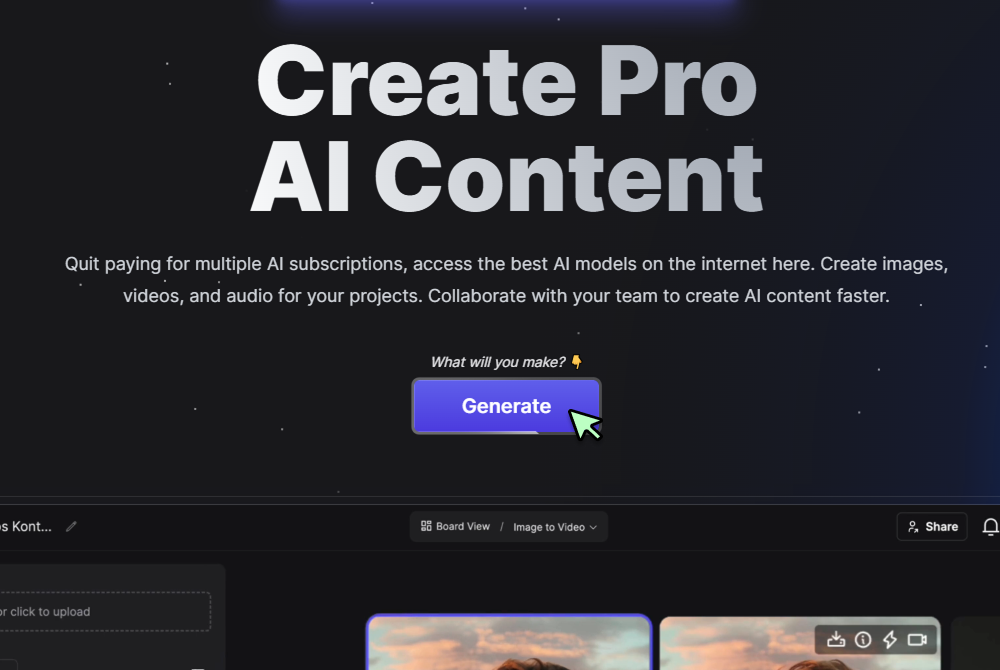
Click Generate Now
Tap Generate on the Seedream 3.0 page to open the Generate interface.
Step 2
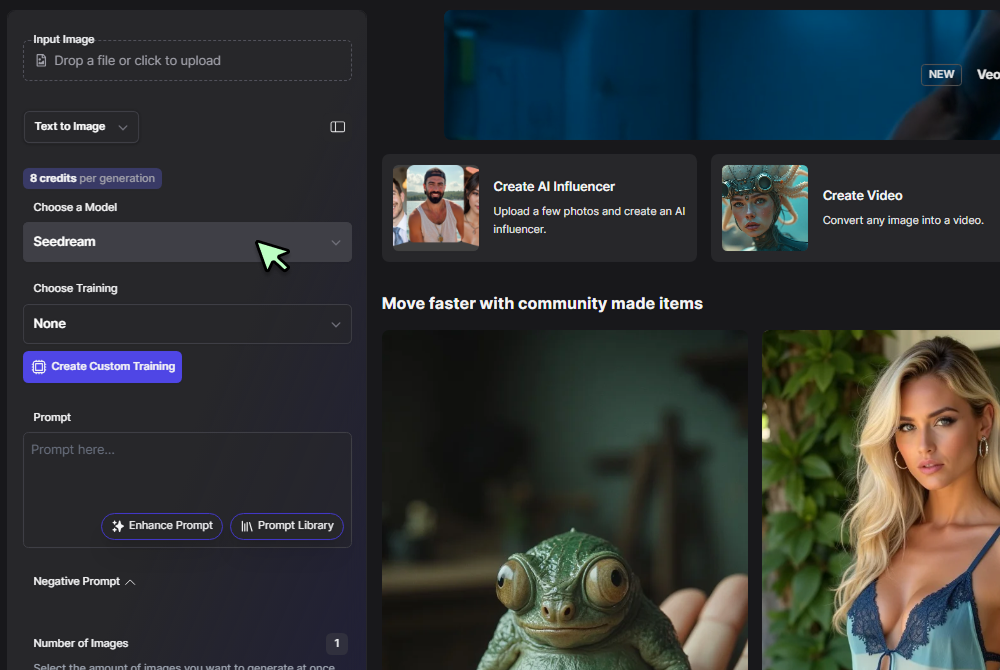
Text to Image and Seedream 3.0
In the mode selector choose Text to Image, then pick Seedream 3.0 from the model dropdown to access ByteDance’s latest diffusion engine.
Step 3
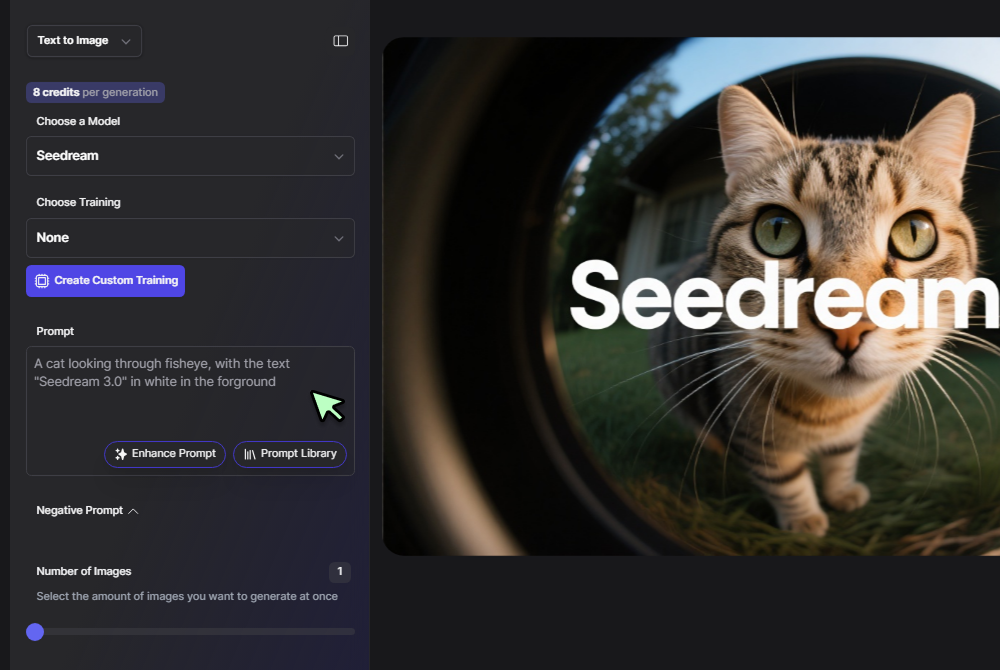
Enter Your Prompt and Click Generate
Type a description—e.g., “sun-drenched Venetian canal painted in watercolor”—and press Generate. Seedream returns four high-fidelity images in seconds, ready for upscaling or further editing.
Studio-grade detail without studio-grade wait times
Seedream 3.0 AI interprets complex prompts in seconds, packing micro-textures and nuanced lighting into each frame. When a brief calls for “cyberpunk alley reflected in rain puddles,” the model returns sharp neon edges and realistic wet asphalt—then hands the file straight to our one-click Image Sharpener for print-ready clarity. Or Try the latest Seedream 4.0 for even better results.
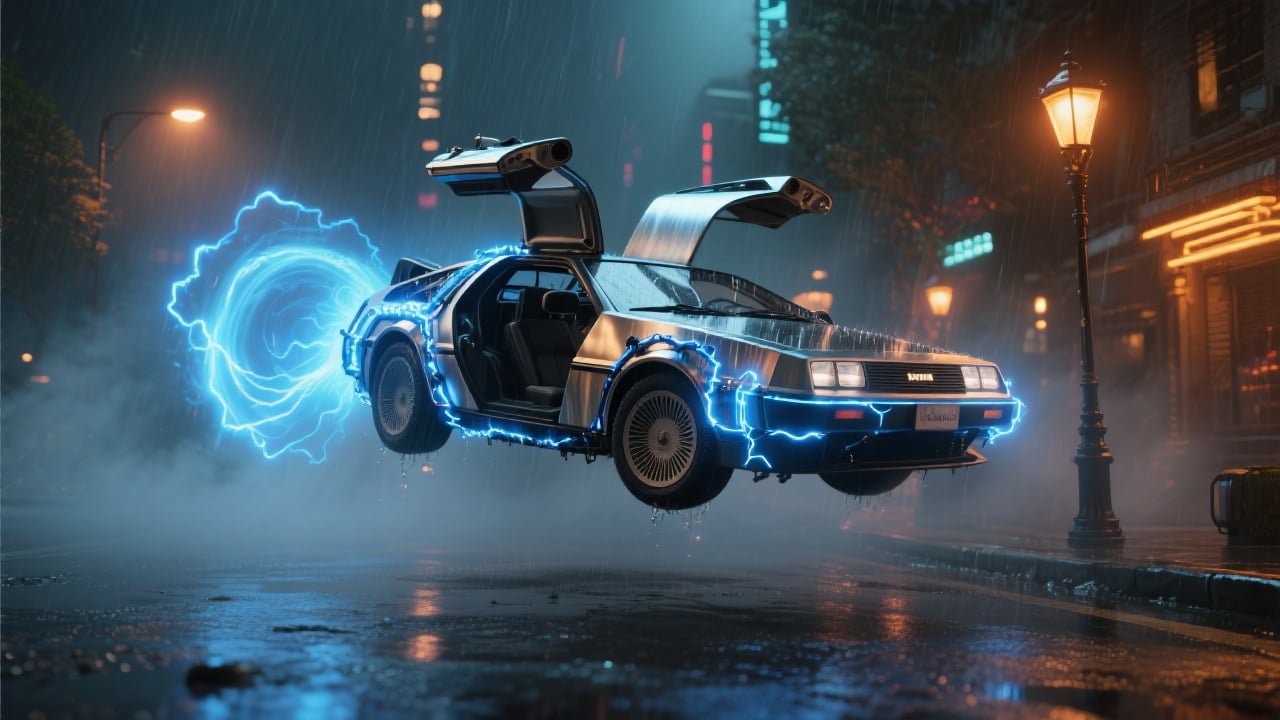
True prompt versatility from photoreal to felt-texture illustration
Seedream 3.0 image generator spans fashion look-books, whimsical kids’ art, and hyper-real product renders. If you need a softer painterly vibe, send the same prompt through Imagen-3’s diffusion engine; for technical diagrams, try 4o Image Generation—all inside one dashboard.

ByteDance tech, BasedLabs workflow
Seedream 3.0 was announced during the Bytedance Seedream 3.0 launch as the fastest diffusion model in its class, to accompany the Seedance 1.0 Video Model. We connect those speeds to drag-and-drop layers, instant background removal, and batch exports—features missing from the standalone Chinese demo.
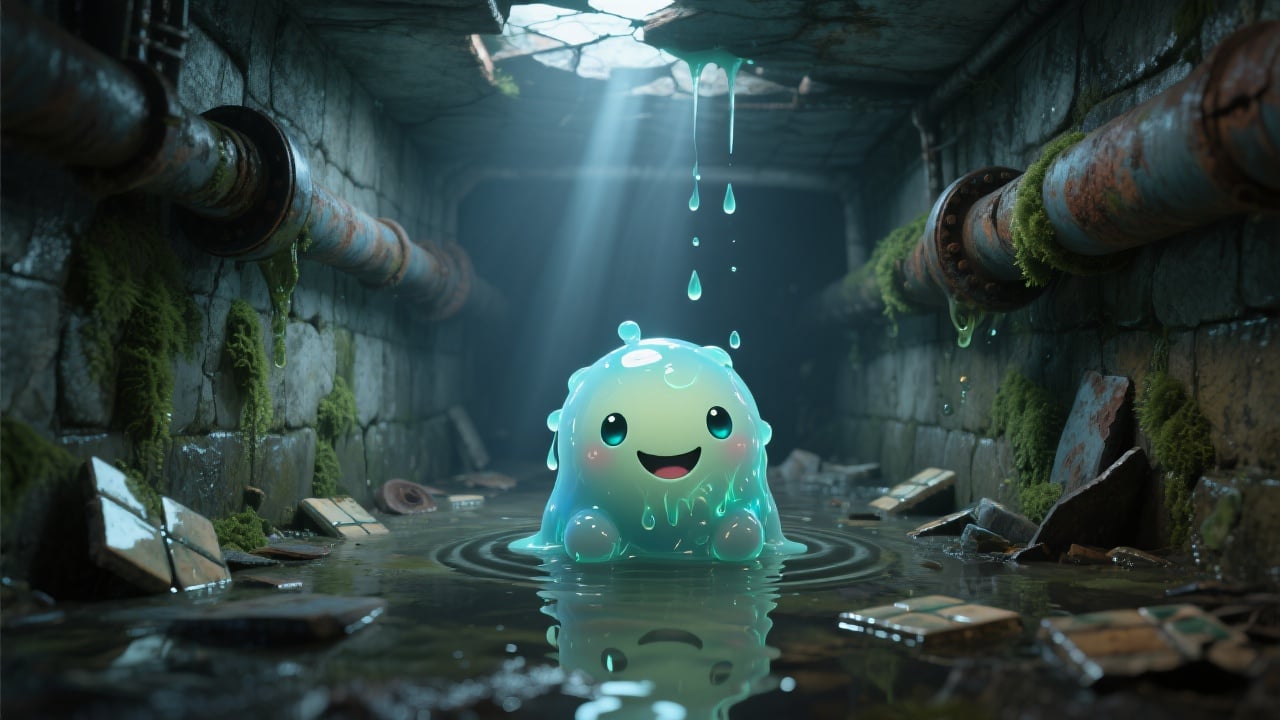
Seamless hand-off to advanced art tools
Need vector stylization? Route the output to our AI art-from-text painter. Want physics-accurate generative edits? Flip over to Flux 1 Kontext and keep colors and characters locked between iterations.

Cross-model experimentation in one click
Curious how Seedream 3.0 AI compares to Google’s Imagen or Midjourney style abstraction? The core AI Image Generator hub stores every render, so you can duplicate a prompt, switch to another engine, and watch the aesthetic shift side-by-side.

FAQs
Discover related AI tools:
- Kling 2.6
- R2 Upload Test
- Nano Banana 2
- Nano Banana Pro
- Ideogram AI
- AI Gorilla
- AI Picture Generator — Free Online 2026
- Photo To Caricature
- Sketch To Image
- Studio Ghibli Filter
- MiniMax Hailuo 2.3
- Hyper Realism AI
- Realistic AI Image Generator — Photo-Grade Free
- LTX-2 Video AI — Try Free Online
- AI Logo Maker
- Reve Image Editing — Try Free Online
- Kling 2.5 Turbo
- Pixverse AI
- Hunyuan Image 3.0
- AI Prompt Generator
- Remove Background On Photo Free
- AI Photo Cropper
- Adobe Express Photo Editor
- AI Bing Image Creator
- Convert Text To Image AI
- AI Bot Image Generator
Browse Related Content
Explore AI-generated seedream 3.0 — try bytedance free online artwork from our community
Related Resources


More than an Seedance 3.0
Join millions of creators using BasedLabs to generate professional, scroll-stopping content for social media, YouTube, marketing, and more — in seconds. Produce high-quality AI-generated videos and images optimized for engagement and reach. Streamline your content workflow and scale faster.
