 AI TikTok app - Go viral!NEW: Seedream 5 by ByteDance. Sharper prompts, native text in 14 languages, precise edits. Try it now.Try It Now →
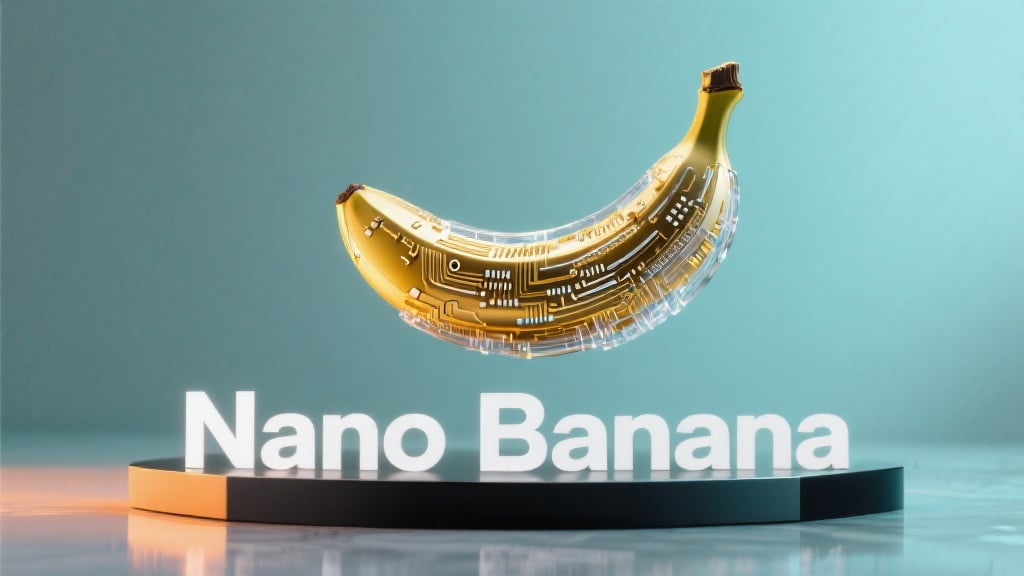
Nano Banana AI
Google’s newest text to image and image editing model, built for faithful identity, precise compositing, and multi step creative control.

How to use Nano Banana AI
Steps to get you started in BasedLabs.
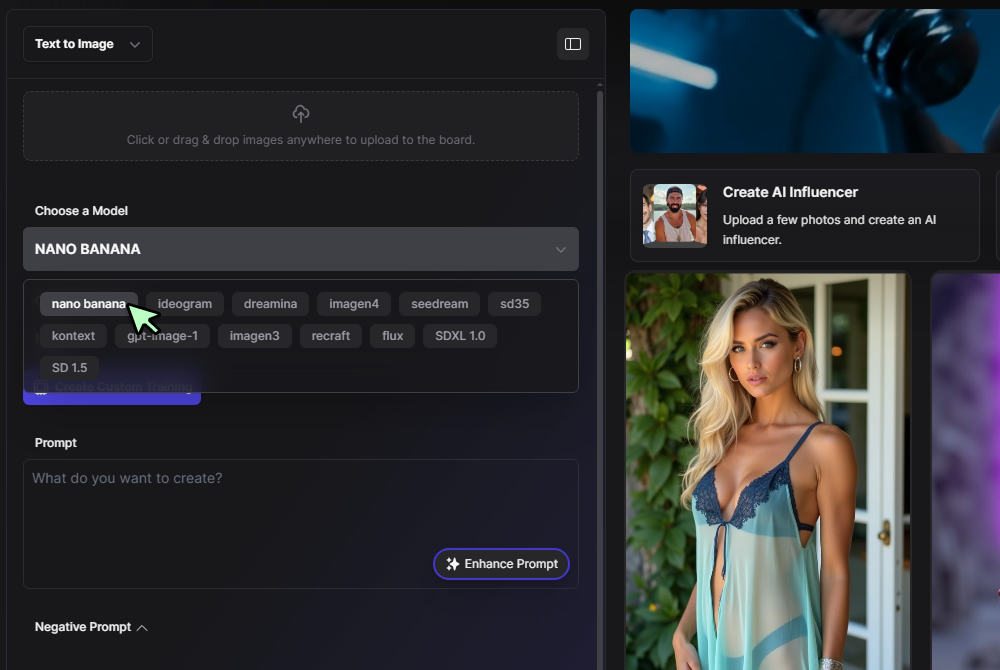
Step 1
Start a new edit or creation
Click Generate Now, choose Nano Banana in the model list, then upload a photo or begin with a text prompt. You can optionally paint a mask over regions you want to change.
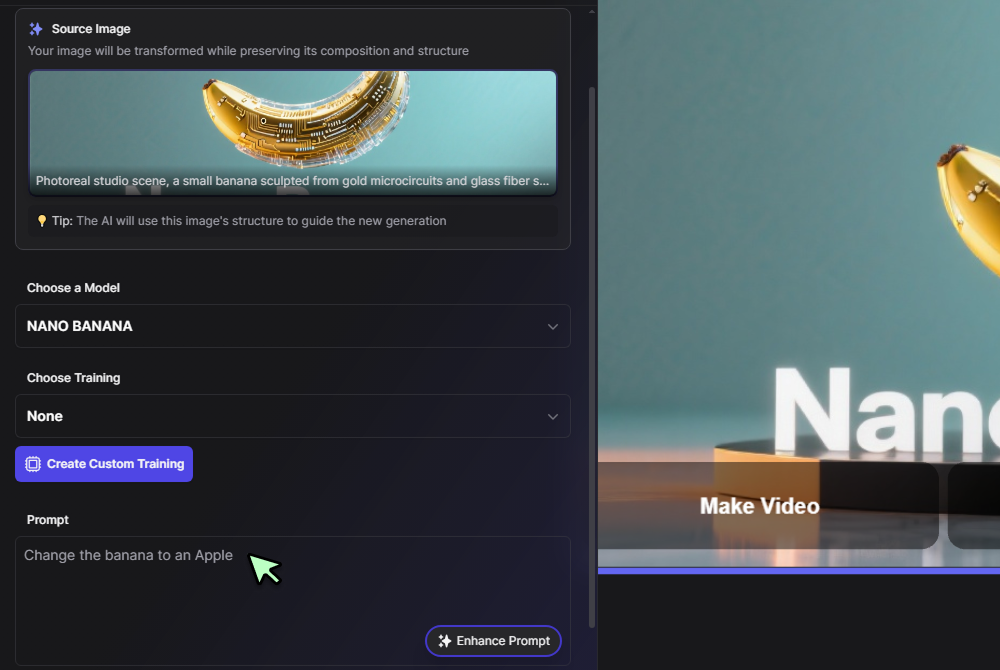
Step 2
Describe the change
Write clear instructions, for example keep the face identical, replace the background with a beach at sunset, add a denim jacket, soften shadows. You can also blend multiple photos, swap outfits, or apply a reference style.
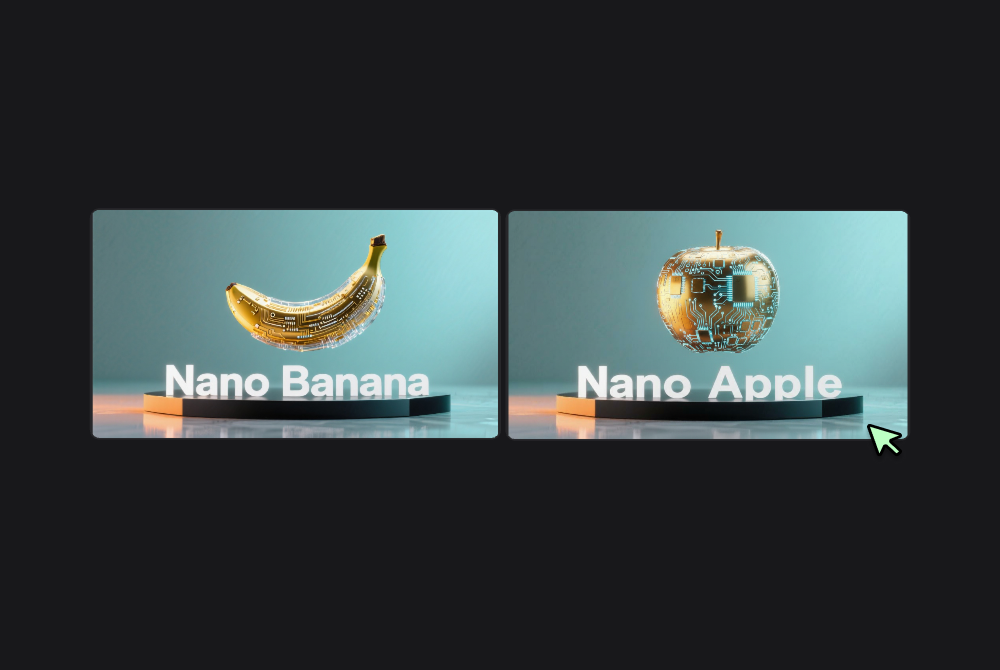
Step 3
Generate and refine
Press Generate, review the result, then iterate. Use multi turn edits to adjust color, pose, or layout until it matches your vision, then export your final image.
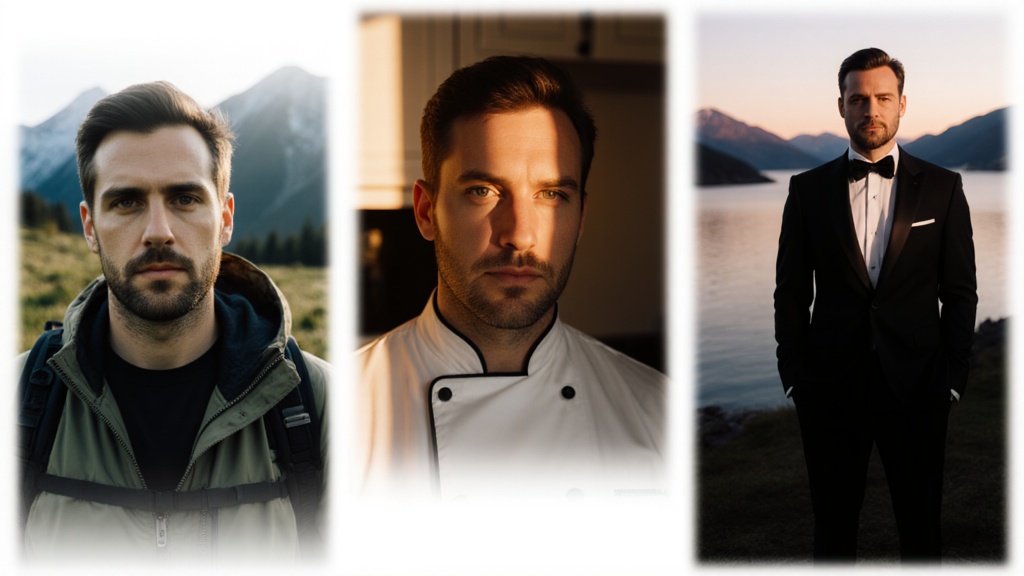
Identity perfect edits that stay true to the subject
Nano Banana AI keeps faces and pets consistent across outfits, locations, and lighting, so a series looks like the same person every time. Use it to upgrade portraits, product shots, and lifestyle scenes without losing character. For base image creation or quick drafts, you can start in the versatile AI image generator and finish the fine work here.
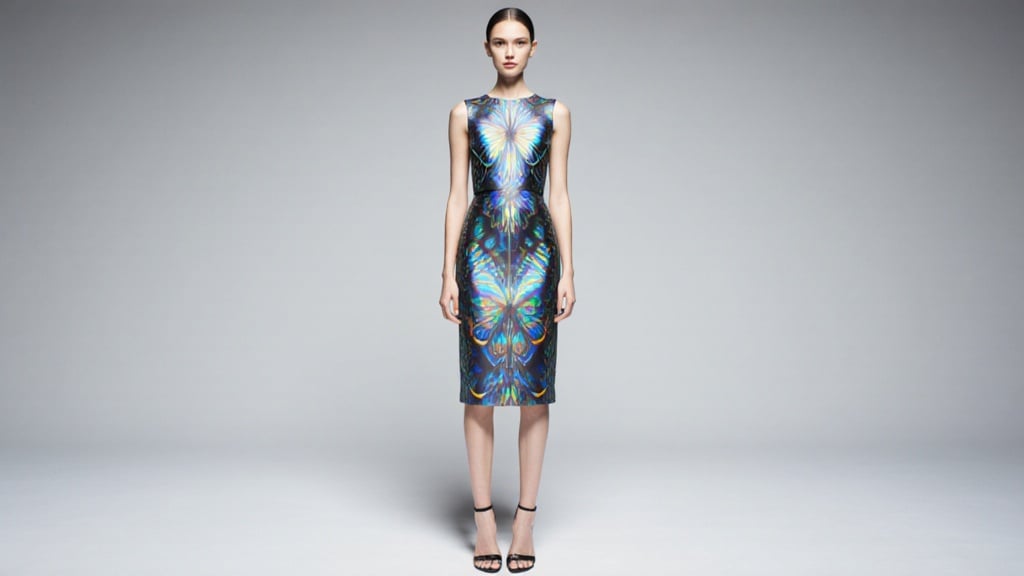
Design mixing, style transfer, and graded polish
Apply the color and texture from one image to objects in another, for example marble pattern onto a table, floral fabric onto a dress, while preserving perspective and light. This Nano Banana AI Tool pairs beautifully with cinematic grading from Seedream 3 0 when you want consistent mood across a set.
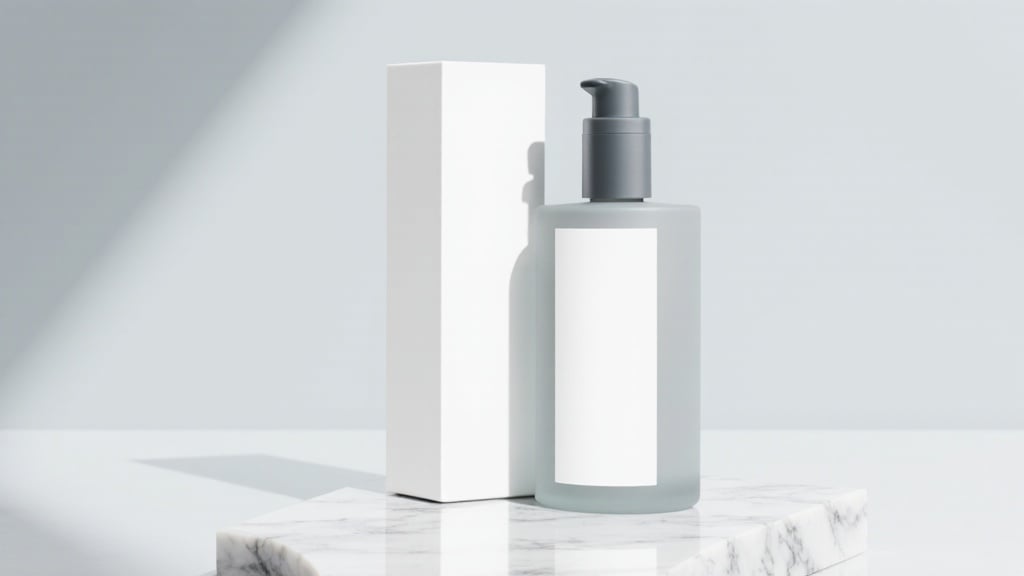
Sharp text, posters, and packaging comps
Replace signage, mock up labels, and lay out clean typographic elements with strong edge fidelity. When you need advanced lettering ideas before the final comp, try concept passes with Ideogram 2, then return to the Nano Banana AI Model to merge type and photography convincingly.
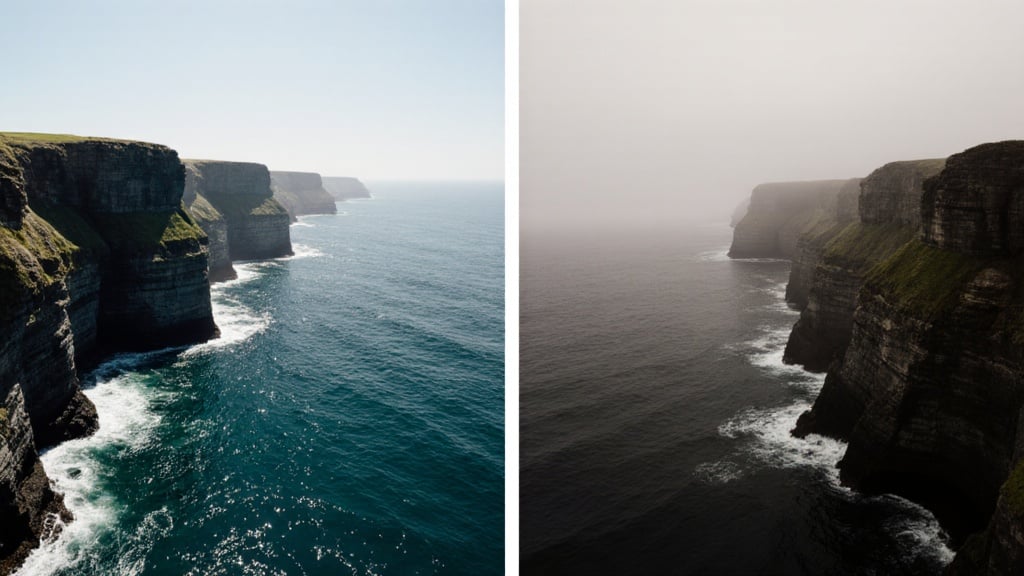
Concept to photoreal, plus aesthetic range
Go from simple prompts to believable scenes, then push looks from glossy editorial to moody art. If you want a more opinionated finish for art direction tests, route variants through Flux Krea and bring the keeper back for precise cleanup.
Developer friendly pipeline and interoperability
Teams can prototype with the Nano Banana API for batch edits, identity locked variants, and programmatic style application. For comparative baselines or alternate render families, generate versions with Imagen 4, then consolidate your chosen direction in Nano Banana for final polish.
FAQs
Discover related AI tools:
- Kling 2.6
- R2 Upload Test
- Nano Banana 2
- Nano Banana Pro
- Ideogram AI
- AI Gorilla
- AI Picture Generator — Free Online 2026
- Photo To Caricature
- Sketch To Image
- Studio Ghibli Filter
- MiniMax Hailuo 2.3
- Hyper Realism AI
- Realistic AI Image Generator — Photo-Grade Free
- LTX-2 Video AI — Try Free Online
- AI Logo Maker
- Reve Image Editing — Try Free Online
- Kling 2.5 Turbo
- Pixverse AI
- Hunyuan Image 3.0
- AI Prompt Generator
- Remove Background On Photo Free
- AI Photo Cropper
- Adobe Express Photo Editor
- AI Bing Image Creator
- Convert Text To Image AI
- AI Bot Image Generator
Browse Related Content
Explore AI-generated nano banana ai artwork from our community
Related Resources






More Than Just Nano Banana Image Edits
Join millions of creators using BasedLabs to generate professional, scroll-stopping content for social media, YouTube, marketing, and more — in seconds. Produce high-quality AI-generated videos and images optimized for engagement and reach. Streamline your content workflow and scale faster.
