 AI TikTok app - Go viral!NEW: Seedream 5 by ByteDance. Sharper prompts, native text in 14 languages, precise edits. Try it now.Try It Now →
Idea To Video
Turn any idea into an edited video in minutes, type a concept, pick a model, and generate a ready to share cut with motion, music, and captions.


How to use Idea To Video
Steps to get you started in BasedLabs.
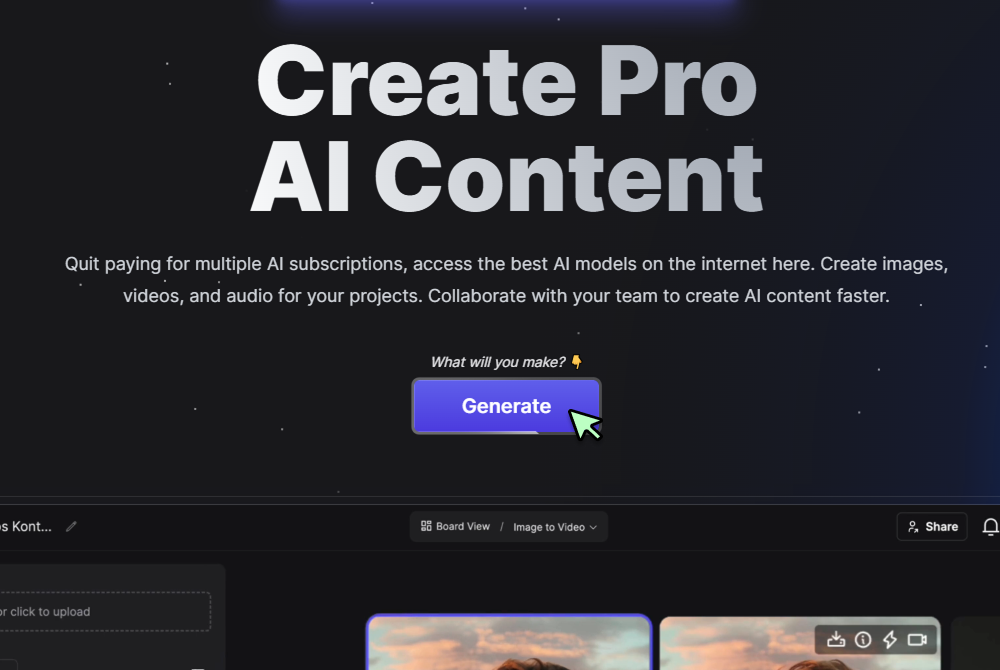
Step 1
Click Generate Now
Press the Generate button to open the controls and start a new project.
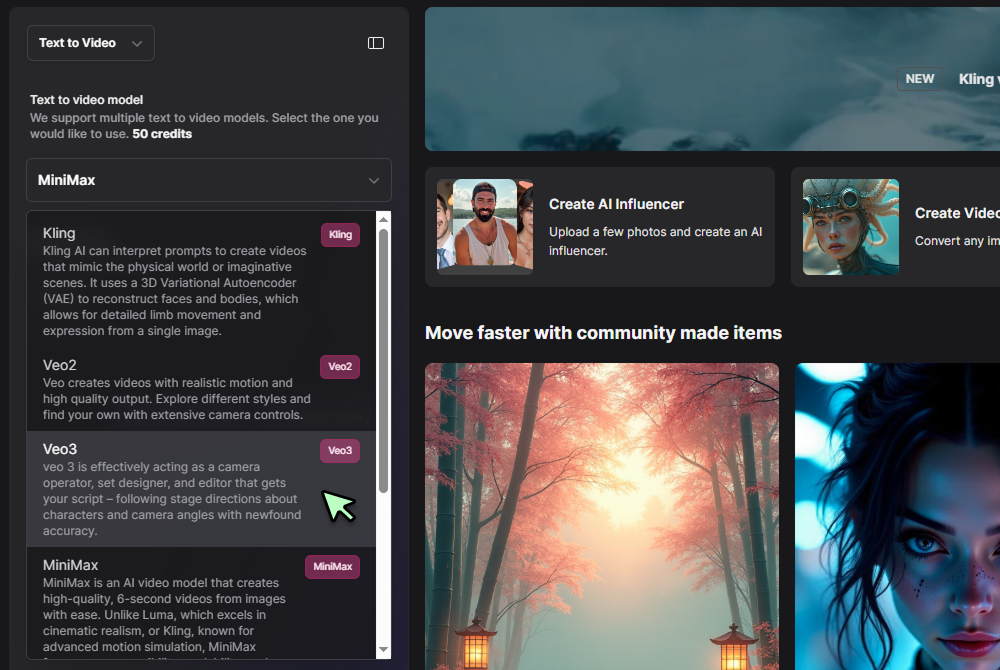
Step 2
Select Text to Video and choose a model
In the tool selector pick Text to Video, then choose a model such as Veo 3, set aspect ratio, duration, and captions if needed.
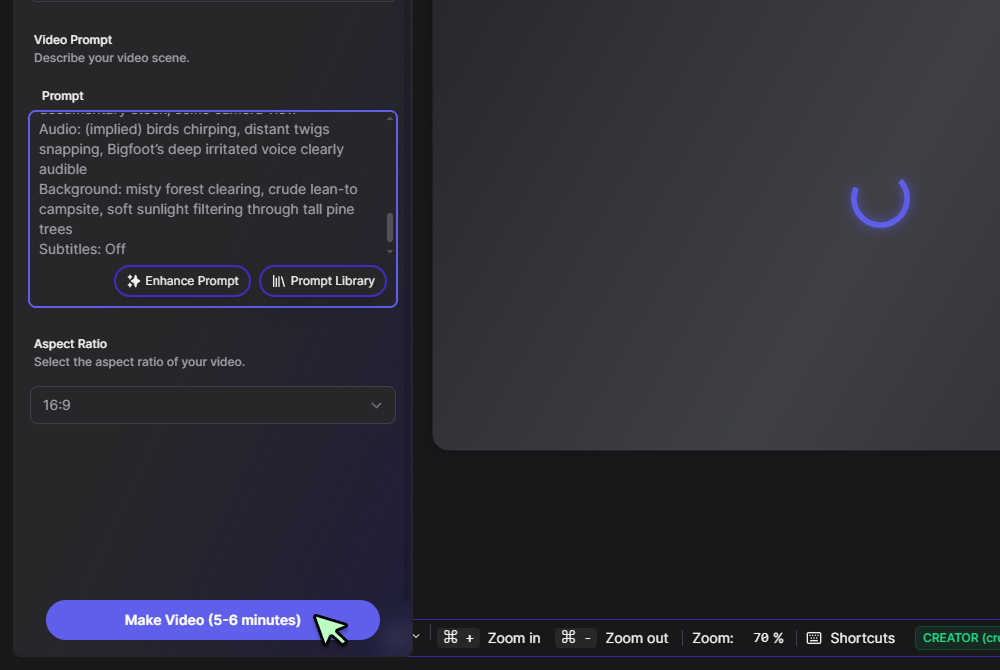
Step 3
Enter your prompt and click Generate
Write a short scene description, camera move, or tone, then click Generate. Preview the clip, adjust your prompt, and export the final MP4.
Concept to cut without friction
Describe your idea once and get a coherent sequence, complete with scene pacing and audio. When you want deeper edits or multi scene timelines, continue in the full AI Video Generator so you refine without rebuilding.

Structured storytelling on demand
Turn briefs into clear beats, hooks, and closers that read like a script. For newsroom style rundowns and anchor reads, move the same draft into the AI News Generator and keep tone consistent across formats.

Short form ready, long form friendly
Generate vertical cuts for reels, then auto create square and widescreen versions for other placements. If you need rapid social variations, spin them in the AI Reel Generator while preserving color and framing.
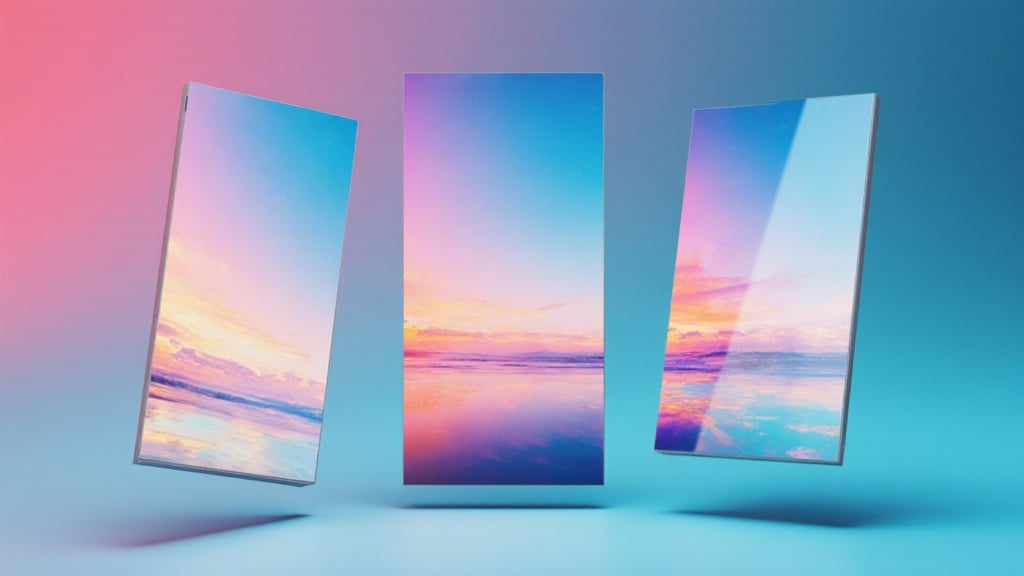
Cinematic quality when it matters
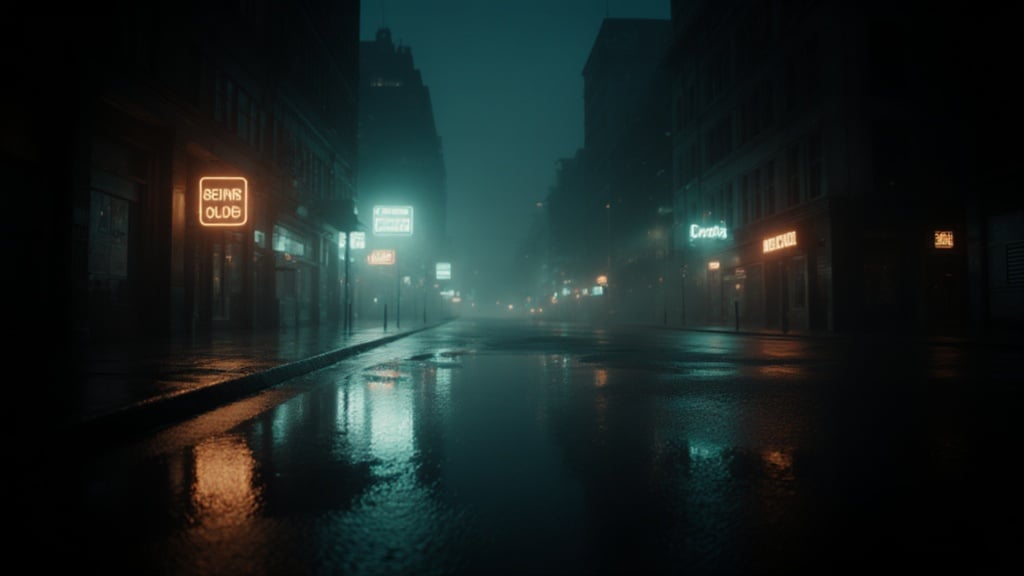
Choose the Veo 3 model for photoreal motion, precise lighting, and smooth camera moves. Your clips look polished out of the box, which reduces manual grading and cleanup.
Simple prompts, advanced control when needed
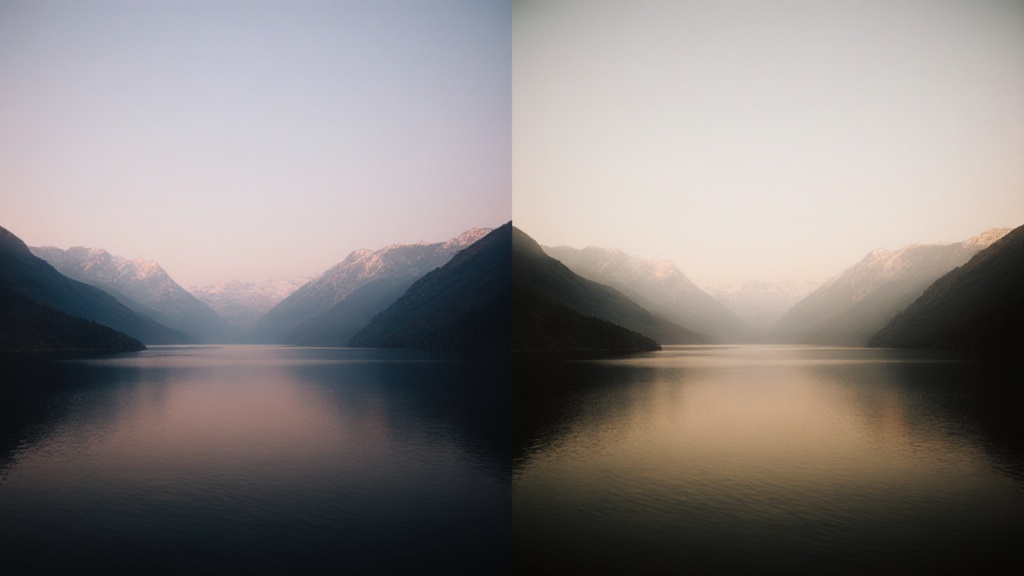
Start with one sentence, then layer motion cues, shot lists, and style notes as you iterate. If you prefer a prompt first workflow, launch the Text to Video path and keep everything in the same project.
FAQs
Discover related AI tools:
Browse Related Content
Explore AI-generated idea to video artwork from our community
Related Resources






More Than Just Idea to Video
Join millions of creators using BasedLabs to generate professional, scroll-stopping content for social media, YouTube, marketing, and more — in seconds. Produce high-quality AI-generated videos and images optimized for engagement and reach. Streamline your content workflow and scale faster.
