 AI TikTok app - Go viral!NEW: Seedream 5 by ByteDance. Sharper prompts, native text in 14 languages, precise edits. Try it now.Try It Now →
AI Reel Generator
Turn a single prompt into scroll stopping reels in minutes. Type your idea, pick a style, and get a vertical cut with motion, music, and captions ready for socials.


How to use AI Reel Generator
Steps to get you started in BasedLabs.
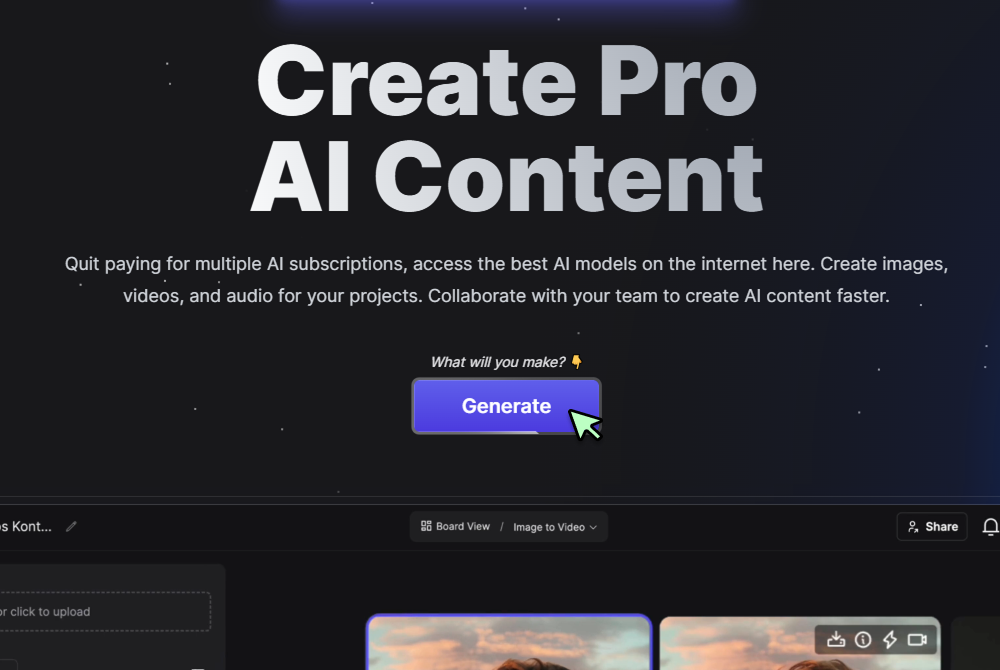
Step 1
Click Generate Now
Open the tool and press Generate to reveal the controls.
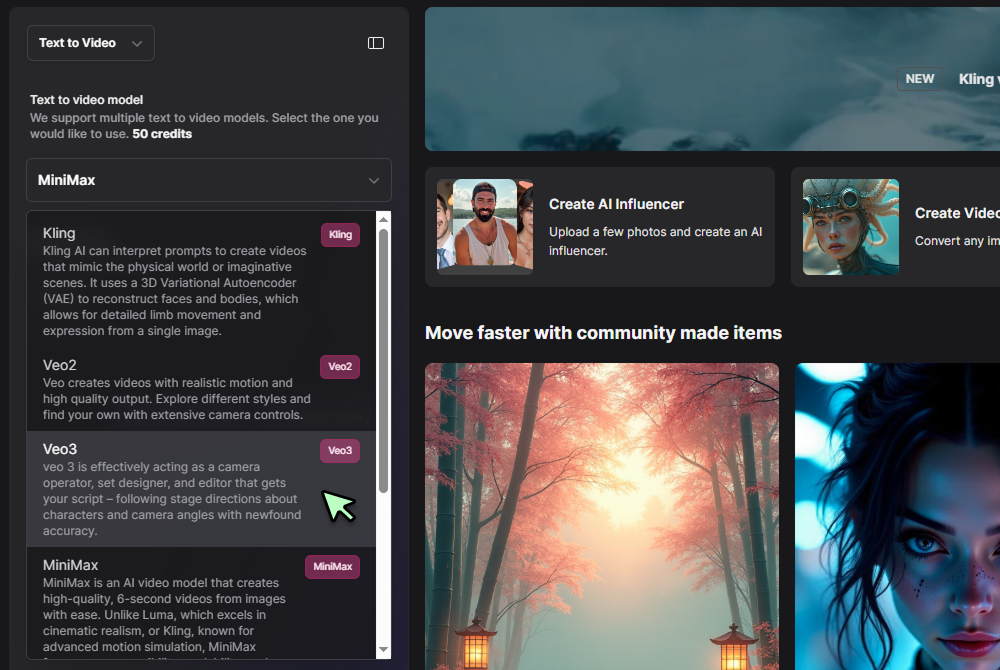
Step 2
Choose Reel format and a model
Select 9 by 16 in the format picker, then choose a video model and set duration, pacing, and any motion notes.
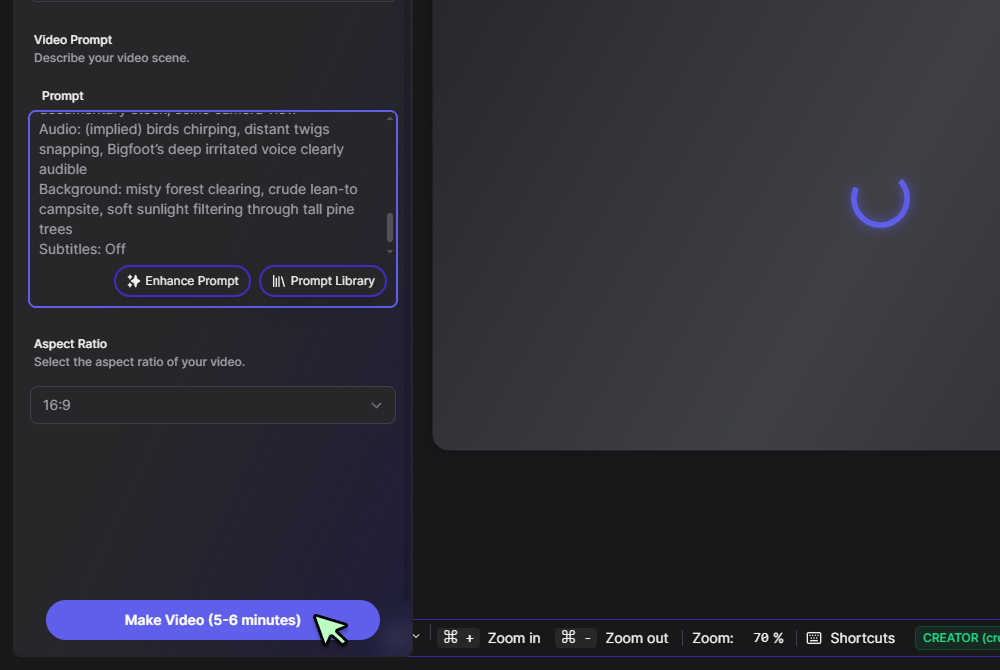
Step 3
Write your prompt and generate
Describe the shots and vibe, for example product close ups, quick cuts, upbeat track, then click Generate. Arrange any extra shots in timeline view and export your MP4.
Ideas to finished reels without timelines
Write a short script and let the engine assemble scenes, camera moves, and audio so you can publish faster. When you want deeper control, continue in the full AI Video Generator workspace to extend your cut without starting over. If you have been comparing ai reel generator free options, the workflow here feels familiar and removes setup friction.

Made for Instagram and short form
Templates keep text safe from UI overlays and auto center your subject for vertical viewing. If you prefer preset hooks and CTA layouts, jump into the AI Marketing Video Generator and bring the render back here. Many teams call this their ai instagram reel generator because it keeps reels on spec with less rework.
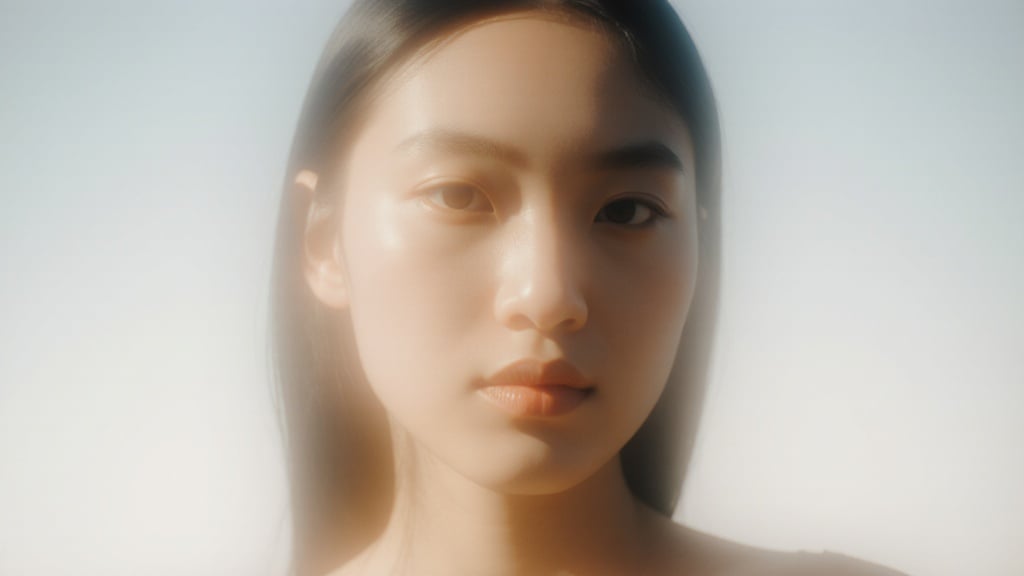
Fast teaser loops for every post
Trim three second highlights and convert them into lightweight loops using the AI GIF Generator. Teasers share the same seed as the hero reel, which helps A B testing and keeps the look consistent. This is a simple way to meet searches for free ai reel generator without changing your toolchain.

Creator friendly edits and recuts
Resize, retime, or caption inside the built in editor, then switch to timeline for fine trims. If you need more tools, open the project in the online video editor and apply transitions or audio clean up. That flexibility is why many users consider this the best ai reel generator for day to day production.
Repurpose across platforms in one pass
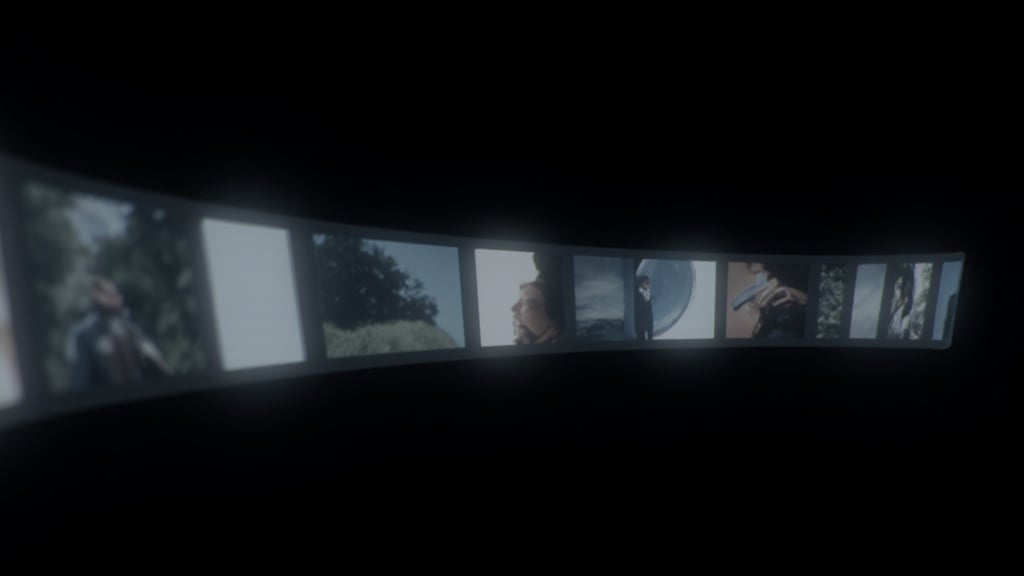
Generate a master vertical reel, then auto create square and widescreen versions for shops, YouTube, and site embeds. Send variants to the TikTok Video Generator when you want platform specific pacing while keeping color and framing aligned. The pipeline reduces duplicate work while your brand stays consistent.
FAQs
Discover related AI tools:
Browse Related Content
Explore AI-generated reel generator artwork from our community
Related Resources






More Than Just Reels
Join millions of creators using BasedLabs to generate professional, scroll-stopping content for social media, YouTube, marketing, and more — in seconds. Produce high-quality AI-generated videos and images optimized for engagement and reach. Streamline your content workflow and scale faster.
