 AI TikTok app - Go viral!NEW: Seedream 5 by ByteDance. Sharper prompts, native text in 14 languages, precise edits. Try it now.Try It Now →
AI Video Ad Creator
Turn a short brief into polished video ads in minutes, type a concept, pick a model, and export platform ready cuts.

How to use AI Video Ad Creator
Steps to get you started in BasedLabs.
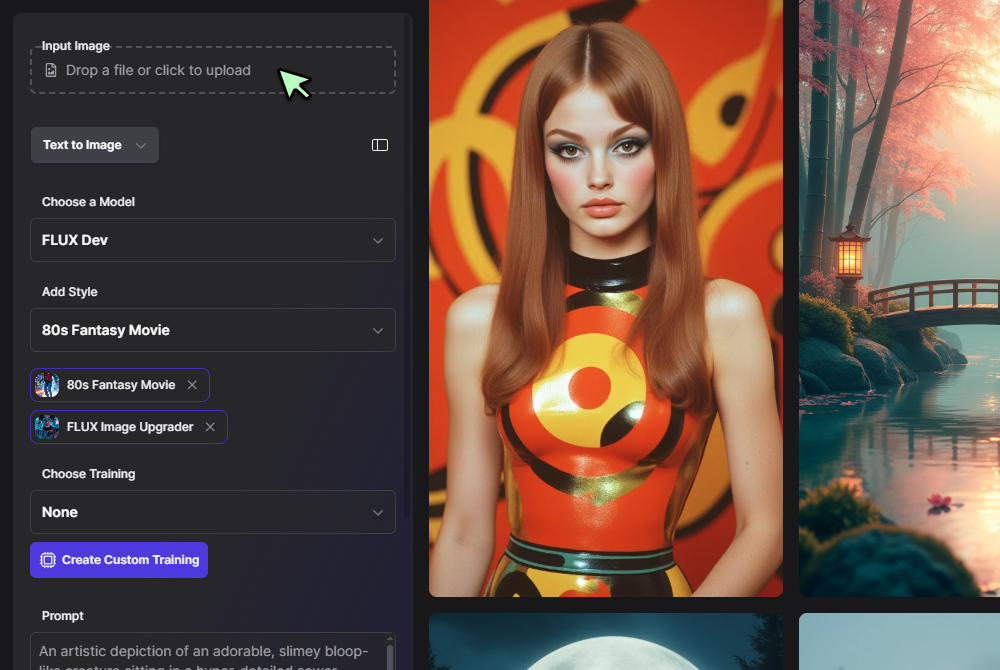
Step 1
Click Generate Now
Press the Generate button to open the controls and start a new project.
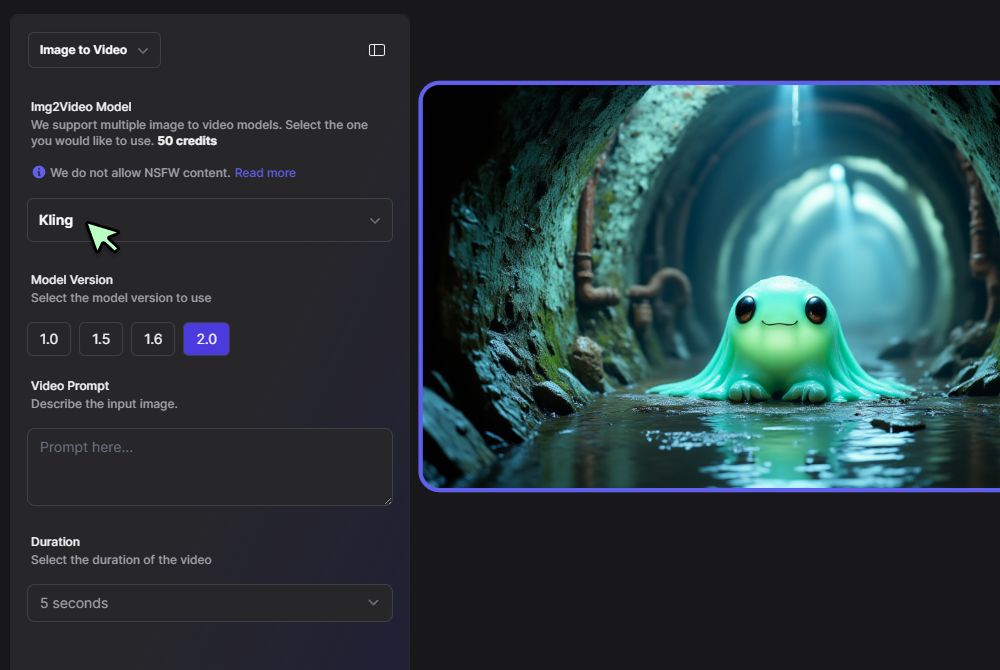
Step 2
Select format and a model
Choose vertical, square, or widescreen, then pick a video engine. Set duration, pacing, captions, and safe zones.
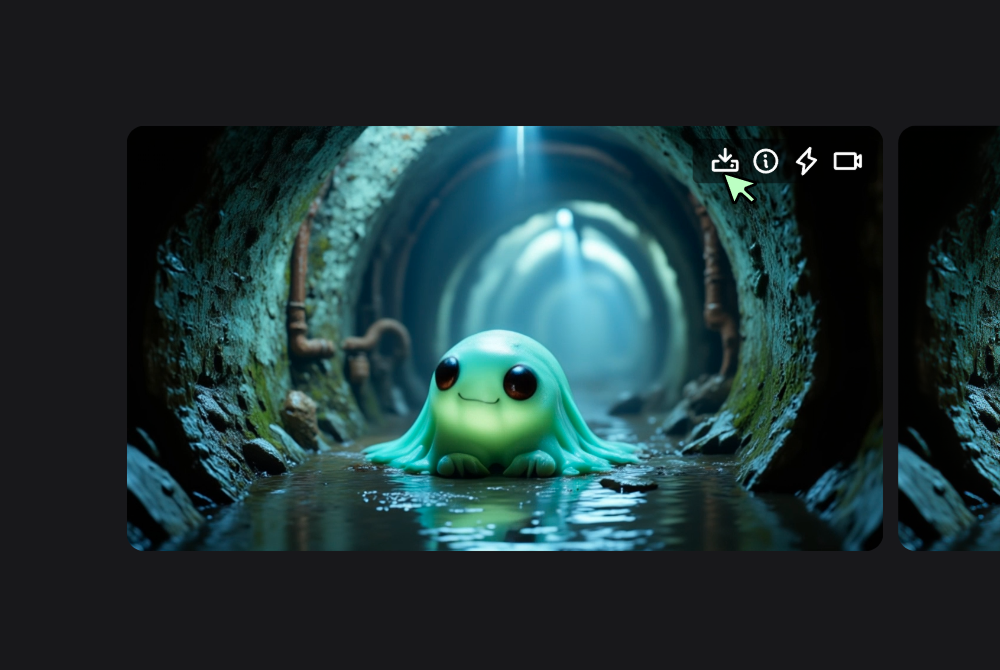
Step 3
Enter your prompt and click Generate
Write your ad idea, include product, hook, and call to action, then click Generate. Preview, adjust, and export the MP4.
Concept to finished cut without friction
Describe your offer, audience, and tone, the system assembles shots, transitions, and pacing so you can publish faster. When you need deeper control, open the project in the full editor and refine without rebuilding. This flow suits teams comparing an ai video ad creator free approach to speed up testing.

High speed renders with cinematic quality
Produce crisp demos and lifestyle clips using the Veo 3 Fast engine, then auto grade for consistent color. Many users call this their go to ai ad video creator because it balances turnaround time, clarity, and motion smoothness for short form placements.

Prompt first or script first, your choice
Start with a one line prompt in the text to video workflow, or paste a tight script when you want exact beats. If you need anchor style copy, route the same brief through news style scripting so narration, lower thirds, and captions stay aligned across versions.

Variant generation for every channel
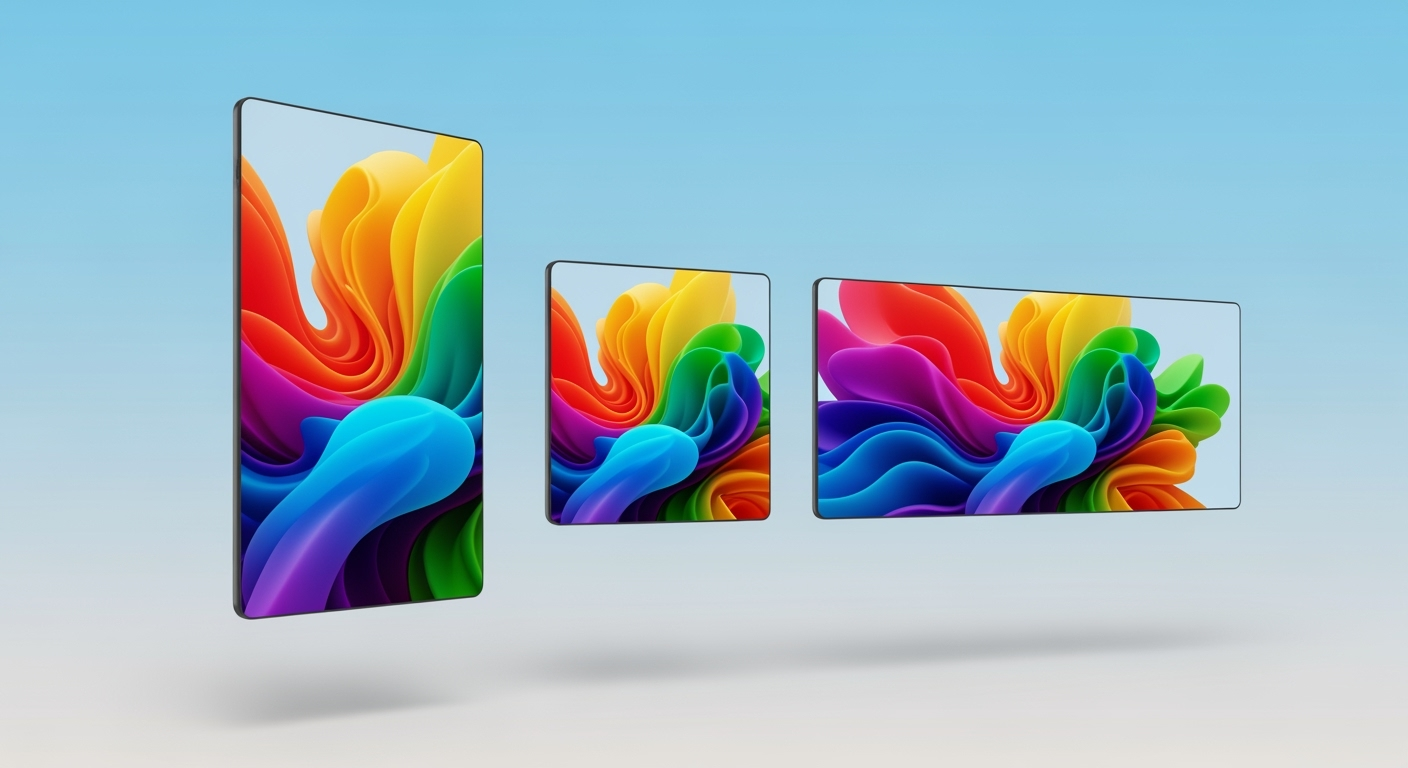
Create a master vertical cut, then spin square and widescreen versions while keeping seed, color, and framing consistent. For rapid social iterations, draft short hooks and send them to the reel tool, a handy path for teams searching free ai video ad creator ideas without changing workflows.

Campaign orchestration in one place
Build headlines, body lines, and end cards, then keep everything organized with templates and seed reuse. When you scale to multi asset campaigns, coordinate with the AI Ad Generator and finish trims inside the AI Video Generator so every deliverable matches spec.
FAQs
Discover related AI tools:
Browse Related Content
Explore AI-generated video ad creator artwork from our community
Related Resources






More Than Just AI Video Ads
Join millions of creators using BasedLabs to generate professional, scroll-stopping content for social media, YouTube, marketing, and more — in seconds. Produce high-quality AI-generated videos and images optimized for engagement and reach. Streamline your content workflow and scale faster.
