 AI TikTok app - Go viral!NEW: Seedream 5 by ByteDance. Sharper prompts, native text in 14 languages, precise edits. Try it now.Try It Now →
Veo 3 Fast
A streamlined build of Google’s Veo 3 that renders video and audio in a fraction of the usual time. Ideal for rapid drafts, social clips, and budget-sensitive projects while keeping cinematic motion intact.

How to use Veo 3 Fast
Steps to get you started in BasedLabs.
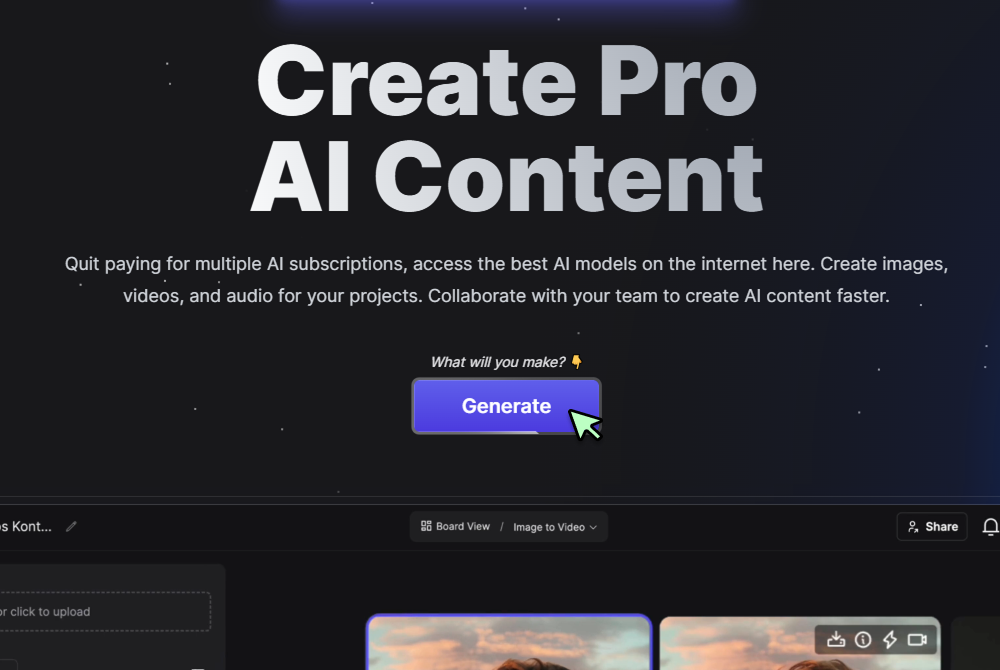
Step 1
Click Generate Now
Press the Generate button on the Veo 3 Fast page to open the controls and start a new project.
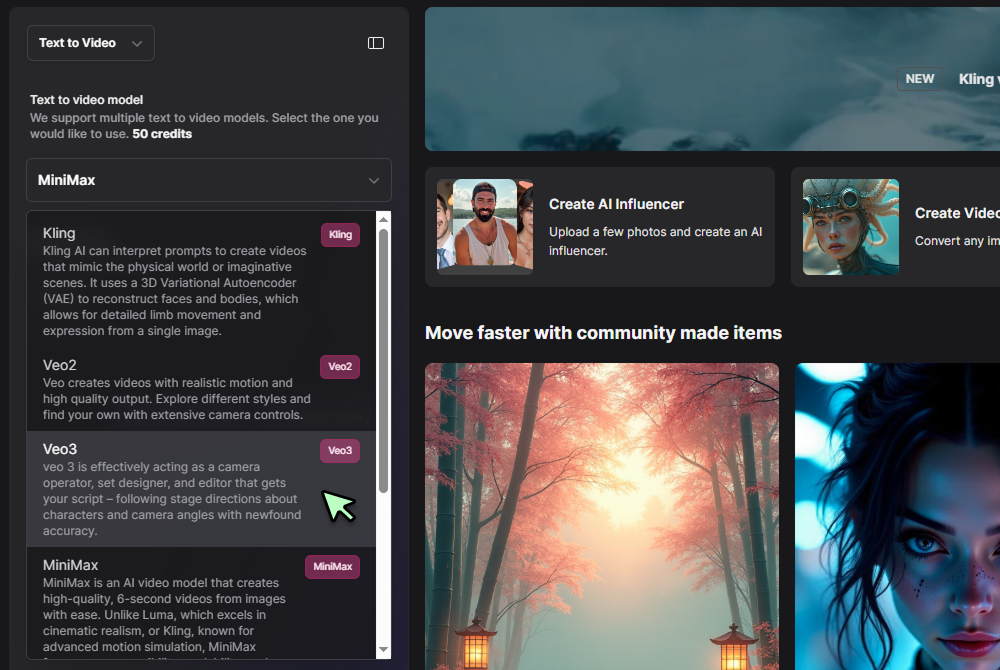
Step 2
Select Text to Video and Veo 3 Fast
In the tool selector choose Text to Video, then pick Veo 3 Fast from the model dropdown to enable the quicker engine.
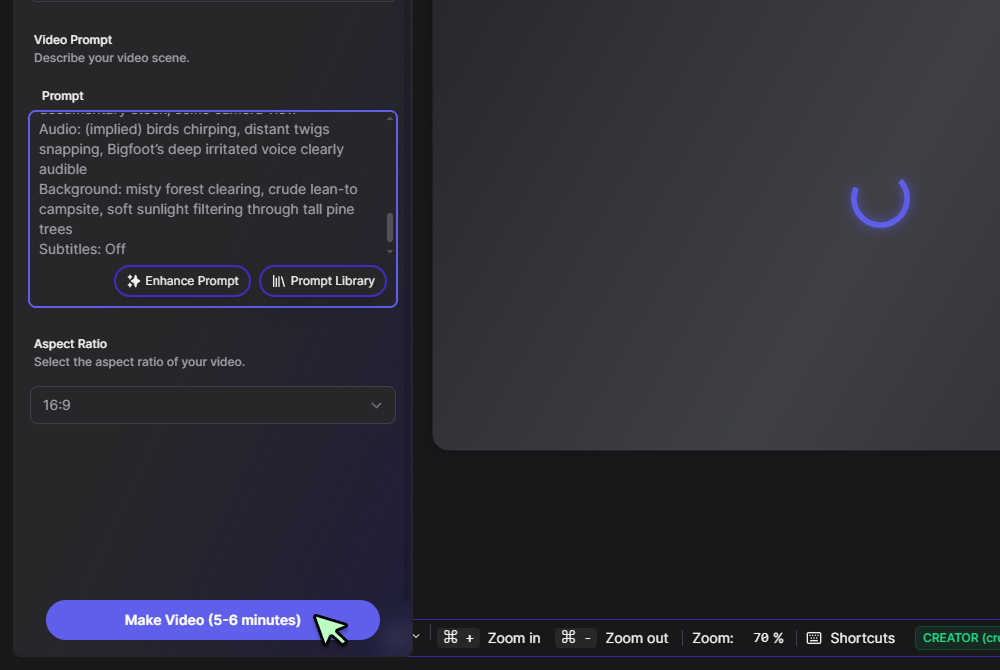
Step 3
Enter your prompt and click Generate
Type a short scene description, camera move, or tone, press Generate, and Veo 3 Fast delivers a finished MP4 with synced audio in minutes.
Speed without compromise
Veo 3 Fast mode cuts extra sampling passes so a sixty-second 1080 p clip renders in minutes. Motion coherence and color depth remain solid which is why many teams prefer it in the veo 3 fast vs quality debate. You can iterate quickly and show clients polished previews the same day.
Seamless upgrade path
Lock timing in Fast mode, save the prompt, then regenerate in the full Veo 3 model for maximum sharpness. Both engines share identical keyframe spacing so edits never shift when comparing veo 3 fast vs veo 3 quality. This workflow keeps budgets low during ideation and quality high for delivery.
Direct social handoff
After rendering, push the clip straight to our TikTok video generator. Captions, trending sounds, and 9 × 16 framing are added automatically. No re-encoding or manual cropping is required which speeds publishing.
Creative mixing with other models
Drop a Veo 3 Fast render into the AI Video Generator for color grading or splice it with stylized inserts from Hailuo 0.2. Timelines stay in sync because Fast mode preserves frame cadence. This lets directors explore looks without leaving the platform.
Multi format spin-offs
Select a three-second segment and send it to the AI GIF Generator for looping teasers. Export square, vertical, or widescreen versions from the same master file. Consistent timing means all derivatives match perfectly.
FAQs
Discover related AI tools:
Browse Related Content
Explore AI-generated veo 3 fast artwork from our community
Related Resources






More Than Just Veo 3 Fast
Join millions of creators using BasedLabs to generate professional, scroll-stopping content for social media, YouTube, marketing, and more — in seconds. Produce high-quality AI-generated videos and images optimized for engagement and reach. Streamline your content workflow and scale faster.
