
Most people searching for a TopView AI alternative are not unhappy with the videos. They are unhappy with what happens in week three of a billing cycle, when the balance runs dry and the next batch of ad variants waits for a reset.
That is a different complaint from the one the comparison posts answer. Almost every roundup ranks tools on avatar realism and template count, then stops. The thing that actually pushes a team off a platform is usually arithmetic: how many videos a plan really buys, whether unused credits survive the month, and whether the cheap capacity is reachable from anything other than a browser tab. TopView is worth understanding on those terms before you shop for a replacement.
This piece runs the numbers off TopView's public pricing page as of September 2026, then looks at the five tools people most often move to. If you want the wider category first, our rundown of AI tools built for TikTok UGC ads covers the field without the pricing angle.
What the search usually means
"TopView AI alternative" is three different queries wearing one phrase. The first group wants better output: less uncanny avatars, fewer recycled templates, hooks that do not all open the same way. That group is best served by looking at how AI avatars are built from photos rather than by switching vendors, because the weak link is often the script, not the renderer.
The second group wants volume. They are running paid social, they need thirty variants of one concept, and they are discovering that a plan sized for eight videos a month does not survive contact with a real testing calendar.
The third group wants control. They have a process that works and they want it to run without a human clicking through a wizard every time, which is a question about interfaces rather than about video quality. The agency side of UGC ad production tends to live in this group.
The credit math the roundups skip

TopView prices in credits, and different video types burn between 2.5 and 20 credits each. That spread is where published cost-per-video figures fall apart. The Pro plan runs $16 a month billed annually, which is $192 a year for 960 credits, or about $0.20 per credit. A cheap 2.5-credit render costs 50 cents. A 20-credit render costs $4.00. Most reviews quote the first number and omit the second, which is why the plan feels cheaper on paper than in a spreadsheet. The same pattern shows up across the category, as our breakdown of Creatify's pricing found.
The Business tier is $44 a month annually, $528 for 3,000 credits, which works out to roughly $0.176 a credit. Ultra is $50 a month annually at $599.90, but its 500 credits arrive monthly rather than as an annual pool, landing near $0.10 a credit if you spend all of them. That last condition matters more than the headline rate.
TopView states that unused credits do not roll over on monthly plans. So the cheapest per-credit tier is also the one that penalises an uneven month hardest, and ad testing is an uneven business by nature. A team that ships forty variants in launch week and six the following week is buying capacity it will not use. Teams working through ecommerce product video calendars tend to feel this first.
Five tools people actually move to

These are the five that come up most often in switching conversations. None of them wins outright, and the honest verdict for each is narrower than the marketing suggests. Our comparison of UGC video generators head to head goes deeper on two of them.
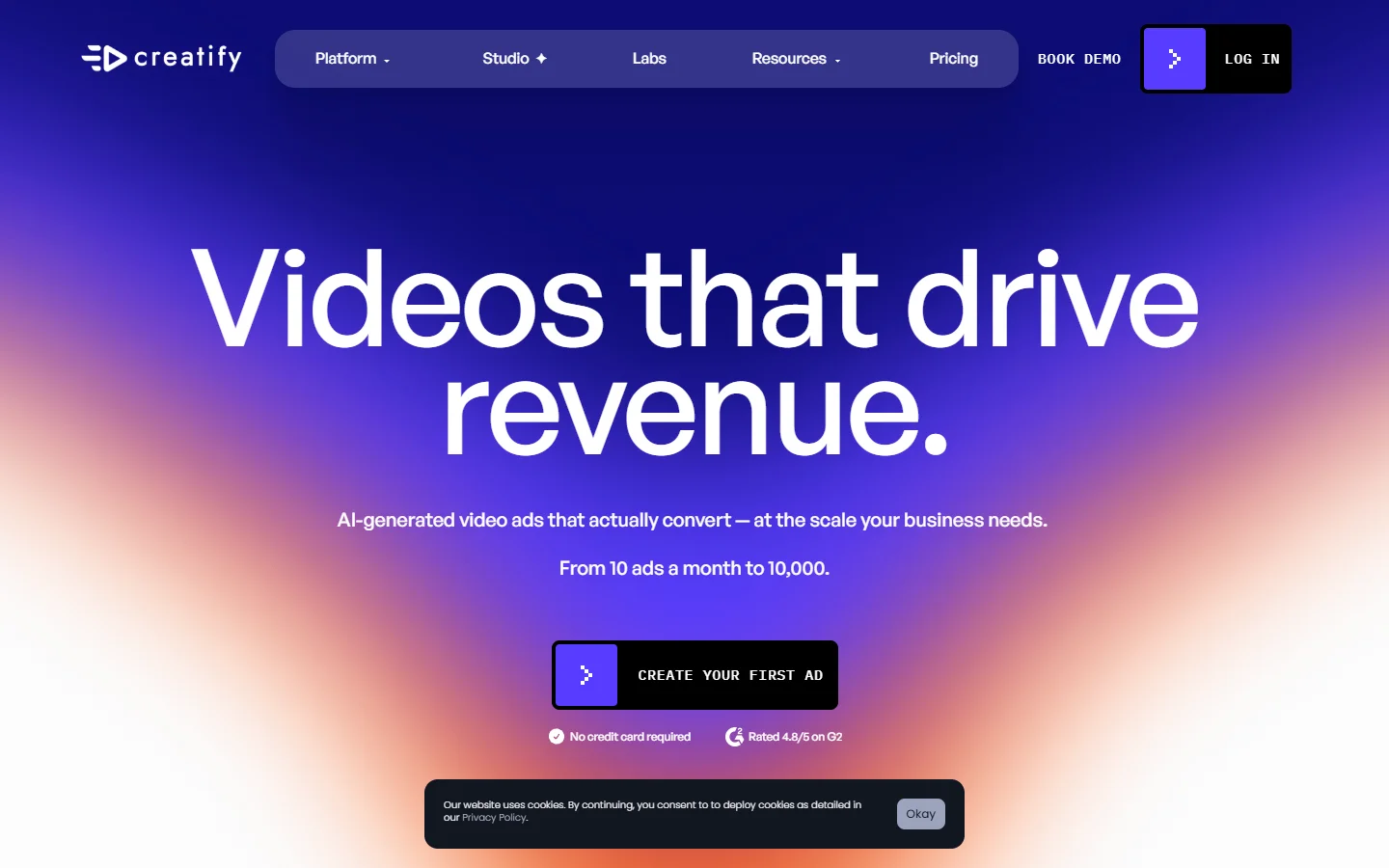

- Creatify - Strength: closest match to TopView's product-link-to-ad flow, built around batch variant output · Weakness: avatar library feels repetitive once you have shipped a few dozen ads · Best for: teams who want the same workflow with more throughput
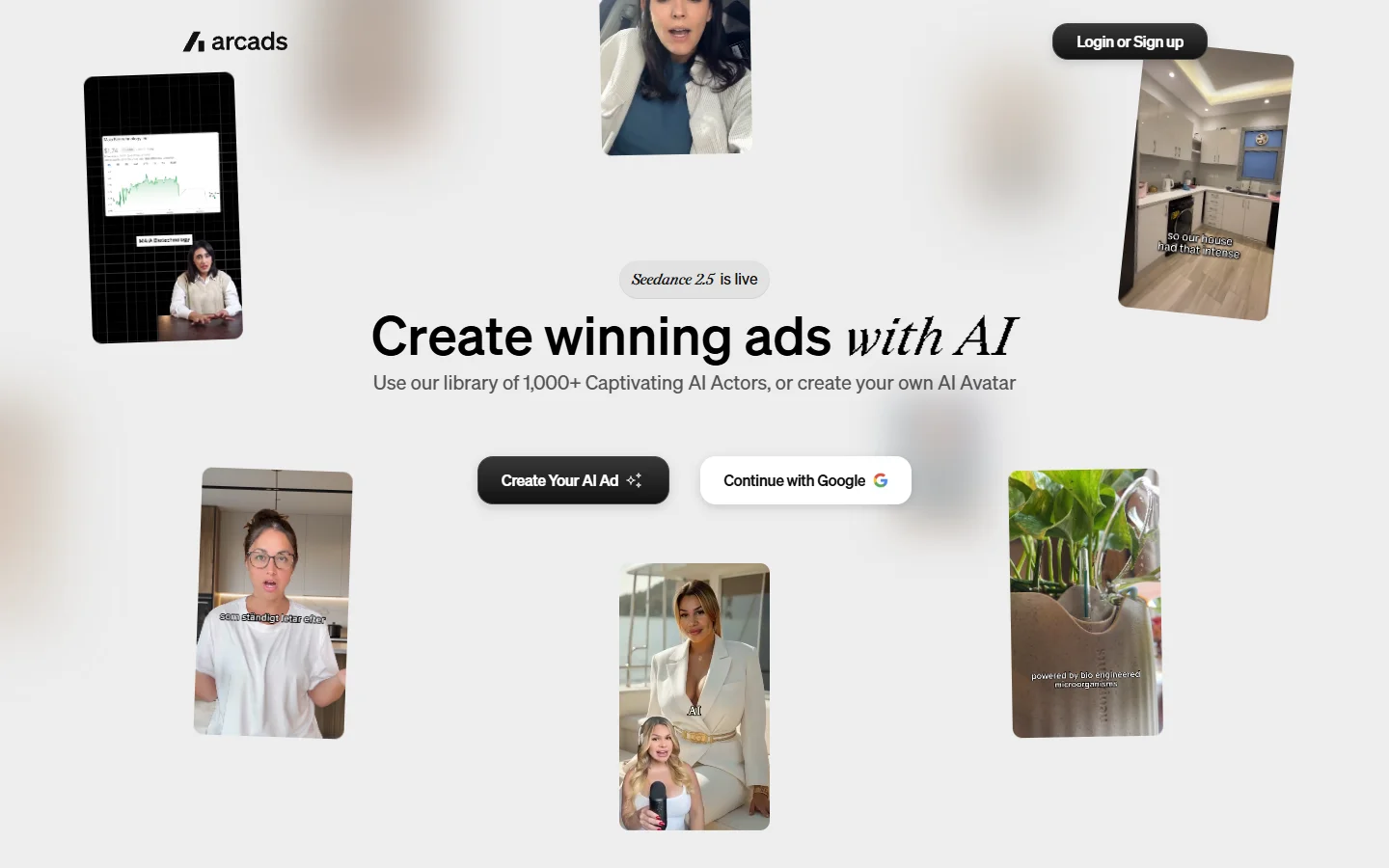
- Arcads - Strength: scripted actor performances read as human more often than avatar-first tools · Weakness: you write the script, so it does not save you the hard part · Best for: scripted UGC where the copy is already good
- HeyGen - Strength: strongest avatar fidelity of the group plus a documented API · Weakness: it is an avatar engine, not an ad producer, so assembly is your job · Best for: pipelines that need avatars as a component
- Synthesia - Strength: enterprise controls, brand consistency, long-form presenter video · Weakness: tuned for corporate communication rather than scroll-stopping social ads · Best for: training and internal video, not paid social
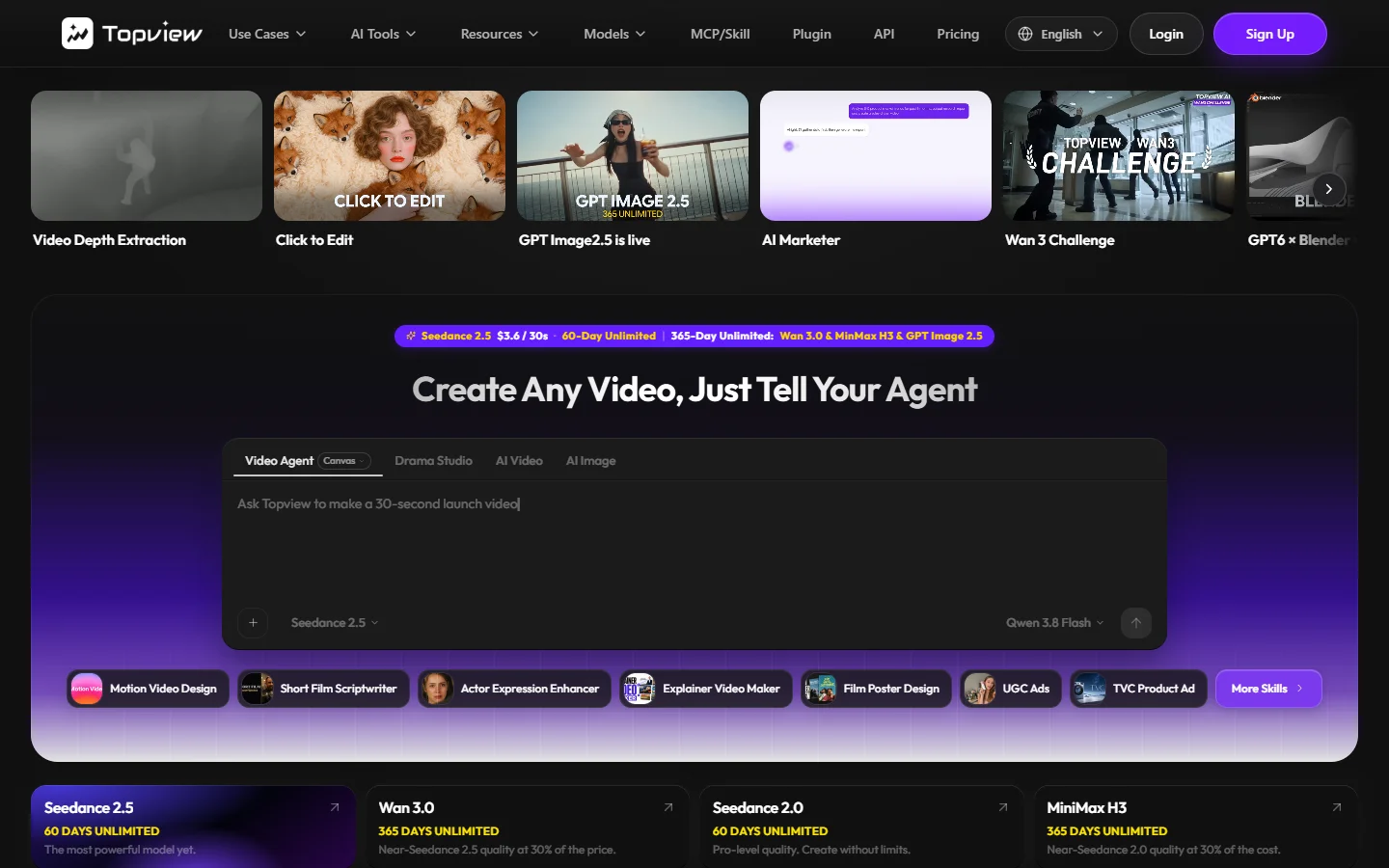
- TopView - Strength: genuinely fast from a product URL to a watchable draft · Weakness: credit model punishes uneven months · Best for: solo operators testing concepts at low volume
If avatar quality is the sticking point, the Synthesia alternatives comparison is a better starting point than this list, because it grades presenters rather than ad workflows.
The automation wall most comparisons skip

Here is the detail that changes the decision for anyone running volume. TopView's pricing page attaches a 60-day unlimited Seedance allowance to its Ultra tier, then states plainly that the unlimited access is web interface only and is not accessible on MCP, CLI, API or other automation methods. Read that next to the credit rates above and the picture inverts: the cheapest capacity on the platform is the capacity a script cannot touch.
That single line is why the third group from earlier does not stay. If your process is a person opening a browser, unlimited web access is a good deal. If your process is a queue, it is worth nothing, and you are back to paying $0.176 a credit for the calls you can actually automate. Teams that hit this point usually stop shopping for a generator and start assembling a pipeline they own, where the script, the avatar pass and the render are separate steps behind one endpoint they control; see how that is put together.
The trade is real and worth stating honestly. A pipeline costs a day of setup that a wizard does not, and it only pays back above roughly thirty videos a month. Below that line, the browser is fine and switching is a distraction. Our guide to automating video production walks the same threshold in more detail.
How to choose without switching twice
Pick on the constraint that is actually biting. If drafts look wrong, the fix is upstream in scripting and casting, and no replatform will help. If you run out of credits, compare annual pools against monthly resets before you compare feature lists, because rollover policy moves real money. If a human is the bottleneck, judge tools on API surface first and output second, since you can improve a mediocre render in post but you cannot script a product that has no endpoint. The marketing video workflow guide covers the upstream half of that.
One more piece of advice that costs nothing: run the same script through two tools before committing. Most of these platforms have a free tier or a trial large enough for a single comparison, and thirty minutes of testing beats a month of buyer's remorse.
FAQ
What is the best TopView AI alternative? There is no single answer, because the tools optimise for different things. Creatify is the nearest like-for-like swap, Arcads wins on scripted performance, and HeyGen wins on avatar quality with an API attached. Our list of UGC ad tools for agencies breaks the choice down by team size.
Is TopView AI worth the money? At low volume, yes. The Pro plan at $16 a month annually is inexpensive if your videos land at the cheap end of the credit range and you use most of your allowance. It gets expensive when heavier render types pull you toward the 20-credit end.
Do TopView credits roll over? No. TopView states that unused credits do not roll over on monthly plans, so capacity you do not spend in a given cycle is gone. This is the single most common reason teams reprice their stack, and it is worth checking how rival ad platforms structure their plans before you commit to another annual term.
Does TopView have an API? It has automation surfaces, but the 60-day unlimited Seedance allowance on the Ultra tier is explicitly restricted to the web interface and excluded from MCP, CLI and API use. If automation is your goal, check exactly which capacity your plan exposes to scripts before you buy.
Are there free TopView alternatives? Most competitors offer trials rather than durable free tiers, and free output usually carries a watermark. Our roundup of AI video generators without watermarks covers which ones export clean.
How many videos can I make on the Pro plan? Between roughly 48 and 384 a year, depending entirely on render type. The 960-credit annual pool divided by a 2.5 to 20 credit range produces that spread, which is why a flat cost-per-video figure is not meaningful here. If you need a predictable unit cost, programmatic video platforms tend to bill per render instead of per credit.
The short version
The TopView AI alternative question is rarely about video quality. It is about whether your volume, your billing cycle and your process fit a credit-metered browser tool, and those three things are easy to check before you migrate anything. Run your own numbers against the rates above, then decide whether you need a different generator or a different shape of workflow entirely. For most teams shipping under thirty videos a month, the honest answer is that the tool is not the problem.