
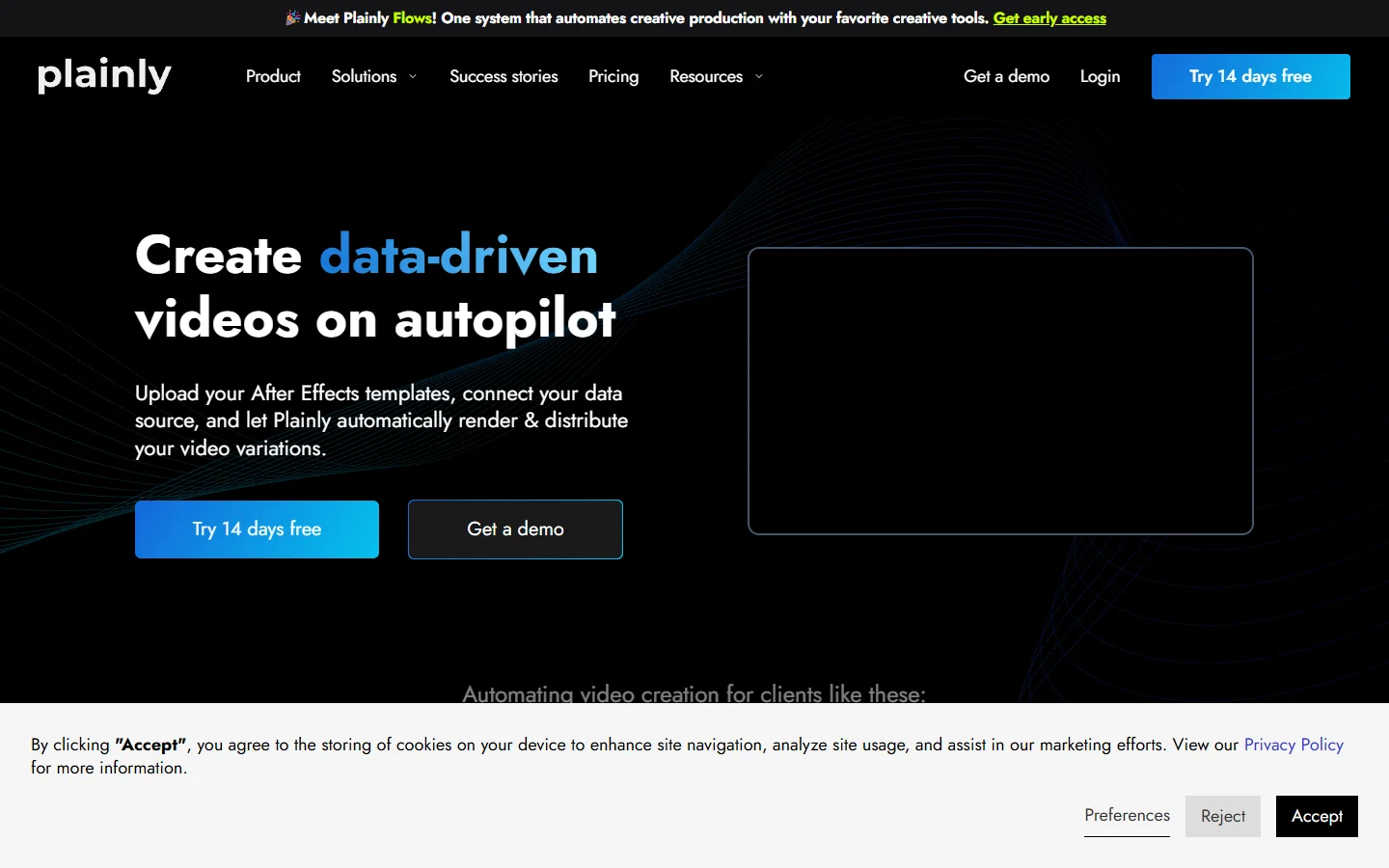
Plainly Videos solved a real problem: it took the After Effects project a motion designer had already built and turned it into a cloud render farm you could hit with a CSV, a Google Sheet, or an HTTP call. Plans run from $69 a month on Starter to $649 on Pro, scaling on render minutes and concurrent slots, with ISO 27001 certification. If your bottleneck is genuinely "we have one great .aep and we need four hundred versions of it," Plainly is still one of the cleanest answers available.
The trouble is that in 2026 a lot of teams no longer have that .aep. The asset is the pipeline, and the pipeline now contains generated product shots, model calls, voiceover, and conditional branches. Teams evaluating programmatic video generation platforms increasingly arrive with no After Effects file at all, which makes an AE rendering service an odd fit no matter how good the rendering is.
So we put seven tools through one question: if you had to produce a hundred short videos a week without a motion designer on retainer, what would you actually run? Ranking criteria, stated up front: how the video is defined (template, code, or graph), whether it needs After Effects, and what happens when the creative brief changes mid-quarter.
What Plainly is genuinely good at
Credit where it is owed. Plainly does not ask your designer to learn anything new. They build in After Effects as always, tag the dynamic layers, and the platform handles render nodes, queue, and delivery. For an agency with a deep AE bench that is a shorter path than any code-first tool here, and the same reason template-driven AI tools for e-commerce product videos still sell well.
Friction shows up on three fronts. Cost scales with render minutes. Every creative change goes back through After Effects and a designer, which is fine quarterly and painful weekly. And generation happens elsewhere: a model-generated background or an AI voiceover has to be produced in another system and fed in, exactly the hand-off headless AI workflow platforms were built to remove.
How we ranked these
Nothing here is scored on feature count. The ordering reflects how much of a video pipeline the tool holds end to end. Tools that only render are marked down against tools that render and generate; tools that need an engineer forever are marked down against tools a producer can maintain. That favours breadth, so if your only need is AE at scale, read the list bottom-up.
The 7 best Plainly Videos alternatives in 2026
1. Wireflow
Verdict: best for teams whose video is generated, not just rendered.
Wireflow is a node canvas rather than a template renderer. You lay out a video build as connected nodes: a scene brief feeding an image model, that image feeding a video model, the clips feeding a compositor, and the graph runs as one job. It tops this list because of the problem above. Most teams shopping for a Plainly alternative have a brief, a product photo, and a deadline rather than a finished template, and a rendering service cannot help with the two thirds of the work happening before the render. Wireflow's answer is to let you build the pipeline itself rather than queue a job against someone else's, so the brief, the product image, and the finished clip are all steps you control.
The honest limitation is that this is a different mental model. If your muscle memory is After Effects, the canvas feels unfamiliar for a week, and there is no way to import an .aep and have it just work. It is also the wrong pick if your videos are identical apart from swapped text, because a template engine does that with less ceremony.
2. Creatomate
Verdict: best template-based API for teams who want out of After Effects.
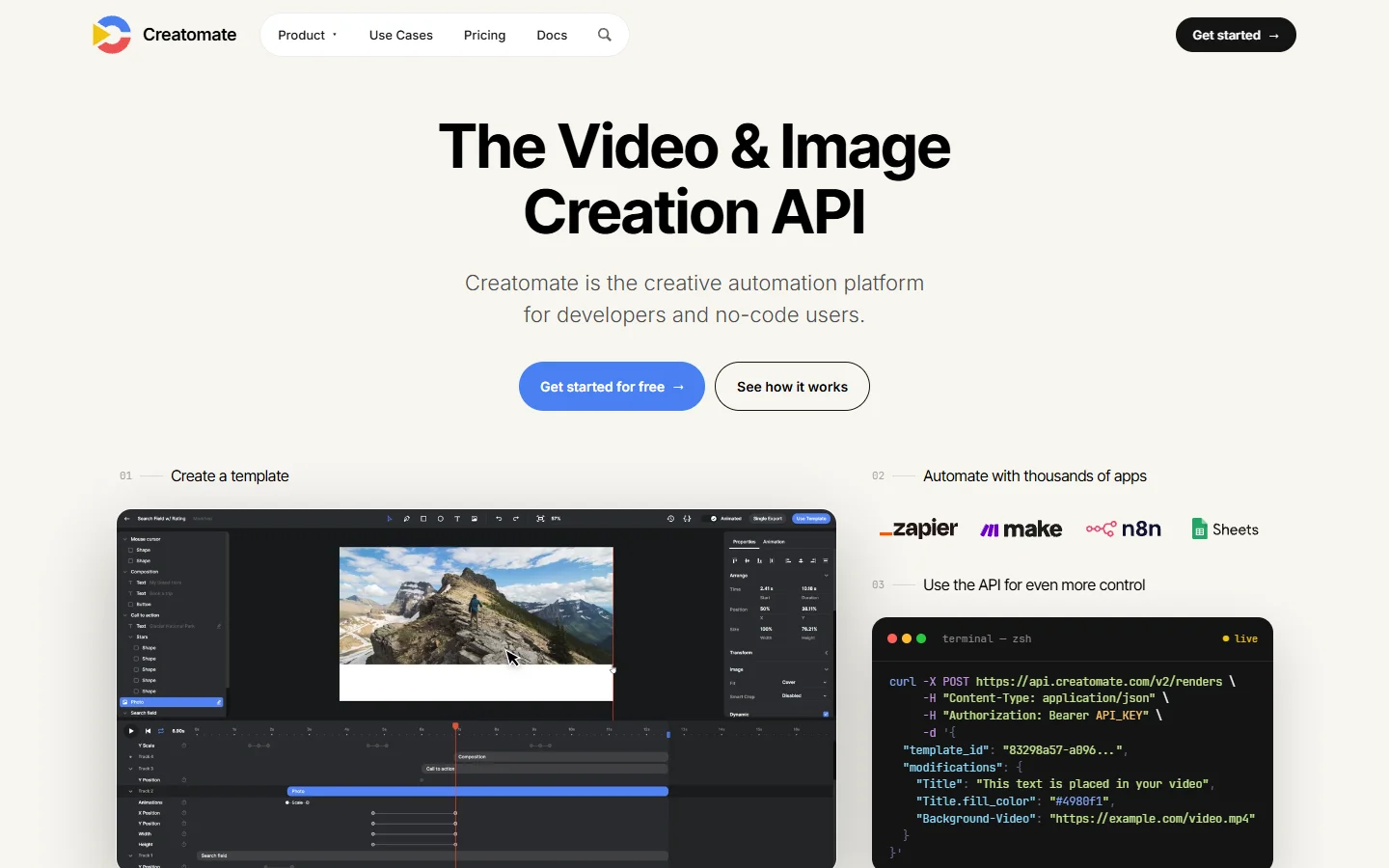
Creatomate is the closest like-for-like swap and the first place most people should look. Templates are built in a browser editor rather than After Effects, and every element is addressable over a JSON API. That removes the designer-in-the-loop bottleneck without abandoning templates, and it drops straight into Zapier and Make.
Where it falls short is fidelity ceiling: complex AE expressions, particle work, and plugin-heavy compositing do not survive the move. Teams building social media video at volume usually find that trade easy.
3. Shotstack
Verdict: best pure video API for engineering teams.
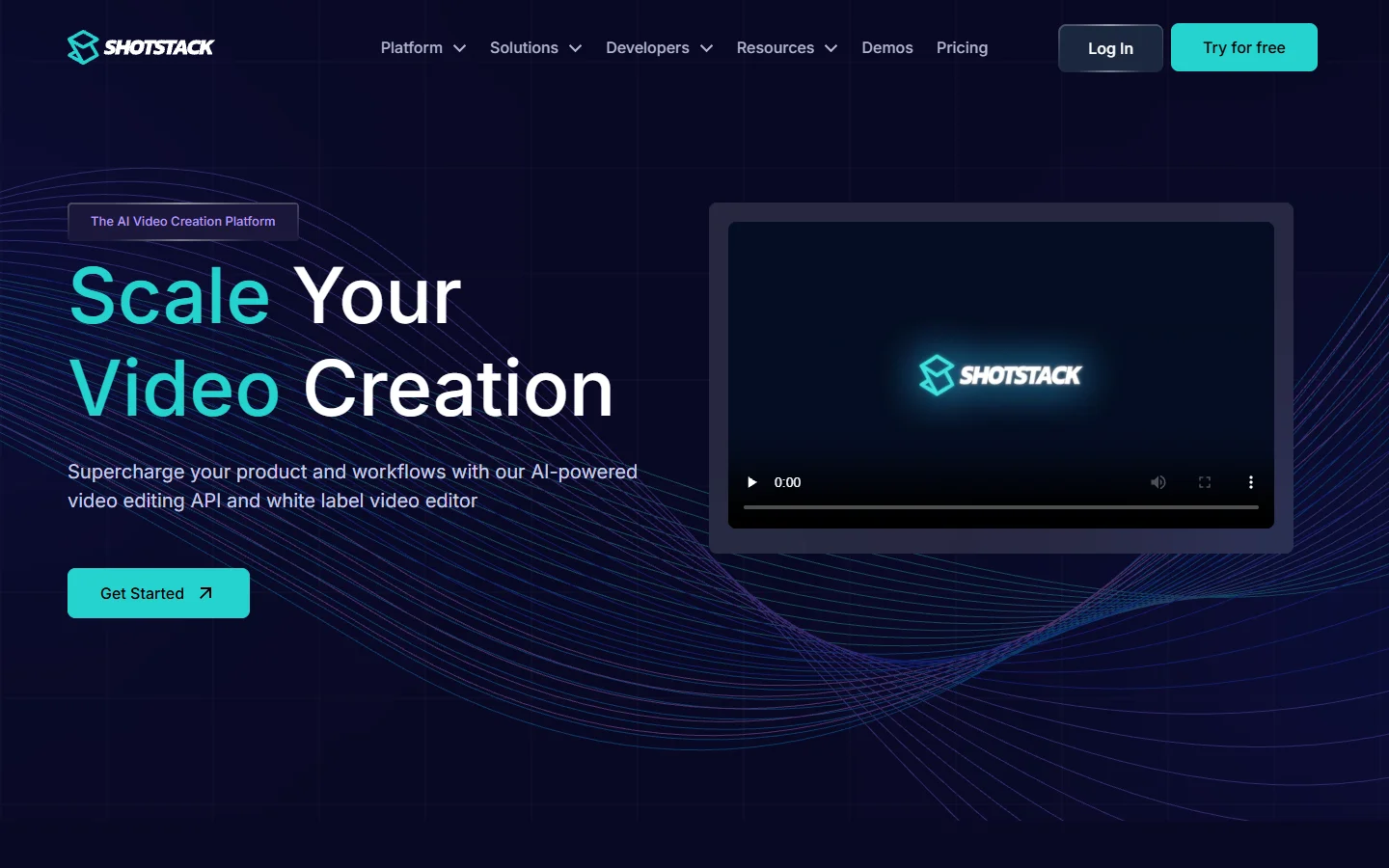
Shotstack treats a video as a JSON edit decision list: tracks, clips, transitions, and asset URLs posted to a render endpoint. There is no timeline UI at the centre of the product, and that is the point. If the spec is generated by your own code, this is the least opinionated option here.
The catch is familiar to any developer-first tool: a producer cannot change the creative without a ticket. Shotstack also expects your assets to already exist, so it sits alongside your generation stack rather than replacing it, much like the orchestration APIs it ships next to.
4. Remotion
Verdict: best for React teams who want the video in version control.
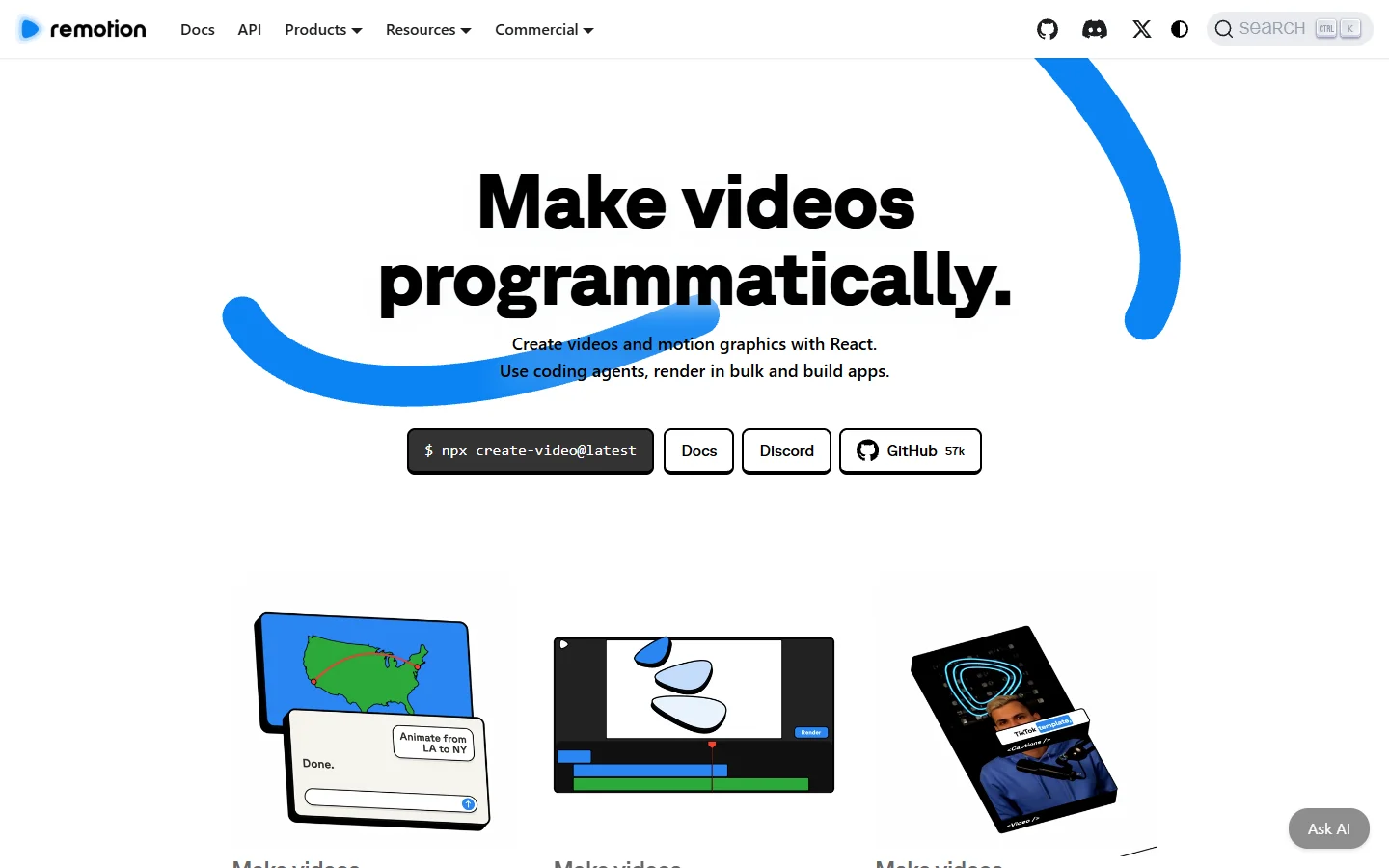
Remotion makes video out of React components. Frames are functions of time, the composition lives in your repo, and you render locally or on Lambda. For teams already writing TypeScript this is the most powerful option here, because the full language is available inside the video: loops, conditionals, data fetching, tests, code review.
It is also the most demanding. Someone owns the render infrastructure or pays for hosted Lambda, and non-engineers cannot touch it. Remotion is a framework, not a service. The same warning applies to most AI node editors with an API once the graph passes a few dozen steps.
5. nexrender
Verdict: best free option if you must stay in After Effects.
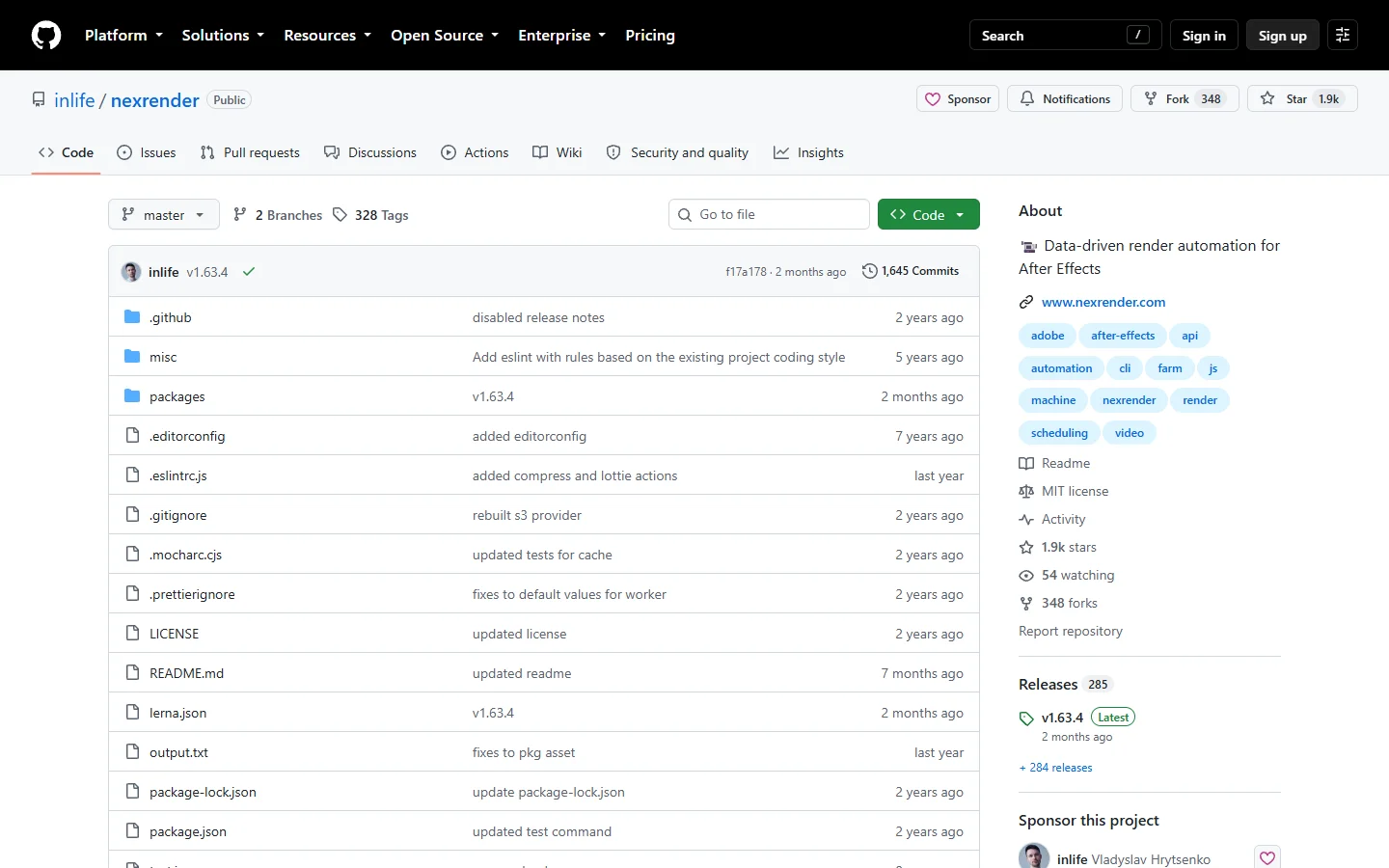
nexrender is the open source ancestor of this category: a job runner that drives aerender on a machine you own, with a JSON job spec that patches layer values before rendering. It is free, well understood, and does the same technical job Plainly does.
What you give up is everything around the render: the licensed After Effects box, the queue, the retry logic, the storage, the monitoring. Plenty of teams run it happily for years; others discover after a quarter that their free option costs a part-time ops engineer.
6. Bannerbear
Verdict: best for high-volume simple assets, images especially.
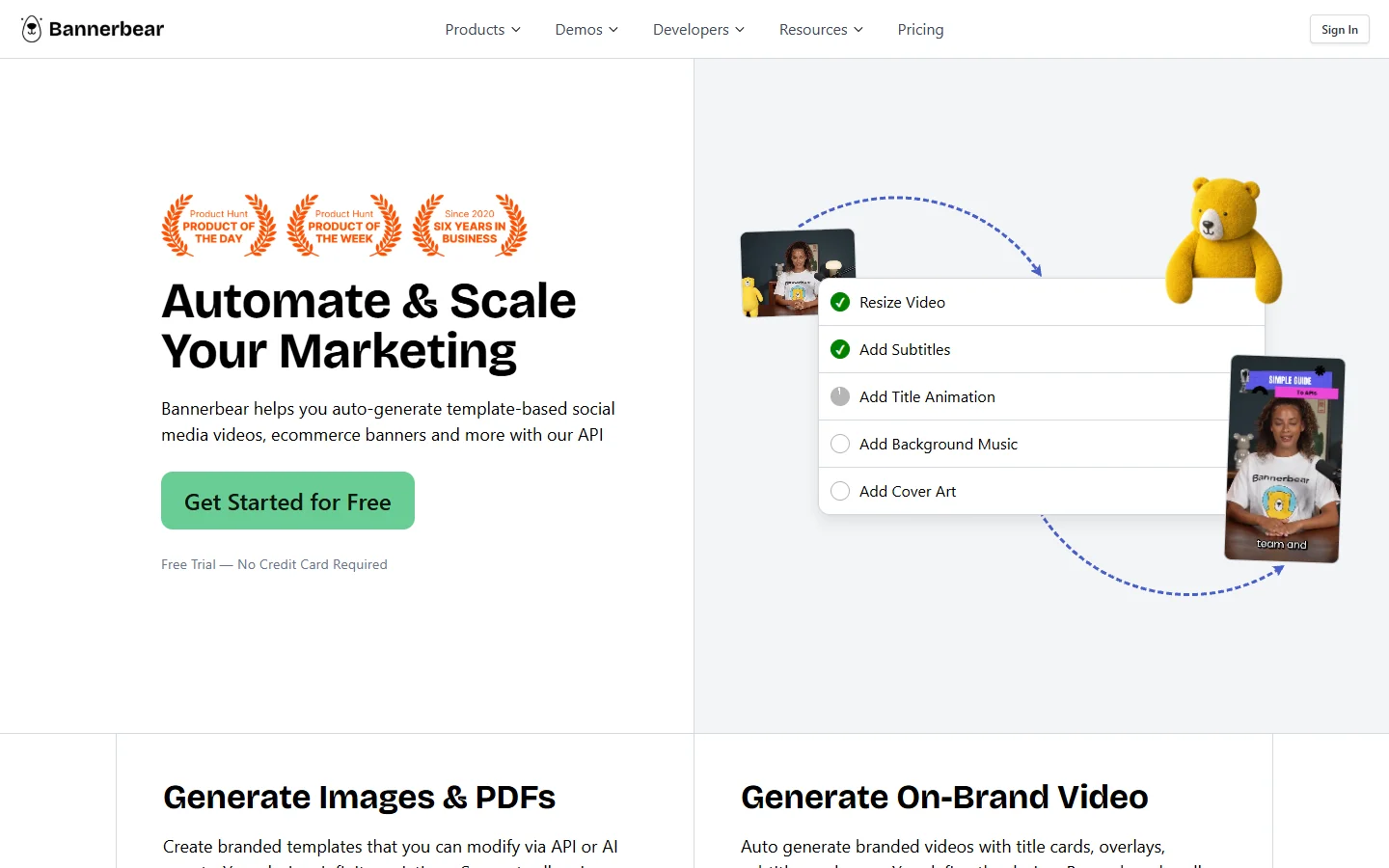
Bannerbear is an automated media API that started with images and grew video afterwards, and that history is visible. For social cards, thumbnails, and short text-over-footage clips driven by a spreadsheet or a webhook, it is quick to set up and reliable.
Push it toward real motion work and the ceiling arrives quickly. Treat it as an asset factory rather than a video platform and it is good value, particularly for teams whose real need is marketing videos produced on a schedule.
7. Pirsonal and Idomoo
Verdict: best for enterprise personalised video at large scale.
These two sit in a different market segment and are grouped for that reason. Both are built for one-to-one personalised video: insurance renewals, bank statements, onboarding sequences keyed to individual customer records, with the compliance and CRM integration that implies.
If that is your use case they are more appropriate than anything above them, so read the ranking as narrow fit rather than worse tool. Teams evaluating personalised presenter video should also look at the Synthesia alternatives for AI avatar video, which overlap heavily with this segment.
Side by side
- Plainly · Strength: renders real After Effects projects in the cloud with no infrastructure · Weakness: creative changes need a designer and an .aep · Best for: agencies with an existing AE library
- Wireflow · Strength: generation and assembly on one node canvas · Weakness: no After Effects import, new mental model · Best for: teams building the pipeline, not just the render
- Creatomate · Strength: browser templates plus a clean JSON API · Weakness: fidelity ceiling below AE · Best for: marketing teams leaving After Effects
- Shotstack · Strength: composable JSON edit API · Weakness: engineer required for every change · Best for: product teams embedding video
- Remotion · Strength: full programming language inside the video · Weakness: you own the render infrastructure · Best for: React shops
- nexrender · Strength: free and open source · Weakness: you run the machines · Best for: technical teams committed to AE
- Bannerbear · Strength: fast and reliable for simple assets at volume · Weakness: limited motion capability · Best for: social and listing assets
- Pirsonal and Idomoo · Strength: personalisation at enterprise scale · Weakness: enterprise pricing and onboarding · Best for: regulated one-to-one video
How to actually choose
Start with a question that has nothing to do with features: where does the creative live today? If it lives in an .aep a designer maintains, your shortlist is Plainly and nexrender, and the choice is whether you would rather pay a subscription or an ops engineer. If it lives in a spreadsheet and a rough idea, it is Creatomate and Wireflow. If it lives in your codebase, it is Shotstack or Remotion. Most bad purchases here come from picking the tool before answering that question, the same failure mode we saw across AI canvas platforms with API access.
The second question is what changes most often. Tools optimised for volume assume stable creative and varying data, and that breaks the moment marketing wants a new hook every fortnight. If your variation is creative rather than data, weight the graph and code tools higher. Teams producing Amazon listing video at scale tend to hit this wall around month three.
FAQ
Is there a free Plainly Videos alternative?
Yes. nexrender is free and open source and automates After Effects rendering the same way. You supply the hardware and the After Effects licence, so it is free in software terms rather than in total cost. Remotion's framework is also open source, with charges only on the hosted Lambda render path.
What does Plainly Videos cost?
Published plans run from $69 a month for Starter through Explorer at $134 and Team at $259, up to $649 for Pro. Tiers differ mainly on render minutes, concurrent slots, storage, and retention, so the practical cost driver is minutes rendered rather than seats. Most compared video generators price on a similar output basis.
Do any of these alternatives work without After Effects?
Most of them. Creatomate, Shotstack, Remotion, Bannerbear, and Wireflow all define video without touching After Effects. Only Plainly and nexrender require an .aep, which is the single biggest fork in this decision.
Which alternative is best for a developer building video into a product?
Shotstack if you want a stable JSON contract and no infrastructure to run, Remotion if you want the composition inside your own codebase and will own rendering. A useful test is whether video is a feature of your product or an output of your marketing. The complete guide to programmatic video platforms covers that split in more depth.
Can I migrate my existing After Effects templates to another tool?
Not directly, and anyone claiming otherwise is overselling. Moving off AE means rebuilding the creative in the target format. The usual approach is to keep Plainly or nexrender running for the legacy library while new work is built in the replacement, then let old templates age out, the same staged pattern teams use when moving to node-based workflow platforms.
How many videos per month justifies moving off manual editing?
The threshold most teams report is roughly twenty to thirty videos a month with repeating structure. Below that, a human editor is cheaper and faster. Above it, the setup cost of anything on this list pays back within a quarter, the same arithmetic behind batch generation via API on the image side.
The short version
Plainly is not a bad product, and if your work is genuinely After Effects at volume it may still be the right one. It keeps losing deals in 2026 because the shape of the job changed underneath it: the hard part moved from rendering the template to producing everything that goes into it. Pick the tool covering the widest slice of your actual pipeline, not the one that renders fastest. That means graph and code tools for most new builds, and template services for teams protecting an existing library.