

Every few months someone publishes a ranked list of AI video tools for Amazon sellers, and every few months the ranking is wrong for most of the people reading it. Not because the tools are bad, but because the tool is rarely the constraint. The constraint is the product photo you feed it, the spec sheet Amazon enforces at upload, and how many SKUs you have to get through before the end of the quarter.
That last number is the one that changes the answer. A seller with four hero products and a decent photographer has almost no reason to use AI video at all. A seller with 180 variants across three brands has no realistic alternative. Between those two extremes sits everyone actually searching for this, and the honest answer is that the best AI tool for Amazon listing videos in 2026 is whichever one survives your specific bottleneck. This piece is about identifying that bottleneck first, then matching a tool to it, which is the reverse of how most of these roundups are written. If you have not yet solved the input side, the product photography problem comes first and no video model will paper over it.
We tested against the same brief throughout: one clean product still, a 20 to 30 second listing video, no watermark, exported at a resolution Amazon will accept without a re-encode. Anything that could not clear that bar was dropped, including every tier that stamps an export with a watermark, because Amazon rejects those on sight.
Start With the Spec Sheet, Not the Model
Amazon's requirements are narrow enough that they disqualify a surprising number of AI exports before quality even enters the conversation. Detail page videos accept 1280x720, 1920x1080, or 3840x2160, in 16:9, as MP4 or MOV with H.264 or H.265, at 1 Mbps or higher, between 6 and 45 seconds, under 500 MB. A+ content video modules run 15 to 60 seconds and need Brand Registry. Frame rate must land on one of the standard broadcast values, so a tool that exports at 60 fps needs a conversion step you now own.
Two things trip sellers up repeatedly. The first is watermarks: free tiers stamp them, and Amazon rejects them, which makes most "free AI video generator" recommendations useless for this specific job. Anyone evaluating on price should read the watermark landscape for 2026 before committing to a plan, because the paid tier is the only tier that matters here.
The second is aspect ratio. A large share of AI video tooling is built for TikTok and Reels first, so 9:16 is the default and 16:9 is an afterthought. Generating vertical and cropping to 16:9 costs you the top and bottom of the frame, which is usually where the product was. Check the native export ratio before you check anything else.

The Real Bottleneck Is Product Fidelity
Video models hallucinate. For cinematic footage that is a feature. For a listing video it is a compliance risk. If the model quietly changes your bottle cap from matte black to gloss, adds a second seam to a fabric strap, or renders a label with letterforms that are almost but not quite your brand, you have published a video that misrepresents the item.
This is why image-to-video beats text-to-video for listings by a wide margin. Starting from your real product still anchors the geometry and the colorway, and the model is only asked to move the camera and the light rather than invent the object. The technique is worth understanding properly, and the mechanics of image-to-video conditioning explain why a strong first frame does most of the work.
The practical consequence is that your input still is the single most important asset in the pipeline. A flat, badly lit catalog photo produces a flat, badly lit video no matter which model consumes it. Sellers who fix their stills first, whether by reshooting or by rebuilding backgrounds around the existing product cutout, get noticeably better video output from the same tool on the same settings.
Motion is the other half. Keep it short and physical: a slow orbit, a rack focus onto the texture, a hand entering frame to demonstrate scale. Ambitious prompts produce ambitious failures, and prompt discipline for video output matters more than model choice once you are past the obvious quality floor.
Six Tools Worth Testing, Grouped by the Job They Do
These are not ranked. They are sorted by the situation they fit, because the situations do not overlap much.
PixVerse
PixVerse has leaned hard into ecommerce with its Ad Master templates, which is unusual for a general video model. It is the closest thing to a default if you want product-ad structure handed to you rather than assembled by hand, and it holds 16:9 without a fight. Under the templates it is doing ordinary still-to-motion conversion, so the quality ceiling is set by your input photo rather than the preset.

- Strength: templated product-ad flows, ecommerce-aware presets
- Weakness: templates start to look like templates across a large catalog
- Best for: sellers who want a listing video today without building a process
Creatify
Creatify takes a product URL and builds an ad from it, which is a genuinely different entry point. For Amazon specifically the output skews toward paid social rather than the detail page, so treat it as an ad tool that can also produce listing assets rather than the other way around. If ad creative is the actual goal, the wider ad generator field is worth surveying before you settle.

- Strength: URL-to-video ingestion, fast ad variants
- Weakness: house style leans ad-native, not detail-page-native
- Best for: sellers running Sponsored Brands video alongside listings
Runway
Runway remains the option for people who care about how the shot looks. Camera control is the best in the group and the motion is the least plasticky. It is also the least automated, which means it rewards someone who knows what a good product shot looks like and punishes everyone else. Sellers who find the per-clip cost hard to justify at catalog scale usually end up surveying the cheaper alternatives in the same tier.

- Strength: cinematic control, credible lighting and camera moves
- Weakness: no ecommerce scaffolding, slower per asset
- Best for: hero SKUs where the video is doing real persuasion work
HeyGen
HeyGen solves a different problem: the talking presenter. For products that need explanation rather than display, supplements, tools, anything with a "how do I use this" objection, an avatar segment converts better than another orbit around the box. Pair it with a real voice track if you can, since synthetic delivery is the part viewers notice first and voiceover quality is its own discipline.

- Strength: avatar presenters, multi-language variants of one script
- Weakness: avatars still read as avatars to attentive viewers
- Best for: products where the listing has to teach, not just show
Kling
Kling is the value pick on raw image-to-video quality per credit, and its physics on cloth, liquid, and hair are better than the price suggests. The interface is the weak point and batch work is awkward. Prompt structure for Kling differs enough from the others that copying prompts across tools will disappoint you.
- Strength: strong image-to-video fidelity, competitive credit pricing
- Weakness: batch handling and asset management are thin
- Best for: soft goods, apparel, anything where material behavior sells
Wireflow
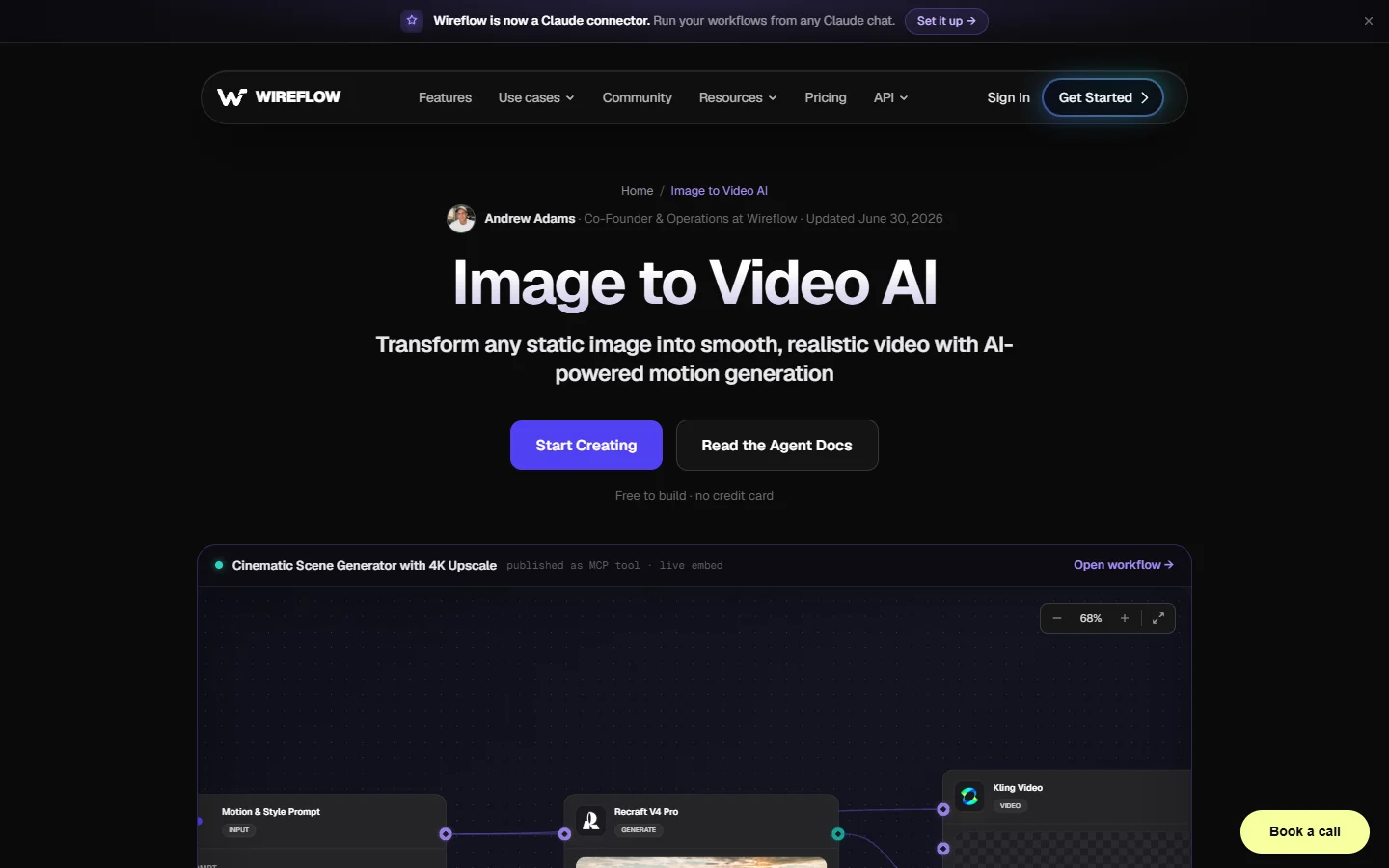
Wireflow is the outlier in this list because it is not a video model. It is a node canvas that chains models together, so a listing video becomes a graph: still in, background clean-up, image-to-video, upscale, audio, export. That is overkill for one product and close to necessary at 80. It sits in the same category as the other headless workflow platforms that emerged over the past year, with a canvas instead of a config file.
- Strength: multi-model chaining, repeatable across a catalog
- Weakness: you have to build the graph before you get anything
- Best for: catalogs large enough that per-SKU manual work has stopped scaling
A Sequence That Survives Forty SKUs
Single-video advice falls apart at volume, and volume is where most Amazon sellers actually live. The pattern that holds up is to stop treating each listing video as a creative project and start treating it as a pipeline with fixed stages: normalize the still, generate 3 to 5 second motion beats, assemble, add audio, export to spec. Each stage gets one setting that you change per SKU and nothing else. Teams that get this working tend to land on a visual AI workflow builder rather than a single generator, because the assembly and export stages are where the manual hours actually go.
The beat structure matters more than any individual clip. Three to five short segments outperform one long generation: product reveal, a detail or texture push, a scale or in-use shot, then the packaging or bundle. Generating in beats also means a bad clip costs you four seconds of regeneration instead of thirty, and the multi-shot approach to AI video is now well enough understood that stitching no longer looks stitched.
Audio is the cheapest win left. Most listing videos autoplay muted, so on-screen text carries the message, but the sellers who add a light bed and a few sound effects see the unmuted watch-through hold longer. Keep the first two seconds visually loud, since social-first video habits have trained shoppers to leave fast.
Where AI Listing Videos Still Fail
Text is the first failure mode. Video models still render packaging copy as approximate letterforms, which on a supplement label or an ingredient panel is a real problem rather than a cosmetic one. The fix is to keep generated motion away from any surface with readable text and overlay your own typography in the edit.
Hands are the second. Scale demonstrations are the most valuable shot in a listing video and the hardest to generate cleanly, and viewers spot a wrong finger count instantly. Sellers who care about this shoot a plate of a real hand and composite it, which is also roughly the argument made in the UGC generator comparisons where the same problem shows up at scale.
Third is drift across a catalog. When each SKU is generated independently with slightly different prompts, the brand looks incoherent in aggregate even though each video passes on its own. Locking a prompt template and a single motion vocabulary per brand fixes it, which is another argument for treating this as a programmatic pipeline rather than a series of one-offs.
FAQ
Does Amazon allow AI generated listing videos? Yes. Amazon has no policy against AI generated video as such, but it does enforce accuracy: the video must represent the actual product, with no watermarks, competitor references, pricing claims, or contact details. The risk with generative video is specifically that a model alters the product without you noticing.
What is the cheapest way to make a listing video that Amazon will accept? Take one clean product still, run it through an image-to-video model on a paid tier for watermark-free export, generate three short beats, and assemble them to 20 to 30 seconds at 1920x1080. Entry plans on most of the tools above run roughly $15 to $30 a month, which is well under a single product shoot. The ecommerce product image guides cover getting the input still right on the same budget.
How long should an Amazon listing video be? Amazon accepts 6 to 45 seconds on detail pages and recommends staying at or under 30. In practice 20 to 30 seconds is the working range, with the product visible inside the first two seconds because most views start muted and end early.
Is image-to-video better than text-to-video for products? For listings, consistently yes. Text-to-video invents the object, image-to-video moves the one you supplied. Since the object in question is a real SKU that a customer will receive, anchoring to a real photograph is the only approach that reliably keeps the colorway, proportions, and materials correct. Most current models expose this as a first-frame input, and conditioning a generation on a reference frame is a documented parameter rather than a trick.
Can one tool handle the whole listing video end to end? Rarely, once you count the input still, the motion, the audio, and the export. Most sellers end up with two or three tools, or a chained setup that calls several models in sequence, which is why marketing video production has been converging on orchestration rather than single-app workflows.
Do listing videos actually move conversion? Amazon's own merchandising guidance and most seller-side testing point the same direction, with the effect strongest on products that are hard to judge from stills: anything where size, texture, or assembly is the objection. For a commodity item with three clear photos, and especially one with strong still photography already in place, the lift is smaller and the video is mostly defensive.
What resolution should I export? 1920x1080 is the practical default. 4K is accepted but the file size ceiling of 500 MB makes it awkward for longer cuts, and Amazon's player does not reward it enough to justify the trouble on most listings.
The Short Version
There is no single best AI tool for Amazon listing videos in 2026, and any article that names one without asking about your catalog size is selling something. If you have a handful of products and want output today, a template-driven ecommerce tool gets you there, though the free-tier options will not, because of the watermark rule. If the video is doing real persuasion on a hero SKU, a cinematic model with proper camera control is worth the extra hours. If you are staring at a hundred variants, the tool question stops mattering and the pipeline question takes over.
What has genuinely changed this year is that the assembly layer got good. Chaining an image model into a video model into an export step used to be a scripting job, and now it is a canvas you can draw, whether that is the Wireflow platform or one of the other orchestration tools that arrived in its wake. Start with your still, respect the spec sheet, keep the motion boring and physical, and the tool choice mostly takes care of itself.