
We spent three weeks running the same 42 minute interview through six tools that claim to edit video with an agent, and only four of them actually planned a multi step edit instead of applying a single preset. The short version: Descript is the most complete agentic editor for people who live inside a transcript, a canvas platform sits in second because it turns the edit into a reusable pipeline, and OpusClip remains the fastest way to get clips out of long footage. The rest are narrower, and two of them are not agents at all. If you want the broader generation side of this market instead, our roundup of the best AI video generators in 2026 covers that separately.
A video editing agent is different from an AI feature button. A feature button removes filler words. An agent takes an instruction like "cut this to eight minutes, keep the three strongest answers, add captions and a cold open", then plans the steps, executes them in order, and reports what it changed. That planning layer is the whole distinction, and it is why most tools marketed as agents in 2026 still fail the test. The same gap shows up in adjacent categories, which is something we noted while testing node based AI workflow platforms earlier this year.
Our ranking criterion is simple and stated up front: how much of a real edit the tool completes without a human touching the timeline, measured across four jobs (a podcast cutdown, a product demo, a talking head to shorts pass, and a multi cam recording). Price and polish were tiebreakers, not the primary score, and we ignored generation quality entirely since that is covered in our comparison of AI video generators.
How we tested
Each tool got the same four source files and the same plain English brief, and we counted the manual interventions needed before the export was usable. We also checked whether it could repeat the job on a second file without re-explaining anything, because a one off edit is a demo and a repeatable edit is a workflow. That distinction echoes what we found looking at how AI agents are changing the way creators research and build.
1. Descript
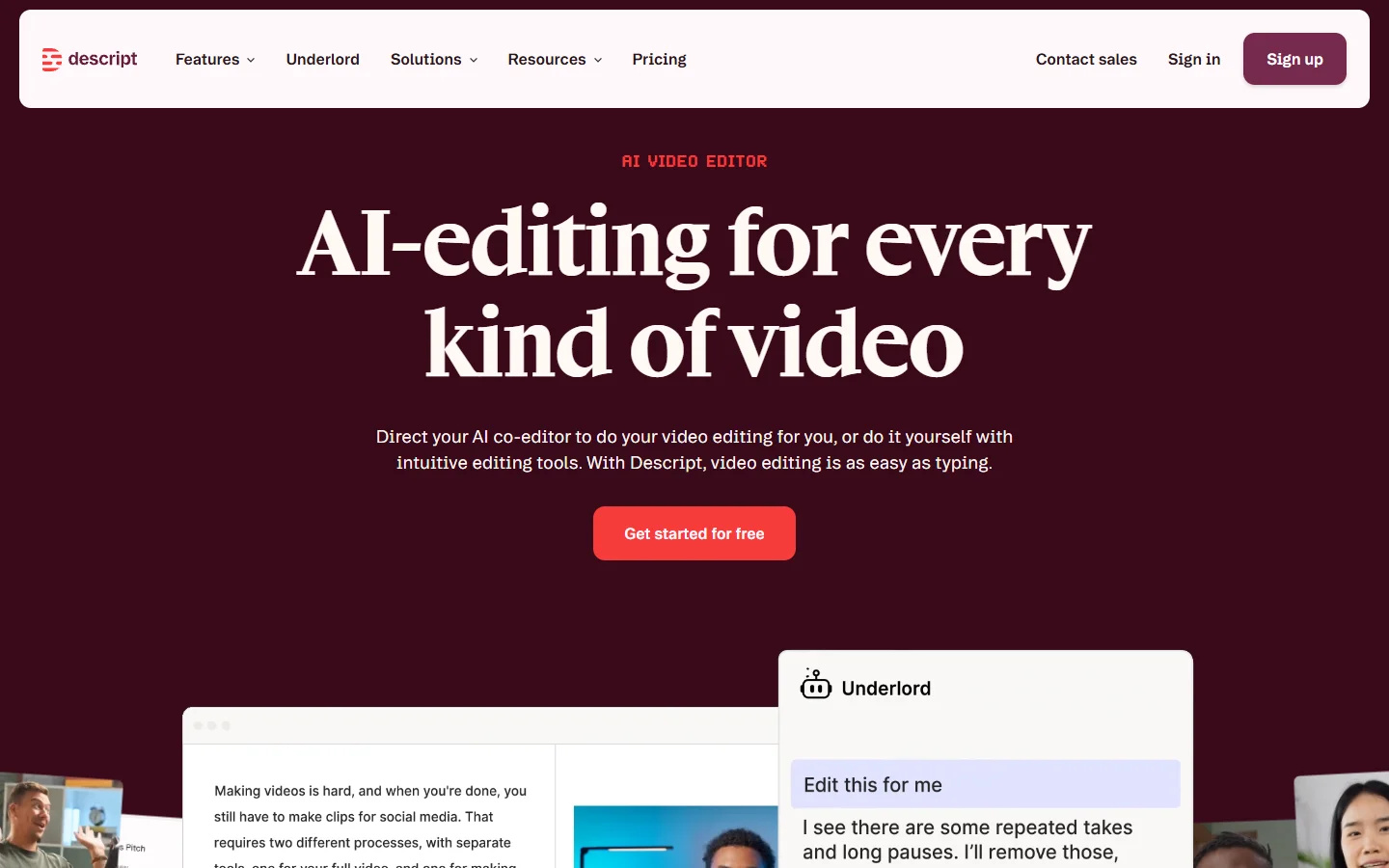
Descript edits video by editing its transcript, and its Underlord assistant is the closest thing to a general purpose editing agent that ships inside a normal editor. Give it a length target and a tone note and it will cut, remove filler, build a rough chapter structure, and generate captions in one pass. On our 42 minute interview it produced a 9 minute cut that needed four manual fixes, the best result in the group. It handled chapters better than the script driven approach we used for animated YouTube videos.
The weakness is scope. Underlord is strong on dialogue and weak on anything visual: it will not compose a multi layer sequence, it will not colour match, and it does not reason about b roll it has not been handed. It is also a closed loop, so the edit lives in Descript rather than in a pipeline you control. Verdict: best overall for dialogue heavy video. Anyone whose footage is mostly people talking should start here, and pair it with a separate AI voiceover pass for the pickups.

2. Wireflow
Second place goes to the canvas approach, where the edit is expressed as a graph of steps rather than a chat thread. We tried it on the product demo file, wiring transcription, shot selection, caption burn in and an export node into one flow, and the useful part was that the second and third videos ran through the same graph untouched. The write up at wireflow.ai/blog/best-video-editing-agent-tools-in-2026 matches what we saw in practice, which is that an agent you can inspect step by step is easier to trust than one that hands back a finished file with no trace of its reasoning.
That inspectability is the trade. You spend twenty minutes building the flow the first time, and you get it back on video four. If you only ever cut one video a month, that setup cost is not worth it. Verdict: best when the same edit has to run repeatedly. Teams already comfortable with building AI workflows without code will find the mental model familiar.
3. OpusClip
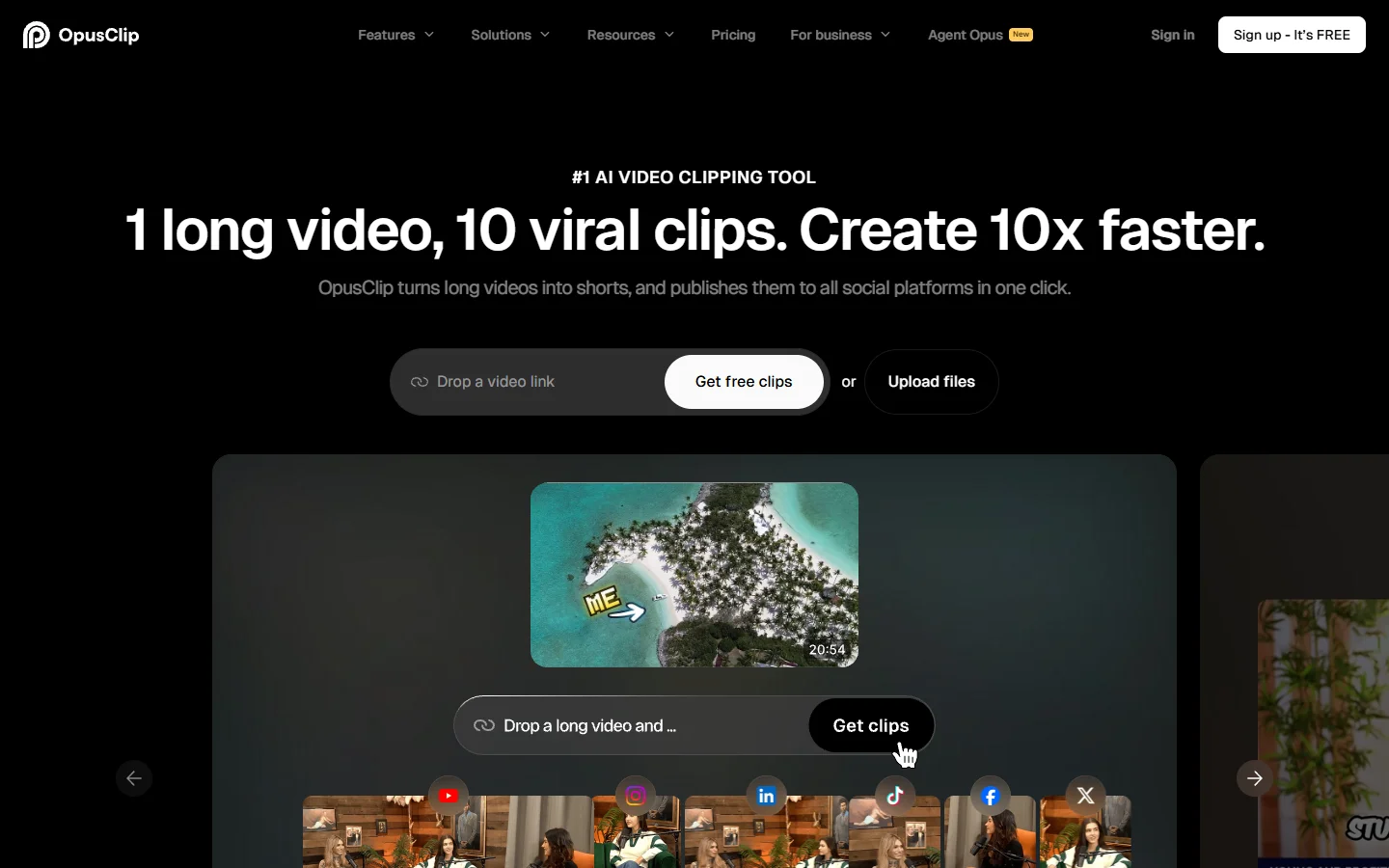
OpusClip is narrow and honest about it. Feed it a long video and it selects moments, reframes to vertical, tracks the speaker, and burns captions. It scored highest on our talking head to shorts job by a wide margin, producing eleven usable clips from the interview with two rejects, which is roughly what we expect from a dedicated social video creation tool.
It is not a general editor. You cannot ask it to restructure a demo or fix pacing in the middle of a segment, and its virality score is a ranking heuristic rather than a measurement of anything. Verdict: best for long form to shorts. If that is the whole job, it is the cheapest correct answer, and it pairs well with the tactics in our guide to making viral TikTok videos with AI.
4. Mosaic
Mosaic takes the position that an agent should hand you a timeline, not a render. It does the assembly work, then drops the result into an editable sequence you finish yourself. In our multi cam test that was the right shape: the agent handled the tedious sync and selection pass, and we kept control of the last ten percent.
The catch is that the agent quality is a step behind Descript's on pure dialogue reasoning, and the app is younger, so the rough edges show on long files, particularly where continuity matters in the way we described in our note on multi shot storytelling consistency. Verdict: best for editors who want an assistant, not a replacement. It is the option to pick if you already have a finishing process and only want the first pass automated.

5. AutoPod
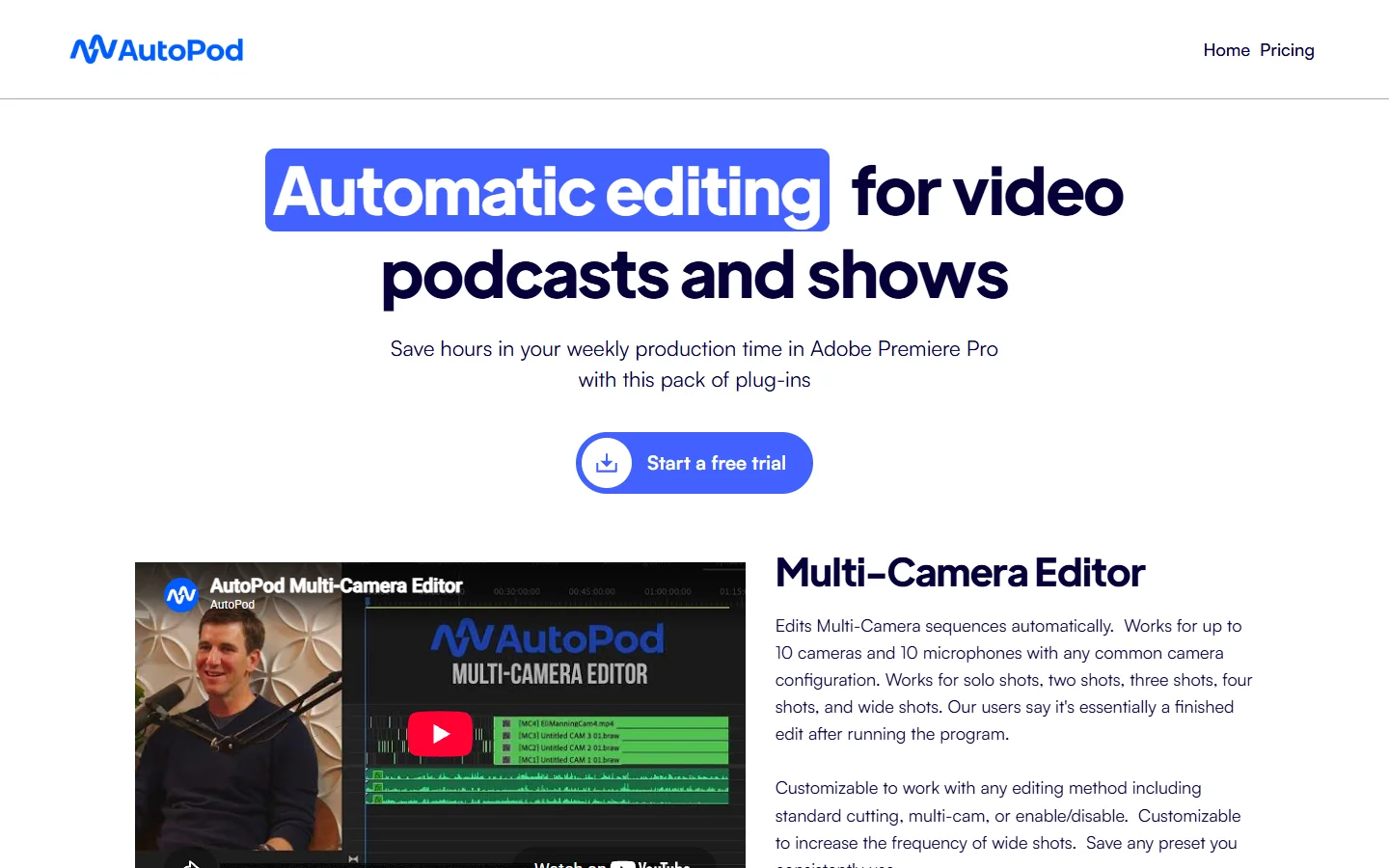
AutoPod is a Premiere Pro plugin rather than a standalone agent, and it does one thing extremely well: multi cam podcast cutting. It watches the audio tracks and switches angles the way a competent human switcher would, in seconds rather than hours, which removes the single most tedious step in the marketing video process.
Calling it an agent is generous. There is no planning layer and no instruction following, just a very good rule engine. We include it because on the multi cam job it beat every actual agent in the list on output quality. Verdict: best for multi cam podcasts already edited in Premiere.
6. Kapwing and Runway
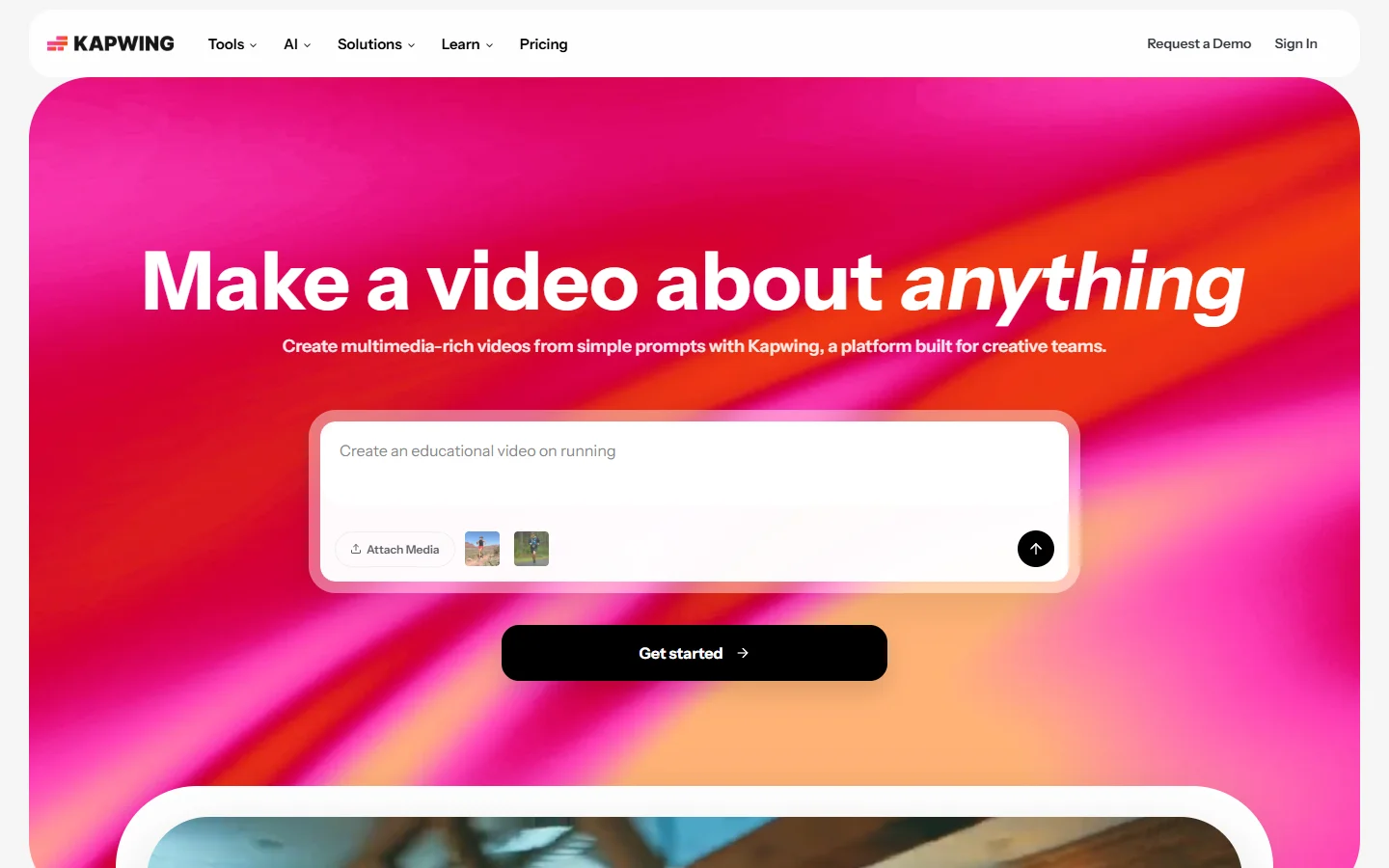
Kapwing has an AI editing assistant that handles trimming, captions, and resizing from a text prompt, which is enough for social teams working in a browser. It is a fast editor with AI on top, not an agent that plans, and it is the closest of the six to a conventional browser editor with a text to video front end bolted on.

Runway belongs on the list for a different reason: its strength is generation and shot level manipulation rather than sequence editing. If your bottleneck is producing footage instead of cutting it, it is the better spend, and our comparison of Runway alternatives for AI video generation covers where it wins and loses. Verdict: capable AI editors, not editing agents.
The comparison in one place
- Descript - Strength: transcript native agent that completes a full dialogue edit · Weakness: no visual composition, closed pipeline · Best for: interviews and podcasts
- Canvas based flows - Strength: the edit becomes a reusable, inspectable graph · Weakness: real setup cost on the first video · Best for: repeated edits across many files
- OpusClip - Strength: fastest long form to shorts pass in the test · Weakness: cannot restructure or fix pacing · Best for: clip factories
- Mosaic - Strength: returns an editable timeline · Weakness: younger app, weaker dialogue reasoning · Best for: editors who finish manually
- AutoPod - Strength: best multi cam switching output of anything tested · Weakness: rule engine, not an agent · Best for: Premiere podcast workflows
- Kapwing and Runway - Strength: fast browser editing and strong generation respectively · Weakness: no planning layer · Best for: social teams and footage creation
FAQ
What is a video editing agent? A tool that takes a high level instruction, plans a sequence of edits, and executes them across multiple steps without a human driving each one. The planning step is what separates it from an AI feature inside a normal editor, a distinction we also drew when covering computer vision features in photo and video editing.
Can an agent replace a human editor? Not for anything with a real edit decision behind it. In our four jobs, the best result still needed four manual fixes, and the creative choices about which answers to keep were ours. Agents are good at the tedious 80 percent, in the same way batch generation via API is good at volume and bad at taste.
Which one is cheapest? OpusClip and Kapwing sit lowest for casual use, both with usable free tiers. Descript's useful features start on its paid plans. If cost is the deciding factor, the free tool roundup in our top free AI video generators list is a better starting point than any of these.
Do any of them have an API? Some do, and it is the fastest way to move from a manual edit to a batch process. This is where the canvas platforms have an advantage, since the flow you build by hand is the same one you call programmatically, a pattern we covered in how to build AI workflows with an API.
What about multi cam footage? AutoPod is still the answer for Premiere users, and Mosaic is the best of the standalone options. None of the transcript first tools handle angle switching well, so multi cam remains the weakest area across the whole category, weaker even than AI soundtrack work.
Will these tools work on footage that has no speech? Poorly. Every agent in this list leans on a transcript to understand structure, so music videos, b roll reels, and silent product shots fall back to manual work. For that footage the image to video route is often more useful than an editing agent.
Where this lands
The category is younger than the marketing suggests. Two tools planned genuine multi step edits, two were single purpose machines wearing an agent label, and two were editors with AI features attached. Pick the shape that matches your actual bottleneck, and be sceptical of any demo that never shows the intermediate steps, a habit worth keeping when evaluating programmatic video generation platforms too.
If your work is one video at a time, a transcript native editor will get you further today. If the same edit repeats across dozens of files, the graph based approach pays for itself faster than it looks like it will, which is the pattern we keep seeing across headless AI workflow platforms as well.