
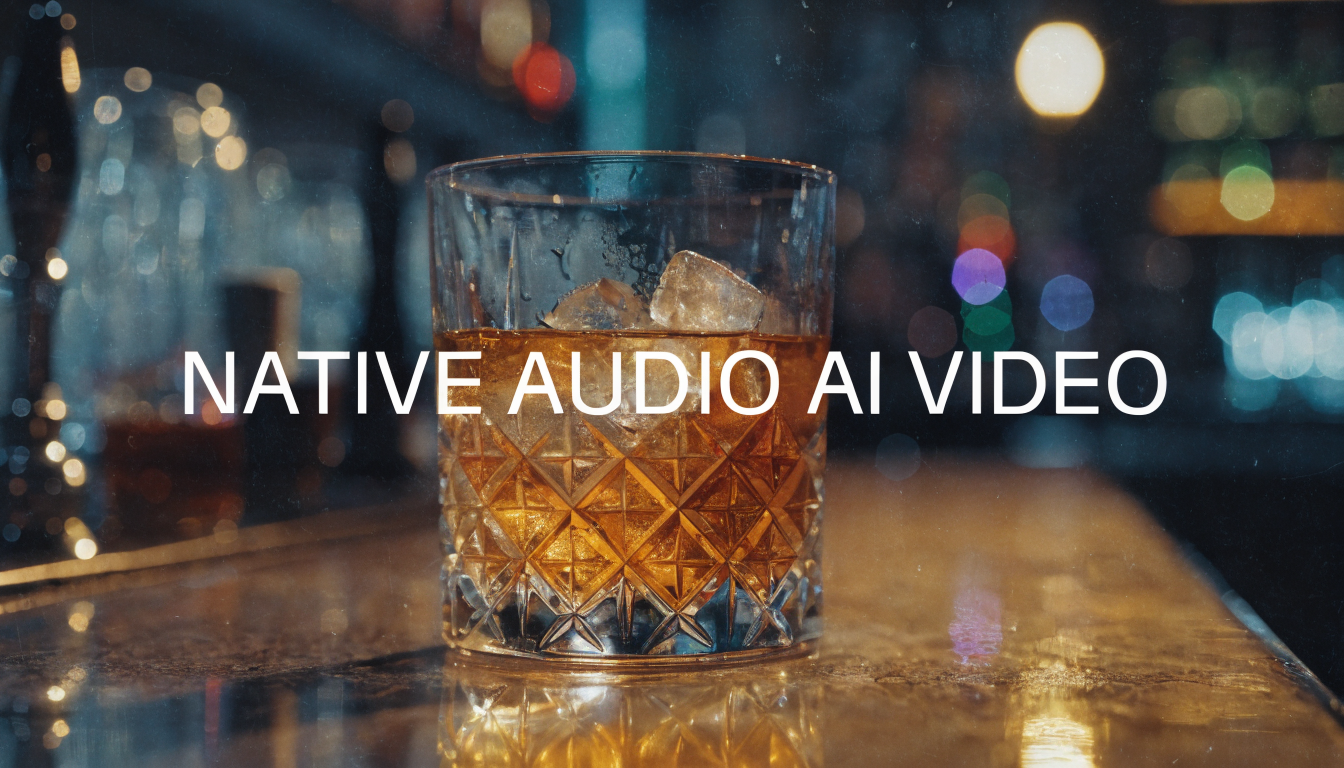
For most of its short history, generative video has been a silent medium. A model would hand you a beautifully lit ten-second clip of rain on a window or a character turning to camera, then leave you to find the rain, the footsteps, and the voice somewhere else. The picture was the product; sound was a separate job, stitched on afterward in an editor. That split is now closing.
The shift is from video you have to score, foley, and dub by hand to video where ambient sound, effects, and spoken dialogue are generated in the same pass as the frames. When a model decides where a door is and how fast it swings, it is also positioned to decide what that door sounds like. Tying the two together at generation time removes the most tedious part of post and tends to produce audio that lines up with the motion on screen. Tools like the AI video generator on our own platform already lean on this, and the newest releases make synchronized audio a default.
This piece looks at why native audio is the meaningful jump for AI video, using ByteDance's newest model as the leading example. Picture quality has largely caught up to what most creators need; the open frontier now is sound that arrives in sync, on the first generation. The community explore videos feed shows how much a clip changes once it carries its own soundtrack.
From Silent Clips to a Full Soundstage
Early text-to-video felt like a foreign film with the audio stripped out. You could read the scene, but it was flat, and any sense of place came from the visuals alone. Sound is half of how an audience reads a moment: the low hum of a server room, the scrape of a chair, the breath before someone speaks. Producing that by hand for a clip that took thirty seconds to make could eat an afternoon, which is why a lot of AI video never left the silent-demo stage.
Native audio reframes the model as a small soundstage rather than a camera. The same prompt that places a subject in a kitchen can populate it with the right reverb, appliance hum, and a voice with believable room tone. For creators who care how a piece feels, this matters as much as resolution, and it pairs with the kind of AI voice generator work people already do for narration. The voice is no longer a separate clip you time against the lips; it comes out attached to the performance.

Seedance 2.1 and Audio in the Same Pass
Seedance 2.1 is ByteDance's newest video generation model, the direct successor to Seedance 2.0 and built on the same unified multimodal foundation. The headline figure is roughly a 20 percent jump in visual quality over 2.0, showing up as steadier rendering, more convincing texture, and fewer of the artifacts that used to give a clip away. Output runs up to 1080p and as high as 2K, with a deliberately cinematic look. For a broader view of ByteDance's video work, the Seedance model overview is a useful reference.
The part worth dwelling on is the audio. Seedance 2.1 generates ambient sound, effects, and character dialogue in the same pass that produces the video, so there is no separate dubbing step. That is a structural change, not a bolt-on. Because the model decides the picture and the sound together, the footsteps land when the foot lands and the dialogue matches the mouth, instead of you nudging a waveform around a timeline.

There is more than audio. Seedance 2.1 handles advanced multi-shot narrative, holding character, style, and environment consistent as the camera angle changes, and it can produce a full sequence from a single text prompt of up to around 2,000 characters. It also accepts a reference image as input, and generation is described as ultra-fast, quicker than 2.0. People who track release cadence watch feeds like the Kling 3 prompt page, since leading labs now ship audio-aware updates within weeks of each other.
Why Sync Is the Hard Part
Generating plausible sound is not the hard problem. The hard problem is sound that agrees with the picture frame by frame. A dubbing pipeline that runs after the video has to reverse-engineer timing from rendered footage, and small drifts compound until the lips and words come apart. Doing both at once sidesteps that reconciliation, which is why in-pass audio reads as more natural even when the raw sound quality is comparable.
This is where the production workflow gets interesting. Most serious projects are not one clip; they are a sequence that needs consistent characters and a soundscape that carries across cuts. A node-based setup helps, and a multi-model AI workflow tool can place Seedance 2.1 as one node in a longer chain, feeding it prompts from an LLM step and reference frames from an image model so audio and visuals stay anchored to the same brief. The point is the scaffolding around the model that keeps a multi-shot piece coherent.
Putting It to Work in a Pipeline
In practice, a single model rarely does everything well. You might want an image model to lock a character's look, an upscaler to push a clip toward 2K, and a language model to expand a one-line idea into a 2,000-character shot list before any video renders. Stitching these by hand is where projects stall, so creators wire together the same AI image generator and editing steps they already trust.
A visual canvas turns that chain into one call. Submit the job, poll for progress with an executionId, and retrieve the result; each node reports its own cost, and account spend limits keep an experiment from running up a bill. Treating the whole sequence as a single AI video generation pipeline means you can swap Seedance 2.1 for another video node without rewriting code, which matters when a newer model lands and you want to A/B it. For finishing touches, a video editor still earns its place arranging the final cuts.

The recipe most teams settle on looks like this:
- Expand the concept into a multi-shot prompt with an LLM step.
- Lock characters or key frames with an image model, then pass them as references.
- Generate the clip with native audio so dialogue and effects arrive in sync.
- Upscale toward 2K only on the shots that survive the first cut.
- Assemble and trim in an editor, adding music if needed.
How the Current Crop Compares
Seedance 2.1 is not alone in chasing synchronized sound. Google's Veo 3.1 is the other obvious name in the in-pass-audio conversation, and several systems handle strong visuals while leaving sound to a later step. The table below is a qualitative read, not a benchmark sheet, so test on your own prompts. The broader Veo prompt collection shows what that family does well.
- Seedance 2.1 — Native synced audio: Yes, in the same pass · Resolution ceiling: Up to 2K · Multi-shot from one prompt: Yes · Reference image input: Yes
- Seedance 2.0 — Native synced audio: Limited · Resolution ceiling: 1080p class · Multi-shot from one prompt: Partial · Reference image input: Yes
- Veo 3.1 — Native synced audio: Yes · Resolution ceiling: High · Multi-shot from one prompt: Varies by prompt · Reference image input: Yes
- Kling 3 — Native synced audio: Improving · Resolution ceiling: High · Multi-shot from one prompt: Strong · Reference image input: Yes
The field is converging fast. A year ago, native audio was a research demo; now it is a line item you can expect from a flagship release. ByteDance exposes Seedance through Dreamina, CapCut, and the clouds Volcano Engine and BytePlus, but developers outside China usually reach it through a third-party API provider, which also makes it easy to line up against rivals on the Kling model page.
FAQ
What does native audio mean in AI video? It means the model generates ambient sound, effects, and dialogue at the same time as the frames, rather than a silent clip you score and dub afterward. Because the sound is created alongside the motion, it stays in sync without manual timing.
Is Seedance 2.1 better than Seedance 2.0? ByteDance positions 2.1 as the successor with roughly a 20 percent gain in visual quality, steadier rendering, and fewer artifacts, plus native synchronized audio and faster generation. Another option worth comparing it against sits on the Wan model page.
What resolution can Seedance 2.1 produce? Output runs up to 1080p and as high as 2K, with a cinematic look intended for larger displays. Clip length is best kept to short sequences for now.
Can it keep characters consistent across shots? Yes. It holds character, style, and environment steady as the camera angle changes, and it can build a multi-shot sequence from a single prompt. You can reinforce this by feeding reference frames through a model such as LTX-2 before the video renders.
How is Seedance 2.1 different from Veo 3.1? Both target synchronized in-pass audio. The differences show up in look, prompt handling, and how each behaves on your content, so test both on the same brief rather than trusting a spec sheet. The Veo model page is a quick way to read up on one side.
Do I still need a separate audio editor? For many shots, no, because the dialogue and effects come out attached to the video. You may still want the Hailuo video generator or a dedicated editor for music beds, trimming, or extra sound design on hero shots.
The Picture Is Solved; Sound Is the New Race
The first era of generative video was about getting the image to look right, and that race is largely won for everyday use. The second era is about sound that arrives in time, on the first try, without a separate dubbing pass. Seedance 2.1 is one of the clearest signs of that turn, generating ambient audio, effects, and dialogue alongside the frames, with Veo 3.1 and others pushing the same way. The question for creators stops being whether a clip looks good and becomes whether it sounds like it belongs in the world it depicts. The models hub is a good place to watch as the next releases land.