
AI image editors have moved well past novelty filters and basic crop tools. In 2026, the best options handle background removal, object replacement, resolution upscaling, and style transfer in a single workspace. The question is no longer whether AI can edit photos, but which editor fits the way you actually work. For a broader look at AI-powered creative tools, we have a separate roundup.
This guide compares six AI image editors side by side, tested with real product shots, portraits, and social media graphics. We scored each tool on accuracy, speed, pricing, and how well it handles edge cases like hair masking and transparent objects. If you need a quick overview of free AI image generators, that is covered separately.
What Makes an AI Image Editor Worth Using in 2026
The baseline has shifted. Background removal is table stakes now. The editors that stand out in 2026 do three things well: they preserve fine details (hair strands, transparent glass, lace), they process batch jobs without crashing, and they integrate into existing creative pipelines through APIs or plugin systems.
Speed matters too. Editing a single product photo should take seconds, not minutes. And pricing has to make sense for teams producing hundreds of images per week. We weighted these factors equally across all six tools below. For context on how AI photo enhancement has evolved over the past year, check our dedicated breakdown.
Adobe Firefly: Best for Creative Cloud Users

Adobe Firefly integrates directly into Photoshop, Illustrator, and Express. Its generative fill feature lets you select any area and describe what should replace it. Results are generally photorealistic, though complex multi-object scenes can produce artifacts around edges.
- Strength: Deep integration with Creative Cloud; commercial-safe trained models
- Weakness: Requires an Adobe subscription for full access; standalone web version is limited
- Best for: Professional photographers, designers, and teams needing AI headshot generation
Firefly has a Structure Reference feature worth noting. It lets you upload a composition sketch and generate a finished image that follows the same layout. For product photography teams, this means consistent framing across hundreds of SKUs. You can also explore how to generate custom backgrounds for product photos using similar techniques.

Luminar Neo: Best for Desktop-First Photo Editing
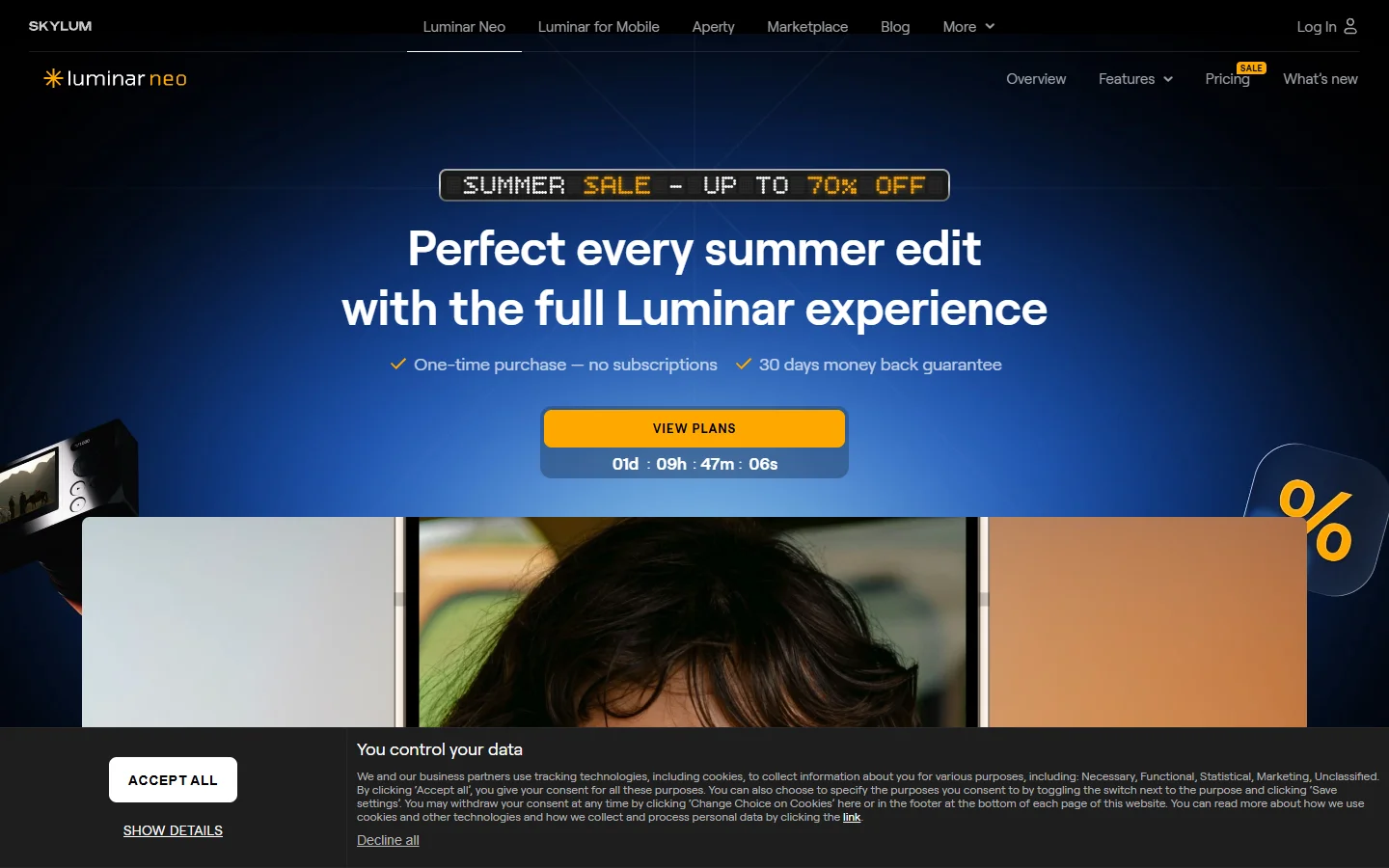
Luminar Neo runs locally on your machine, which means your photos never leave your hard drive. Its AI tools include sky replacement, face retouching, body reshaping, and background removal, all accessible through a layer-based editing interface.
- Strength: Local processing; no subscription required (one-time purchase option)
- Weakness: Slower than cloud-based tools on older hardware; limited batch processing
- Best for: Portrait and landscape photographers who prefer offline editing and object removal
The GenErase tool is particularly strong. It removes objects and reconstructs the background with context-aware fill that rivals Photoshop. For photographers working with photo background swapping, Luminar Neo handles hair masking better than most browser-based alternatives.
Pixlr: Best Free Browser-Based Editor
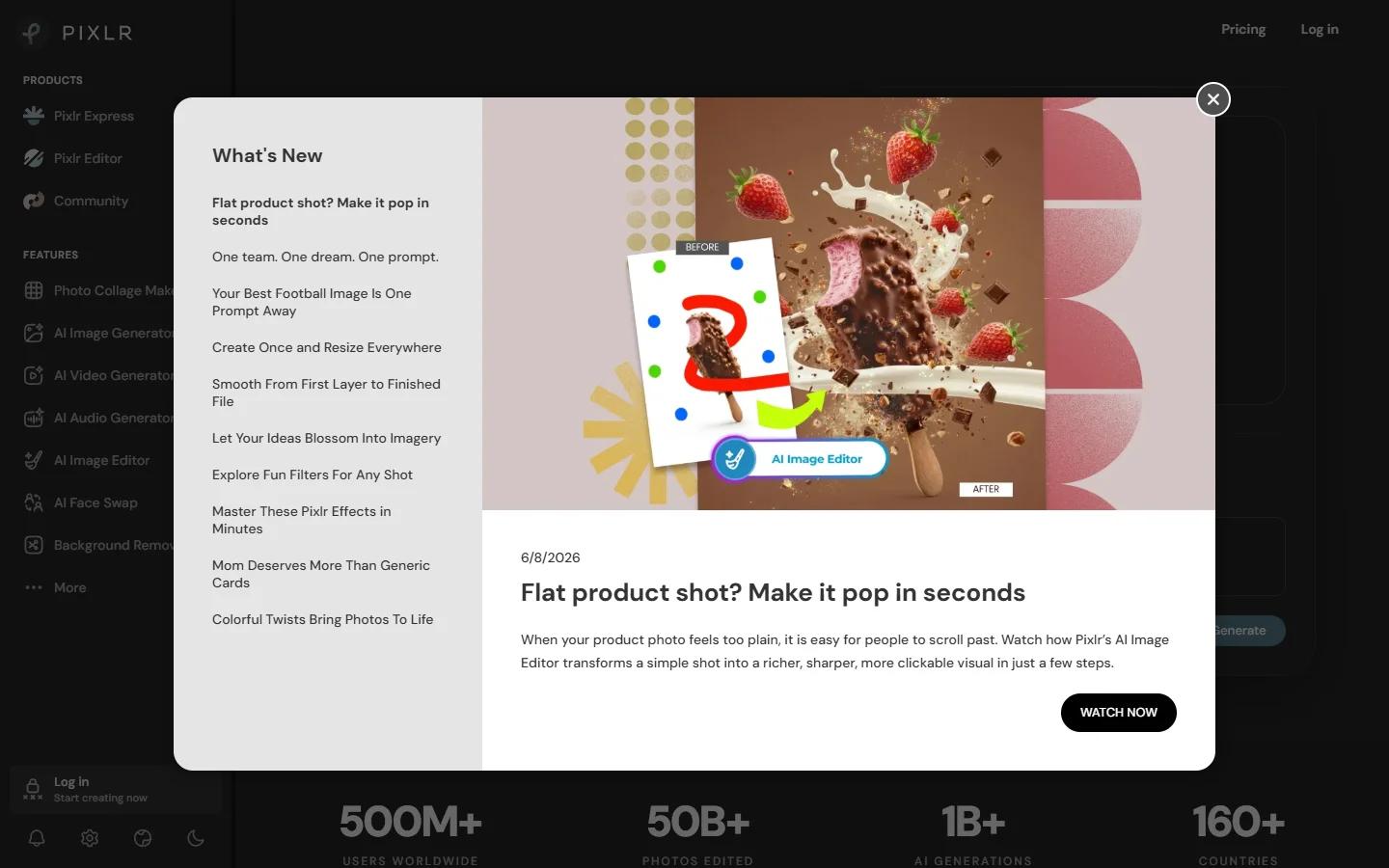
Pixlr runs entirely in the browser with no download required. The free tier includes AI background removal, object removal, image generation, and batch resizing. The interface feels like a simplified version of Photoshop, which makes it approachable for non-designers.
- Strength: Free tier covers most casual editing needs; runs on any device with a browser
- Weakness: AI accuracy drops on complex scenes; heavy compression on free exports
- Best for: Social media managers and teams exploring realistic AI face generation on a budget
Pixlr batch processing is surprisingly capable for a free tool. You can resize, crop, and apply filters to dozens of images at once. For teams producing social media ad creatives, it handles the basics without the overhead of a full design suite.
Fotor: Best for Quick Enhancement and Collages
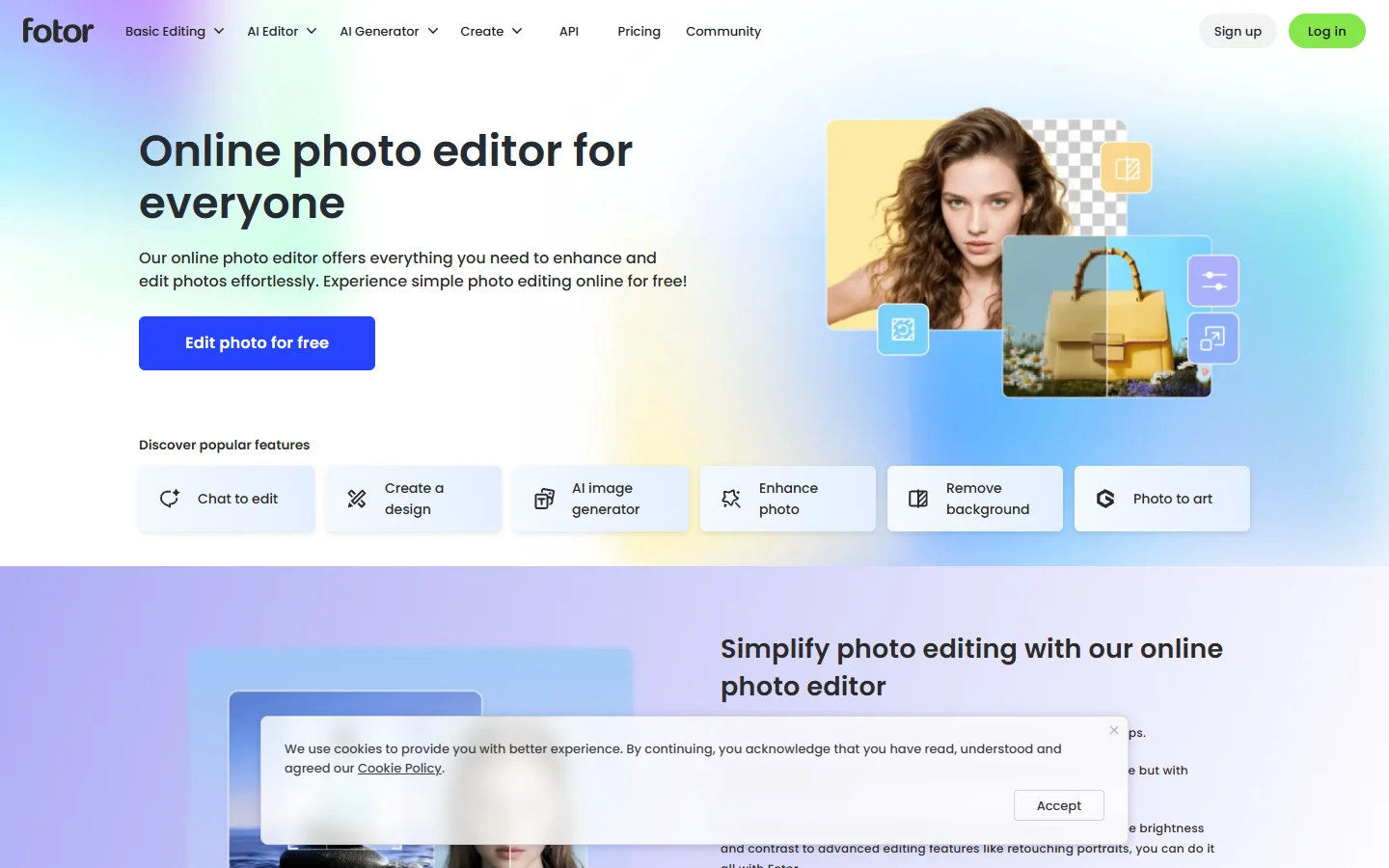
Fotor positions itself as a one-click enhancement tool with AI upscaling, background removal, and portrait retouching. Its collage maker and design templates add value for users who need finished social media posts, not just edited photos.
- Strength: One-click enhancement produces consistently good results; strong template library
- Weakness: Advanced editing features locked behind Pro plan; AI generation quality trails competitors
- Best for: Content creators who need polished visuals fast, including outdoor photo enhancement
Fotor AI enlarger handles upscaling well for web-resolution images, though it struggles with extreme enlargements (4x and above). If you need transparent backgrounds for product listings, its background remover produces clean cutouts on solid-color backdrops.

Photopea: Best Photoshop Alternative at Zero Cost
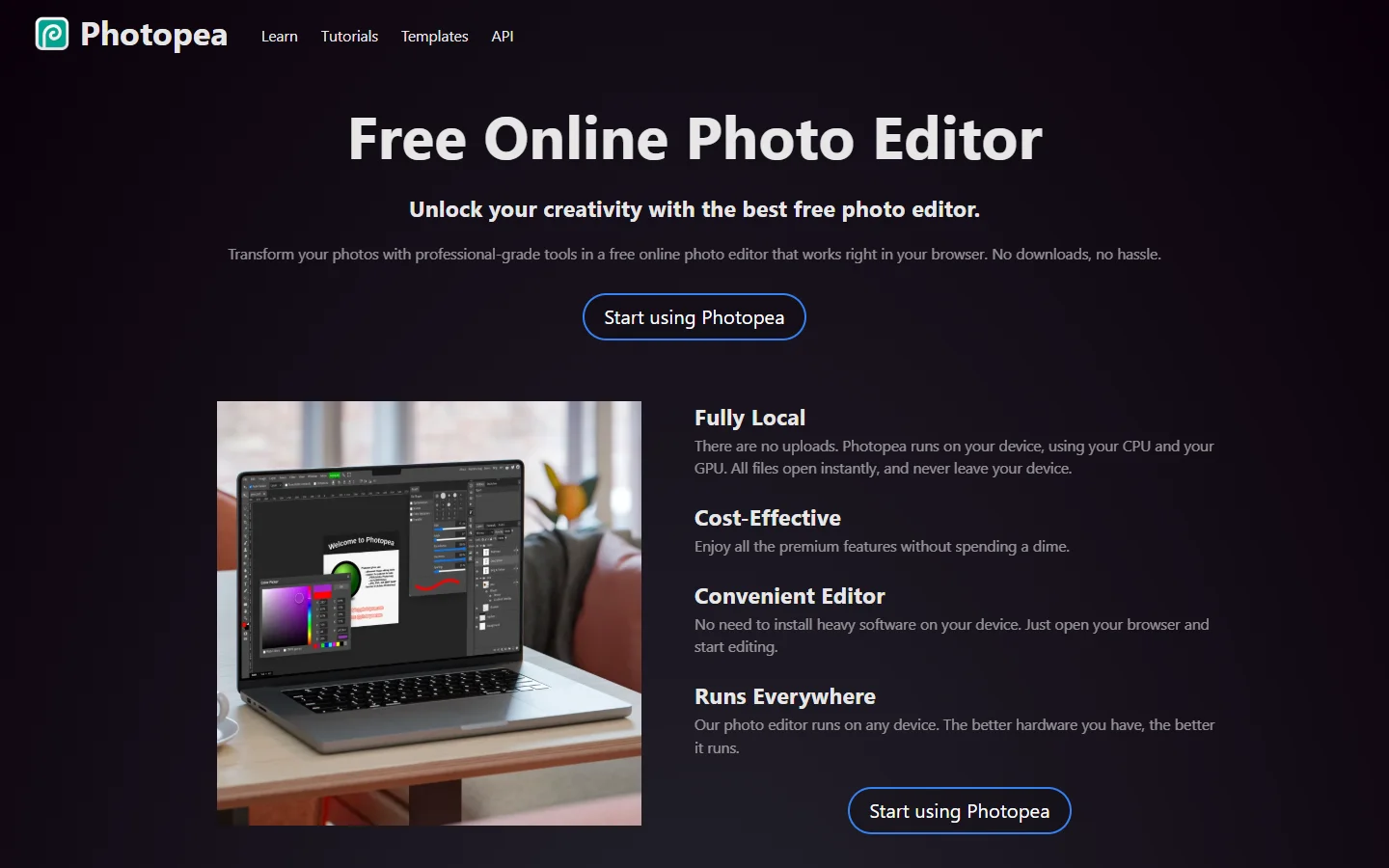
Photopea is a browser-based editor that supports PSD, XCF, Sketch, and RAW files natively. Its AI features are more limited than dedicated AI editors, but it compensates with a full layer-based editing system that mirrors Photoshop workflow almost exactly.
- Strength: Opens PSD files with layers intact; completely free with ads; no account required
- Weakness: AI tools are basic compared to Firefly or Luminar; ad-supported free tier
- Best for: Designers who need PSD compatibility and occasionally turn images into video
Photopea is not trying to be an AI-first editor. Its value is in being a capable, free alternative that happens to include some AI features. For teams building automated editing pipelines, Photopea works well as the final manual touch-up step before export. Some teams pair it with an AI workflow automation platform to handle the upstream generation and processing steps.
How to Choose: Matching the Editor to Your Workflow
The right tool depends on your volume, budget, and where your images end up.
For high-volume product photography, Adobe Firefly API and batch capabilities make it the strongest option if you already have a Creative Cloud license. Teams processing thousands of images per month should also look at how wireflow.ai approaches chaining multiple editing steps into a single pipeline.
For solo creators and freelancers, Luminar Neo one-time purchase model avoids recurring costs. Pixlr and Photopea cover the basics for free if you can tolerate ads or limited export options. Many freelancers also pair these editors with AI text-to-speech tools for multimedia content.
For social media teams, Fotor template-first approach saves time when the goal is a finished post, not just an edited image. Combine it with a dedicated background removal step using any of the AI transparency tools available.
Pricing at a Glance
- Adobe Firefly: Included with Creative Cloud ($22.99/mo Photography plan); standalone credits from $4.99/mo
- Luminar Neo: $149 one-time or $9.95/mo subscription
- Pixlr: Free tier available; Plus at $4.90/mo; Premium at $9.90/mo. Good for teams also using AI animation tools
- Fotor: Free tier available; Pro at $8.99/mo; Pro+ at $19.99/mo
- Photopea: Free with ads; Premium at $5/mo (ad-free)
Starting a new project from scratch can feel overwhelming. For developers and SaaS builders looking to integrate AI image editing into their own products, the TurboStarter boilerplate can accelerate the initial setup considerably.
FAQ
Which AI image editor has the best background removal?
Adobe Firefly and Luminar Neo both handle hair masking and transparent objects well. For free options, Pixlr background remover is solid on transparent background workflows, though it struggles with complex hair against busy backdrops.
Can I use these editors for commercial product photography?
Yes. Adobe Firefly is specifically trained on commercially licensed content. Luminar Neo, Fotor, and Pixlr all allow commercial use on paid plans. Always verify the specific license terms for AI-generated content, as these vary by tool. For commercial video content, AI video generation is a related workflow worth exploring.
Is Photopea really free?
Photopea is free with ads. You can use all features, including PSD support, without paying. The $5/month Premium plan removes ads and adds a few extras, but the core editor is fully functional without it. If you want to explore how AI translates abstract ideas into visuals, Photopea pairs well with any generator.
Which editor is best for batch processing?
Adobe Firefly handles the highest volumes through its API. Pixlr batch tool works well for simpler operations like resizing and format conversion. For true automation at scale, connecting these tools to an AI image generation pipeline produces more consistent results than manual batch runs.
Do any of these editors support RAW photo editing?
Luminar Neo has full RAW support with AI-powered noise reduction and detail enhancement. Photopea can open RAW files but with fewer adjustment options. Adobe Firefly handles RAW through its Lightroom integration. Our photo editing tools comparison covers RAW workflows in more detail.
What about mobile editing?
Pixlr and Fotor both have mobile apps with most of the same AI features available on desktop. Luminar Neo is desktop-only. Adobe Firefly works through the mobile Photoshop app with a Creative Cloud subscription. Mobile editors are also popular for creating marketing videos on the go.
Are AI edits detectable?
Most AI-generated content now carries C2PA metadata that identifies it as AI-assisted. Adobe Firefly attaches Content Credentials automatically. Other editors vary, so check if your use case requires provenance tracking. This matters especially for AI-generated faces used in marketing materials.
Final Thoughts
No single AI image editor dominates every use case in 2026. Adobe Firefly leads for professional teams with existing Adobe subscriptions. Luminar Neo wins for photographers who want local processing and a one-time purchase. Pixlr and Photopea make strong cases for anyone on a tight budget. Fotor fills the gap for social media video creators who value speed over granular control.
The real shift this year is in how these tools connect to larger workflows. Standalone editing is giving way to automated AI pipelines where images flow through generation, editing, and publishing steps without manual intervention. Whichever editor you choose, consider how it fits into the rest of your content production stack, not just how well it handles a single photo.