 AI TikTok app - Go viral!NEW: Seedream 5 by ByteDance. Sharper prompts, native text in 14 languages, precise edits. Try it now.Try It Now →
Script to Video
Turn your written scripts into fully produced videos in minutes. No timelines, just paste your script and let AI handle visuals, motion, and sound.

How to use Script to Video
Steps to get you started in BasedLabs.
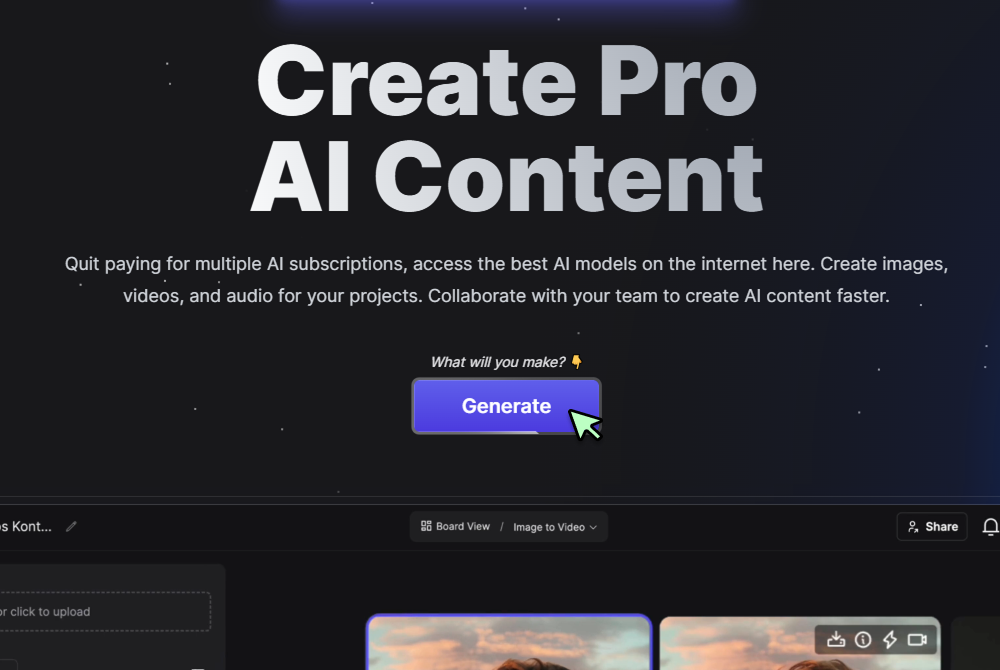
Step 1
Click Generate Now
Press the Generate button to reveal the controls.
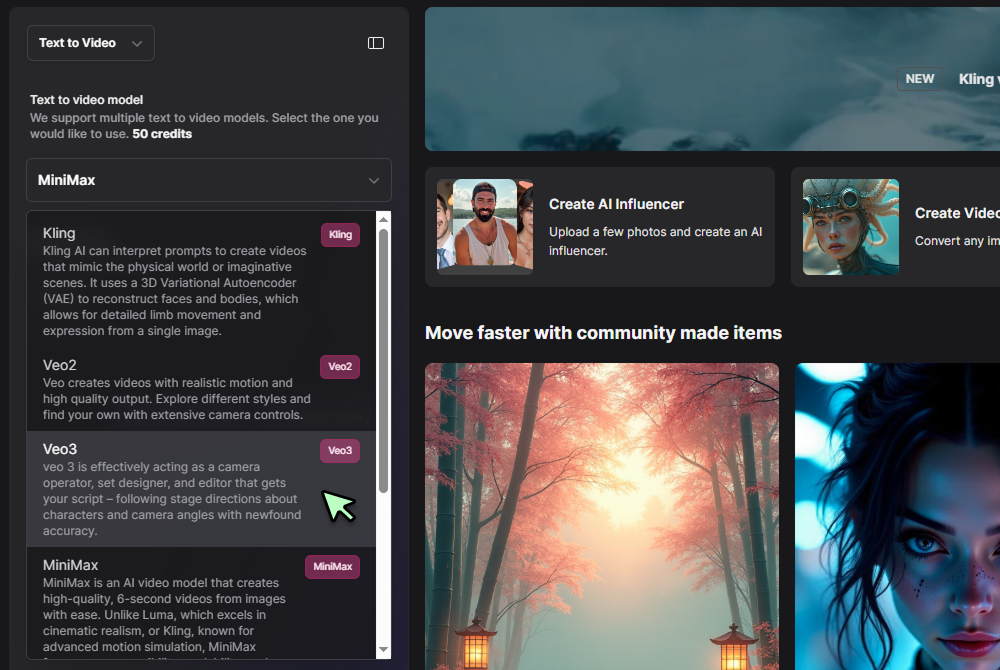
Step 2
Select Script to Video and choose a model
Pick Text to Video in the tool selector, then choose your preferred engine (for example Veo 3 Fast or Hailuo 02) from the dropdown.
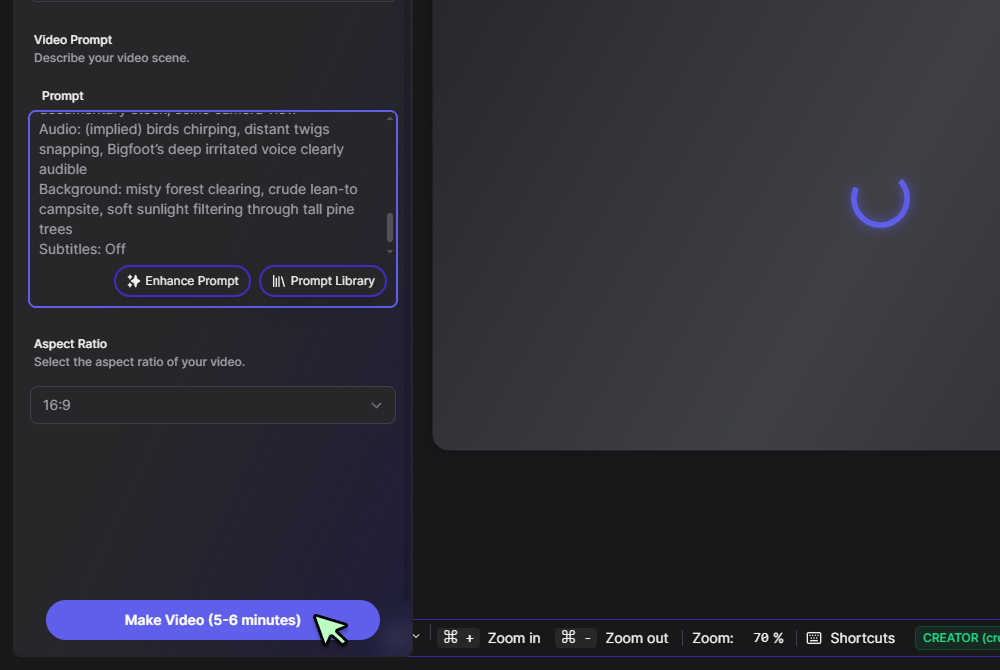
Step 3
Paste your script and click Generate
Enter your script dialogue, scene descriptions, and camera cues into the prompt box, then hit Generate. Preview, tweak, and download when you’re happy.
Instant script‑driven production
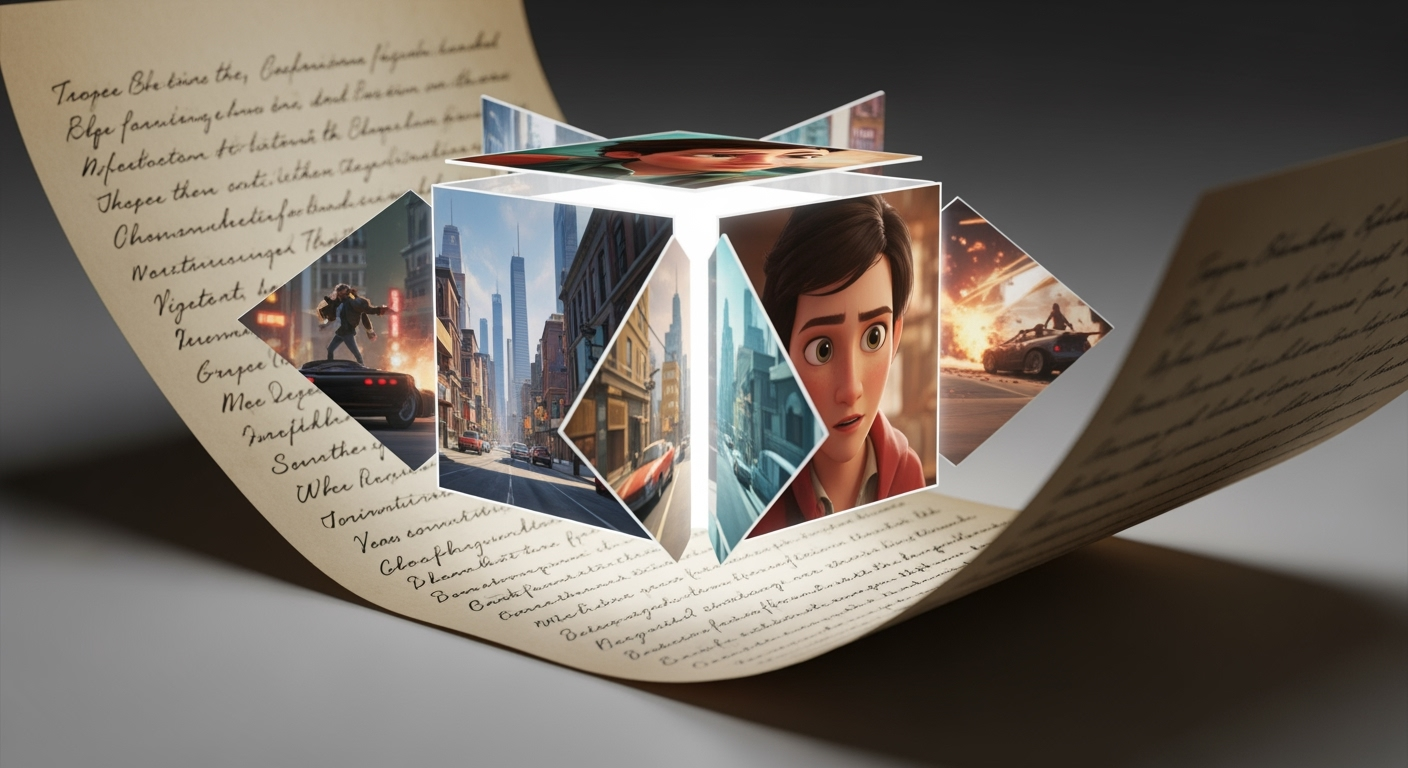
Our ai script to video engine parses your narrative, maps out scenes, and generates camera moves and soundtracks automatically. When you need deeper editing, open the same project in the AI Video Generator workspace and continue without redoing your work.
Free experimentation, paid polish
Test story ideas on the free ai script to video generator tier—render short clips at 720 p with no cost. Once your script flows perfectly, upscale in the Text to Video tool or extend the duration without starting over.

Marketing cuts that convert
Turn marketing scripts into engaging promos with the AI Marketing Video Generator. Automated text overlays, dynamic transitions, and branded CTAs ensure your campaigns stay on message, and on schedule.

Animate any script in one pass
Bring character lines and scene directions to life using the Text to Animation AI model. Shared seed logic locks visual style and timing across versions, so every update feels seamless.
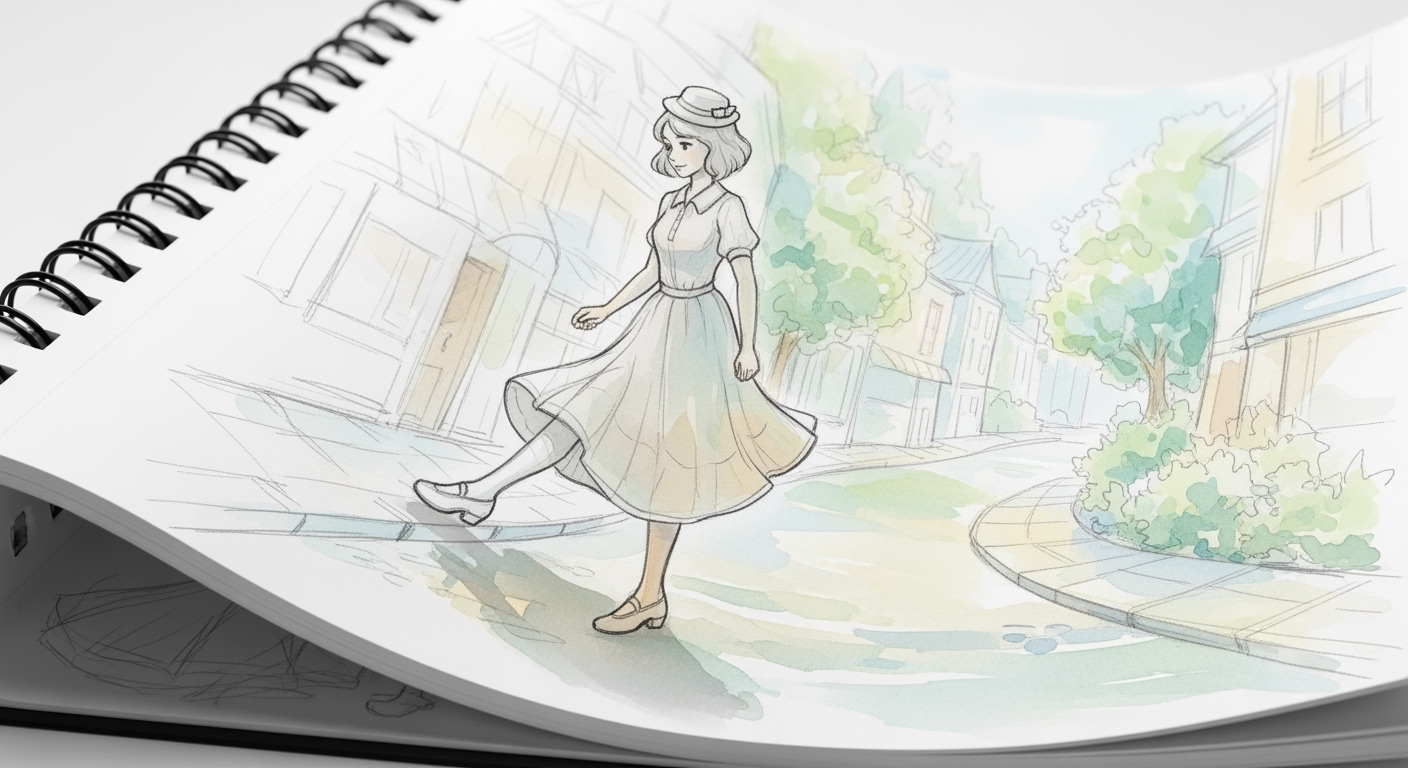
Rich environments without manual set‑ups
Need unique backdrops? Describe your setting or import reference stills, then use the Scene Generator to produce cinematic landscapes. The result merges effortlessly with your script‑based footage.

FAQs
Discover related AI tools:
Browse Related Content
Explore AI-generated script to video artwork from our community
Related Resources






More Than Just Script To Video
Join millions of creators using BasedLabs to generate professional, scroll-stopping content for social media, YouTube, marketing, and more — in seconds. Produce high-quality AI-generated videos and images optimized for engagement and reach. Streamline your content workflow and scale faster.
