 AI TikTok app - Go viral!NEW: Seedream 5 by ByteDance. Sharper prompts, native text in 14 languages, precise edits. Try it now.Try It Now →
Qwen-Image-Edit
Edit images by instruction in Chinese or English, add or remove objects, adjust color, transfer style, and refine text with precise control.

How to use Qwen-Image-Edit
Steps to get you started in BasedLabs.
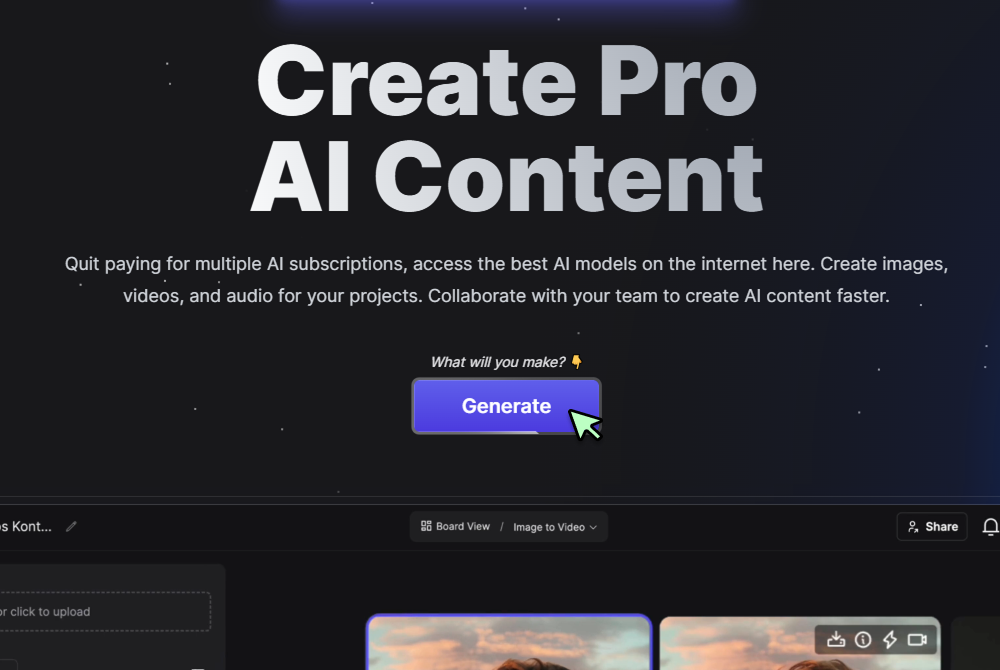
Step 1
Click Generate Now
Press the Generate button to open the controls and start a new edit.
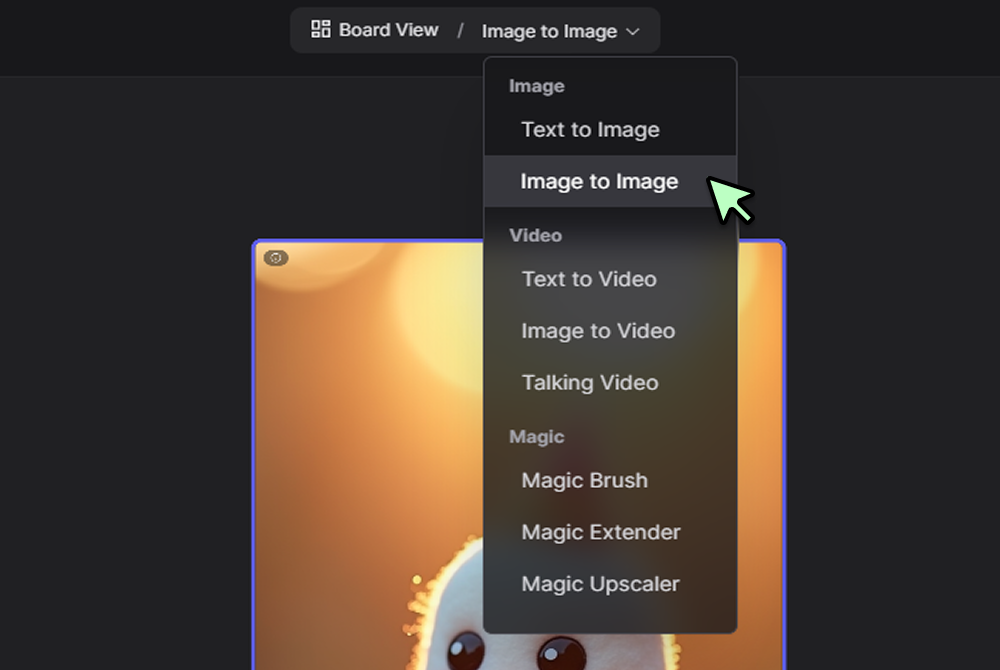
Step 2
Select Qwen-Image-Edit and upload
Choose Qwen-Image-Edit from the model list, upload your image, and optionally paint a mask over the regions you want to change.
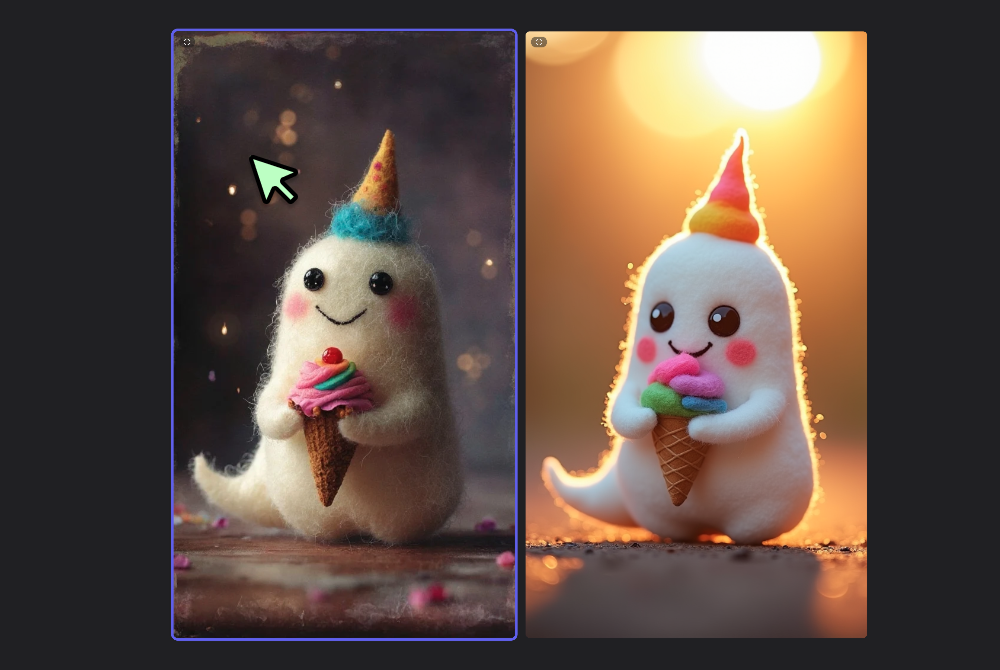
Step 3
Enter your instructions and click Generate
Write clear edit directions in Chinese or English, for example brighten jacket to deep navy, remove street sign, add soft sunset glow, then click Generate to preview and iterate.
Instruction following that feels natural
Give compact directives like “replace logo with plain fabric” or “shift expression to a gentle smile,” Qwen AI follows them with high fidelity. Bilingual prompting makes cross team collaboration easier, and Qwen Image edits preserve lighting and perspective for believable results.

Object level control with or without masks
Paint precise masks when you need surgical changes, or skip masking and describe the target in text. For base creations that you plan to edit further, start a render in the AI Image Generator and bring it into Qwen Models for targeted refinements.

Cinematic style moves without guesswork
Apply film grade looks, tone curves, and color harmony that stay consistent across a set. If you want a deeper grade after the edit, send the output through Seedream 3 0 to lock mood and contrast across campaigns.
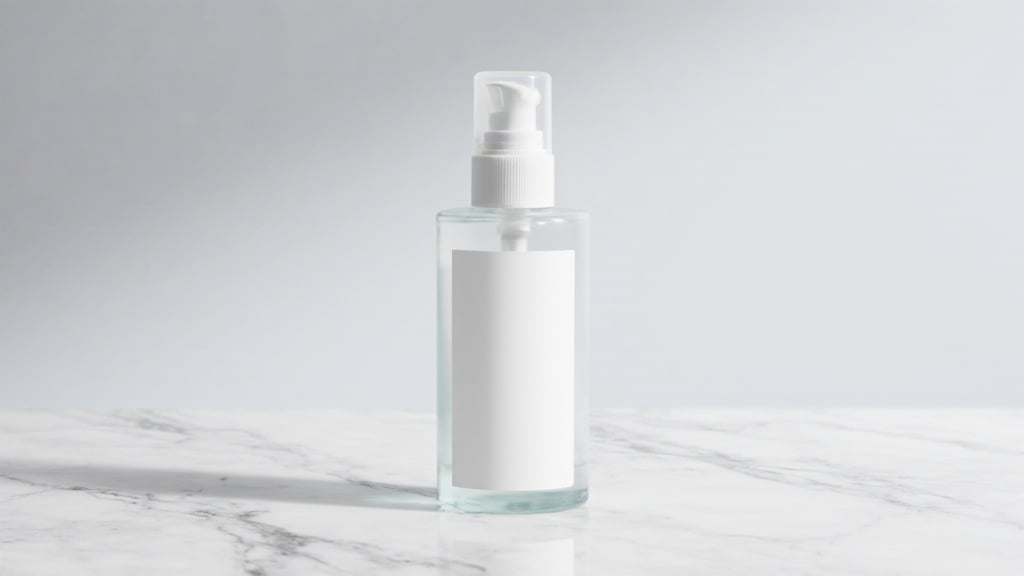
Editable text, layout tweaks, and inpainting
Replace signage, fix typos on packaging, and rebuild backgrounds convincingly. For comparison tests or mixed pipelines, try companion models like Imagen 4 and GPT Image 1, then round trip back to Qwen Chat style prompts for final polish.
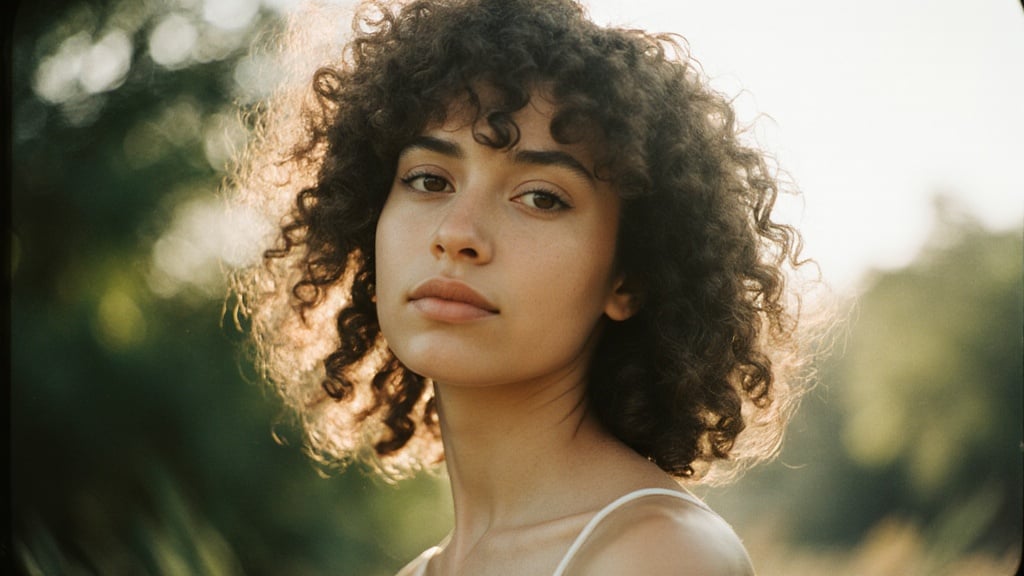
Distinct aesthetics with open model compatibility
Blend photoreal and artful directions while keeping structure intact. When you want a more opinionated finish, pass the image through Flux Krea and return to Qwen Image for fine detail edits and cleanup.
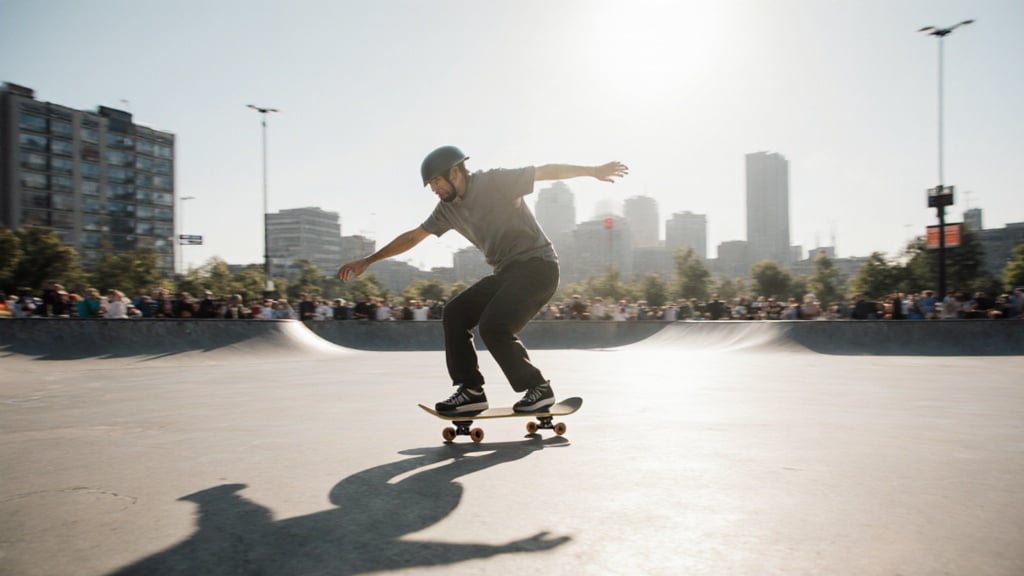
FAQs
Discover related AI tools:
- Kling 2.6
- R2 Upload Test
- Nano Banana 2
- Nano Banana Pro
- Ideogram AI
- AI Gorilla
- AI Picture Generator — Free Online 2026
- Photo To Caricature
- Sketch To Image
- Studio Ghibli Filter
- MiniMax Hailuo 2.3
- Hyper Realism AI
- Realistic AI Image Generator — Photo-Grade Free
- LTX-2 Video AI — Try Free Online
- AI Logo Maker
- Reve Image Editing — Try Free Online
- Kling 2.5 Turbo
- Pixverse AI
- Hunyuan Image 3.0
- AI Prompt Generator
- Remove Background On Photo Free
- AI Photo Cropper
- Adobe Express Photo Editor
- AI Bing Image Creator
- Convert Text To Image AI
- AI Bot Image Generator
Browse Related Content
Explore AI-generated qwen-image-edit artwork from our community
Related Resources






More Than Just Image Edits
Join millions of creators using BasedLabs to generate professional, scroll-stopping content for social media, YouTube, marketing, and more — in seconds. Produce high-quality AI-generated videos and images optimized for engagement and reach. Streamline your content workflow and scale faster.
