 AI TikTok app - Go viral!NEW: Seedream 5 by ByteDance. Sharper prompts, native text in 14 languages, precise edits. Try it now.Try It Now →
AI Video Maker
Produce professional videos from text, images, or templates in seconds with our ai video maker free online, no editing skills required.

How to use AI Video Maker
Steps to get you started in BasedLabs.
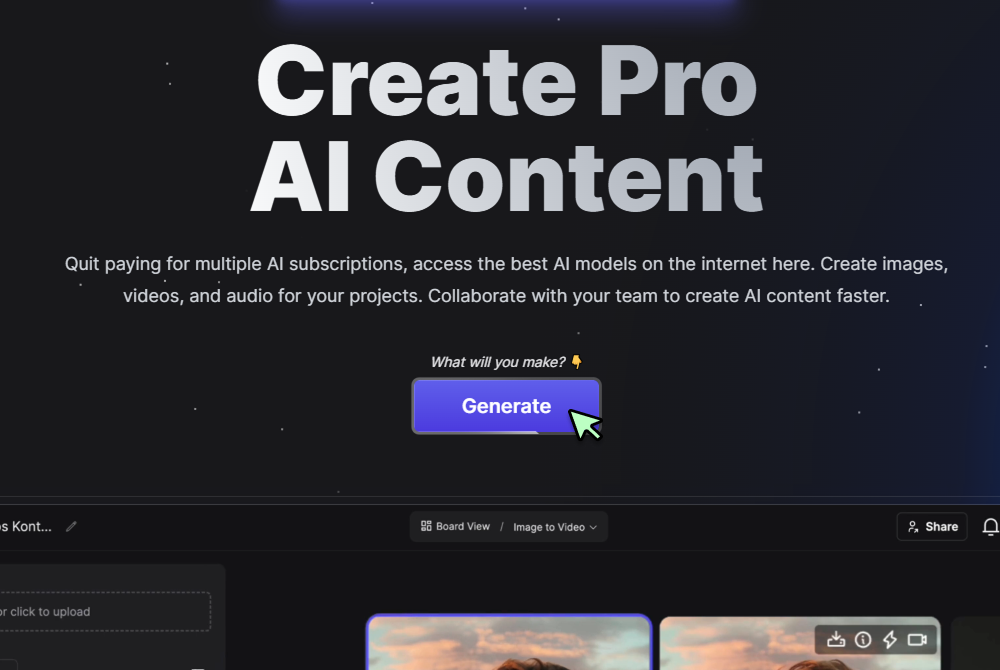
Step 1
Click Generate Now
Press the Generate button on the AI Video Maker page to display the controls.
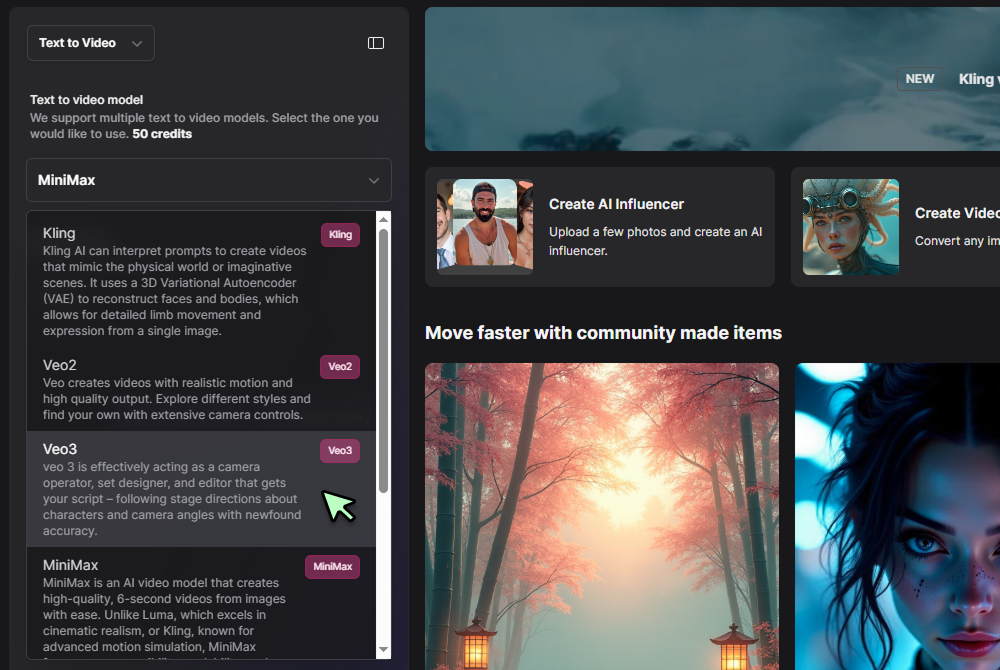
Step 2
Select input method and model
Choose Text to Video or Photo to Video, then pick a model like Veo 3 Fast or Hailuo 0 2 from the dropdown.
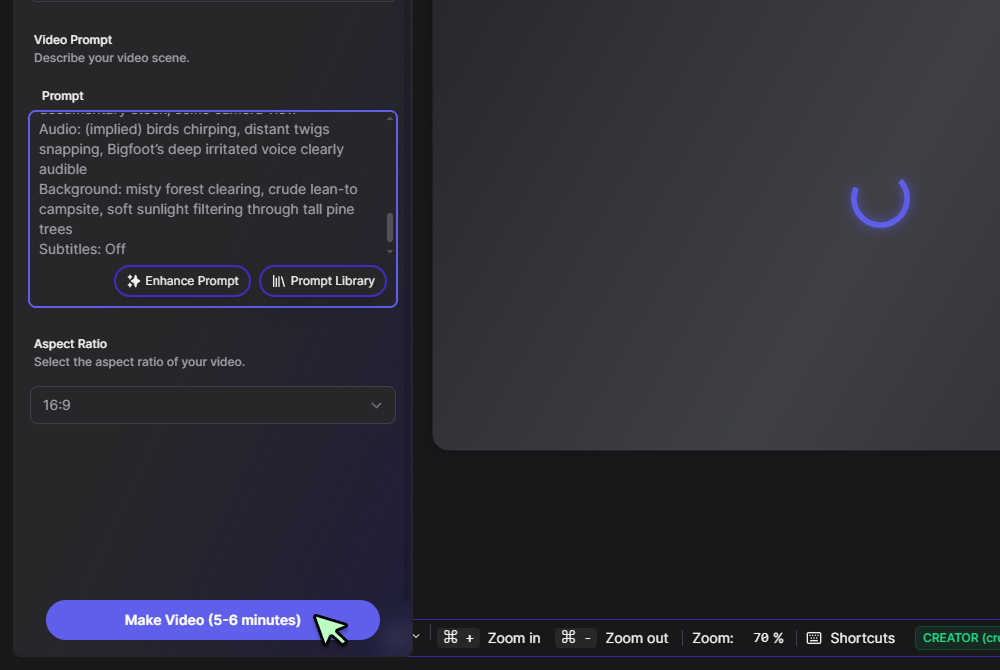
Step 3
Enter your prompt and generate
Type your script or scene description and click Generate. Preview the clip, tweak if needed, then download your MP4.
All‑in‑one free video creation
Spin up drafts at no cost on our free ai video maker tier, then upgrade to full HD only when you’re ready. Every clip you generate lives in the unified AI Video Generator workspace, so your workflow never fragments.
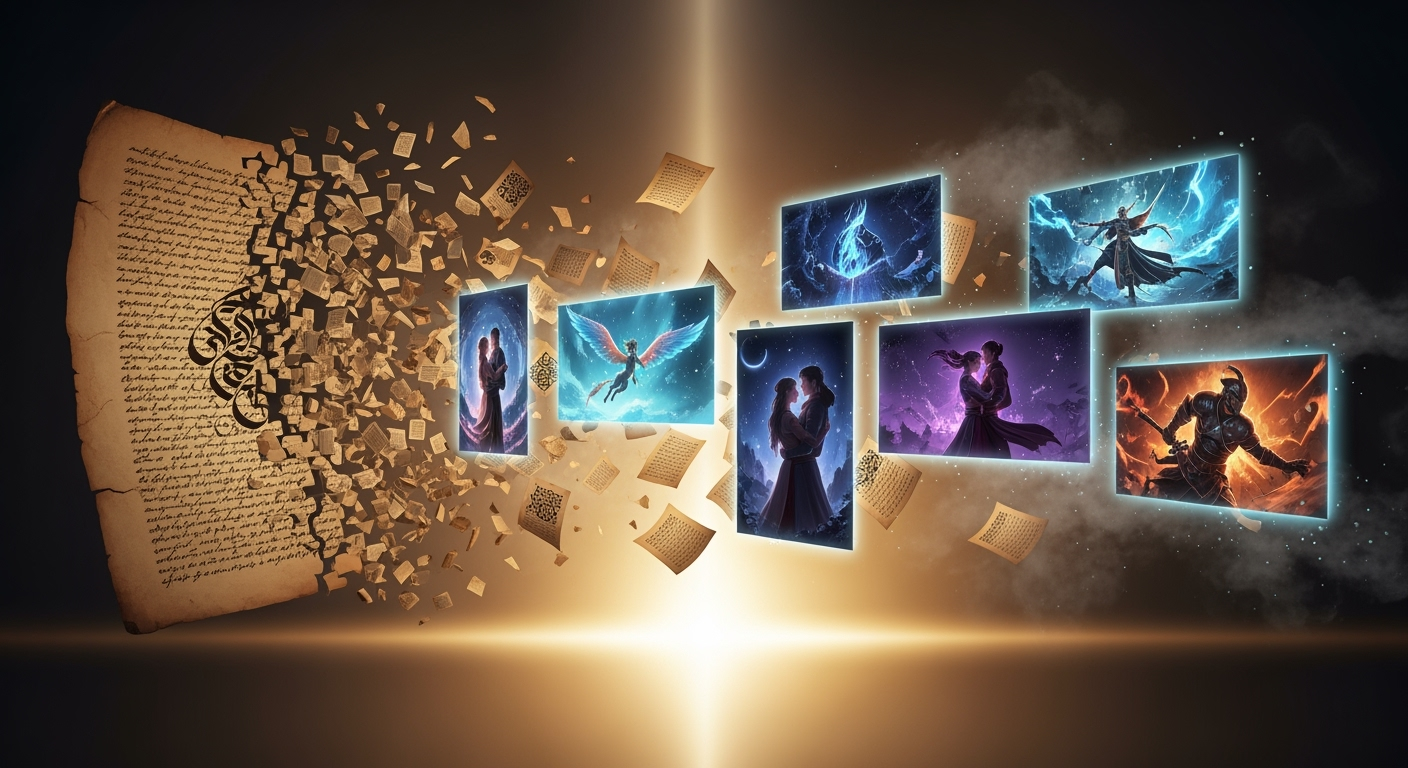
Script‑driven animations in one click
Turn written briefs into animated sequences without hiring a team. Our ai text to animation tech reads your words and layers motion, transitions, and cuts seamlessly—start with the Text to Video tool and watch ideas come alive.
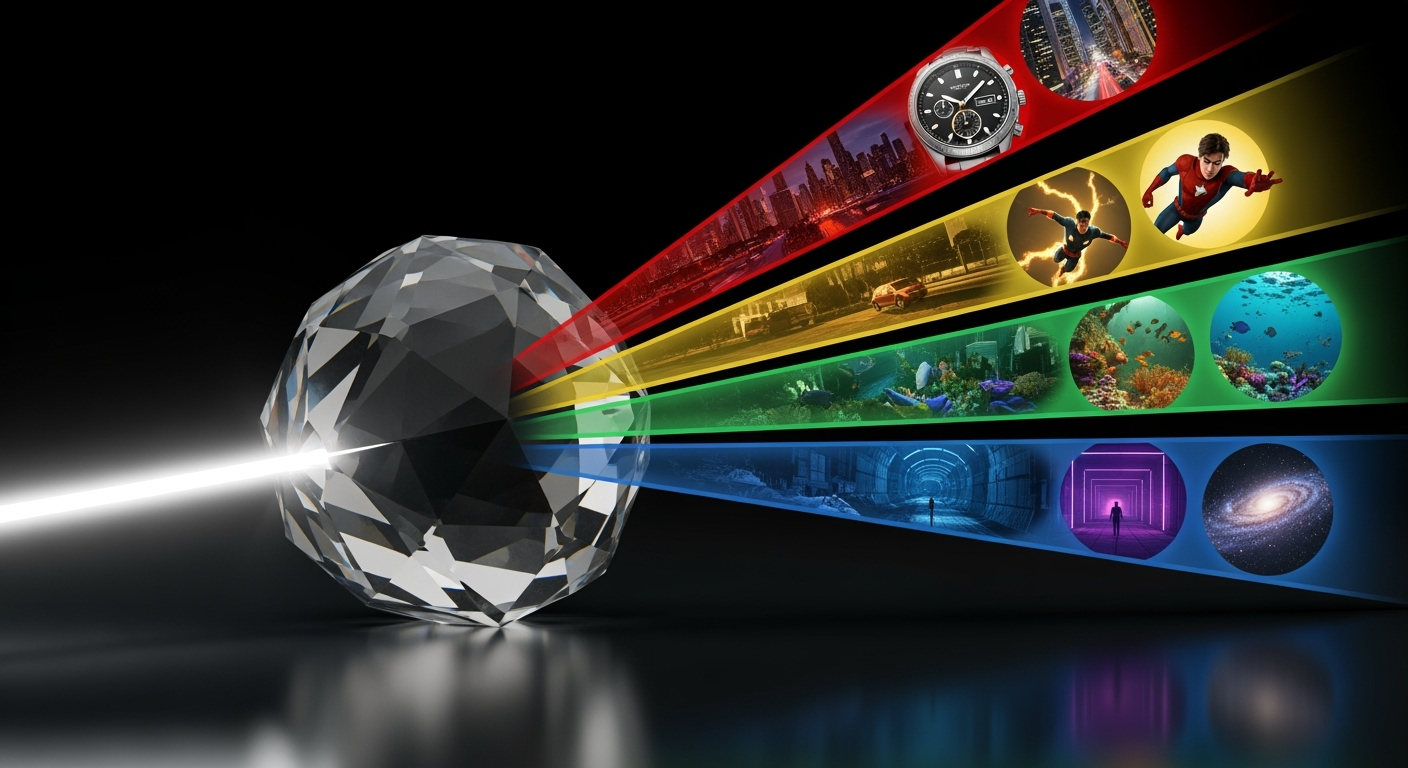
Social‑ready cutdowns and GIF teasers
After rendering, extract a three‑second highlight and convert it into a looping teaser via the AI GIF Generator. These snackable clips keep branding consistent while ramping up engagement across channels.
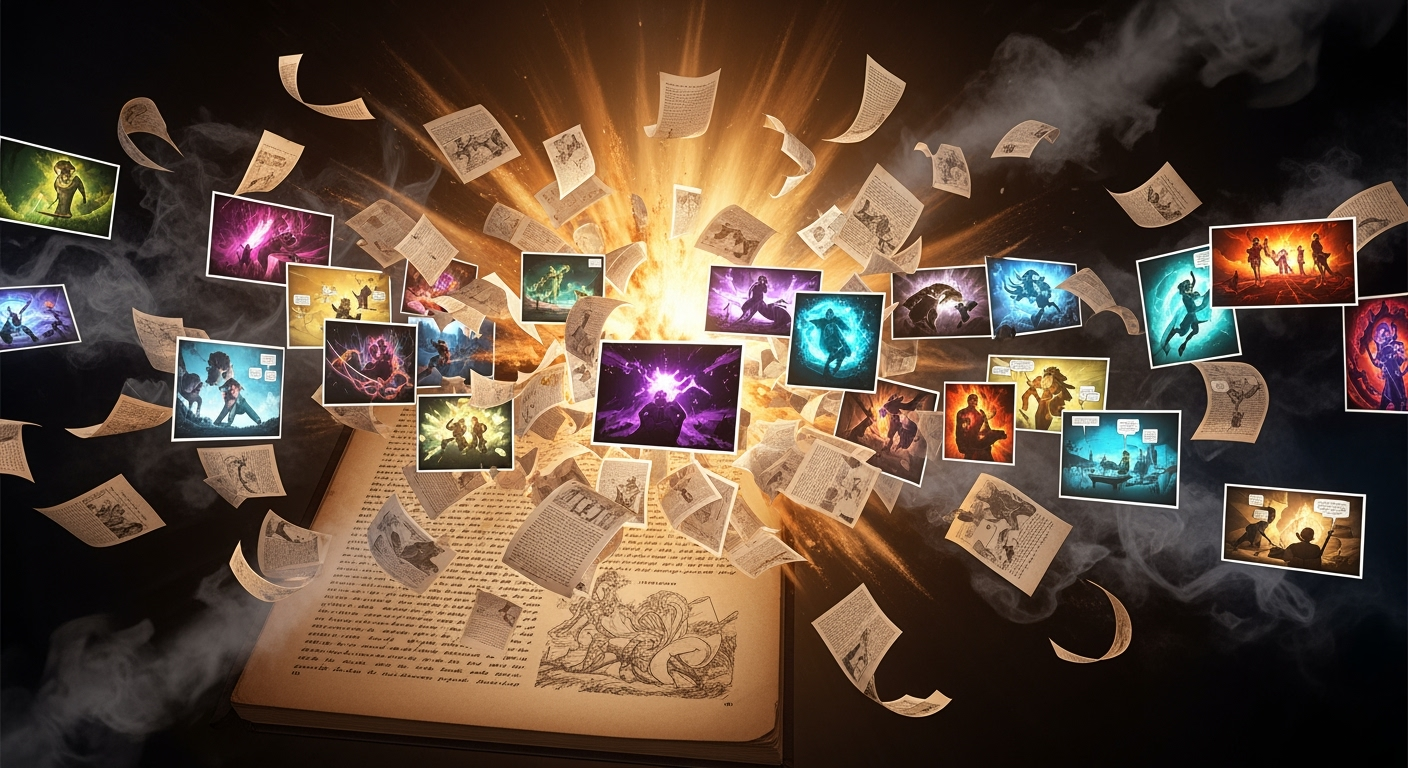
Marketing spot specialist on demand
Craft polished promo videos with built‑in callouts, overlays, and captions in our ai marketing video generator free mode. When you need more advanced creative, hop into the Marketing Video generator to add CTAs and dynamic text effects.
Blend stills and motion without extra apps
Combine product photos or screenshots with text‑driven animation in the Photo to Video tool. A single seed governs both sources, so your final edit stays perfectly in sync from first frame to last.

FAQs
Discover related AI tools:
Browse Related Content
Explore AI-generated video maker artwork from our community
Related Resources






More Than Just AI Videos
Join millions of creators using BasedLabs to generate professional, scroll-stopping content for social media, YouTube, marketing, and more — in seconds. Produce high-quality AI-generated videos and images optimized for engagement and reach. Streamline your content workflow and scale faster.
