

AI Video Editor
Edit, trim, join, and enhance your videos in minutes with no download required, perfect for social posts, tutorials, and more.

How To Use
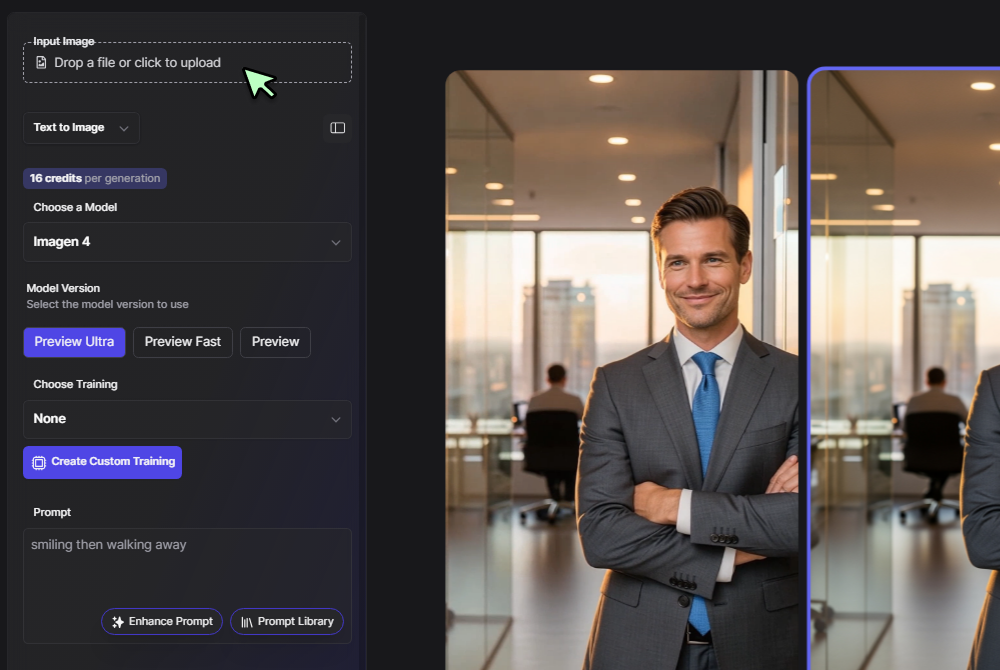
Upload or generate media
Click Upload to add your own clips or use our AI Video Generator to create new footage right in the editor.
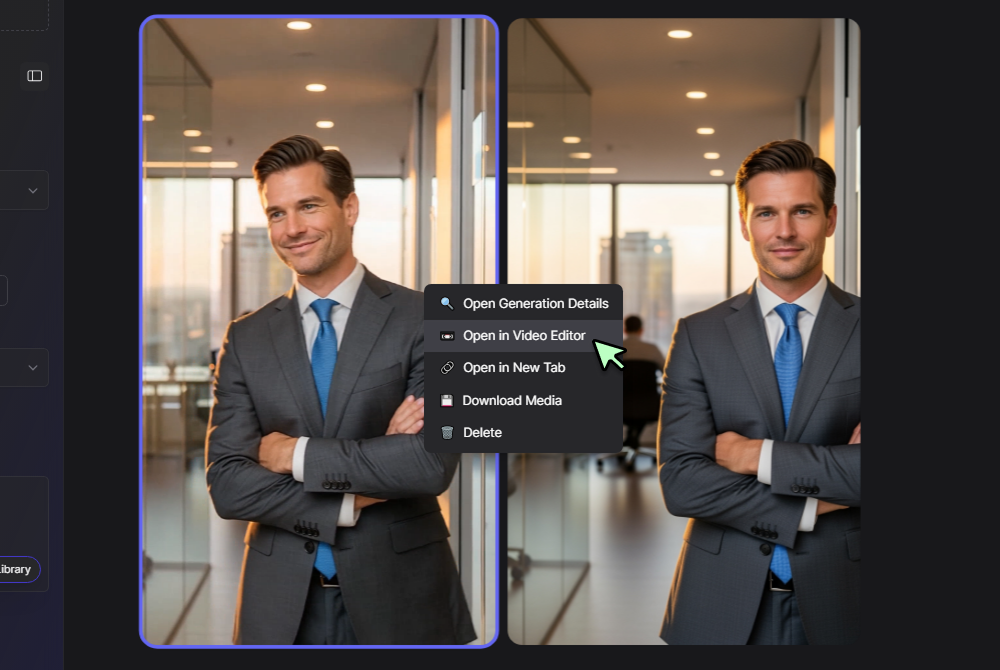
Toggle into timeline view
Select Board View at the top to switch between storyboard and timeline layouts so you can see your sequence.
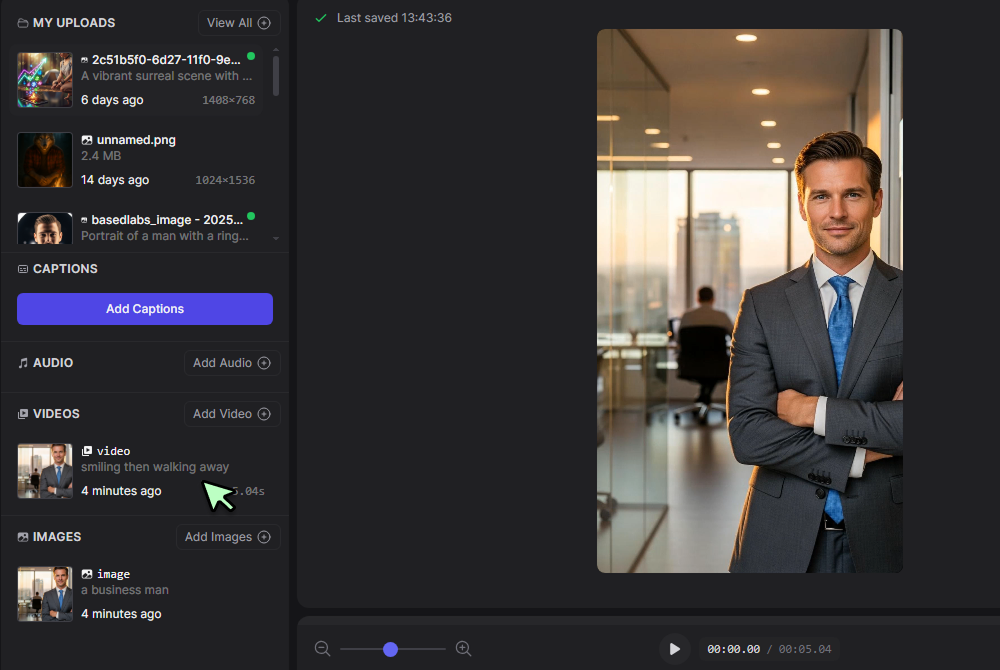
Drag media onto your timeline
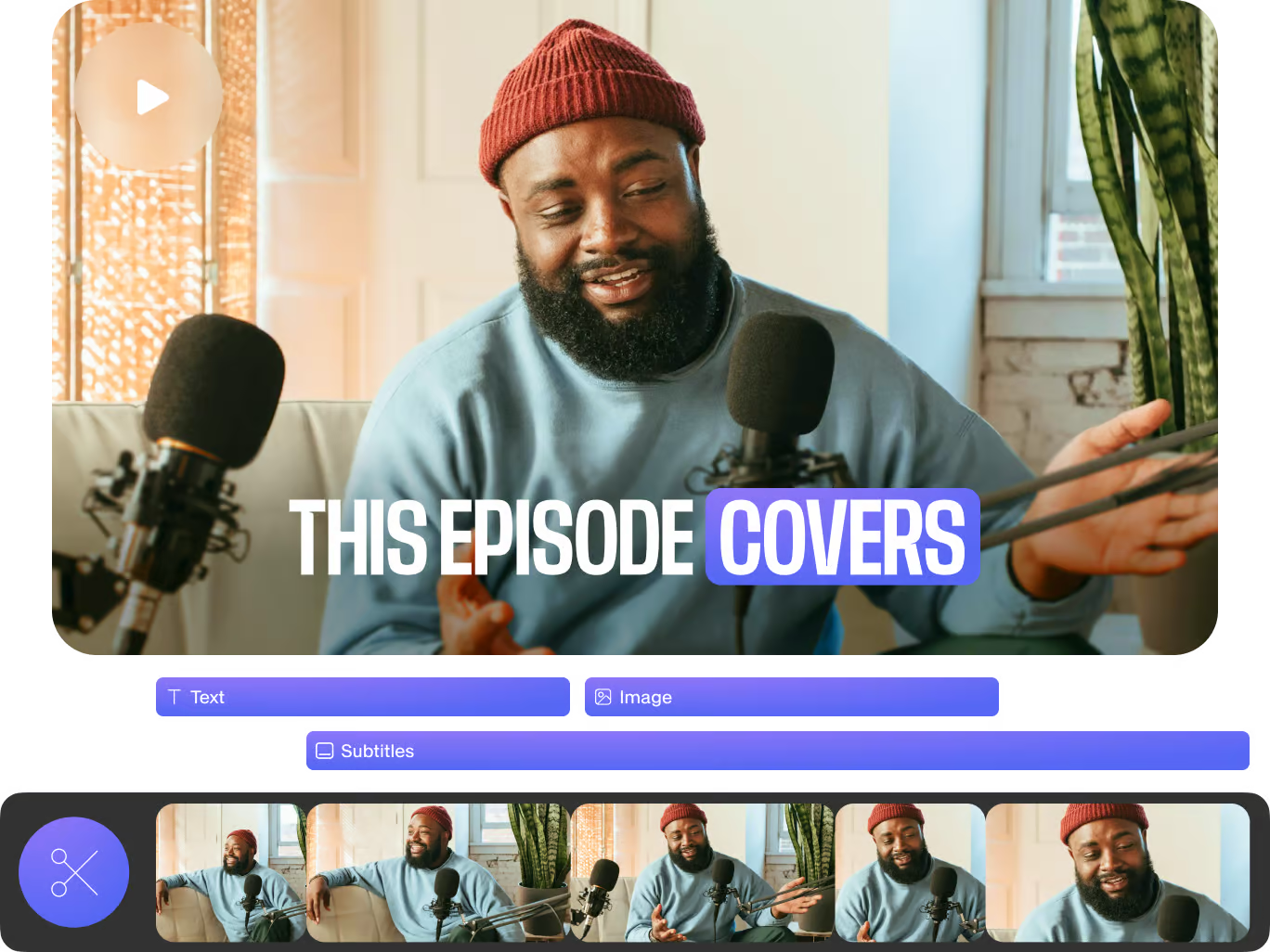
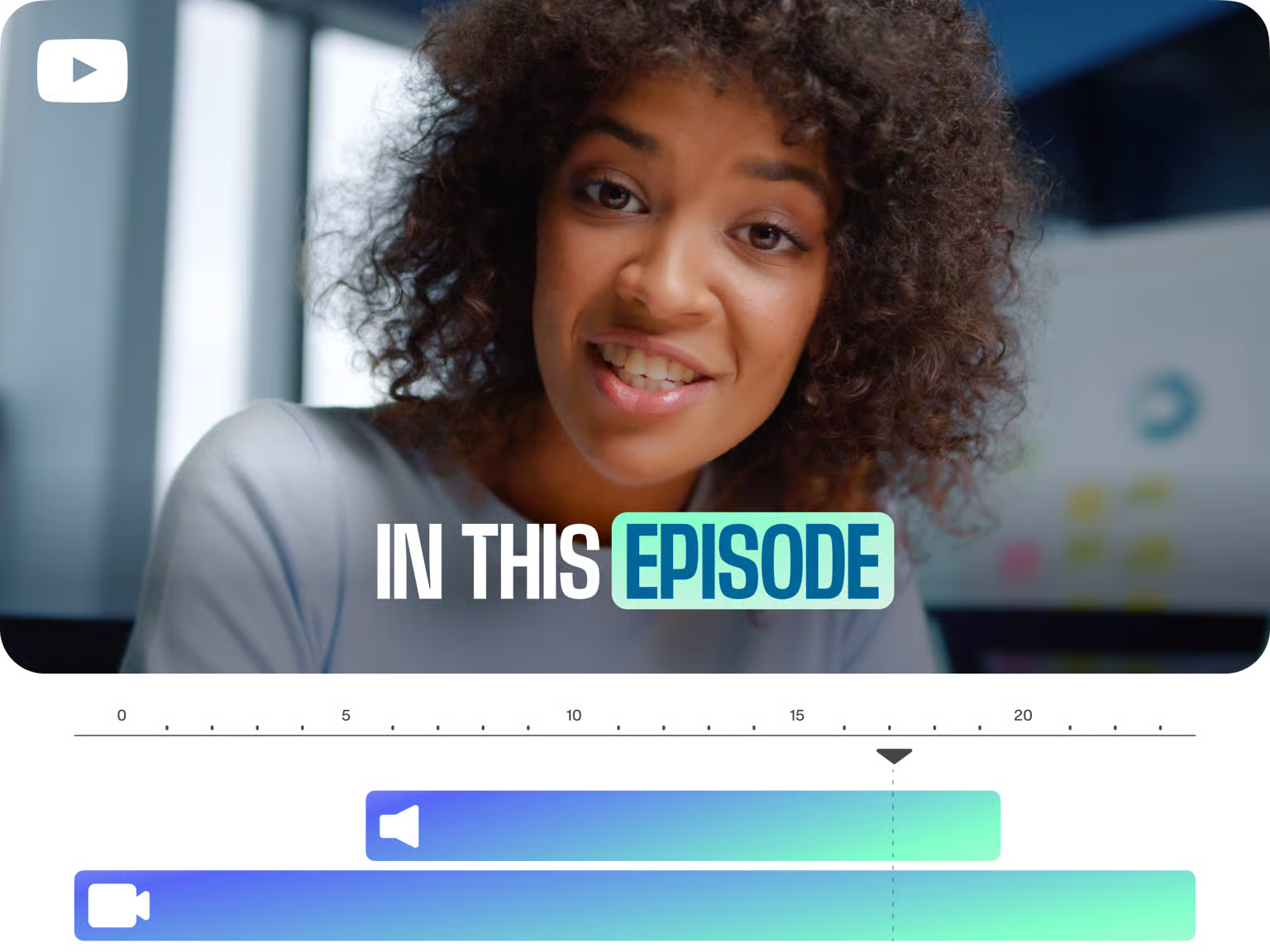
Browse your uploaded or generated clips in the media panel on the left, then drag and drop them onto the timeline to arrange, trim, or split.
More Than Just AI Video Editing
Truly free AI video editor online
Every core feature, trimming, captioning, filters, and transitions, works at no cost. Start in the AI Video Generator to produce clips, then refine them here without ever hitting a paywall.
Seamless clip joining and splitting
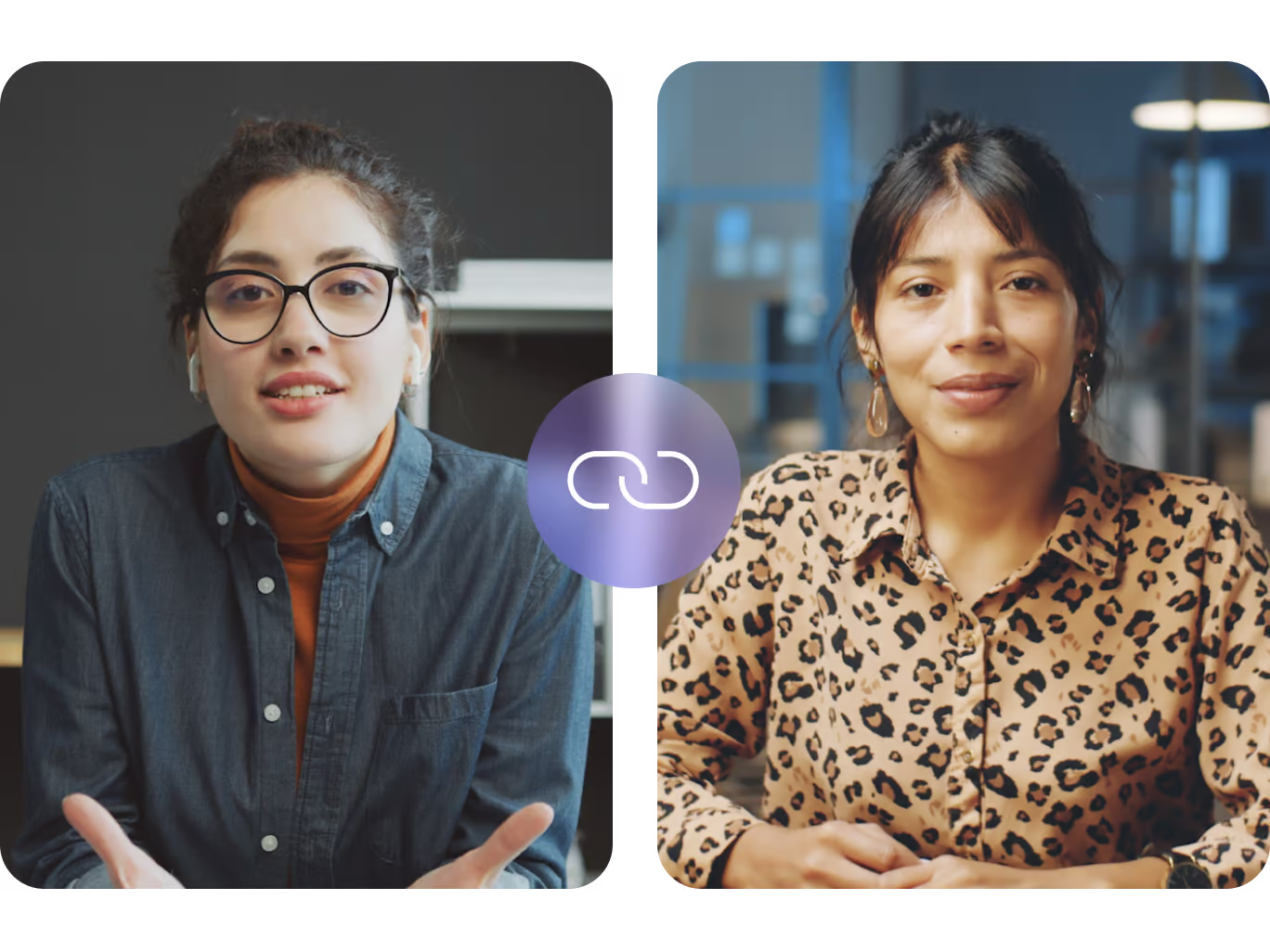
Combine or separate multiple videos in one smooth interface using our Video Joiner. Frame-accurate controls ensure your edits stay sharp and exactly where you want them.

YouTube ready exports
Optimize titles, end screens, and aspect ratios for YouTube with a single click via our YouTube Video Editor. Custom presets keep your channel looking consistent and professional.
Social format conversions
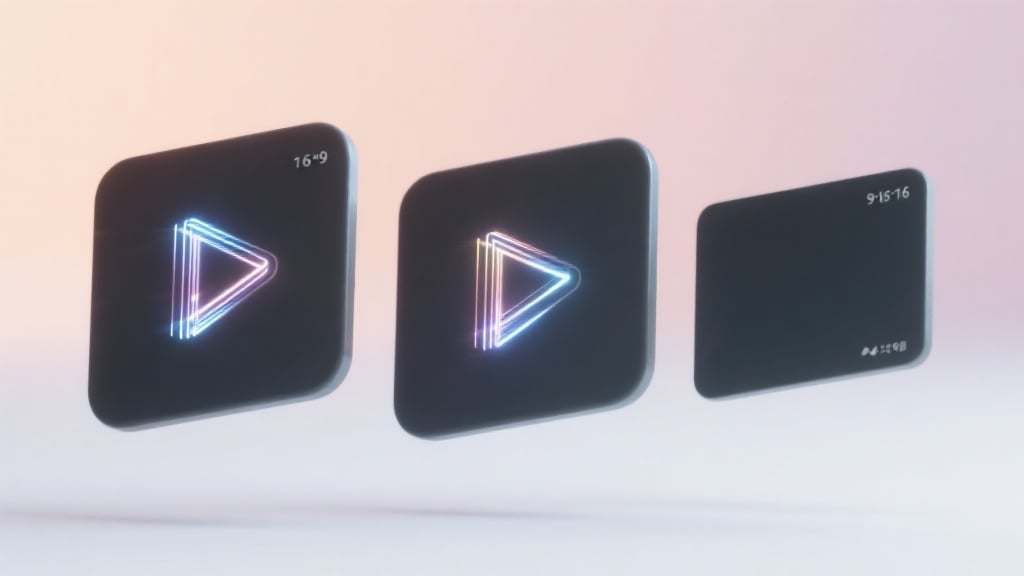
Transform horizontal footage into square or vertical formats in seconds. Then spin highlights into snackable loops with the AI TikTok Video Generator, all within one editor.

Advanced enhancements made easy
Adjust color, exposure, stabilization, and speed using the same powerful engine behind our flagship Video Editor. Cinematic looks and smooth motion are just a few clicks away.
Frequently Asked Questions
What is the best free AI video editor?
A top choice offers robust timeline tools, trim and join capabilities, and social presets without any cost, this editor delivers on all fronts.
How do I join multiple videos into one?
Upload your clips, drag them onto the timeline in order, then use the join function to merge them into a seamless file.
Can I edit YouTube videos online for free?
Yes. The YouTube Video Editor integration lets you trim, add end screens, and export directly for your channel at no charge.
Is there an AI video editor online free of charge?
Absolutely. All core editing features, including filters, captions, and transitions, are available without fees.
How do I create a TikTok-style reel?
Switch to vertical aspect ratio, drag your clips onto the timeline, add snappy cuts or text, then export or send to the AI TikTok Video Generator for looped highlights.
What formats and resolutions can I export?
Export MP4 files in 16×9, 1×1, or 9×16 at resolutions up to 1080p, with presets optimized for web, mobile, and social.
Can I add background music or voice-overs?
Yes. Upload audio tracks or record voice-overs directly in the editor, then align them to your timeline with a drag.
How long does rendering take?
Most one-minute videos render in under 30 seconds; projects with multiple effects may take up to a couple of minutes.
Discover more features
AI Video Editor
After arranging your clips here, polish colour and motion in the AI Video Generator, loop GIF teasers in the AI GIF Generator, craft social trailers in the AI TikTok Video Generator, or join advanced sequences in Video Joiner, all using the same media library and workflow.
Generate AI Content