

A video creation and editing API sounds like one product category. Read a week of vendor docs and it turns into two, and the split decides most of your architecture before you write a line of code. One group of services generates footage from a text prompt. The other assembles footage you already have into a finished, deterministic file. Very little does both well, which is why so many teams start by comparing programmatic video platforms and finish the week more confused than they started.
The confusion is fair. Both categories return an MP4 URL from a POST request, both bill by the minute, and both describe themselves as video APIs. The difference surfaces the first time someone asks for a headline change across four thousand existing videos. A generation model gives you four thousand new videos. A composition renderer gives you the same four thousand with a different headline. Those are not two settings of one feature, and the platforms built around each job differ all the way down.
Two products, one label
The composition layer takes a structured description of an edit and renders it. You send timeline JSON: clips, in and out points, tracks, text elements, transitions, an audio bed. The service resolves your assets, renders, and returns a file. Nothing in that loop is probabilistic, and the same payload produces an identical result next Tuesday. That is the entire reason the category exists, and why it reads so differently from a roundup of developer APIs.
The generation layer takes a prompt or a still image and returns footage that did not exist before. Output is measured in seconds, cost scales with duration and resolution, and the result changes every run unless the provider exposes a seed. Teams working with Veo pricing and API behaviour tend to discover this constraint at the same moment they discover their per-request bill.
Most production systems end up using both, in that order: generate or source the raw material once, then composite it into many deterministic variants. Teams that skip the composition step and regenerate every variant learn the cost lesson quickly, which is roughly the same lesson behind multi-shot consistency work in generative video.

The composition layer: JSON in, MP4 out
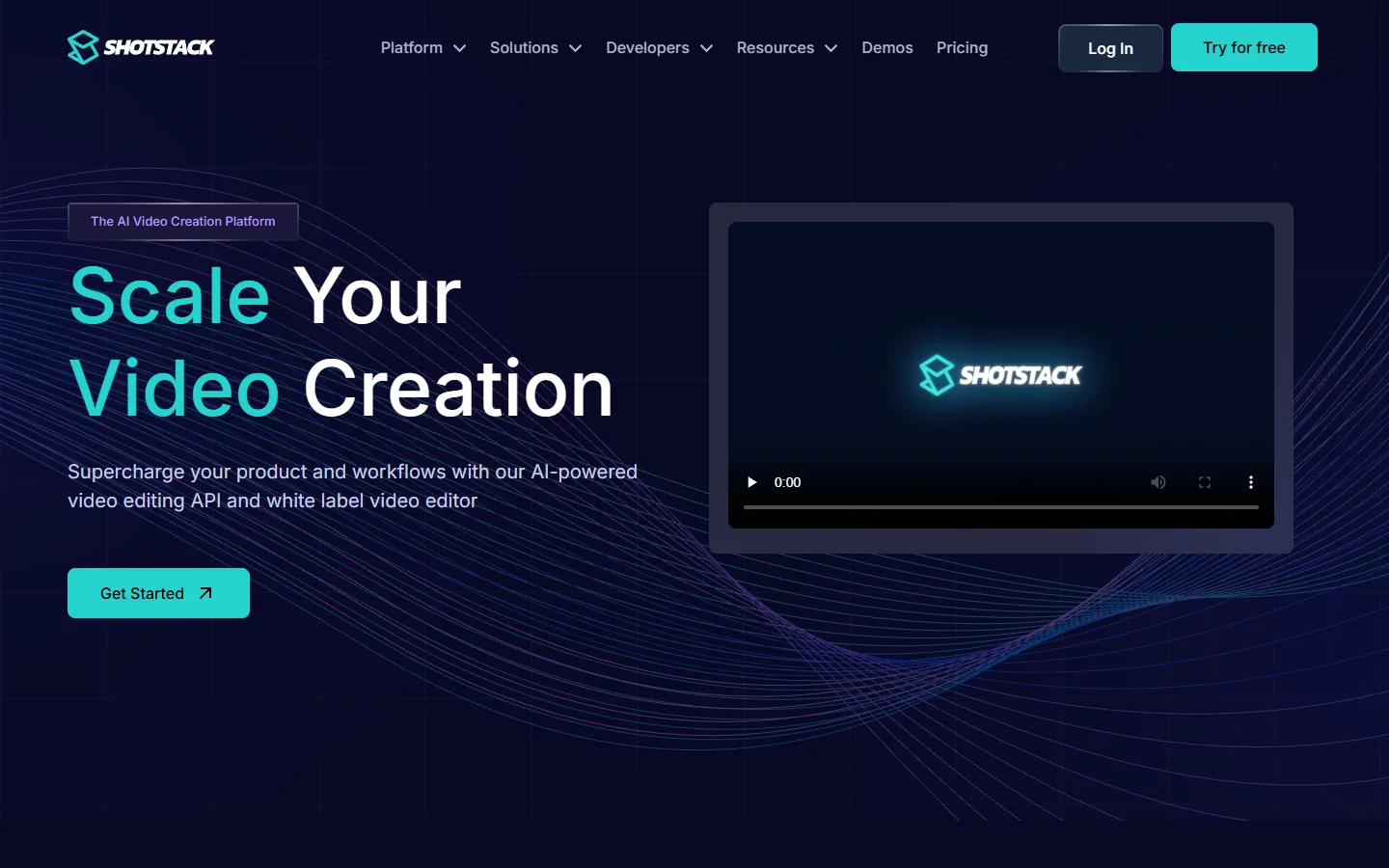
Shotstack is the reference implementation. You describe an edit decision list in JSON, POST it to a render endpoint, poll a status URL, and collect the file. Renders cap at three hours and 60fps, resolution tops out at 1080p on standard plans, and 4K is reserved for the high-volume tier. The API is boring in the way infrastructure should be.
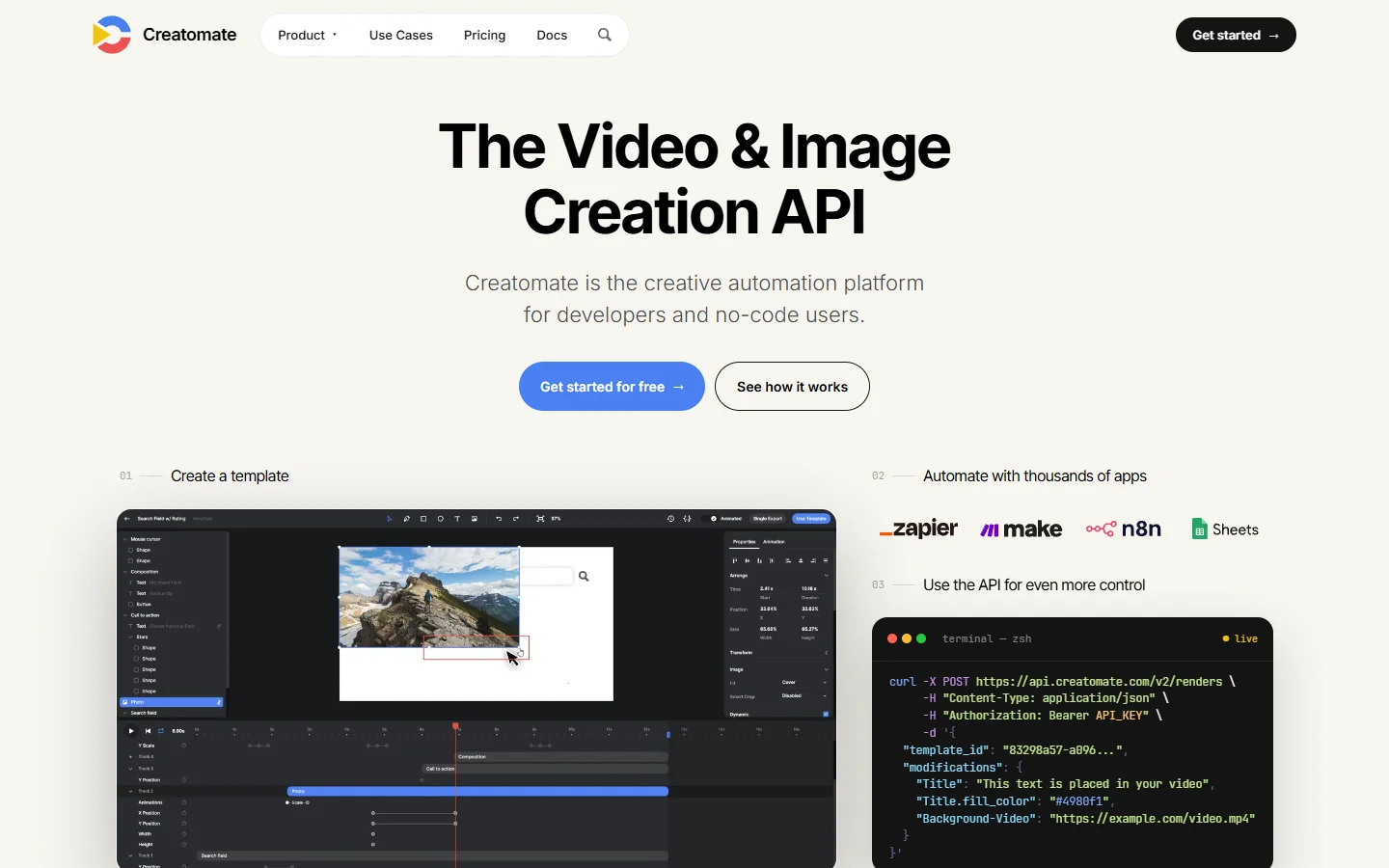
Creatomate approaches the same job from the template side. You build a composition in a visual editor, expose the parts that change as named modifications, then send only those values at render time. That shape suits marketing teams who want the layout owned by a designer rather than by a JSON file in a repo. It is also the pattern most compatible with the no-code and API hybrid setups that small teams end up running.
JSON2Video sits close to Creatomate but leans harder into scripted output: templates plus variables, with text-to-speech and subtitles included rather than bolted on. If your pipeline generates hundreds of short social cuts from a spreadsheet, that bundling matters more than editor polish, and it lines up with what teams building social video at volume actually need.

Plainly is the outlier worth knowing about. It renders real After Effects projects in the cloud, driven by your data. If your brand already lives in an .aep file and the motion design is non-negotiable, no JSON timeline is going to reproduce it, and this is the path that avoids rebuilding the whole thing.
The code-first branch
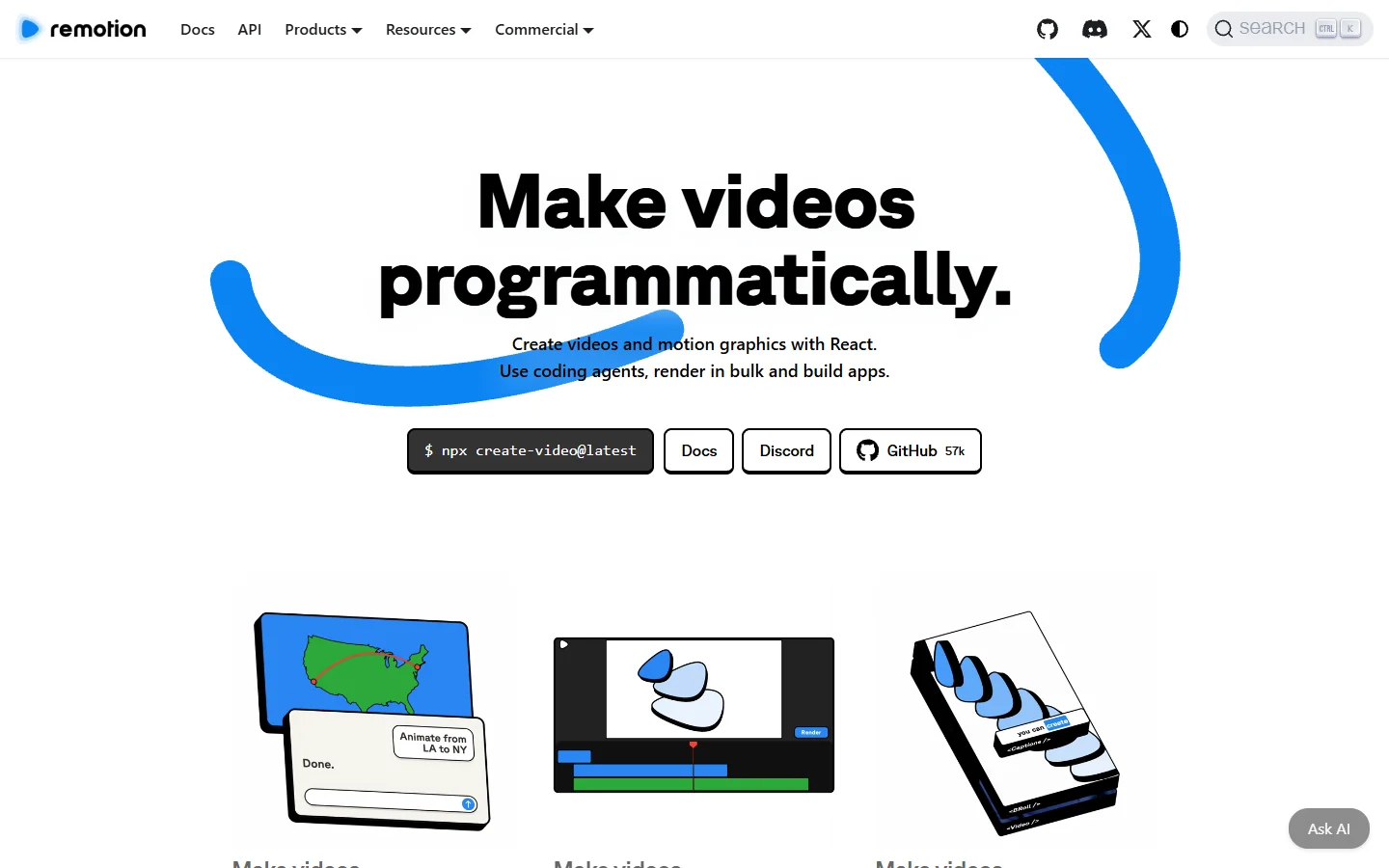
Remotion rejects the JSON premise entirely. Compositions are React components, frames are rendered by a headless browser, and the timeline is whatever your code says it is. You get real control flow, real component reuse, and version control over the edit itself. The tradeoff is that you own the render infrastructure, whether that means Lambda concurrency or your own machines, and a headline change becomes a pull request rather than an API parameter.
That tradeoff is the whole decision. Hosted renderers charge per minute and absorb the operational pain. Remotion is free to start and charges a company licence at scale, but the operational pain is yours. Teams already running browser automation in production underestimate it less, and the same instinct shows up in how carefully they handle spend limits on generation APIs.
Where generation APIs fit
Runway and the other generation providers occupy the opposite end. You are not editing anything; you are asking a model for footage. That is the right tool for b-roll you cannot shoot and for shots that would otherwise need a location. It is the wrong tool for anything that has to be reproducible.

The practical pattern is to treat generation as an asset step with a cache, not a render step. Generate once, store the clip, reference it by URL from your timeline payload, and regenerate only when the creative brief changes. Teams evaluating alternatives to a single generation vendor usually arrive at this structure anyway, because it is the only version that survives a pricing change.

What a finished minute actually costs
Per-minute pricing is the most misread number in this category, because the resolution attached to it moves. Shotstack publishes $0.30 per minute pay as you go and $0.20 per minute on subscription, with a $39 monthly minimum and 1080p as the ceiling. Creatomate prices in credits: one minute of 720p at 25fps costs roughly 14 credits, so the 2,000-credit Essential plan buys about 143 minutes at that resolution. Push to 1080p or 60fps and the burn per minute rises, the same way it does across developer-focused generation platforms.
- Shotstack - Model: per-minute credits, 1 credit is 1 minute · Free tier: 10 credits for 30 days · Best for: high-volume 1080p rendering where throughput matters
- Creatomate - Model: credit pool, about 14 credits per 720p minute · Free tier: 50 credits, no card · Best for: template-driven output owned by designers
- JSON2Video - Model: monthly plans with bundled speech and subtitles · Free tier: limited trial renders · Best for: scripted short-form at volume
- Remotion - Model: open source, company licence at scale, you pay compute · Free tier: unlimited local rendering · Best for: teams who want the edit in version control
- Plainly - Model: monthly render minutes · Free tier: trial renders · Best for: existing After Effects brand systems
Compare like for like before you commit. A quoted per-minute rate at 720p and a quoted rate at 1080p can differ by a factor of two once the encoder settings land, and the same trap applies to the generation APIs teams embed in SaaS products.
What breaks after the demo
The demo always works. Production introduces five failures the docs gloss over, and none of them are specific to video, as anyone who has run an async generation API in a SaaS product already knows.
- Font loading. Hosted renderers fetch fonts at render time. A slow font CDN becomes a timeout, and a missing weight silently falls back to something that is not your brand.
- Source asset availability. Timeline payloads reference assets by URL. Signed URLs that expire mid-queue produce renders that fail hours after submission.
- Queue depth. All of these services queue. A burst of a thousand renders does not finish in the time one render takes, and your retry logic has to tell queued apart from failed.
- Audio drift. Generated voiceover rarely matches the duration your template assumed. Measure the audio and set clip length from it, or accept clipped endings.
- Silent cost growth. Resolution and frame rate changes are one-line edits that can double a monthly bill, so per-job budget caps belong in the client, not the dashboard.
None of these are exotic. Treating video rendering as ordinary background work rather than a special case is most of the fix, and the teams shipping script-to-upload video pipelines are usually the ones who built the boring queue instrumentation first.
Frequently asked questions
Is a video creation API the same as a video editing API? No, though the terms are used loosely. Creation usually means generating footage from a prompt or a template. Editing means composing existing footage into an output, which is what the JSON timeline services do. Most production stacks use both.
Can one API handle both generation and editing? Some platforms bundle both behind one key, but the underlying jobs stay separate: one is a model call, one is a render. The bundling helps billing and auth more than it helps architecture, a point that also comes up in multi-tenant generation setups.
Do these APIs support 4K? Not universally. Shotstack caps at 1080p outside its high-volume tier. Creatomate and JSON2Video scale resolution through credit cost. Remotion has no cap because you supply the compute.
How long does a render take? For composition APIs, a finished minute typically lands in tens of seconds under normal load, though queue depth dominates once you submit in bulk. Generation is slower per second of output, which is one reason native audio and longer shots are still expensive to produce.
Is Remotion cheaper than a hosted renderer? On paper, yes, since the framework is open source and you pay only for compute. In practice you are adding render infrastructure to your operational load, and a company licence applies above a certain size. It is cheaper if you already run that kind of infrastructure.
What should I check in a free tier? Render a real template rather than the sample. Confirm your fonts load, confirm your longest clip finishes, and confirm the output resolution matches what the pricing page implied. Most surprises are visible in the first ten renders, the same way testing a generation API properly surfaces its limits early.
The short version
Pick the composition layer first, because that is where the deterministic output and most of the recurring cost live. Add generation as an asset source with a cache in front of it. If the edit needs version control and you already run browser infrastructure, the code-first route is defensible; otherwise a hosted renderer gets you to production faster and the per-minute rate is the smaller line item.
The one thing not to do is choose on a per-minute number without checking the resolution attached to it. That detail moves the real cost more than the headline price does, and it is why so many platform comparisons disagree with each other.