
Video assembly APIs take clips, images, audio and text layers and return a finished MP4 with no human in an editor. Seven are worth shipping on in 2026, and they fall into three camps: JSON timeline renderers, template engines, and pipeline canvases that generate the footage as well as cut it.
Most roundups compare render speed and price and stop there. What actually decides whether a video API survives production is the twenty percent of jobs that do not fit the template: a clip that came back nine seconds instead of eight, captions that must follow a voiceover generated an hour ago, an overlay that changes per customer. We judged each tool on that twenty percent, using the test job in our guide to programmatic video generation platforms.
The ranking criterion is how much of a real pipeline each tool covers end to end, measured by how many other vendors you still need afterwards. Prices are published rates at the time of writing and move often. For category vocabulary first, start with the video creation and editing API overview.
1. Wireflow
Wireflow is a node based canvas where each step of a video job is a node, and the finished graph publishes as a REST endpoint you call with your own payload. Generation models, image edits, caption passes and the final composite live on the same board, which is why it ranks first: it is the only entry here that covers both halves of the job, making the footage and assembling it, without a second vendor. That matters when your source clips come from a model rather than a camera, a pattern we covered in the node based video generation roundup.
The tradeoff is real. You build the pipeline rather than fill in a template, so the first graph takes an afternoon instead of ten minutes, and if you only need a logo swapped into an existing render this is more machinery than the job deserves. The visual model is what keeps the canvas to REST API pattern readable six months later, when whoever wrote it has moved teams.

Verdict: best for pipelines that generate footage and assemble it in one pass.
2. Shotstack
Shotstack is the mature JSON timeline renderer. You describe an edit as tracks and clips with start times, transitions, text overlays and audio, POST it, then poll for the file. The documentation is the best here, the schema has been stable for years, and it is the fastest renderer in most published benchmarks at roughly twenty seconds of processing per finished minute.
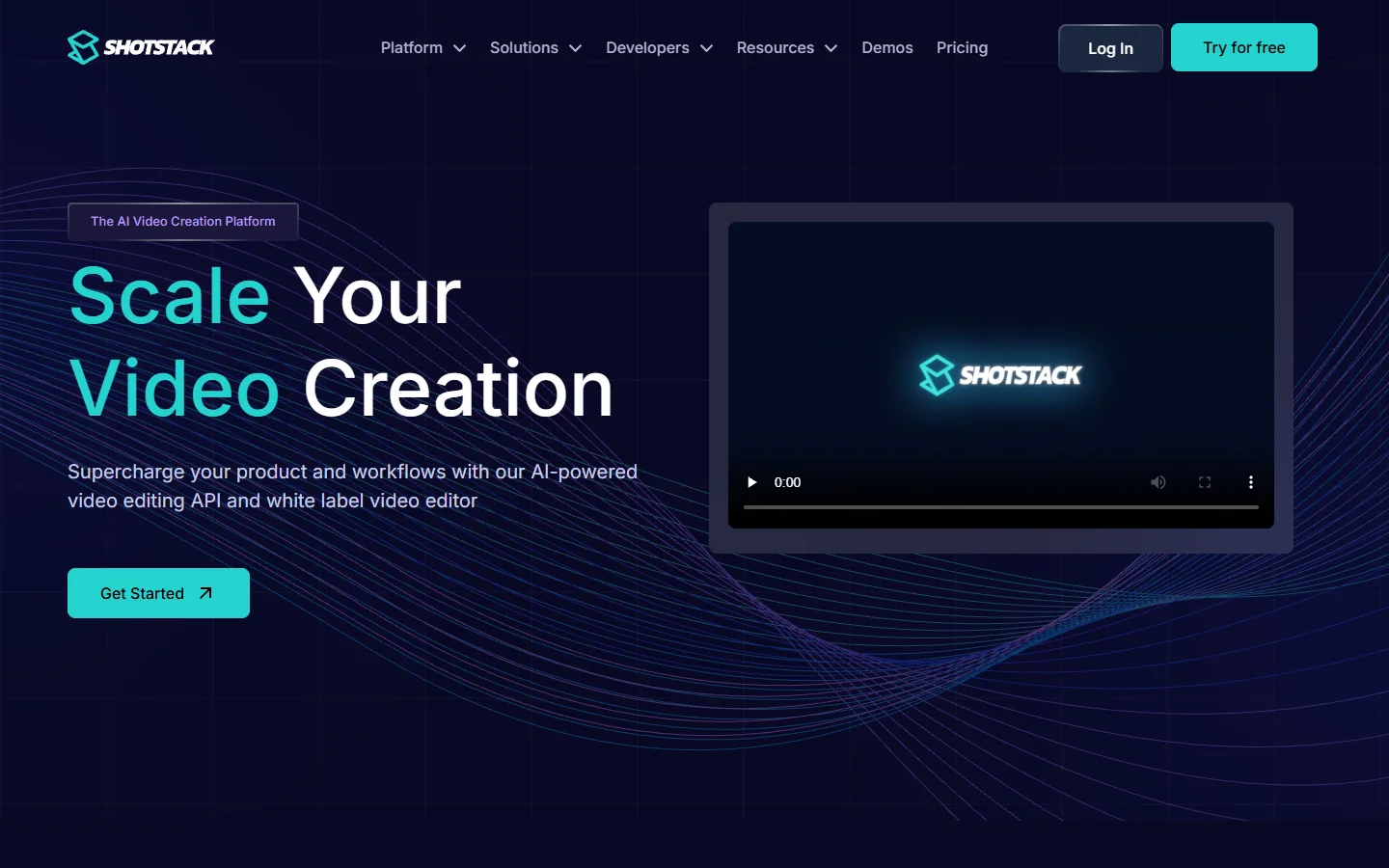
Its entry plan starts around $49 a month for 200 minutes at 720p, with HD costing more. The honest limitation is scope: Shotstack assembles, it does not synthesise. No built in text to speech means narrated output needs a second vendor and a second bill, and your clips must already exist. That focus is why it still anchors most video production automation stacks.
Verdict: best pure rendering API if your media already exists.
3. Creatomate
Creatomate comes at the problem from the template end. Build a composition once in a visual editor, expose the parts that change as variables, then render variants through the API or from a CSV. Agencies push out hundreds of localised or per product cuts from one approved design.
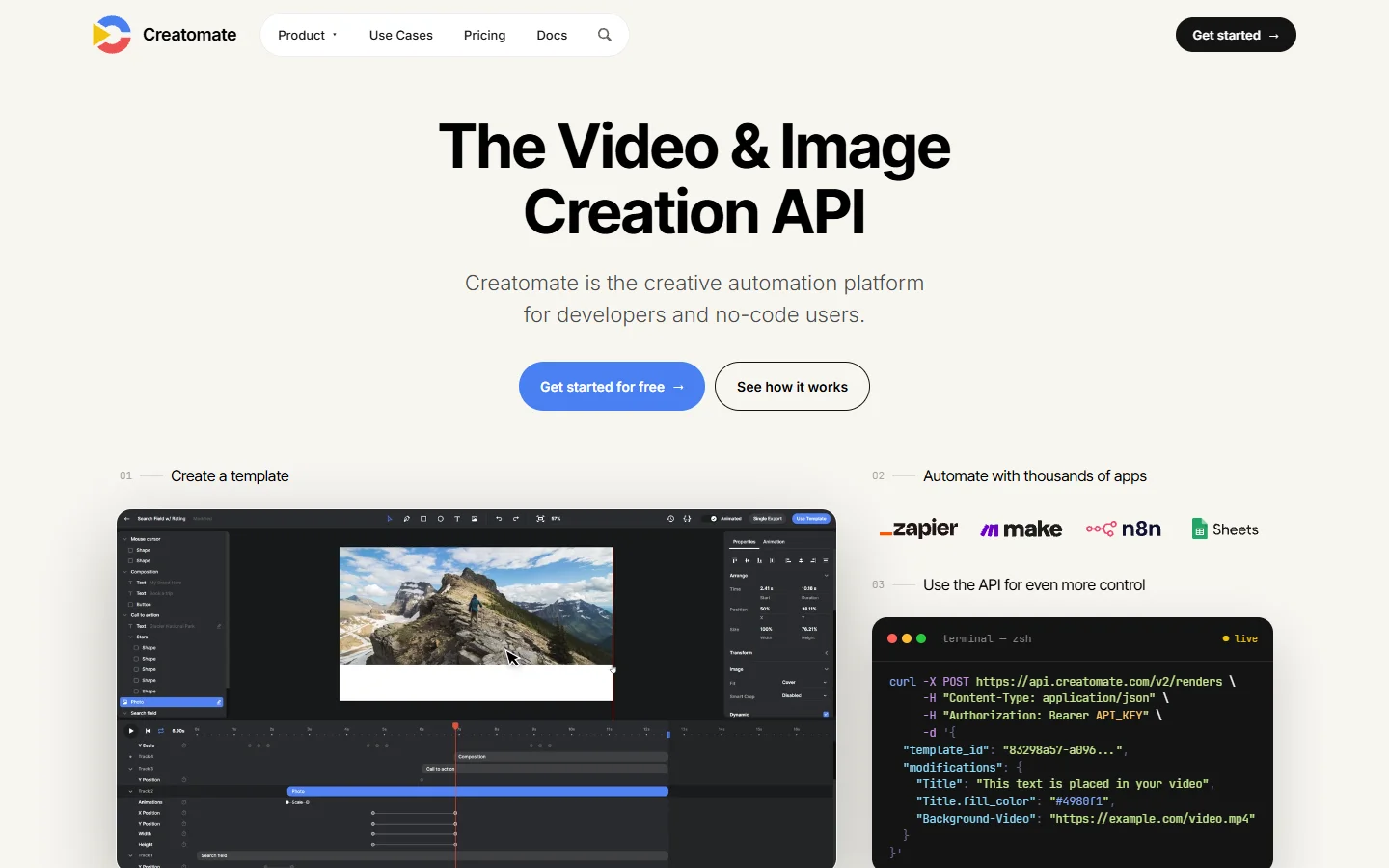
Entry pricing sits near $41 a month for around 144 minutes, and rates rose during 2026, so check the current page before modelling costs. It struggles with anything the template did not anticipate: conditional layouts, variable clip counts and shifting durations push you into workarounds, and then you are fighting the editor. Teams who hit that wall land nearer the agentic video editing tools.
Verdict: best for high volume variants of one approved design.

4. JSON2Video
JSON2Video is the closest direct competitor to Shotstack and undercuts it on exactly the gap named above: text to speech is included in the rendering credits rather than billed separately. For narrated explainers and faceless social content, that removes a whole vendor from the diagram.
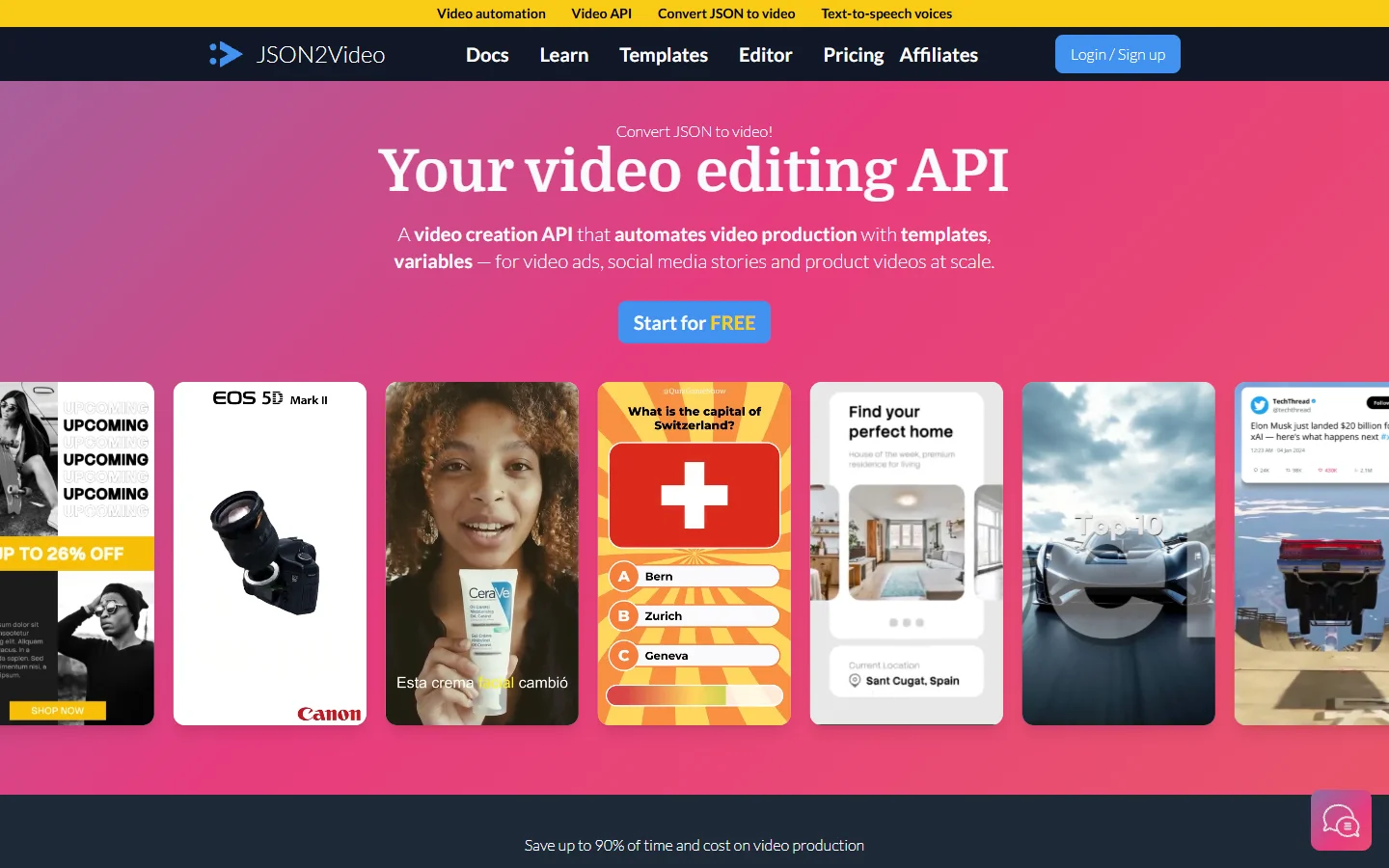
Its Professional tier runs about $49.95 a month for 200 minutes of Full HD, and a Hobby tier landed in 2026 near $16.95 a month, making it the easiest paid renderer to prototype on. Documentation is thinner and the community smaller, so expect more time in the schema reference. Set budget guards early, for the reasons in our note on generation APIs with spend limits.
Verdict: best value renderer when the video needs a voiceover.
5. Remotion
Remotion suits teams who would rather write React than JSON. Compositions are components, timing is a frame number you can compute, and anything renderable in a browser can end up in the video, including live charts, code diffs and real fonts. Remotion Lambda splits a long timeline into parallel chunks across AWS.
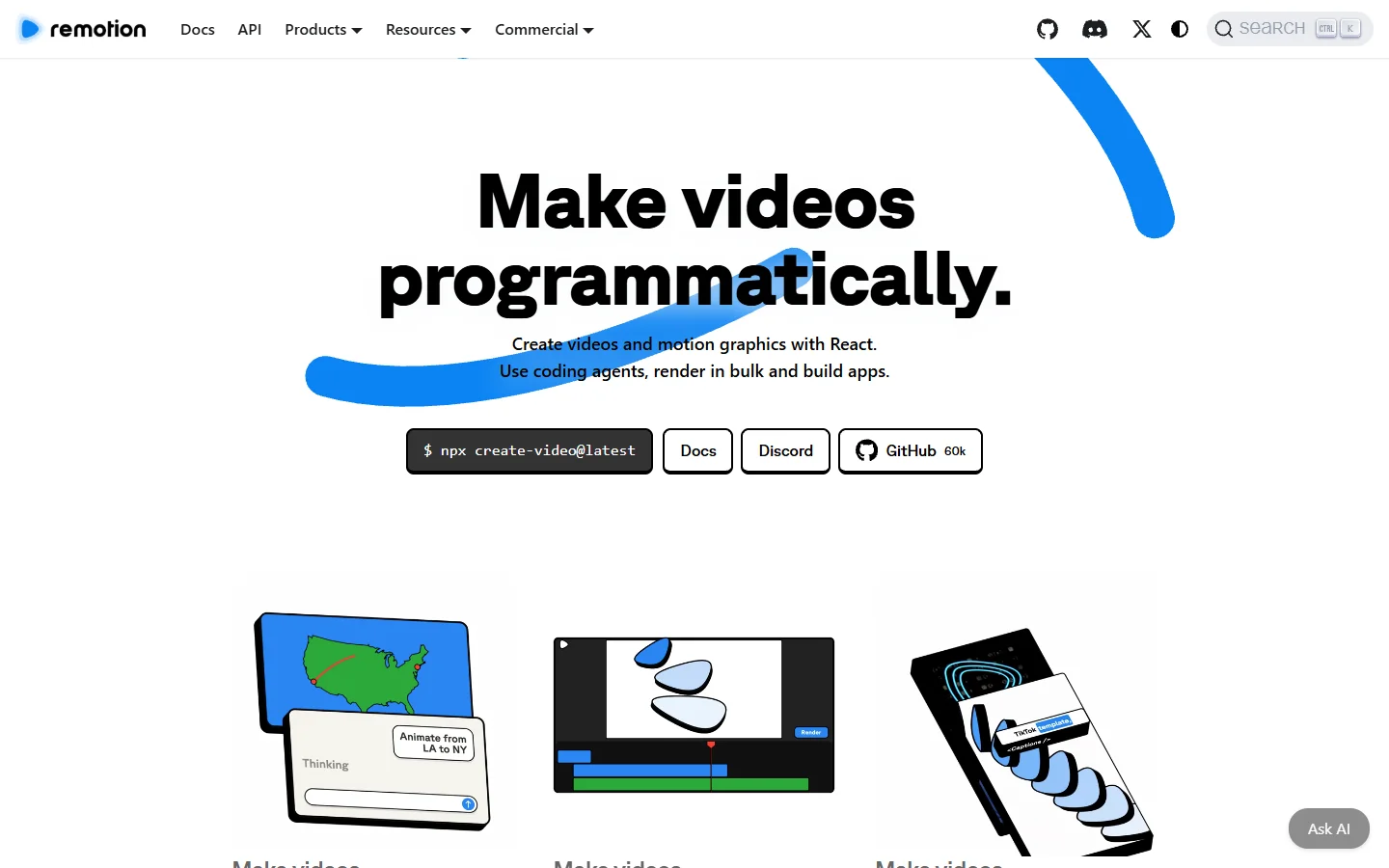
It is also the most operational choice here. The Lambda function deploys into your own AWS account, so you own concurrency limits, cold starts, the egress bill and the page at 2am when renders back up. Licensing has a commercial tier above a headcount threshold, so read the terms before assuming it is free. Teams who want the authoring model without the AWS surface look at hosted programmatic video platforms.
Verdict: best for developer teams who want full control of the composition.
6. Plainly
Plainly renders your existing After Effects projects in the cloud, driven by your data. If a designer already built the brand system in AE, nobody rebuilds it in a JSON schema or a React component, and the output looks exactly like the approved comp because it is the approved comp.
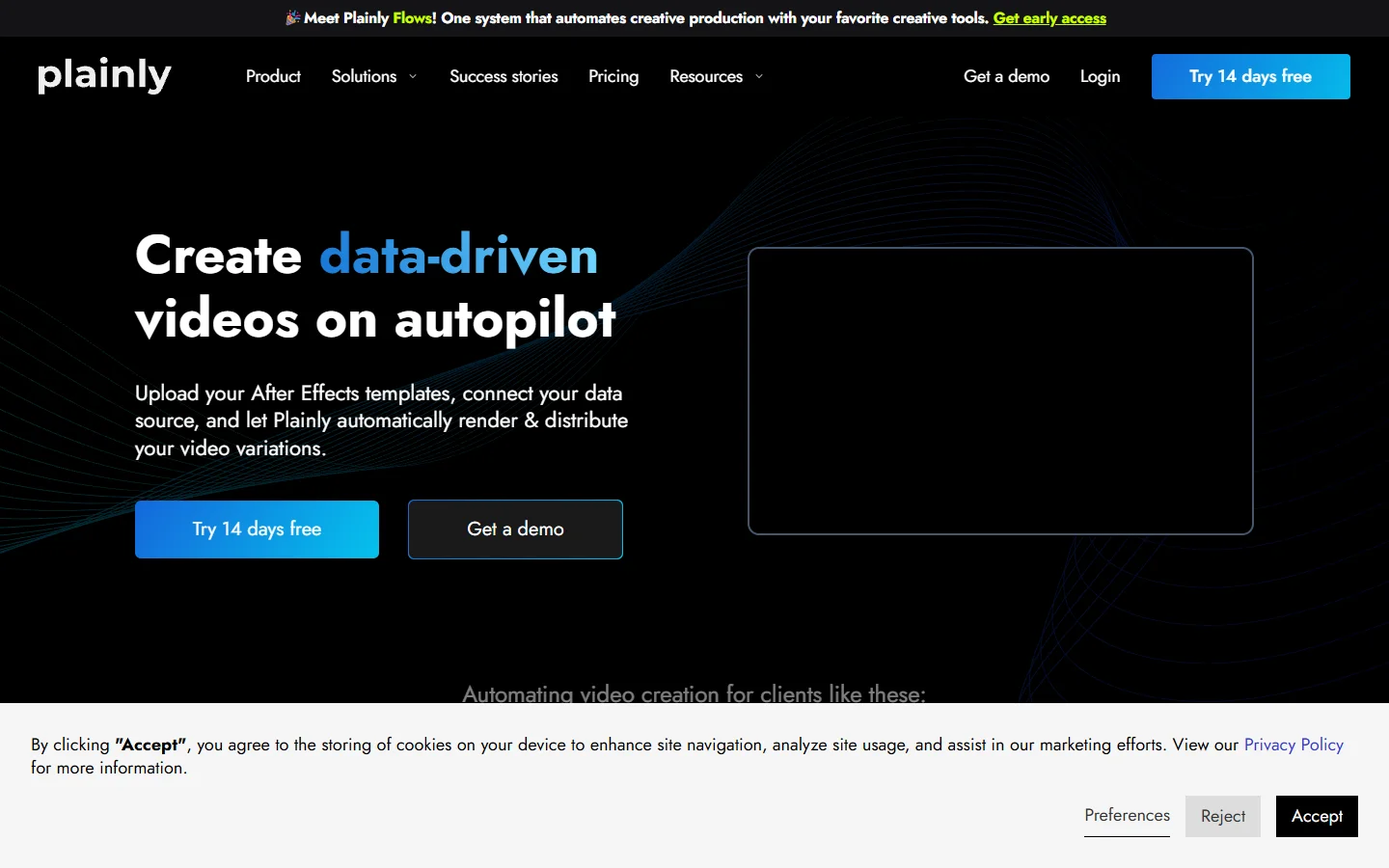
The ceiling is that you inherit After Effects. Render times track project complexity rather than output length, heavy expressions and plugins need care, and a structural change means opening AE rather than editing a config file, which puts a designer back in the loop. That dependency is what people escape when they go looking for a Plainly alternative.
Verdict: best when a designer owns the template and it lives in After Effects.

7. Rendi
Rendi is deliberately lower level. It is FFmpeg as a hosted service: send commands, it runs them at scale, and you skip the container, the queue and the machine that used to do that. For trims, concatenations, format conversions and audio muxing it is the cleanest option here.
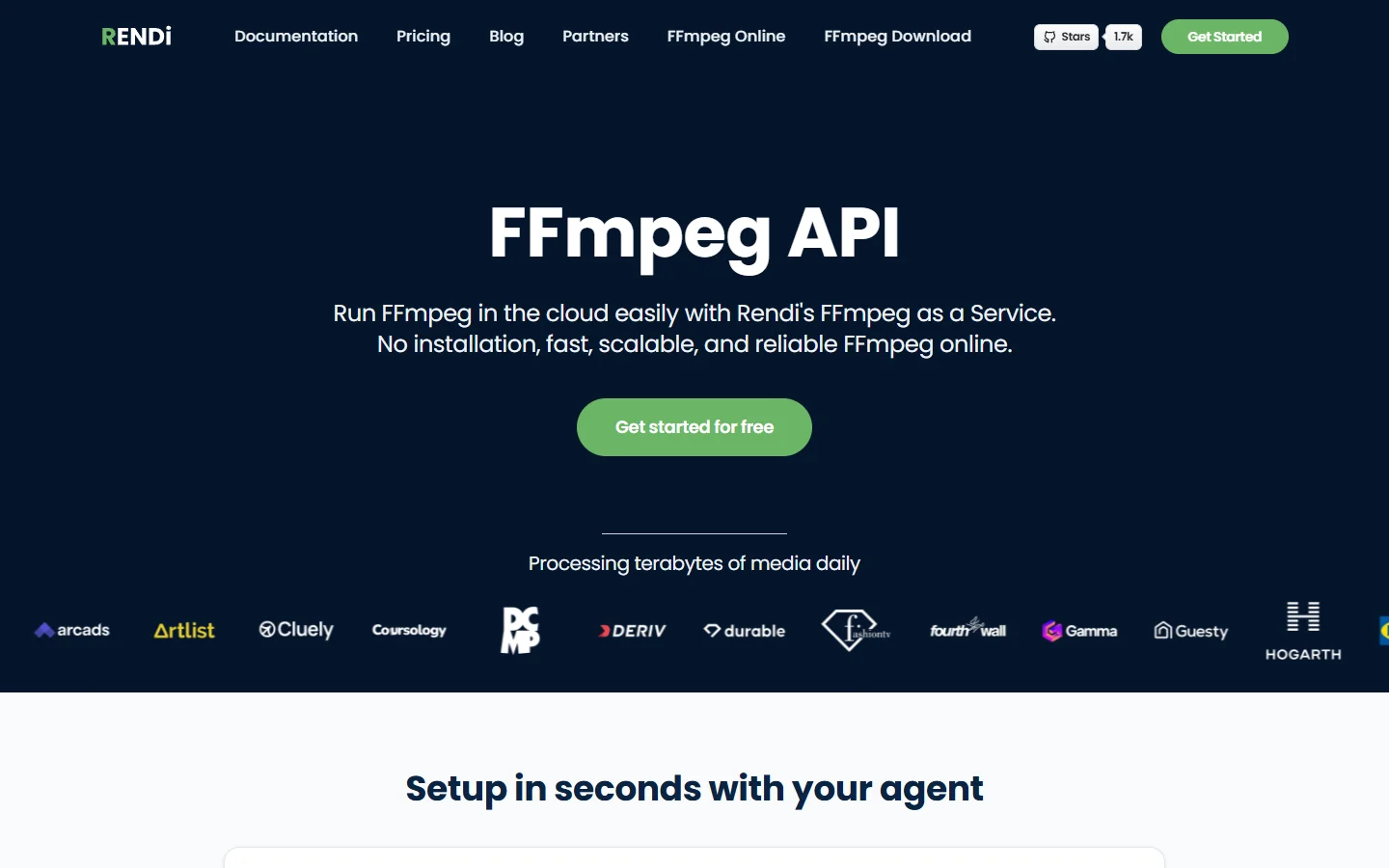
Billing is by gigabytes processed rather than minutes rendered, with a free tier around 50 GB and a paid tier near $25 a month for 100 GB, and no egress fees. That is cheap for quick operations on large files and less predictable for heavy transcoding. It is not a compositor, so complex overlays mean hand written filter graphs, which is the work the node based AI platforms with an API exist to remove.
Verdict: best for raw media operations, not for composed videos.
The comparison in one place
- Wireflow - Strength: generation and assembly on one canvas, published as a REST endpoint · Weakness: you build the pipeline yourself · Best for: model generated footage
- Shotstack - Strength: mature JSON timeline, fastest published render times · Weakness: no TTS, no generation · Best for: assembly at volume
- Creatomate - Strength: visual template editor, CSV batch renders · Weakness: rigid outside the template · Best for: many variants of one design
- JSON2Video - Strength: TTS bundled into render credits, cheap entry tier · Weakness: thinner docs · Best for: narrated social video
- Remotion - Strength: React components as video, full programmatic control · Weakness: you operate the AWS side · Best for: engineering led teams
- Plainly - Strength: renders real After Effects projects · Weakness: AE render times and plugin constraints · Best for: design led brand systems
- Rendi - Strength: hosted FFmpeg, GB based pricing, no egress fees · Weakness: no compositing abstraction · Best for: trims, concat and conversion
Frequently asked questions
What is a video assembly API?
It is an API that composes media into a finished video file. You describe the timeline as data, clips, overlays, captions, audio, and it returns an MP4. It differs from a generation API, which invents the footage, and a transcoding API, which only changes format. The distinction matters when comparing prices, as covered in the developer API roundup.
Does any of these handle generation and assembly together?
Most assume your clips already exist. We ran the same test job through each one, generating three shots from prompts then cutting them together with captions and a music bed, and only the node canvas approach finished both halves without a second vendor. The full ranked write up of that run sits at wireflow.ai if you want the per step timings.
How much should I expect to pay?
Published rates cluster between roughly $0.10 and $0.84 per rendered minute at 1080p, with entry plans from about $17 to $50 a month. Overage rates vary widely, and GB based billing does not map onto per minute comparisons. Model your own job shape rather than trusting a headline number, and read the production guide for generation APIs in SaaS apps first.
Can I drive these from an AI agent?
Yes, and increasingly that is the point. Any of these APIs can sit behind a tool call, though the ones with a stable declarative schema are easier for a model to target than the ones expecting FFmpeg syntax. Several now ship MCP servers so an agent calls them directly, which we compared in the MCP servers for video editing piece.
What about rendering speed?
Assembly is rarely the bottleneck. A one minute 1080p composite comes back in well under a minute on every tool here. The slow parts are the generation calls upstream, which run for minutes per clip, and the retries when a model returns something unusable. Design for asynchronous jobs and webhooks from the start, the lesson the Veo API pricing breakdown pointed at.
Which one should I start with?
If your media exists and you want the shortest path to a rendered file, start with Shotstack or JSON2Video. If a designer owns the look, start with Plainly. If your footage is model generated, start with a canvas that covers generation too. Starting narrow costs little, since these tools share the same concepts and migrating a timeline definition later is mechanical work.
Where this leaves you
The category has stopped being a single race. Pure renderers got faster and cheaper, template engines got friendlier to non developers, and a third group grew up around the fact that a lot of source footage is now generated rather than filmed. Picking well is mostly a question of which of those three matches your input, a framing we used throughout the visual AI pipeline builder comparison.
The practical advice has not changed: pick the tool that removes the most vendors from your diagram, build one ugly end to end pipeline before optimising any single step, and put spend limits on it the day it goes live.