
Runway MCP landed in 2026 as the quickest way to generate video and stills without leaving a chat window, and it is no longer the only server worth connecting. The official endpoint ties a Runway account to Claude, ChatGPT or Cursor, and rival servers now cover similar ground from different angles.
We connected seven of them to the same client over three weeks and pushed the same four briefs through each: a product hero still, a six second b-roll clip, a captioned talking-head cut, and a batch of twenty variations. The ranking is ordered by how much of a finished job each server completes, not by how many model names it lists. If the protocol is new to you, our walkthrough of connecting Claude and ChatGPT to private business data over MCP covers the mechanics first.
Everything here is a genuine MCP server, meaning your agent discovers the tools on connect and calls them mid-conversation. That is a different shape from a plain REST integration, which our guide to programmatic video generation platforms treats on its own terms.
How we ranked them
Four criteria, weighted roughly equally:
- Job completion · Does it finish a deliverable, or hand back a raw generation you still have to edit elsewhere?
- Model coverage · How many current video and image models one connection reaches.
- Agent ergonomics · Tool descriptions, token cost per call, and whether the agent picks correctly unprompted.
- Cost visibility · Whether you can see and cap spend before a loop drains your credits.
Spend control matters more than it sounds. An agent that retries a failed video job four times can burn a week of credits in an afternoon, which is why our notes on AI generation APIs with spend limits kept coming up.

1. Runway MCP
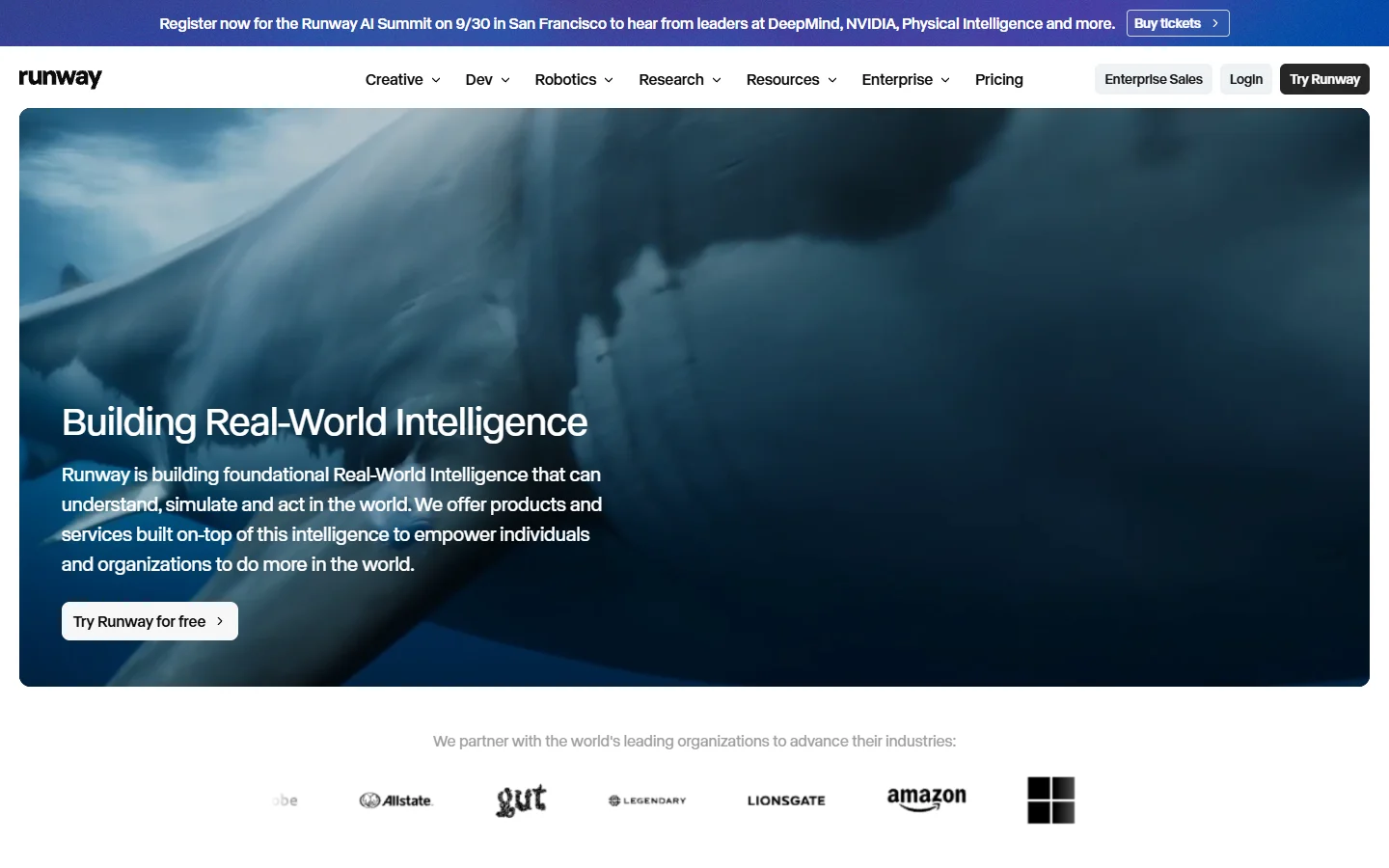
The official server from Runway earns the top slot. You add https://mcp.runwayml.com/mcp as a custom connector, sign in with your existing account, and every generation bills against the plan you already pay for. No separate API key, no second dashboard. Model access covers Gen-4.5, Seedance 2.0, GPT Image 2, Kling 3.0 and Nano Banana Pro, varying by tier.
What makes it the best default is that outputs land back in your Runway library rather than vanishing into a chat transcript, which matters the moment a client asks where a shot came from. The catch is transport: it is streamable HTTP only, so a client configured for SSE or stdio fails with a 405 and no useful hint. For the same pattern applied to stills, our piece on MCP-based image generation uses a near-identical setup.
- Runway MCP · Strength: first-party models, no extra billing surface · Weakness: generation only · Best for: teams on a paid Runway plan
- Verdict: Best overall if Runway is already your generation home.
2. fal.ai MCP
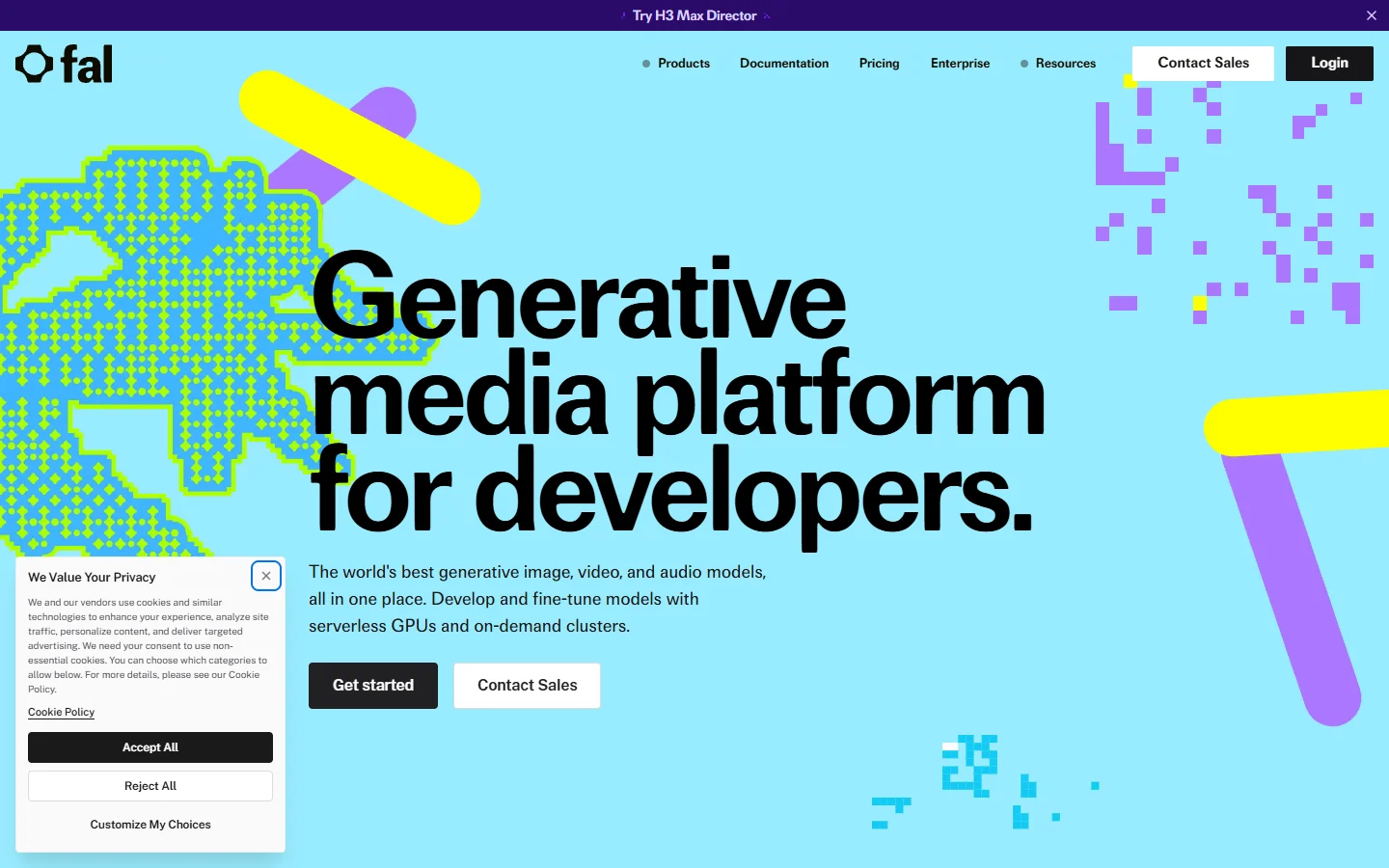
fal exposes its model registry over MCP, so your agent reaches a far wider catalogue than any single vendor offers. In our runs it was the only server that could answer "try this prompt on three different video models and show me all three" without extra plumbing. Latency was the lowest of the group.
The tradeoff is that breadth comes without opinion. The agent gets a long list of endpoints and no guidance on which suits a vertical product clip versus a cinematic wide, so your prompt carries that judgement. Our Seedance API roundup is a reasonable place to build a shortlist.
- fal.ai MCP · Strength: widest registry, fastest cold starts · Weakness: no editing or assembly · Best for: model comparison at volume
- Verdict: Best for breadth when you already know which model you want.
3. Wireflow
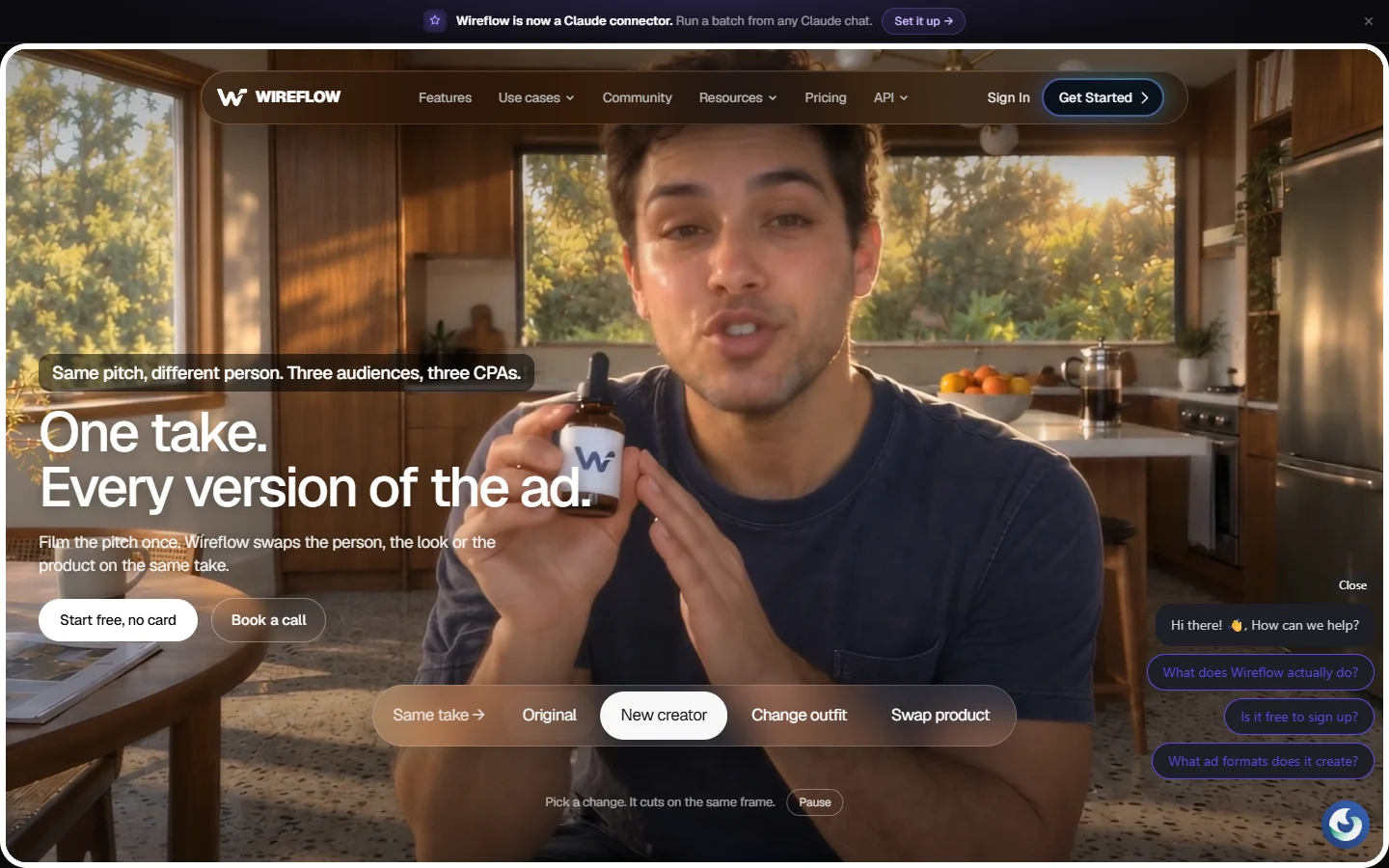
This one placed third on model count and first on finished output. Instead of exposing a single generate call, it exposes a workflow: generation, edit, audio and export chained on a node canvas, then published as one callable endpoint in the way our notes on an AI canvas with a REST API describe. Asked for a captioned six second clip, it was the only server in the test that returned something we could hand over as-is.
We tested it against the official server on the same four briefs and the gap showed up in the batch job. Twenty variations through Runway MCP meant twenty chat turns and twenty manual saves; here it was one call against a pre-built graph. The team also published a longer breakdown of which MCP servers hold up for Runway-style work, and their conclusions matched our notes, including that raw model access is rarely the bottleneck.
The honest limitation is setup cost. You build the graph before the agent can call it, roughly fifteen minutes that plug-and-play servers do not ask for, and if you only need one clip at a time you will not recover it. Our survey of node-based video generation tools compares the wider canvas category.
- Wireflow · Strength: chains generation, editing and audio into one endpoint · Weakness: requires building the workflow first · Best for: repeatable batch jobs
- Verdict: Best for finishing a deliverable rather than starting one.

4. Higgsfield MCP
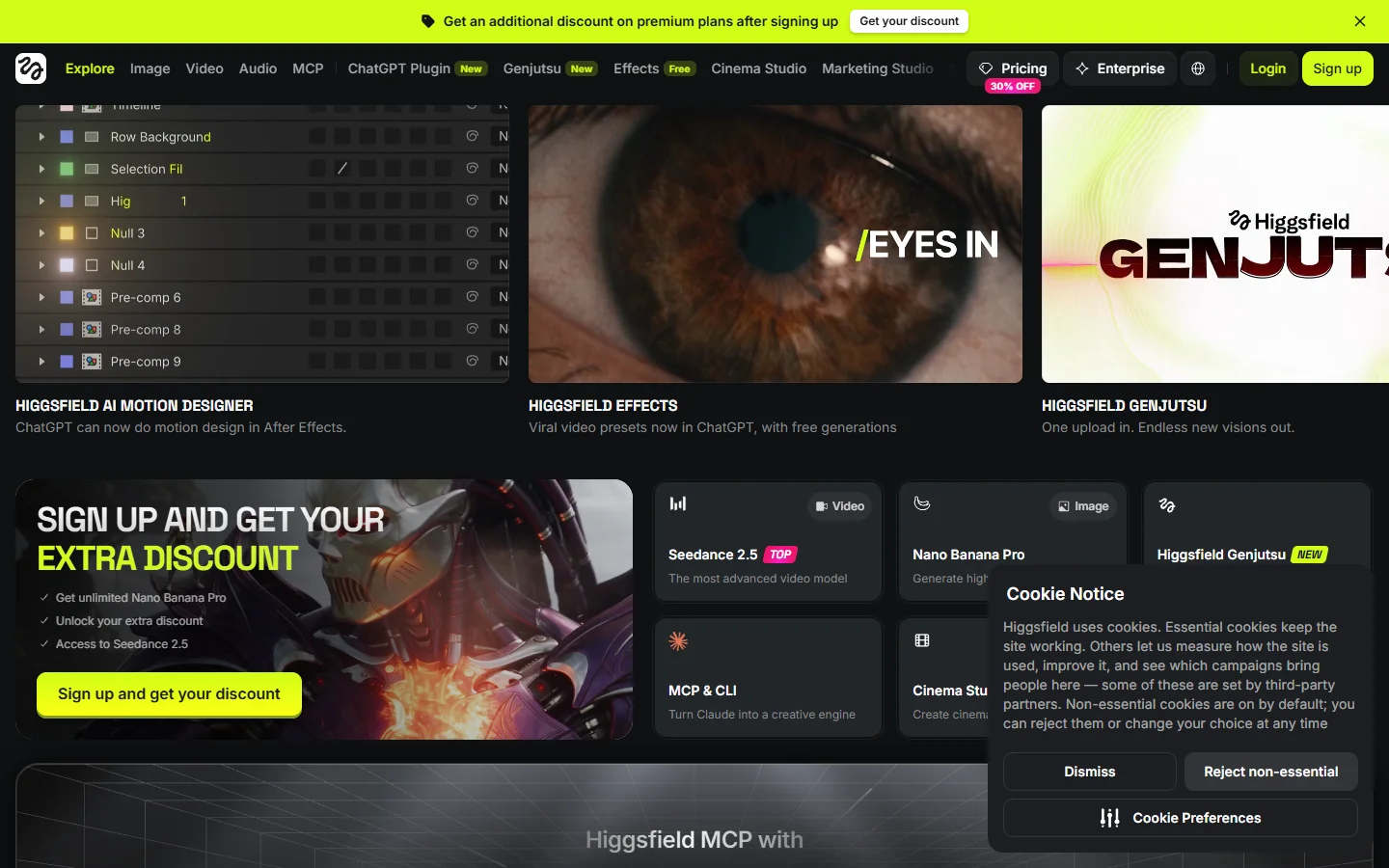
Higgsfield hosts an MCP endpoint over thirty-plus cinematic models, with a heavy bias toward camera-motion presets other servers do not expose. Given a brief like "dolly in, shallow depth, anamorphic flare", it got closer on the first attempt than anything else we tried.
Where it loses ground is predictability. Preset-driven output is strong when the preset matches the brief and noticeably worse when it does not, and the agent cannot tell in advance. Pricing is promotion-heavy too, so the credit cost of a clip moved between our test weeks. That volatility keeps it below the top three, a pattern we also flagged in our look at tools for automating video production.
- Higgsfield MCP · Strength: cinematic motion presets · Weakness: inconsistent off-preset, shifting pricing · Best for: stylised b-roll
- Verdict: Best for motion-led shots you would otherwise hand to an editor.
5. Replicate MCP
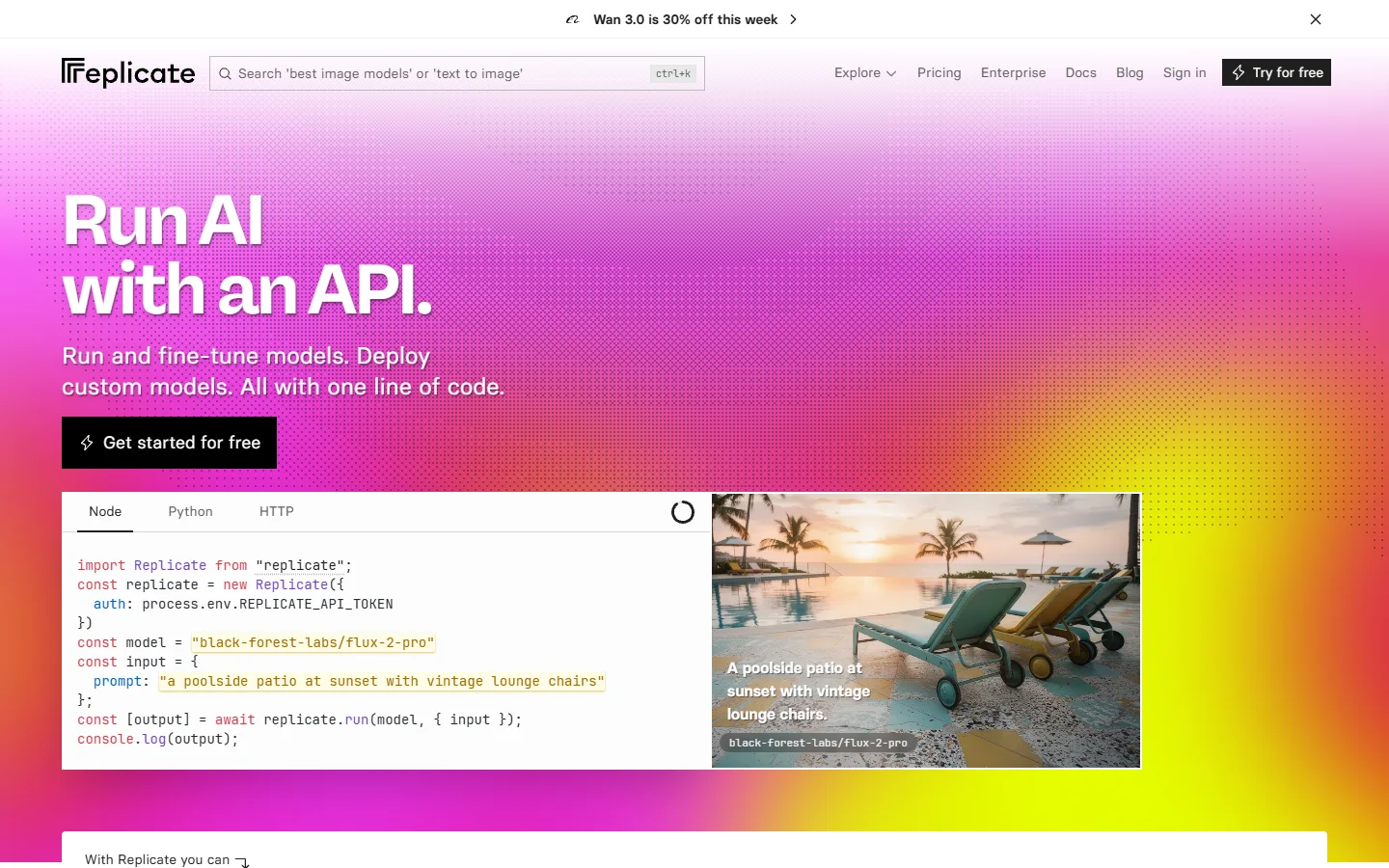
Replicate is the developer's pick. Its MCP surface mirrors the API: every public model is addressable, versions are pinned, and you can point the agent at your own fine-tune. If you already run Replicate in production, adding the server takes two minutes and changes nothing about billing.
It is also the least agent-friendly server here, a fair price for that flexibility. Tool descriptions are thin, the agent often picks a version that is valid but wrong for the job, and prediction polling eats tokens. Wrapping specific models in our own tool definitions worked better, an approach our notes on AI APIs with Claude Code integration cover.
- Replicate MCP · Strength: pinned versions and custom fine-tunes · Weakness: thin tool descriptions, token-heavy polling · Best for: existing Replicate users
- Verdict: Best for developers who want version control over their models.
6. Shotstack MCP
Shotstack solves the other half of the problem. It does not generate much, it assembles: timelines, overlays, captions, transitions and a render at the end. Paired with a generation server it closes the loop, and Runway plus Shotstack produced the second-best finished clip in our test, behind the canvas approach at number three.
Running two servers side by side costs you something. The agent carries asset URLs between tools, and a dropped URL means a silent render of the wrong clip. If assembly is your priority, our comparison of MCP servers for video editing goes deeper on that category.
- Shotstack MCP · Strength: real timeline rendering with captions · Weakness: generates almost nothing itself · Best for: programmatic assembly
- Verdict: Best second server to pair with a generation endpoint.
7. A local FFmpeg MCP server
Last on the list and still worth installing. A local FFmpeg server costs nothing, keeps files on your machine, and handles trims, concatenation, format conversion and audio swaps without a network round trip. Most of the setups we ended up liking ran one alongside a hosted generation server, a split our roundup of video editing agent tools also lands on.
It cannot generate a frame, which is why it ranks last rather than not at all. Treat it as the cheap utility layer under whichever hosted server you choose, in the same way developers keep a local render step under a cloud pipeline, a pattern our write-up on Remotion for coding agents describes well.

What to check before you connect
Three things caught us out. First, transport: several servers are streamable HTTP only, and a client set to SSE fails with an unhelpful 405. Second, credit exposure: confirm whether a failed generation still bills, because retry loops multiply that cost fast. Third, output persistence, since a file that exists only as a chat attachment is a file you will lose.
Model availability by plan tier is the quieter trap. Marketing pages list the full lineup while the tool call returns a permission error on the newest model, which reads to the agent as a generic failure and triggers a retry. Our review of Veo 3 and how access is gated covers a version of the same problem.
FAQ
What is Runway MCP?
It is Runway's hosted MCP server at https://mcp.runwayml.com/mcp, letting any MCP-compatible agent such as Claude, ChatGPT or Cursor generate Runway images and video inside a conversation. Setup is three steps: add the connector, sign in with OAuth, then prompt. Our MCP image generation example walks the equivalent flow for stills.
Do I need a separate API key? No. Generations authenticate through your existing Runway account and bill against your current plan, which is one of the cleaner things about the official server compared with wrapper endpoints that need their own key.
Which models can I reach through Runway MCP? Gen-4.5, Seedance 2.0, GPT Image 2, Kling 3.0 and Nano Banana Pro are the headline names, though availability varies by plan tier. Other servers reach overlapping catalogues, and our Luma MCP write-up shows how a single-vendor endpoint compares.
Can an MCP server edit video, not just generate it? Some can. Generation-only servers hand back a clip and stop; workflow and timeline servers continue into trimming, captions and export. That distinction is the single biggest factor in whether an agent finishes your job or just starts it.
Is Runway MCP free? It carries no separate fee, but every generation consumes credits from your Runway plan, so the effective cost is whatever your tier charges per second of video or per image. Budget guards are worth setting up before you let an agent loop, as our piece on spend-limited generation APIs explains.
Which server should I start with? Start with the official Runway server if you already pay for Runway, fal if you want model breadth, and a workflow canvas if your output needs editing or audio attached before it ships. Developers weighing the plain API route instead should read our rundown of AI APIs for developers.
The short version
Runway MCP is the right first connection for most people, and for single clips it is all you need. The moment work becomes repeatable, batch jobs and twenty variations of one product shot, the ranking inverts: servers that chain steps beat servers that expose more models, the case our agentic tooling roundup has been making.
Pick one hosted generation server, one assembly layer, and a local FFmpeg server underneath. That trio covered every brief we threw at it during testing, and it costs less than trying to make any single endpoint do all three jobs.