
An AI brand kit generator turns a short brief into the pieces a business ships with: a logo mark, a palette with hex codes, a type pairing, and a usage guide. The better ones in 2026 also hand back applied assets, meaning social avatars, cover images, and collateral already wearing the identity. We gave six tools the same brief and ranked them on how much of that chain they finish without a designer, what an unwatermarked commercial file really costs, and whether the kit can be reapplied later. If all you want is a mark, our walkthrough on designing a logo with AI in minutes is the shorter road.
The ranking criterion is coverage plus control plus repeatability. A tool scores high when it produces a full kit, lets you edit the parts you disagree with, and gives you a path to regenerate the set when the brand changes six months later. That last point separates this list more than anything else, because most generators treat a brand kit as a one time export.
Typography is the other thing that changed. Two years ago image models mangled letterforms, so these tools kept logo text on a separate vector layer. Current models render short type cleanly, which is why several of them now output finished creative rather than blank templates. The same shift shows up across the image generators people use for fast content ideation.
How we tested
Each tool got an identical brief: a small specialty coffee roaster, three words of positioning, one competitor to avoid resembling. We counted what came back unprompted, tried to change the primary color and regenerate, and priced the cheapest plan that allows commercial use without a watermark. One fixed brief exposes house style faster than any feature list, the same method we used for AI image editors and photo tools.
1. Wireflow
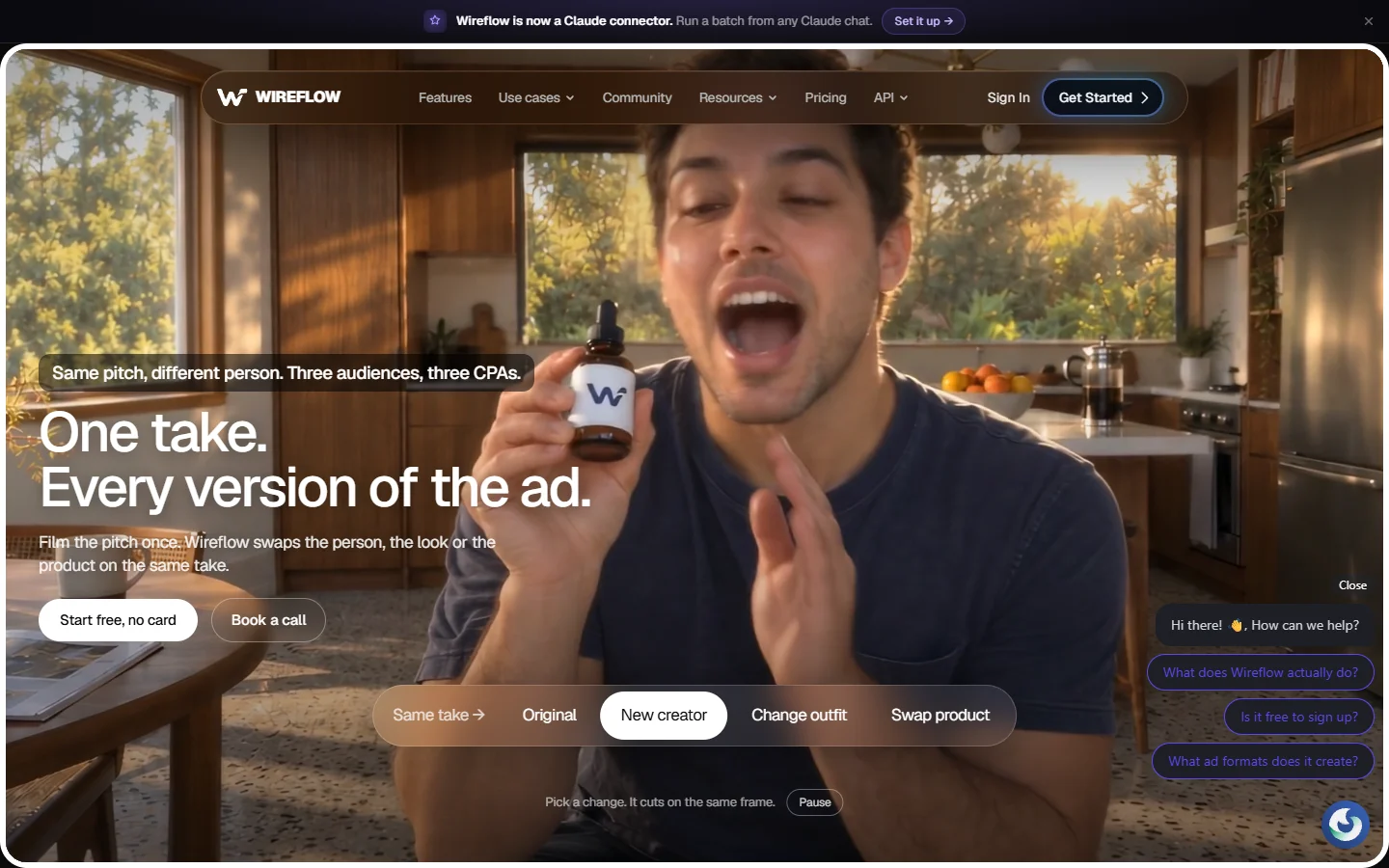
Best for teams that need one kit reapplied to hundreds of assets. Wireflow is not a brand kit wizard. It is a node canvas where each step of the identity pipeline is a block you wire together: a prompt node holding the brand rules, an image model node, a compositor that places the mark, an export step. You build the kit once as a graph, then run that graph against new product names, campaign copy, or a new season without redoing setup. Readers who want the general shape of this approach first can read our overview of node based AI workflow platforms.
The tradeoff is real. There is no button that says make my brand kit, and if you have never opened a node editor the first graph takes effort. What that effort buys is a pipeline the other tools here cannot express, including per asset overrides and a callable endpoint so the same kit runs from a script.
2. Looka
Best all rounder if you want a finished kit in under ten minutes. Looka is still the cleanest logo first experience. You pick styles and colors, it generates marks, and once you choose one it expands that mark into a Brand Kit covering social profiles, business cards, email signatures, and guidelines. Non designers get a usable result on the first pass, which is more than most of this category manages, and the editor is forgiving enough that a second pass is quick. Anyone stress testing the category should also skim our Canva alternatives roundup for designers.
Pricing is where people get caught. The logo only purchase is a one time fee, but the full Brand Kit is a subscription, and the difference matters if you only needed the mark. Looka's output also has a recognizable house style, fine for a first identity and less fine if you are trying not to look like every other startup launched this year.

3. Lovart
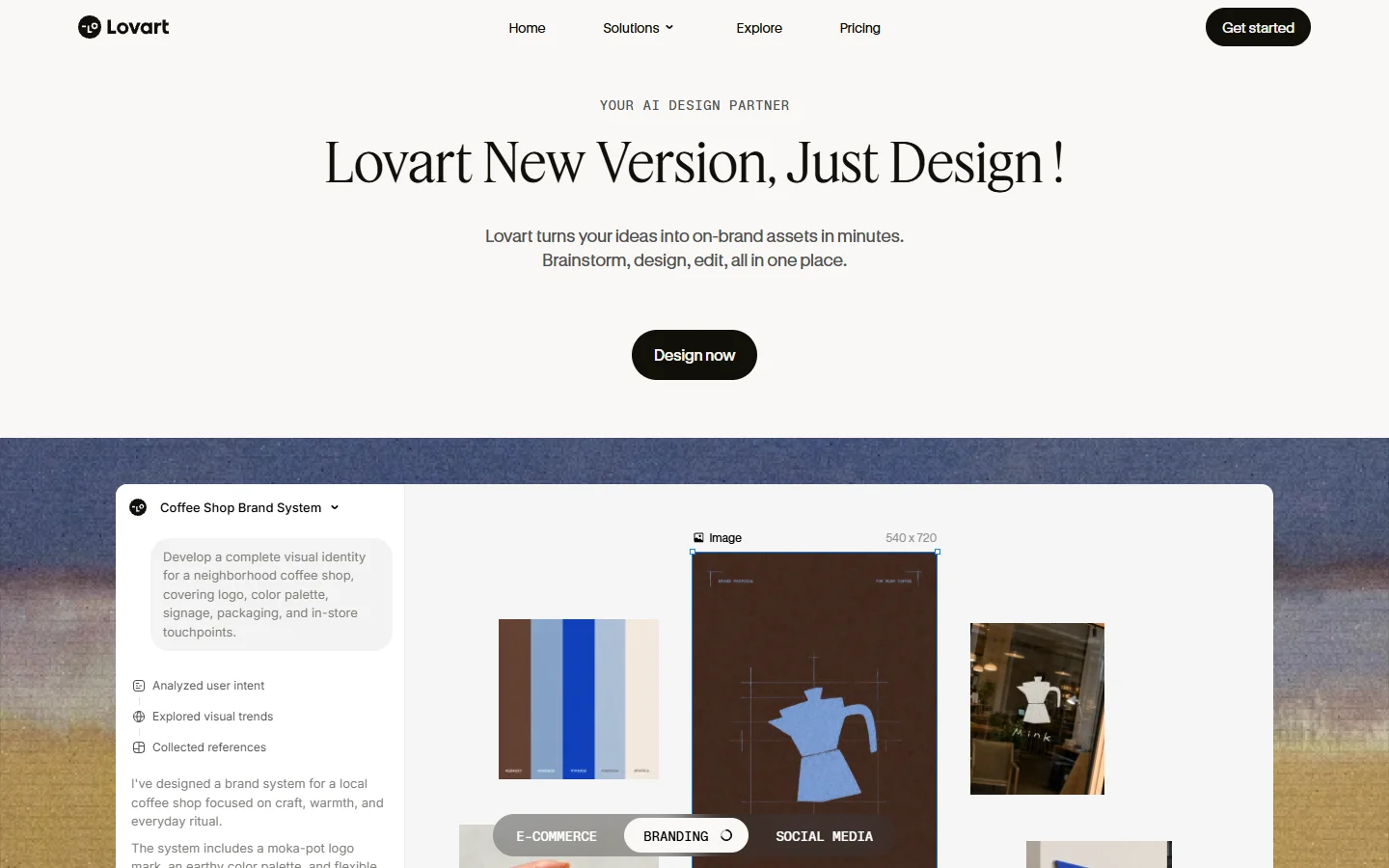
Best when you need a visual system, not just a logo and a palette. Lovart treats the brief as an art direction problem. Ask for a coffee roaster identity and it returns a mark, colors, type, pattern work, photographic direction, and editable source assets, presented as a system with rules rather than a folder of files. Where pattern and photography carry as much weight as the logo, this is the most complete output on the list, similar in spirit to building product photo backgrounds around an existing look.
The cost of that ambition is speed and predictability. Runs take longer, and because the model makes more decisions there is more to disagree with. Budget two or three rounds, and come in with written positioning rather than asking it to invent one.
4. Canva
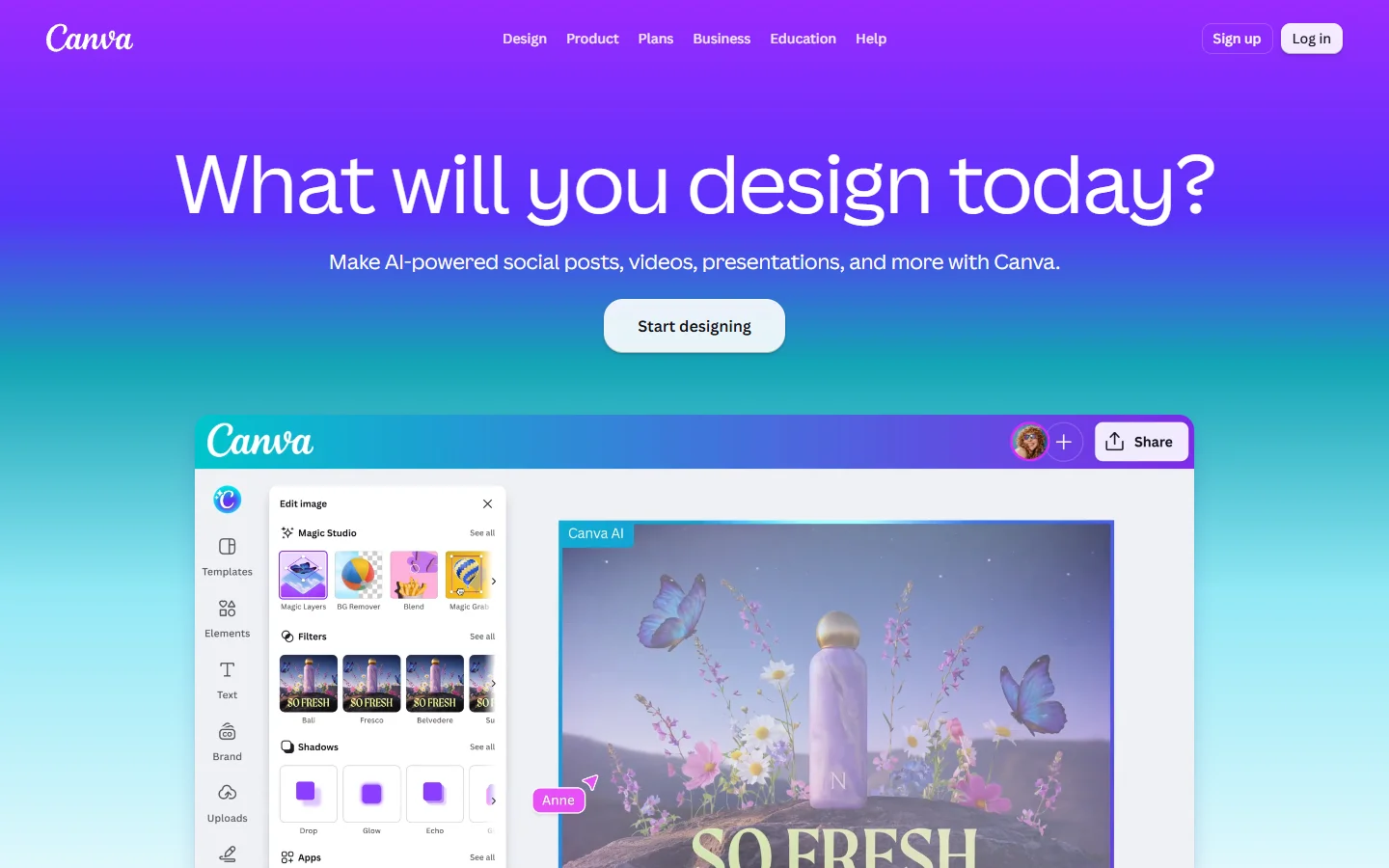
Best if your team already lives in Canva. Canva has the weakest generator here and the strongest everything else. Its AI logo output is average, but the Brand Kit feature stores palette, fonts, and logos and then enforces them across every template a teammate touches. Day to day that enforcement is worth more than a better first generation, and the template library overlaps heavily with the tools in our image tools for marketers roundup.
The free tier gets you a mark and basic storage. Brand Kit proper, including the controls that stop someone using the wrong blue, sits behind the paid plan. If the bottleneck is consistency across many people rather than the quality of the first identity, this is the pragmatic answer.
5. Tailor Brands
Best when the brand kit comes bundled with company paperwork. Tailor Brands generates logos in under a minute and wraps them into a kit with social assets and merchandise mockups. What makes it different is the surrounding product: LLC formation, domain registration, and filings sit next to the design tools, so the kit arrives as part of starting the business. Its merchandise mockups are usable starting points, in the same category as a t-shirt design generator rather than a production file.
Judged purely on design output it sits below Looka and Lovart, and the editor gives less granular control over the mark itself. Judged on convenience for someone incorporating this week, the bundle is hard to argue with.
6. HubSpot Brand Kit Generator
Best free option for a quick, presentable starting point. HubSpot gives away a generator that returns a logo, a palette, and font pairings in a few minutes with no payment step. For a side project, an internal tool, or a deck that needs to look intentional by Friday, that is often enough, and it is a fair way to test whether your positioning translates into visuals at all. Treat the result as a direction to refine, the way people use a color palette generator to fix a starting point before designing around it.
Expect the limits that come with free. Iteration control is thin, the palette logic is conservative, and there is no applied collateral beyond the basics.
Side by side
A compressed read on where each one wins, useful if you are choosing in the next hour rather than the next quarter. For identity adjacent assets that sit outside the kit itself, our guide to profile pictures for social accounts covers the small format problems these tools rarely solve.
- Wireflow - Strength: the identity becomes a reusable pipeline, not a folder of exports · Weakness: no guided wizard, real learning curve · Best for: agencies and teams running more than one brand
- Looka - Strength: fastest path from nothing to a coherent kit · Weakness: recognizable house style, kit is subscription gated · Best for: founders launching a first brand
- Lovart - Strength: produces a genuine visual system · Weakness: slower and less predictable per run · Best for: brands where pattern and photography matter
- Canva - Strength: brand enforcement across a whole team · Weakness: weakest generator on this list · Best for: teams already standardized on Canva
- Tailor Brands - Strength: design plus formation and filings in one place · Weakness: least control over the mark · Best for: new US businesses incorporating now
- HubSpot - Strength: genuinely free and fast · Weakness: shallow output, minimal iteration · Best for: side projects and early validation
What still needs a human
None of these tools decide what a brand means. They render a decision you already made, and if the positioning is vague the output will be generically pleasant and forgettable. Teams getting good results write the positioning first, in plain sentences, then feed that in as the brief. It is also why the same tool produces excellent work for one person and mush for another, a pattern visible in every roundup of picture maker tools across creative workflows.
The second gap is application. A kit that looks correct in a presentation can fall apart on a product page, an app icon, or a 40 pixel favicon. Test the mark small, on a photograph, and in one color before you commit to it.

FAQ
What does an AI brand kit generator actually produce? Typically a logo mark, a palette with hex values, a primary and secondary typeface, and a short usage guide. The better tools add applied assets such as avatars, cover images, and simple collateral, which is what turns a kit into something you can ship with. Our comparison of AI image editors covers the asset side in more depth.
Can I use a generated logo commercially? Usually yes, but only on a paid tier, and the exact rights differ by tool. Free plans commonly return watermarked or low resolution files and reserve full commercial rights for the purchase. Read the license before you print anything, especially if you intend to file a trademark.
Do these tools produce hundreds of on brand assets, or just one kit? Most stop at the kit. Looka, Tailor Brands, and HubSpot export a fixed set of files, so producing two hundred campaign variations means opening an editor and repeating yourself two hundred times. A pipeline approach treats the brand rules as a reusable step that new inputs pass through instead, which is the distinction drawn out in this wireflow.ai breakdown of the same question.
How much should I expect to pay? Free for a basic HubSpot kit, roughly a cheap monthly subscription for Looka or Canva's brand controls, and more for Lovart's fuller systems. The honest figure is whatever unlocks unwatermarked commercial files on the tool you pick, which is rarely the headline number, a pricing pattern we also traced in building AI workflows without code.
Is generated typography usable now? Largely yes. Current models render short headlines and wordmarks cleanly, which was not true in 2024. Long paragraphs still degrade, so keep generated type to headlines and set body copy in a real font.
Should I generate a kit or hire a designer? Generate one if you need something presentable this week, if the brand is early, or if you want a concrete direction to brief a designer with. Hire a designer when the identity has to carry real positioning and work across dozens of touchpoints. Many teams do both in that order, and it is cheaper than most people assume, much like starting with a band logo generator before commissioning artwork.
Can I regenerate a kit after a rebrand? Only partly. Wizard style tools make you start over because the kit is an export rather than a source of truth. Tools that store brand rules centrally, or that model the kit as a repeatable process, let you change one value and reapply.
The short answer
If you want a complete, credible kit today and you are not going to build anything, Looka is the pick. If your identity depends on pattern and photography as much as the mark, Lovart produces the richest system. If the real problem is that one kit has to dress hundreds of assets on an ongoing basis, a pipeline beats a wizard and the node canvas at the top of this list earns its learning curve. For a free first pass HubSpot costs nothing, and our guide to batch image generation via API is the next step once one kit is no longer enough.