 AI TikTok app - Go viral!NEW: Seedream 5 by ByteDance. Sharper prompts, native text in 14 languages, precise edits. Try it now.Try It Now →
Studio Ghibli AI
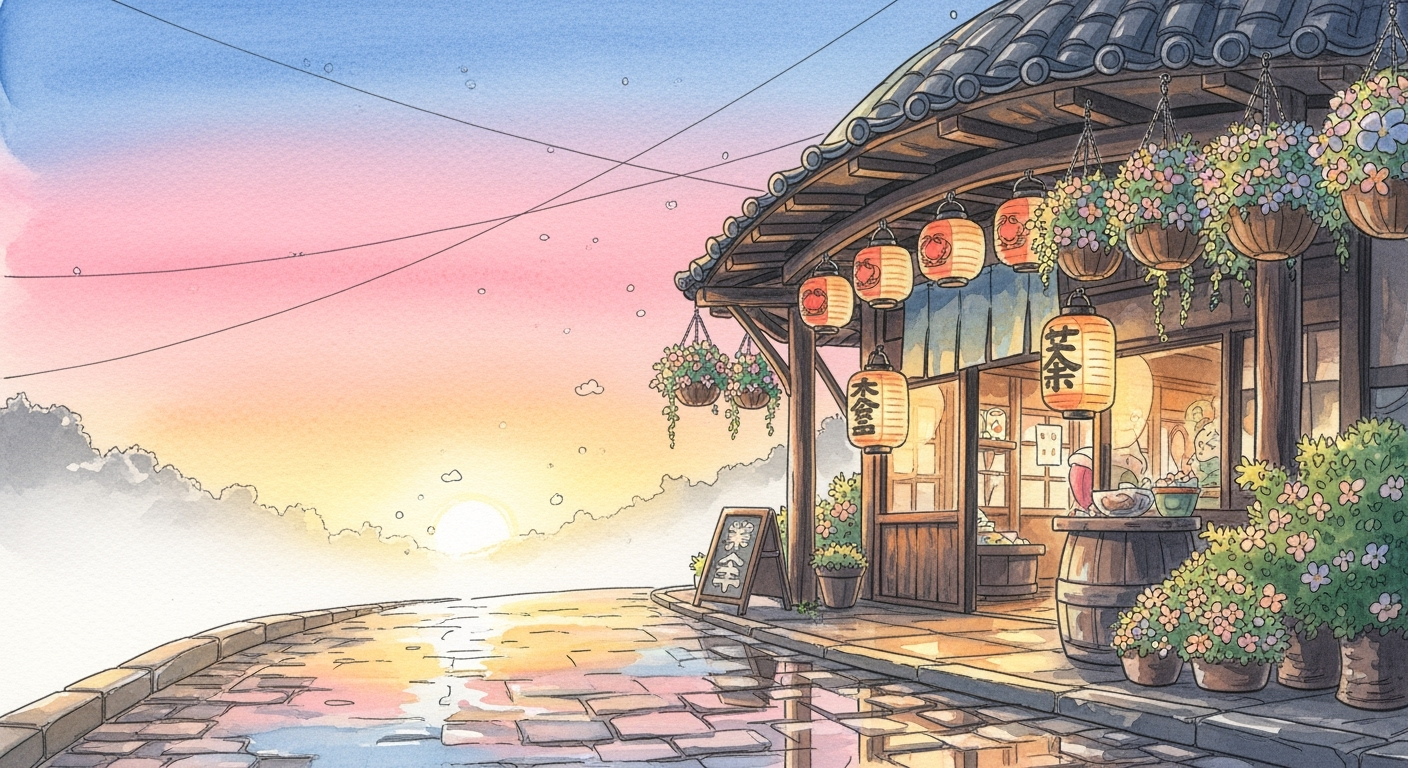
Write a sentence, upload a photo, or blend both, and this tool turns your idea into art that feels lifted from a Ghibli cel. Soft watercolour skies, hand‑inked line work, and gentle colour palettes appear automatically.

How to use Studio Ghibli AI
Steps to get you started in BasedLabs.

Step 1
Describe or upload
Type a short prompt like “quiet seaside village at dusk in Ghibli style” or drag in a PNG / JPEG photo you want to transform.

Step 2
Generate the image
Click Generate. The model studies your words or picture, then paints layers of pastel washes, fine outlines, and atmospheric lighting.
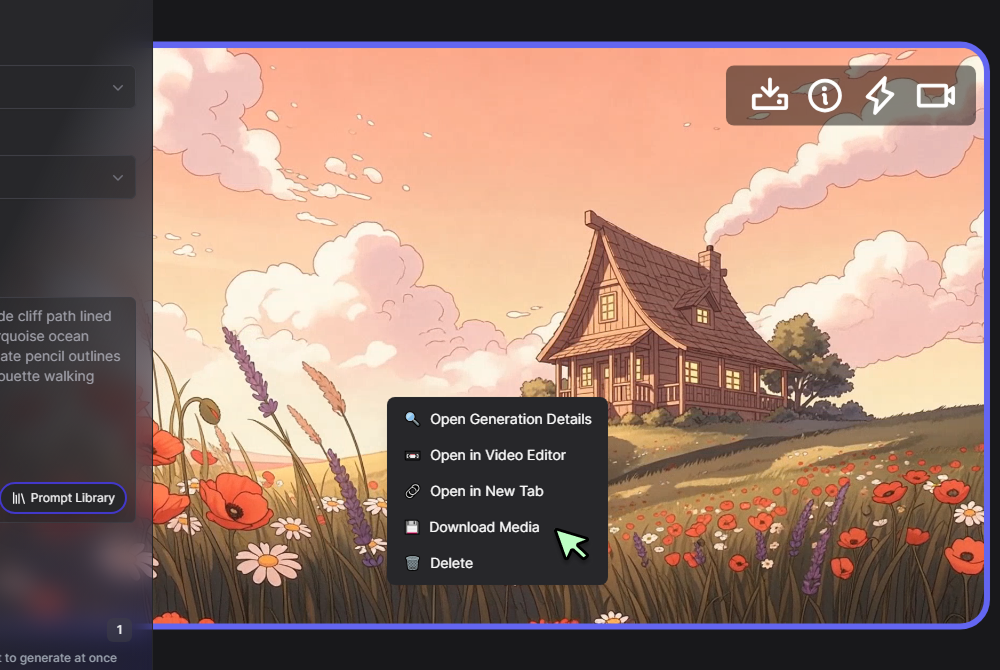
Step 3
Download or refine
Save the PNG, upscale it in the AI Image Generator if needed, or animate subtle wind and water movement in the AI Video Generator.
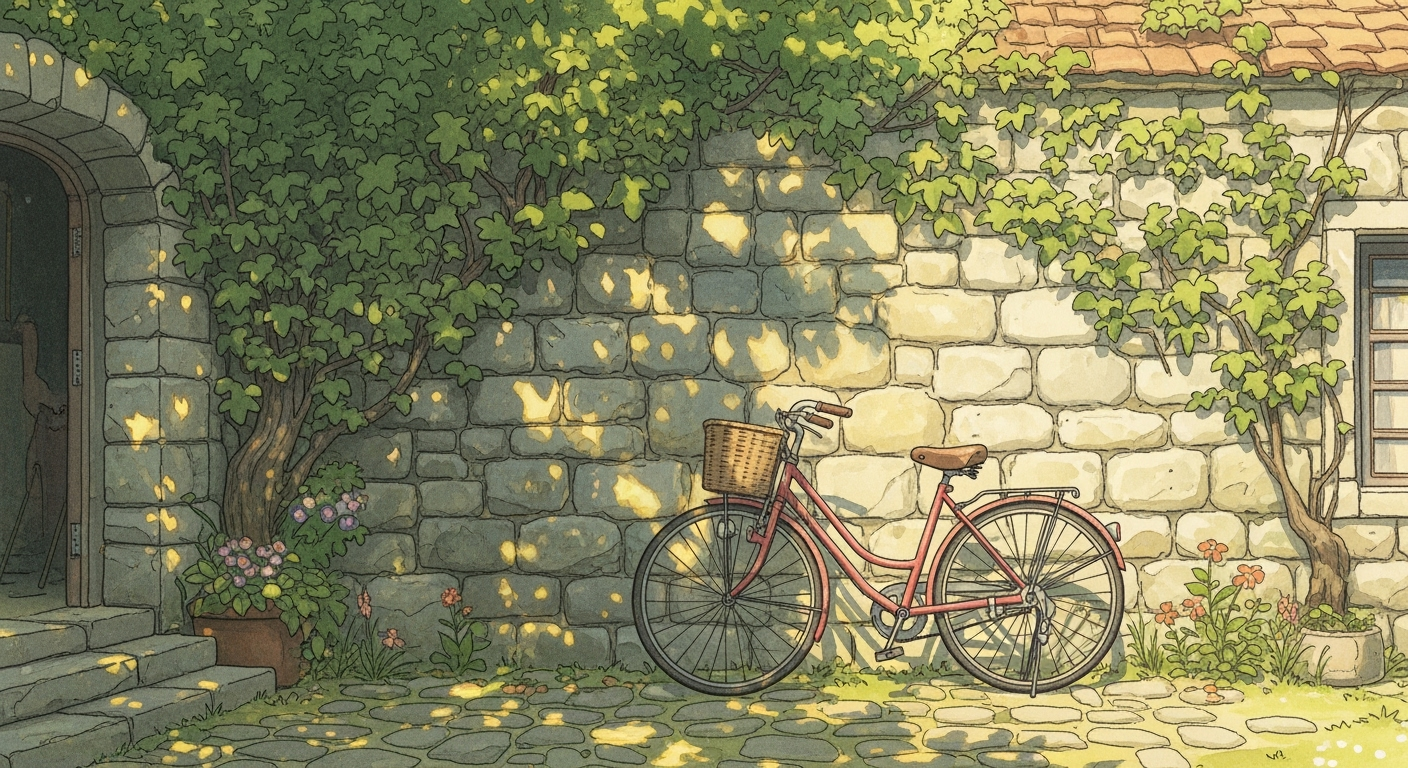
True Ghibli textures from text alone
The engine mixes water‑colour backdrops with pencil‑clean outlines, giving every scene the nostalgic warmth of classic films. Even without adjustment layers it matches colour bleed and paper grain, making it a dependable studio ghibli ai art generator for posters, covers, and pitch boards.
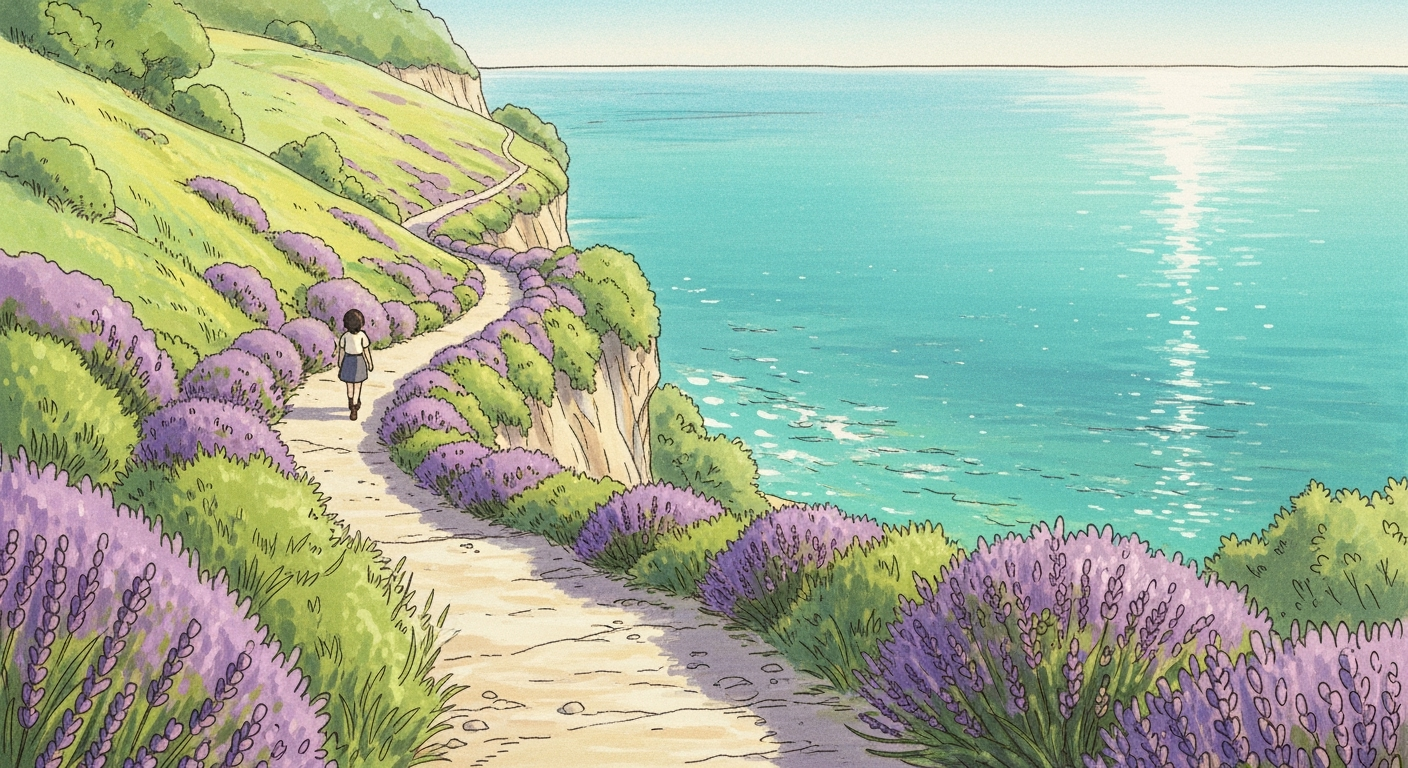
Photo‑based transformations
Drop any selfie or landscape into the canvas and the studio ghibli filter ai photo converter redraws edges, softens shadows, and fills the sky with gentle water‑colour washes. Real‑world detail shifts into warm painterly shapes in one click, perfect for keepsake prints.
Draft fast, upscale later
Explore compositions at 1024 px on the free tier, then enlarge to 4 k inside the AI Image Generator. Seed locking keeps tree trunks, rooftops, and characters aligned while you experiment with time‑of‑day changes or seasonal palettes.
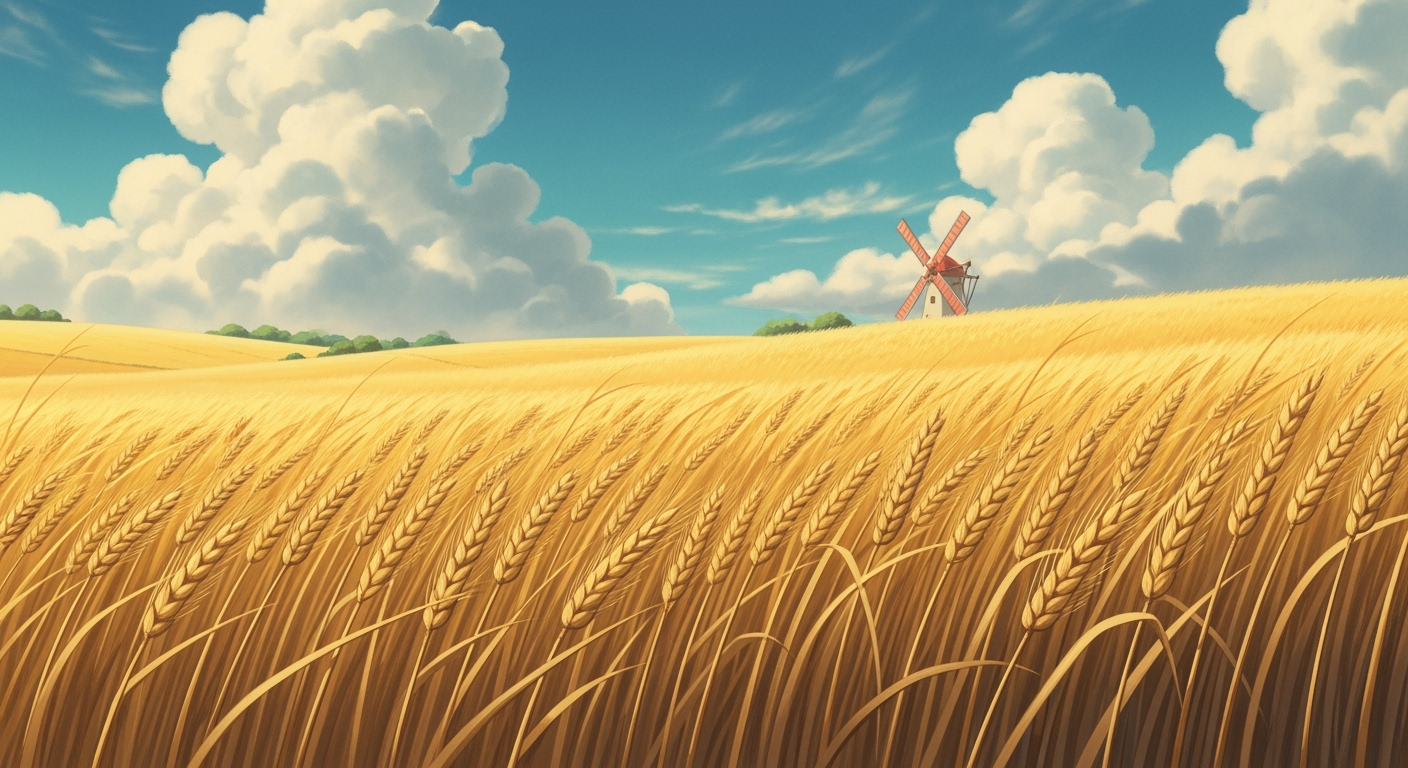
Animate the stills seamlessly
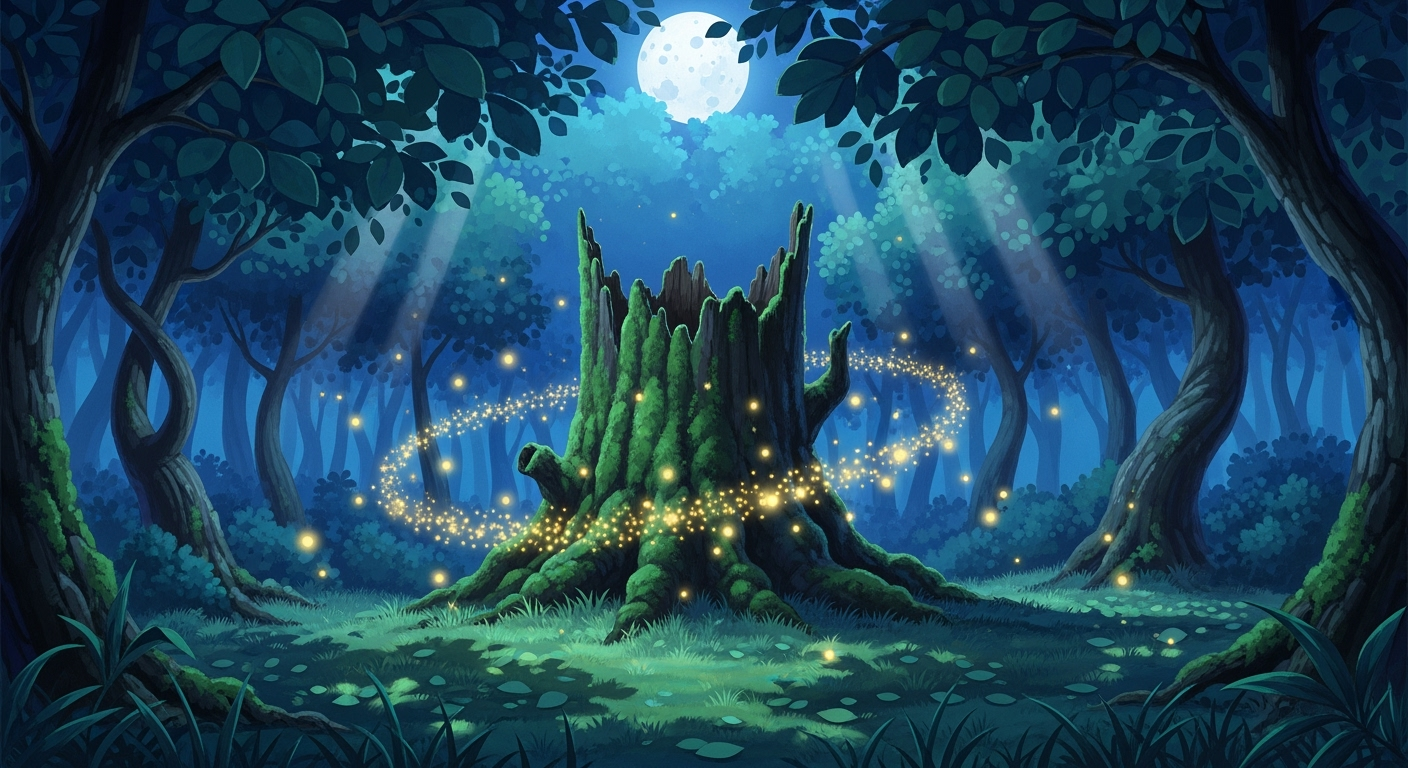
Export your render to the AI Video Generator and add prompts such as “slow camera dolly,” “gentle breeze,” or “soft orchestral score.” The matching seed ensures line weight and pastel colours stay identical frame to frame, turning illustrations into short Ghibli‑style clips.
Cross‑tool style blending
Send your scene to the AI Anime Generator to experiment with sharper cel shading or brighter colour pops, then finish with dreamy lens bloom in Seedream 3 0. This layer‑by‑layer approach lets you tune between painterly storybook tones and modern saturated anime while preserving the original composition.
FAQs
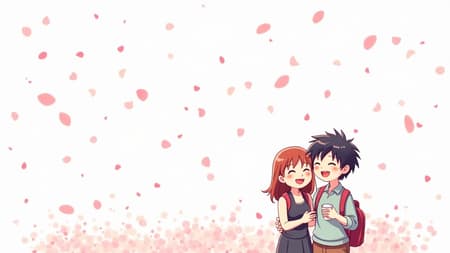
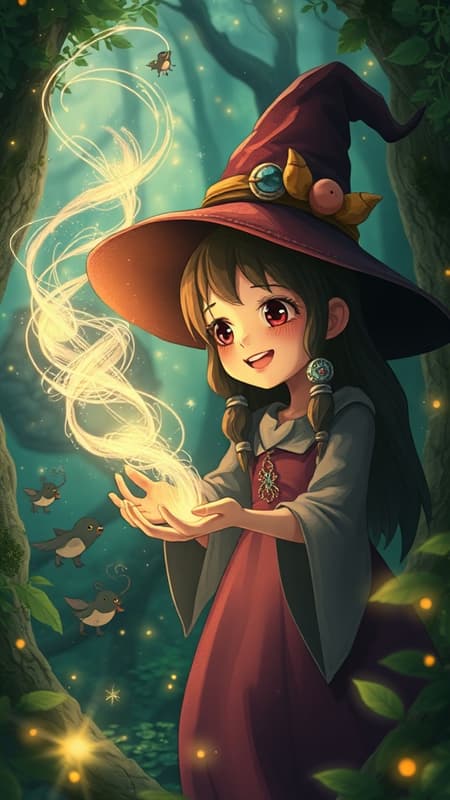
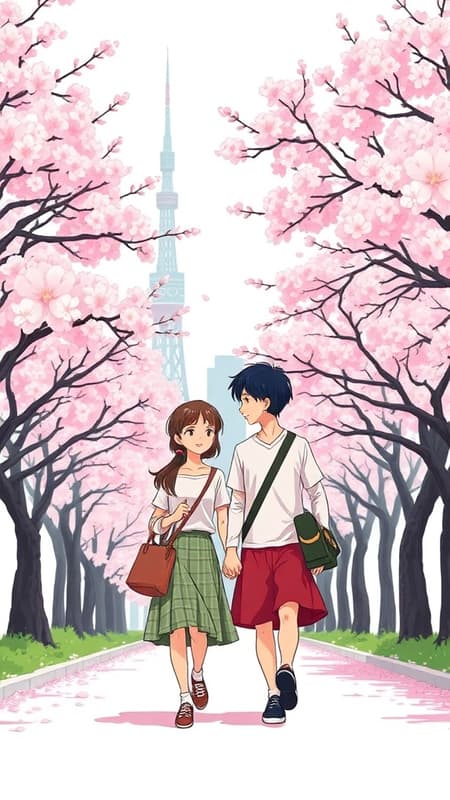
Studio Ghibli Style Art
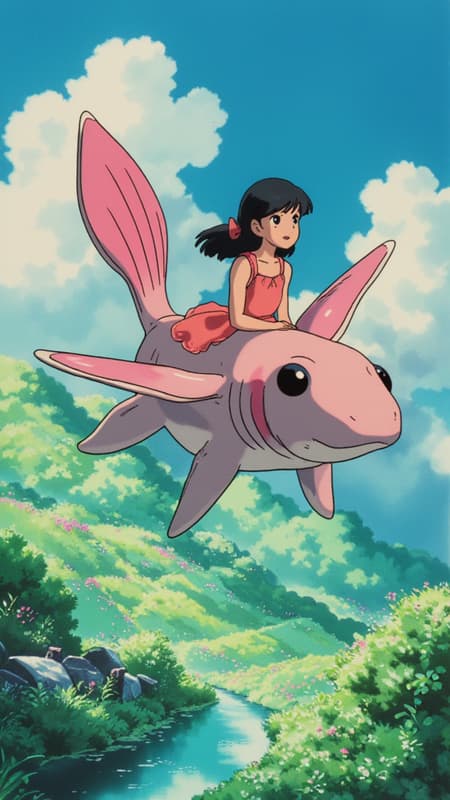
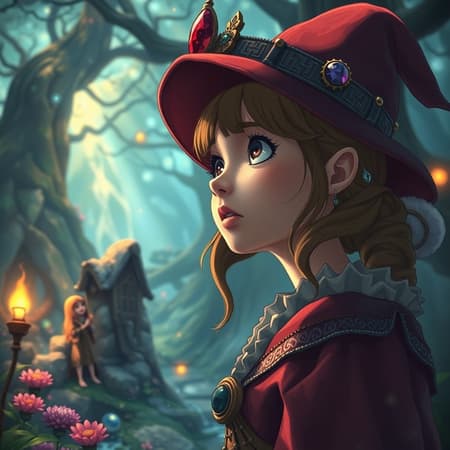
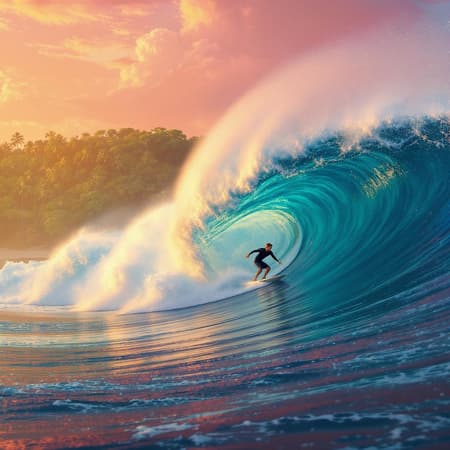
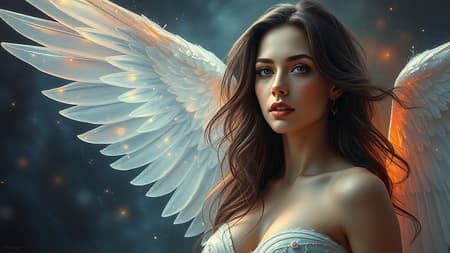
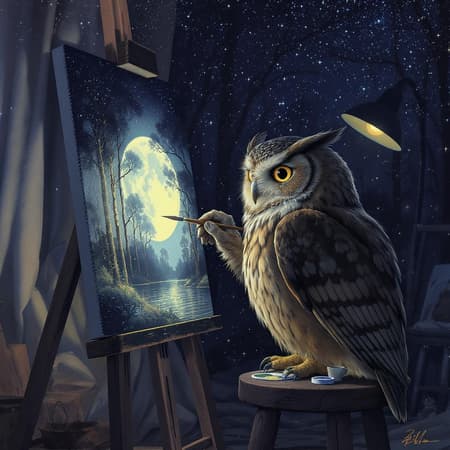
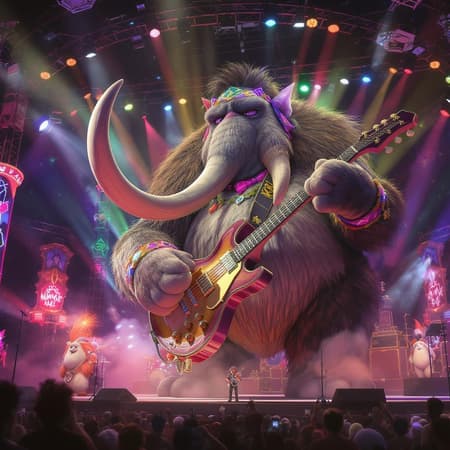
Magical Ghibli-inspired artwork created with AI
Discover related AI tools:
- 0
Browse Related Content
Explore AI-generated studio ghibli ai artwork from our community
Related Resources



More Than Just Studio Ghibli AI Art
Join millions of creators using BasedLabs to generate professional, scroll-stopping content for social media, YouTube, marketing, and more — in seconds. Produce high-quality AI-generated videos and images optimized for engagement and reach. Streamline your content workflow and scale faster.
