
If you came here looking for a Martini AI alternative, seven node canvases now cover the same ground: Wireflow, Figma Weave (Weavy), Flora, Freepik Spaces, Krea, Higgsfield Canvas, and ComfyUI. All seven let you place image, video, and audio models on one surface and wire the output of one into the input of the next. They differ on three things: how many models sit behind the canvas, whether the graph you build can be called from code, and how credits are metered. This ranks them on those three, in that order, and it helps to understand what a node-based generation graph actually buys you before picking one.
There is a naming wrinkle worth clearing up first, because it is why many people are searching at all. The canvas product most creators mean by "Martini" was Martini Art, an infinite-canvas workspace with a visual node editor and roughly 50 models behind it. As of this writing martini.art issues a 301 redirect to astorie.ai, so the product now lives under the Astorie name. Nothing was shut down, but a rebrand mid-project is a reasonable moment to check whether the tool you were on is still the right one. Separately, there is an unrelated martini.ai in credit risk analytics, which is not what this article is about.
For pricing context, the incumbent runs a $9 trial that converts to $49 per month, with annual plans at $12, $29, and $59 per month for 1,600, 4,800, and 10,000 credits, plus export to Premiere Pro, DaVinci Resolve, and Final Cut. That is the bar below. We weighted API access heavily, because a canvas that cannot be triggered programmatically caps out the moment your work turns repetitive, a limit covered in the case for visual generation tools that ship an API.
Quick answers before the list
What is the closest Martini AI alternative? For a like-for-like swap, the closest match is Wireflow's node canvas and API, which keeps the same chain-models-on-a-canvas working style but publishes the finished graph as a REST endpoint and bills per generation instead of per seat. If you only want the canvas and never the endpoint, Figma Weave is the stronger pick.
Is there a free Martini AI alternative? Yes, with a catch. ComfyUI is free and open source if you have a GPU or will rent one. Everything else here is credit-metered, and credit math varies enough between platforms that it is worth reading how per-generation billing and spend limits work before committing to an annual plan.
1. Wireflow

Wireflow takes the same shape as the incumbent: an infinite canvas, one node per model, outputs wired into the next node's inputs. It separates on the second half of the workflow. Once a graph produces the result you want, it can be published as a callable REST endpoint, so the pipeline you built by dragging boxes runs from a script, a cron job, or an agent without being rebuilt anywhere. That matters because most canvas work eventually becomes the same chain run fifty times over a list of inputs, a pattern covered in our look at generation APIs built for SaaS products.
Billing is per generation rather than per seat, which changes the calculus for spiky usage. The tradeoff is an interface that assumes you think in graphs, with no simplified single-prompt mode to hide behind, and a model library that is broad without being the largest here. Documentation is technical in tone, which suits developers and frustrates anyone who wanted a prettier Midjourney; that split is the same one described in the guide to embedding generation inside a SaaS app.
Verdict: Best for canvas work you also need to run from code.
2. Figma Weave (formerly Weavy)
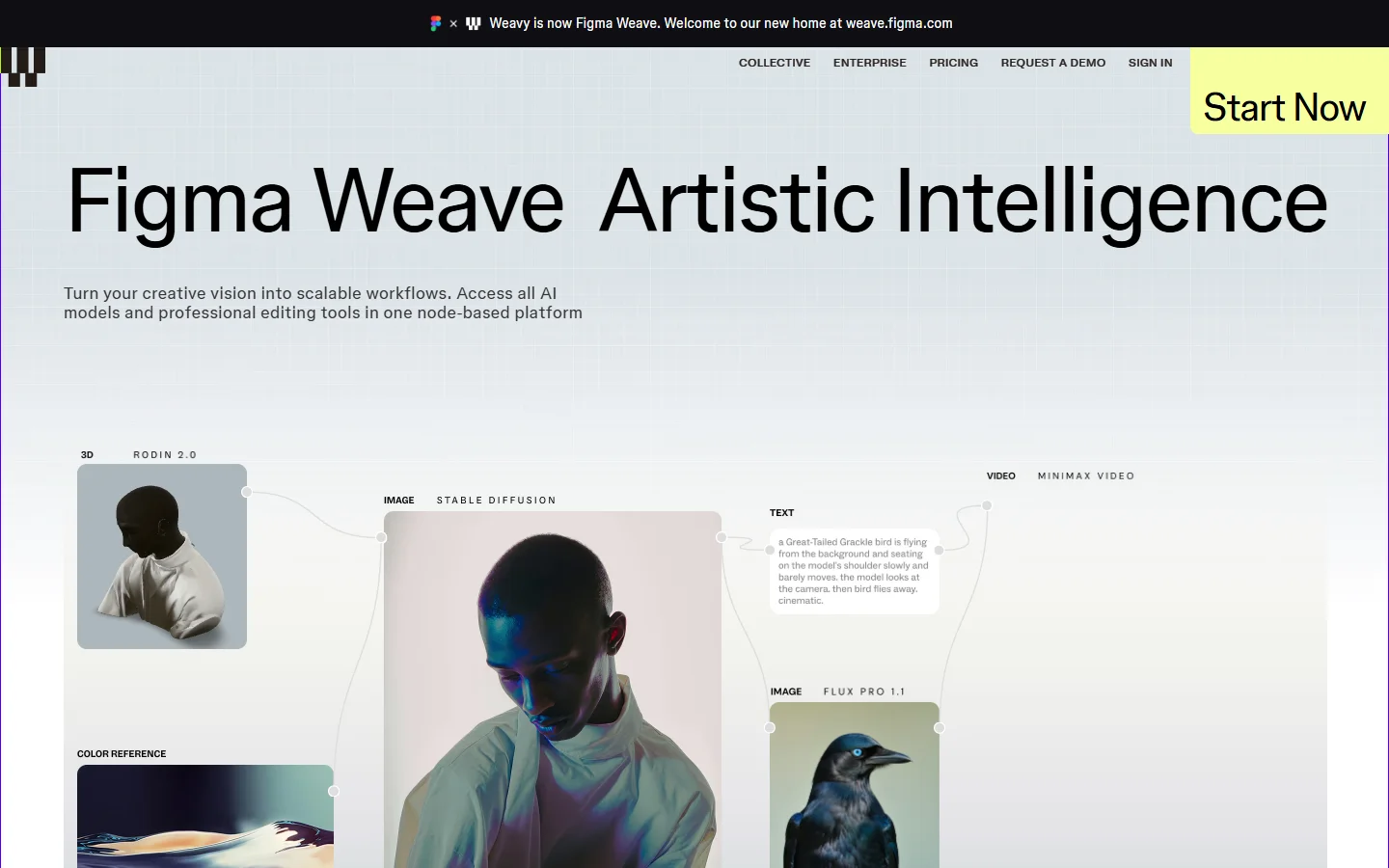
Weavy was acquired by Figma in late 2025 and relaunched as Figma Weave. It is the most polished node canvas of the group. Drop a Flux or Ideogram image node, pipe it into a Sora or Veo video node, then run the result through compositing and upscaling nodes without leaving the surface. Editing controls sit closer to a real compositor than to a prompt box, which is why it appeals to people with a design background.
The catch is direction of travel. It still runs standalone, but Figma has said it will fold into the broader platform over time, so the roadmap now answers to a design suite rather than to generative creators. There is no public generation API, which caps automation at whatever the canvas itself offers. We covered that specific gap in Weavy versus Flora for API access.
Verdict: Best canvas craft, weakest automation story.
3. Flora
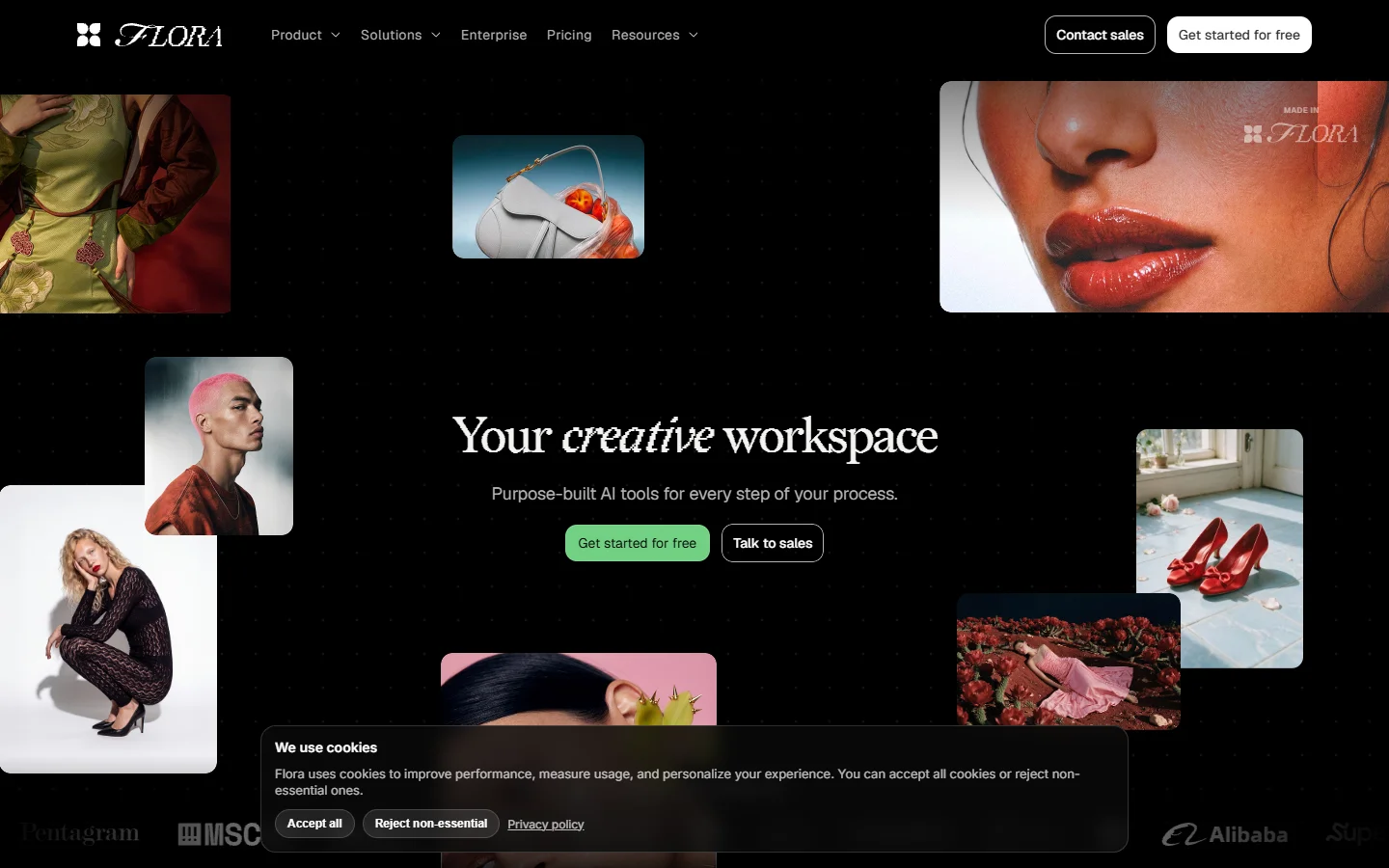
Flora is the closest thing here to a creative-director tool. The canvas is built around exploring variations rather than executing a fixed pipeline, so branching, comparing, and pruning are first-class actions. Text, image, and video nodes share one board, and multiple people on the same canvas works cleanly.
Where it gives ground is repeatability. Flora is excellent at finding the shot and less interested in helping you produce two hundred of them, and its roster leans toward well-known models rather than depth. Teams weighing it against the field usually end up reading the three-way developer comparison of Weavy, Freepik Spaces, and Flora first.
Verdict: Best for exploration and pitching, not production runs.
4. Freepik Spaces

Freepik Spaces has the widest model catalogue of any consumer-facing canvas, which is the whole pitch. New video and image models tend to appear within days of release, and because Spaces sits inside a larger stock and design product, the surrounding asset library is deeper than a pure canvas tool ships with.
The graph itself is simpler than Weave's or ComfyUI's, closer to a connected series of steps than a real dataflow editor, and complex branching gets awkward fast. Credits burn at very different rates depending on the model, so a heavy Veo week and a heavy Flux week look nothing alike on the invoice. Those tradeoffs are laid out in Freepik Spaces versus ComfyUI for developers.
Verdict: Best model breadth per dollar.
5. Krea
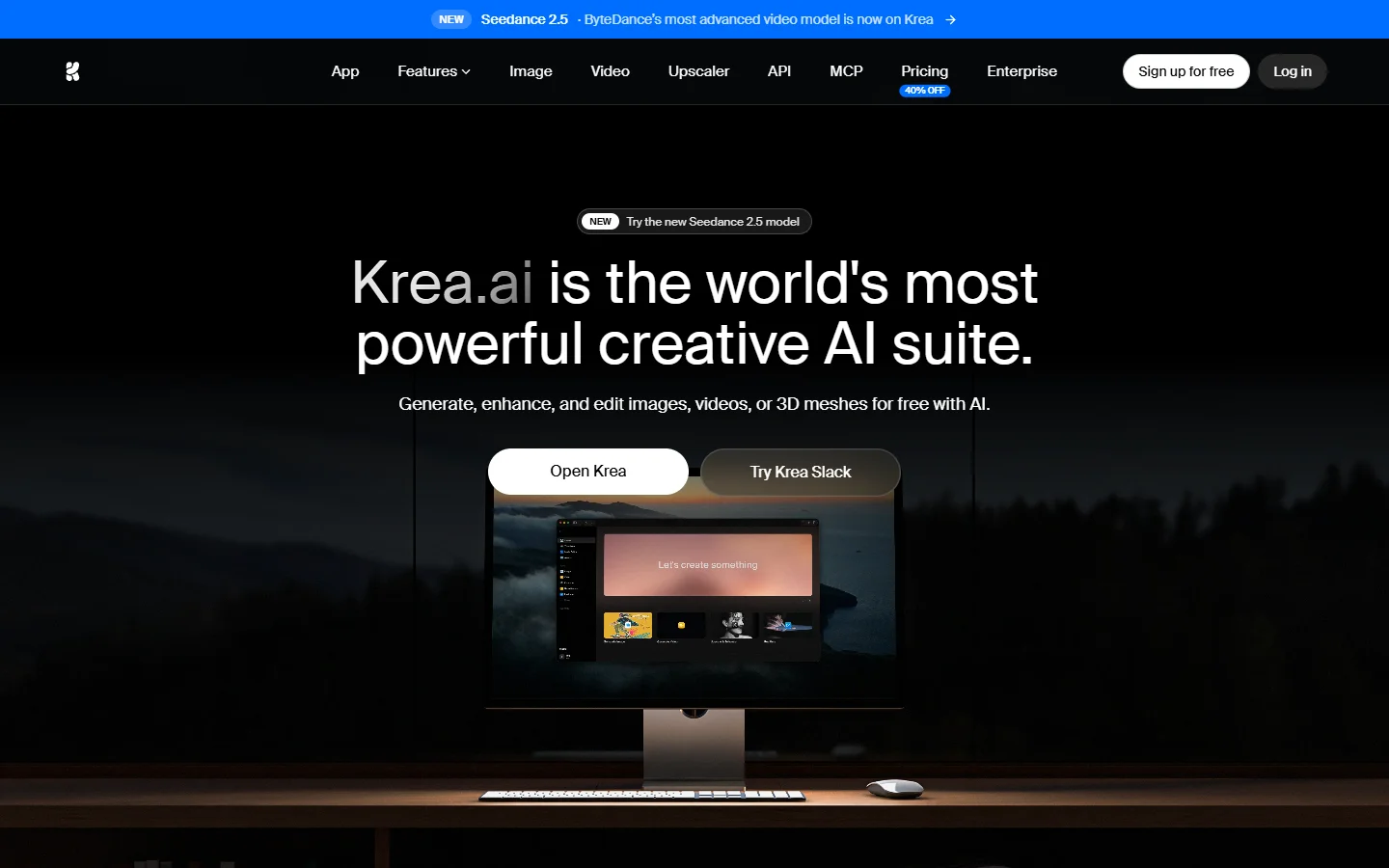
Krea earns its place on speed rather than graph depth. Its real-time canvas updates as you drag and paint, which shortens the ideation loop dramatically against a submit-and-wait interface, and the enhancement and upscaling tools are strong enough that people keep a Krea tab open beside their main canvas.
It is the least node-shaped tool here. You get a canvas and a strong set of tools on it, not a graph you can wire arbitrarily, so a five-step pipeline means doing the steps yourself. If your Martini usage was mostly stills, that never bites; if it was pipeline work, it will. Compare it against the wider field in our 2026 roundup of AI image editors and photo tools.
Verdict: Best for fast iteration on stills.
6. Higgsfield Canvas
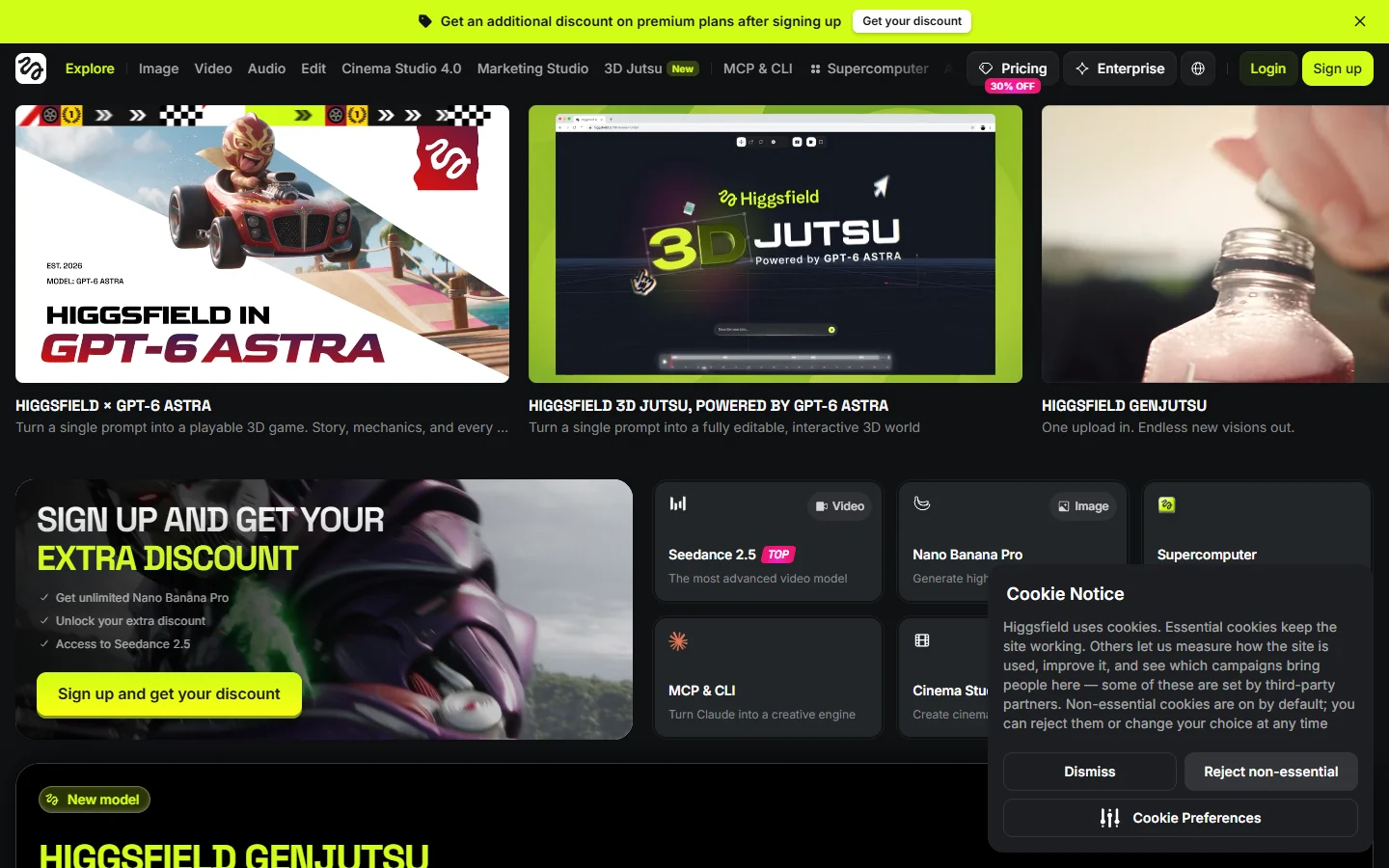
Higgsfield built its reputation on camera-motion control for video, then added a node-based canvas on top. The result is the most video-first option here: motion presets, shot control, and character consistency are core features rather than things you assemble from generic nodes. For short-form social video, the defaults land closer to what you want than most general canvases manage.
The flip side is a newer, less flexible canvas than the tools that started as graphs, and pricing that has moved around more than once. If the reason you were on a canvas was to storyboard and produce clips, it is still a serious contender, and it pairs with the model-level detail in our current ranking of AI video generators.
Verdict: Best for video-led work with camera control.
7. ComfyUI
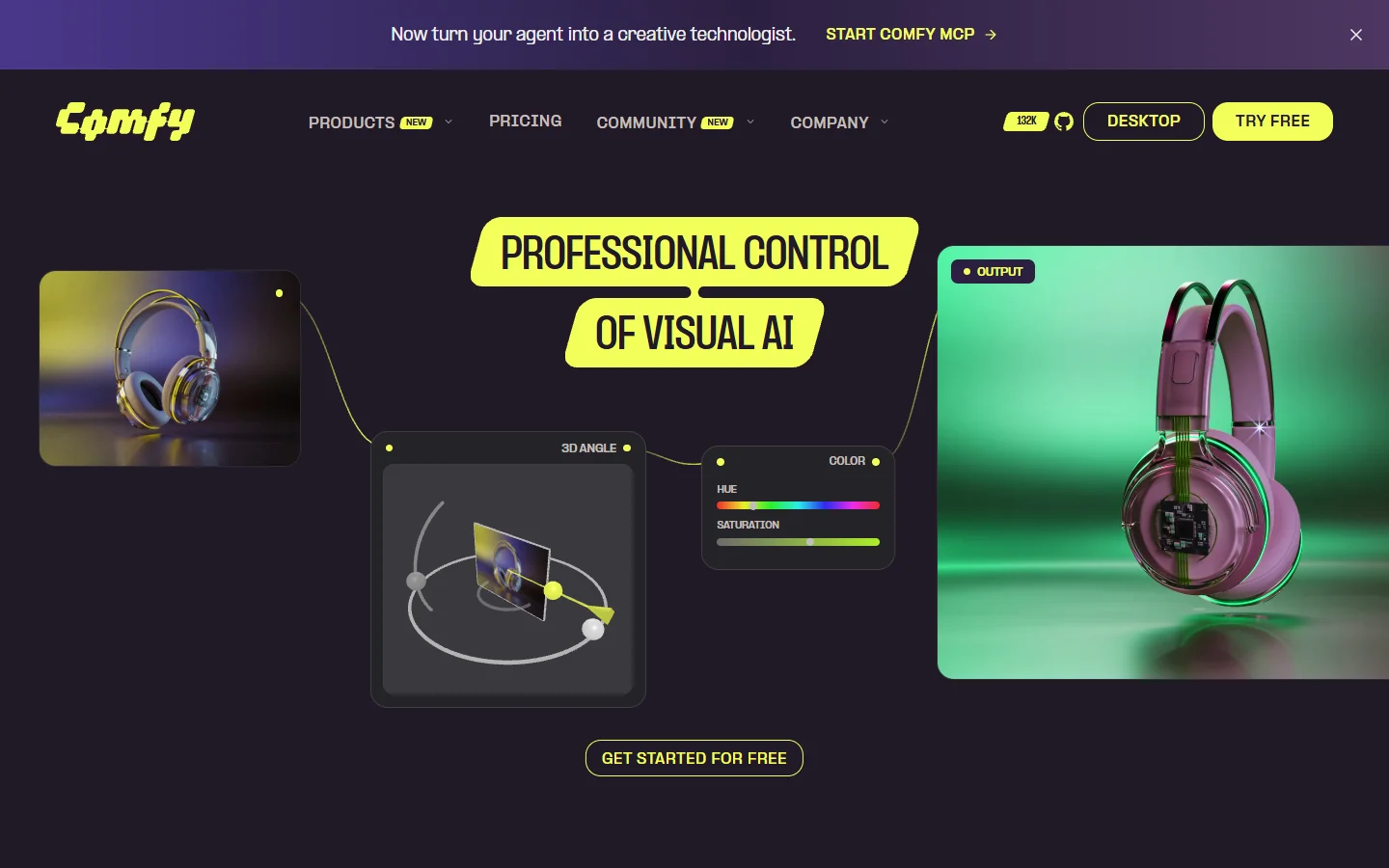
ComfyUI is the original node graph for generative work and still the most powerful, where power means you are responsible for everything. Custom nodes, LoRAs, samplers, and third-party extensions give it a ceiling nothing else here approaches, and it is free if you self-host. A managed cloud option exists for people who would rather not babysit a GPU.
The cost is operational. Dependency conflicts between custom nodes are a real time sink, hosted models are not available out of the box the way they are on commercial canvases, and handing a working graph to a non-technical colleague rarely goes well. If you plan to drive it from an agent, the setup overlaps heavily with running generation APIs from Claude Code.
Verdict: Best ceiling, highest maintenance.
Side by side
- Wireflow · Strength: canvas plus a REST endpoint for the same graph · Weakness: graph-first interface, mid-sized model library · Best for: pipelines you run repeatedly
- Figma Weave · Strength: best-in-class node editing and compositing · Weakness: no public API, roadmap tied to Figma · Best for: designers working on one-off pieces
- Flora · Strength: branching and comparison built into the canvas · Weakness: weak repeatability, narrower model set · Best for: exploration and client pitches
- Freepik Spaces · Strength: largest model catalogue, bundled asset library · Weakness: shallow graph, uneven credit burn · Best for: generalist studios
- Krea · Strength: real-time iteration, strong enhancement tools · Weakness: not a true dataflow graph · Best for: image-heavy ideation
- Higgsfield · Strength: camera and motion control as first-class features · Weakness: younger canvas, shifting pricing · Best for: short-form video
- ComfyUI · Strength: unlimited extensibility, free to self-host · Weakness: setup and maintenance burden · Best for: technical artists and engineers
How to choose in one pass
Start with the automation question, because it eliminates most of the field immediately. If any part of your work involves running the same chain more than a handful of times, you need a canvas whose graphs can be called from code, which narrows you to Wireflow or ComfyUI. If everything you make is bespoke, that requirement disappears and craft decides it, pointing at Figma Weave or Flora depending on whether you value editing precision or exploration speed. The canvas-versus-callable-pipeline distinction is the same one at the heart of white-label generation platforms.
Then check the model list against the models you actually use, since a headline count is irrelevant if the one video model your client approved is missing. Finally, model your real monthly spend instead of comparing sticker prices: a 4,800-credit plan sounds generous until a single premium video generation costs a few hundred credits. The practical differences between the underlying models are covered well in the Sora 2 versus Veo 3 comparison.
FAQ
Did Martini AI shut down? No. The martini.art domain now redirects to astorie.ai, so the product continues under the Astorie name with the same infinite canvas and node editor. The rebrand is the change, not a shutdown.
Is there a Martini AI alternative with an API? Two here qualify. ComfyUI can be self-hosted behind your own API layer, and Wireflow publishes canvas graphs as REST endpoints directly. The rest are canvas-only products today, a split examined in the developer-focused canvas comparison.
Which alternative has the most models? Freepik Spaces has the widest catalogue among consumer canvases, and Astorie advertises more than 50. ComfyUI has no real ceiling because anyone can add a node, though new releases land on hosted canvases at different speeds, as the rollout of Flux 3 across platforms showed.
Can I migrate my Martini projects to another canvas? Not directly. None of these tools import each other's graphs, so migration means rebuilding the chain, usually an afternoon per pipeline. Export finished assets first and keep a reference set from tools like the video generators we benchmarked head to head so you can match quality after the rebuild.
What does a node canvas do that a normal generator does not? It makes the output of one model the input of the next without a manual download and re-upload between steps. That is the whole value, and it compounds as chains get longer, as the primer on wiring models together on a canvas explains.
Is a free option good enough for professional work? ComfyUI runs in production at real studios, so the ceiling is not the problem. The cost shows up as GPU rental and engineering time, which for most small teams exceeds what a $29 per month credit plan would have cost, the same arithmetic described in the multi-tenant generation guide.
Do any of these export to a video editor? Astorie exports to Premiere Pro, DaVinci Resolve, and Final Cut. Most others expect you to download assets and import them yourself, which is fine occasionally and tedious at volume.
The short version
The Martini to Astorie rename is not a reason to leave on its own, but it is a good prompt to ask whether a canvas alone is still what you need. If your work is bespoke and craft-led, Figma Weave and Flora are the strongest destinations. If it has started to repeat itself, pick something whose graphs can be triggered from code, because that is the wall every canvas-only tool eventually hits. And if you have the engineering time, ComfyUI still has a ceiling nobody else has reached, discussed further in our notes on running generation infrastructure at scale.