

Adding text-to-image generation to your app takes about an hour in a scratch file and considerably longer in production. The gap is rarely about the model. You paste an API key somewhere, send a prompt, get a picture back, and it feels finished. Then you put the same call behind a button that real people press, and everything you skipped shows up at once: requests that take fifteen seconds, image URLs that stop working after an hour, a bill that scales with how bored your users are, and a queue that falls over the first time three people click together. Most teams meet this on the way out of the notebook, usually alongside the rate limits nobody mentions in the quickstart.
This guide is written from the shipping side. It assumes you already know that a prompt goes in and a PNG comes out, and it concentrates on the four decisions that determine whether the feature is still stable six weeks after launch.
None of it is hard. It is just a different shape of problem than most CRUD work, because you are wiring a slow, expensive, occasionally unpredictable external process into a product that users expect to feel immediate. Teams embedding generation inside an existing SaaS product tend to underestimate exactly that mismatch.
The four moving parts
Strip away framework preferences, and every text-to-image feature is the same four components regardless of which image API you land on:
- A model provider. The thing that turns a string into pixels, either a first-party API or an aggregator fronting many models.
- An async job handler. Generation takes seconds, not milliseconds, so the request cannot block a web thread.
- Somewhere to store the result. Provider URLs are temporary. If the image should exist tomorrow, copy it to your own bucket.
- A UI that survives the wait. Optimistic state, progress, failure, retry, and a history view.
Miss any one and the feature works in a demo and breaks in a product. Storage is the step most often skipped, and it produces the worst bug report: a gallery full of broken thumbnails a week after a launch that looked fine, which is why the storage hop is standard in any production REST pipeline.

Picking a provider
There are two shapes of provider, and the choice matters more than which model you start with. First-party APIs come from the lab that trained the model, so you get new versions on day one and one billing relationship. Aggregators front dozens of models behind a single key and request format, so swapping models is a string change rather than an integration. Teams planning to A/B two models, or likely to change their mind within a quarter, usually save time on the aggregator path. The same tradeoff runs through wider comparisons of content generation APIs.
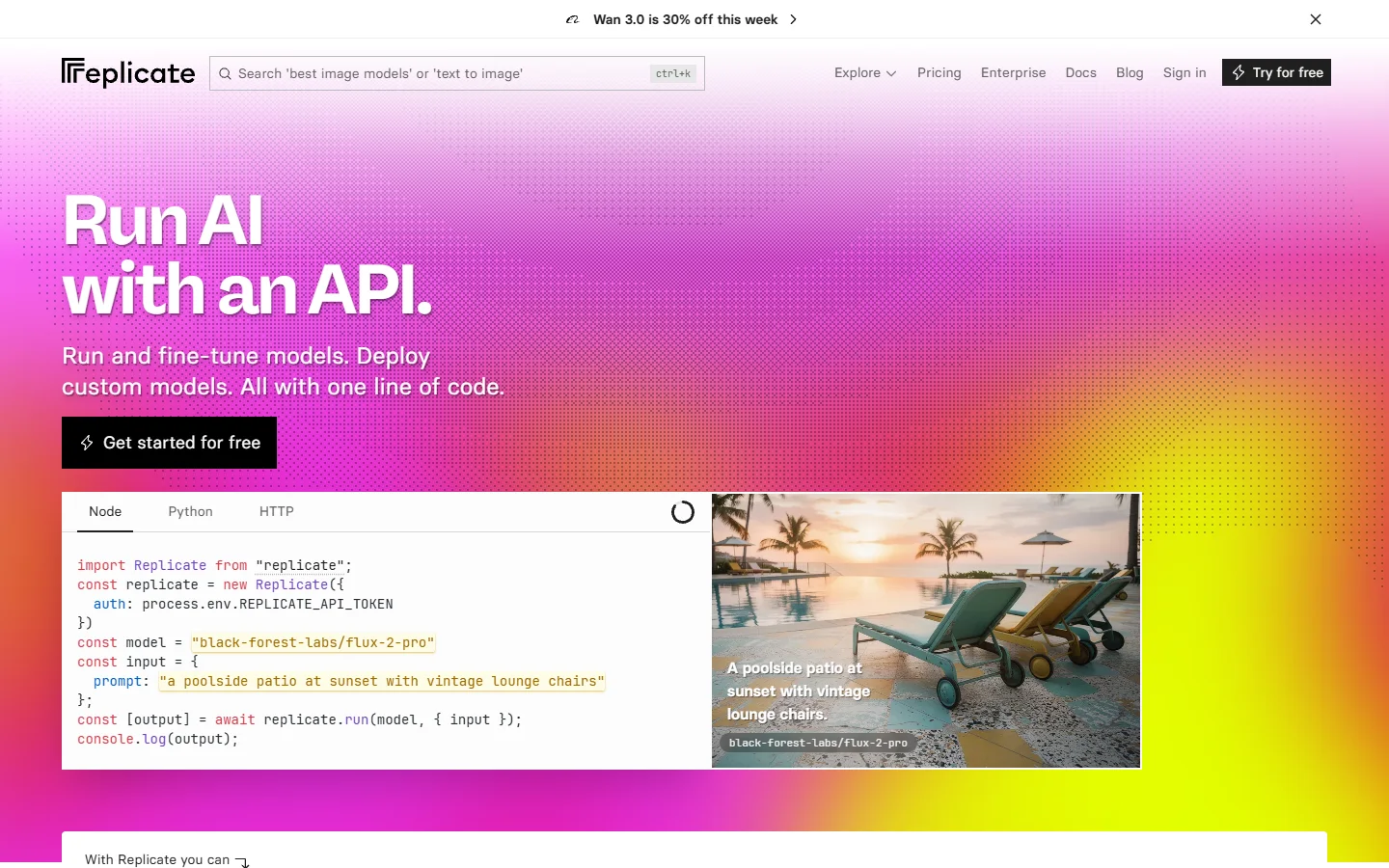
Replicate is the most familiar version of the aggregator pattern. You reference a model by name, pass an input object, and get back a prediction record with a status you can poll or a webhook you can register. Its strength is breadth, and the fact that the same client code works when you later call an upscaler or a background remover. Its weakness is cold starts on less popular models, which add real seconds to a first request.
fal covers similar ground with a queue API that is explicit about the async model: submit, take a request id, then poll a status endpoint or let a webhook call you. It tends to be quicker on popular image models, and the queue semantics are easier to reason about when you are building a worker rather than a script. If you are chaining several steps, it drops into the kind of REST-driven pipeline most teams end up with.

Black Forest Labs is the first-party route for the FLUX family, and OpenAI is the first-party route for its own image models. Going direct pays off when you are standardised on one model and want the shortest path between your server and theirs, or when a compliance review prefers one fewer processor in the chain.
The short version of the comparison:
- Aggregator (Replicate, fal) - Strength: one integration, many models, cheap swaps · Weakness: cold starts, a margin on price · Best for: teams still deciding which model wins
- First-party (Black Forest Labs, OpenAI, Google) - Strength: day-one access to new versions, direct support, a lower latency floor · Weakness: a new integration per model family · Best for: teams committed to one model
- Self-hosted (ComfyUI, Diffusers on your own GPUs) - Strength: no per-image cost, full control of weights and LoRAs · Weakness: you now operate GPU infrastructure · Best for: high steady volume with an engineer to own it
Handling the job asynchronously
A text-to-image call usually takes between three and twenty seconds depending on model, resolution, and how warm the endpoint is. That is too long to hold a request open behind a load balancer with a thirty second timeout, and much too long to block a serverless function billed by the millisecond. The right shape is nearly always the same: accept the prompt, write a job row, return an id immediately, and do the slow part elsewhere. It is the pattern that makes batch image generation manageable once volume grows.
You then have two ways to learn the job finished. Webhooks are the better default where the provider supports them: register a callback URL, the provider posts the result, your worker updates the row. Verify the signature, respond fast, and do the real work on a queue rather than inside the handler, which is the same advice in most guidance on orchestration APIs for production apps. Polling is the fallback when there is no webhook, when you are local without a public URL, or when you need to reconcile a callback that never arrived.
Four details are cheap on day one and painful to retrofit. Give every job an idempotency key so a double-clicked button does not bill you twice. Store the provider's request id on the row so a support ticket can be traced. Set a hard timeout after which a job is marked failed rather than pending forever. Count retries, because a provider 500 deserves one automatic attempt and a content policy rejection deserves none. The same discipline carries over when you chain a second model, such as an upscaling pass after generation.

Store the file yourself, immediately
Provider output URLs are temporary. Some expire in an hour, some in a day, and some are base64 that exists only in that one response body. Save that URL in your database and render it in a gallery, and you have shipped a feature with a scheduled failure date.
The fix is one step in the worker. As soon as the job completes, download the bytes, put them in your own object storage, and save your URL on the record. S3, R2, or any compatible bucket is fine. While the bytes are in memory it costs almost nothing to generate a thumbnail, record dimensions and file size, and write the prompt, model, seed, and parameters alongside. That metadata is what lets you rebuild a variation later, and what a multi-tenant setup needs to stop one customer's assets leaking into another's.
Owning the bytes also gives you what the provider cannot: a CDN you control, signed URLs for private assets, a deletion path that genuinely satisfies a user request, and freedom to change providers next quarter without rewriting every image reference. Downstream steps run against your copy too, which matters the first time you add something like background removal after the fact.
The interface work nobody budgets for
Fifteen seconds of nothing is the difference between a feature that feels broken and one that feels considered. The states are unglamorous and non-negotiable: queued, generating, done, failed with a readable reason, and a retry that keeps the prompt. A skeleton frame sized to the final aspect ratio stops the layout jumping when the image lands, which sounds trivial and is one of the largest perceived-quality wins available.
Give people a history view as well. Generation is iterative, users produce a lot of near-misses, and an app that discards everything except the last result forces them to pay again for work they already did. Keeping the prompt attached to each result lets them fork an old attempt instead of retyping it, which is where every serious programmatic image platform ends up.
Cost, limits, and moderation
Per-image pricing in 2026 generally sits in the low single-digit cents for standard sizes and climbs for high resolution or premium models, so read the current rate card rather than trusting a number in any article, this one included. The figure that matters is the ceiling, not the unit price: an unauthenticated generate button hands your budget to whoever finds it first. Per-user quotas, a credit balance, and a hard organisation cap are the minimum, and the reasoning behind spend limits on generation APIs applies whether you resell the capability or absorb it.
Decide moderation before launch rather than after an incident. Every major provider filters at their end and returns a policy rejection instead of an image, so your job handler should treat that as a normal user-visible outcome with a clear message, not a 500. Public apps want their own prompt checks in front of the provider, a log of rejected prompts tied to accounts, and a written rule for repeat offences, which is standard practice on developer-facing generation platforms.

FAQ
How long does a text-to-image request actually take?
Three to twenty seconds is the normal band, driven mostly by model size and output resolution. Cold starts on less-used models can push a first request past thirty seconds, which is why the async job pattern is not optional. Teams comparing specific model APIs and their pricing usually find latency varies more between models than between providers.
Do I need a queue, or will a background task do?
For a side project or a low-traffic internal tool, a background task and a status column hold up fine. Once you have concurrent users, provider rate limits, and retries to coordinate, a real queue earns its keep by giving you backpressure and somewhere to put failed jobs. The upgrade is easy if the job record existed from day one.
Should I call the provider from the browser to save a hop?
No. That puts your API key in client code where anyone can read it, and removes the only place you can enforce quotas and moderation. Route every generation through your own server even though it adds latency, the way most production SaaS integrations do.
How do I stop one user burning the whole budget?
Count generations per user per period, not only per organisation, and enforce the limit before the provider call rather than after. Pair it with an account-wide ceiling that pauses generation instead of silently overspending, plus an alert at a threshold you would actually act on.
Is there a faster route than wiring all of this by hand?
Yes, if you would rather assemble the provider call, the async handling, and the storage step as a graph than write them as services. That trades some control for a much shorter path to a working endpoint, and if you want it laid out step by step you can see the full walkthrough.
Can I switch models later without rewriting the feature?
Only if the model name, size, and parameters live as data on the job row instead of hardcoded at the call site. Do that and swapping models is a config change plus a test pass, which is the same discipline behind calling different image models from code.
What should I log for every generation?
Prompt, model, parameters, seed, provider request id, latency, cost, and outcome. That set answers nearly every question you will be asked later, from a billing dispute to a quality regression after a model update.
Wrapping up
The model is the least interesting decision here. Providers are close enough in quality that most users will not tell them apart, and the integration is a day of work at most. What separates a feature that holds up from one that generates support tickets is the plumbing: a job record with real states, a webhook path with a polling fallback, your own bucket holding the bytes, and an interface that behaves while the user waits. Build those four properly and changing the model later is trivial. Skip them and you will build the feature twice, which is the lesson most teams shipping developer-facing image tooling learn exactly once.